
High-contrast urban street portrait
Applies the High-Contrast Street preset with a bold midtone S-curve and deeper shadows to separate facial highlights from busy city backgrounds.
Make photo black and white free right on your device with private browser processing. Pick from six darkroom film presets, tune contrast, grain, and vignette, and compare live.
Drop a photo here to convert to Black & White
Supports PNG, JPG, WebP, and AVIF. Processed locally at full original resolution.
Processed locally in your browser. Photos never leave your device.
Load any sample photograph below into this black and white photo converter to see how channel weights, S-curve contrast, film grain, and corner vignette shape monochrome light and texture.
Applies the High-Contrast Street preset with a bold midtone S-curve and deeper shadows to separate facial highlights from busy city backgrounds.
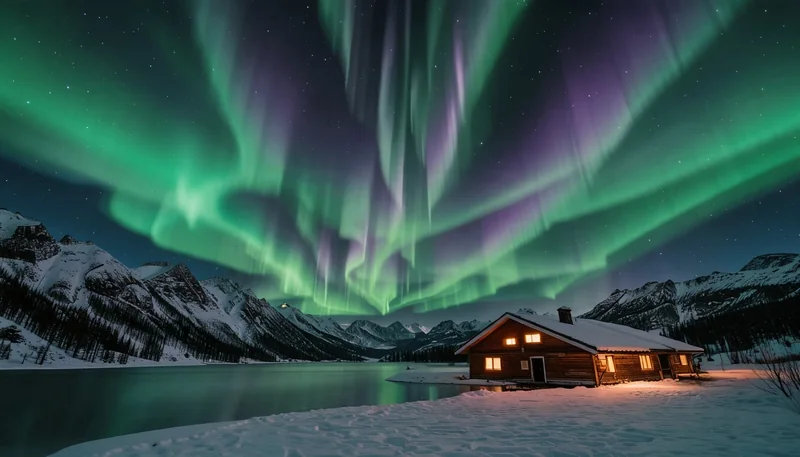
Uses heavy red-channel weighting (82 percent red) to darken blue skies dramatically while making concrete lines, facades, and clouds pop with crisp contrast.
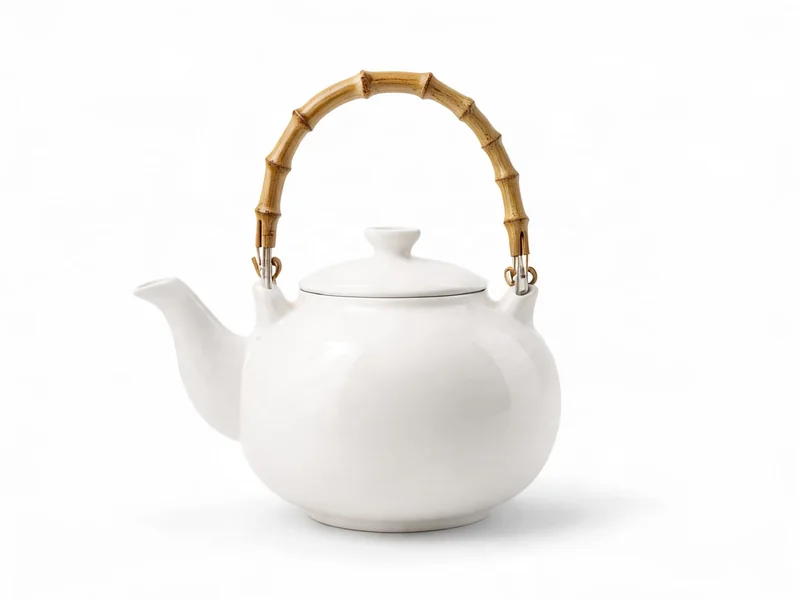
Combines lifted matte blacks, soft highlight shoulder roll-off, deterministic midtone halide grain, and subtle radial vignette for a timeless darkroom print feel.
Turn color photos, portraits, and transparent graphics into expressive monochrome artwork directly in your browser.
Open any JPG, PNG, WebP, or GIF image straight from your device. Everything renders locally on an HTML5 Canvas so personal portraits, client shoots, and unreleased visuals stay completely private.
Switch instantly across Classic, High-Contrast Street, Soft Portrait, Red Filter, Orange Filter, and Silver Film. Fine-tune Contrast, Brightness, Film Grain, and Vignette while dragging the live split-screen divider to compare against your color original.
Keep the original file format or export fresh PNG, JPG, or WebP output at native pixel dimensions. Transparent PNG and WebP artwork retains its original alpha channel byte-for-byte.
Real optical color-filter channel mixing, smooth tonal LUT curves, and organic grain built for photographers and designers.
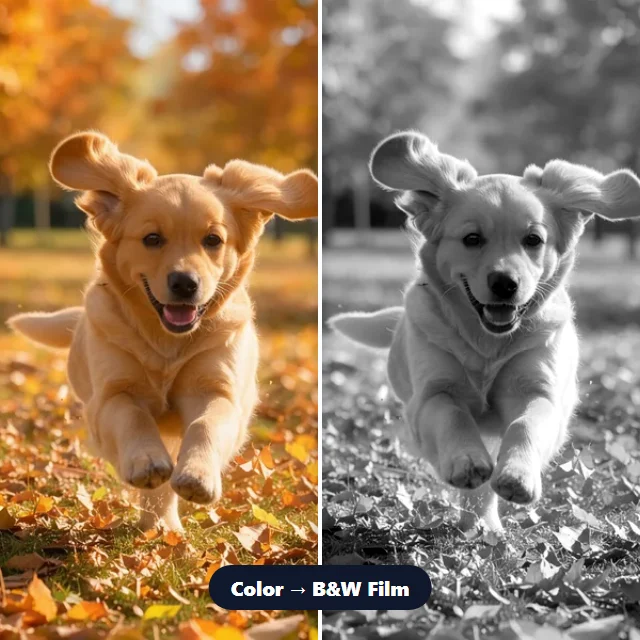
Flattening saturation alone often yields muddy gray images because blue skies and warm skin tones collapse into the same brightness. Instead, our grayscale image converter mixes red, green, and blue channels differently per look: Rec. 709 Classic for accurate neutral luminance, Soft Portrait lifting warm skin tones, and Red or Orange Filters emulating glass lens filters on film.
Every preset pairs its channel mix with a dedicated 256-entry tonal lookup table engineered to preserve shadow detail and highlight texture. High-Contrast Street carves crisp midtone punch and rich deep blacks, Soft Portrait smooths skin highlights gently for flattering headshots, and Silver Film lifts pure black slightly into a tactile matte toe with classic darkroom shoulder roll-off.
Dial Contrast from -50 to +50 to open shadow detail or build dramatic chiaroscuro, and nudge Brightness from -40 to +40 without clipping clean whites or crushing fine hair texture. Every slider recalculates the tonal LUT instantly so adjustments feel smooth and responsive.
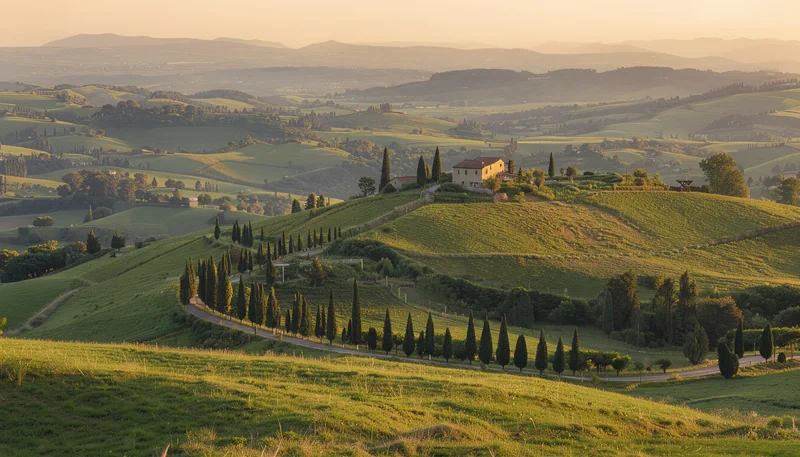
Real silver-halide emulsion shows its richest grain in midtones while tapering off in deep shadows and bright highlights. Our deterministic 2D noise generator replicates that organic midtone distribution from 0 to 40 intensity, delivering repeatable, natural texture without blotchy digital color speckles.
Draw viewers inward toward your subject with a quadratic corner vignette (0 to 50) that leaves center exposure completely untouched. Drag the interactive split-screen preview back and forth in real time to judge skin tones, cloud drama, and shadow depth before exporting.
Whether you edit a 4000 px portrait or a transparent product sticker, processing runs at full native dimensions with zero downsizing. Export in Original, PNG, JPG, or WebP format, with PNG and WebP outputs keeping every alpha pixel untouched.
Five practical darkroom techniques for picking optical filters, sculpting contrast, adding subtle grain, and prepping monochrome prints.
A naive average of red, green, and blue ignores how human eyes and panchromatic film respond to color. Green foliage, red brick, and blue sky can land on almost the exact same mid-gray value, draining depth and separation out of a strong photograph. When you convert color scenes into monochrome with deliberate RGB channel weights, opposing hues separate cleanly into crisp light and dark tonal planes, restoring natural three-dimensional shape, texture, and visual drama before you even touch a contrast slider.
Classic landscape photographers screwed colored glass filters onto their lenses to control sky brightness. Our Red Filter (82 percent red, 15 percent green, 3 percent blue) cuts through blue light, turning bright midday skies deep charcoal while making white clouds and warm stonework glow. Orange Filter offers a slightly gentler documentary balance, sharpening architectural lines and foliage separation without pushing shadows too dark.
Warm skin holds strong red and yellow reflectance, while minor blemishes, freckles, and under-eye shadows sit noticeably heavier in green and blue channels. Choosing Soft Portrait raises the red weight to 44 percent alongside a subtle midtone lift and softened highlights, smoothing complexion naturally while keeping eyelashes, hair strands, and catchlights crisp. Pair it with a light radial vignette between 10 and 20 to frame studio headshots cleanly.
Digital sensors can look overly clinical once color disappears, especially across clean skies or seamless studio backdrops. Silver Film introduces a lifted matte-black toe, gentle highlight shoulder roll-off, and midtone-weighted halide grain that binds smooth gradients together organically just like darkroom silver paper. Keep custom grain between 8 and 20 for crisp editorial portraits and gallery prints, or push toward 30 to 40 when crafting gritty street photography or tactile retro zine spreads.
Without color distractions, framing and graphic shapes carry the entire image. Trim loose edges first with Crop Image so diagonal lines and eyes sit cleanly on thirds. Want bold graphic screen-print or newsprint aesthetics after you convert image to black and white? Push flat tonal bands with Posterize Image or turn monochrome shadows into vintage dot screens with our Halftone Generator.
Creative and everyday workflows where an accurate black and white filter speeds up visual production.
Test classic optical Red, Orange, and Silver Film aesthetics on location shots, portraits, and architecture with instant split-screen feedback.
Unify mismatched team headshots, client logos, and editorial thumbnails into one cohesive monochrome grid while keeping transparent PNG backgrounds intact.
Prepare clean high-contrast grayscale artwork and illustrations for monochrome laser printing, newsletters, and independent booklets.
Give mixed-lighting travel photos and candid moments timeless cohesion in seconds without uploading private albums to cloud servers.
Straight answers about optical film presets, transparency, resolution, privacy, and supported image formats.
Drop your image into the workspace above, choose one of the six channel-weighted presets, refine contrast, brightness, grain, or vignette, and export at full original resolution. Everything runs free in your browser with no watermarks.
No. This browser studio processes every pixel locally on your device using HTML5 Canvas. Personal portraits, client shoots, and confidential documents never leave your machine.
Each preset combines distinct red, green, and blue channel weights with a custom tonal curve. For example, Red Filter darkens blue skies dramatically, Soft Portrait brightens warm skin tones smoothly, and Silver Film adds lifted blacks and subtle emulsion grain.
Yes. The monochrome engine copies the original alpha channel byte-for-byte. Export as Original, PNG, or WebP to preserve smooth transparency on logos, stickers, and isolated cutouts.
You can load JPG, PNG, WebP, GIF, BMP, and AVIF images natively supported by your browser, and export in Original format or switch cleanly to PNG, JPG, or WebP.
No. Exported files keep your exact source pixel width and height without resizing. PNG exports are completely lossless, while JPG and WebP exports default to crisp high quality (92 percent).
Yes. The workspace includes a live split-screen preview so you can inspect skin tones, sky drama, shadow separation, and grain intensity directly against the color source in real time.
Once color channels are merged into grayscale, saving a new file discards color data permanently, though your original source file on disk remains untouched. To add realistic color back to vintage monochrome photographs, try our Colorize Photo tool linked below.
Drop any picture into our free black and white filter on ImageToPsd.AI to test six darkroom presets, compare live, and export at full resolution.
Choose a photo