+4.5°
0.0°
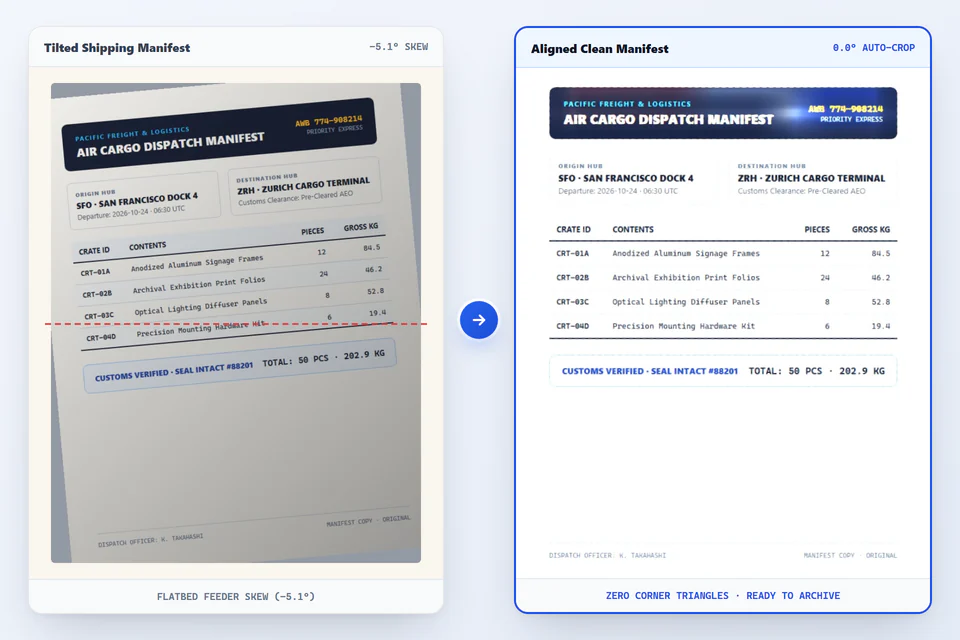
Tilted vendor invoice scan
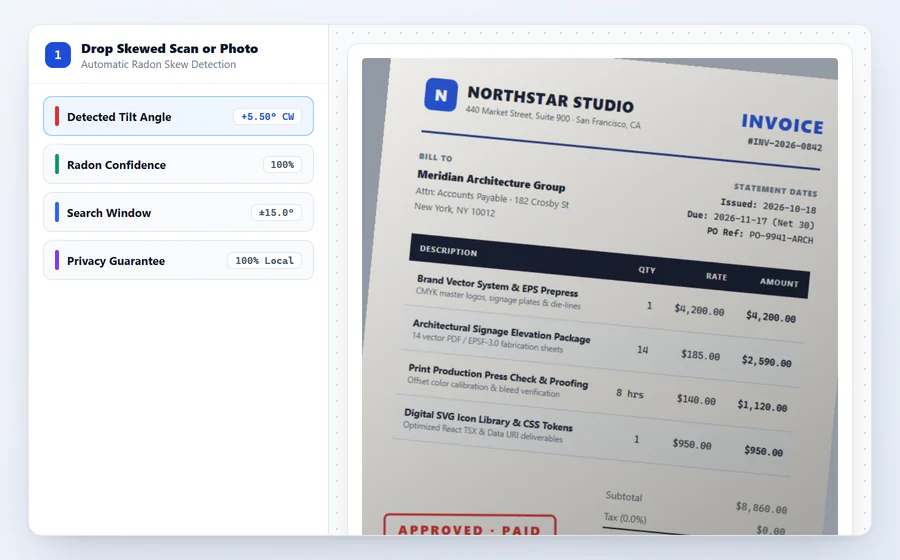
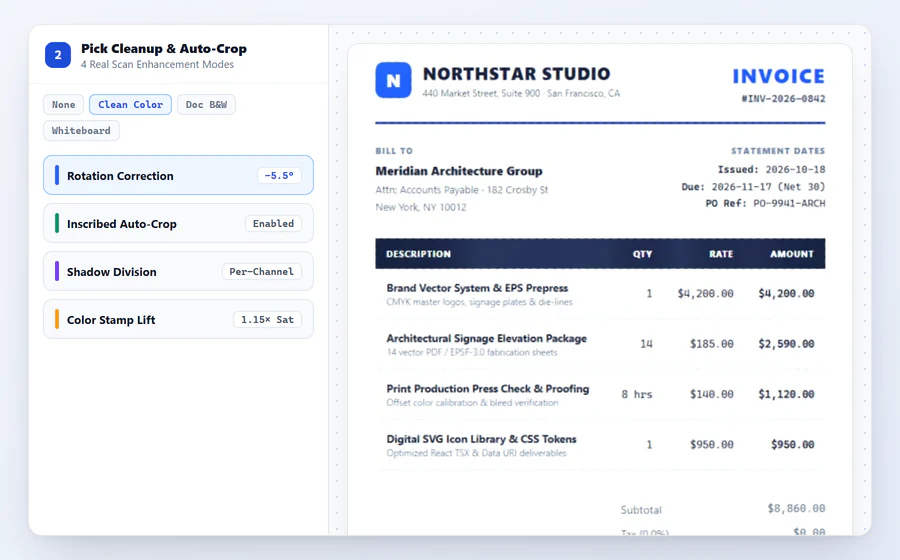
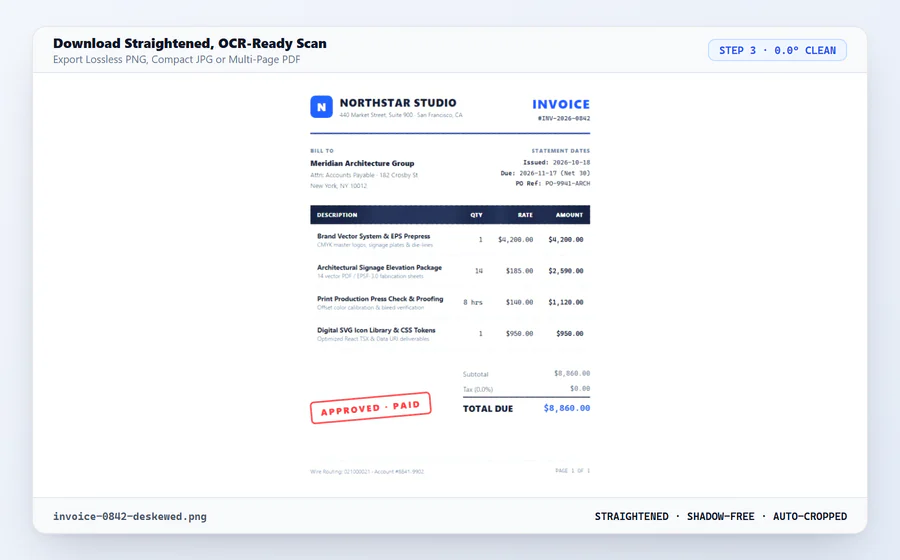
Demonstrates automatic rotation detection to fix tilted scan alignment so table rows, columns, and totals sit perfectly horizontal.
Straighten crooked scans and angled phone photos of paperwork right inside your browser with zero uploads. This private document scanner online combines automatic skew angle detection, draggable four-corner perspective flattening, uneven shadow whitening, and text contrast sharpening so you can deskew image files and export clean JPG, PNG, or print-ready PDF pages locally.
Load any sample crooked document below to test automatic tilt correction, four-corner perspective flattening, and clean white-page enhancement before uploading your own scans.
Demonstrates automatic rotation detection to fix tilted scan alignment so table rows, columns, and totals sit perfectly horizontal.
Showcases four-corner perspective flattening and gray shadow whitening to straighten document photo captures for clean expense reports.
Highlights crisp background cleanup and contrast sharpening when you level skewed book pages for study notes and readable PDF archives.
Turn crooked phone snapshots and misaligned scanner pages into flat, crisp, print-ready documents directly in your browser.
Drag any JPG, PNG, or WebP photo of a receipt, invoice, contract, or whiteboard into the workspace. This document scanner online analyzes text lines locally without uploading sensitive records.
Run one-click automatic tilt detection to correct crooked page rotation down to fractions of a degree, or drag the four corner handles around the paper edges to flatten keystone perspective distortion cleanly.
Apply optional white-background enhancement and text contrast sharpening, compare before and after alignment, and save your straightened sheet as JPG, PNG, or a single-page print PDF.
Combines fast client-side geometry correction with clean paper whitening so phone snapshots look like true flatbed scans.
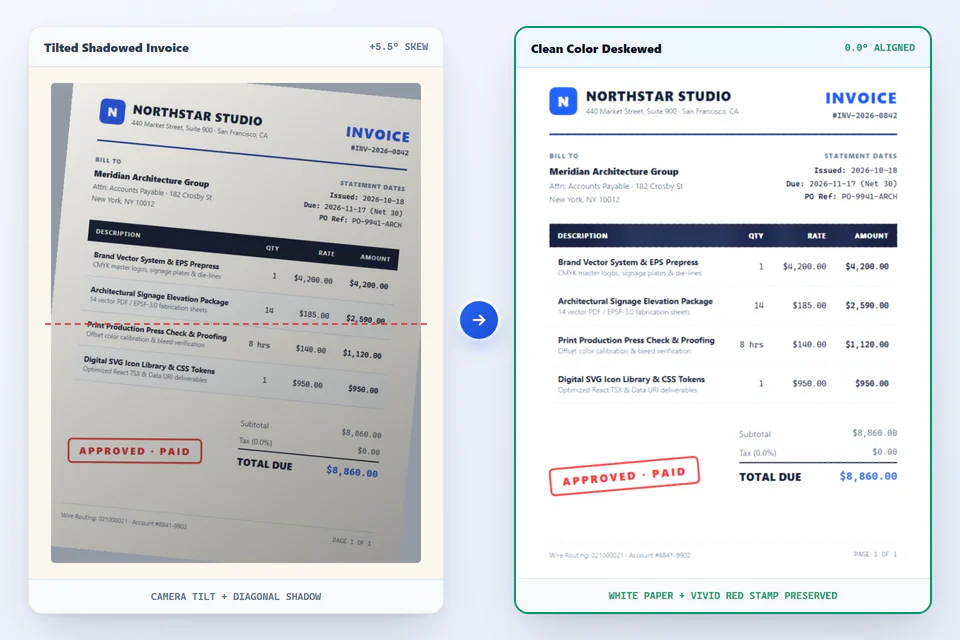
Analyzes horizontal text projection profiles to measure subtle page tilt accurately and deskew image files automatically without guessing degrees by eye.
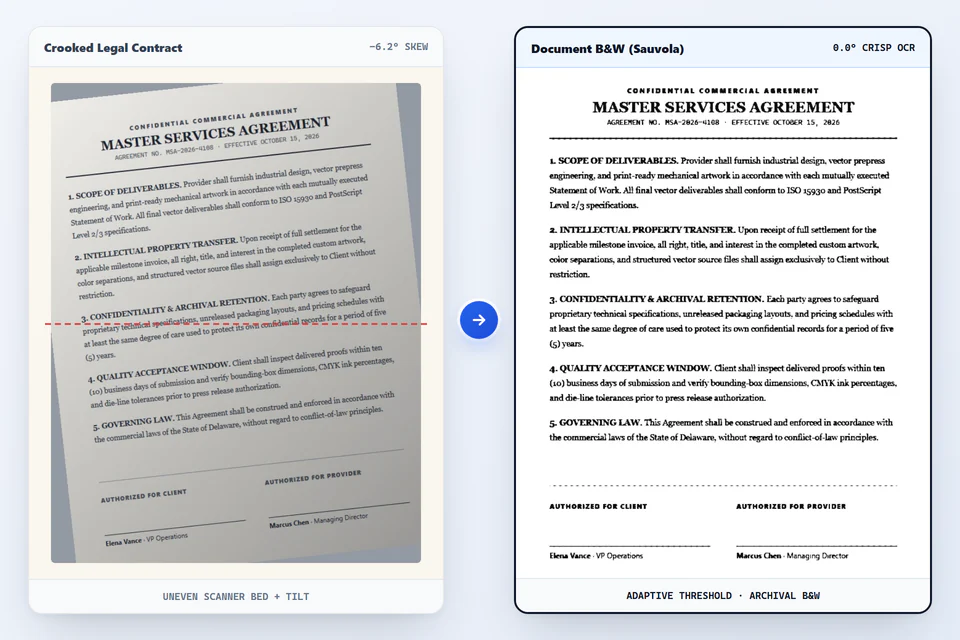
Corrects trapezoidal keystone distortion from angled phone cameras by mapping all four document corners onto a flat rectangular page with clean aspect proportions.
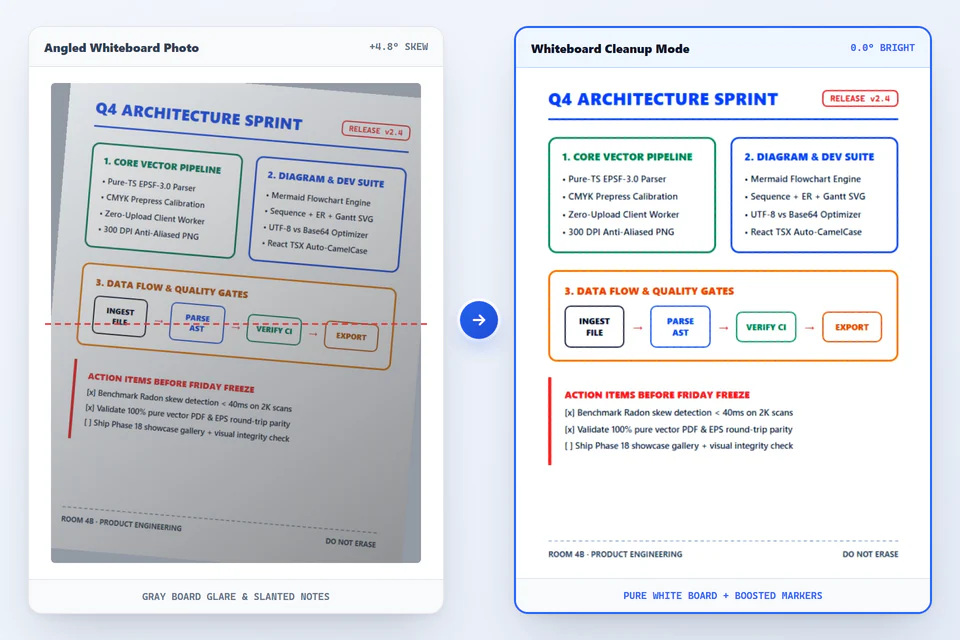
Nudge alignment in fine 0.1-degree increments against a live horizontal ruler grid whenever handwritten forms or dense spreadsheets need exact manual leveling.
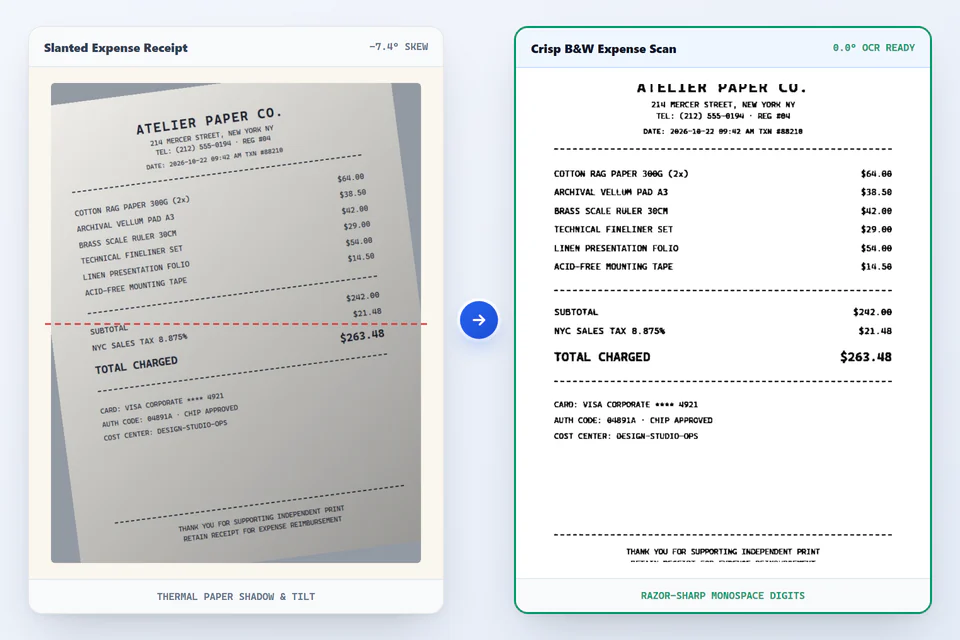
Normalizes uneven desk lighting, removes warm camera cast, and brightens paper backgrounds while keeping dark ink, stamps, and signatures legible.
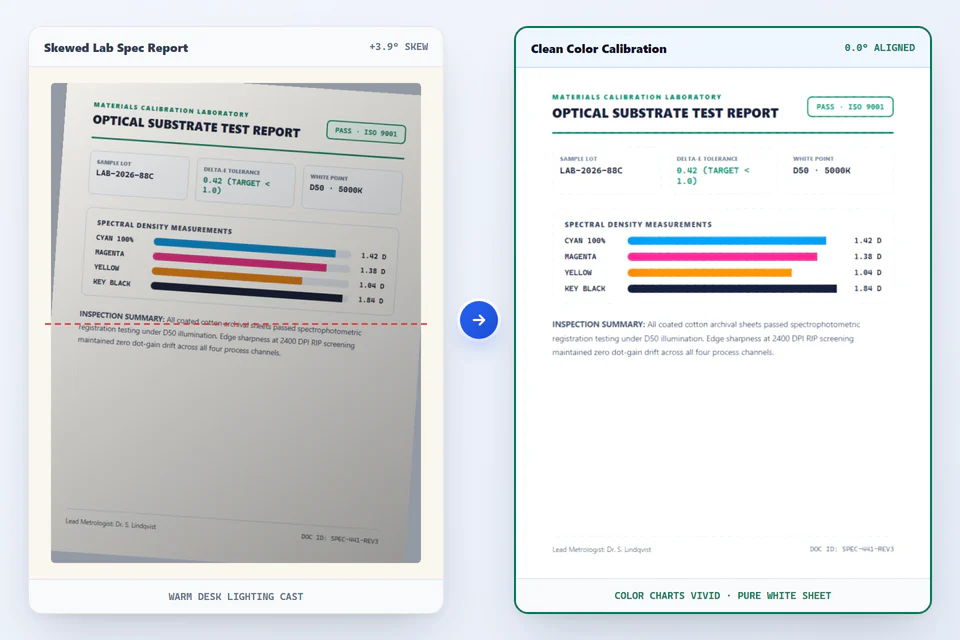
Download a compact JPG for expense uploads, lossless PNG for archiving, or a clean single-page PDF sized for office printing and document portals.
Deskew tax forms, receipts, IDs, and signed contracts strictly inside your browser memory so private documents never touch third-party cloud storage.
Learn the difference between simple tilt rotation and four-corner perspective warp, how deskewing improves OCR accuracy, and how to whiten uneven paper lighting.
Documents arrive crooked in two distinct ways. When a sheet feeds slightly crooked through an office sheet-fed scanner, every line stays parallel but tilted by a few degrees; running automatic angle detection to correct slanted sheet rotation aligns it cleanly in one click. When you snap a receipt or contract on a desk with a smartphone held at an angle, parallel edges converge into a trapezoid. Dragging the four corner pins to straighten document photo edges performs a full homography warp that restores a true rectangular page.
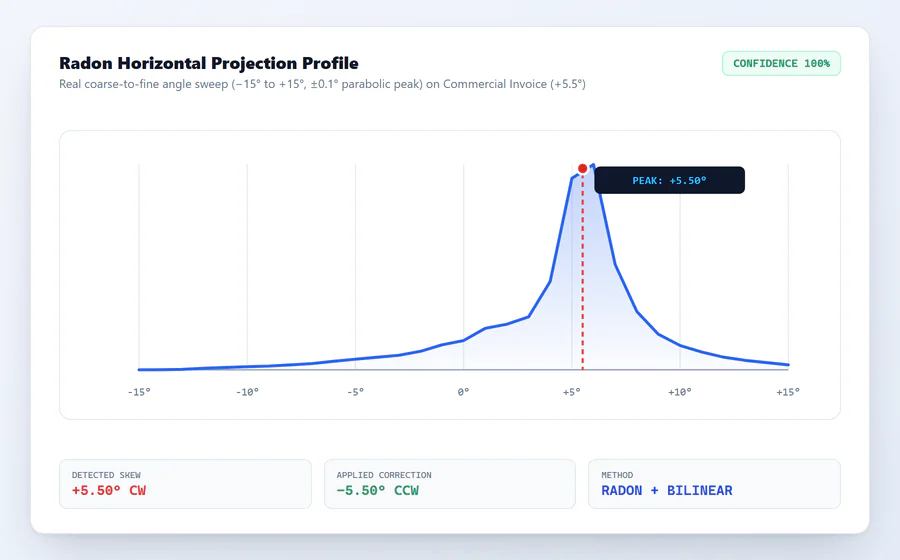
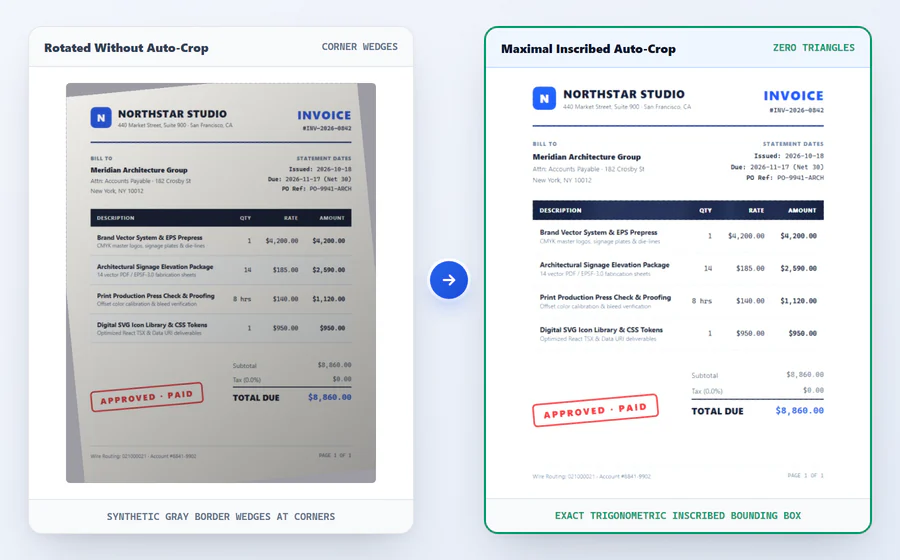
Even a three-degree tilt makes multi-column invoices tiring to read and causes optical character recognition tools to split table rows across neighboring lines. Running a quick deskew scanned image pass before archiving or submitting paperwork restores horizontal baselines, aligns numeric columns, and produces tidy PDF pages that print cleanly without dark wedge borders along the margins.
Phone snapshots taken under desk lamps often cast a bright hotspot on one corner and a grey shadow from your hand across the bottom of the page. Standard brightness sliders wash out faint ink before clearing the shadow. Using adaptive background whitening inside this document scanner online separates uneven ambient lighting from crisp text strokes, turning dim grey snapshots into bright, clean white sheets that save printer toner.
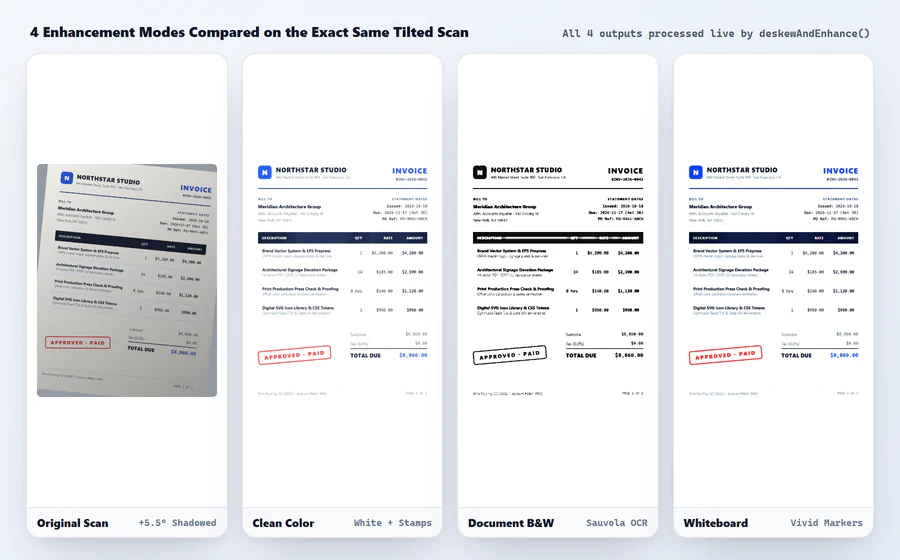
Start with good framing to get the sharpest final scan. Place the paper on a contrasting darker tabletop so all four corners stand out clearly, keep your phone steady to avoid motion blur, and avoid standing directly under a single harsh overhead bulb. Once loaded here, a quick perspective flatten and contrast boost transforms everyday mobile captures into clean office-grade scans in seconds.
Different cleanup tasks pair smoothly into one tidy document workflow. After you deskew image captures here, you can apply quarter-turn orientation fixes with Rotate Image, trim outer margins tightly in Crop Image, bundle multiple cleaned sheets into one document via JPG to PDF, or convert high-contrast pages to pure monochrome in Black and White Image.
Built for finance teams, students, remote workers, and legal offices turning crooked scans and phone photos into crisp flat documents.

Straighten document photo captures of crumpled receipts and angled vendor invoices into clean, bright PDFs ready for reimbursement portals.

Use this document scanner online to flatten textbook pages, handwritten lecture notes, and classroom whiteboards into legible study sheets.

Deskew scanned image packets of signed contracts, onboarding paperwork, and property disclosures privately inside your browser with zero cloud uploads.

Deskew image batches of old certificates, recipes, manuals, and warranties so digital household folders look neat and print effortlessly.
Helpful answers on automatic skew detection, four-corner perspective flattening, shadow whitening, PDF export, and local browser privacy.
The browser computes text-line orientation using projection-profile analysis to find the exact tilt angle down to fractions of a degree and fix tilted scan pages automatically.
Yes. Switch to four-corner perspective mode, drag each handle onto the paper corners, and flatten the angled capture into a straight rectangular document.
Yes. Enable the white-paper enhancement filter inside this document scanner online to brighten uneven paper backgrounds while sharpening dark text and signatures.
Yes. After you straighten crooked scan pages or straighten document photo captures, download the result as JPG, lossless PNG, or a print-ready single-page PDF.
You can always fine-tune the angle manually in 0.1-degree steps against the live alignment grid to fix tilted scan framing with complete precision.
The warp runs at your source image resolution using smooth pixel resampling, and choosing PNG or high-quality PDF output preserves crisp text detail.
No. Skew detection, perspective flattening, paper whitening, and PDF creation execute 100% locally inside your browser tab so sensitive paperwork never leaves your device.
Yes. You can deskew image files, flatten phone document photos, enhance contrast, and download JPG, PNG, or PDF copies completely free online with no account needed.
Drop any tilted scan or angled document photo to auto-deskew, flatten four corners, whiten shadows, and export JPG, PNG, or PDF free in your browser.
Deskew image now