Add Santa to Photo for Magical Living Room Christmas Proof

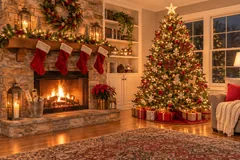
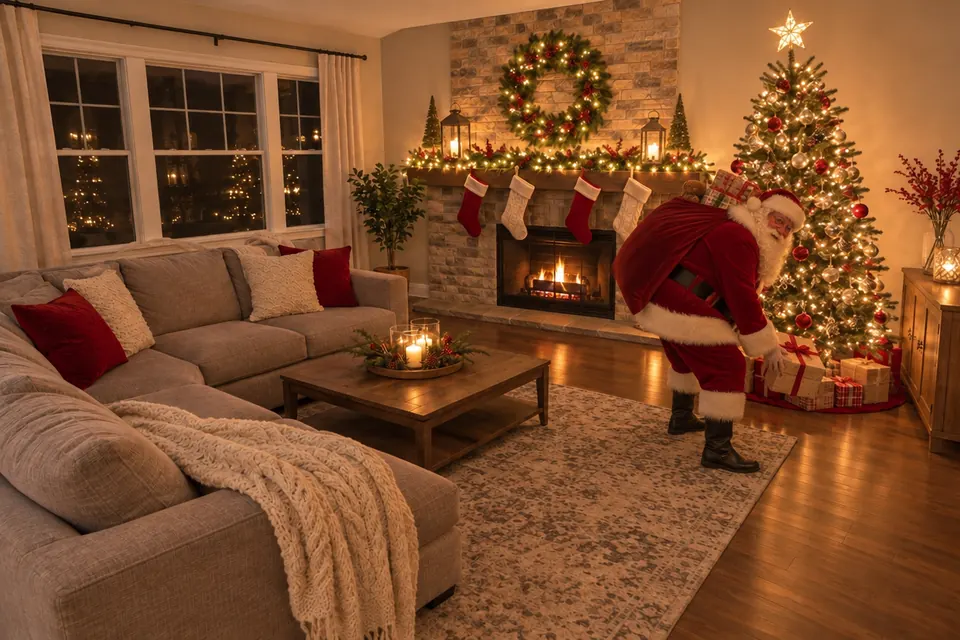
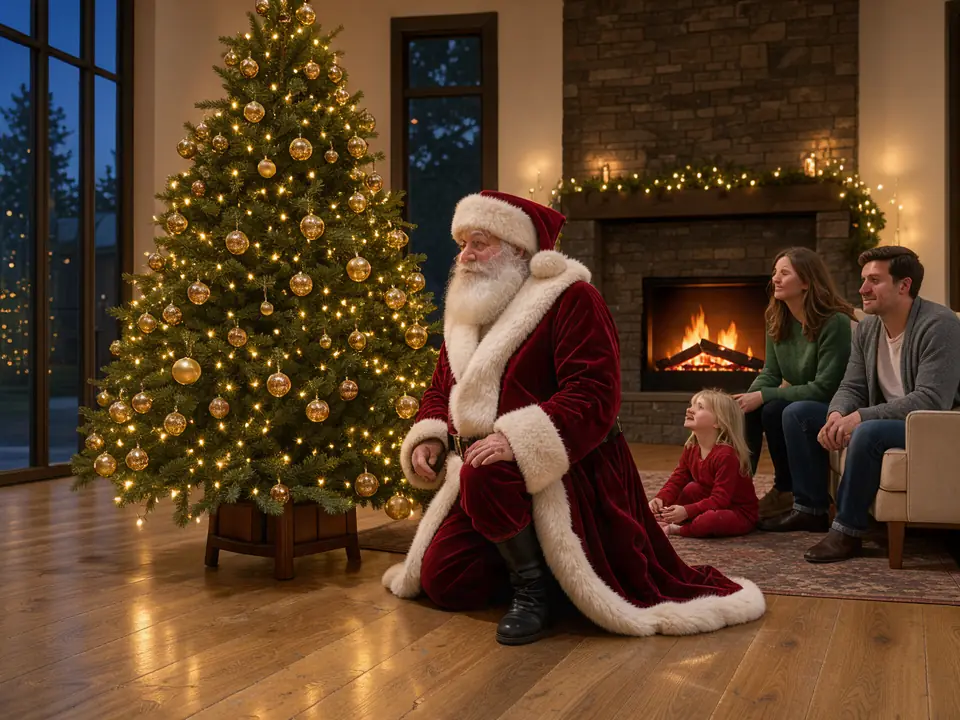
Upload a snapshot of your own living room, fireplace, or decorated tree and add Santa to photo memories that amaze kids on Christmas morning. Choose from 7 lifelike poses while keeping 100% of your real room architecture, ornaments, stockings, and wrapped gifts intact with matched fairy-light glow and floor shadows.

Try one of these edits

  • Your Exact Living Room & Tree Kept
  • 7 Lifelike Santa Poses & Actions
  • From 3 Credits (1K, 2K & 4K)
  • Private Family Photos, No Watermarks

Christmas Eve Scenes Created When You Add Santa to Photo

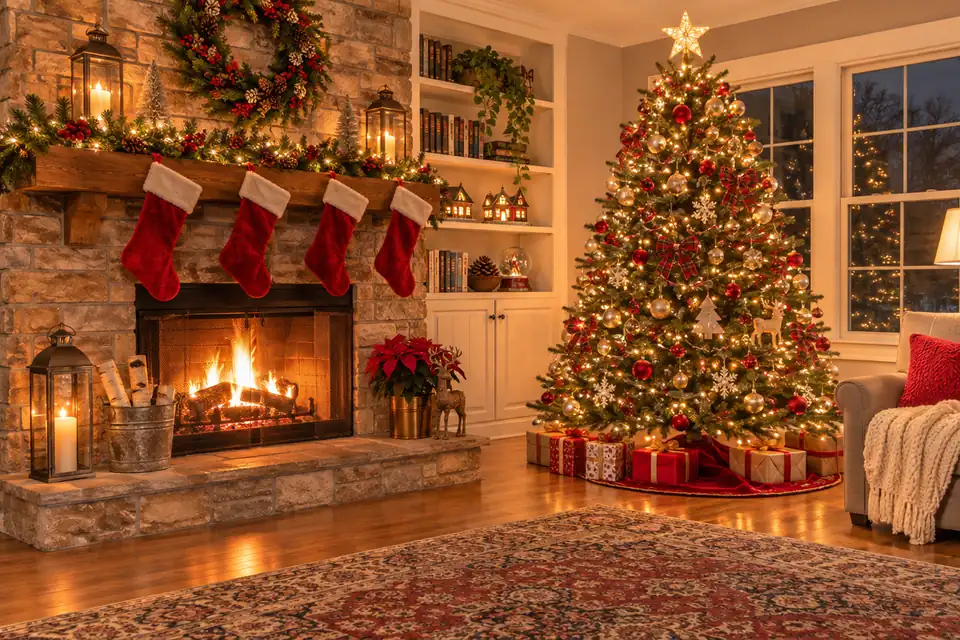
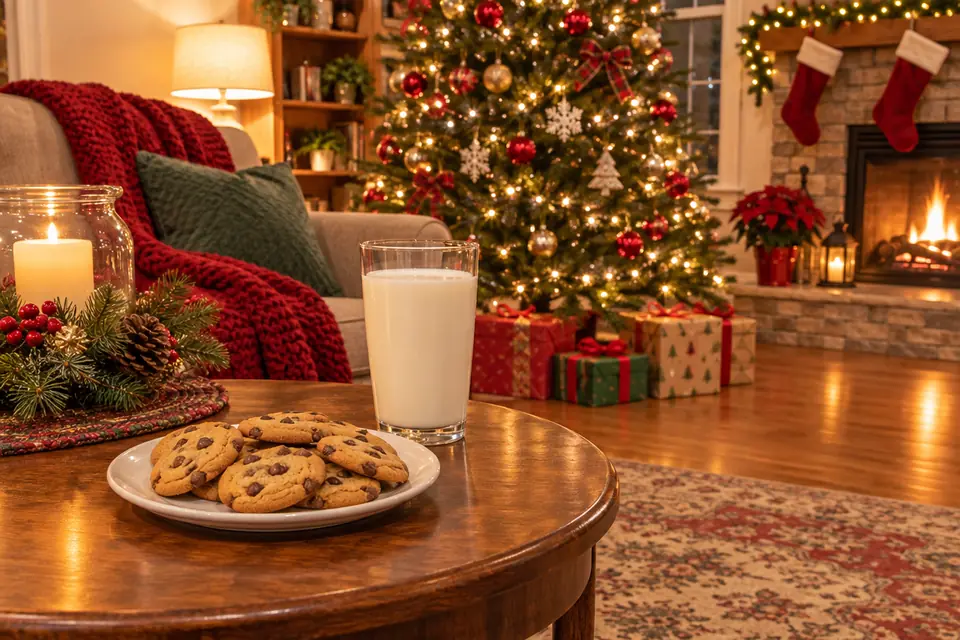
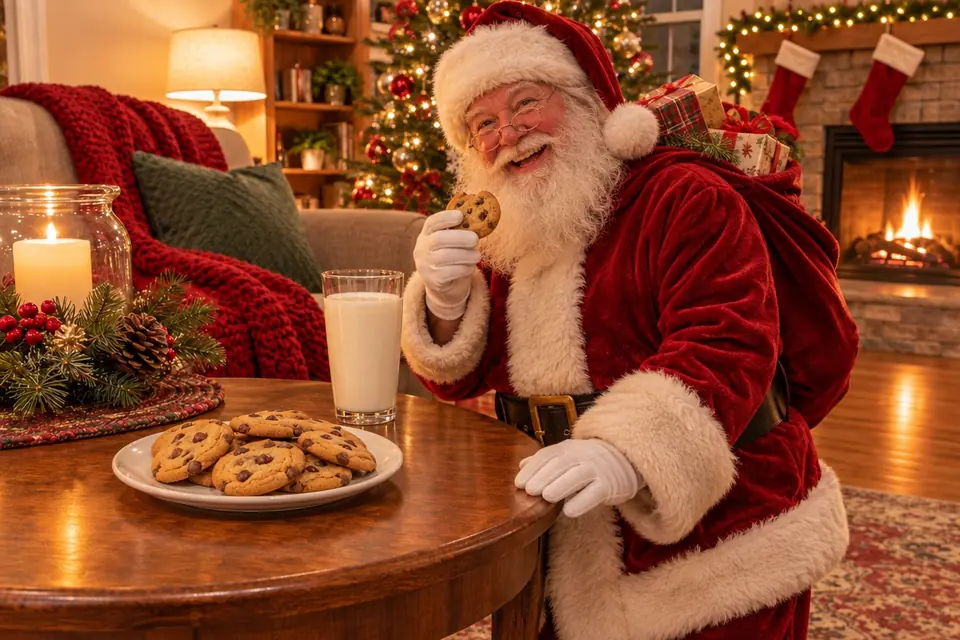
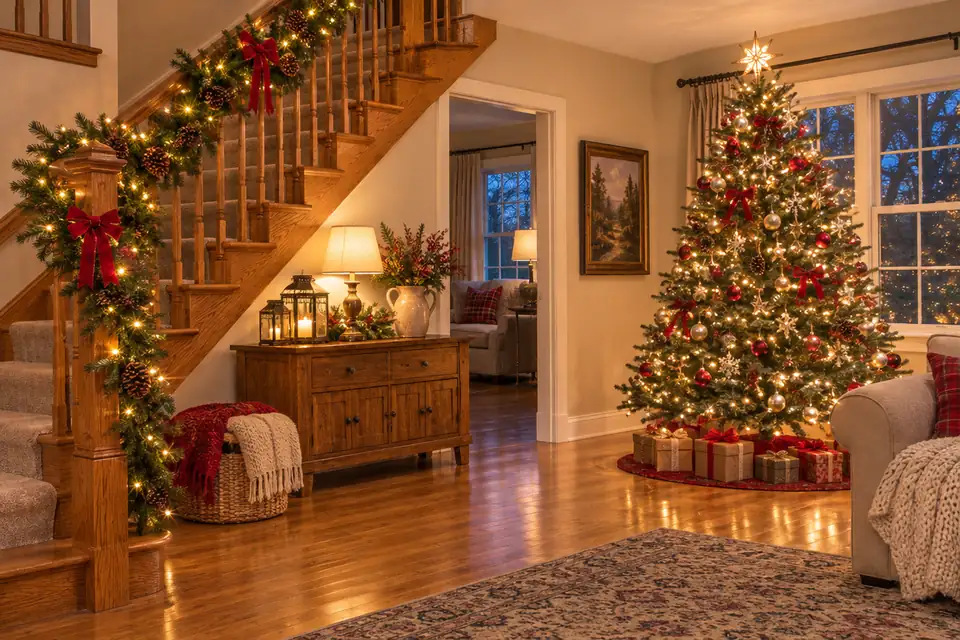
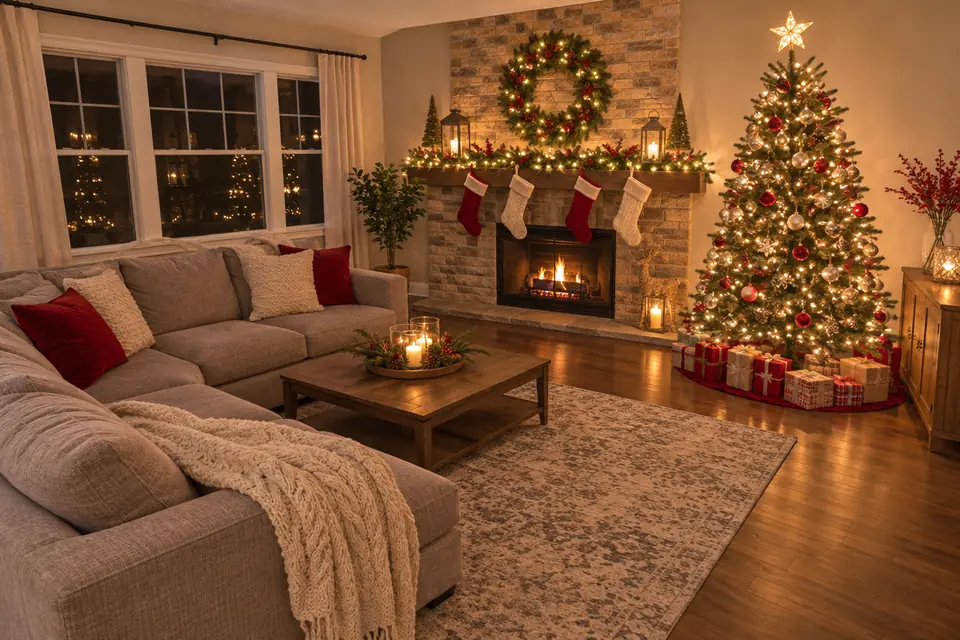
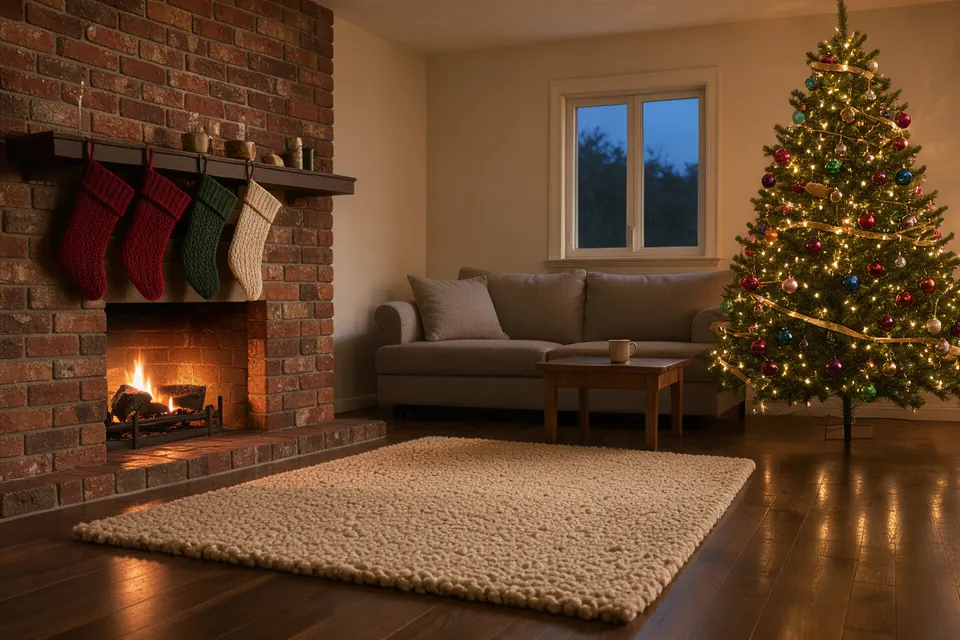
Every scene below started as an ordinary home snapshot (shown in the corner) before using our photo with Santa generator to stage Kris Kringle beside the tree. Click any card to try its pose preset in the studio.

  • BeforeAfter
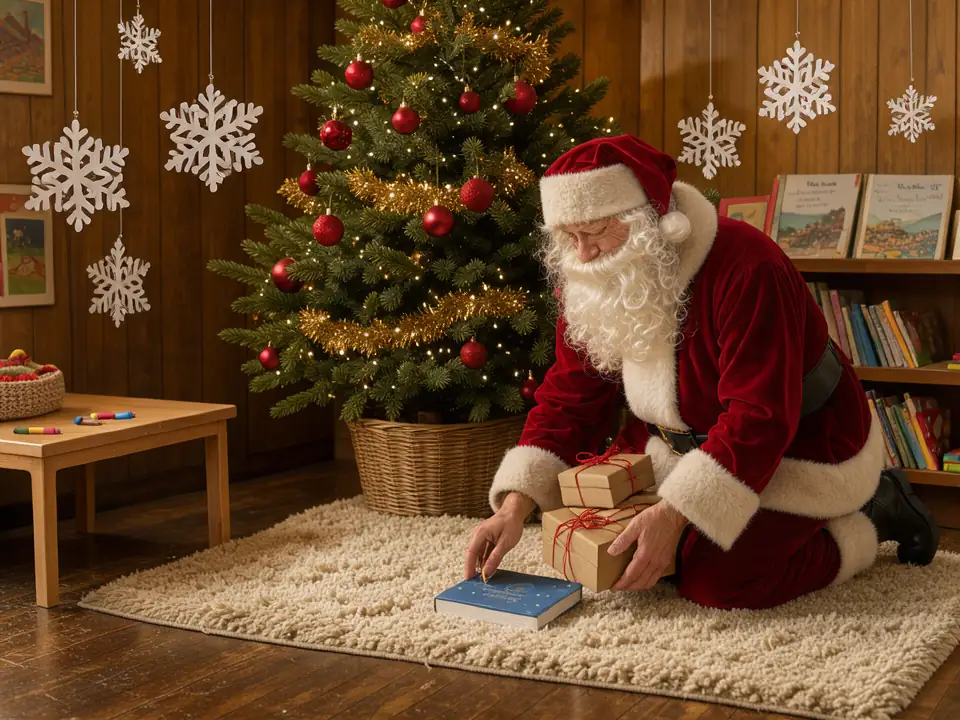
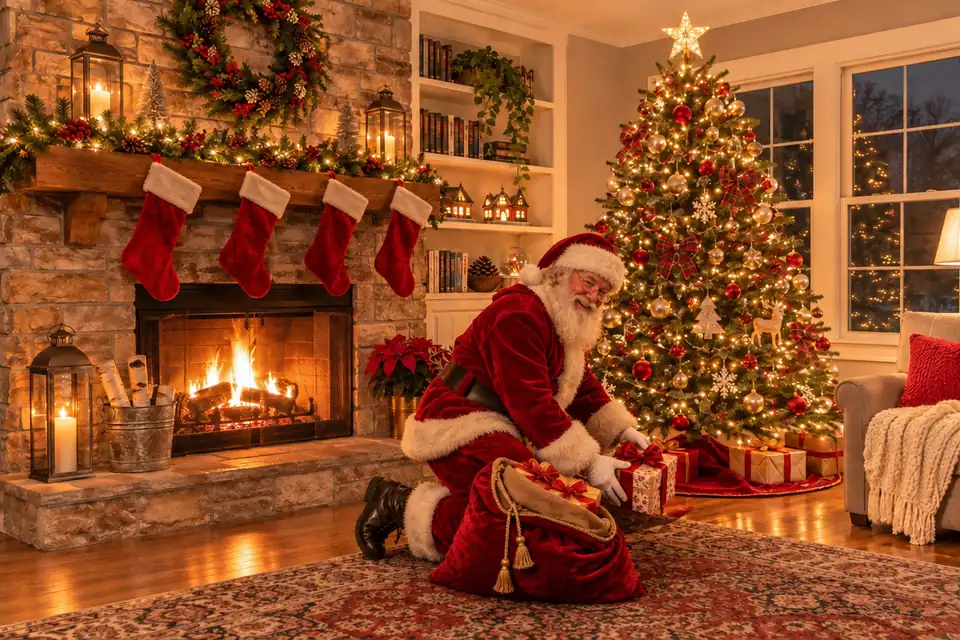
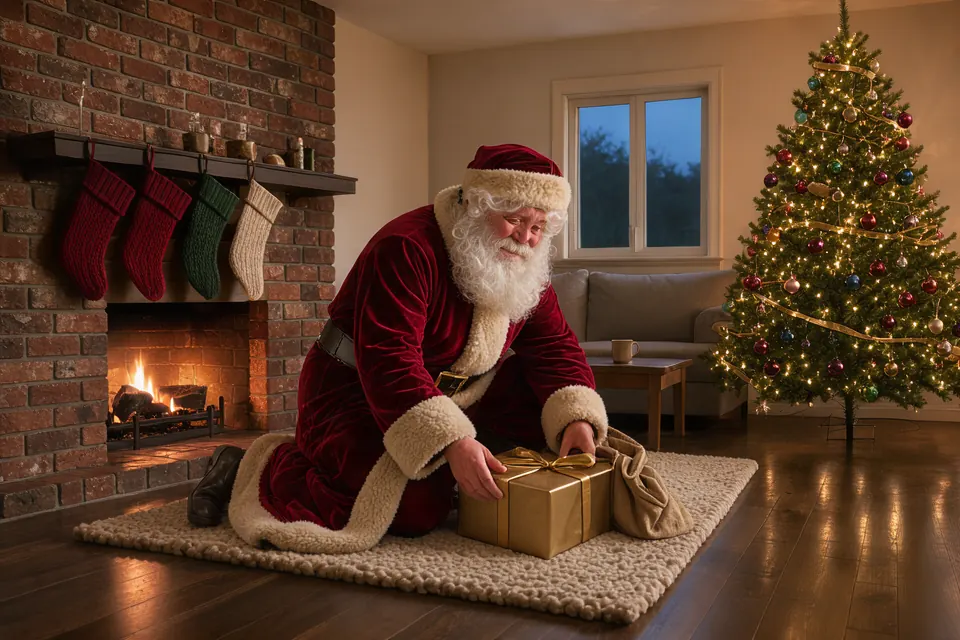
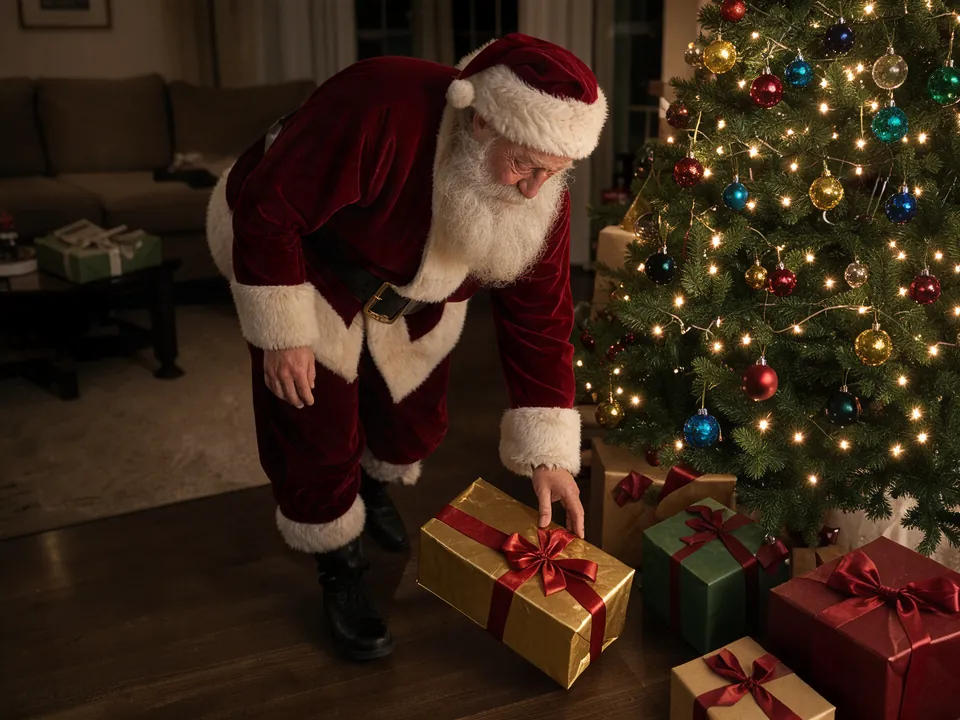
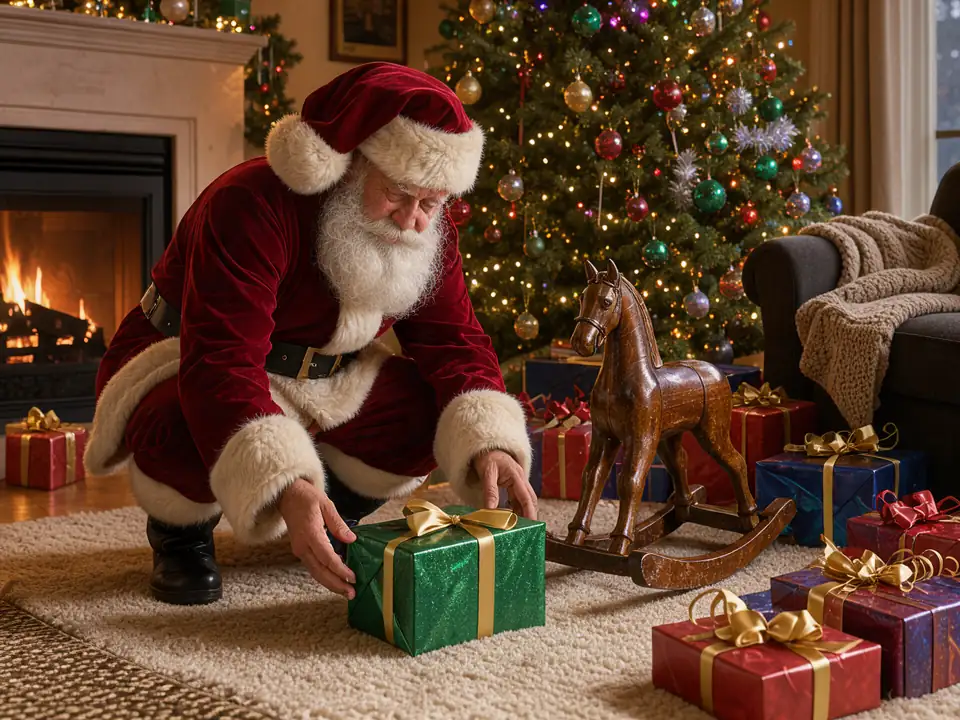
    Placing Ribbon-Wrapped Presents Under the TreePlacing gifts
  • BeforeAfter
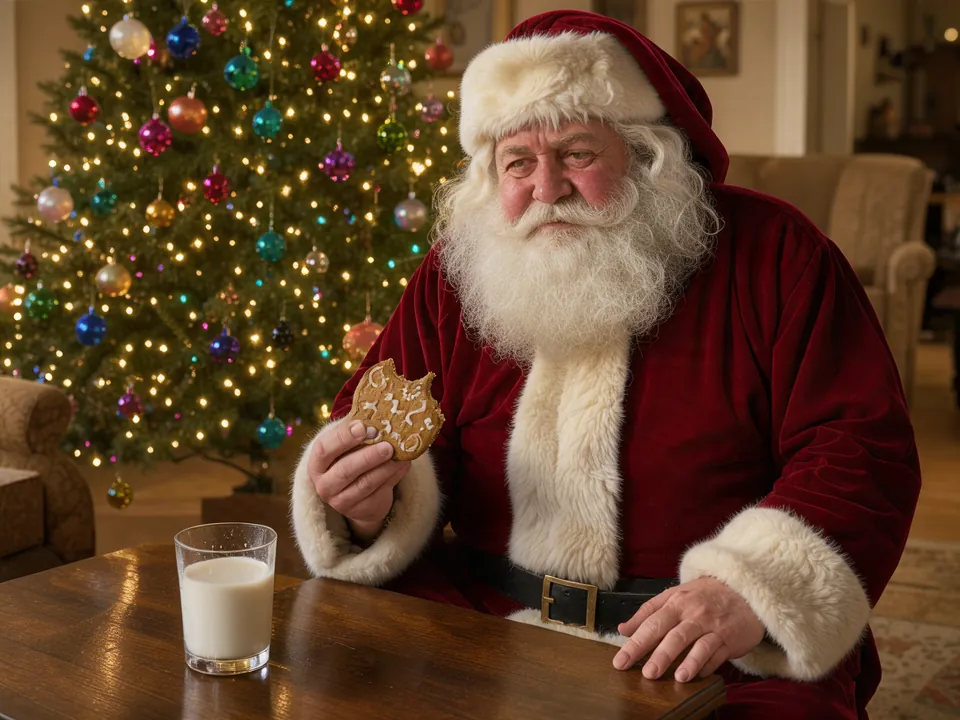
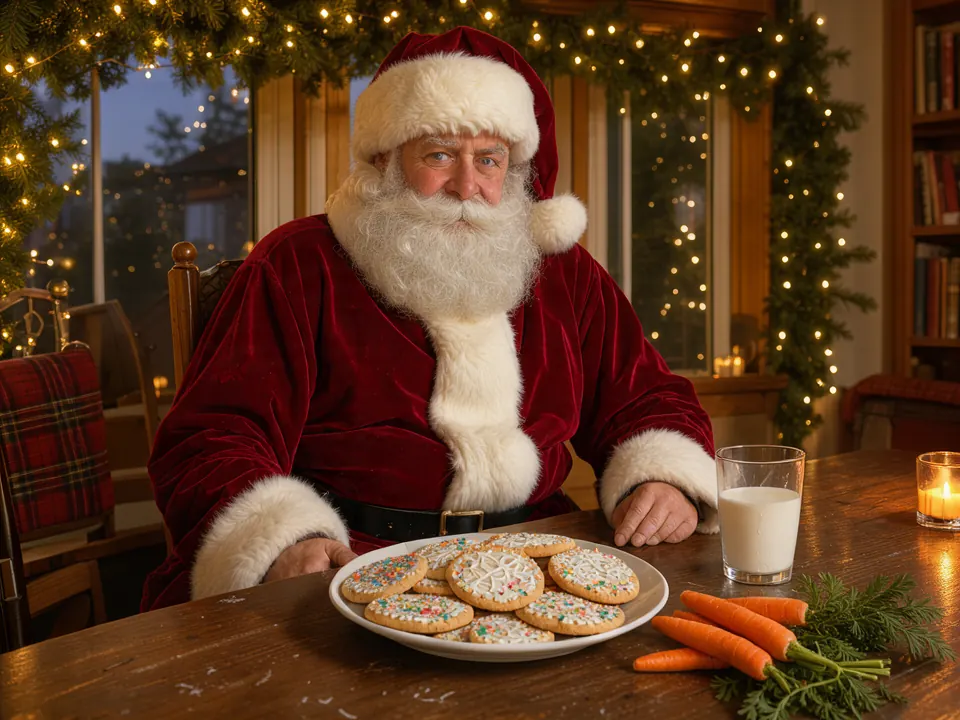
    Enjoying Cookies & Milk Beside the TreeCookies & milk
  • BeforeAfter
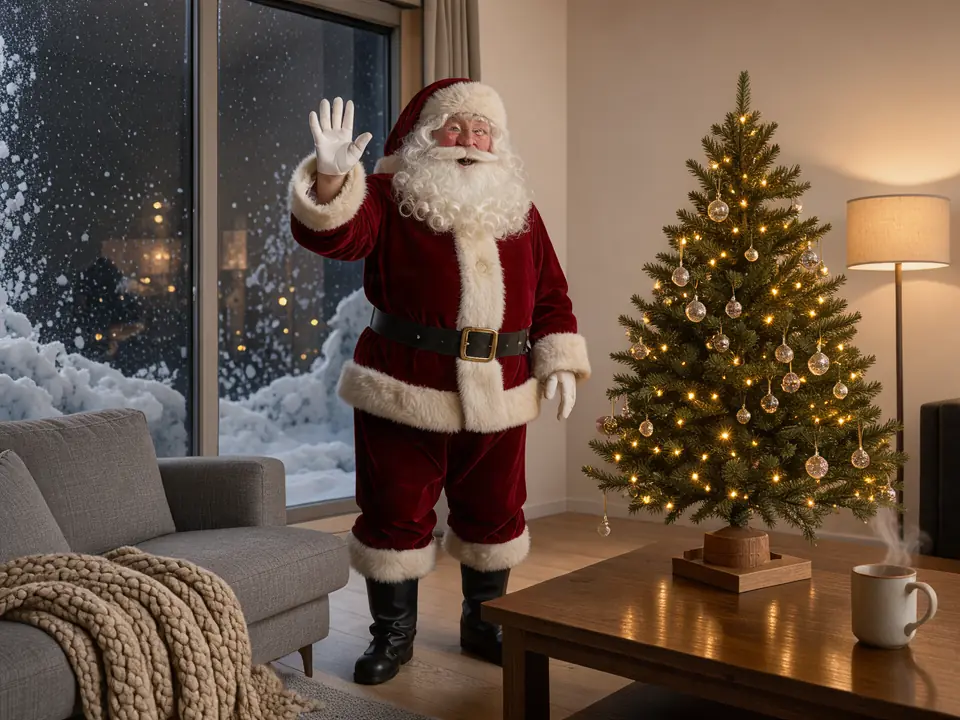
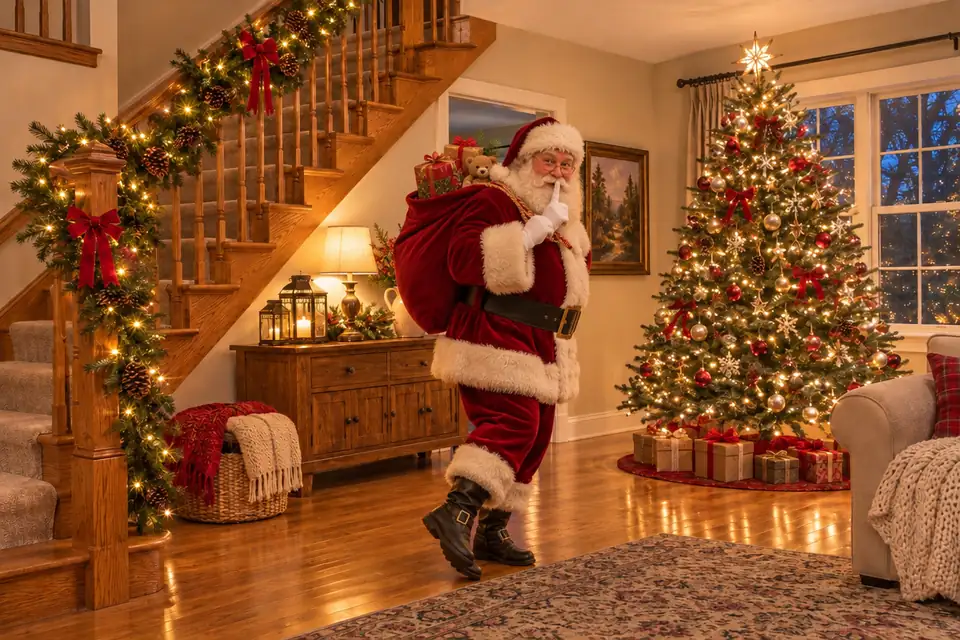
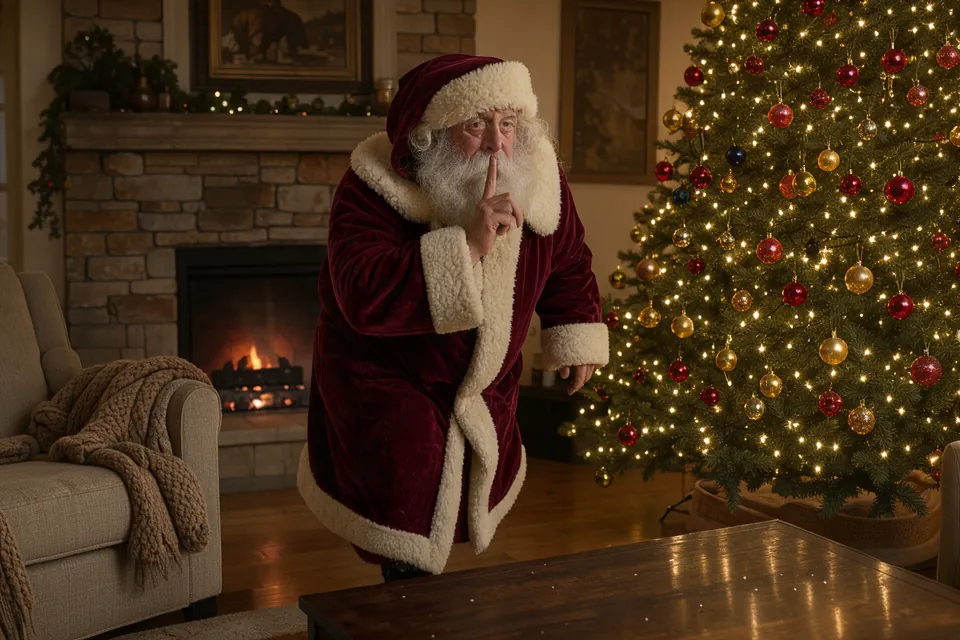
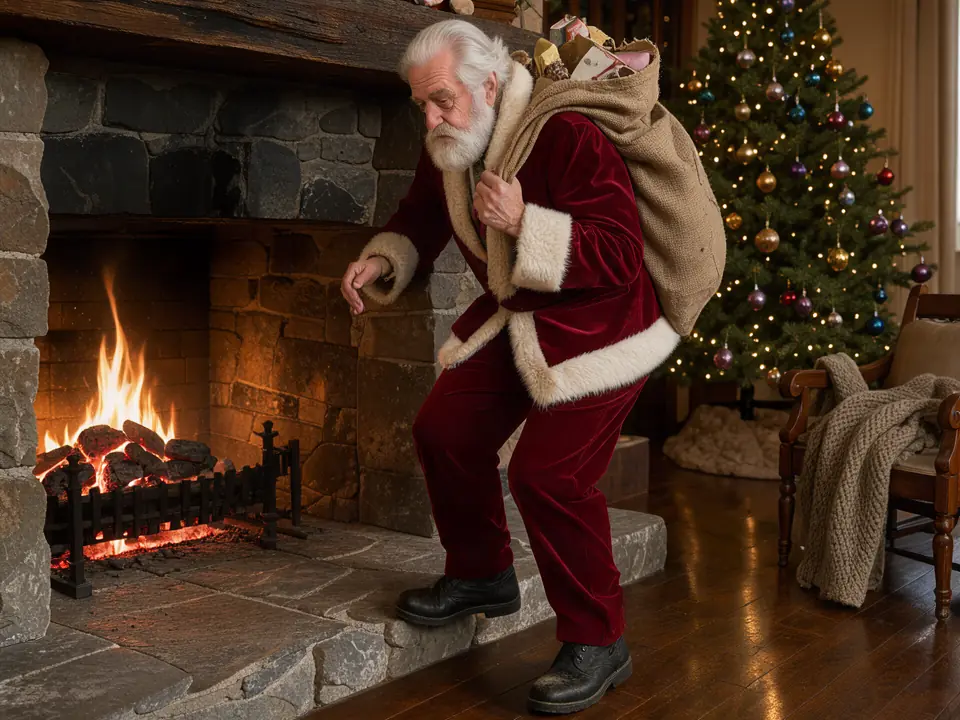
    Caught Mid-Tiptoe with a Playful "Shh!"Tiptoe "Shh!"
  • BeforeAfter
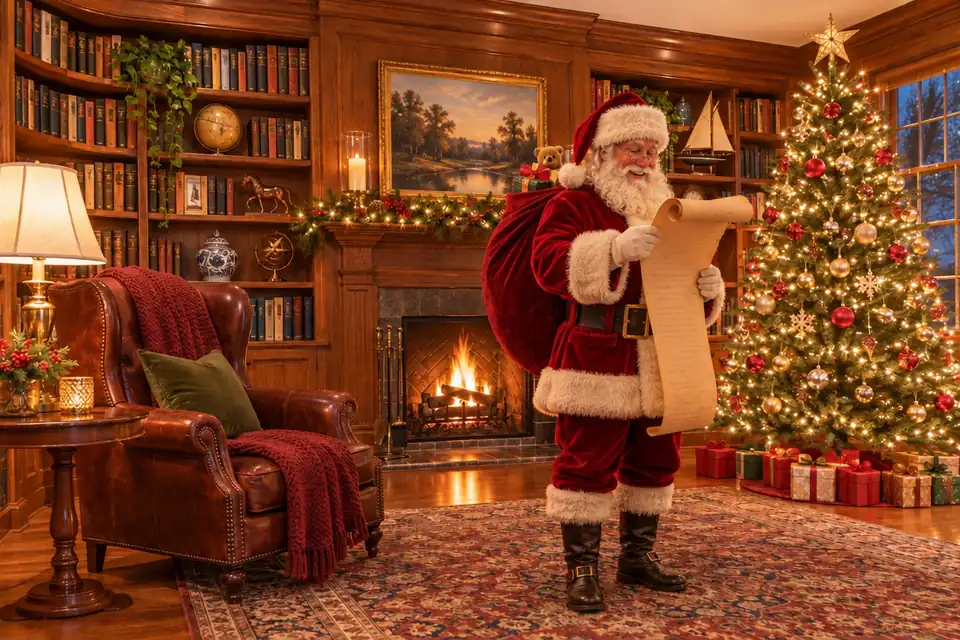
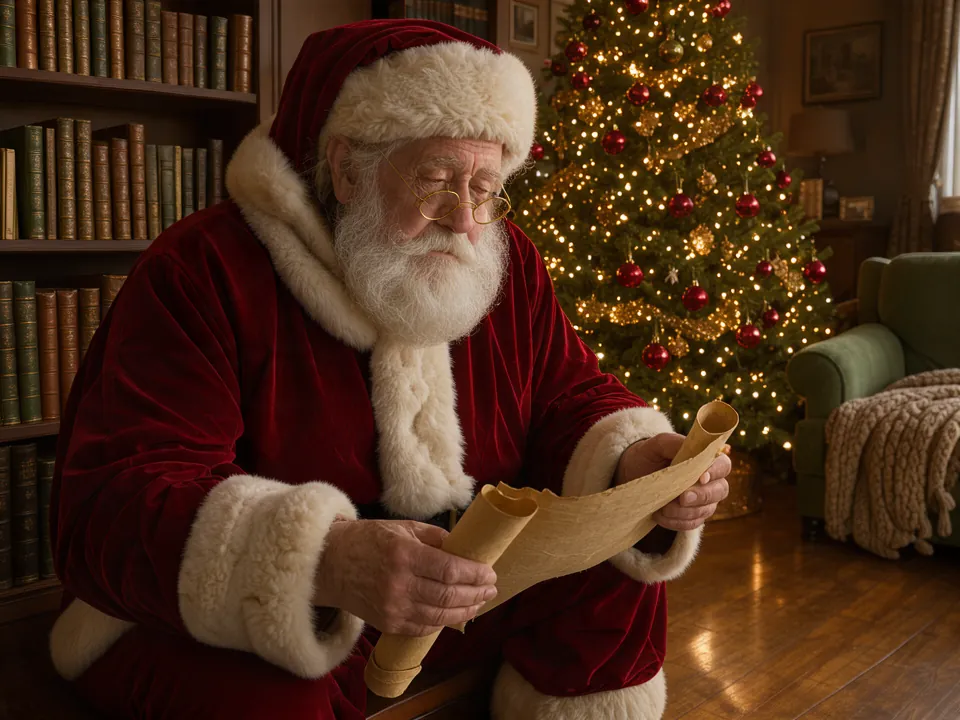
    Reading the Rolled Parchment Nice ListChecking Nice List
  • BeforeAfter
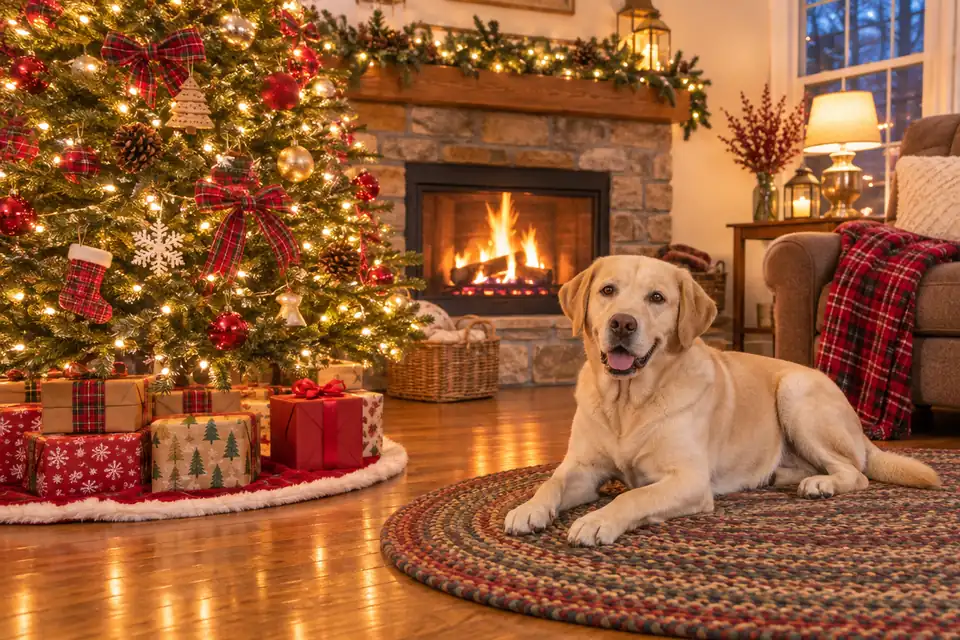
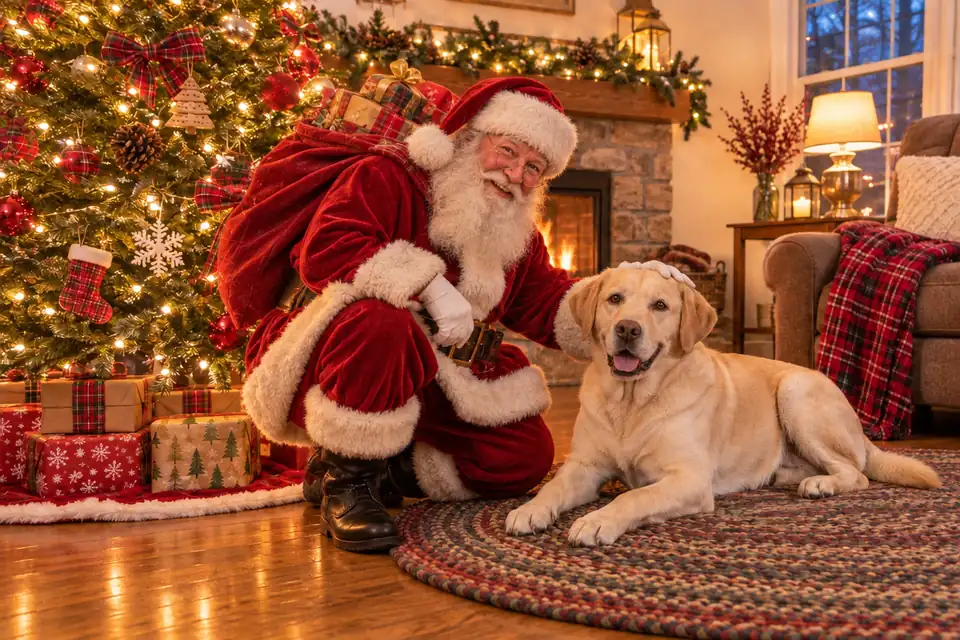
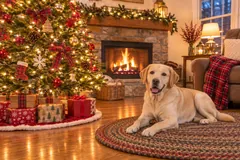
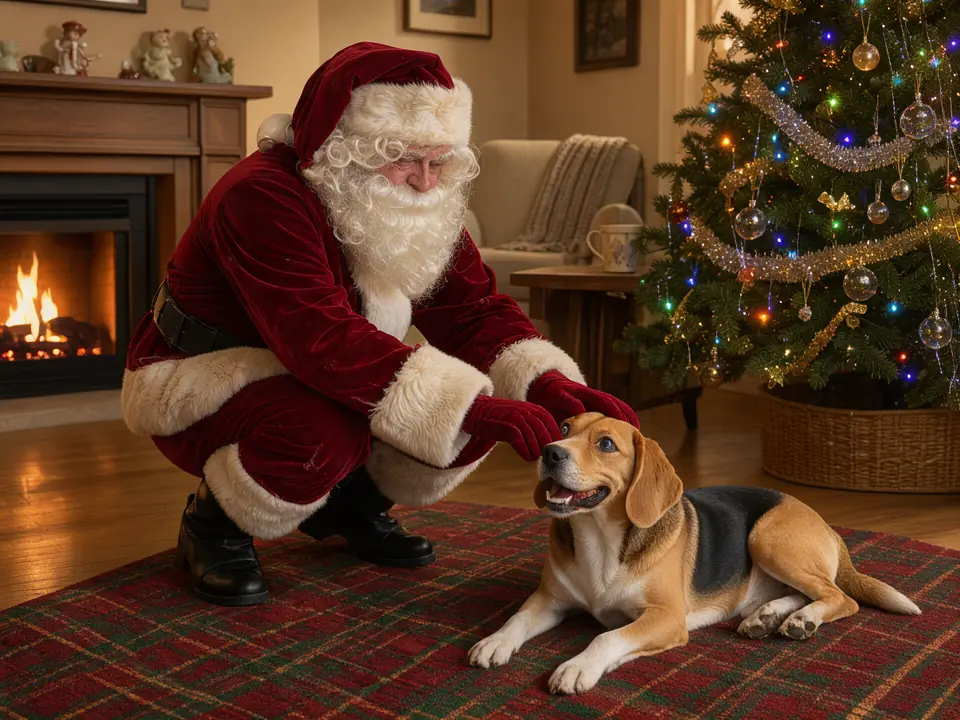
    Warmly Greeting the Family Dog by the HearthGreeting family pet
  • BeforeAfter
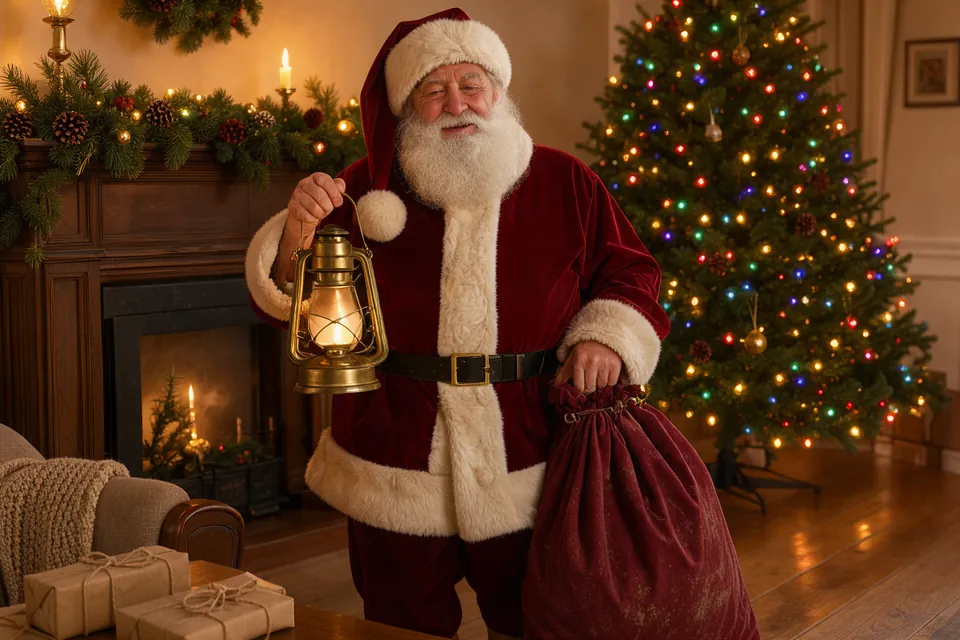
    Candid Low-Light Home Camera CaptureSecurity cam catch

How to Put Santa in My Photo in Three Easy Steps

Create believable Christmas Eve proof inside your actual home in about half a minute, without cutout halos or fake cartoon stickers.

  1. Take a photo of your Christmas tree, mantel, or cookie plate once the kids head to bed, leaving a natural open spot beside the tree or hearth, then upload it to the composer.

  2. Choose Placing gifts, Cookies & milk, Tiptoe "Shh!", Checking Nice List, By the fireplace, Greeting family pet, or Security cam catch, and optionally note specific gift boxes or placement.

  3. Review up to four variations in your private history. Save the unwatermarked PNG to show on your phone Christmas morning, upscale to 4K for prints, or open layers in Image to PSD.

Why Parents Choose This Photo with Santa Generator

Children recognize every ornament, rug pattern, and couch cushion in their own house. Keeping your real room untouched is what makes the magic believable.

  1. 100% of your real room, tree ornaments, and gifts stay intact

    100% of your real room, tree ornaments, and gifts stay intact

    Unlike generic holiday generators that invent someone else's house, our strict room lock preserves your actual walls, flooring, sofa, stockings, string lights, and wrapped presents right where you placed them.

  2. Matched tree-light reflections, lens perspective, and shadows

    Matched tree-light reflections, lens perspective, and shadows

    When you create a Santa in living room photo here, warm golden fairy lights reflect naturally off his crimson velvet coat and white shearling trim while realistic contact shadows anchor his boots and gift sack to your floor.

  3. 7 storytelling poses including Security Cam Catch

    7 storytelling poses including Security Cam Catch

    Stage Kris Kringle kneeling with presents, sampling the cookie plate, raising a gloved finger in a secret "Shh!" gesture, reading his Nice List scroll, or caught mid-delivery with natural low-light indoor camera grain.

  4. Zero fake camera HUD timestamps or cheesy sticker borders

    Zero fake camera HUD timestamps or cheesy sticker borders

    Many a caught Santa on camera app ruins the illusion with pasted clip-art figures and phony green night-vision frames. Every output here renders clean optical photography with zero unrequested text or watermarks.

  5. Transparent 1K, 2K, and native 4K credit pricing

    Transparent 1K, 2K, and native 4K credit pricing

    Scenes run on paid credits starting at 3 credits at 1K, 6 credits at 2K, and 8 credits at native 4K per image, with exact totals displayed on the Generate button before you click.

  6. One-click handoff to Image to Video, Upscaler, and PSD

    One-click handoff to Image to Video, Upscaler, and PSD

    Want an even bigger Christmas morning gasp? Send your finished living room photo straight into Image to Video to turn the still capture into a quiet five-second clip, or open editable layers in Image to PSD.

Guide: Staging Unforgettable Christmas Eve Santa Proof at Home

Five parent-tested tips on room lighting, leaving space by the tree, cookies-and-milk continuity, security-cam realism, and printing.

Shoot with Christmas tree lights on and harsh ceiling lights dimmed

Before snapping your room picture, turn on your Christmas tree lights, fireplace mantel garlands, and a single soft table lamp while switching off bright overhead ceiling fixtures. Warm ambient room light gives the composer rich directional highlights and cozy shadows that blend seamlessly with velvet and fur.
Take the base photo after setting out real presents and cookies

Sharp-eyed kids will immediately check whether the wrapping paper in the picture matches what sits under the tree on Christmas morning! Arrange the real wrapped presents and cookie plate first, snap your room photo from hallway or doorway eye level, and then place Santa right beside those exact boxes.

Leave two feet of clear floor space beside the tree or hearth

Framing a slightly wider shot that shows the floor rug, tree skirt, and hearth gives Kris Kringle natural standing or kneeling room without blocking your favorite ornaments. You can also guide exact placement in the prompt box, such as kneeling on the left side of the tree next to the red bicycle.

Try Security Cam Catch for high-angle hallway or shelf shots

If your family already has a home camera on a bookshelf or corner wall, hold your phone from that same elevated angle and select Security cam catch. You get authentic candid framing and natural low-light sensor grain far more convincing than a traditional caught Santa on camera app.

Pair your photo proof with a North Pole letter and Nice List award

Render your favorite capture at 2K (6 credits) or 4K (8 credits) to print on glossy 4 x 6 photo paper, or keep it ready in your phone camera roll. Pair the sighting with a personalized stationery sheet from our Letter from Santa Template and a gold-seal Santa Nice List Certificate.

Heartwarming Ways Families Use Santa Photo Composites

Made for Christmas morning excitement, grandparent keepsakes, classroom magic, and holiday cards.

  • Christmas morning phone camera-roll reveals

    Save the clean unwatermarked image to your phone gallery on Christmas Eve so kids can zoom in on their own couch, stockings, and tree.

  • Cookies-and-milk plate evidence beside the fireplace

    Capture a warm Santa in living room photo holding one of the exact cookies your kids baked the night before.

  • Classroom, daycare, and school auditorium sightings

    Teachers can snap the classroom reading rug or winter bulletin board before break and share a magical holiday surprise when students return.

  • Family pets meeting Kris Kringle peacefully

    Upload a photo where your dog or cat is curled up near the tree and select Greeting family pet while keeping your pet 100% recognizable.

Add Santa to Photo FAQ

Answers on credit pricing, keeping your real room intact, pose presets, camera grain, privacy, and video animation.

How many credits does it cost to add Santa to photo scenes?

Generations run on paid credits starting at 3 credits at 1K, 6 credits at 2K, and 8 credits at native 4K per image. Exact credit totals are always shown on the Generate button before you run.


Will my actual living room, tree ornaments, and presents change?

No. Our room lock preserves your uploaded photo's real walls, furniture, rug, fireplace, Christmas tree, ornaments, and existing gifts intact while compositing Santa naturally into the space.


Which Santa poses can I pick from?

Choose from 7 built-in poses: Placing gifts, Cookies & milk, Tiptoe "Shh!", Checking Nice List, By the fireplace, Greeting family pet, and Security cam catch, or pick Auto to describe a custom action.


Does Security Cam Catch add fake timestamps or watermarks?

No. It matches candid unposed posture and natural low-light indoor camera grain without adding fake HUD overlays, timestamps, or watermarks, so the photo looks like a real home capture.


Can I use a photo that already has our dog, cat, or sleeping child in it?

Yes. People and pets already visible in your uploaded room photo remain untouched and recognizable while Santa is blended into the open space beside them.


Are my home interior photos kept private?

Yes. Uploaded home snapshots and generated results stay strictly private in your ImageToPSD.ai history and are never displayed in a public feed.


Can I turn the finished Santa photo into a short moving video?

Yes. Click the one-click Image to Video action on any finished result in this photo with Santa generator to animate subtle movement by the tree.


Can I fine-tune lighting or crop in Photoshop afterward?

Yes. Open any generated image directly in Image to PSD to separate foreground and room layers for custom retouching in Photoshop, Affinity Photo, or GIMP.


Ready to Add Santa to Photo Memories Tonight?

Upload your living room tree photo, pick from 7 lifelike poses, and create unforgettable Christmas Eve proof on ImageToPSD.ai from 3 credits.

Add Santa to My Photo