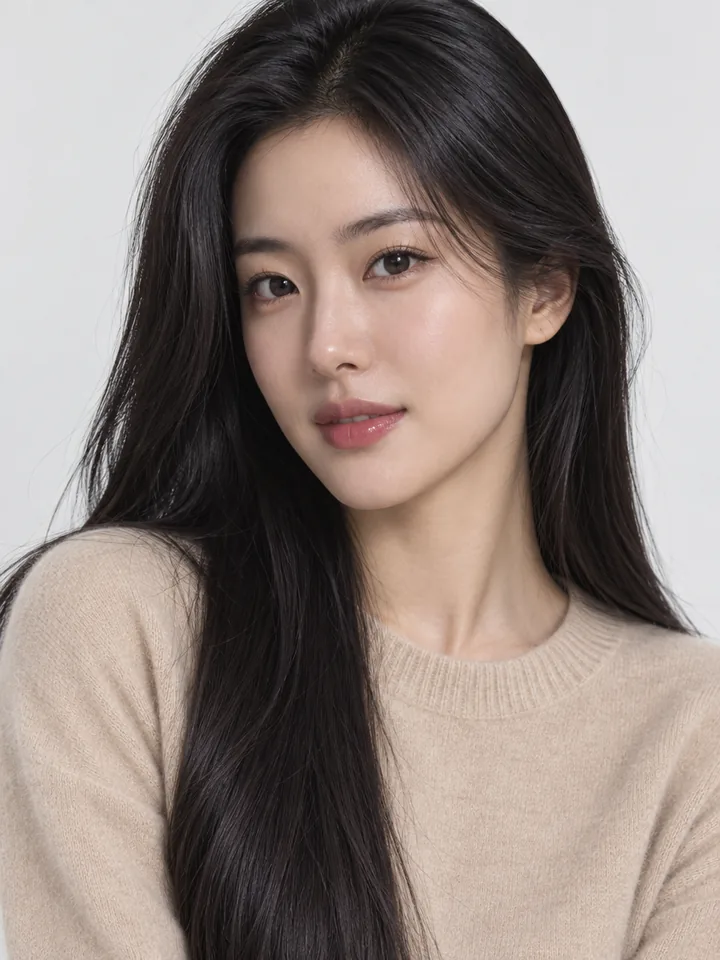
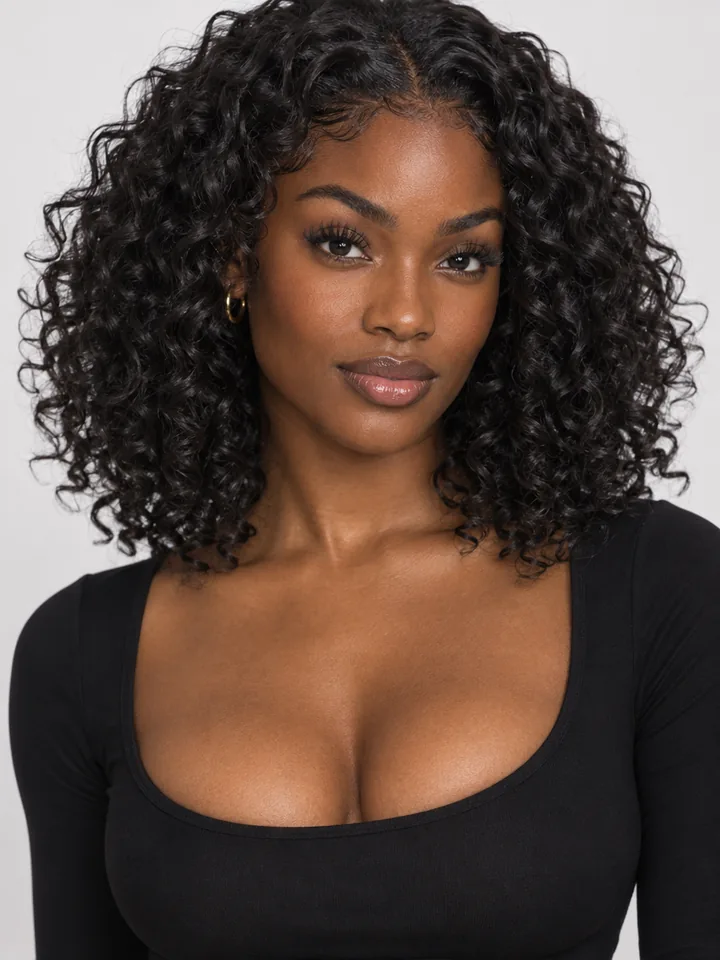
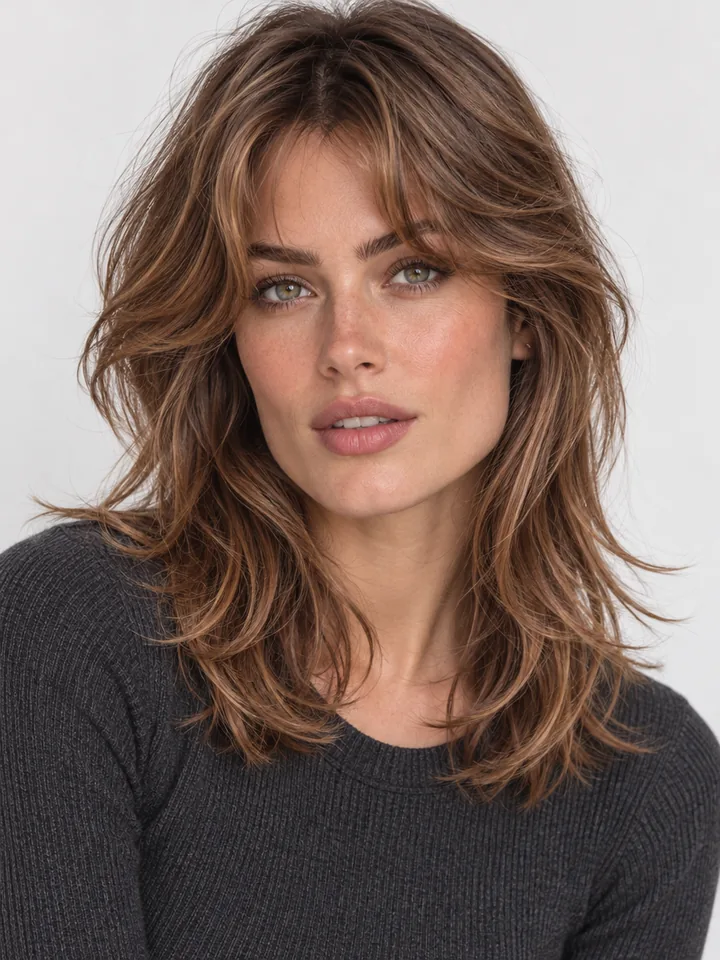
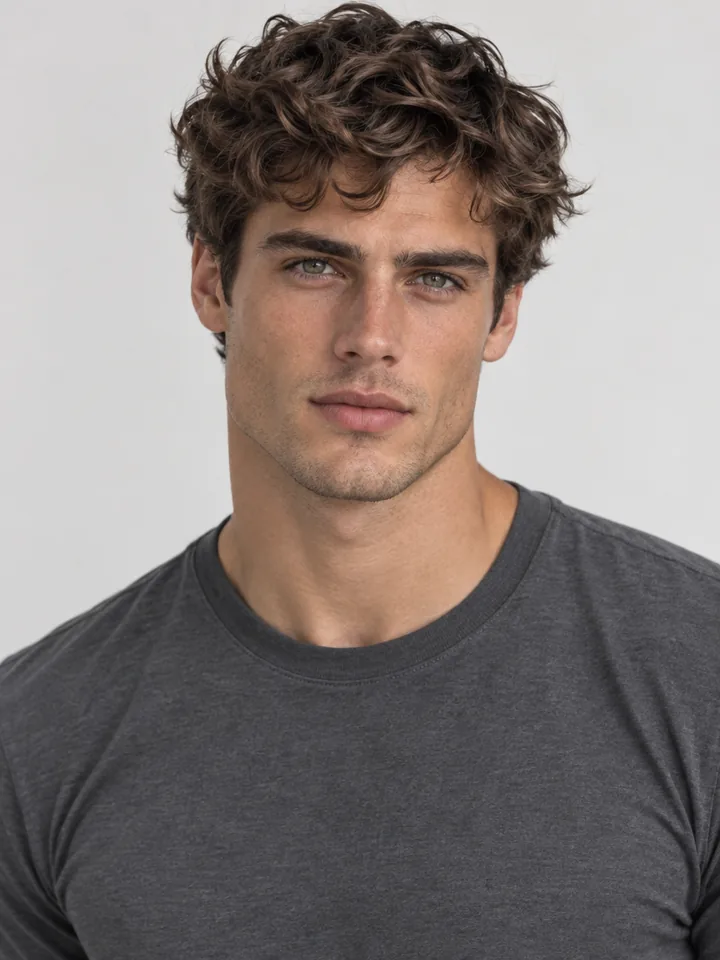
AI Hair Color Changer

Upload a clear portrait and preview platinum blonde, warm auburn, honey balayage, silver gray, pastel pink, or custom dye notes in seconds. This AI hair color changer locks your exact haircut, face, skin tone, and background so you can try on hair colors confidently before visiting the salon.

Try one of these edits

  • 12 salon shades plus custom dye notes
  • Keeps your exact haircut, length, and face
  • From 4 credits at 1K, up to 4K
  • Private portrait history, zero watermarks

Real AI Hair Color Changer Previews on Portraits

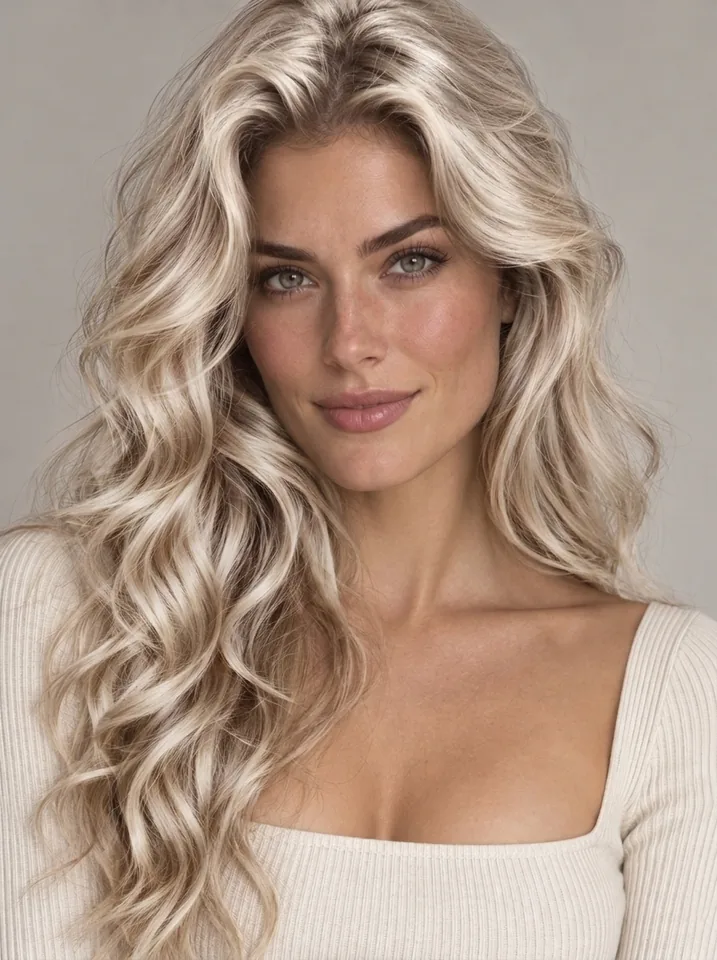
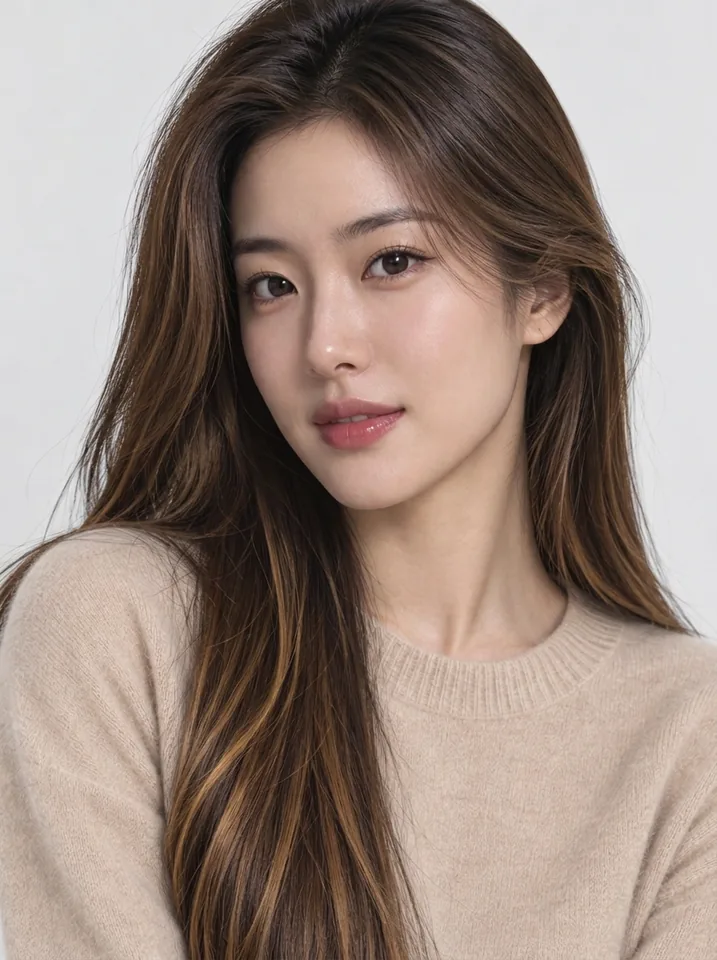
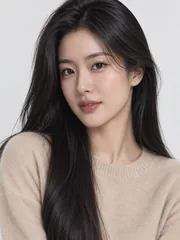
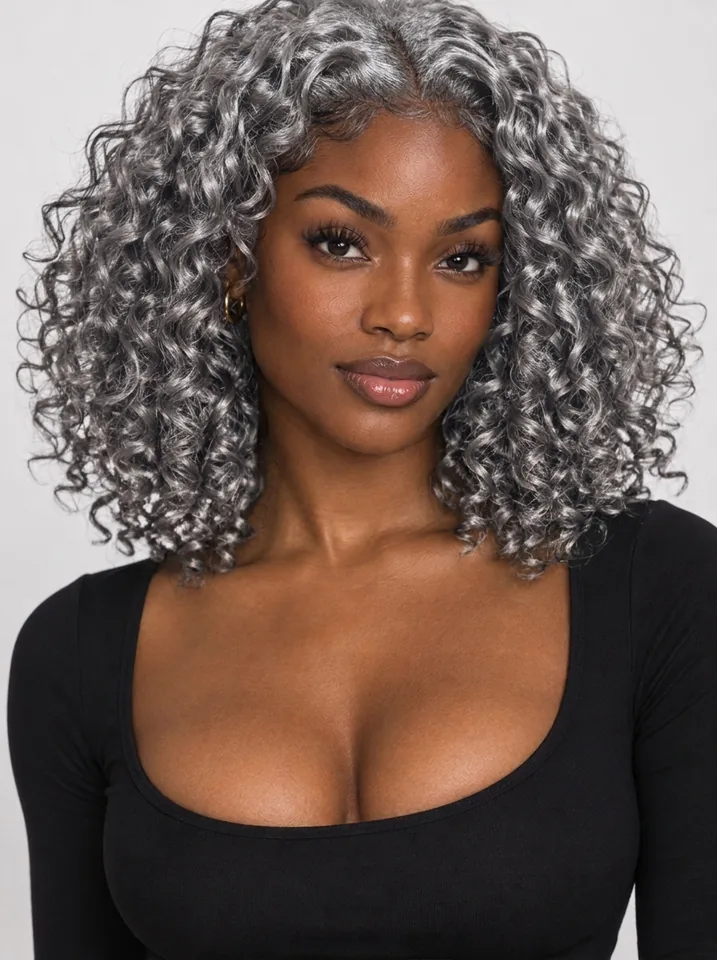
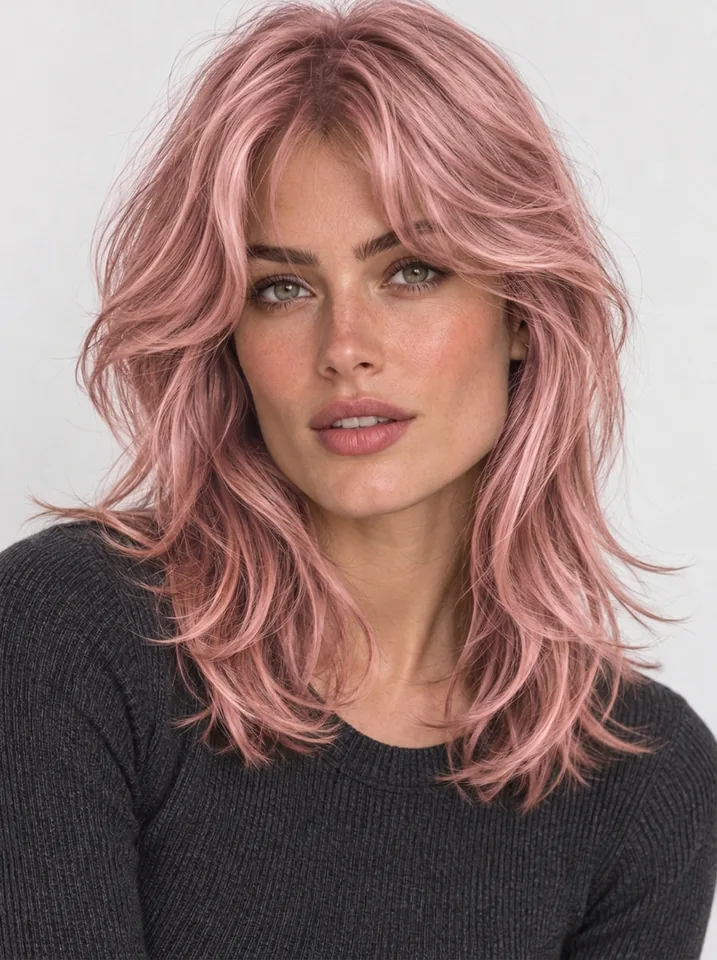
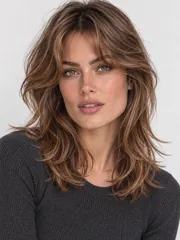
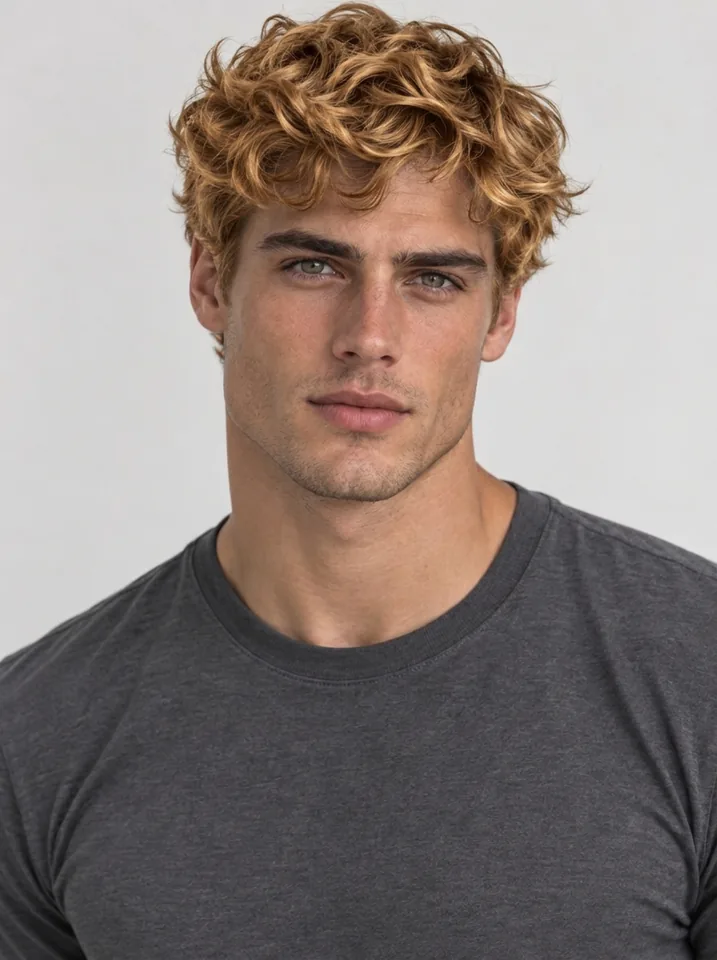
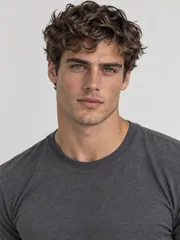
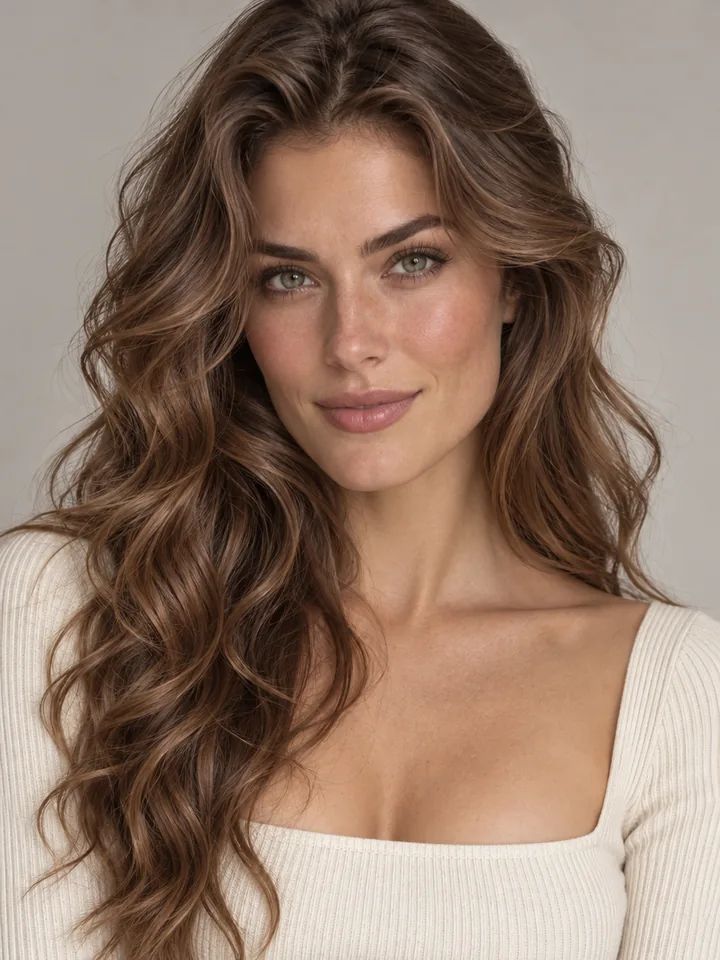
Each portrait displays the original photo in the corner beside a virtual hair color result where only pigment changes. Click Use this example on any card to load that portrait and shade settings straight into the editor.

  • Brunette to Icy Platinum · Platinum
    Brunette to Icy Platinum · Platinum
  • Rich Copper Auburn Glow · Auburn
    Rich Copper Auburn Glow · Auburn
  • Honey Caramel Balayage Ribbons · Balayage
    Honey Caramel Balayage Ribbons · Balayage
  • Sleek Metallic Silver Gray · Silver
    Sleek Metallic Silver Gray · Silver
  • Soft Rose Pastel Pink · Pastel pink
    Soft Rose Pastel Pink · Pastel pink
  • Sunlit Golden Blonde · Blonde
    Sunlit Golden Blonde · Blonde

How to Change Hair Color in Photo Portraits in 3 Steps

Preview your next salon formula on your own portrait in about twenty seconds with zero manual masking.

  1. Drop, paste, or choose a well-lit head-and-shoulders photo facing the camera. Even daylight with your full hair shape visible lets the studio trace every strand, wave, and hairline cleanly.

  2. Select jet black, dark or light brown, golden blonde, platinum, vivid red, auburn, silver gray, pastel pink, electric blue, deep purple, or caramel balayage. Your current cut stays locked automatically while optional notes refine warmth or highlights.

  3. Review your finished portrait in private history, save an unwatermarked copy for your colorist, or continue with hairstyle swaps, high-res upscaling, or portrait video animation.

Why This Hair Color Simulator Looks Salon Real

Simple tint filters smear flat color across your forehead and dull natural luster. Every preview here preserves real hair depth and facial likeness.

  1. Your face, skin tone, and expression stay identical

    Your face, skin tone, and expression stay identical

    Only hair pigment changes. Facial proportions, eye color, skin texture, makeup, glasses, jewelry, outfit, and backdrop stay faithful to your uploaded photo so you judge how each shade flatters your complexion.

  2. 12 curated pigments plus custom formulas

    12 curated pigments plus custom formulas

    Move smoothly across natural shades like dark brown, light brown, golden blonde, and warm auburn, or explore fashion tones including icy platinum, silver gray, pastel pink, electric blue, deep purple, and blended balayage.

  3. Natural gloss, root depth, and strand dimension

    Natural gloss, root depth, and strand dimension

    Dyed hair catches light differently from roots to ends. The studio preserves curl clumps, fine wisps, sheen, and natural root depth so dimensional styles like honey balayage look freshly styled.

  4. Locked to your exact haircut and length

    Locked to your exact haircut and length

    Unlike makeover apps that trim layers or reshape bangs, this color-only studio keeps your exact cut, volume, curl pattern, and parting intact. Compare multiple shades cleanly on the same silhouette.

  5. Confident previews from rich browns to bold pastels

    Confident previews from rich browns to bold pastels

    Test high-lift transformations like brunette to icy platinum or sleek silver, or sample rose pink and violet tints before booking bleach sessions. Compare subtle shifts and bold statements in minutes.

  6. Crisp salon reference exports up to 4K

    Crisp salon reference exports up to 4K

    Render 1K previews for 4 credits while narrowing down favorites, then export 2K at 5 credits or 4K at 7 credits so your colorist can see exact warmth and highlight placement on any screen.

Practical Guide to Shade and Undertone Testing

Five quick tips for picking the right photo, matching undertones, writing custom formula notes, and selecting export sizes.

Start with balanced daylight and visible hair

A sharp head-and-shoulders portrait shot facing a window or in open shade yields the cleanest preview. Neutral daylight lets you compare cool ash shades against warm golden pigments honestly without yellow indoor glare. Keep one person centered with hair styled normally so stray strands separate neatly from the backdrop.
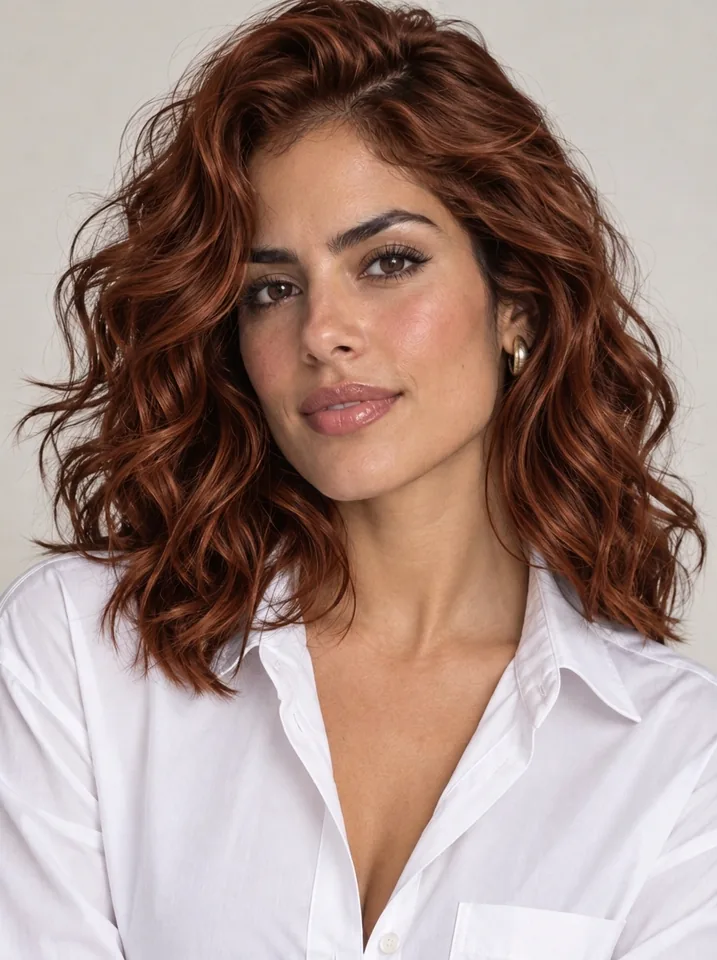
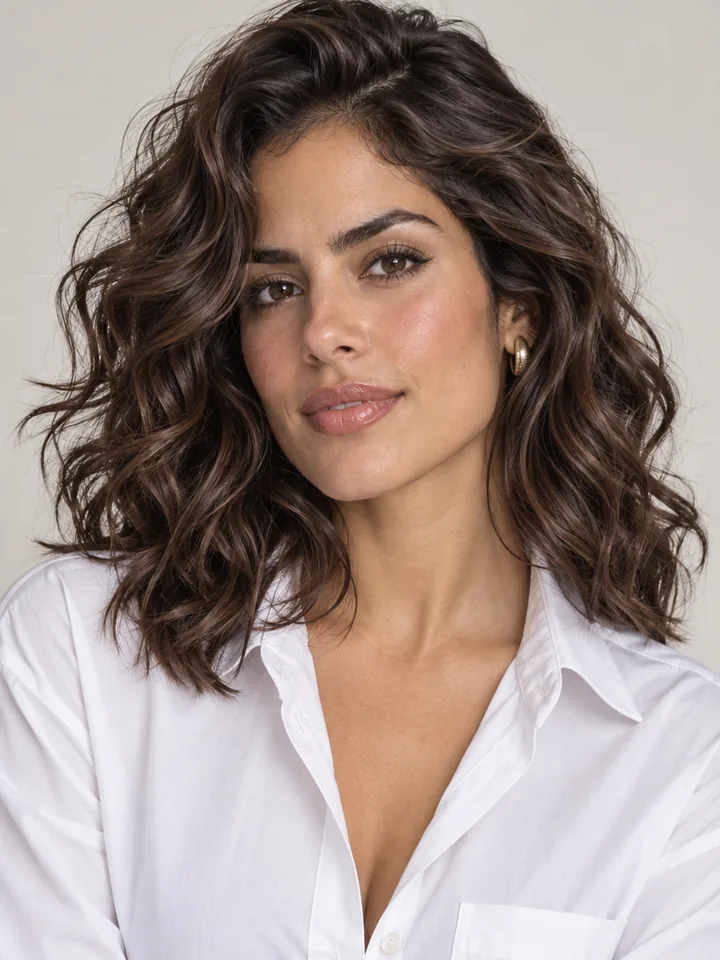
Start with balanced daylight and visible hair

Match shades to warm, cool, or neutral undertones

Viewing color against your own skin beats staring at salon swatch books. Warm undertones glow beside honey balayage, golden blonde, copper auburn, and rich chocolate brown. Cool undertones shine alongside icy platinum, ash brown, silver gray, jet black, and cool rose pink. Compare two neighboring tones on one photo to spot which brightens your eyes immediately.

Previewing platinum, silver, and high-lift transitions

Lifting dark brown or black hair to platinum blonde or metallic silver is a big salon decision. Testing with a hair color simulator first reveals how pale tones balance your brows, skin contrast, and everyday wardrobe. Add a note like "keep natural dark roots melting into icy silver ends" for a softer grow-out look.

Previewing platinum, silver, and high-lift transitions

Writing custom notes for balayage and highlights

Pick your closest base swatch from the 12 presets, then use the optional prompt field to refine technique. Short cues like "warm honey caramel balayage ribbons framing the face", "subtle cherry cola red sheen", or "soft pastel rose tint with shadowed roots" control highlight placement and tone while preserving your haircut.

Choosing 1K, 2K, or 4K resolution and credits

Every run uses pay-as-you-go credits with the exact price shown on the button beforehand: 4 credits at 1K, 5 credits at 2K, and 7 credits at 4K. Explore shades at 1K to shortlist favorites, then save your winning pick at 2K or 4K for crisp strand clarity at your salon appointment.

Choosing 1K, 2K, or 4K resolution and credits

Who Uses Our AI Hair Color Changer

Built for salon guests planning their next dye session, professional colorists consulting clients, beauty creators, and portrait retouchers.

  • Pre-salon color decisions

    Compare honey balayage, copper auburn, espresso brown, or icy platinum on your own face before booking hours in the chair. Arrive with a crisp visual reference your stylist understands right away.

  • Stylists and salon consultations

    Align expectations with guests in under a minute. Show realistic pigment shifts on the client's actual haircut so both stylist and client agree on tone, depth, and placement before mixing dye.

  • Creators, cosplay, and beauty lookbooks

    Plan character palettes, seasonal shoots, and wig colors with quick virtual hair color previews. Test pastel pink, electric blue, silver, or deep purple against your lighting and makeup.

  • Portrait photographers and retouchers

    Pitch editorial color directions to beauty brands or preview portfolio look variants without booking a second studio shoot. Keep pose, lighting, and expression steady across every frame.

Hair Color Preview FAQ

Answers on haircut preservation, natural realism, custom notes, credit pricing, and portrait privacy.


Preview Your Shade with Our AI Hair Color Changer

Upload a clear portrait and explore 12 natural, balayage, and fashion shades in seconds while keeping your exact haircut intact.

Try a hair color