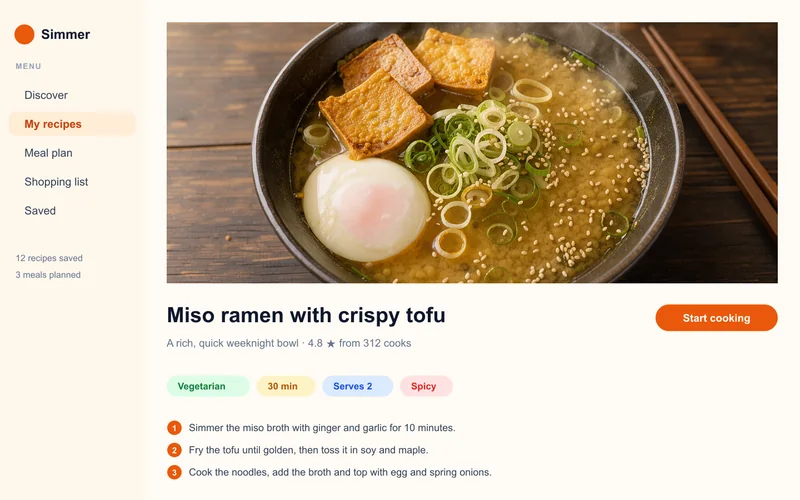
Modern software UI screenshot card
Softens sharp desktop capture corners with a clean 12% radius so product screenshots sit naturally inside blog articles, slide decks, and changelog emails.
Make a crisp rounded corners image free right in your browser with zero server uploads. Adjust corner radius smoothly from 0% to 50% and export transparent PNG or WebP files.
Drop an image here to crop
Supports PNG, JPG, WebP, GIF, BMP, and AVIF. Processed locally.
Processed locally in your browser. Zero server uploads.
Open any sample below in this image corner rounder to test subtle UI radii, bold pill cards, and clean transparent PNG corners before loading your own screenshots or photos.
Softens sharp desktop capture corners with a clean 12% radius so product screenshots sit naturally inside blog articles, slide decks, and changelog emails.

Applies a generous 22% corner radius inside a 1:1 frame to create polished app-style thumbnails with silky transparent outer corners.
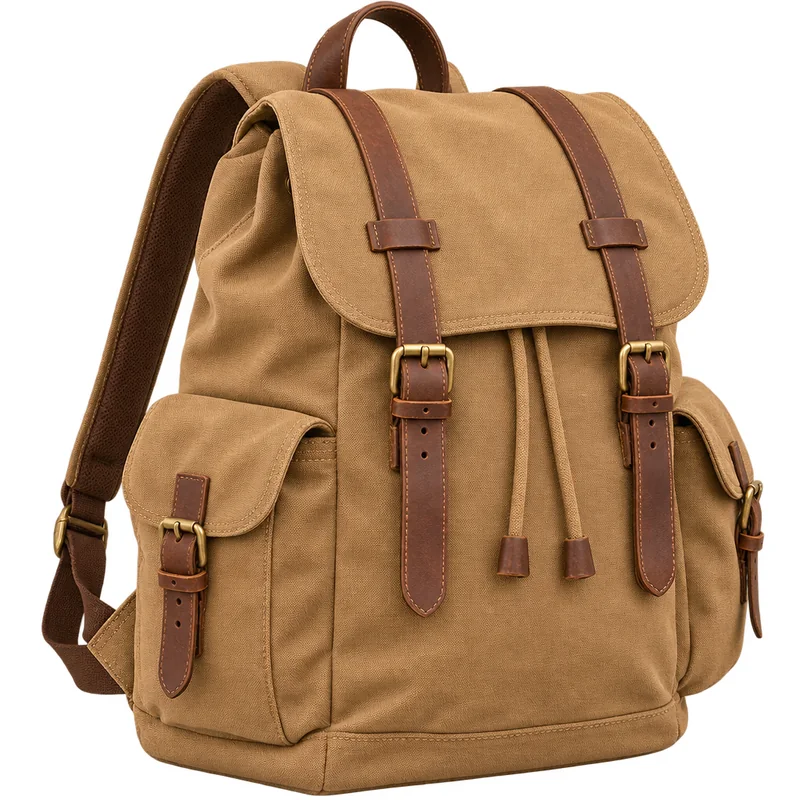
Rounds the outer edges of a clean studio product photograph so catalog grids, lookbooks, and PDF flyers look cohesive without extra layout software.
Soften sharp rectangular screenshots, product photos, and badges into smooth transparent PNGs directly on your device.
Drag any PNG, JPG, WebP, GIF, BMP, or AVIF file up to 50 MB into the drop zone, or click Choose image. Your picture opens immediately in local browser memory with zero waiting and zero server uploads.
The workspace starts at your full image bounds with a balanced 20% rounded mask already previewed live. Slide the corner radius smoothly from 0% (sharp corners) up to 50% (full capsule or circle), and optionally trim edges or lock an aspect ratio.
Check the live output thumbnail on the checkerboard backdrop to confirm smooth curves and exact pixel dimensions, then choose Original, PNG, WebP, or JPG and save. Starting from a JPG with Original selected automatically exports transparent PNG.
Precision radius control, sub-pixel curved anti-aliasing, and dependable transparent PNG output without leaving your browser.
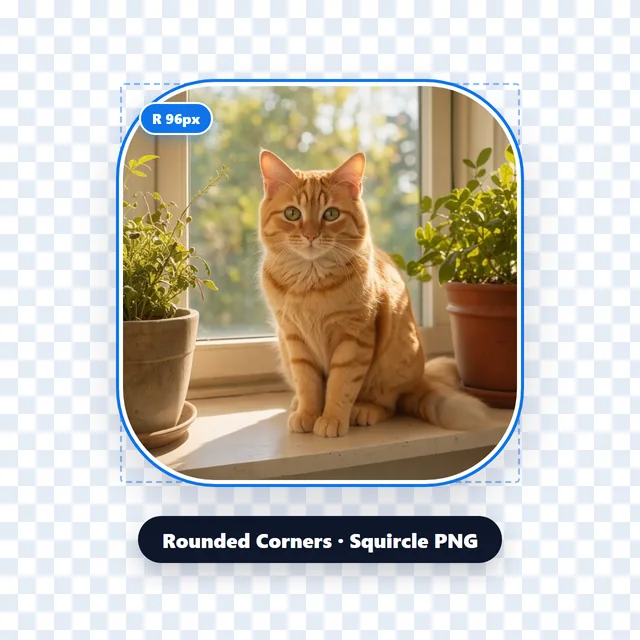
Whether you want a restrained 6% curve for documentation screenshots, a modern 16% to 22% app-tile sweep, or a full 50% pill shape, the continuous corner radius slider scales cleanly relative to your image's shorter side so proportions look harmonious across every resolution.
Crude corner masks clip pixels abruptly, creating pixelated notches that stand out awkwardly against colored or dark backgrounds. Our signed-distance rounded-rectangle algorithm blends edge alpha smoothly at sub-pixel precision so every rounded corners image looks crisp on both standard and high-DPI displays.
When you round a photo that started as a JPG, standard JPEG compression cannot store transparent corners. Leaving Output Format on Original automatically upgrades rounded exports to lossless transparent PNG so corner cutouts disappear cleanly anywhere you place them, while explicit JPG adds a tidy white matte.
By default, this studio preserves 100% of your original width and height when you round photo corners online. If your screenshot or photo also has extra margins to trim, simply pull the corner handles, type exact X, Y, width, and height pixel values, or click 1:1, 4:3, 16:9, or 4:5 presets in the same pass.
A live output card beneath the stage shows your real rendered rounded asset over a transparency grid along with its exact pixel dimensions, output extension, and byte size. You can fine-tune radius percentage or WebP quality and confirm visual polish before saving.

Client dashboards, unreleased app mockups, and personal photographs stay strictly on your own device when you round corners of image files here. Everything runs locally on HTML5 Canvas on ImageToPsd.AI with zero server transfer and zero watermarks.
Five practical design guidelines for choosing optical corner radii, preserving sharpness, and matching transparent formats to your destination.
Smaller corner radii read as precise and editorial, while generous curves feel friendly and tactile. For wide desktop UI screenshots and blog banners, a radius between 4% and 10% softens harsh 90-degree edges without clipping menu bars or captions. Square product tiles and app cards shine between 14% and 24%, while pushing toward 40% to 50% transforms narrow buttons into smooth pills and squares into soft medallions.
Web browsers can round rectangles with CSS, yet email clients, PDF slide decks, document embeds, and marketplace listings frequently ignore or strip corner styling completely. Exporting a true rounded corners image with transparent alpha guarantees your visual cards keep identical smooth curved edges inside newsletters, pitch decks, printed flyers, and chat previews without forcing viewers to depend on inconsistent platform rendering.
When you add rounded corners to image captures containing sharp interface text, thin borders, or icons, save as PNG so every pixel inside the frame stays lossless and free of compression halos. For photography-heavy galleries where transparent corners still matter, WebP delivers smooth alpha transparency at noticeably smaller file sizes. If your finished PNG feels heavy for a blog post, shrink it losslessly with Compress PNG afterward.
Corner arcs trim small triangles away from all four vertices, so text labels, logos, or badges tucked tightly into the very edge can get nicked by a large radius. Before you soften photo corners online, check the preview overlay along all four vertices to make sure vital details breathe comfortably inside the curve. If a graphic sits slightly off-center, trim the frame cleanly first to restore even margins.
Cohesive visual systems pair consistent geometry across every asset on a page. Use this image corner rounder for hero screenshots and feature cards, switch to Circle Crop Image for matching round team avatars, or open Crop Image when you need clean rectangular framing. Need to strip a busy backdrop before softening edges? Start in PNG Maker to isolate your subject with transparent alpha first.
Practical everyday tasks where pre-cut smooth transparent corners elevate documents, storefronts, and product launches.
Style clean rounded cards from release screenshots, feature visuals, and changelog banners ready to drop straight into docs, emails, and slide decks.
Add subtle uniform rounded edges to product tiles, swatch grids, and digital download covers so storefront listings look curated and cohesive.
Pre-bake transparent rounded photo frames that render identically across desktop and mobile email apps where CSS border radius fails silently.
Soften family snapshots, printable photo cards, and presentation graphics privately in seconds with zero software installs or signups.
Straight answers about corner radius percentages, transparent PNG corners, image quality, aspect presets, and browser privacy.
Drop your photo or screenshot into the workspace above, drag the corner radius slider between 0% and 50% until the curve looks right, and click Download with Original or PNG selected. The cut outer triangles stay completely transparent with smooth anti-aliased edges.
Yes. Standard JPG files do not support transparency, so when you upload a JPG and keep Output Format set to Original, our browser engine automatically exports a clean transparent PNG. Choose WebP for smaller transparent files, or select JPG explicitly if you prefer a solid white corner matte.
No. Unless you intentionally drag the crop handles, type smaller pixel coordinates, or click an aspect-ratio preset, the studio preserves 100 percent of your original pixel width and height and only masks the four outer corner triangles cleanly with smooth transparency.
The radius slider runs from 0% to 50% of the image's shorter dimension. At 0% corners stay sharp 90-degree angles, 15% to 22% creates crisp modern UI cards, and 50% turns any square into a smooth circle or any rectangle into a full pill shape.
No. Every image decode, signed-distance rounded-rectangle transparency mask, live checkerboard preview, and file export executes completely locally inside your own browser tab on ImageToPsd.AI. Confidential dashboards, unreleased product drafts, and personal family snapshots never leave your computer or phone.
No. All interior pixels remain completely untouched at full native source resolution, and PNG exports stay strictly lossless so interface typography, fine borders, and data charts stay razor-sharp while only the curved outer corner edge receives smooth sub-pixel anti-aliasing.
Yes. You can trim unwanted margins with the drag handles, type exact X, Y, width, and height pixel values, or pick from eight aspect-ratio presets like 1:1 Square, 4:3, 16:9, or 4:5 while adjusting your corner radius in one workflow.
You can open PNG, JPG, JPEG, WebP, GIF (still frame), BMP, and AVIF images up to 50 MB directly from your device without installing desktop software, and export smooth transparent PNG, lightweight WebP, or white-matte JPG files with zero watermarks.
Drop any photo or screenshot into our free browser tool on ImageToPsd.AI, dial in your corner radius, and export a smooth transparent PNG in seconds.
Choose image