
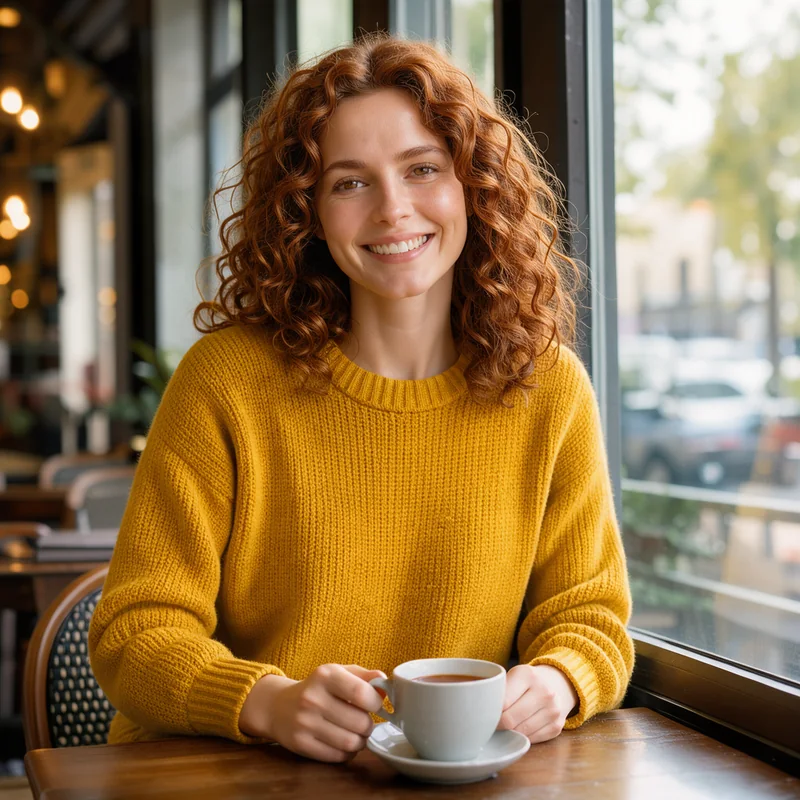
1:1 square profile crop
Centers a portrait inside a locked 1:1 square frame so profile avatars and author thumbnails sit balanced without clipping edges.
Crop PNG, JPG, and WebP pictures free in your browser with zero uploads. Lock aspect ratios, type exact pixel frames, or cut anti-aliased circle and rounded-corner PNGs.
Drop an image here to crop
Supports PNG, JPG, WebP, GIF, BMP, and AVIF. Processed locally.
Processed locally in your browser. Zero server uploads.
Load any sample below into this image cropper to test locked aspect ratios, interactive frame handles, and smooth anti-aliased circle masks before opening your own files.
Centers a portrait inside a locked 1:1 square frame so profile avatars and author thumbnails sit balanced without clipping edges.
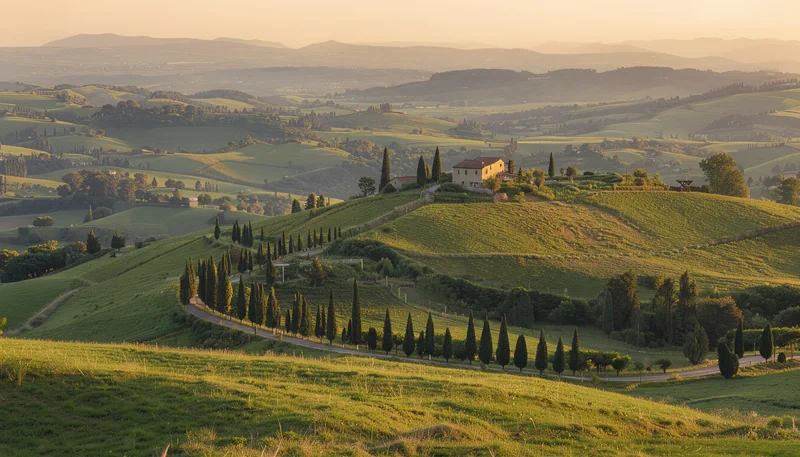
Frames a scenic photograph cleanly to a 16:9 widescreen ratio ready for blog covers, presentation slides, and video headers.
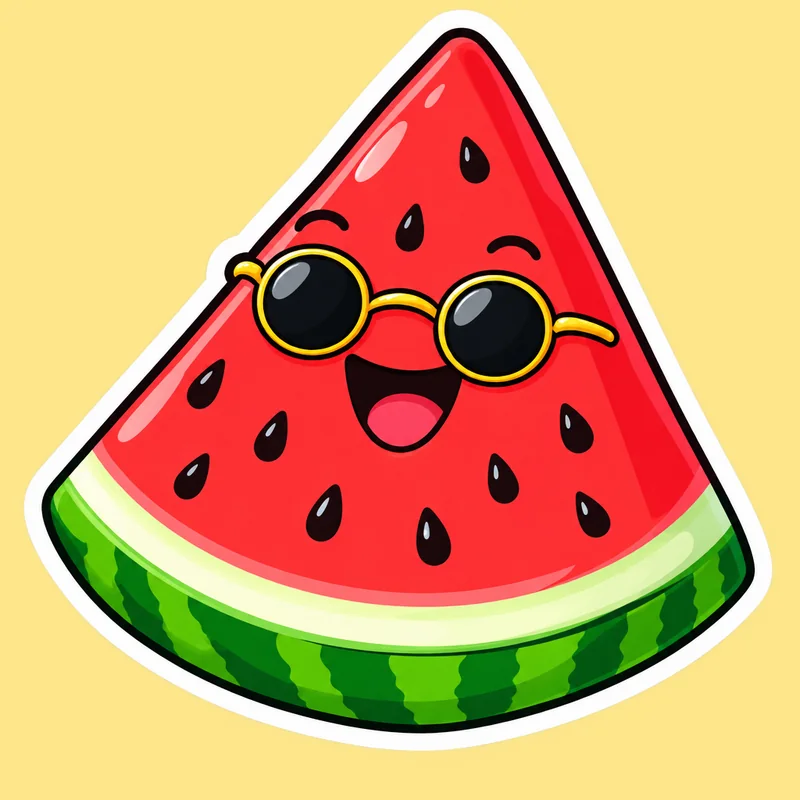
Cuts a subject with a smooth circular transparency mask and saves as a transparent PNG sticker with zero jagged border steps.
Frame any photograph, screenshot, or transparent graphic to exact pixel boundaries right on your device.
Drag a photo or graphic onto the canvas, or click Choose image to browse your device. The studio decodes PNG, JPG, WebP, GIF, BMP, and AVIF files instantly in local browser memory with zero waiting for server uploads.
Drag the corner and edge handles visually, or type exact X, Y, Width, and Height coordinates in pixels. Lock onto 1:1, 4:3, 3:2, 16:9, 9:16, 4:5, or 2:3 ratios, and pick Rectangle, Circle, or Rounded Rectangle with an adjustable corner radius.
Choose Original, PNG, JPG, or WebP format and click Download. Transparent PNG artwork preserves full alpha fidelity, and circular or rounded cutouts automatically export with transparent corners so they drop cleanly onto any page.
Designed for pixel-exact framing, smooth curved transparency masks, and effortless aspect-ratio control without leaving your browser.
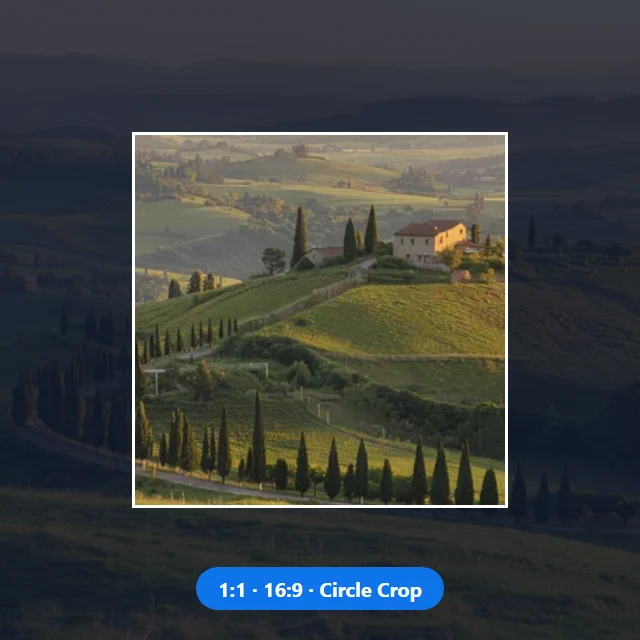
Switch effortlessly between Freeform framing and seven locked ratios: 1:1 Square, 4:3, 3:2, 16:9 widescreen, 9:16 vertical Story, 4:5 social portrait, and 2:3 print photography. Switching ratios centers the largest possible crop rectangle automatically so you only make fine adjustments.
When you crop PNG screenshots, website banners, or storefront graphics, eyeballing handles is not always enough. Enter exact pixel offsets and output width and height directly in the inspector to guarantee repeatable, pixel-aligned results.
Go beyond plain rectangular trims. Switch shape mode to Circle for sleek round avatars and badges, or pick Rounded Rectangle with a corner radius slider from 0% to 50%. Sub-pixel signed-distance anti-aliasing keeps curved edges silky smooth instead of pixelated.
Need to crop PNG stickers or transparent UI icons? Original alpha pixels transfer cleanly without background artifacts. Even when you start with an opaque JPG and choose a Circle or Rounded cutout, Original export automatically upgrades to transparent PNG so outer corners stay invisible.
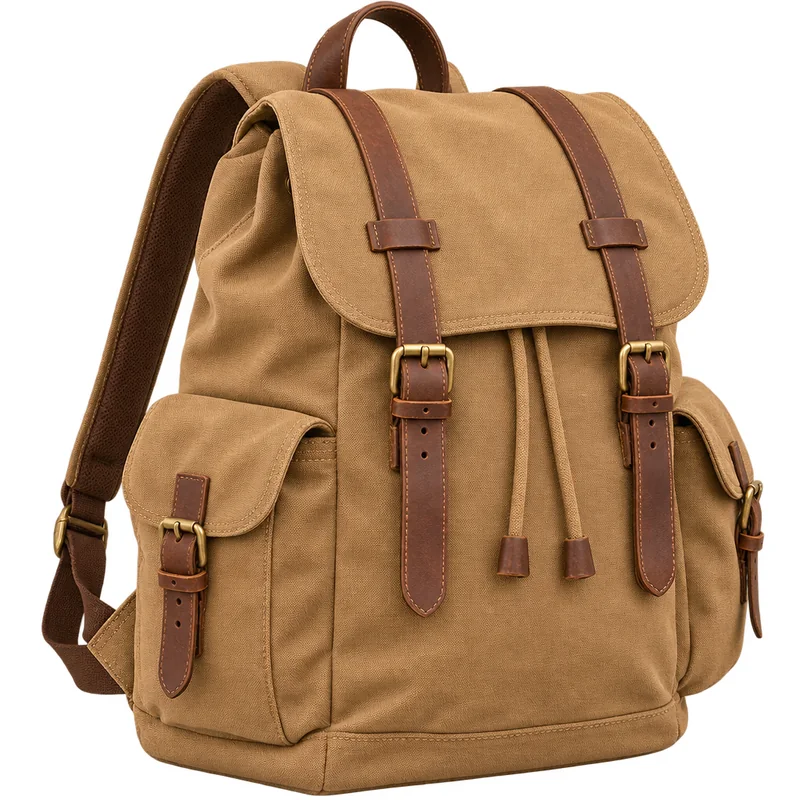
Keep your cropped picture in lossless PNG for sharp interface captures and transparent shapes, or pick JPG or WebP with adjustable quality when trimming large camera photographs for blogs, email newsletters, and landing pages.
Personal portraits, confidential slides, and unreleased design screenshots never leave your computer or phone when you crop photo online here. Every canvas render, mask calculation, and file export happens locally inside your browser tab.
Five practical tips for balanced framing, crisp rounded masks, and platform-ready aspect ratios.
Start with your final placement before you crop image frames so important visual details never get chopped off by an automatic platform feed. Use 1:1 Square for avatars, team bios, and clean storefront grids; pick 4:5 Portrait for tall mobile feed posts that claim more vertical screen space; lock 16:9 for slide decks, video thumbnails, and desktop blog covers; and choose 9:16 for vertical stories and phone wallpapers. Locking the ratio up front prevents awkward clipping after upload and keeps every gallery card aligned.
When preparing author headshots, testimonial badges, or app showcase tiles, using this image cropper to cut a crisp shape directly into the PNG simplifies layout work across slide decks, PDFs, and email templates where CSS border-radius is unavailable or inconsistent. Pick 1:1 Square with Circle mode for perfectly round portraits, or test a 12% to 20% corner radius in Rounded mode for modern software cards with smooth anti-aliased corners that blend seamlessly onto both light and dark backgrounds.
Always crop photo online before resizing down to a target web width. Trimming tight first keeps maximum source pixel detail inside your chosen composition instead of throwing away resolution too early and enlarging a blurry crop afterward. Once your framing looks balanced, open the finished file in our Image Resizer to hit an exact output dimension like 1200 px, 1080 px, or 512 px cleanly.
Exported logos, hand-lettered signatures, and UI elements often carry generous empty margins that throw off visual alignment in documents, presentations, and websites. Use Freeform mode to crop PNG borders snugly around visible artwork while staying in PNG or Original format so every semi-transparent shadow, soft glow, and anti-aliased edge stays completely intact with zero background matting.
If a scanned photo arrived sideways or upside down, straighten it first with Rotate Image or mirror a reversed selfie using Flip Image before framing your final crop. Working with an animated loop instead of a still picture? Use our Crop GIF tool to trim every frame of an animation cleanly without losing motion.
Everyday creative, business, and personal tasks where quick local cropping delivers clean framing without heavy apps.
Trim extra whitespace around logos, crop PNG UI captures to exact pixel widths, and cut crisp rounded feature cards or circular team avatars in seconds.
Reframe one horizontal shoot into 1:1 posts, 4:5 vertical portraits, 9:16 stories, and 16:9 header covers using locked aspect-ratio presets.
Crop picture edges cleanly to remove cluttered backgrounds around product shots and center items consistently inside square or 4:3 frames for tidy marketplace listings.
Crop picture scans, ID headshots, and family portraits privately on your own device without installing software or sending personal images to cloud servers.
Clear answers about aspect ratios, circular transparency masks, lossless PNG quality, pixel framing, and privacy.
Drop your PNG, JPG, or WebP file into the cropper at the top of this page, drag the selection frame or choose an aspect ratio and shape mask, and click Download. Everything runs free in your browser with no signup and zero watermarks.
Yes. Select 1:1 Square and switch the mask shape to Circle. The engine applies sub-pixel anti-aliasing along the curve and exports a clean transparent PNG so the outer corners stay completely invisible.
No. When you crop PNG files and save as Original or PNG, the engine extracts the exact pixels inside your chosen rectangle losslessly without rescaling, re-quantizing, or blurring the remaining graphic.
You can crop freely or lock onto seven presets: 1:1 Square, 4:3, 3:2, 16:9 widescreen, 9:16 Story, 4:5 Portrait, and 2:3 photography ratio.
Yes. Alongside dragging handles on the preview canvas, you can type precise X, Y, width, and height pixel coordinates for exact UI screenshots and layout slots.
No. All image decoding, cropping, and shape masking runs locally inside your web browser. Your files never leave your device.
Because standard JPG does not support transparency, choosing Circle or Rounded with Original format selected automatically upgrades the saved file to transparent PNG so your rounded corners stay clean. You can still explicitly select JPG if you prefer a solid white matte.
Yes. You can open PNG, JPG, JPEG, WebP, GIF (still frame), BMP, and AVIF files, crop picture frames cleanly, and save as PNG, JPG, or WebP.
Drop any image, lock your aspect ratio or cut a smooth circle mask, and save a crisp cropped file privately in your browser.
Choose image