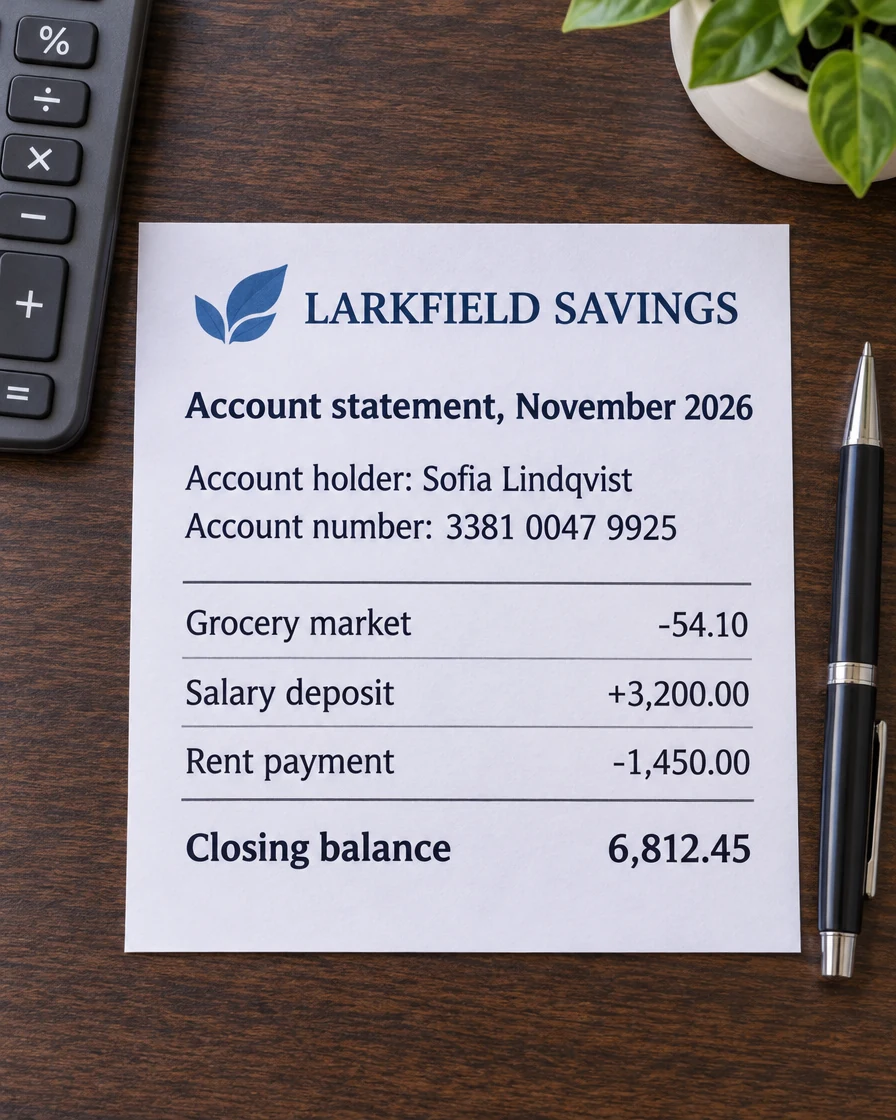
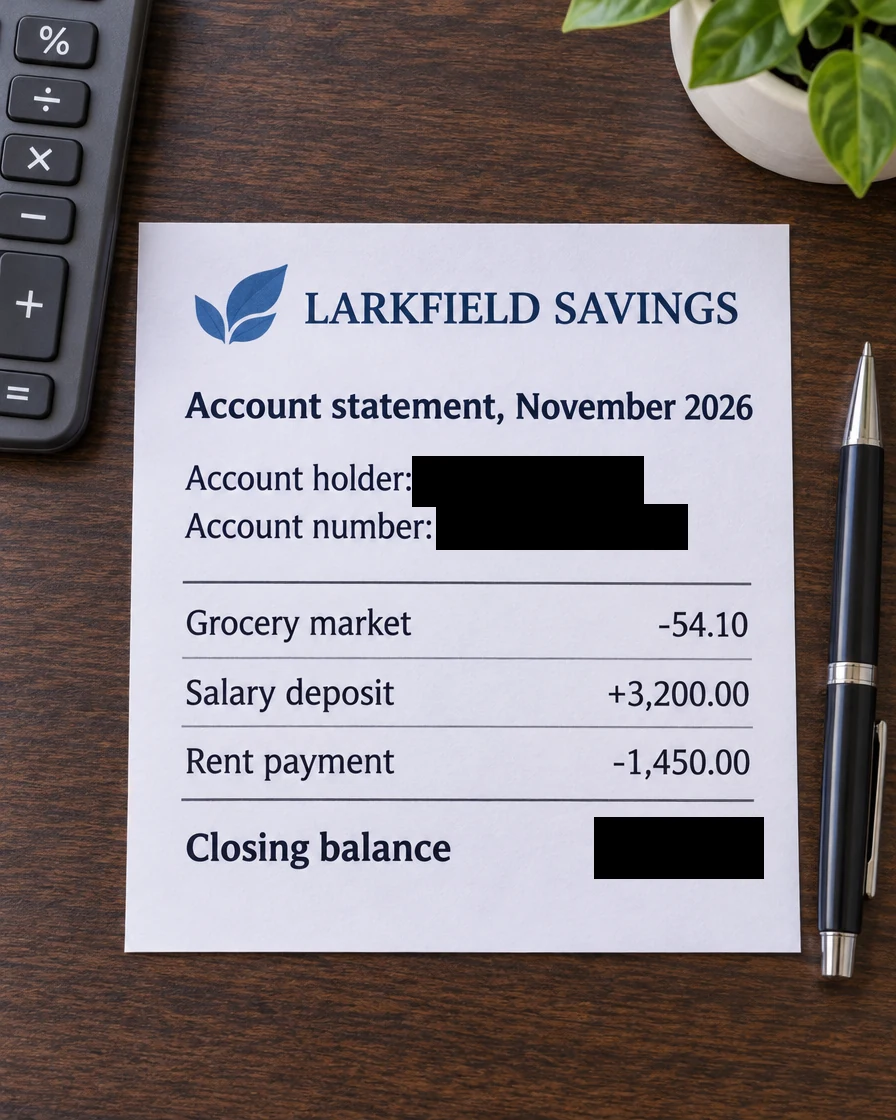
A bank statement
The account holder, the account number and the closing balance are covered with solid black boxes.
Drag a box over a name, an account number or a signature and it turns solid black at once. Redact image text in documents, cards and screenshots, pixelate a face on an ID, and download a full-size copy with nothing left under the boxes. It all runs in your browser, so the picture never leaves your device.
Drop a picture here
PNG, JPG, WebP, GIF, BMP or AVIF. It stays on your device.
Each picture below was redacted with this tool. Open one to see its boxes and change them yourself.
The account holder, the account number and the closing balance are covered with solid black boxes.
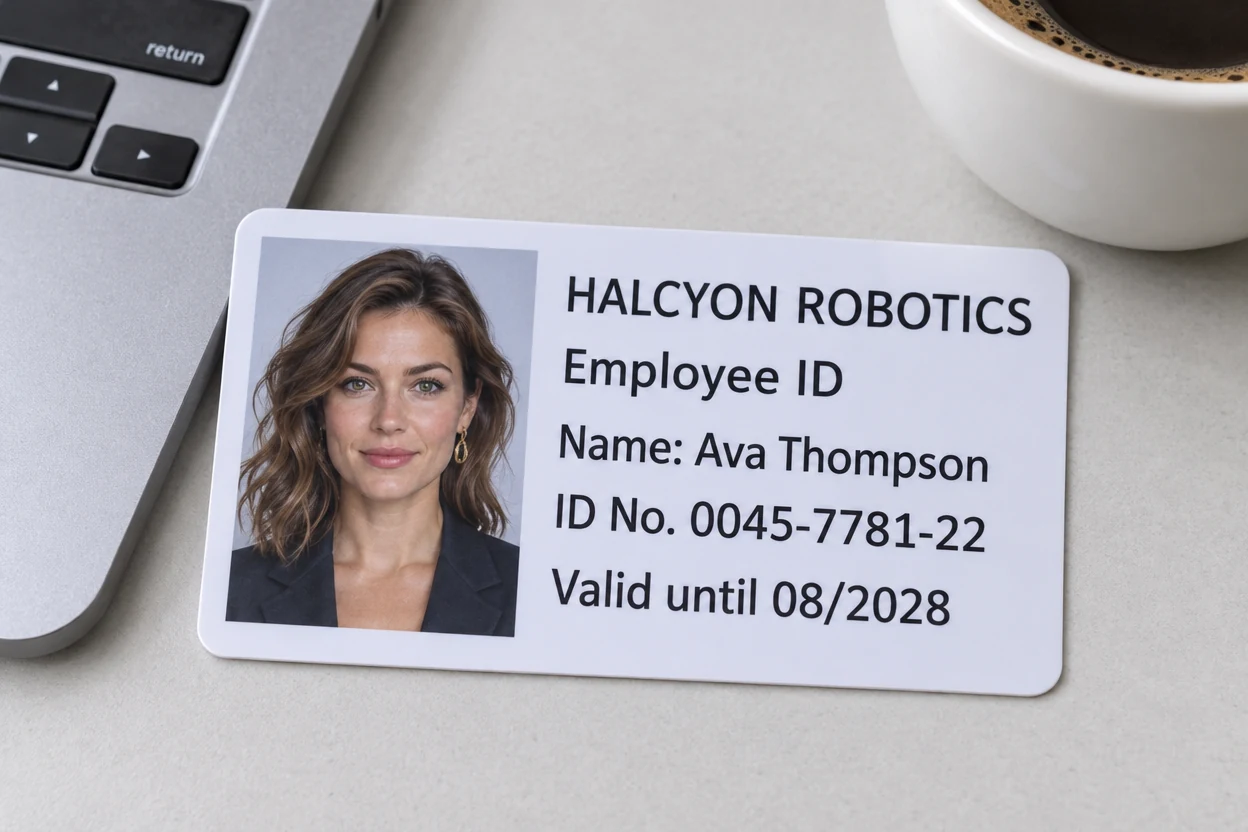
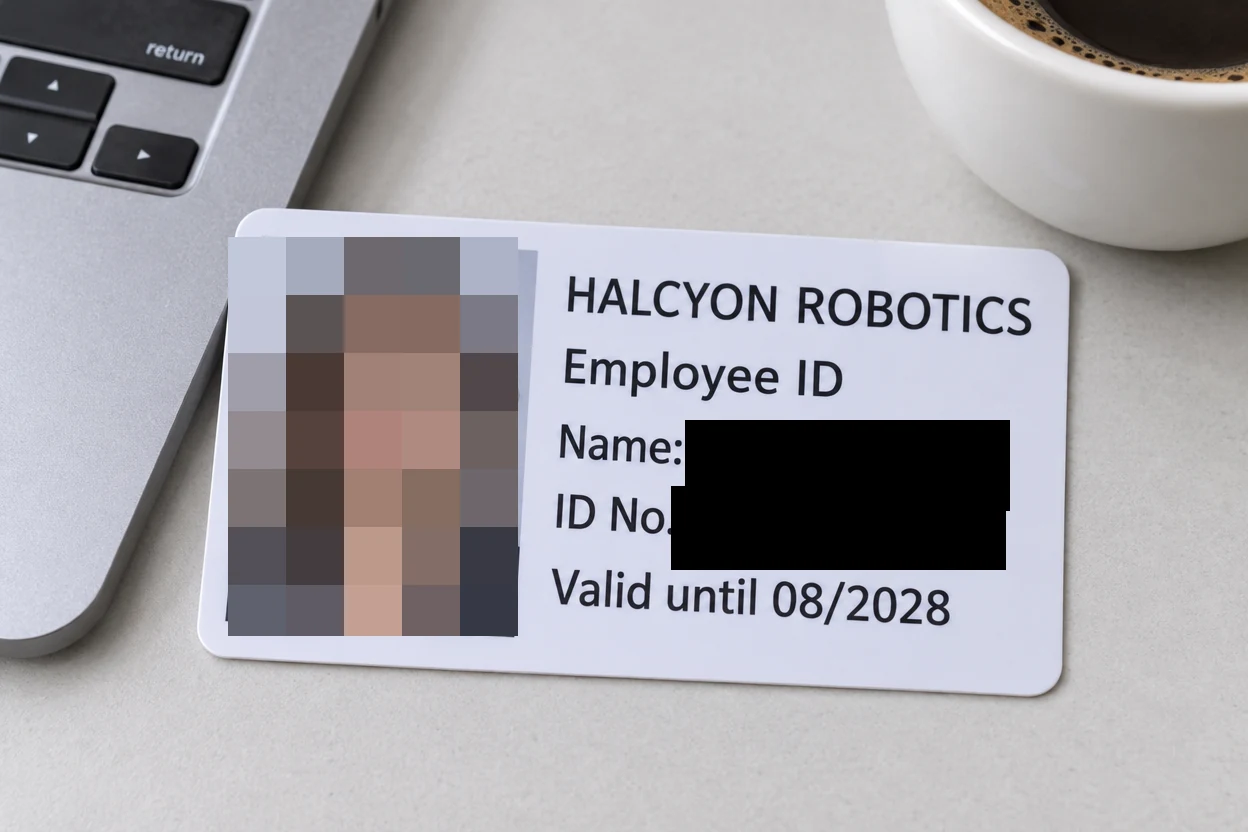
Black boxes over the name and the ID number, and Pixelate over the portrait photo.
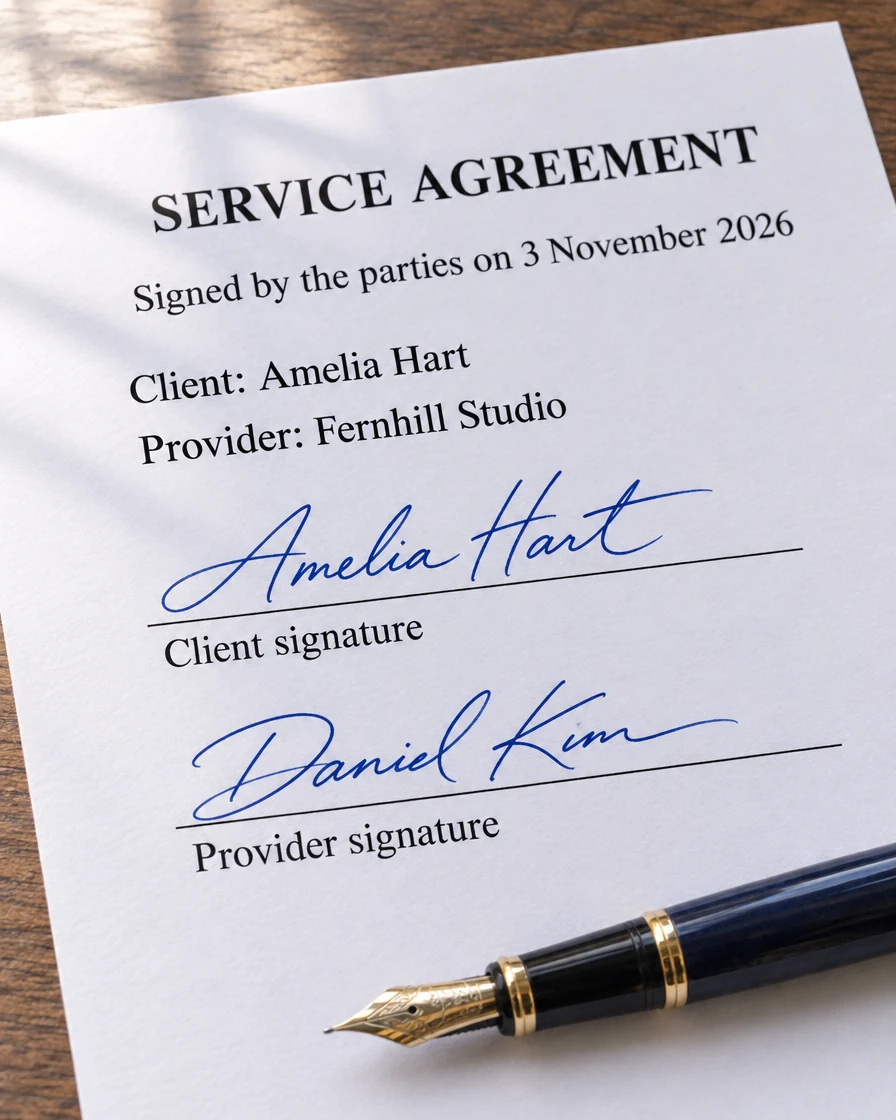
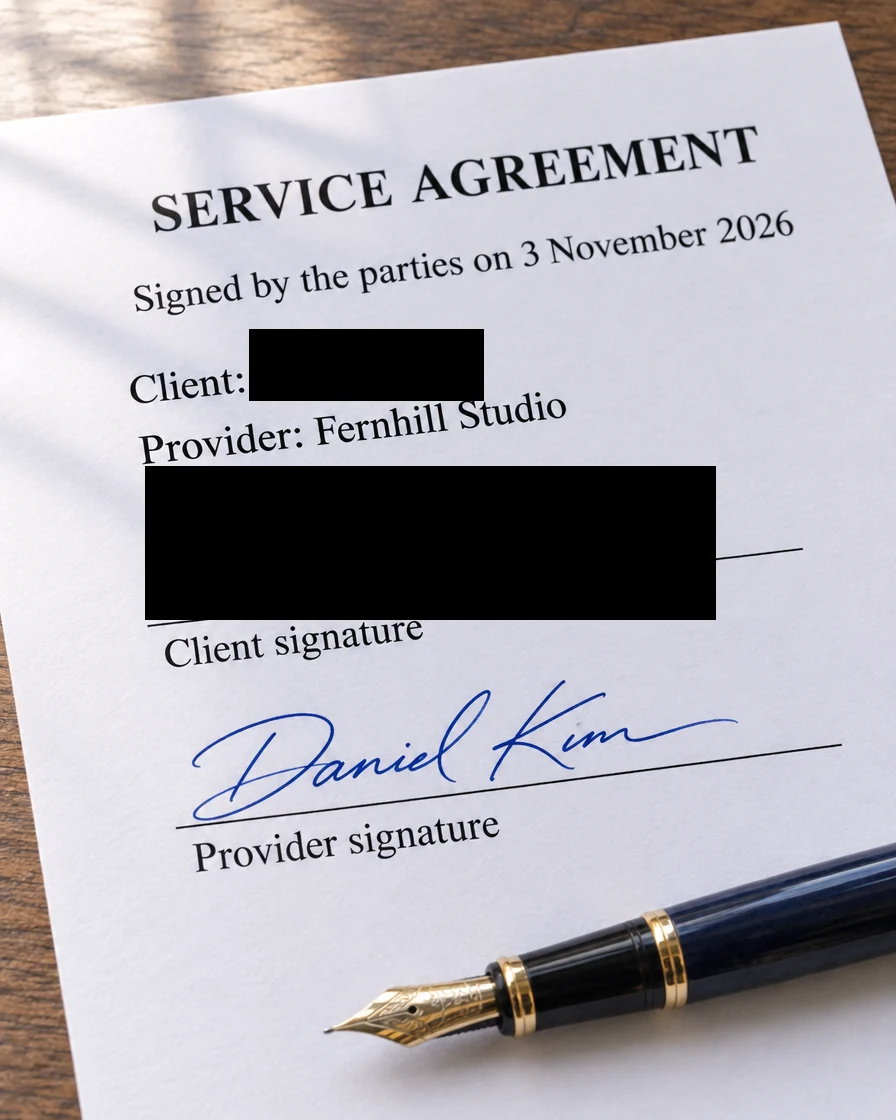
The client's name and signature are blacked out, and the rest of the agreement stays readable.
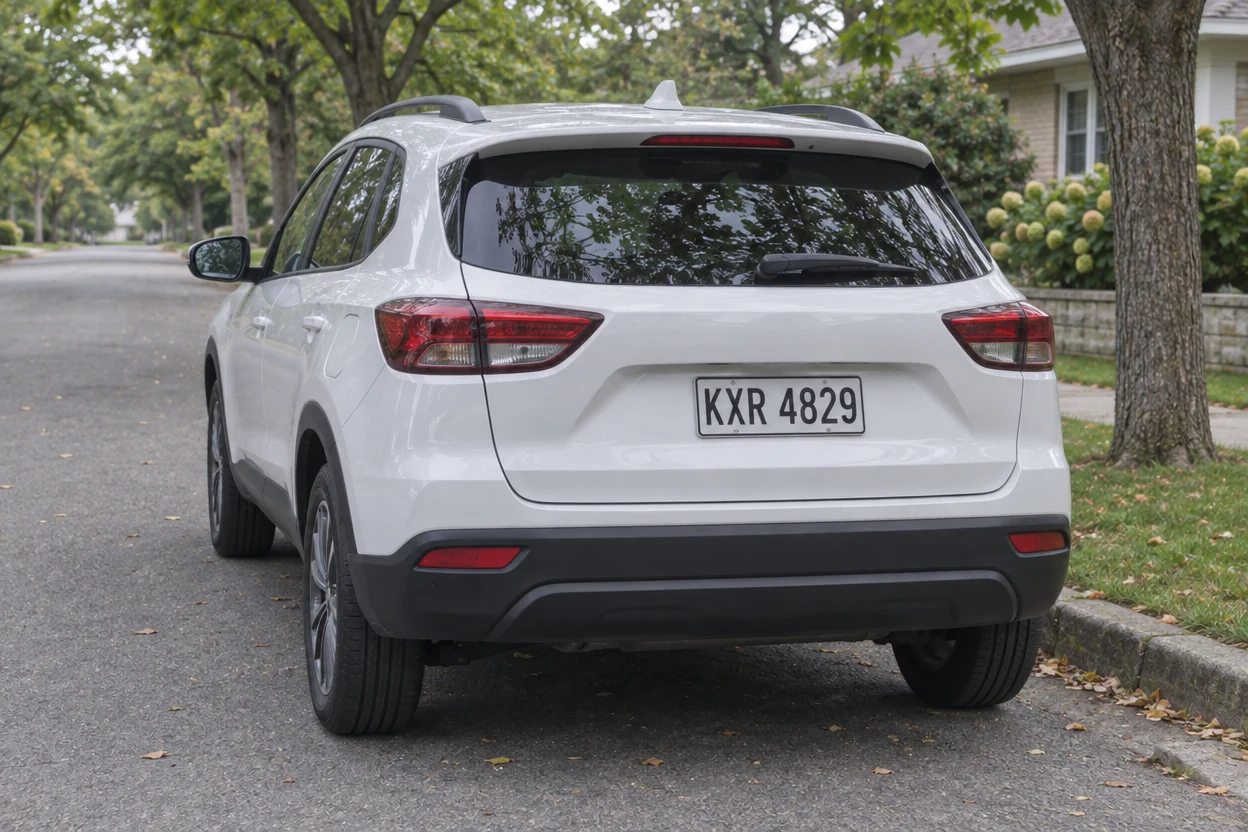
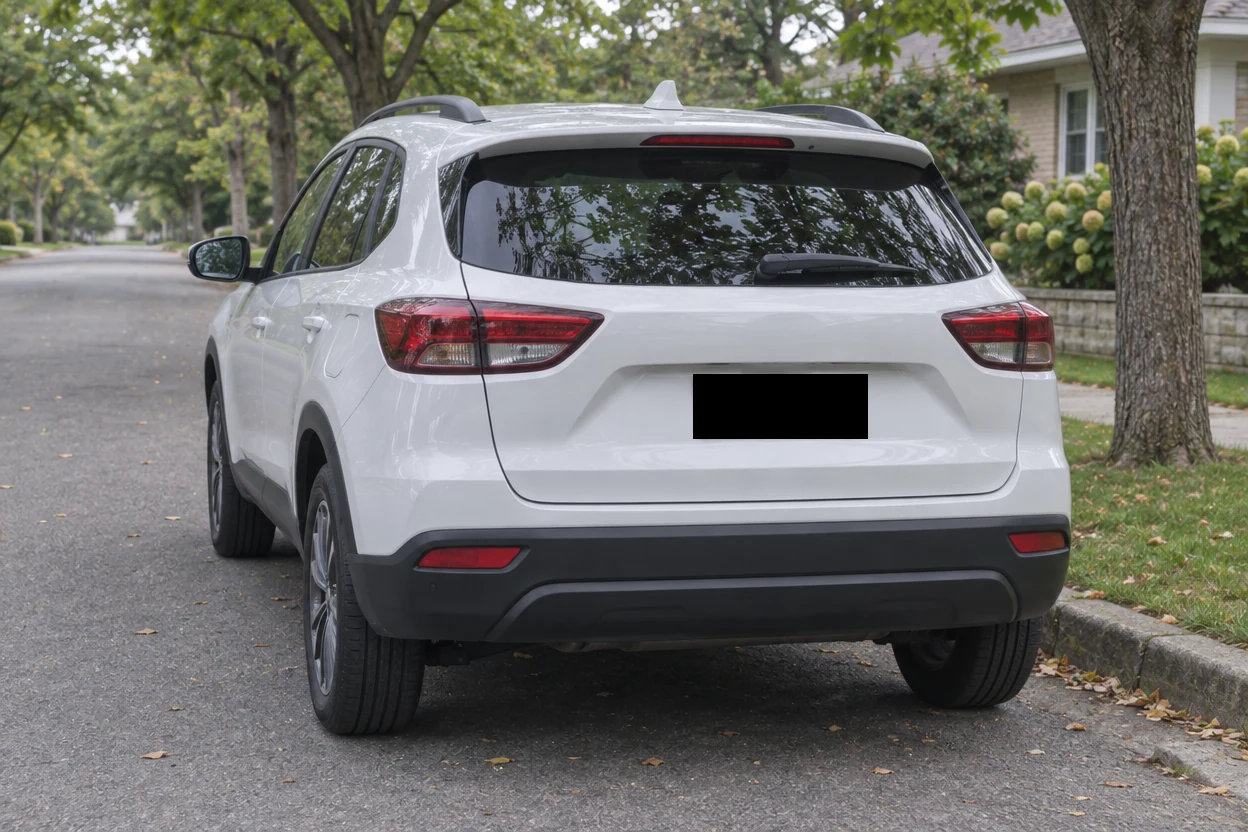
One black box over the plate before the car photo goes into a listing.
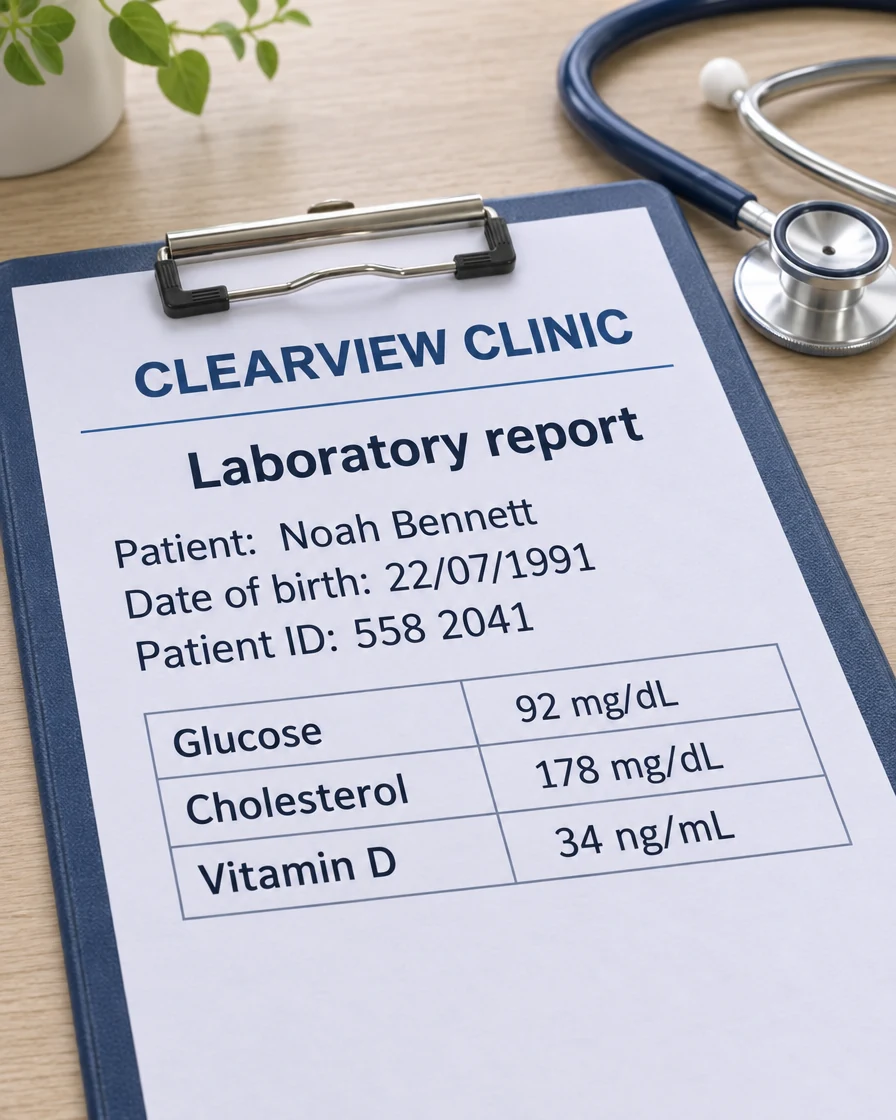
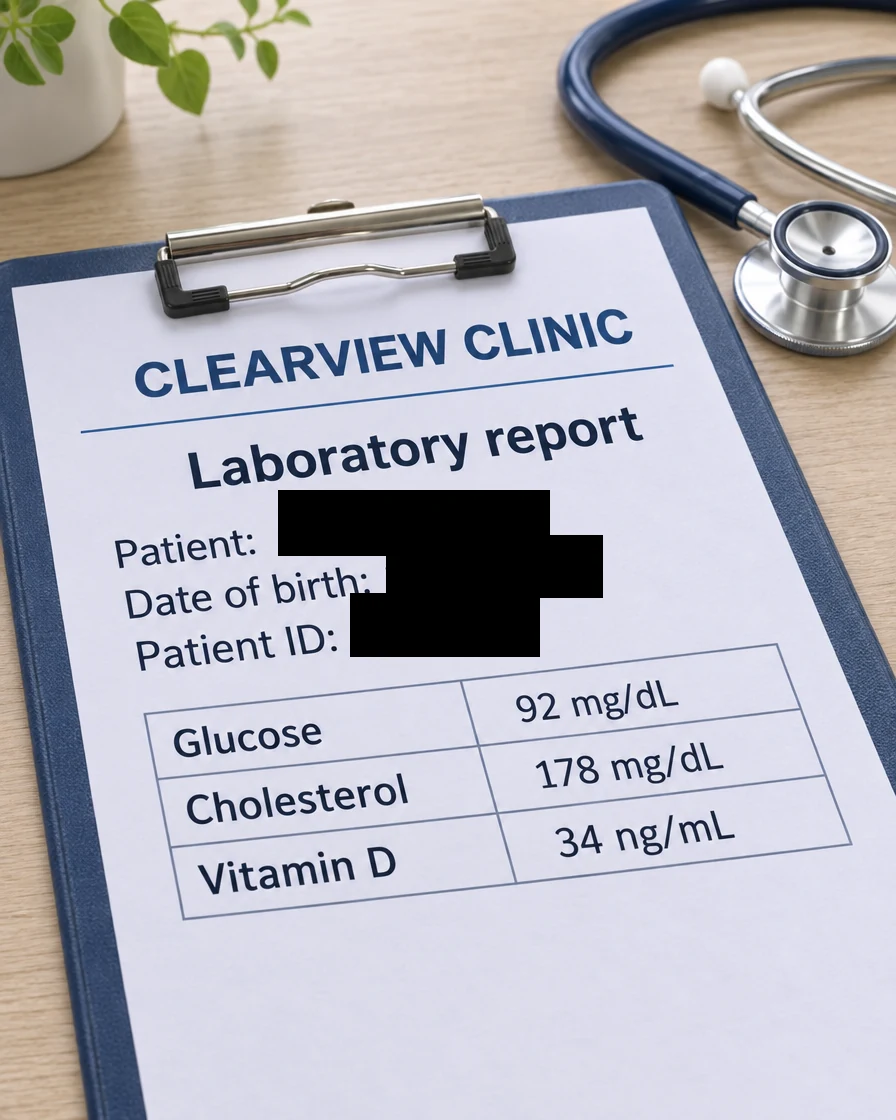
Patient name, date of birth and patient ID are covered, and the results stay readable.
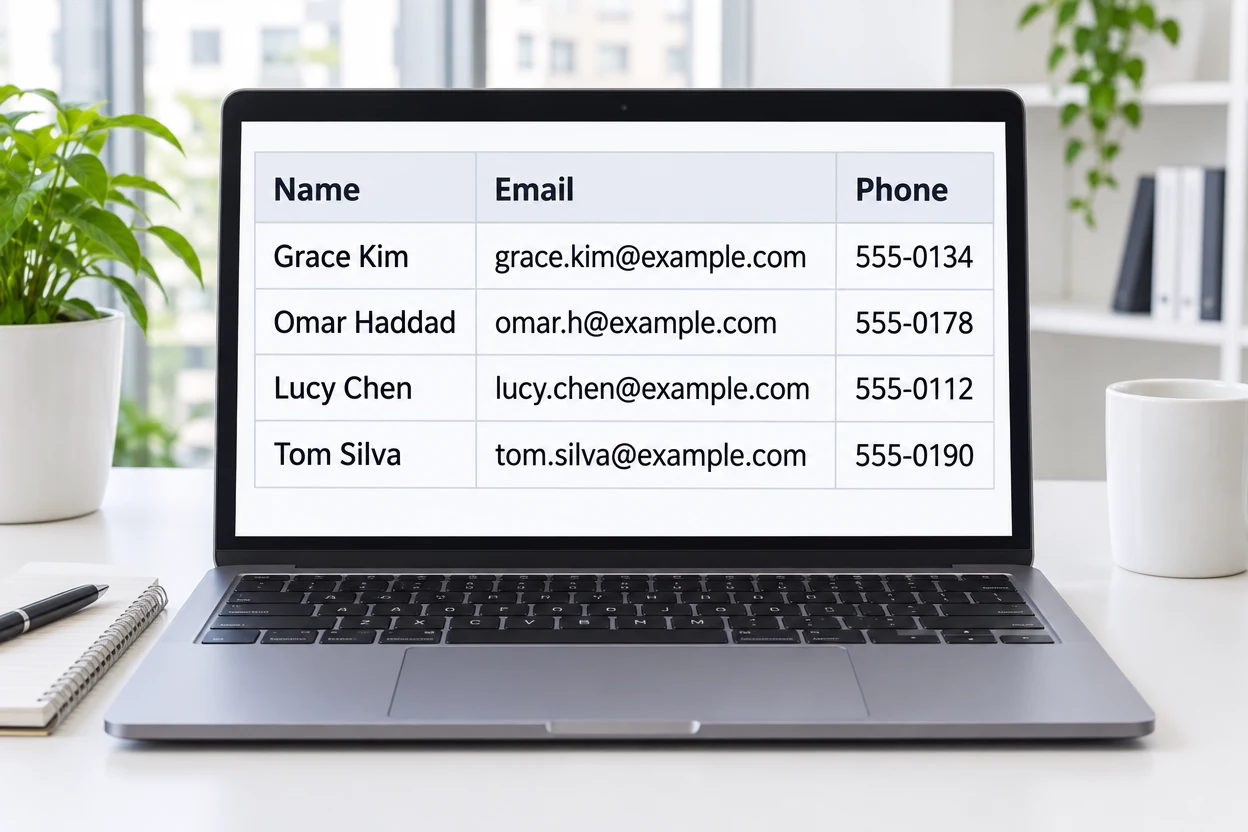
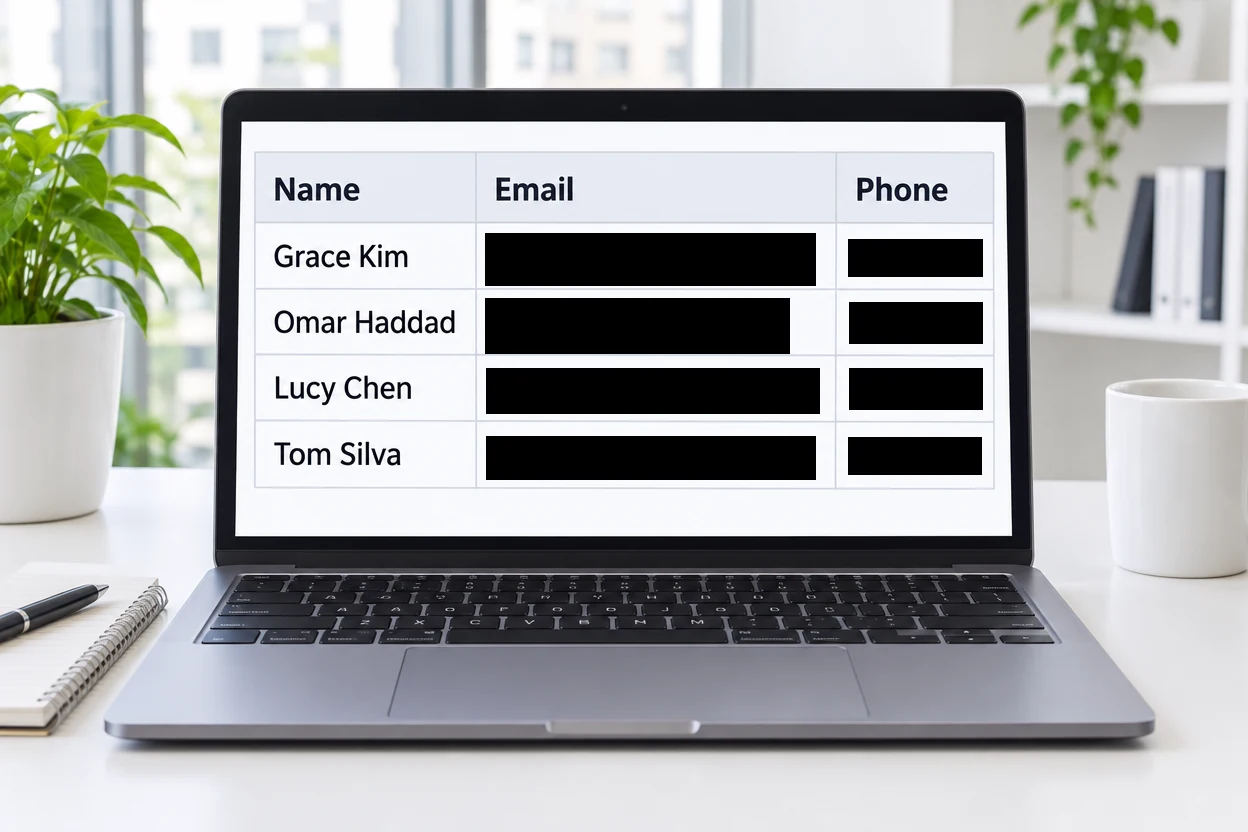
Every email address and phone number in the table gets its own black box.
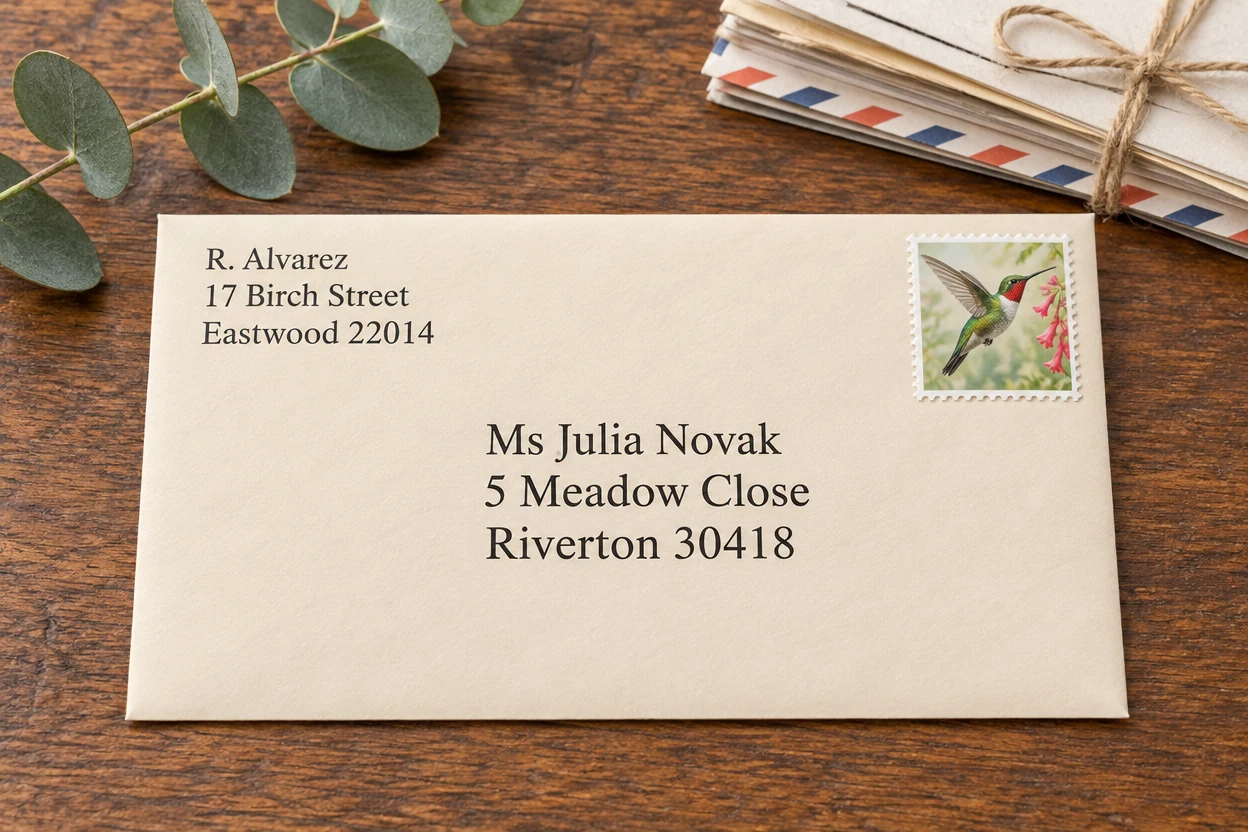
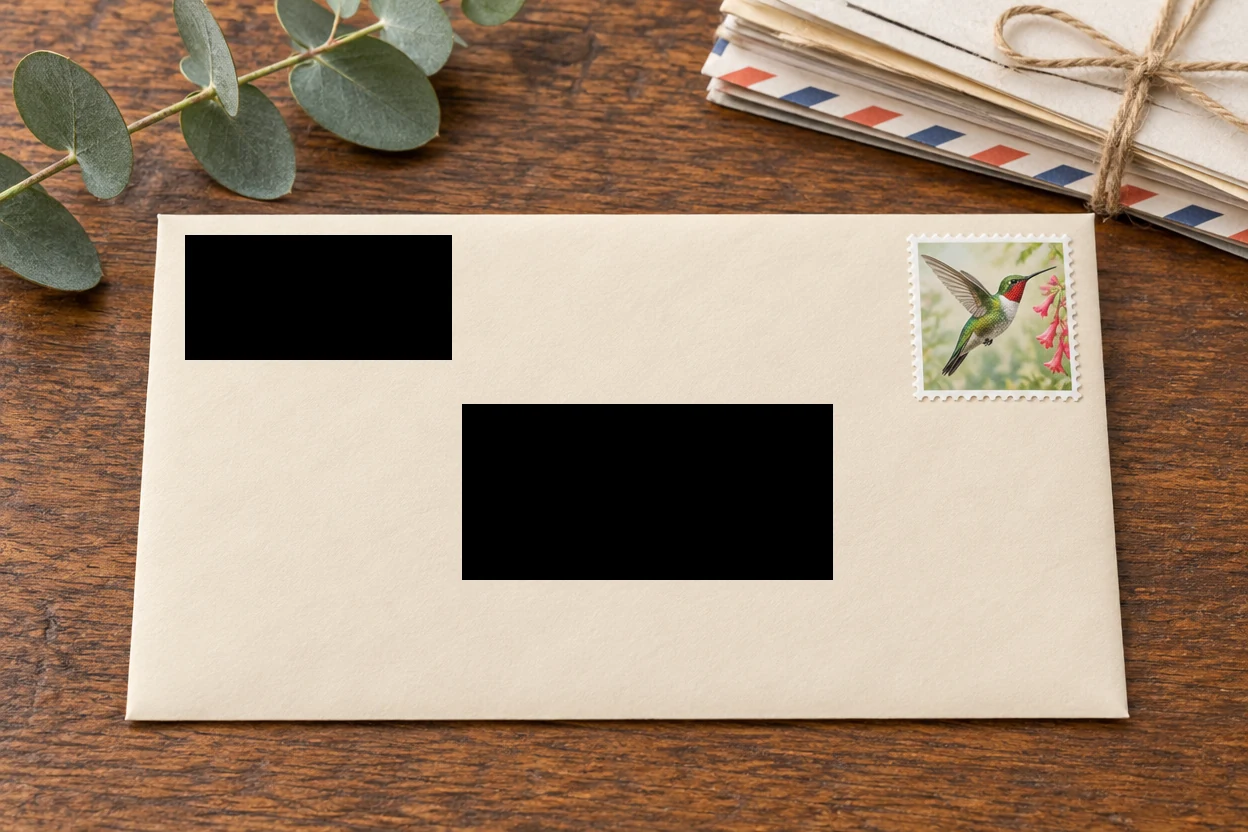
Sender and recipient are each covered with one solid box, and the stamp stays in view.
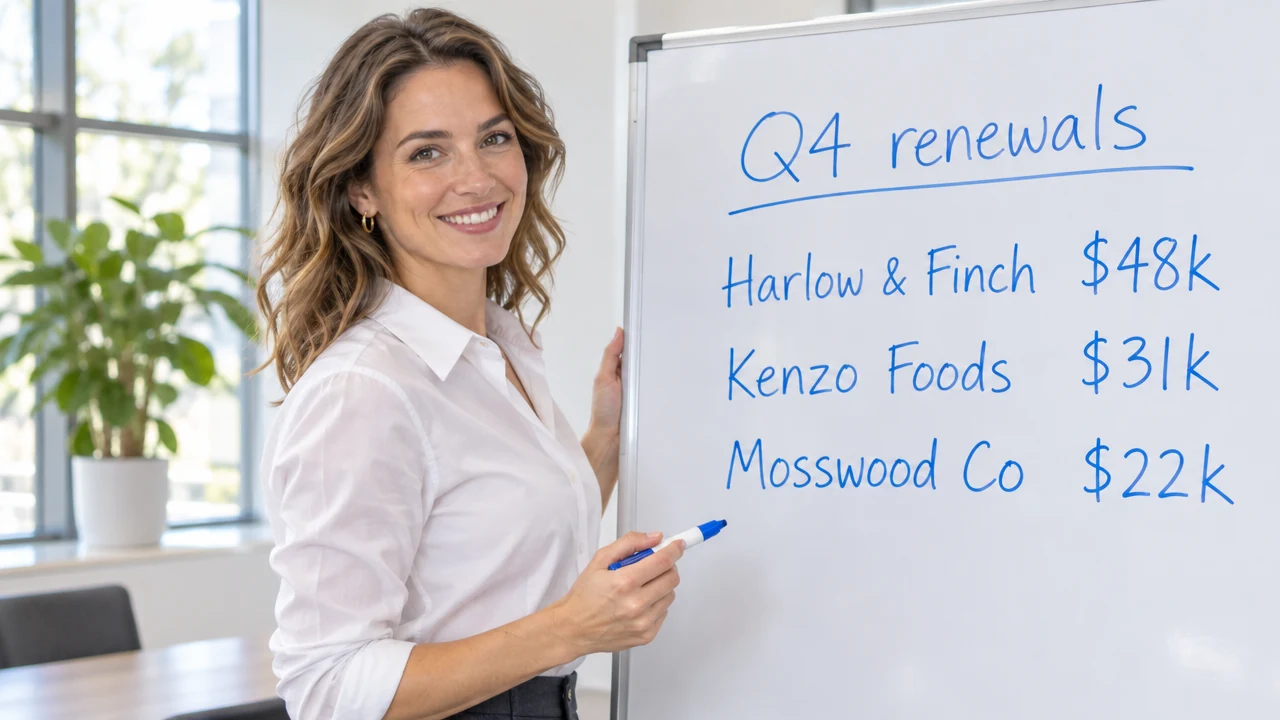
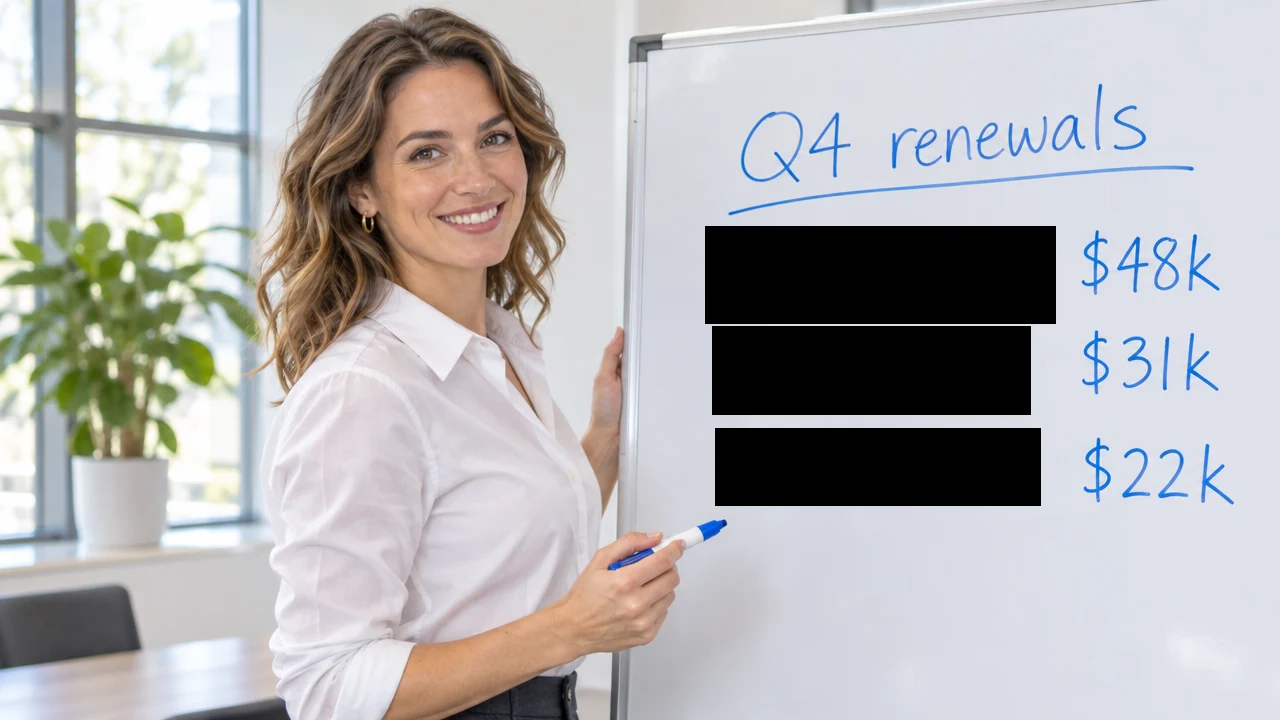
The client names are blacked out, and the amounts and the meeting photo stay as they were.
Three steps to redact a photo, a scan or a screenshot, all in your browser.
Drop a scan, a photo of a document or a screenshot, choose a file or paste one from your clipboard. PNG, JPG, WebP, GIF, BMP and AVIF all work, up to 40 megapixels.
Drag a box over each name, number, signature or plate; it turns solid black at once. Switch a box to Pixelate or Blur for a face, or pick another color for the cover.
Pick PNG, JPG or WebP and download. The file keeps its full size, and it is written anew, so location and camera data stay out of it.
This image redaction tool covers exactly what you mark, completely, and leaves the rest of the document crisp and readable.
OriginalEvery Solid box replaces the pixels under it with one flat color. The download is a new flat image with no layers and no history, so the covered text is simply not in the file.
OriginalBlack for the classic look, white to blend into a form, or any color you pick to match the paper, the screen or a sticky note. Every box keeps its own color.
OriginalPixelate or blur the portrait on an ID, a face in the background or a photo pinned to a board, on a strong scale made for redaction, right next to the black boxes over the text.
OriginalDrag a box over each detail, resize it by its handles and nudge it a pixel at a time with the arrow keys. Paint with the brush over a signature or a line of handwriting.
OriginalThe redacted file is written anew at full size, so the photo's location, camera details and edit history stay out of it. Name it, send it, and nothing else travels along.
Image redaction runs on your own device from start to finish: statements, IDs and medical papers are opened, covered and saved in your browser, with nothing sent to a server.
A few habits for a redaction that covers every detail and still reads cleanly.
A name often appears twice: in the header and beside the signature. Look over the whole page and give each place its own box, small print in the margins included.
Draw each box a little past the first and last character and above and below the line, so every letter and digit sits fully under the cover. Zoom in on scans and phone photos where lines run at a slight angle.
Solid covers text completely and reads as a redaction at a glance. For a portrait on an ID or a face in the background, Pixelate or Blur keeps the picture looking like a photo.
A barcode on a label or a QR code on a ticket can hold the same number as the text beside it. Give it a Solid box too, so nothing a scanner can read survives in the file.
Send the copy you downloaded rather than the original next to it. The download is named with "redacted" at the end, so the two are easy to tell apart.
Anyone who shares a document, a card or a screenshot can redact image online here in seconds.
Redact image details like account numbers, addresses and ID numbers before sending a bill, a statement or a form as proof.
Redact a photo of a contract, a payslip or an application before it is shared outside the case or the team.
Use image redaction for patient names, dates of birth and record numbers in scans and screenshots used for training or reports.
Redact photo details such as a license plate, a VIN or a shipping label in a car or parcel photo before it goes into a listing.
Answers about covers, faces, privacy and files.
Open the picture and drag a box over each name, number or signature: it turns solid black at once. Change the color, move or resize any box, then download the result as PNG, JPG or WebP.
Yes. This redact image tool is free, with no sign-up, no watermark and no daily limit. It runs in your browser, so there is nothing to install.
No. The picture is opened, covered and saved on your own device, so a statement or an ID never reaches a server.
No. A Solid box replaces the pixels with one flat color, and the download is a new flat image with no layers or history, so nothing of the covered text is in the file.
Yes. Drag a box over the plate and it turns black at once. Every plate, VIN and parcel label in the photo can have its own box, in black or in a color that suits the picture.
Yes. Drag a box over the portrait and switch it to Pixelate or Blur, or keep it Solid. Find faces covers every face in a photo with one press.
Yes. Open the page on your phone, tap to choose a photo of the document, drag with one finger to cover each detail and pinch to zoom. The picture stays on your phone the whole time.
Yes. The file has the same pixel size as your picture, up to 40 megapixels on a computer and 16 on a phone, and only the areas you covered change. Location and camera data are left out of the file.
Open a document, a card or a screenshot, box what to hide and download it in seconds. Redact image details free in your browser.
Open a picture