
Un-mirror a front-camera selfie
Flips a portrait horizontally so backwards clothing text, room signs, and natural pose direction read correctly again.
Flip image horizontally or vertically free in one click without losing a single pixel of sharpness. Fix backwards front-camera selfies, mirror product angles, prepare heat-transfer iron-on prints, or flip up to 30 photos at once into a tidy ZIP archive, all privately inside your browser.
Drop one or more images here to transform
Supports PNG, JPG, and WebP up to 30 images at once, processed locally.
Processed locally in your browser. Zero server uploads.
Or try a sample photo
Open any example below to test instant horizontal mirroring, hold-to-compare preview, and clean lossless export inside the flip image studio.
Flips a portrait horizontally so backwards clothing text, room signs, and natural pose direction read correctly again.
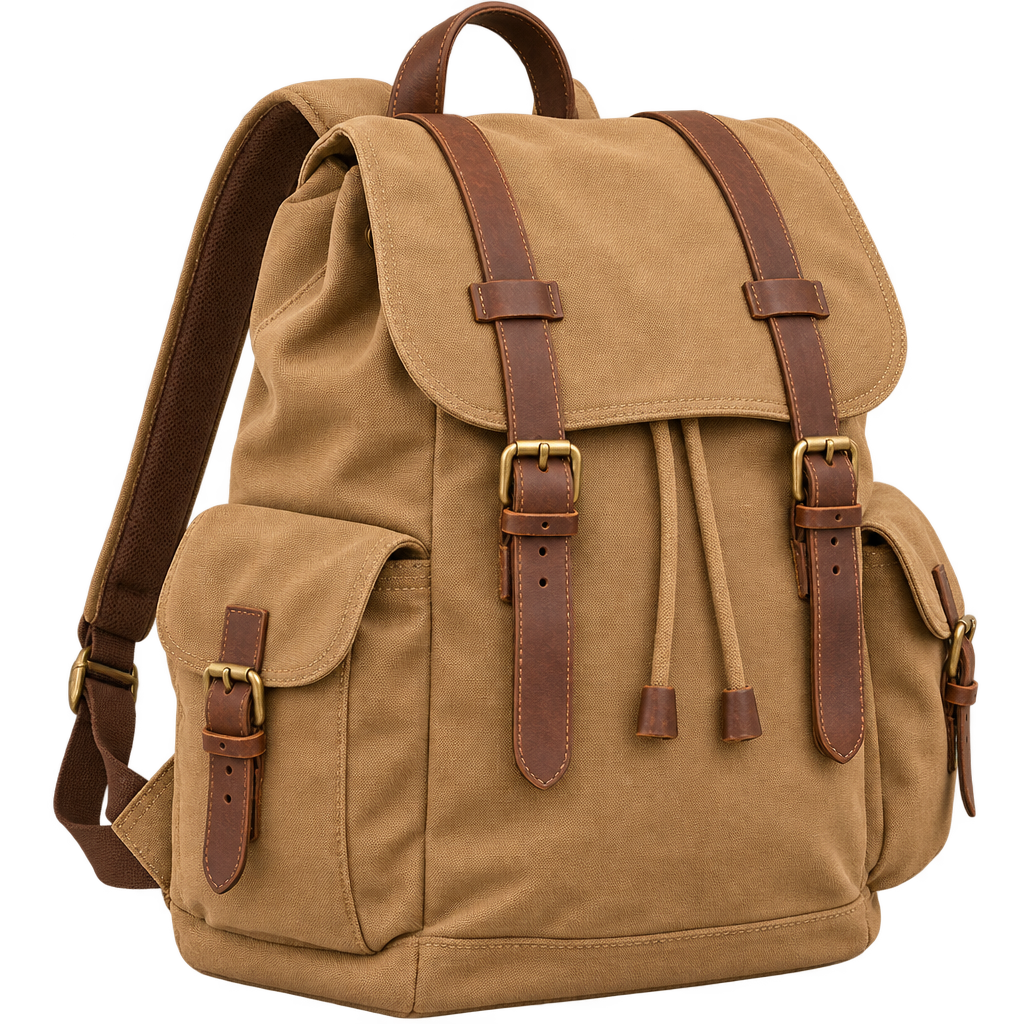
Reverses a product cutout left-to-right so the item faces toward your landing page headline or banner copy.

Prepares a transparent PNG decal flipped horizontally so iron-on vinyl and sublimation transfers press right-side-up onto fabric.
Mirror one picture or a full folder of photos in seconds right on your device.
Drop PNG, JPG, WebP, GIF, BMP, or AVIF files (up to 40 MB each) onto the canvas, or pick files from your device. Switch between images in a batch using the thumbnail strip below the live preview.
Toggle Flip Horizontal to mirror left-to-right or Flip Vertical to invert top-to-bottom. Press and hold Compare to glance back at the original orientation at any time, and pick Original, PNG, JPG, or WebP output format.
Click Download to save a single flipped picture at full native dimensions, or download all batch images together in one cleanly named ZIP archive with zero watermarks.
Fast, pixel-exact mirroring built for selfies, e-commerce catalogs, craft transfers, and clean batch workflows.
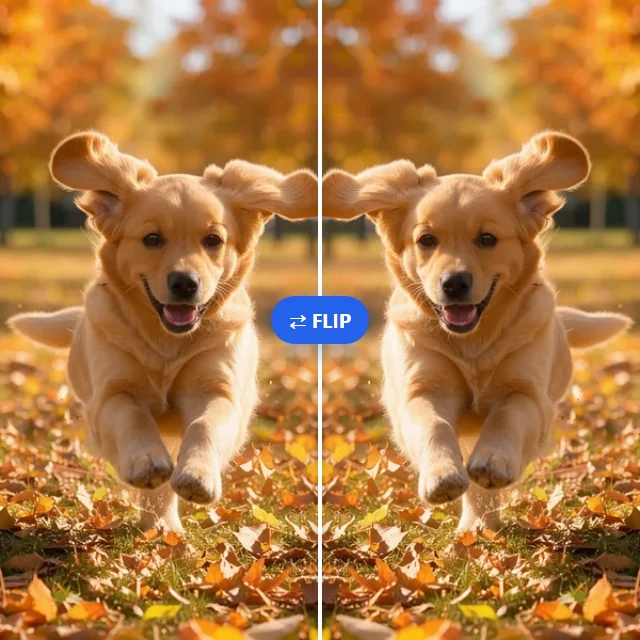
When you flip image horizontally here, every pixel maps directly to its exact mirror coordinate without blurring, rescaling, or cropping. Transparent PNG stickers and crisp UI graphics preserve every transparent edge cleanly while saving at full original pixel dimensions.

Flip photo assets top-to-bottom for reflection effects, upside-down art layouts, or symmetrical surface patterns, or combine horizontal and vertical mirroring at the same time. Quick 90-degree turn buttons sit right underneath whenever a batch also needs a rotation fix.

Subtle directional cues like eye gaze, shadow falloff, and layout balance are easiest to judge side by side. Press and hold the Compare button above the preview canvas to flash the original picture instantly and verify that your mirror image reads naturally before downloading.
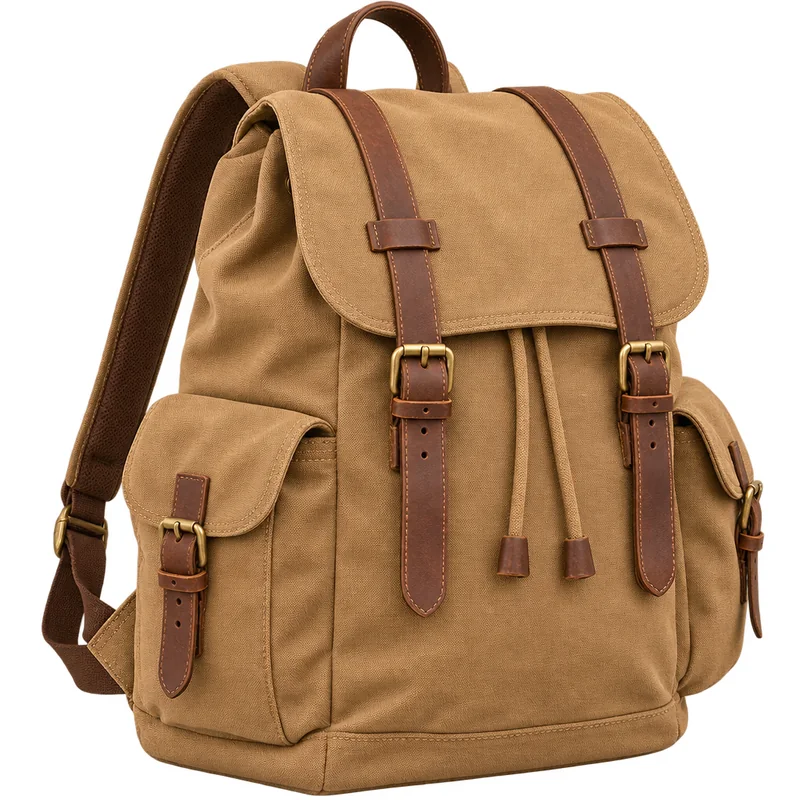
Catalog shoots, animation sprites, and social carousels often need the exact same transform applied across dozens of shots. Drop up to 30 files at once to flip image horizontally across the batch, click any thumbnail to inspect the live result, and export every mirrored picture packaged neatly inside one ZIP archive.

Save right back in the Original format to preserve your workflow conventions, or switch to lossless PNG for graphics with transparency, compact JPG for everyday photo sharing, or lightweight WebP for fast websites. Live dimension badges confirm width and height stay untouched.

Personal selfies, unpublished product launches, and custom craft designs stay strictly on your own computer or phone. Because you flip picture online locally inside your browser, there is no waiting for server queues, no file retention risk, and no sign-up.
Five practical scenarios where flipping an image fixes composition, printing, and readability in seconds.
Many smartphone front cameras save preview-style mirror shots where shirt logos, street signs, and handwritten notes appear reversed. Use Flip Horizontal to mirror image pixels back to how the world actually saw you, restoring readable lettering immediately without trimming the edges or altering photo resolution.
Iron-on HTV vinyl, sublimation paper, and temporary tattoo decals are printed face-down onto transfer sheets and pressed onto garments or mugs. If you forget to flip image horizontally before printing, words and logos end up backwards on the finished item. Flip transparent PNG designs here and export in PNG format so transparency stays intact for clean cutting and pressing.
In left-to-right web layouts, portraits and products feel more natural when they face inward toward headlines and buy buttons rather than looking off the edge of the screen. A quick horizontal flip photo edit redirects subject gaze and composition flow in one second, though you should double-check clocks, watches, badges, or asymmetric hardware before publishing.
Game artists frequently draw a character facing right and flip picture online batches to generate left-facing walk cycles instantly. UI and social creators also flip photo layers vertically to create water or glossy tabletop reflections, then pair original and mirrored frames together using Combine Images or slice strips with Image Splitter.
Flipping reflects pixels across a mirror axis (turning left into right, or top into bottom), whereas rotating turns the whole canvas around its center without reversing handedness. If a phone shot came out sideways or upside-down with readable text, flipping vertically alone leaves letters backwards; switch to Rotate Image for true 90, 180, or 270-degree turns.
Everyday situations where mirroring single photos or batches saves tedious manual edits.
Correct backwards front-camera selfies, balance portrait poses across diptychs, and flip photo angles cleanly with instant hold-to-compare toggling.
Mirror product cutouts and lifestyle hero shots to match ad templates, email columns, and marketplace banners, flipping up to 30 images in one batch.
Mirror image designs horizontally before printing onto sublimation paper, heat-transfer vinyl, or iron-on decals while keeping PNG transparency razor-sharp.
Generate opposite-facing character sprites, mirror UI illustrations, and batch-export flipped assets cleanly as PNG or WebP without opening bulky desktop software.
Quick answers about horizontal and vertical mirroring, quality, batch ZIP export, and privacy.
Drop your file into the studio at the top of the page to flip picture online immediately. Horizontal mirror activates on load so you see the mirror image preview right away; toggle Flip Horizontal or Flip Vertical and click Download.
No. Flipping mirrors pixel coordinates directly at your picture's exact native width and height. Exporting as PNG keeps every pixel completely lossless, and JPG or WebP saves at high quality (92%).
Yes. Add up to 30 images (up to 40 MB each) to flip photo batches together with the same mirror setting. Click Download ZIP to save every mirrored picture cleanly in one archive.
Yes. When you export in Original format (for PNG or WebP sources), PNG, or WebP, the full alpha transparency channel mirrors right alongside the color pixels.
No. Every flip image edit, live preview, and ZIP build runs locally inside your browser. Your personal photos and designs never leave your device.
Flipping vertically mirrors top to bottom like a reflection in water, keeping left on the left and reversing text upside-down. Rotating 180 degrees turns the whole image around so upside-down text becomes readable again (equivalent to flipping both horizontally and vertically).
Upload your transparent PNG design, leave Flip Horizontal active, verify that all text reads backwards in the live preview, keep output format set to PNG, and click Download.
Yes. The studio adapts cleanly to mobile browsers so you can pick selfies straight from your camera roll, mirror them locally on your phone, and save the flipped copy immediately.
Drop one photo or a batch of 30, mirror horizontally or vertically, compare live, and download privately in your browser.
Choose images to flip