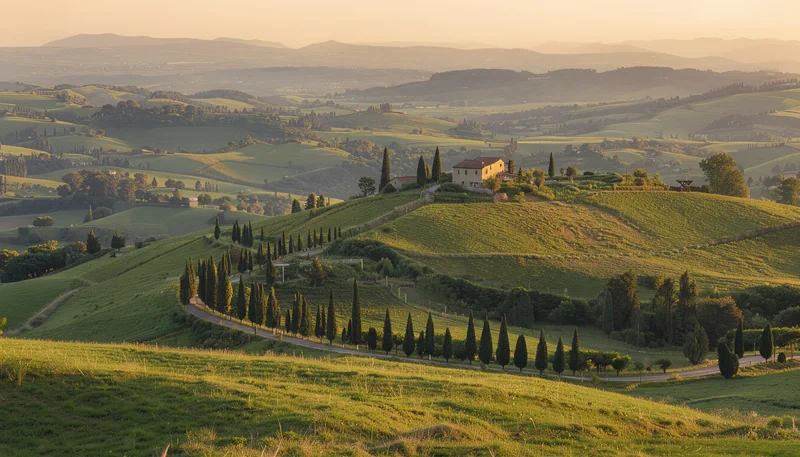
Full-frame diagonal client proof grid
Covers the entire image in a staggered -30 degree repeating text pattern at balanced opacity so clients can review composition without unauthorized cropping.
Use this free watermark maker right in your browser with no uploads or signup to try. Stamp custom text or transparent logos at nine corners or diagonal tiles in batch.
Drop photos here to add a watermark
Upload up to 30 PNG, JPG, WebP, or AVIF images. Add text or logo stamps locally in your browser.
Processed locally in your browser. Photos never leave your device.
Open any preset layout below inside this photo watermark maker to inspect corner logo margins, staggered diagonal client proofs, opacity balance, and shadow contrast before stamping your own photos.
Covers the entire image in a staggered -30 degree repeating text pattern at balanced opacity so clients can review composition without unauthorized cropping.
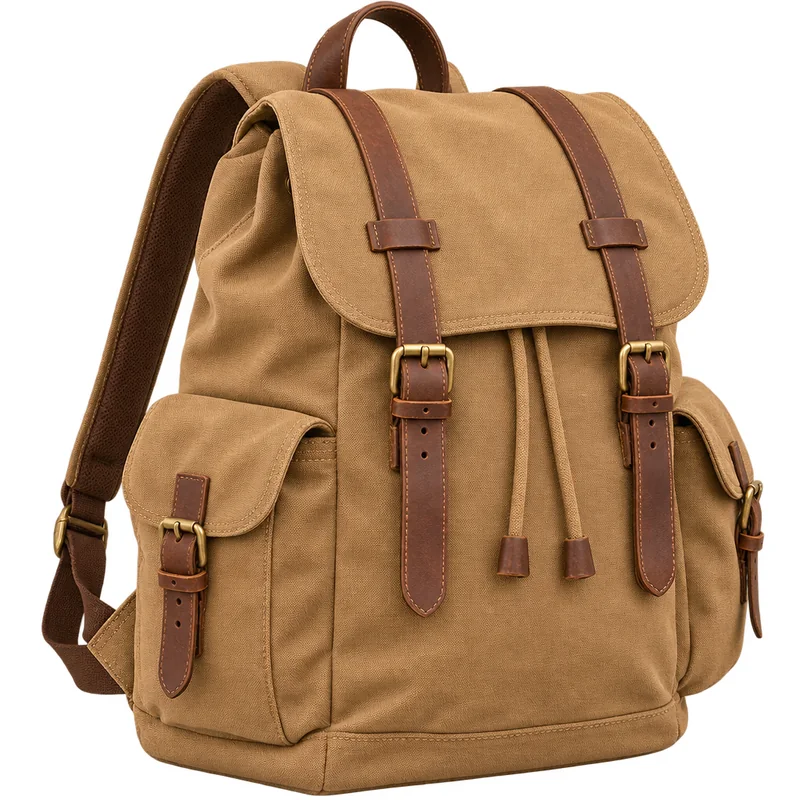
Stamps a crisp transparent PNG or SVG brand mark anchored cleanly with proportional edge padding for product listings and social posts.

Places a crisp single-line or multi-line copyright byline with soft drop-shadow legibility across bright highlights and dark shadow areas alike.
Protect portfolios, brand e-commerce catalogs, and prepare client proofs locally in seconds.
Drag JPG, PNG, or WebP photos onto the studio, or select an entire folder to batch stamp together. Every image stays strictly in local browser memory with zero server uploads.
Type custom copyright text (single or multi-line) or upload a transparent PNG or SVG logo. Pick any of the nine anchor points or enable staggered full-frame tiling, then dial opacity, scale, rotation, spacing, and drop shadow live.
Preview exact placement on your photo at native dimensions. Keep the original format or switch to PNG, JPG, or WebP, then save individual stamped photos or bundle the entire batch into one ZIP archive.
Precision placement geometry, dual text and logo modes, proportional scaling across mixed sizes, and instant local batch export.
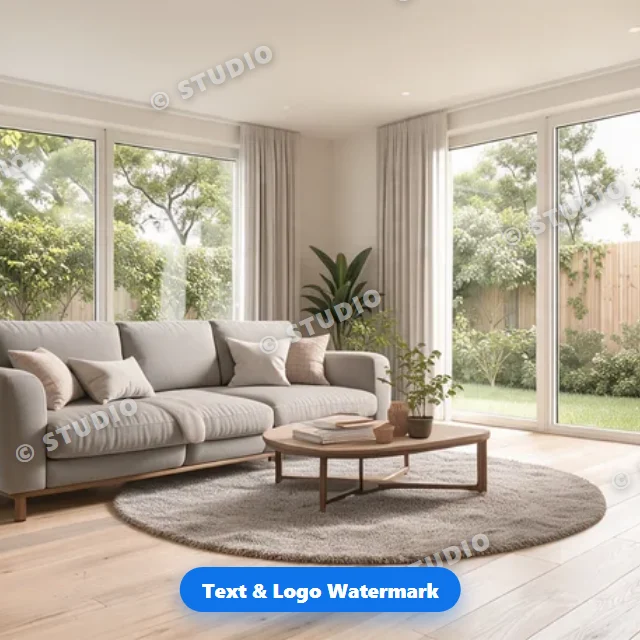
Switch smoothly between typographic copyright bylines and visual brand marks inside one watermark generator. Text mode supports multi-line labels, font selection, bold or regular weight, custom hex color, and optional drop shadow, while image mode stamps transparent PNG or SVG logos with crisp aspect-ratio preservation.
Place a single clean stamp at top-left, top-center, top-right, middle-left, dead center, middle-right, bottom-left, bottom-center, or bottom-right in one click. Edge margin and stamp size scale as percentages of your image dimensions so mixed portrait and landscape photos look visually consistent across an entire gallery.
Corner signatures are easy to crop away on unapproved drafts. Flip on Tiled mode to generate a staggered brick-style pattern spanning the whole canvas cleanly, with adjustable grid spacing (10 to 80 percent) and full rotation control from -180 to +180 degrees.
Find the sweet spot between brand visibility and photo enjoyment with smooth 0 to 100 percent opacity control. Toggle subtle drop shadows so white text or light logos stay readable even when a batch contains bright snowy skies alongside moody studio shots.

Save hours on client shoots and marketplace uploads. Drop dozens of photos at once to add watermark to image collections using identical proportional styling, then export every stamped file cleanly deduplicated inside a single ZIP download.

This watermark maker renders every canvas at exact original width and height with your choice of Original, PNG, JPG, or WebP output and adjustable compression quality. Client wedding galleries, unreleased product shoots, and confidential documents never leave your browser.
Five practical tips on choosing corner stamps versus tiled grids, tuning opacity, keeping logos crisp, and batch-prepping galleries.
Start by deciding whether your watermark exists for quiet brand attribution or active proof protection. For published social posts, blog illustrations, and product catalogs, a crisp corner logo or byline anchored at bottom-right with 4 to 6 percent margin identifies your work without distracting buyers. For draft client proofs, real-estate previews, or digital art previews, turn on staggered diagonal tiling so no portion of the frame can be cropped clean.
Heavy 100 percent solid marks ruin fine details, while marks below 15 percent vanish on textured surfaces. Most photographers land between 35 and 55 percent opacity in white or neutral gray with the subtle drop shadow switched on. When you add watermark to photo sets containing both bright daytime exteriors and dark indoor frames, that soft shadow guarantees steady contrast without manual per-image edits.
Logo marks look far cleaner when exported as monochrome white or dark silhouettes on a transparent PNG or scalable SVG canvas with tight cropping around the artwork. Avoid uploading logos with wide invisible padding, which pushes corner stamps inward unexpectedly. Scaling logo width between 12 and 22 percent keeps brand marks balanced on both desktop hero banners and mobile thumbnails.
A fixed 36 px font looks enormous on a 600 px thumbnail and microscopic on a 4000 px camera file. Because this watermark maker computes font size, edge margin, logo width, and tile spacing proportionally relative to each image's dimensions, you can drop vertical phone photos and horizontal DSLR exports into one batch and get visually uniform stamps on every single frame.
For the sharpest text and logos on web galleries, reframe with Crop Image and set target web widths in Image Resizer before adding your stamp, then shrink final gallery weight with Compress JPG. Need to clean an outdated date stamp or old corner badge off your own archival file before applying a new brand mark? Clear it cleanly with our Watermark Remover.
Everyday creative, commercial, and administrative tasks where fast local watermarking protects work and builds brand recognition.
Apply staggered diagonal proof grids across entire wedding, portrait, or event folders locally before sharing review galleries with clients.
Add watermark to photo listings with a consistent transparent store logo so product photography stays attributed across marketplaces and social feeds.
Sign concept art, commissions, and UI mockups cleanly with semi-transparent signatures or centered diagonal marks before posting works in progress.
Stamp DRAFT, CONFIDENTIAL, or verification-only text across sensitive scans and property photos privately inside your browser with zero cloud uploads.
Direct answers about text and logo stamps, diagonal tiling, batch ZIP exports, image quality, and browser privacy.
Yes. Switch watermark type from Text to Image, load a transparent PNG or SVG logo from your device, adjust logo scale, opacity, rotation, and anchor or tile spacing, and preview the live stamp directly on your photo.
No. This watermark generator composites every photo and logo locally inside your browser using HTML5 Canvas, and batch ZIP archives pack right in device memory. Private client proofs and sensitive scans never leave your computer.
Yes. Drop multiple images into the studio to apply your exact text or logo style proportionally across every file, then save individual results or export the full stamped gallery in one clean ZIP archive.
Enable Tiled mode, set Rotation to around -30 or -45 degrees, tune Tile Spacing between 20 and 35 percent, and dial Opacity near 25 to 40 percent for a staggered full-frame proof grid.
No. Images render at their exact native width and height. Choose PNG for lossless output, or keep Original, JPG, or WebP with quality control up to 100 percent so photography stays sharp.
Yes. Press Enter inside the text field to stamp two or more centered or edge-aligned lines, and include symbols like ©, ®, brand handles, or URLs cleanly in any supported font weight.
When exporting as Original, PNG, or WebP, your source image's transparent background stays completely intact behind the new text or logo watermark. Choosing JPG fills transparent areas with clean white.
Because font size, edge margin, and tile spacing calculate as percentages of each image's dimensions rather than fixed pixel counts, vertical and horizontal photos in the same batch automatically receive balanced, matching stamps.
Drop one picture or an entire gallery into our free watermark generator on ImageToPsd.AI to stamp crisp text or logos locally with zero uploads.
Choose images to watermark