
Centered 1:1 circular profile avatar
Frames eyes along the upper third inside a locked 1:1 square so social avatars, author bylines, and chat icons sit balanced with crisp transparent outer corners.
Create a clean circle crop from any JPG, PNG, or WebP photo free in your browser with zero uploads. Frame faces with 1:1 guides and save smooth transparent PNG cutouts.
Drop an image here to crop
Supports PNG, JPG, WebP, GIF, BMP, and AVIF. Processed locally.
Processed locally in your browser. Zero server uploads.
Open any sample below in this round photo cropper to see how 1:1 square framing, rule-of-thirds guides, and sub-pixel edge smoothing create clean transparent circles before loading your own pictures.
Frames eyes along the upper third inside a locked 1:1 square so social avatars, author bylines, and chat icons sit balanced with crisp transparent outer corners.

Matches shoulder height and breathing room across staff portraits, exporting uniform round PNG badges for About pages, slide decks, and email signatures.
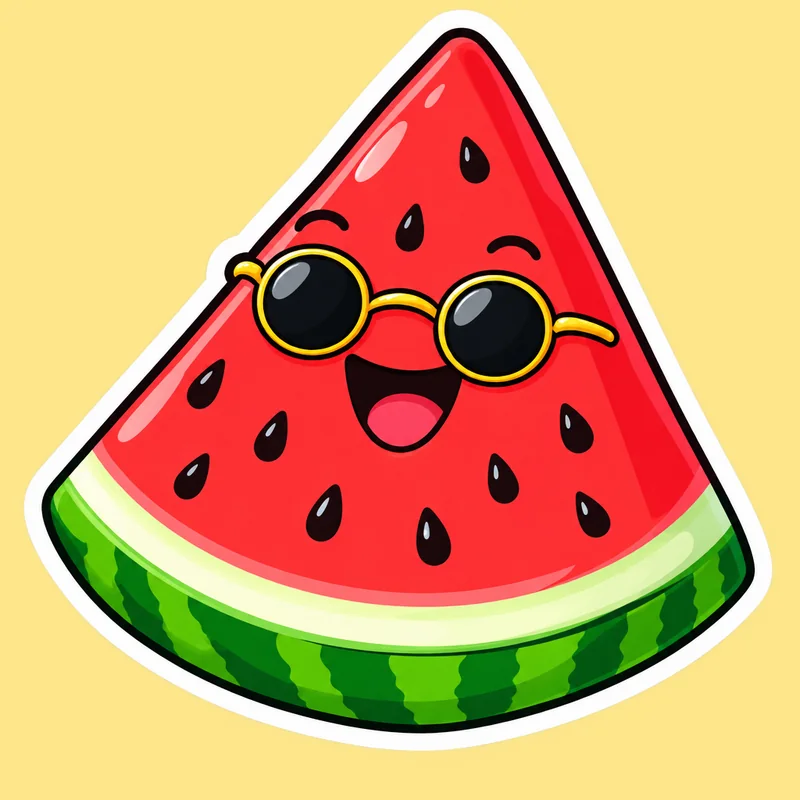
Cuts an illustrated seal or product badge into a smooth transparent circle with zero stair-stepping along the curved outer edge.
Turn any square or rectangular portrait, logo, or product shot into a smooth round PNG directly on your device.
Drag a JPG, PNG, WebP, GIF, BMP, or AVIF picture up to 50 MB onto the workspace, or click Choose image to browse your device. Decoding runs immediately in local browser memory with zero server uploads or wait queues.
The canvas opens pre-locked to a 1:1 square circle crop so you can drag the selection smoothly over a face or emblem right away. Pull the corner handles to zoom tighter, align eyes using the rule-of-thirds grid, or enter exact X, Y, width, and height pixel coordinates.
Inspect the live checkerboard output preview with exact pixel dimensions and file size, then choose Original, PNG, JPG, or WebP and click Download. Even when starting from a JPG, Original automatically exports a transparent PNG so the corners stay invisible.
Built for smooth anti-aliased curves, balanced portrait framing, and transparent alpha output right inside your browser tab.
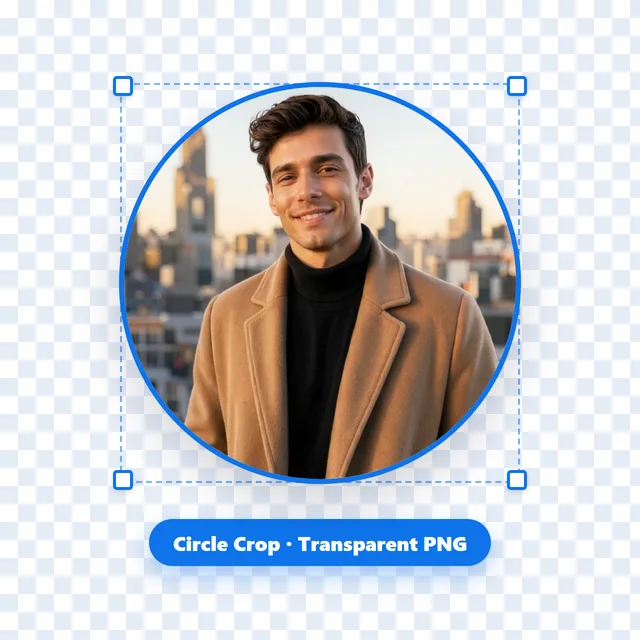
As soon as you load a photo, this circular avatar cropper centers the largest 1:1 square frame automatically so the output is a true circle rather than an oval. Need an elliptical medallion? Switch to Freeform or any of seven aspect presets (4:3, 3:2, 16:9, 9:16, 4:5, or 2:3).
Basic pixel masks leave harsh staircase edges around curved rims, especially over dark websites and slides. Our engine computes smooth sub-pixel signed-distance coverage along the entire border so every circle crop blends seamlessly over light pages, colored banners, and dark themes.
Standard JPG files cannot store alpha transparency, leaving white boxes around round cutouts. When you crop image into circle shapes from a JPG while Original format is active, the studio automatically upgrades export to lossless transparent PNG. Pick WebP for lighter files or JPG for a white matte.
Watch a real-time miniature of your finished round cutout alongside exact output width, height, file format, and byte size as you move handles or adjust coordinates. The checkerboard backdrop lets you verify immediately that outer corners are genuinely transparent before saving.
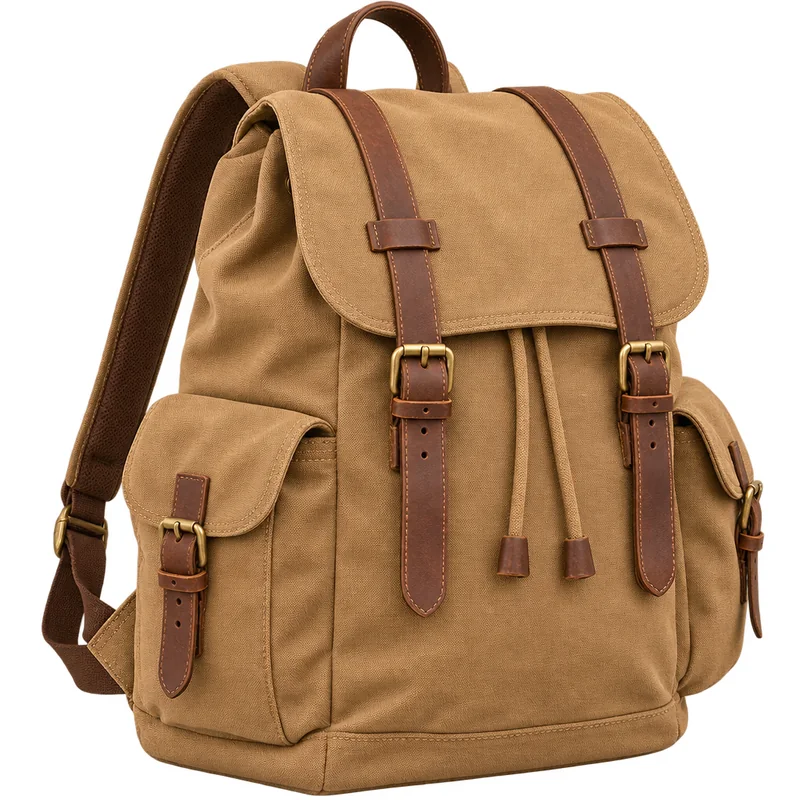
When building a consistent set of team bios, speaker badges, or podcast covers, visual dragging alone can drift by a few pixels. Type exact X, Y, Width, and Height numbers in the inspector to guarantee repeatable square dimensions, while the subtle rule-of-thirds overlay helps align eyes and central logos evenly.
Personal headshots, family portraits, ID photos, and unreleased brand seals never leave your computer or phone. Every decode, circular alpha mask calculation, and file export executes locally on HTML5 Canvas inside your browser, completely free and without watermarks.
Five practical habits for flattering round portraits, sharp curved edges, and reliable transparent assets across web and print.
A circle cuts away all four corners of a square frame, which makes tight crops feel cramped quickly. When you crop image into circle avatars, leave modest headroom above the hair and place the eyes slightly above the horizontal centerline along the upper rule-of-thirds guide. That natural visual balance keeps ears and shoulders comfortable inside the curve and ensures small profile thumbnails remain immediately recognizable on mobile screens.
Whenever a layout calls for a perfectly round badge, lock the 1:1 Square preset before dragging handles so width and height stay identical pixel for pixel. Unlocking to Freeform or rectangular presets turns the circular mask into an ellipse, which works nicely for vintage cameo frames or oval stickers but can look distorted inside circular UI slots. Check the live pixel readout at the top of this round photo cropper to confirm equal sides.
Slide decks, PDF handouts, email signatures, and marketplace graphics often lack CSS border-radius support, making pre-cut transparent files far more dependable than styling square photos manually. Save your circle crop as transparent PNG for universal compatibility across documents and design apps, or choose WebP when lightweight web page loading matters most. Only switch explicitly to JPG if your destination insists on an opaque white background matte.
Modern laptop and phone screens render at 2x or 3x pixel density, so a tiny 120 px avatar quickly turns soft once displayed in a team directory or chat sidebar. Start from the sharpest original photograph available, perform your circle crop at full native pixel resolution first, and export clean dimensions between 512 x 512 and 1024 x 1024 px. If you need an exact smaller width afterward, scale down cleanly with our Image Resizer.
Different parts of one brand page often mix circular portraits with soft rectangular feature cards. Use this circular avatar cropper for author bylines and testimonial bubbles, switch to Round Corners Image when you want matching soft-radius UI thumbnails, or open Crop Image for standard widescreen headers. If you want a fresh studio portrait before framing, try AI Profile Picture first and then crop the final frame neatly here.
Everyday creative, team, and publishing workflows where fast transparent round cutouts keep visuals tidy.
Prepare uniform circular staff avatars, speaker lineups, and testimonial headshots that drop cleanly into websites, pitch decks, and email signatures.
Use this circular avatar cropper to preview exact circular framing for social profiles, messaging channels, forum icons, and podcast artwork before uploading.
Cut round product seals, wax-stamp emblems, and circular thank-you stickers with smooth anti-aliased transparent PNG edges ready for layout sheets.
Build clean round portraits and visual callouts for slides, resumes, and PDFs privately on any device without installing heavy desktop editors.
Clear answers about transparent PNG backgrounds, 1:1 square framing, edge smoothness, formats, and browser privacy.
Drop your photo into the workspace above, drag the pre-locked 1:1 circular frame over your subject, and click Download with Original or PNG selected. The studio cuts an anti-aliased circular mask and leaves all four outer corners completely transparent with zero watermarks.
Yes. You can load JPG, JPEG, PNG, WebP, GIF, BMP, and AVIF images up to 50 MB. Because JPG does not support transparency, choosing Original format on a JPG automatically exports a clean transparent PNG so the corners outside your circle stay invisible.
The browser engine applies sub-pixel signed-distance anti-aliasing around the entire circular boundary rather than harsh binary on-or-off pixel clipping. That smooth partial alpha feather along the curved rim eliminates visible stair-stepped jaggies so your exported round PNG looks razor-sharp over both light and dark page backgrounds.
Yes. While the tool opens locked to 1:1 Square for perfectly round avatars and badges, you can click Free or any rectangular ratio like 4:3, 3:2, or 4:5 in the aspect panel to shape a smooth oval or elliptical cutout.
No. Every image decode, interactive drag preview, circular transparency mask calculation, and PNG or WebP export executes entirely locally inside your browser tab on ImageToPsd.AI. Personal headshots, ID portraits, and unpublished team files never leave your computer or mobile device.
No. Cropping extracts the exact native source pixels inside your chosen square frame without rescaling, re-sampling, or softening fine details. Saving as PNG keeps the interior completely lossless, while explicit JPG and WebP outputs let you dial encoding quality up to 100 percent.
Yes. Alongside dragging the corner handles on screen, you can type exact X, Y, Width, and Height pixel values directly in the inspector panel. If your source image is larger than 512 px, crop a centered square first and resize afterward to preserve full framing.
Because standard JPEG compression does not support an alpha transparency channel, explicitly selecting JPG fills the four outer corners outside your circular rim with a clean solid white matte. Choose Original, PNG, or WebP whenever you need genuine transparent corners that blend onto any backdrop.
Drop any photo into our free browser circle crop tool on ImageToPsd.AI, align your subject with 1:1 guides, and save a smooth transparent round PNG.
Choose image