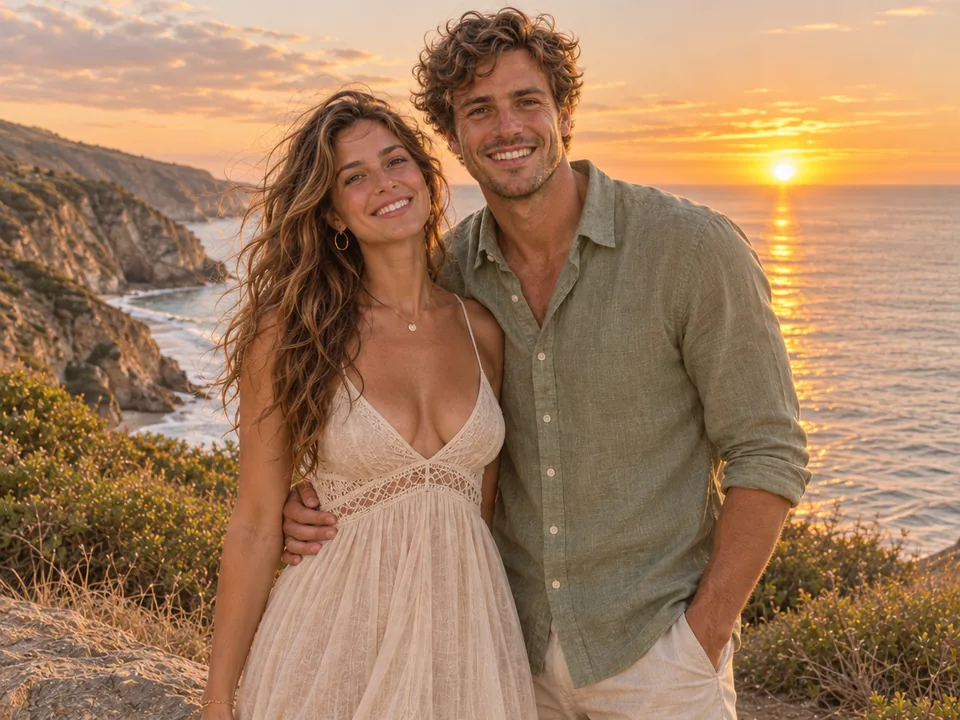


Add Someone to a Photo with Natural Light & Shadows

Upload two to four photos and add someone to a photo as if everyone stood in front of the same lens. Keep real faces, skin tones, and outfits faithfully recognizable while matching sunlight, camera perspective, relative height, and natural contact shadows for complete family, couple, travel, and team portraits.

Try one of these edits

  • Combine 2 to 4 photos naturally
  • Real faces, scale & lighting matched
  • Quality from 4 credits · Fast 1 credit
  • Private history, no watermarks, print ready

Group Shots Completed with Our Add Person to Photo Tool

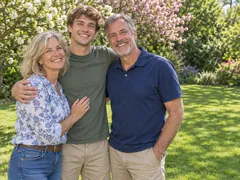
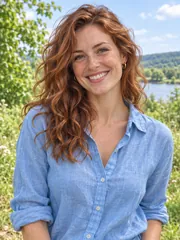
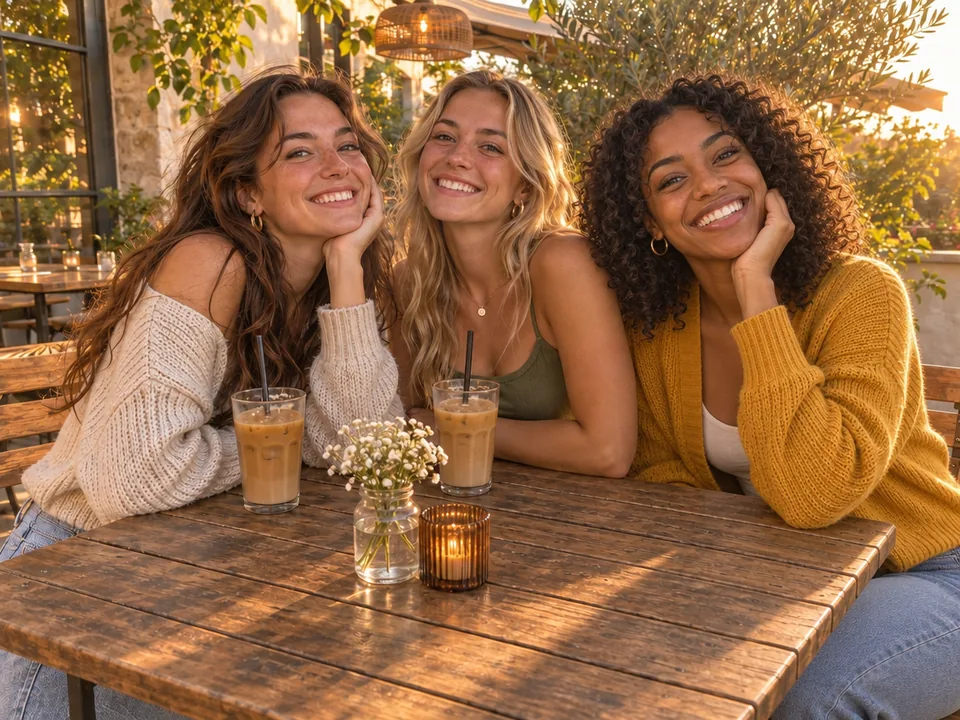
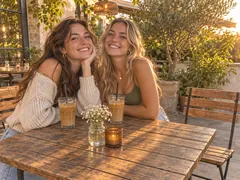
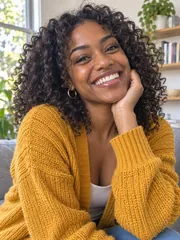
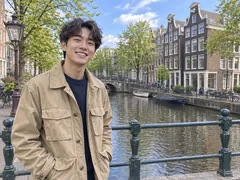
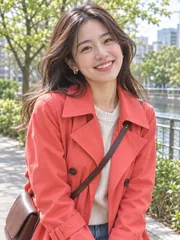
Every finished portrait below merges two separate source pictures (shown in the top corner) into one cohesive photograph. Select any card to load both sample photos and the placement prompt straight into the composer.

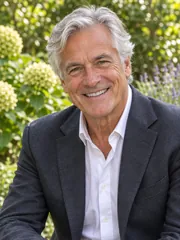
  • Missing family member added to garden portrait12
    Missing family member added to garden portrait
  • Friend added to outdoor cafe table reunion12
    Friend added to outdoor cafe table reunion
  • Partner added to sunset coastal portrait12
    Partner added to sunset coastal portrait
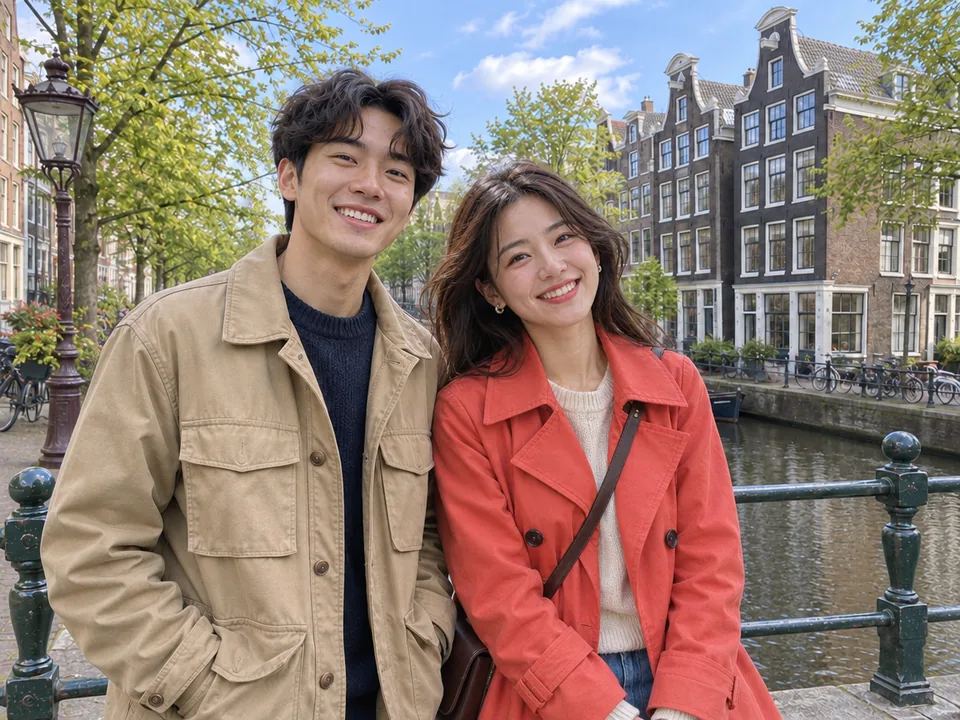
  • Travel companion added on European canal bridge12
    Travel companion added on European canal bridge
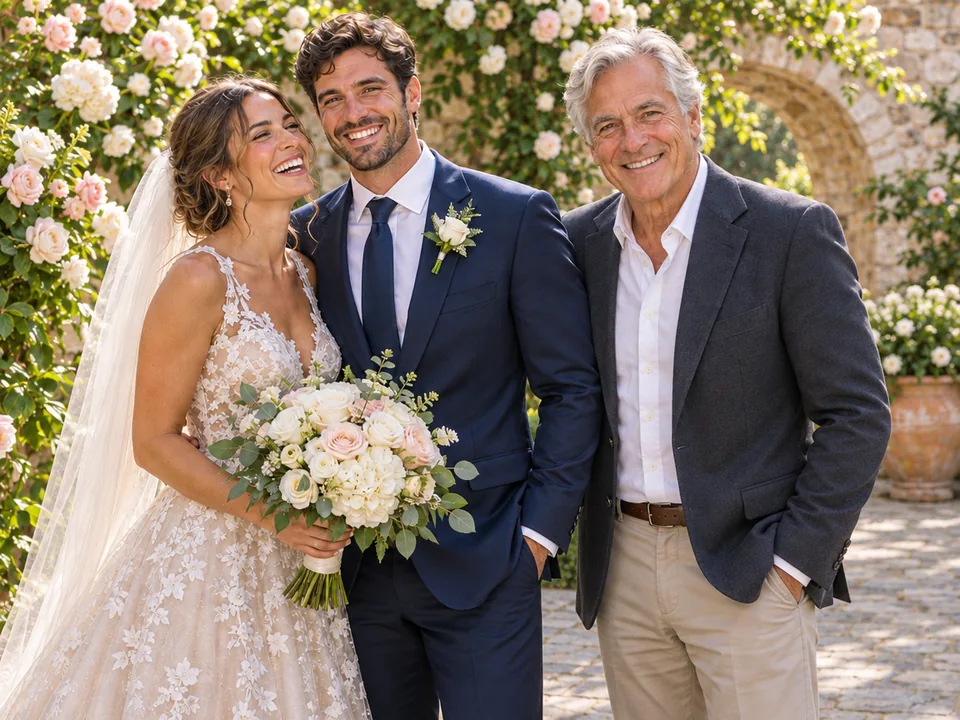
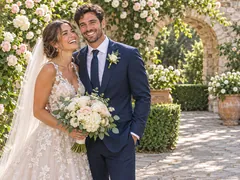
  • Wedding guest added to courtyard couple photo12
    Wedding guest added to courtyard couple photo
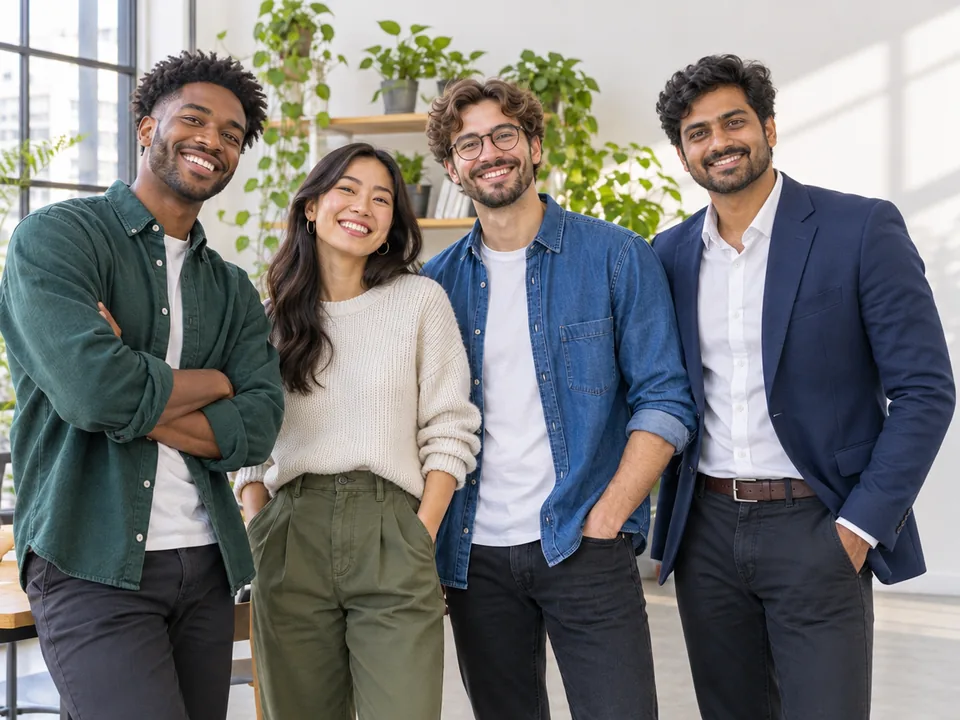
  • Remote colleague added to studio team portrait12
    Remote colleague added to studio team portrait

How to Add Someone to a Photo in Three Steps

Upload your base scene and the missing person's portrait, describe where they stand, and download one cohesive photograph in about half a minute.

  1. Start your insert person into photo edit by uploading the main group or scene as image 1, then add the missing person or people as image 2 through image 4. Clear, front-facing photos give the sharpest likeness.

  2. Write one plain sentence stating where each numbered person belongs, such as standing beside the family on the lawn or seated at the cafe table. Pick Quality at 1K, 2K, or 4K, or Fast mode for quick placement drafts.

  3. Review up to four variations privately in your history. Download the finished group photo directly, upscale it for framed wall prints, turn the memory into a short video clip, or open it in Image to PSD for fine retouching.

Why Results Look Real When You Put Someone in a Photo Here

Built around authentic identity preservation, single-camera lighting, natural proportion, and private handling of personal memories.

  1. Faithful facial likeness, hair, and skin tone

    Faithful facial likeness, hair, and skin tone

    The hardest part when you add someone to a photo is keeping every person looking unmistakably like themselves. Our people preset locks onto facial geometry, eyes, smile lines, hairstyle, age, and build from each uploaded photo so neither the added person nor the original group drifts into generic features.

  2. Matched light direction, color temperature, and grain

    Matched light direction, color temperature, and grain

    A cutout fails immediately when indoor flash meets golden sunset light. Here the added subject inherits the base scene's ambient warmth, directional highlights, shadow softness, and camera depth so the entire frame reads as one uninterrupted exposure.

  3. Realistic relative height, perspective, and contact shadows

    Realistic relative height, perspective, and contact shadows

    People stand at believable eye levels and shoulder widths relative to neighbors, furniture, and horizon lines. Natural contact shadows anchor feet to grass, stone, or studio floors and cast gentle falloff where shoulders overlap, eliminating floating silhouettes and bright cutout halos.

  4. Support for 2 to 4 source photos at once

    Support for 2 to 4 source photos at once

    Merge one missing guest into a wedding portrait or bring three separate individual portraits together into a unified family or hybrid team photograph. Each picture is numbered clearly in the composer so you can refer to image 1, image 2, image 3, and image 4 with precision.

  5. Direct workspace handoff to PSD layers and upscaling

    Direct workspace handoff to PSD layers and upscaling

    Once your group photograph looks complete on ImageToPSD.ai, continue without switching tools. Send the result to Image to PSD to isolate foreground subjects and backdrops on separate layers for manual color grading, upscale for framed holiday gifts, or animate a keepsake portrait into a gentle clip.

  6. Quality 1K, 2K, and 4K plus Fast 1-credit drafts

    Quality 1K, 2K, and 4K plus Fast 1-credit drafts

    Test different placements and poses in Fast mode for just 1 credit per image, then generate your final keepsake in Quality mode at 1K (4 credits), 2K (6 credits), or native 4K (9 credits) for two-photo merges ready for albums and large frames.

Guide: How to Add Someone to a Photo Without Cutout Edges

Five practical tips on choosing matching source portraits, wording numbered prompts, balancing group height, handling cherished family tributes, and preparing framed prints.

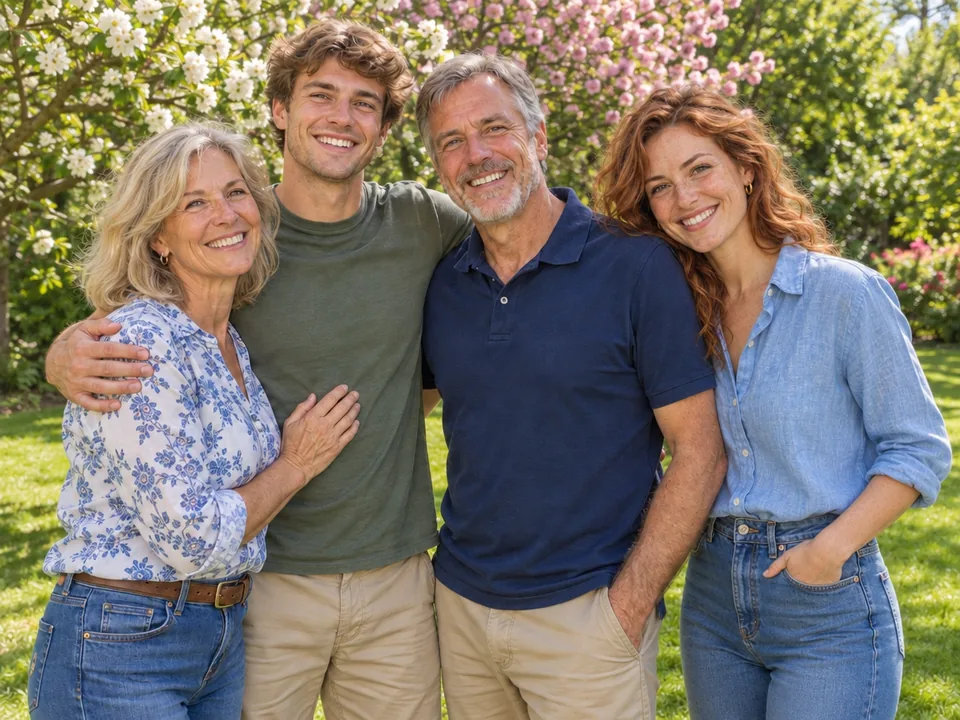
Choose source photos with similar angles and clear faces

The cleanest add people to photo results start with uncropped, well-lit faces. Whenever possible, pick a portrait where the added person faces a similar direction and camera height as the group in image 1, avoiding heavy sunglasses or motion blur. Matching eye level makes perspective alignment almost invisible.
Choose source photos with similar angles and clear faces

Reference image numbers and exact spots in your prompt

Because uploaded photos are numbered image 1 through image 4 in order, naming them removes guesswork. Write a direct instruction such as adding the smiling woman from image 2 on the right side of the family in image 1, standing slightly angled toward the center in the same afternoon sun.

Leave natural room and mention height or seating posture

Tell the composer whether the added person should stand shoulder to shoulder, sit on an open chair, or lean slightly behind the front row. Mentioning simple height cues like slightly taller than the person beside them helps keep group proportions faithful across children, parents, and grandparents.

Leave natural room and mention height or seating posture

Restore vintage portraits first for meaningful family tributes

Families often bring together relatives who missed a milestone wedding, live overseas, or have passed away. If the only available portrait of a loved one is an older faded print, run it through Old Photo Restoration first so facial clarity matches your modern camera before starting an insert person into photo merge.

Draft poses in Fast mode, then render your keepsake at 4K

Try two or three phrasing tweaks in Fast mode (1 credit per picture) until posture and spacing feel completely natural. Once the composition clicks, switch to Quality mode at 2K (6 credits) or native 4K (9 credits) for crisp skin texture, clean clothing edges, and print-ready sharpness.

Draft poses in Fast mode, then render your keepsake at 4K

Everyday Moments to Put Someone in a Photo

Made for family milestones, respectful keepsakes, travel memories, and distributed teams that rarely gather in one room.

  • Family reunions, holidays, and heartfelt tributes

    Bring a deployed relative, distant sibling, or cherished late grandparent into a milestone family portrait so everyone shares one warm keepsake frame.

  • Weddings, graduations, and group celebrations

    Include the friend who stepped behind the camera or arrived after formal portraits wrapped without re-staging the celebration.

  • Couples and travel memories from separate shots

    Combine two solo vacation snapshots taken at the same overlook, bridge, or landmark so both travelers finally appear together in one golden-hour photo.

  • Remote teams and company leadership portraits

    Use our add person to photo workflow to place newly hired teammates or remote founders alongside studio staff with consistent office lighting and wardrobe polish.

Add Someone to a Photo FAQ

Answers on credit pricing, likeness preservation, photo limits, Fast vs Quality mode, privacy, and framed printing.


Ready to Add Someone to a Photo Naturally?

Upload two to four photos, describe where everyone belongs, and blend real faces, light, and shadows cleanly on ImageToPSD.ai from 4 credits or 1 credit in Fast mode.

Add a person to photo