
90-degree sideways photo fix
Turns a sideways snapshot 90 degrees clockwise, cleanly swapping width and height with zero cropping or distortion.
Rotate image files 90, 180, or 270 degrees with crisp lossless precision, or straighten tilted horizons and crooked scans free using a 0.5-degree fine slider, live alignment grid, and exact auto-crop. Process one shot or batch up to 30 photos into a single ZIP privately in your browser.
Drop one or more images here to transform
Supports PNG, JPG, and WebP up to 30 images at once, processed locally.
Processed locally in your browser. Zero server uploads.
Or try a sample photo
Load any sample below to test 90-degree turns, horizon leveling with smart auto-crop, and 180-degree scan fixes right inside this rotate image studio.
Turns a sideways snapshot 90 degrees clockwise, cleanly swapping width and height with zero cropping or distortion.
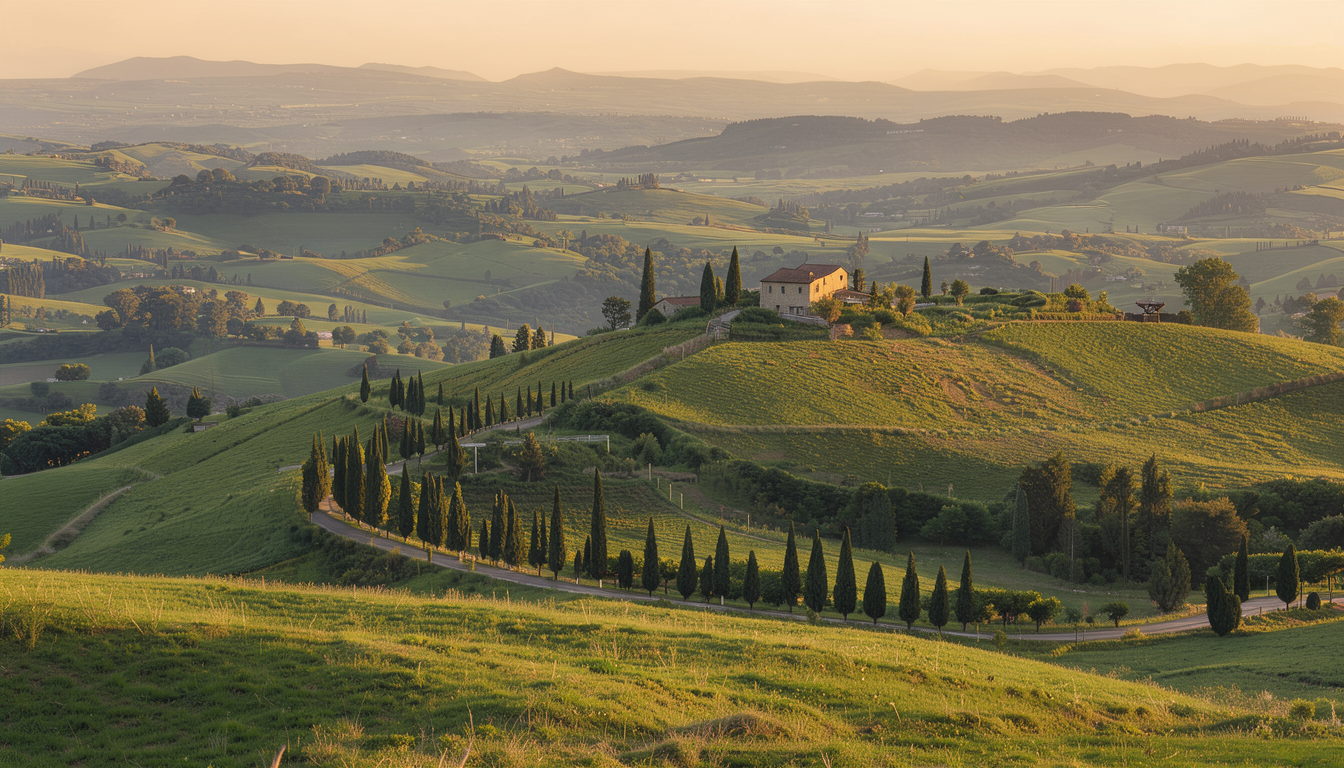
Applies a -4 degree adjustment with Auto-crop enabled so the sea horizon sits level with zero empty corner triangles.

Turns an inverted document capture 180 degrees so headings, tables, and fine print sit upright and readable right away.
Turn sideways pictures or straighten crooked scans in seconds without uploading anything.
Drag PNG, JPG, WebP, GIF, BMP, or AVIF files (up to 40 MB each) onto the studio, or choose from your device. Browse individual items in a batch via the thumbnail strip underneath the live canvas.
Click Left 90, Right 90, or 180 degrees for lossless orientation fixes, or drag the fine angle slider from -180 to +180 degrees in 0.5-degree steps with the live alignment grid. Enable Auto-crop to trim empty corners, or pick a transparent or solid fill.
Hold Compare to check your leveled result against the original, pick Original, PNG, JPG, or WebP output format, and click Download for one rotated image or a complete batch ZIP.
From one-click right-angle orientation fixes to exact horizon leveling across entire batches.
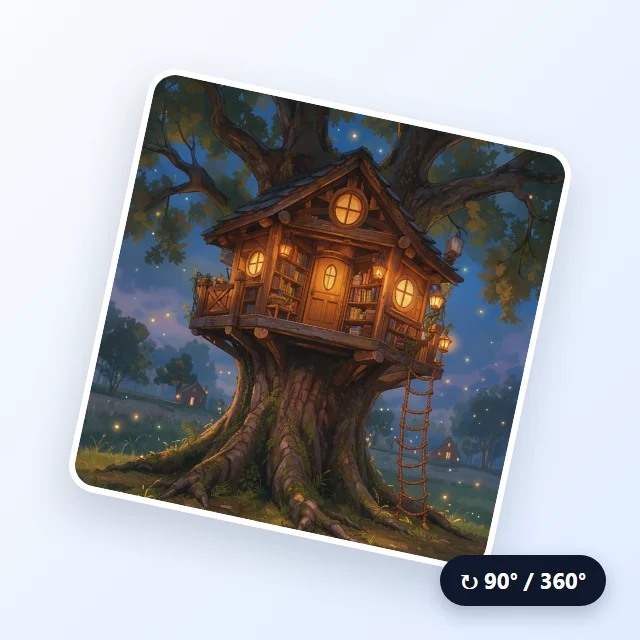
Sideways phone shots and upside-down scans keep full sharpness when turned upright. Right-angle turns remap exact pixel coordinates cleanly, swapping width and height automatically on quarter turns with zero border padding.

Even a two-degree tilt makes ocean horizons, buildings, and receipts look sloppy. Drag the angle slider in smooth 0.5-degree steps to straighten photo online shots precisely while a four-by-four alignment grid overlays the canvas automatically.
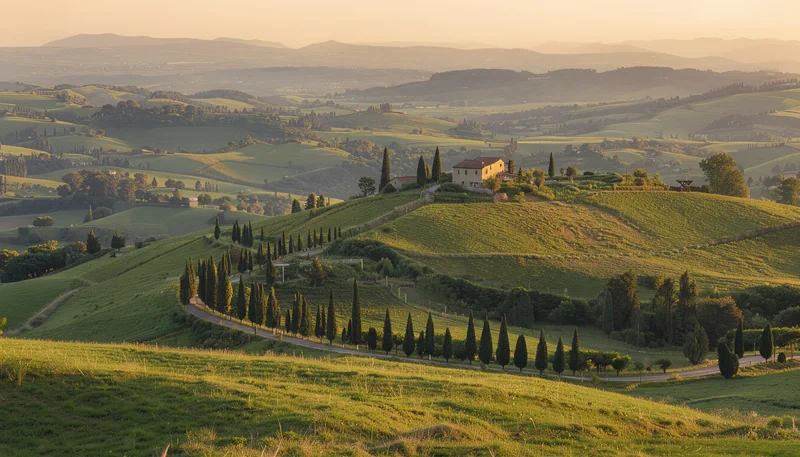
Tilting a photo by a few degrees leaves blank wedges at all four corners. Turn on Auto-crop to compute the exact largest axis-aligned rectangle inscribed inside your rotated frame, maximizing photo area with zero empty corners, or turn it off to fill corners with transparency, white, or any custom color.

Portrait camera shoots and stacks of crooked scanner pages often need the exact same fix. Drop up to 30 pictures at once, inspect dimensions live on any item in the strip, and rotate photo sets together into one tidy ZIP archive.

Save right back in your Original format or convert to lossless PNG (ideal for transparent rotated corners), compact JPG, or WebP. Live readouts compare original versus output pixel dimensions, and holding Compare flashes the original shot immediately.

Contracts, scanned receipts, architecture shoots, and family photos stay strictly on your device. When you rotate image online here, every pixel transform and ZIP archive builds locally in browser memory with no upload, no sign-up, and no watermarks.
Five practical habits to turn sideways files cleanly and keep horizons level and sharp.
Smartphones often store pixels in landscape orientation and attach a tiny EXIF tag telling viewers to turn it upright. Older forms, spreadsheets, and email clients ignore that tag and show the shot sideways. When you rotate photo files here and save a fresh copy, the pixels themselves are written upright so every app displays them cleanly.
Moving the slider away from a right angle turns on the alignment grid automatically when you straighten photo online shots. For landscapes and ocean shots, match the horizon line parallel to a horizontal rule. For architecture, interiors, and doorways, align a central column or doorframe to a vertical rule to level tilted shots naturally.
For full-frame photographs, Auto-crop removes all four angled corner wedges using exact inscribed-rectangle geometry, yielding a clean rectangular frame ready to publish. For tightly framed receipts or certificates where corner text matters, switch Auto-crop off and pick White or Transparent fill (with PNG export) so nothing near the edges gets trimmed.
Document feeders and phone scans often produce a stack of pages turned 90 degrees left or upside-down. Drop up to 30 pages into this rotate picture studio, turn the whole set upright at once, download the ZIP, and bundle those pages into a clean document with PNG to PDF.
Need to fix both a sideways angle and reversed selfie text together? Built-in Horizontal and Vertical flip switches sit right above the rotation controls, or open our dedicated Flip Image studio for batch mirroring. After you rotate image files, you can also convert cleanly with JPG to PNG or PNG to WebP.
Everyday photo, scan, and catalog tasks solved cleanly in the browser.
Straighten photo online shots with slanted ocean horizons, square up architectural verticals with the grid, and remove corner gaps automatically using exact inscribed Auto-crop.
Rotate picture scans of contracts, worksheets, and ID cards upright locally without sending private documents to any server.
Rotate photo batches up to 30 product shots at once to match store orientation rules and download every leveled image in one ZIP.
Tilt graphics to custom angles with transparent PNG corner fills for collages, stickers, and dynamic banner layouts.
Answers about 90-degree turns, horizon straightening, smart auto-crop, batch ZIPs, and privacy.
Drop your file into the studio above to rotate image online in seconds: click Left 90, Right 90, or 180 degrees (or drag the fine slider anywhere between -180 and +180), and click Download. Everything runs free in your browser.
When you rotate picture files by a non-right angle, Auto-crop computes the exact largest axis-aligned rectangle inside the rotated frame, trimming all four blank corner wedges cleanly.
Yes. The fine rotation slider steps by 0.5 degrees from -180 to +180 and shows a live alignment grid on the canvas so you can straighten tilted shots accurately.
Yes. Turn Auto-crop off, choose Transparent corner fill, and export as PNG or WebP (or Original for PNG/WebP sources) so exposed corners remain completely transparent.
No. Exact 90, 180, and 270-degree rotate image operations keep every pixel sharp at native resolution, swapping width and height cleanly on quarter turns. PNG export keeps the file fully lossless.
Yes. Drop up to 30 images (up to 40 MB each) to apply the same angle, auto-crop, and output format across the whole batch, then download everything in one ZIP.
No. Every rotation, grid preview, auto-crop calculation, and ZIP archive runs locally in your browser. Nothing is ever sent to a remote server.
Open PNG, JPG, WebP, GIF, BMP, or AVIF files and save your rotated result in its Original format or convert directly to PNG, JPG, or WebP.
Drop one photo or a batch of 30, turn 90 degrees or level any tilted horizon with smart auto-crop, and download privately in your browser.
Choose images to rotate