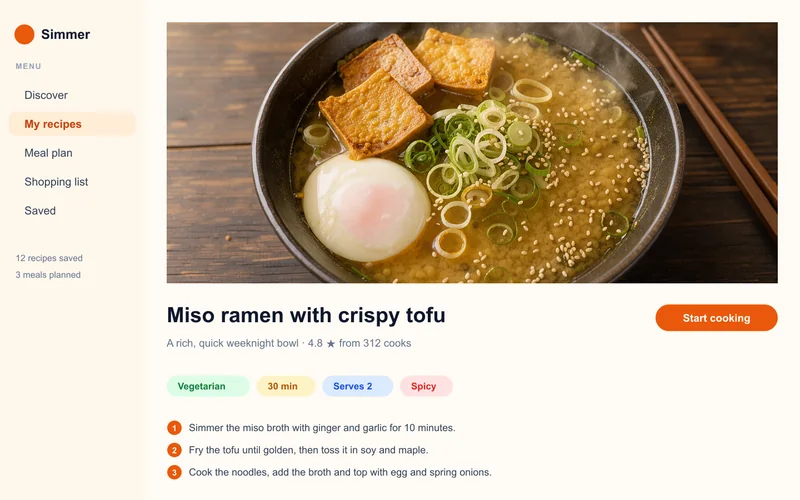
High-DPI SaaS dashboard screenshot
Interface panels, sharp icons, and subtle card shadows shrink dramatically in Balanced 256-color mode while keeping small UI typography crisp and readable.
Reduce PNG size free directly on your device with no uploads or signup to try. Quantize 24-bit graphics into compact 8-bit palettes with crisp alpha transparency or run lossless mode.
Drop PNG or image files here to compress
Batch up to 30 images. Palette quantization with full alpha transparency locally.
Processed locally in your browser. Zero server uploads.
Load any sample graphic below into this PNG compressor to compare visual fidelity, alpha edge smoothness, and exact kilobyte savings across Balanced, Maximum, and Lossless settings before dropping your own files.
Interface panels, sharp icons, and subtle card shadows shrink dramatically in Balanced 256-color mode while keeping small UI typography crisp and readable.

Demonstrates 4D RGBA palette quantization preserving smooth semi-transparent drop shadows and anti-aliased edges inside compact PLTE and tRNS chunks.

Flat color fills and crisp outlines pack into 64 colors or lower bit depths (4-bit or 8-bit) with dithering off for ultra-light web and mobile game bundles.
Turn heavy 24-bit screenshots, transparent logos, and web graphics into lean assets locally without waiting on server queues.
Drag PNG graphics onto the canvas or pick multiple files from your folder to compress PNG assets fast. Every image decodes straight into browser memory so private UI drafts, product cutouts, and brand assets never leave your computer.
Start with Balanced (up to 256 indexed colors with alpha-safe dithering) to reduce PNG size dramatically while preserving visual detail. Switch to Maximum (64 colors) for aggressive kilobyte cuts, pick Lossless for bit-exact pixels, or set an optional max width.
Inspect the side-by-side preview and exact percentage saved for every image. Save an individual optimized PNG directly, or bundle the entire batch into one clean ZIP archive with one click.
Engineered around true indexed PNG encoding, perceptual alpha quantization, and maximum Deflate compression inside your browser.
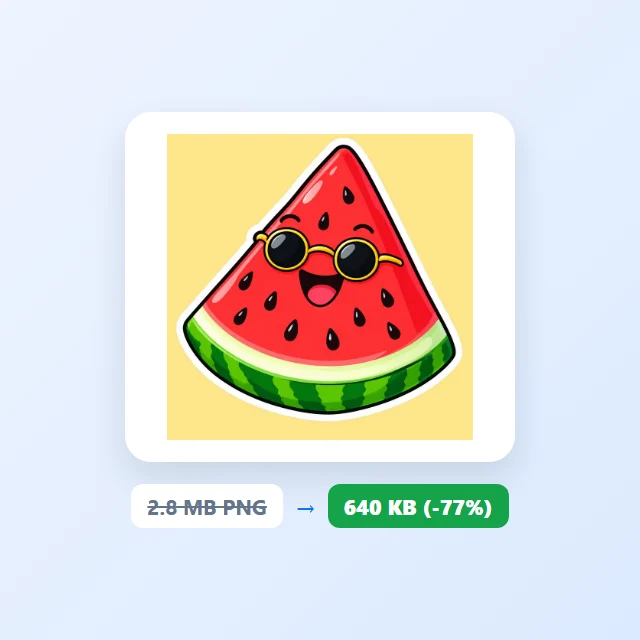
Standard 32-bit RGBA PNG files store four bytes per pixel even when an interface or illustration uses only a few hundred tones. This PNG compressor converts images into spec-compliant indexed PNGs storing just one byte per pixel (or even 1-bit, 2-bit, and 4-bit packing when color counts are tiny), cutting file weight by 60 to 80 percent.
Many quick encoders flatten semi-transparent edges to binary 1-bit cutouts, leaving harsh stair-stepping around logos and drop shadows. Our 4D perceptual RGBA median-cut quantizer weighs the alpha channel alongside red, green, and blue, sorting transparent entries first into compact tRNS chunks so soft shadows and anti-aliased edges stay smooth.
Smooth sky gradients, soft UI glows, and photographic overlays look far cleaner when subtle error diffusion prevents visible color banding. Tuned 75 percent strength Floyd-Steinberg dithering smooths transitions without speckling flat backgrounds, and you can toggle dithering off whenever you want razor-clean flat vectors or icons.
Need to shrink PNG file weight without altering a single visible pixel? Lossless mode detects images that already contain 256 or fewer exact colors and packs them into an exact lossless indexed palette. For richer truecolor files, it zeroes hidden RGB bytes behind fully transparent pixels before running level-9 Deflate compression.
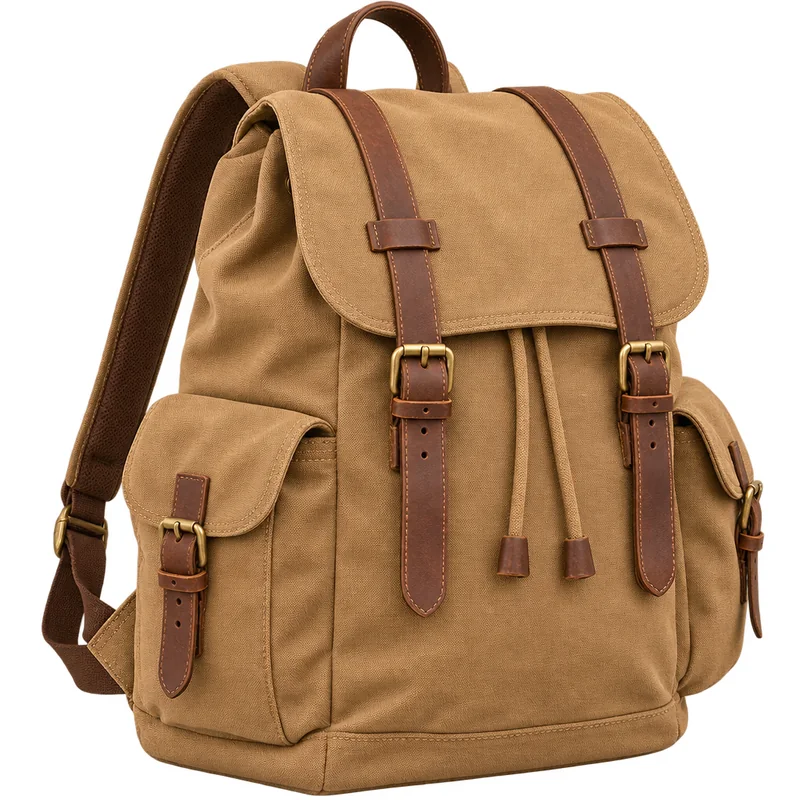
Oversized retina exports often carry far more pixels than a blog card or documentation column ever displays. Set an optional maximum width to downscale proportionally with high-quality resampling to reduce PNG size further before palette optimization, and inspect original versus compressed kilobytes and visual clarity side by side before saving.

Drop dozens of product cutouts, app icons, or tutorial captures in one pass. Our client-side PNG optimizer processes the entire queue locally on your device, tracks cumulative kilobytes saved across the folder, and packages every compressed file with deduplicated filenames inside a single instant ZIP archive.
Five hands-on engineering practices for picking palettes, protecting transparency, passing Core Web Vitals, and knowing when to switch formats.
Uncompressed screenshots and design exports almost always save as 24-bit RGB or 32-bit RGBA truecolor PNGs, dedicating three or four full bytes to every pixel on the canvas. Even after Deflate compression, subtle gradient noise and hidden metadata keep those files heavy in kilobytes. When you compress PNG assets into an 8-bit indexed palette, each pixel references a table of up to 256 perceptually chosen colors using a single byte, slashing payload size dramatically while keeping text edges, icons, and brand colors virtually indistinguishable to human eyes.
Balanced mode with 256 colors and dithering on is the right default for almost every website graphic, product cutout, and rich UI capture. Switch to Maximum mode (64 colors, dithering off) to shrink PNG file size on flat diagrams, geometric charts, monochrome stickers, and crisp icon sets where fewer shades produce huge Deflate wins and zero banding. Reserve Lossless mode for archival assets, pixel-exact design specs, or source sprites where mathematical pixel identity matters more than maximum kilobyte reduction.
Transparent graphics are the main reason teams choose PNG over JPEG, yet careless quantization often leaves dusty fringes around translucent pixels. Because this PNG optimizer quantizes red, green, blue, and alpha together in four dimensions and reserves palette slot zero for exact full transparency, soft shadows and feathered edges remain clean on both light and dark page backgrounds. For maximum clarity on small translucent badges, keep color count at 128 or 256 rather than pushing down to 32.
Cutting a 2400 px screenshot down to 1200 px removes 75 percent of the pixels before compression even starts. If your blog container or storefront grid renders an image at 800 px wide, enter 1600 px for crisp 2x retina display or 800 px for ultra-fast mobile loading right in the max-width control. For complex batch dimension templates and social aspect presets, pair this workflow with our Image Resizer before running final palette optimization.
Indexed PNG excels on crisp UI typography, vector-like illustrations, transparent logos, and sharp technical diagrams where lossy block artifacts would blur thin lines. On full-bleed camera photography without transparency, switching to a lossy format saves far more bandwidth: use Compress JPG for universal photo delivery or PNG to WebP when you want modern web compression that still supports alpha transparency in every major browser.
Practical workflows where shrinking PNG kilobytes speeds up websites, lightens app bundles, and keeps email layouts nimble.
Compress PNG hero graphics, transparent UI badges, and documentation screenshots to improve Largest Contentful Paint scores and trim CDN bandwidth bills.
Shrink PNG file sizes on transparent product cutouts and packaging graphics in bulk so storefront category grids load smoothly on mobile data connections.
Optimize HUD panels, 2D sprites, and retina icon sheets into compact 8-bit or 4-bit indexed palettes while keeping crisp pixel edges and clean alpha channels.
Keep knowledge-base tutorials, changelog captures, and newsletter visuals crisp and lightweight without leaking unreleased product screens to external servers.
Direct answers about indexed PNG compression, alpha transparency, lossless mode, batch ZIP exports, and browser privacy.
It converts heavy 24-bit and 32-bit truecolor PNG files into compact indexed-color PNGs (color type 3) using perceptual palette quantization, compact PLTE and tRNS chunks, optimal bit-depth packing, and level-9 Deflate compression right in your browser.
Yes. Unlike basic tools that crush transparency into jagged 1-bit edges, our 4D RGBA quantizer preserves full 8-bit alpha levels inside the PNG tRNS chunk, keeping semi-transparent drop shadows, glass effects, and smooth logo edges intact.
Balanced uses up to 256 perceptually chosen colors with alpha-safe dithering for the best blend of quality and savings. Maximum drops to 64 colors for the smallest files on flat graphics. Lossless preserves exact visible pixels while clearing invisible RGB data behind alpha zero and applying level-9 Deflate.
No. Every step from decoding pixels to quantizing palettes and building ZIP archives happens locally in your browser memory. Your confidential interfaces, client brand marks, and private files never leave your device.
Yes. Drop a batch of PNG images into the workspace to compress PNG files together in one pass. You can inspect individual savings per file and export the full batch inside one cleanly named ZIP archive.
No. Indexed PNG compression does not introduce the 8x8 macroblock ringing or chroma subsampling blur seen in JPEG. Text edges remain razor-sharp, and toggling dithering off keeps solid interface panels completely clean.
If a PNG was previously quantized to 8-bit indexed color and packed with high Deflate settings, there is less redundant data left to remove. To cut bytes further on an already indexed graphic, lower the palette color count, disable dithering, or reduce pixel width.
Keep dithering enabled for smooth gradients, shadows, and illustrations with soft shading. Turn dithering off for flat icons, charts, pixel art, and solid-color UI panels when you want to shrink PNG file outputs cleanly with noise-free flat areas and stronger Deflate gains.
Drop your screenshots, logos, or sprites into our free PNG compressor on ImageToPsd.AI to shrink files cleanly with full transparency and zero uploads.
Choose PNG files