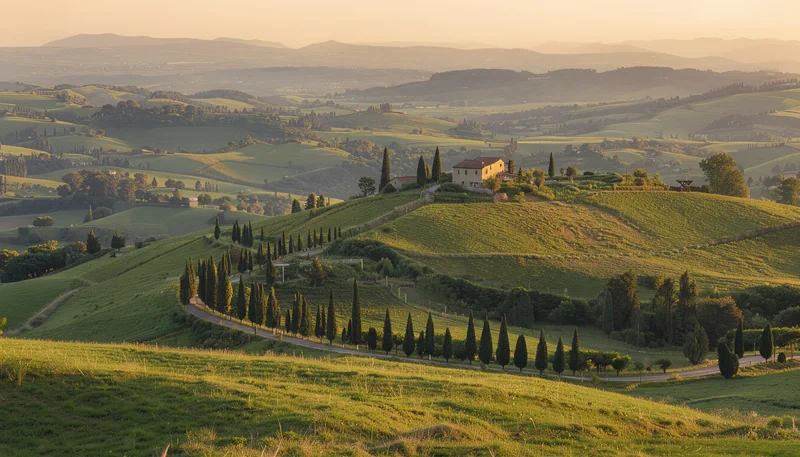
Three-page travel album on A4
Places three landscape and portrait travel photographs onto A4 sheets using Auto orientation, Small margins, and Compact JPEG streams.
Convert JPG to PDF free directly in your browser with zero uploads. Drop up to 60 photos, reorder or rotate pages, pick A4 or Letter margins, and save a clean PDF.
Drop PNG images here to combine into a PDF
Add up to 60 PNG, JPG, or WebP images. Reorder pages, rotate, and set margins locally.
Runs locally in your browser. Files never leave your device.
Or try a sample set
Open any sample set below inside this JPG to PDF studio to inspect page sequence, margins, orientation, and compact photo output before dropping your own files.
Places three landscape and portrait travel photographs onto A4 sheets using Auto orientation, Small margins, and Compact JPEG streams.
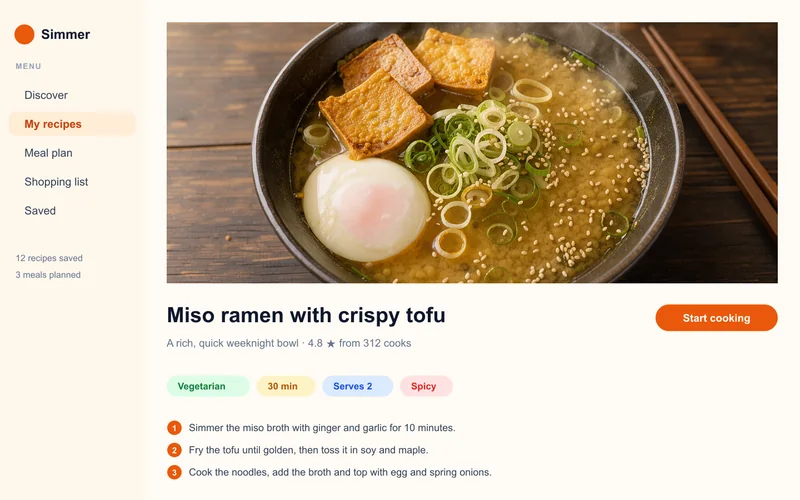
Centers a photographed receipt onto a US Letter Portrait sheet with classic half-inch Standard margins ready for accounting portals and printing.
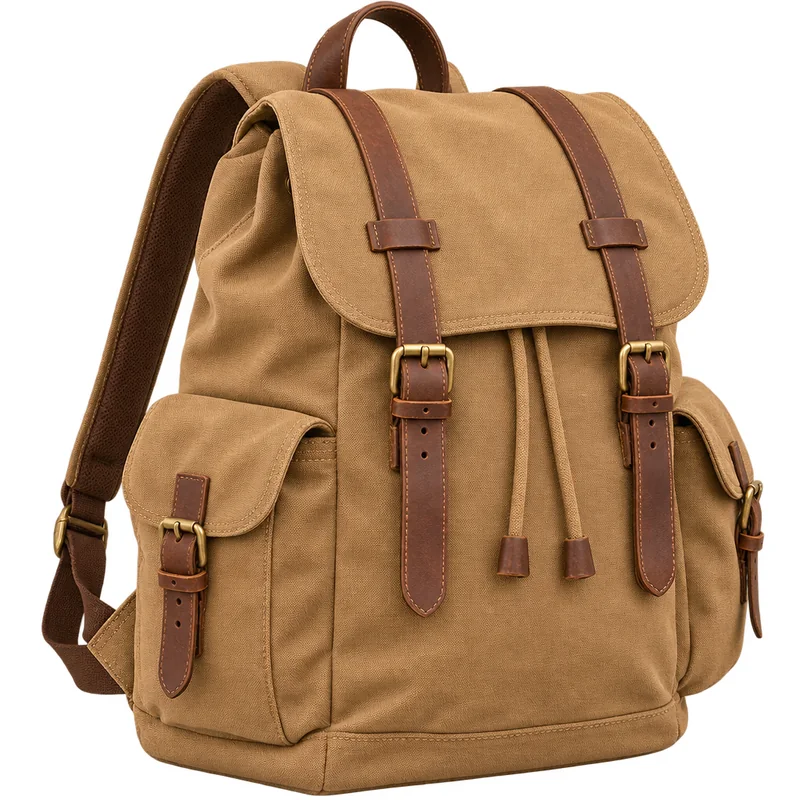
Packages two product photographs onto Original-size pages with None margin so every spread matches the photo's natural aspect ratio on screen.
Turn a single camera snapshot or a full folder of scanned pages into one neat document right on your device.
Drag up to 60 images (up to 40 MB each) onto the drop zone, or click Choose images to browse your device. Mix JPG and JPEG files alongside PNG, WebP, GIF, BMP, or AVIF graphics in the same PDF batch without converting them beforehand.
Reorder cards with the Move Up and Move Down controls and spin sideways scans clockwise in 90-degree increments. Select A4, US Letter, or Original page dimensions, pick Auto, Portrait, or Landscape orientation, choose a margin preset, and switch between Compact and Lossless encoding.
Click Download PDF to assemble a standards-compliant ISO 32000-1 PDF entirely inside browser memory. Single photos keep their source filename, while multi-photo sets save together as one unified document with zero watermarks.
Engineered for clean print layouts, dependable file sizes, and complete document privacy from one receipt scan to a sixty-page portfolio.
Stop sending dozens of loose photo attachments across separate emails. Combine JPG to PDF in a single pass with up to 60 images per document and up to 40 MB per file, showing live page counts and total input weight before you build the final output.
Phone camera rolls rarely land in document sequence, and photographed paperwork often saves sideways. Use one-click Move Up and Move Down buttons to put pages in exact reading order, remove extras, and rotate any tilted card 90 degrees right inside the thumbnail grid.

Format pages for international A4 paper (210 by 297 mm) or North American US Letter (8.5 by 11 in) when your document needs clean office printing. Switch to Original size whenever you want each sheet to hug the photograph's exact native proportions without white borders.
A single folder often mixes tall portrait invoices with wide horizontal site photos. Leaving orientation on Auto inspects every image after your manual 90-degree turns and switches individual A4 or Letter pages between Portrait and Landscape so nothing prints shrunk sideways.

The workspace defaults to Compact mode, embedding crisp high-quality JPEG streams inside the PDF so multi-photo packets stay light enough for strict portal caps and email clients. Switch to Lossless mode whenever you add sharp UI screenshots or transparent PNG graphics.
Tax receipts, passport scans, signed contracts, and confidential site photos stay strictly on your own machine. Every decoding step, layout calculation, and PDF byte stream runs locally inside your browser tab, keeping sensitive files completely private.
Five practical techniques for sharper prints, smaller attachments, and tidy multi-page photo documents.
Before you convert JPG to PDF, consider whether recipients will print the pages or swipe through them on a screen. Formal applications, expense claims, and school packets belong on standardized A4 or US Letter sheets so office printers never clip edges or scale unevenly. Digital lookbooks, slide captures, and tall receipts look cleaner on Original pages with None margin, preserving every pixel at its natural ratio without extra whitespace.
Most home inkjet and office laser printers have an unprintable border of 4 to 6 mm along every side of the paper. Selecting Small (18 pt) or Standard (36 pt, half an inch) margins keeps scanned totals, signatures, and page numbers safely inside the printable frame and leaves breathing room for hole punches or staples. Save zero margins for full-bleed screen portfolios where edge-to-edge photos look best.
Modern phone cameras capture 12 MP to 48 MP photos that can make a thirty-page document exceed strict 5 MB or 10 MB upload limits on government or HR portals. Compact mode inside this browser builder keeps opaque photographs lightweight while preserving clean detail. When source camera files are still oversized, shrink them first with our Compress JPG tool, then drop the optimized set here for a fast, lightweight document.
Real paperwork rarely arrives in one tidy format: you might have three camera JPGs, a downloaded PNG receipt, and a WebP screenshot. Drop all of them together into the same workspace, fix any sideways scan with the 90-degree rotate button, and keep orientation on Auto so portrait and landscape sheets align automatically. If your packet consists mostly of transparent graphics or UI captures, our dedicated PNG to PDF studio defaults directly to lossless alpha preservation.

Sometimes placing two or four small receipts onto a single page saves paper and makes reimbursement reviews faster. Arrange multiple snapshots into a neat grid or side-by-side strip first using Combine Images, then load the finished collage into this browser studio to assemble your final printable sheet. Working from layered artwork instead of flat photos? Export directly from layered source files with PSD to PDF.
Real everyday workflows where packaging JPEG images into a clean PDF saves time and avoids messy attachment threads.
Bundle photographed travel receipts, signed onboarding forms, and ID checks into one orderly US Letter or A4 file while local browser assembly protects confidential employee and client records.
Use this jpg to pdf converter to assemble lookbooks, contact sheets, and visual mood boards on full-bleed Original pages or neat Small-margin A4 decks that clients can review on any phone or desktop viewer.
Turn photographed homework pages, whiteboard notes, and handwritten lab sheets into a single ordered submission file that online grading portals accept without format rejections.
Group property walkthrough photos, inspection snapshots, and condition reports into one clean document right in the browser, keeping pages properly rotated and ready to archive.
Clear answers about multi-page merging, page sizes, compression quality, privacy, and supported image formats.
Drag your JPG or JPEG photos into the studio at the top of this page, arrange page order or rotate any sideways shots, pick your preferred page size and margins, and click Download PDF. Everything runs free in your browser with no signup and zero watermarks.
You can add up to 60 images per session, with each individual file up to 40 MB. Use the Up and Down arrows on any card to control the exact reading sequence before exporting one unified multi-page PDF.
No. The PDF builder runs completely inside your browser's local memory. Your photographs, receipts, and personal scans never leave your computer or phone, and the tool continues working offline after the page finishes loading.
Compact mode encodes opaque photos using high-quality JPEG compression that keeps photographic tone and readable text sharp while avoiding bloated file sizes. If you need pixel-exact reproduction for diagrams or crisp UI text, switch to Lossless mode before exporting.
A4 (210 by 297 mm) and US Letter (8.5 by 11 in) fit and center each photograph cleanly onto standard printing paper with your chosen margin. Original sizes every PDF page to match the exact dimensions and aspect ratio of each image.
Yes. Alongside JPG and JPEG, this image to pdf workspace reads PNG, WebP, GIF, BMP, and AVIF files, letting you assemble mixed formats into one consistent document without running a separate converter first.
Click the 90-degree rotate button on any thumbnail card until the image sits upright. When Orientation is set to Auto, the page layout automatically updates between Portrait and Landscape to fit your rotated frame.
Yes. Because the PDF builder runs natively in standard web browsers, you can convert photos from iOS, Android, macOS, Windows, Linux, or ChromeOS without installing apps or desktop software.
Drop up to 60 photos, set your page size and margins, and save a clean multi-page PDF privately in your browser.
Choose JPG images