UTF-8 427 BB64 542 B
Crisp UI chevron and badge icon
Demonstrates compact svg to css encoding for button icons, form checkboxes, and custom select arrows with zero external HTTP requests.
Clean, minify, and convert svg to base64 right inside your browser with instant byte-size comparison. This developer-focused encoder also generates compact UTF-8 URL-encoded svg to css background snippets, Data URI strings, HTML image tags, and camelCase React JSX components with zero server uploads.

Load any built-in vector snippet below to compare raw SVG bytes against UTF-8 CSS Data URIs, Base64 strings, and clean React JSX output.
Demonstrates compact svg to css encoding for button icons, form checkboxes, and custom select arrows with zero external HTTP requests.
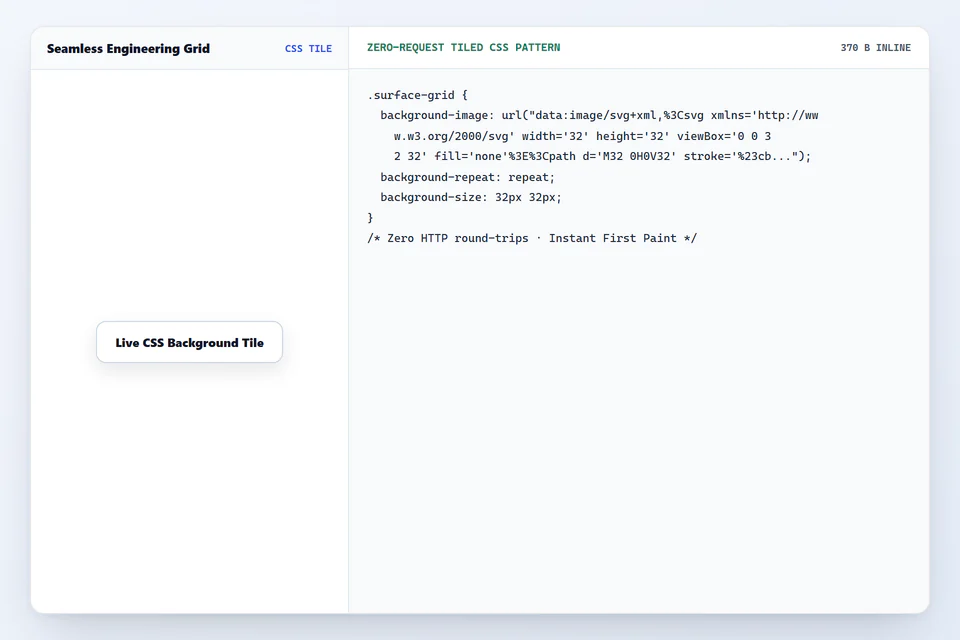
Showcases repeating background-image inline Data URI generation that stays smaller in UTF-8 percent-encoded form than Base64.
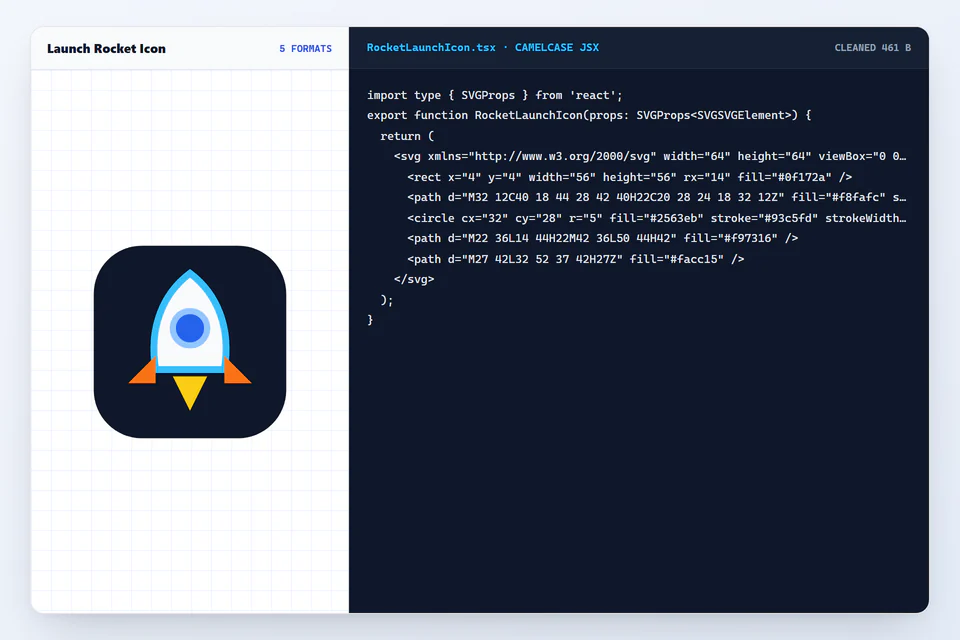
Highlights clean JSX component conversion transforming hyphenated XML attributes like stroke-width and viewBox into React-ready syntax.
Optimize raw SVG markup and copy production-ready Data URIs, stylesheet rules, or React components locally in seconds.
Drag any SVG asset into the workspace or paste XML code directly into the editor. The browser encoder renders a live visual preview over light, dark, or checkerboard backdrops locally.
Strip editor comments, XML prologs, and excess whitespace automatically, then compare real byte sizes across Base64 Data URI, UTF-8 CSS background-image, HTML img tag, and React JSX tabs.
Click once to copy clean Base64 strings, ready-to-paste CSS background declarations, or typed React JSX markup directly into your stylesheet or component repository.
Produces clean, standards-compliant inline strings while showing exactly which encoding delivers the smallest payload for your use case.
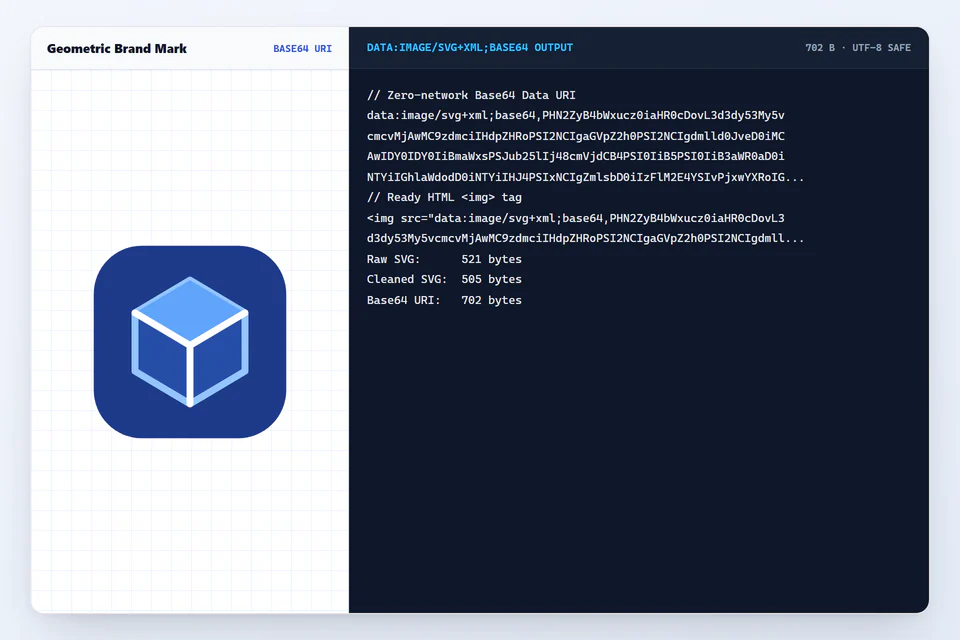
Generates standards-compliant UTF-8 safe Base64 strings prefixed for immediate use in HTML image sources, JSON payloads, email templates, and canvas loaders.
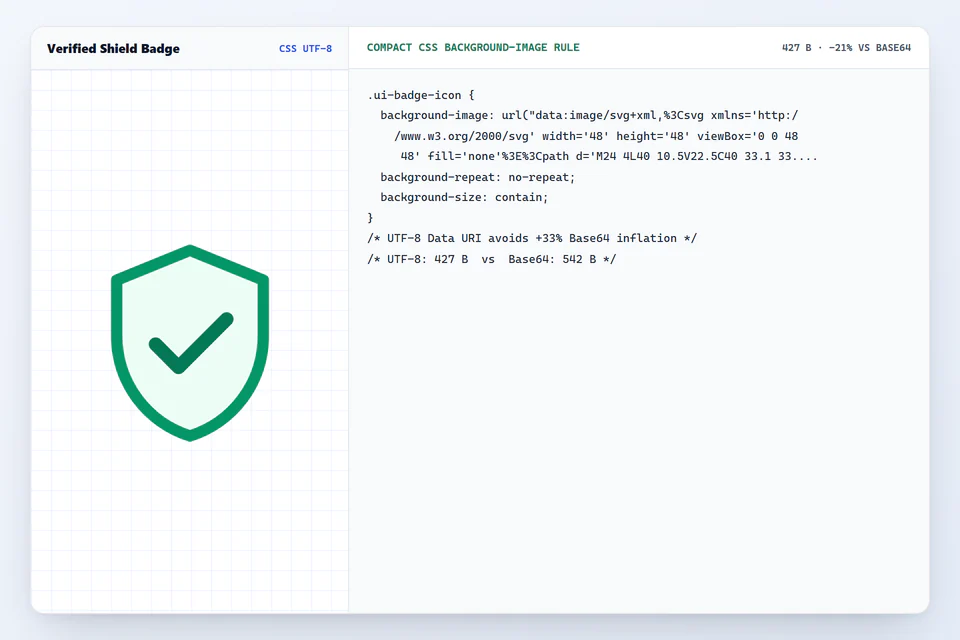
Encodes only the necessary reserved characters for svg to css url rules, producing readable stylesheet values that are often 20 to 30 percent smaller than Base64.
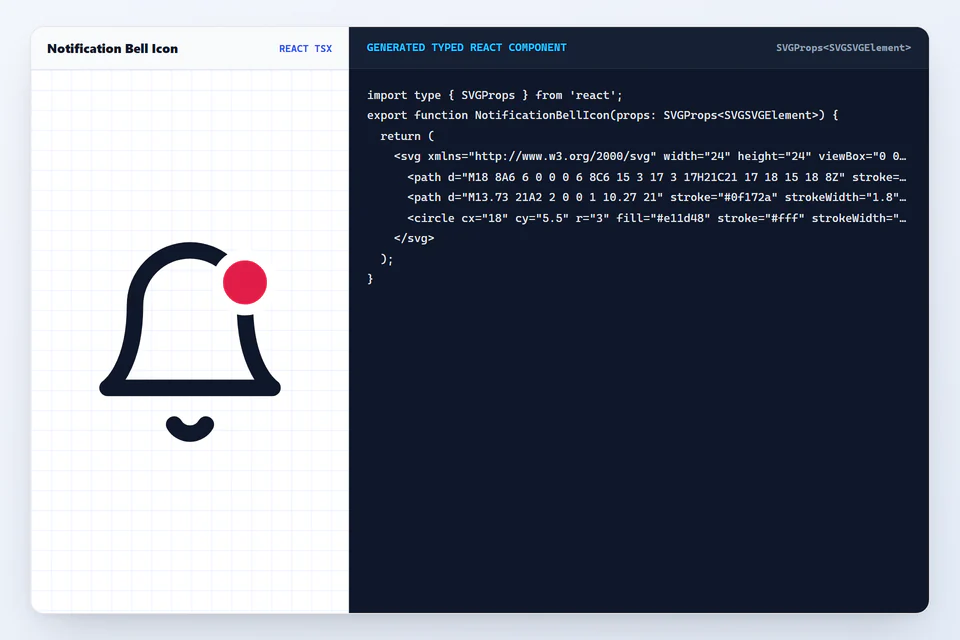
Transforms hyphenated SVG attributes such as stroke-width, fill-rule, and clip-path into valid camelCase props for clean copy-and-paste React JSX components.
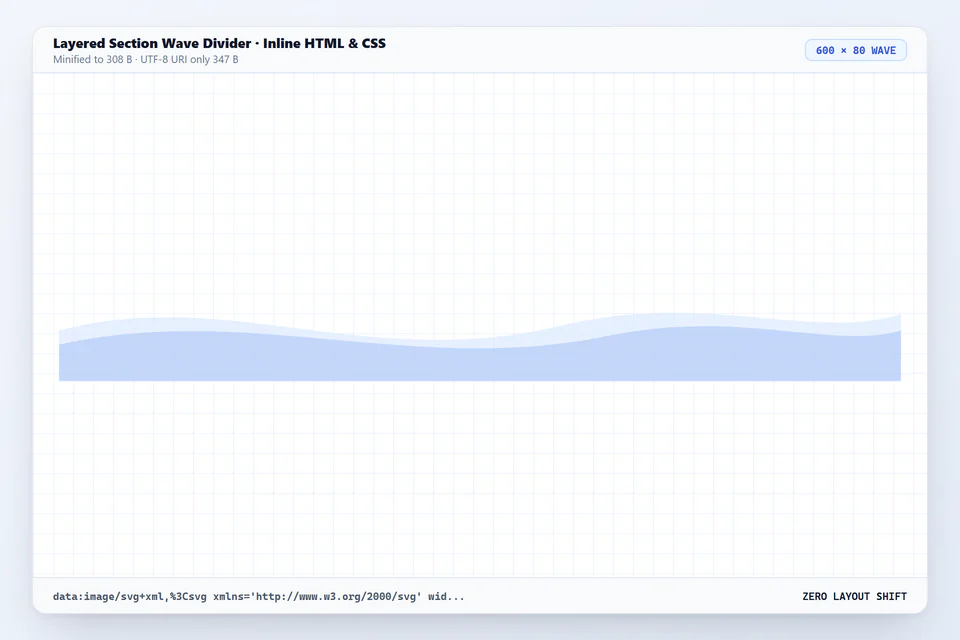
Removes XML declarations, comments, unused metadata, and redundant line breaks prior to encoding so your encoded Data URI payload stays lean from the start.
Compare original SVG size, minified bytes, UTF-8 Data URI length, and Base64 length side by side so you always pick the lightest format for production CSS bundles.
Paste an existing encoded string to inspect and decode it back to editable SVG XML, all executed 100% locally in your browser with zero server calls.
Understand when Base64 beats UTF-8 URL encoding, how inline SVG removes HTTP waterfalls, and how to ship clean React JSX icons.
Developers often default to converting svg to base64 whenever embedding an icon in CSS, yet Base64 adds a predictable thirty-three percent size overhead and obscures the underlying markup. For modern stylesheets, a UTF-8 percent-encoded Data URI string escapes only quotes, hashes, and angle brackets, resulting in smaller files that compress even better under Gzip and Brotli. Reserve Base64 for older parsers, JSON transport fields, strict Content Security Policy setups, or tooling that rejects raw Unicode characters.
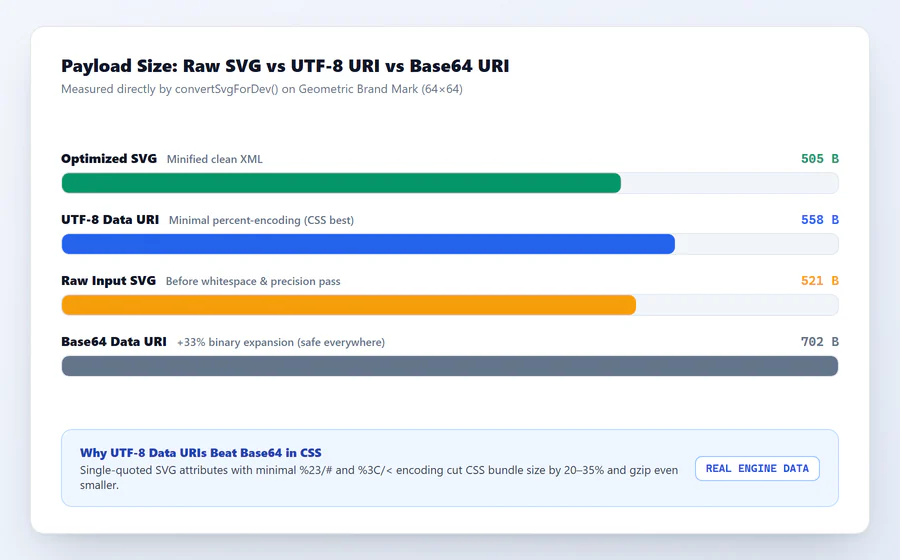
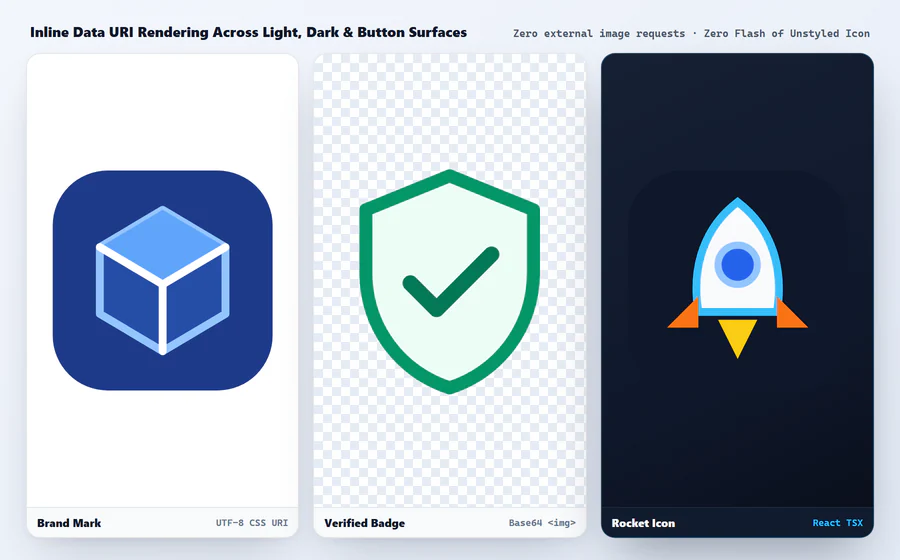
Small interface graphics like custom checkbox ticks, dropdown arrows, loading spinners, and subtle hero background grids benefit enormously from inline CSS embedding. Dropping a compact UTF-8 CSS background-image declaration directly into your stylesheet eliminates extra network round-trips and prevents icon pop-in during initial page paint. Keep inline CSS assets focused on lightweight icons under a few kilobytes so your critical stylesheet stays snappy.
One subtle pitfall when embedding SVG in an image source or CSS rule is a missing xmlns namespace attribute. Inline HTML allows omitting the SVG namespace, but standalone Data URIs fail to render in browsers unless the root SVG element declares its XML namespace explicitly. Running your snippet through our svg base64 encoder verifies the namespace automatically while trimming editor bloat, comments, and redundant whitespace that would otherwise inflate every encoded byte.
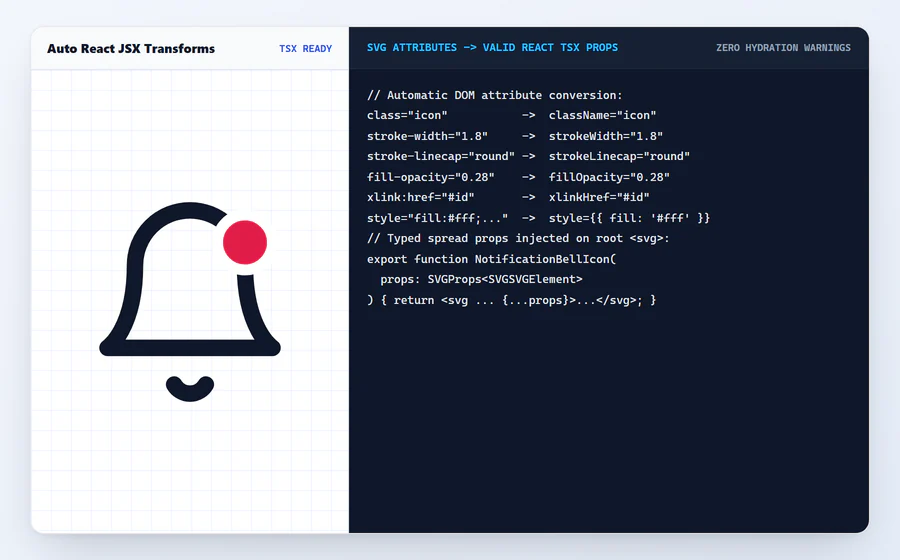
Pasting raw SVG XML straight into a React or Preact component triggers console warnings because XML uses hyphenated properties such as stroke-linecap, fill-opacity, and class instead of JSX camelCase names like strokeLinecap, fillOpacity, and className. Using our built-in svg to jsx tab converts every attribute cleanly, normalizes inline style declarations, and ensures your icon can inherit currentColor seamlessly from surrounding button text.
The cleanest Data URI starts with lean, well-structured vector XML. Before encoding heavy exported illustrations, simplify paths and decimals in SVG Optimizer, verify bounding dimensions inside SVG Viewer, recolor brand palettes cleanly using SVG Color Changer, or render fallback bitmap copies for legacy email clients via SVG to PNG.
Built for front-end developers, CSS authors, design-system engineers, and email marketers embedding crisp vectors inline.

Generate compact svg to css background-image rules and seamless geometric tile patterns that load instantly with zero extra HTTP requests.

Convert raw exported icon markup via the svg to jsx tab into clean camelCase components ready for TypeScript and modern UI kits.

Use the live byte counter in this browser tool to compare minified UTF-8 Data URIs against Base64 strings and keep CSS bundles lean.

Package standalone favicons, custom cursors, and self-contained HTML badges using reliable Base64 and svg to data uri strings.
Clear answers on Base64 versus UTF-8 CSS Data URIs, React JSX attribute conversion, Unicode safety, and local browser privacy.
For most modern CSS stylesheets, UTF-8 URL-encoded CSS Data URIs are smaller and compress better than Base64. Choose Base64 output when targeting legacy systems, JSON fields, or parsers that prefer ASCII-only strings.
Yes. The encoder converts SVG text through proper UTF-8 byte encoding before Base64 conversion so accented characters, CJK text, and symbols never throw encoding errors.
The two most common causes are a missing xmlns attribute on the root SVG tag and unescaped hash symbols in hex colors. This svg to data uri tool fixes both automatically.
It rewrites class to className, converts hyphenated attributes like stroke-width and fill-rule into React camelCase props, and outputs clean component-ready markup.
Yes. Enabling the cleanup pass removes XML prologs, comments, editor metadata, and redundant whitespace so your encoded string stays as small as possible.
Yes. Paste any Base64 or URL-encoded SVG Data URI into the workspace to preview the graphic and inspect the clean decoded XML markup locally.
No. All minification, Base64 encoding, CSS escaping, and JSX conversion run 100% locally in your browser tab with zero network transmission.
Yes. You can encode SVG icons into Base64, CSS Data URIs, HTML tags, and React JSX completely free online with no sign-up required.
Drop any SVG file or paste XML to generate lean Base64 Data URIs, UTF-8 CSS background snippets, and React JSX free in your browser.
Encode SVG now