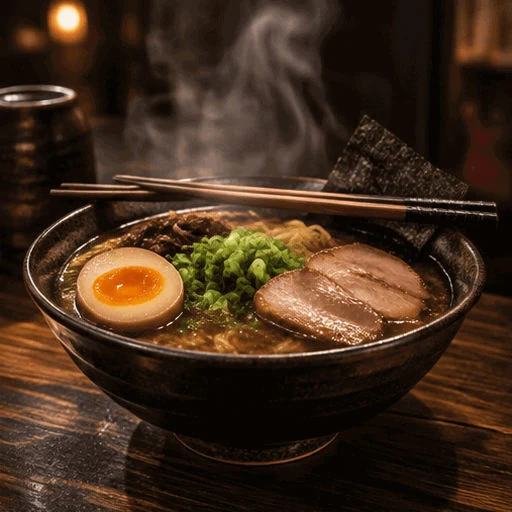
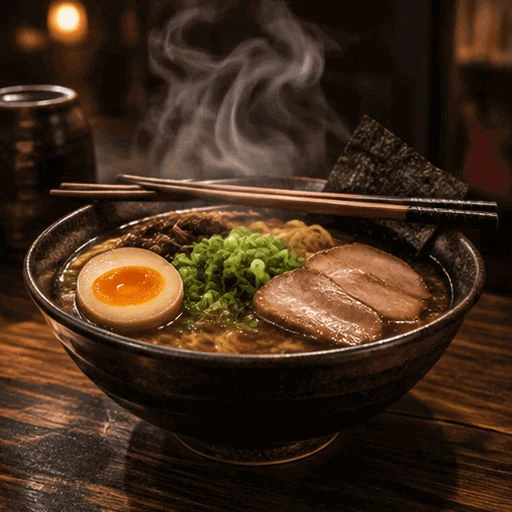
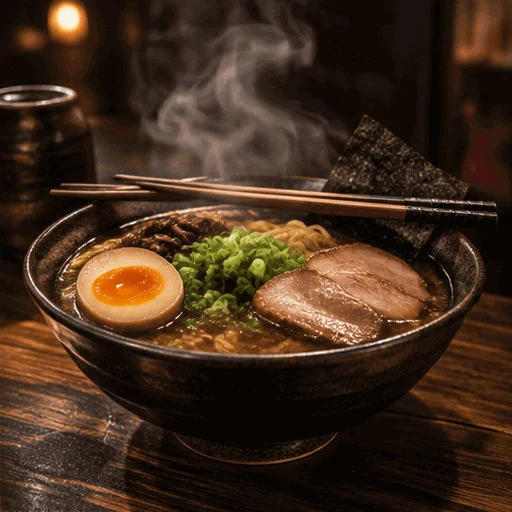
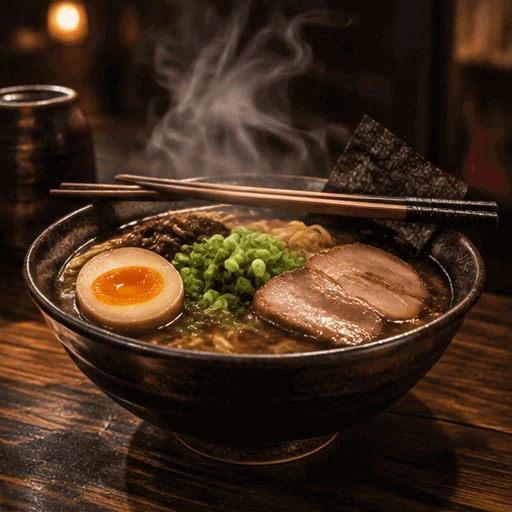
 GIF
 JPG
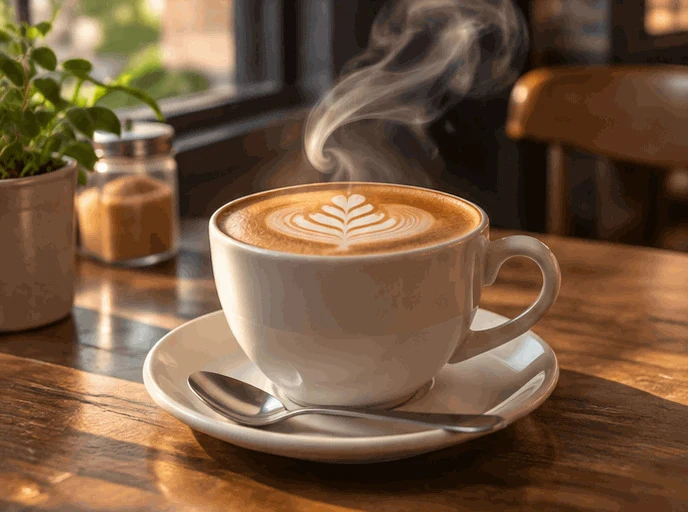
Latte with rising steam
688 × 512 px · GIF 998 KB → JPG 109 KB
Frame 6, with the tallest swirl of steam, as one JPG for a blog cover.
Drop a GIF to save any frame as a crisp JPG for a cover, a print or an email, or every frame as JPG files in one ZIP. This GIF to JPG converter keeps colors sharp, places transparent areas on the color you pick and runs in your browser, so nothing is uploaded.
Drop a GIF here
Animated GIF, WebP or PNG, or a short MP4 or WebM clip. Everything stays in your browser.
Eight GIFs made for these examples, each turned into JPG by this page's own GIF to JPG converter. Open one to see its frames and save the same JPG files.
GIFJPG688 × 512 px · GIF 998 KB → JPG 109 KB
Frame 6, with the tallest swirl of steam, as one JPG for a blog cover.
 GIF
 JPG
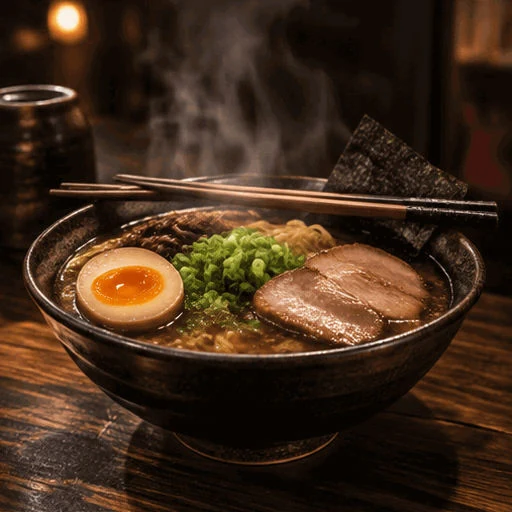
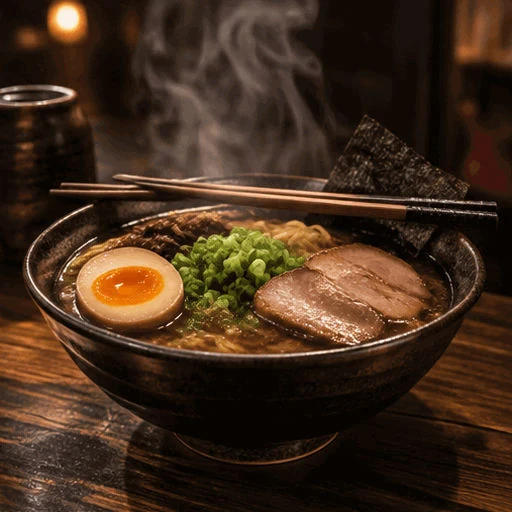
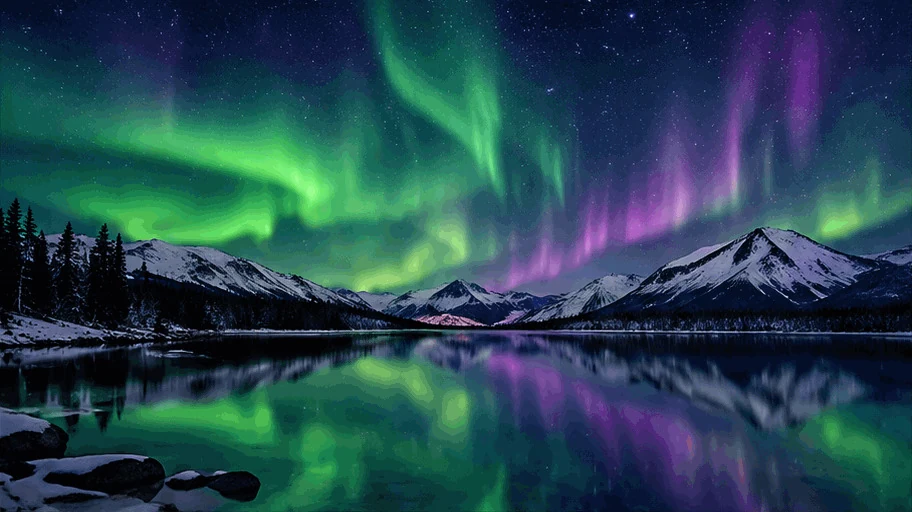
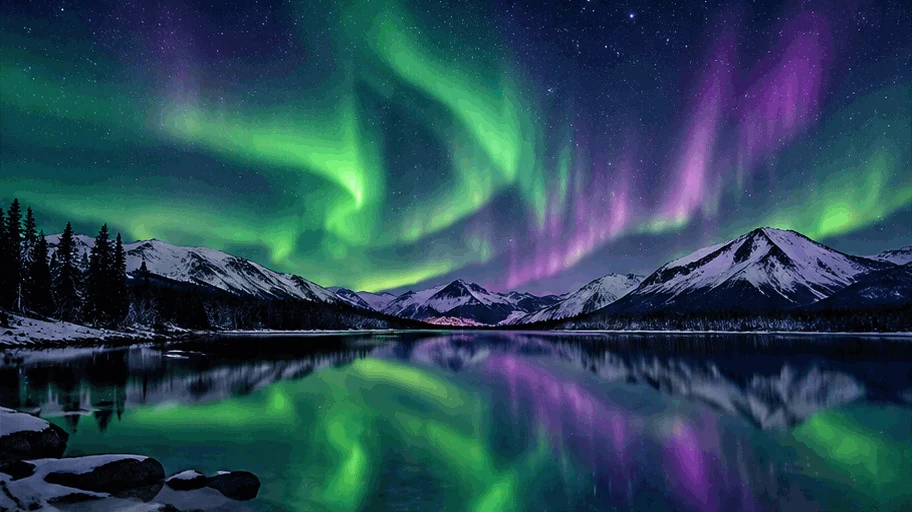
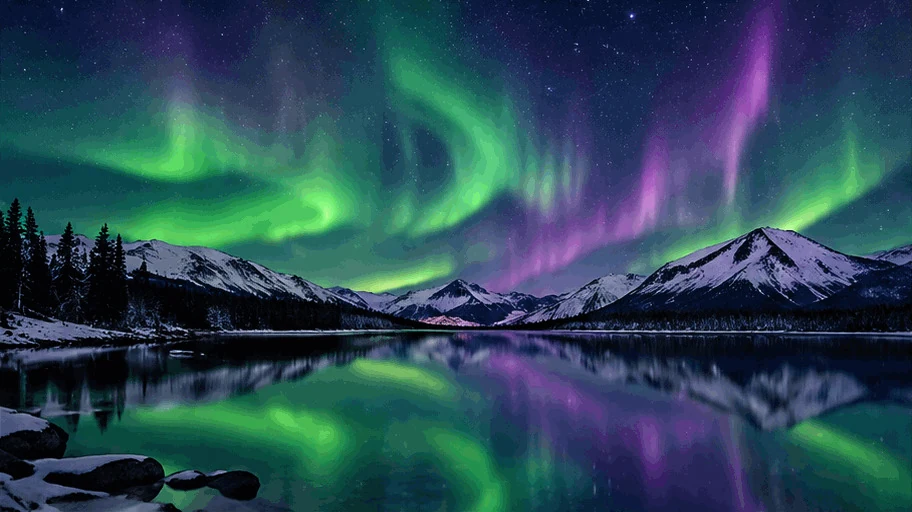
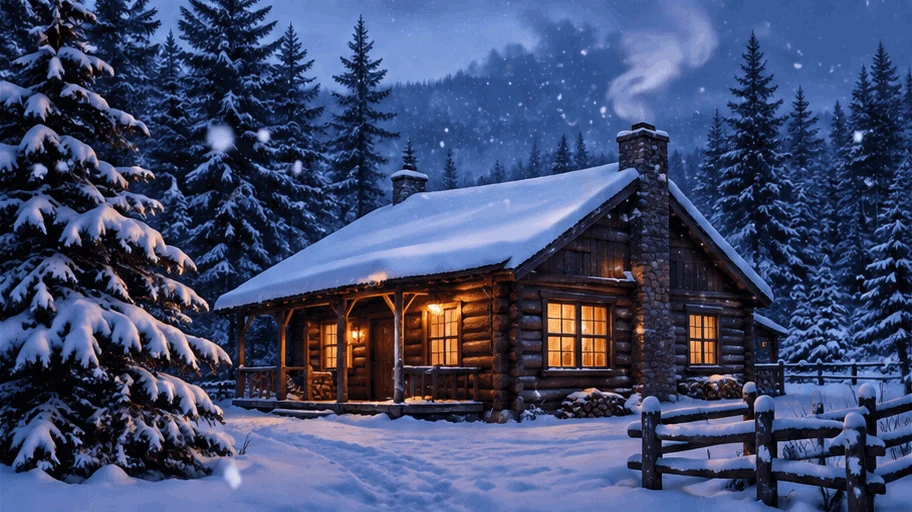
912 × 512 px · GIF 2.1 MB → JPG 319 KB
One wide frame at quality 95 for a print or a header image.
 GIF
 JPG
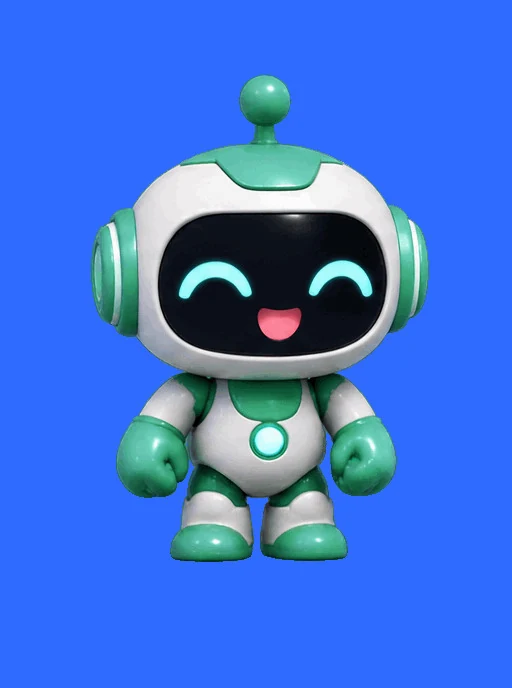
512 × 912 px · GIF 1.9 MB → JPG 141 KB
The last frame, a smile to the camera, as a story cover JPG.
 GIF
 JPG
512 × 512 px · GIF 425 KB → JPG 52 KB
A transparent GIF on a warm cream color, saved as one JPG.
 GIF
512 × 512 px · GIF 876 KB → ZIP 437 KB
All eight frames at quality 80: light JPG files for email.
 GIF
912 × 512 px · GIF 1.4 MB → ZIP 682 KB
Every second frame: four wide JPG files for a slideshow.
 GIF
512 × 688 px · GIF 387 KB → ZIP 395 KB
Each frame of a transparent GIF placed on brand blue as a JPG.
 GIF
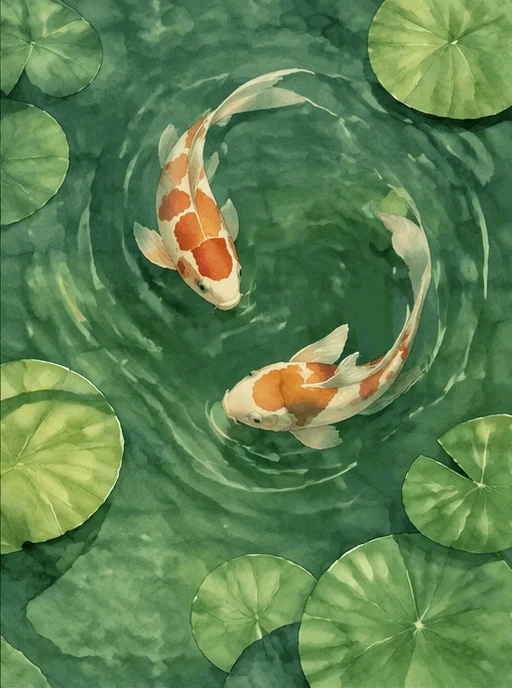
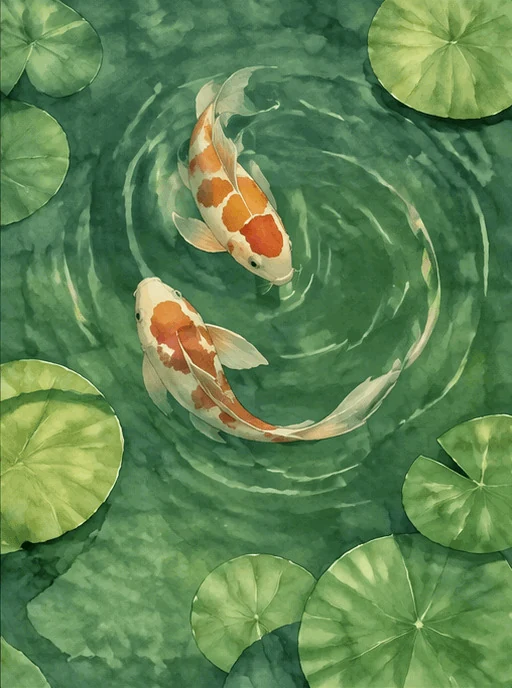
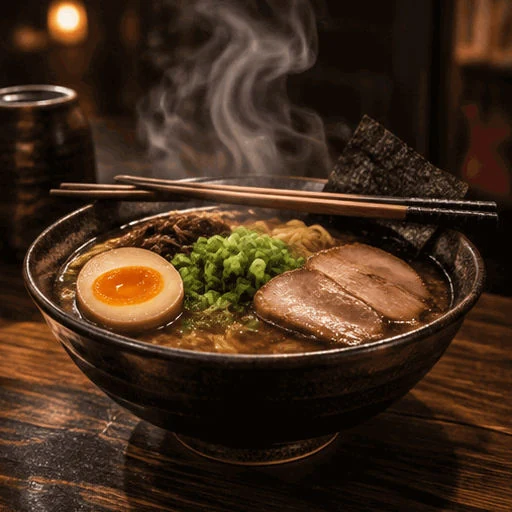
512 × 688 px · GIF 2.7 MB → ZIP 490 KB
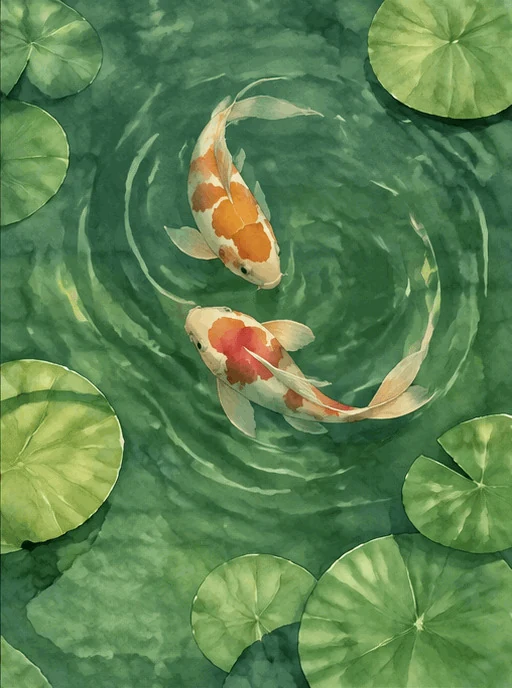
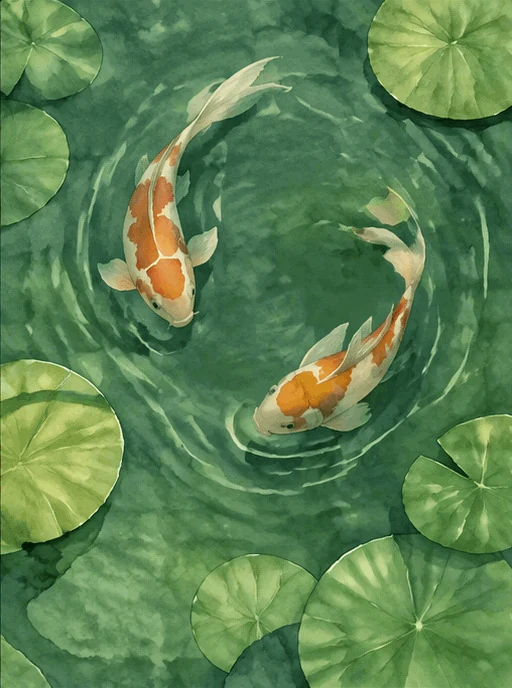
Every fourth frame of sixteen: four JPG prints of the koi.
Three steps, and your GIF stays on your device.
Drop, paste or choose a GIF, animated or still. Animated WebP and PNG files and short MP4 or WebM clips open too.
The GIF opens on its first frame. Step to the frame you want, then set the JPG quality and the color behind any transparent areas.
Save the frame in view as a JPG, or download every picked frame as JPG files in a ZIP, numbered as in the GIF.
Six things it does well, from one cover frame to every frame of a clip.

Ordinary JPG files soften red and blue edges. This converter keeps full color detail (4:4:4) at every quality, so outlines, text and bright colors stay crisp.
GIFThe GIF opens paused on frame 1. Step with the buttons, the slider or the arrow keys and save the frame in view: the best moment for a cover or a print.
GIFTransparent areas of the GIF are filled with the color you choose: white for documents and listings, a brand color for social posts, so every JPG looks finished.
Set the JPG quality for the job: 80 for light email attachments, 92 by default, 95 to 100 for prints. Every frame is saved with the same setting.
Save every frame, a range or every nth frame as JPG files in one ZIP, numbered as in the GIF, at 25% to 400% of the GIF's size.
This converter runs entirely in your browser: no upload, no account, no watermark, and it works offline once the page has loaded.
Five short tips for clean JPG files from any GIF.
For a thumbnail or a cover, step through the frames and pick the moment that reads at a glance: a face toward the camera, steam at its tallest, the action at its peak.
Stickers and logos often have transparent areas, and a JPG fills them with the color you pick. White suits documents and listings; the color of the page or post where the JPG goes makes the edges blend in.

Quality 80 keeps email attachments and chat pictures light, 92 suits the web, and 95 or more keeps fine detail when you print a frame.
Save at 100% for the GIF's own size, 50% for small previews, or 200% for a larger frame. For stickers that should stay transparent, use GIF to PNG.
JPG is the photo format every phone, email app, printer and website accepts, and a photographic frame as JPG is far smaller than the GIF it comes from. For more frame tools, open the same GIF in the GIF splitter.
Common reasons to turn a GIF into JPG.
Take the best frame of a GIF as a JPG cover, a thumbnail or a header image.
Save one frame as a high quality JPG to print, frame or add to a photo book.
Attach a light JPG to email, forms and documents that ask for a JPG picture.
Post a still JPG of an animated product or mascot GIF wherever a photo is expected.
Answers about frames, quality, transparency and privacy.
Open the GIF, pick the frame in view or tick the frames you want, then save one JPG or download every picked frame as JPG files in a ZIP.
Yes. It runs entirely in your browser, needs no account and adds no watermark.
Yes. JPG and JPEG are two names for the same format, and the files you save open anywhere a JPEG is accepted.
They are filled with the background color you choose, white by default, so the JPG has no gaps.
The frame in view. The GIF opens on frame 1; step to any other frame before you save, or tick several and download them all.
No. Your GIF is read and converted to JPG on your device; nothing is sent to a server.
92 is the default and suits most uses. Choose 80 for small email files and 95 or more for printing.
Yes. Keep all frames picked and download them as numbered JPG files in one ZIP, or keep a range or every nth frame.
Open a GIF and get sharp JPG files in seconds, free and in your browser.
Open a GIF