
Portrait at High quality
864 × 1,152 px · JPG 233 KB → WebP 154 KB
Skin tones and soft background blur kept at High quality for a portfolio or a team page.
Convert JPG to WebP and cut your photos to about half their size with no visible change, for faster websites, shops and blogs. Pick the quality, convert a whole batch at once, and keep every file on your device.
No JPG file at hand?
Converted on your device: nothing is uploaded, and it keeps working offline once the page has loaded.
Eight JPG photos made for these JPG to WebP examples, each converted by this page's own tool, with the size before and after. Open one to see its WebP and every setting.
864 × 1,152 px · JPG 233 KB → WebP 154 KB
Skin tones and soft background blur kept at High quality for a portfolio or a team page.
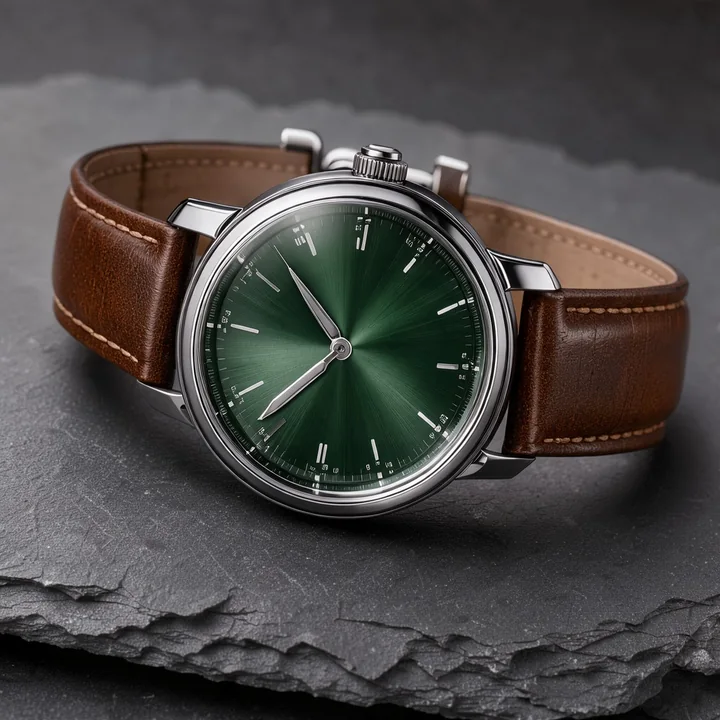
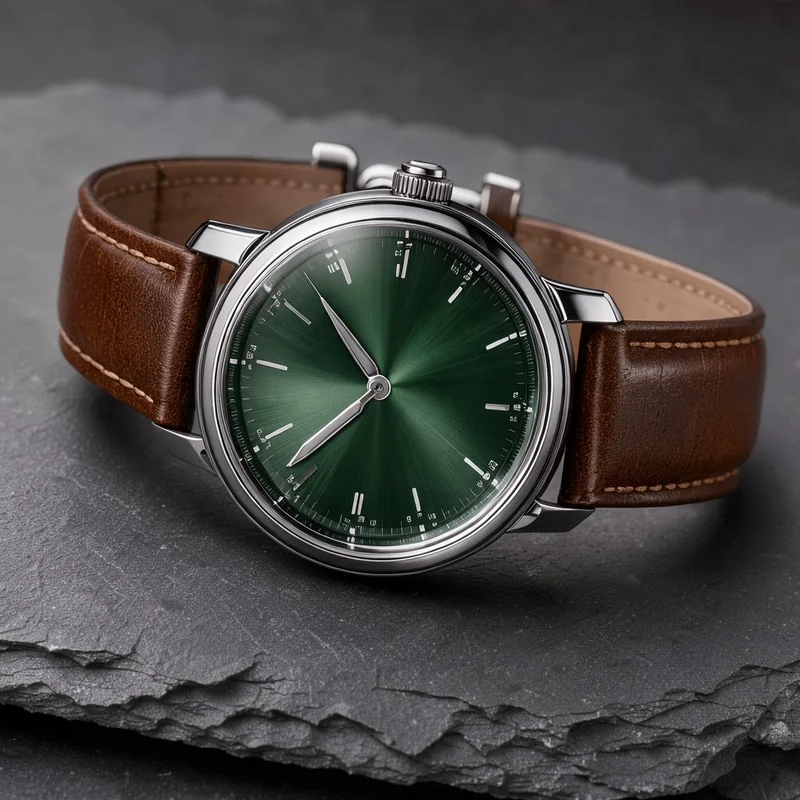
1,024 × 1,024 px · JPG 250 KB → WebP 120 KB
Fine dial detail and the leather grain kept at Standard quality, in half the bytes of the JPG.
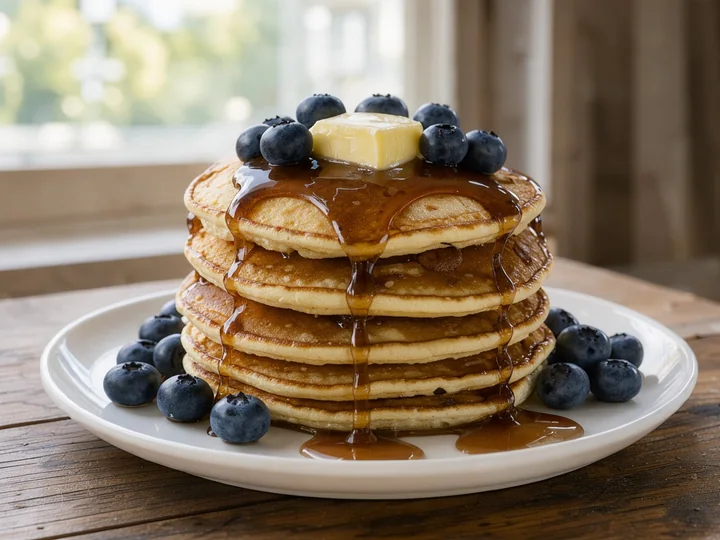
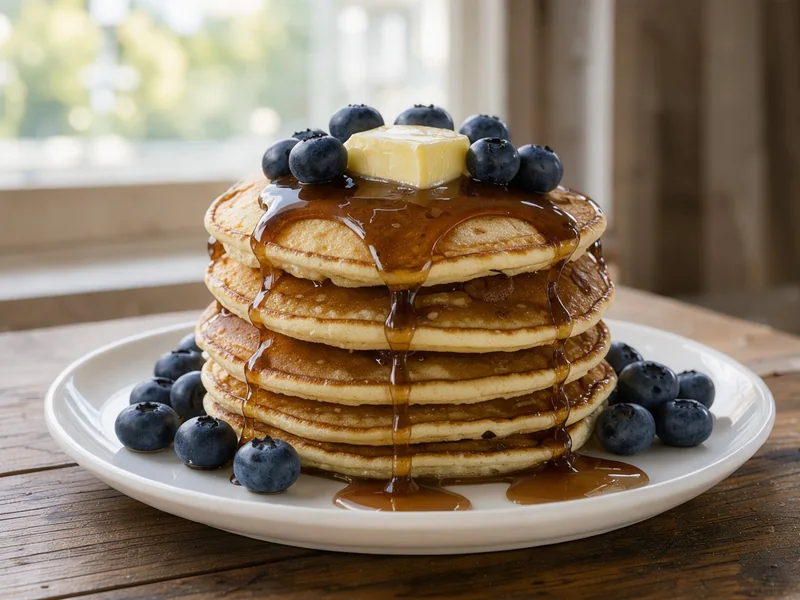
1,152 × 864 px · JPG 216 KB → WebP 88 KB
Syrup, berries and soft window light look the same in a WebP well under half the size.
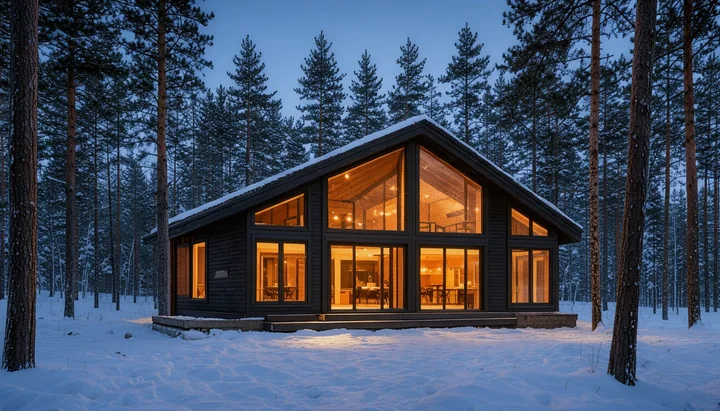
672 × 384 px · JPG 380 KB → WebP 71 KB
Saved at 50% for a fast hero image that still fills a wide screen.
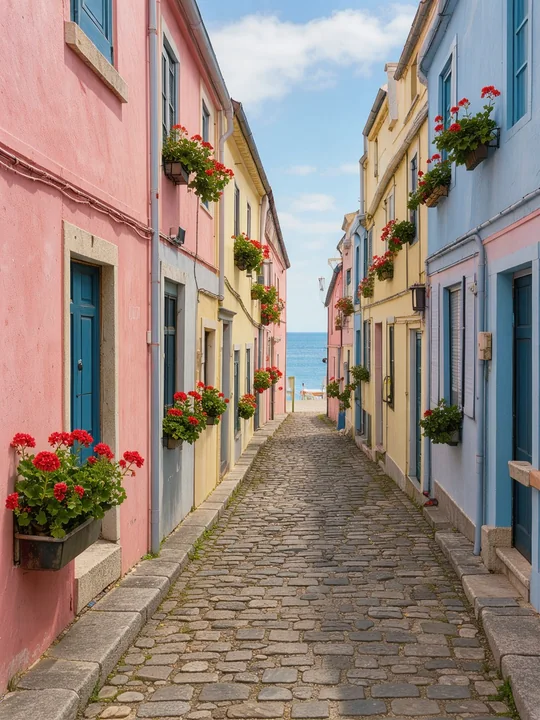
864 × 1,152 px · JPG 356 KB → WebP 185 KB
Stored sideways with a rotation tag, saved upright as a WebP that every app shows the right way.
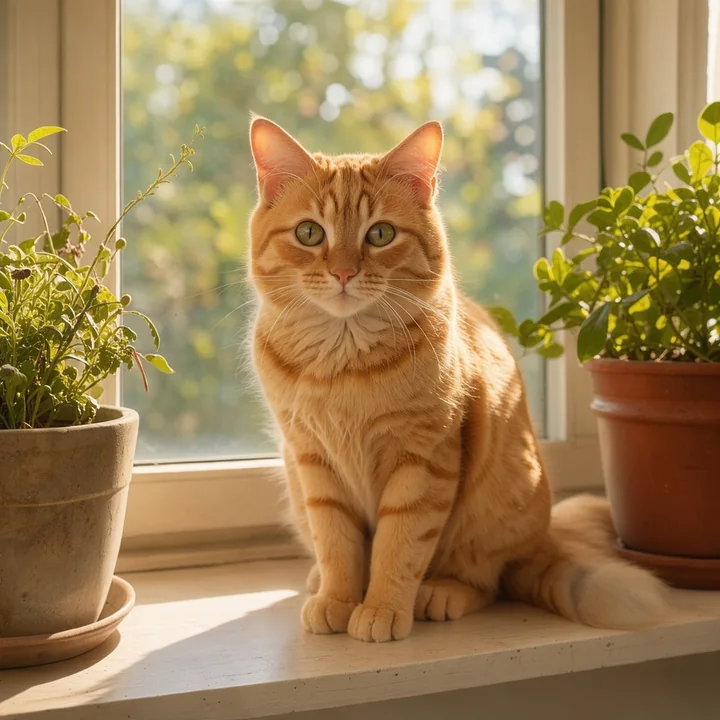
512 × 512 px · JPG 214 KB → WebP 33 KB
A cosy shot saved at 50% for social posts, emails and messages.
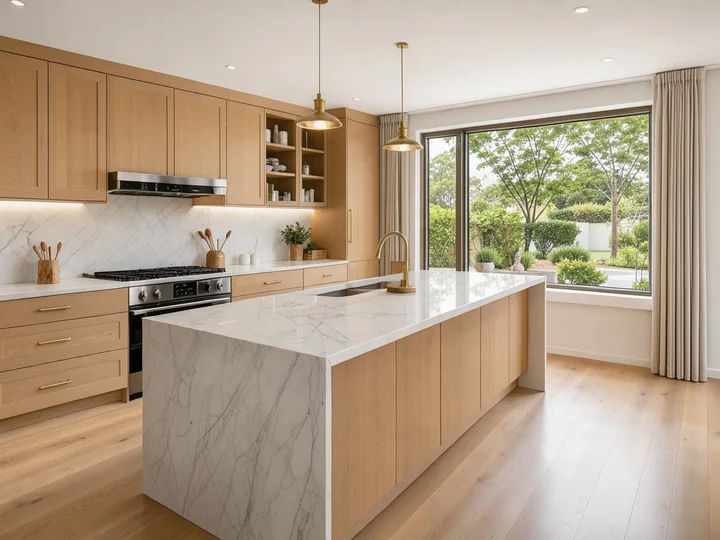
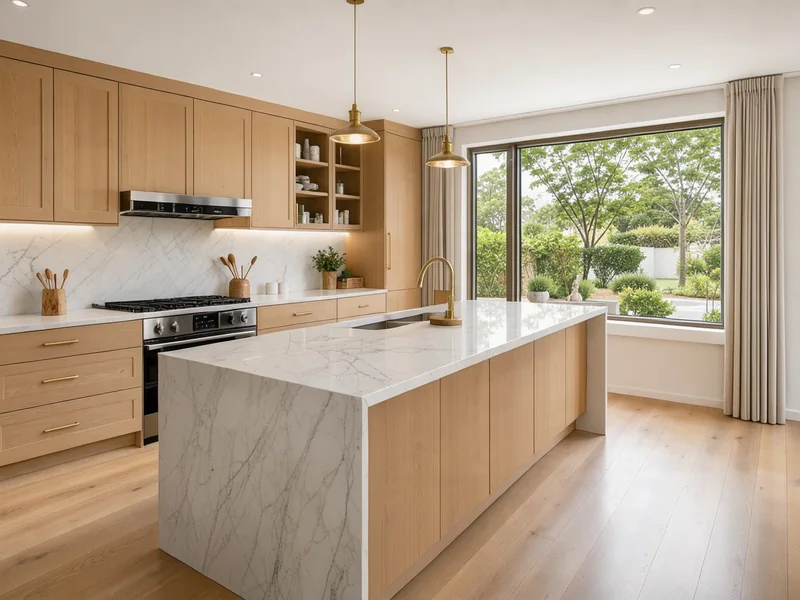
1,152 × 864 px · JPG 203 KB → WebP 92 KB
Bright rooms and straight lines for a listing that opens fast on any phone.
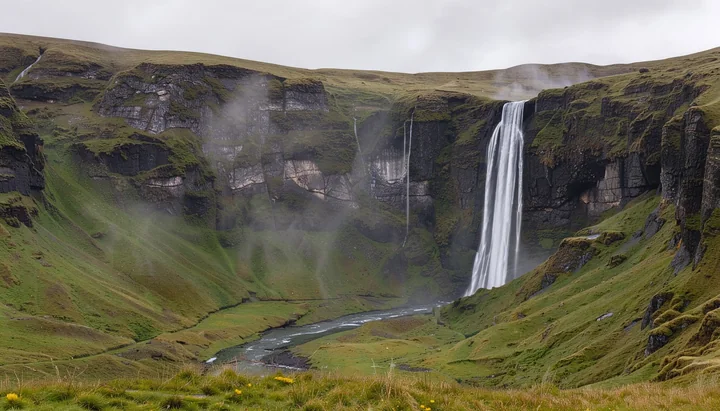
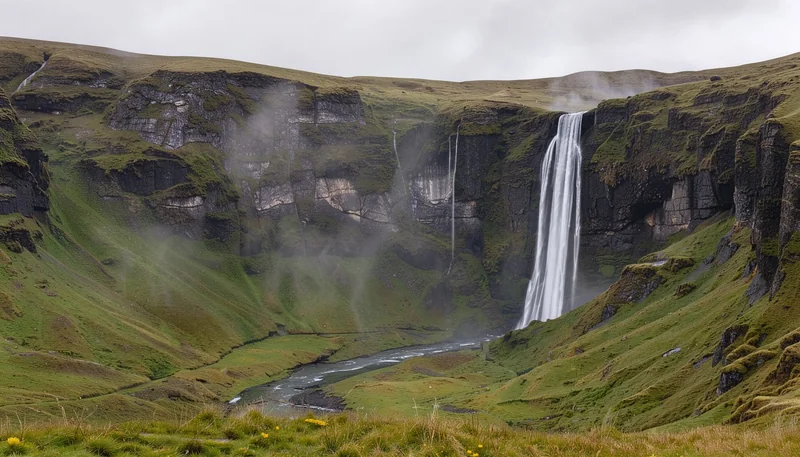
1,344 × 768 px · JPG 326 KB → WebP 148 KB
Smallest file keeps the mist, moss and falling water for a travel blog or a gallery.
864 × 1,152 px · JPG 233 KB → WebP 154 KB
Skin tones and soft background blur kept at High quality for a portfolio or a team page.
1,152 × 864 px · JPG 216 KB → WebP 88 KB
Syrup, berries and soft window light look the same in a WebP well under half the size.
1,344 × 768 px · JPG 326 KB → WebP 148 KB
Smallest file keeps the mist, moss and falling water for a travel blog or a gallery.
864 × 1,152 px · JPG 356 KB → WebP 185 KB
Stored sideways with a rotation tag, saved upright as a WebP that every app shows the right way.
1,152 × 864 px · JPG 203 KB → WebP 92 KB
Bright rooms and straight lines for a listing that opens fast on any phone.
1,024 × 1,024 px · JPG 250 KB → WebP 120 KB
Fine dial detail and the leather grain kept at Standard quality, in half the bytes of the JPG.
512 × 512 px · JPG 214 KB → WebP 33 KB
A cosy shot saved at 50% for social posts, emails and messages.
672 × 384 px · JPG 380 KB → WebP 71 KB
Saved at 50% for a fast hero image that still fills a wide screen.
Three steps, and your photos never leave your device.
Drop, paste or choose up to 100 JPG or JPEG photos, 100 MB each. Each one starts converting to WebP the moment it arrives.
Standard quality suits most photos. Choose High for portraits and product close-ups, or Smallest for thumbnails and previews.
Save each WebP on its own or all of them in one ZIP, named after your JPG files, with the size before and after on every row.
Six things it does well, from one photo to a whole shoot.
A lossy WebP stores the same photo in far fewer bytes, so a JPG often drops to about half its size at Standard quality with no visible change. Pages, shops and galleries load faster.
High quality for portraits and product close-ups, Standard for most photos, Smallest for thumbnails. Change it and the whole list converts again, with the new size on every row.
Phone photos stored sideways with a rotation tag come out upright, so every WebP shows the right way in browsers, apps and editors.
Keep the full size or save at 75, 50 or 25% for hero images, thumbnails and email. The browser's high-quality resize keeps edges smooth.
Fine texture in fabric, food and product shots stays crisp, and wide-color phone photos are converted to sRGB so their colors look the same everywhere.
Camera details and the GPS location in the JPG stay behind, and nothing is uploaded: this converter runs entirely in your browser, even offline.
Five short tips for small, sharp WebP photos from any JPG.
WebP is an image format made for the web, and every current browser shows it. A lossy WebP keeps a photo looking the same as the JPG in a smaller file, which is why speed tests and site builders suggest you convert JPG to WebP.
Standard quality (80) suits most photos. Choose High (90) for portraits, products and photos people will zoom into, and Smallest (70) for thumbnails, previews and email.
Start from the camera or phone original rather than a copy that was already compressed for the web. The WebP then keeps the most detail for its size.
A photo shown 1,200 pixels wide needs no 4,000 pixel file. Save at 50 or 25% when the JPG is much larger than its place on the page, and the WebP gets lighter again.
Keep the JPG files for printing and editing and serve the WebP copies on your site. Each WebP keeps the name of its JPG, so swapping them in a folder or a CMS stays simple.
Common reasons to convert JPG to WebP.
Serve lighter hero and gallery photos for faster pages and better speed scores.
Make product photos small enough for listings that open fast on phones.

Share portfolios and client galleries that load quickly at full quality.
Upload room after room of listing photos without heavy files.
Answers about converting JPG to WebP, quality and privacy.
Drop your JPG files on the converter at the top of this page. Each one becomes a WebP at once; download them one by one or all together as a ZIP.
Yes. It runs entirely in your browser, needs no account, adds no watermark and saves every WebP at full size.
No. Every photo is converted on your device; nothing is sent to a server, and the converter keeps working offline once the page has loaded.
Yes. JPG and JPEG are the same format, so .jpg, .jpeg and .jfif files all work, and every JPEG to WebP conversion keeps the name of the original file.
At Standard and High quality the WebP looks the same as the JPG to the eye in a much smaller file. Convert from the best original you have, and the WebP keeps the most detail.
It depends on the photo and the quality. At Standard quality a photo from a phone or camera often comes out about half the size, and every row shows the size before and after.
Yes. Add up to 100 JPG files; they convert one after another, and one click downloads every WebP in a ZIP.
Yes. On Android, and in Chrome, Edge or Firefox on a computer, it saves small lossy WebP, the best choice for photos. On iPhone and iPad it saves lossless WebP with every pixel kept.
Drop your JPG photos and download light, sharp WebP files in seconds, free and private in your browser.
Choose JPG files