Carton packaging spec sheet
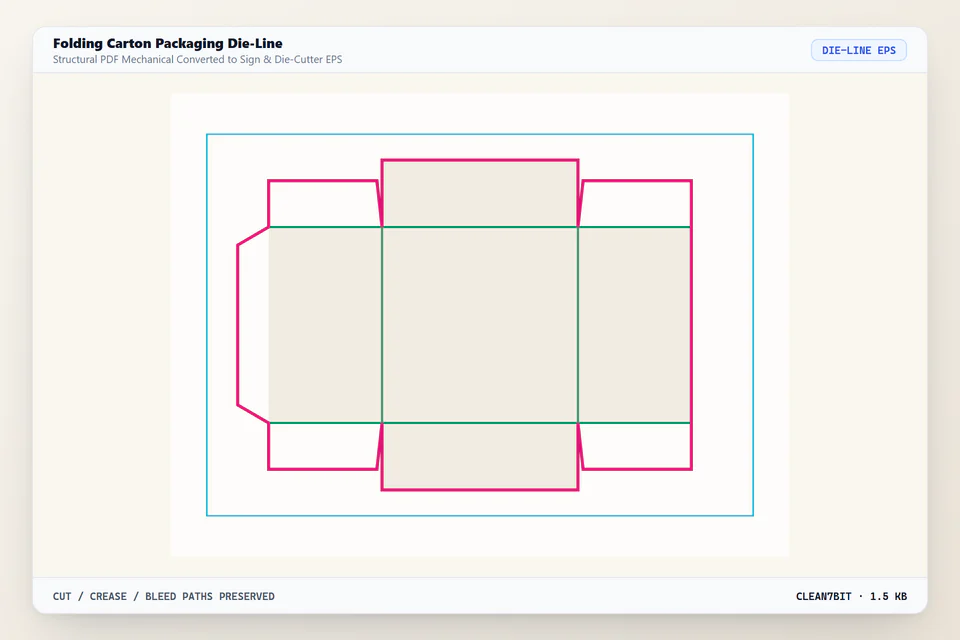
Demonstrates clean pdf to vector eps conversion of fold guides, barcode zones, and solid CMYK color blocks for press workflows.
Convert pdf to eps right in your browser without cloud uploads or loss of vector sharpness. This local PDF content-stream parser extracts mathematical paths, Bezier curves, Form XObjects, and colors straight into clean PostScript EPS Level 2 files with selectable CMYK or RGB ink modes and one-click multipage ZIP packaging.
Drop a PDF file to convert every page to vector EPS
Extracts vector paths and curves page by page and encodes clean PostScript Level 2/3 EPSF-3.0 in CMYK or RGB.
Runs locally in your browser. Nothing is uploaded.
Or test immediately with a multi-page vector PDF
Open any starter PDF below to preview page-by-page vector extraction, CMYK PostScript generation, and BoundingBox accuracy before converting your own files.
Demonstrates clean pdf to vector eps conversion of fold guides, barcode zones, and solid CMYK color blocks for press workflows.

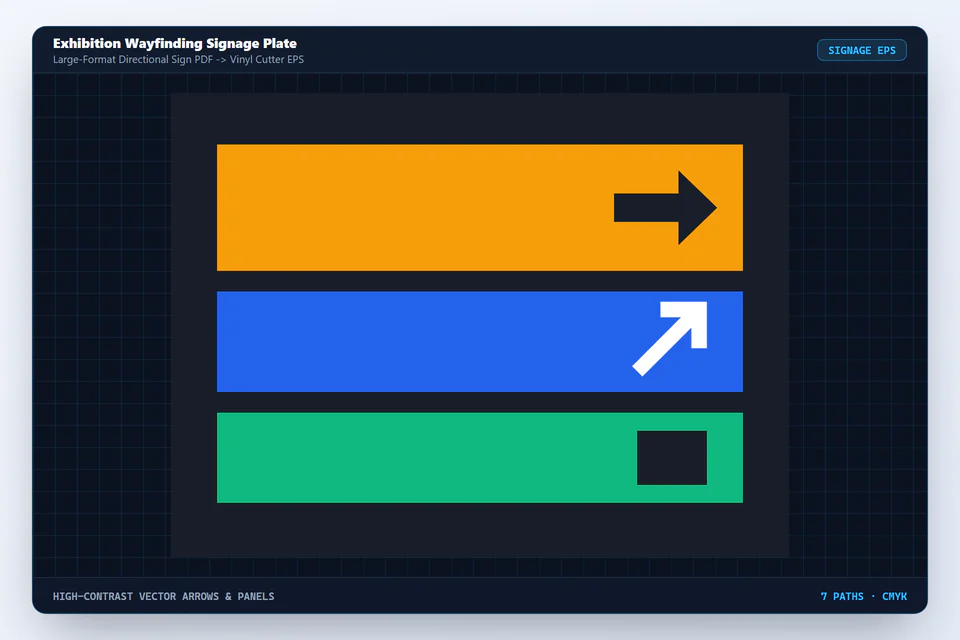
Showcases crisp cubic curves, bold directional arrows, and accurate PostScript BoundingBox headers ready for vinyl cutters and large-format RIPs.

Highlights selective page picking and batch ZIP packaging when you export multi-page PostScript files across multi-sheet manuals and figure sets.
Extract individual or multipage PDF artwork into clean, prepress-ready PostScript EPS files directly in your browser.
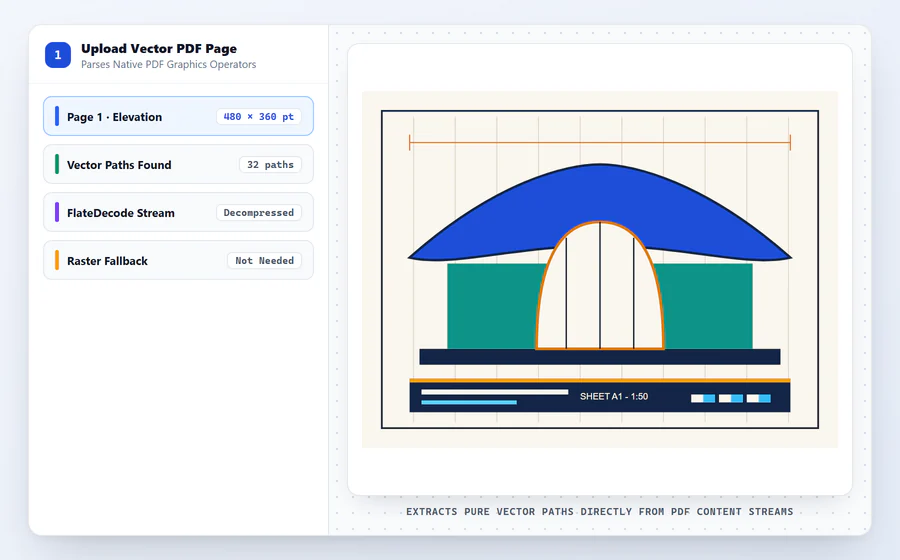
Drag any vector PDF into the browser workspace or load a built-in sample. The browser parser inspects each page stream locally and renders crisp thumbnails for every sheet.
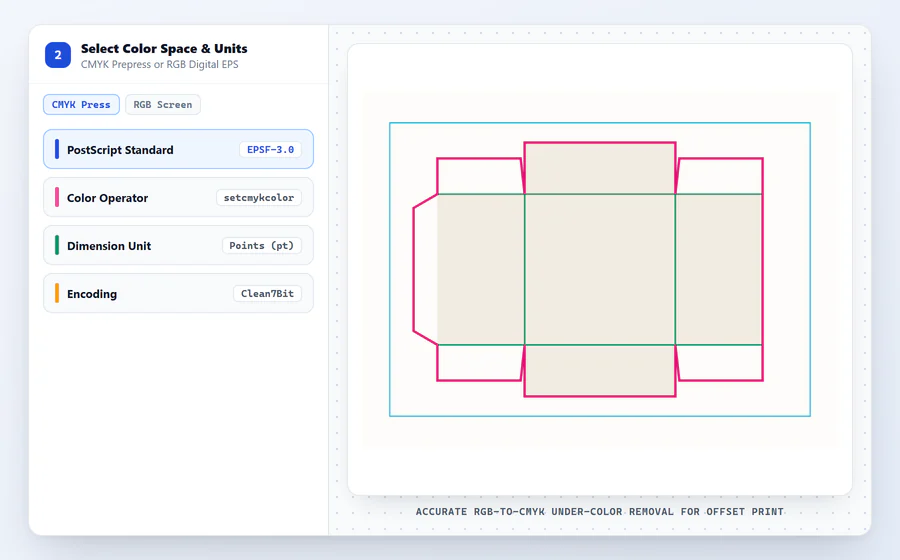
Pick a single page or select all pages in the document, choose CMYK for commercial printing or RGB for digital prepress, and verify the declared PostScript BoundingBox dimensions.
Export any selected page as a standalone PostScript Level 2 EPS file, or bundle every converted page into a neatly numbered multipage ZIP archive with one click.
Engineered around native PDF vector stream parsing and standards-compliant PostScript emission so prepress teams receive crisp curves.
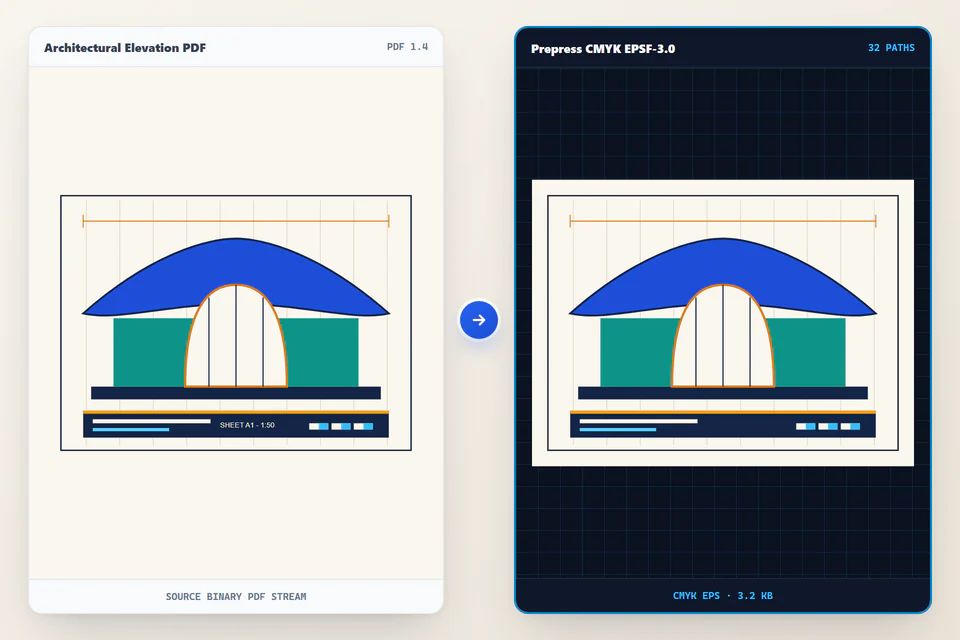
Translates PDF moveto, lineto, cubic Bezier, rectangle, and compound path operators directly into PostScript EPS Level 2 vector commands with zero raster blurring.
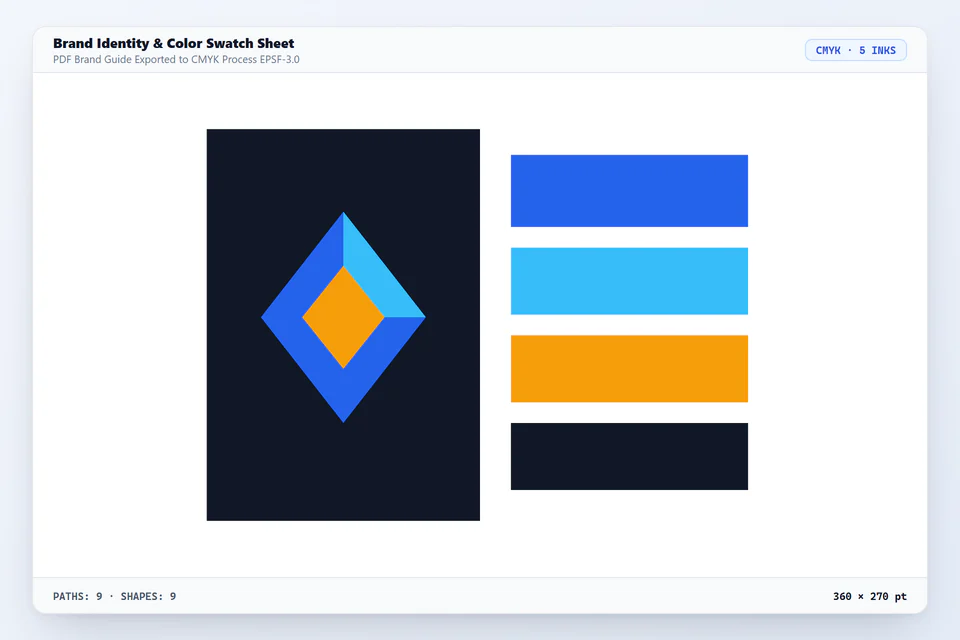
Generate device CMYK PostScript ink definitions for offset presses and packaging vendors, or keep clean RGB values for screen-calibrated digital plotters.
Because EPS is a single-page format, this browser prepress workspace lets you convert selected pages individually or download every page numbered cleanly inside a ZIP archive.
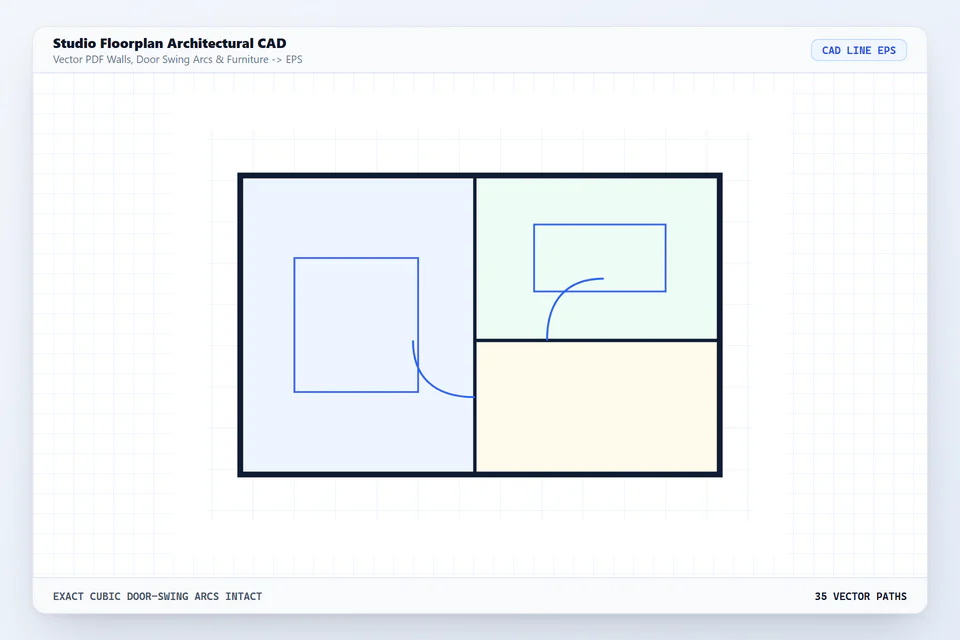
Expands nested PDF Form XObjects, transformation stacks, stroke widths, and clipping paths faithfully so complex engineering drawings and logos stay aligned.

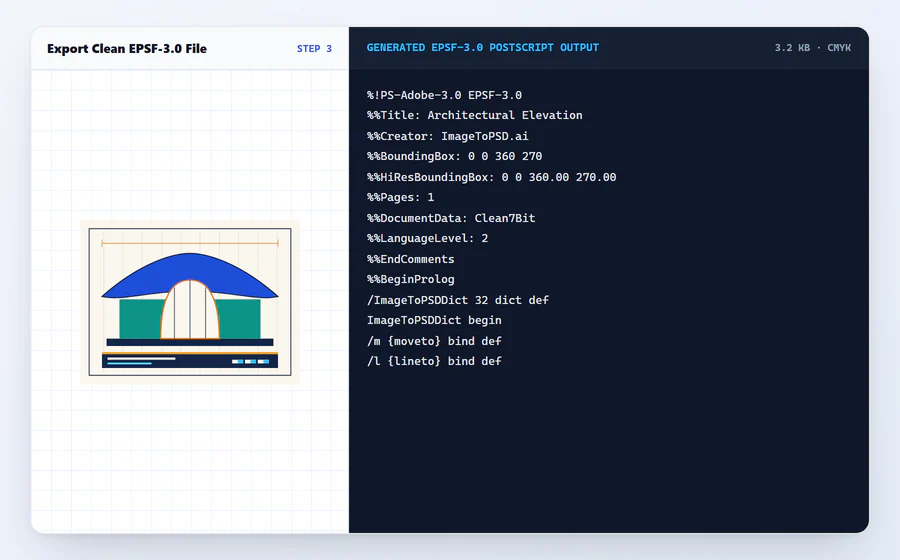
Writes standards-compliant Document Structuring Convention comments including exact BoundingBox and HiResBoundingBox coordinates for reliable RIP placement.
Convert confidential packaging dielines, signage blueprints, and brand guidelines locally without sending sensitive PDF documents to external servers.
Learn how multipage PDFs map to single-page EPS files, when to pick CMYK over RGB, and how to guarantee clean compatibility with print RIPs.
Even though PDF dominates everyday document sharing, many sign-making plotters, embroidery digitizers, engraving rigs, screen-printing film setters, and scientific typesetting systems still expect Encapsulated PostScript input. Converting a modern PDF proof through a native stream parser gives those production machines clean PostScript Level 2 geometry and explicit BoundingBox metadata without forcing designers to rebuild layouts from scratch.
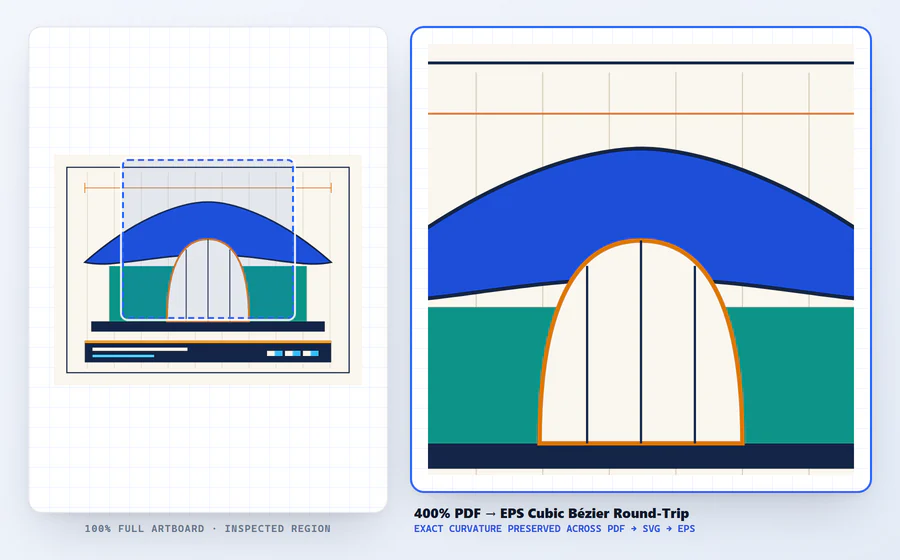
By specification, an Encapsulated PostScript file represents exactly one bounded graphic page. When a client hands over a twelve-page catalog, logo sheet, or technical manual as a single PDF, splitting and converting each page manually wastes time. Our pdf to eps online workspace parses the entire multipage document at once, displays every page in a selectable grid, and packages your chosen pages into consistently named EPS files inside a single ZIP download.
Selecting the proper color mode before you convert pdf to eps prevents unexpected ink shifts on press. Choose CMYK output whenever the resulting EPS heads to offset lithography, commercial packaging, or four-color signage presses that separate cyan, magenta, yellow, and black plates. Choose RGB output when feeding modern wide-format inkjet printers with wide-gamut profiles, academic figure pipelines, or downstream vector editors where screen color matching matters most.
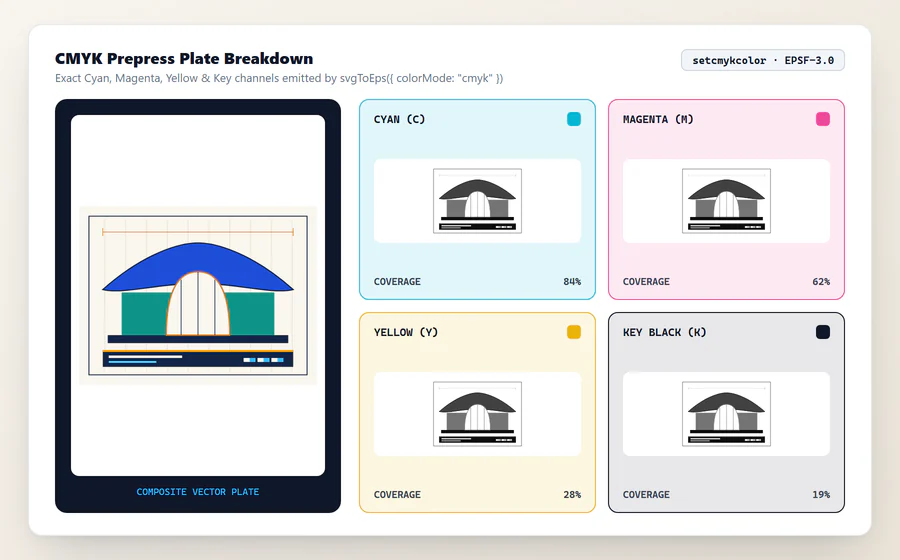
A PDF created from vector drawing software, CAD tools, or chart generators contains true mathematical paths that translate directly into sharp pdf to vector eps output. By contrast, a PDF created from a flatbed scanner stores a photograph inside the page container. Previewing each page in the browser before exporting helps you confirm vector crispness and verify exact BoundingBox dimensions before delivering files to your printer.
Production pipelines often cycle between PDF proofs, PostScript press files, and lightweight web SVG assets. Once you export your EPS graphics, you can inspect PostScript bounds and zoom into strokes using EPS Viewer, convert back into standardized PDF sheets in EPS to PDF, extract editable web markup with PDF to SVG, or build PostScript files straight from web graphics via SVG to EPS.
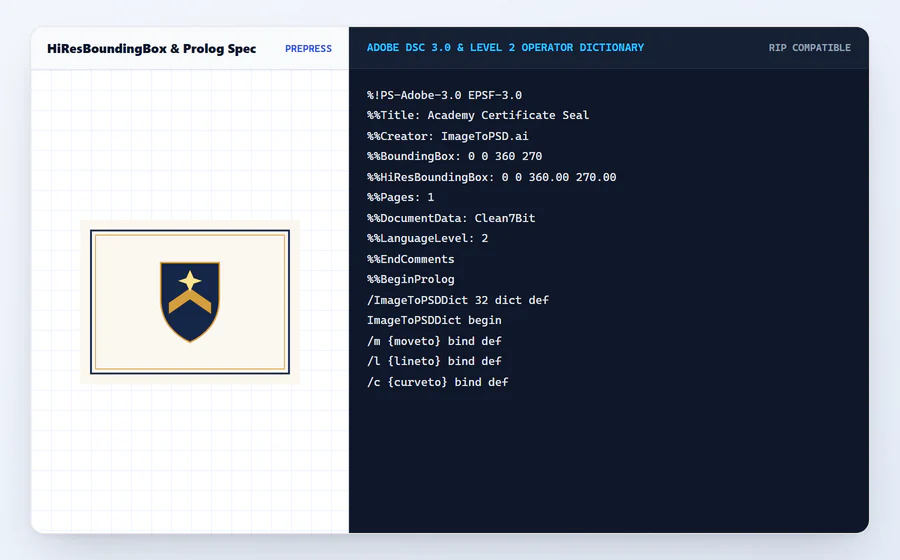
Built for signage shops, packaging vendors, academic publishers, and prepress designers who need clean PostScript EPS from PDF pages.

Convert client PDF proofs into clean pdf to vector eps files with crisp BoundingBox framing ready for wide-format plotters and cutting software.

Use this PostScript exporter with CMYK output to prepare dielines, labels, and multi-plate artwork for commercial press RIPs.

Turn PDF graphs, statistical plots, and engineering schematics into crisp single-page PostScript EPS figures for journal submissions.

Extract individual logo pages from multipage PDF brand books and export clean EPS files for merchandise suppliers and promotional printers.
Clear answers on vector path preservation, multipage ZIP export, CMYK PostScript output, and local browser privacy.
Yes. Native vector PDF pages are translated directly from PDF path and cubic Bezier operators into clean PostScript Level 2 vector commands without rasterizing the artwork.
Because EPS is a single-page format, you can inspect every page in the preview grid, download any individual sheet as EPS, or export all selected pages together inside a numbered ZIP archive.
Yes. Toggle CMYK mode before downloading to emit PostScript device CMYK color commands suited for press separation workflows, or select RGB for digital plotters.
Yes. Every output file includes valid PostScript DSC comments with accurate BoundingBox and HiResBoundingBox dimensions derived from the PDF page box.
Vector shapes and text geometry convert cleanly to PostScript paths, while embedded bitmaps are placed faithfully inside the page coordinates so mixed brochures stay intact.
Yes. Output follows standard ASCII PostScript EPS Level 2 syntax designed for broad compatibility across vector editors, typesetting engines, cutters, and prepress RIPs.
No. All PDF parsing, PostScript generation, and multipage ZIP packaging run 100% locally in your browser tab so confidential files remain on your device.
Yes. You can export PostScript Level 2 files, choose CMYK or RGB output, and download single or multipage ZIP bundles free online with zero registration.
Drop any single or multipage PDF to extract clean CMYK or RGB PostScript EPS Level 2 files and ZIP archives free in your browser.
Convert PDF to EPS now