Geometric brand emblem mark
Demonstrates clean eps to vector svg conversion of interlocking rings, even-odd compound paths, and sharp brand colors ready for web headers.
Convert eps to svg directly in your browser without server uploads or rasterized shortcuts. This native PostScript parser turns EPS drawing commands, cubic Bezier curves, compound fills, and CMYK or RGB inks into clean, lightweight SVG 1.1 markup with a tightly cropped viewBox ready for responsive websites, UI kits, and vector editors.
Drop .EPS files to convert to clean SVG vectors
Parses PostScript Level 2/3 curves, fills, CMYK colors, and DOS binary EPS headers locally — nothing leaves your device.
Runs locally in your browser. Nothing is uploaded.
Or test instantly with a built-in EPS preset
Open any starter PostScript example below to inspect live XML path output, coordinate precision settings, and tight viewBox trimming before converting your own EPS files.
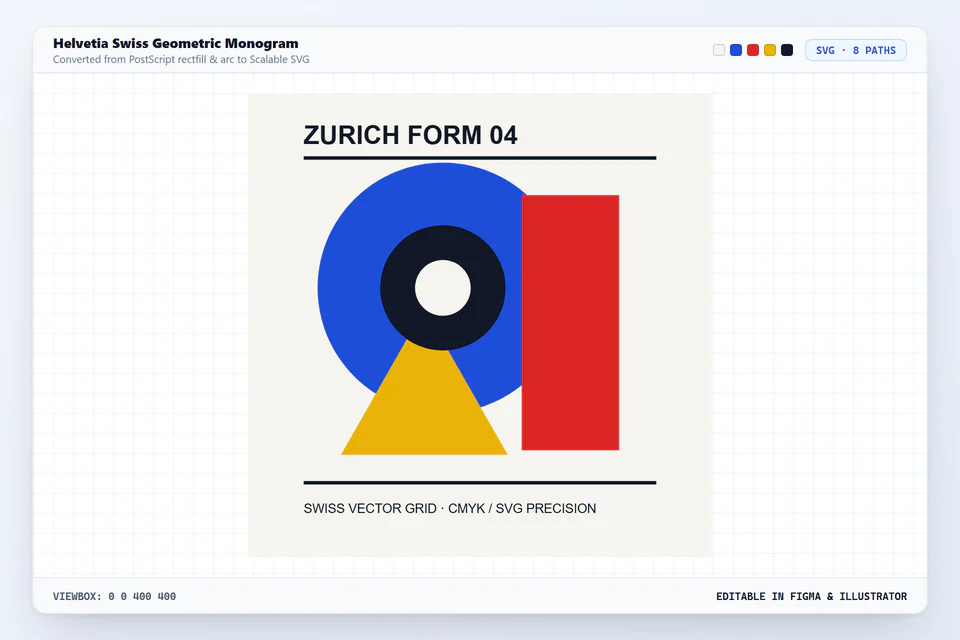
Demonstrates clean eps to vector svg conversion of interlocking rings, even-odd compound paths, and sharp brand colors ready for web headers.

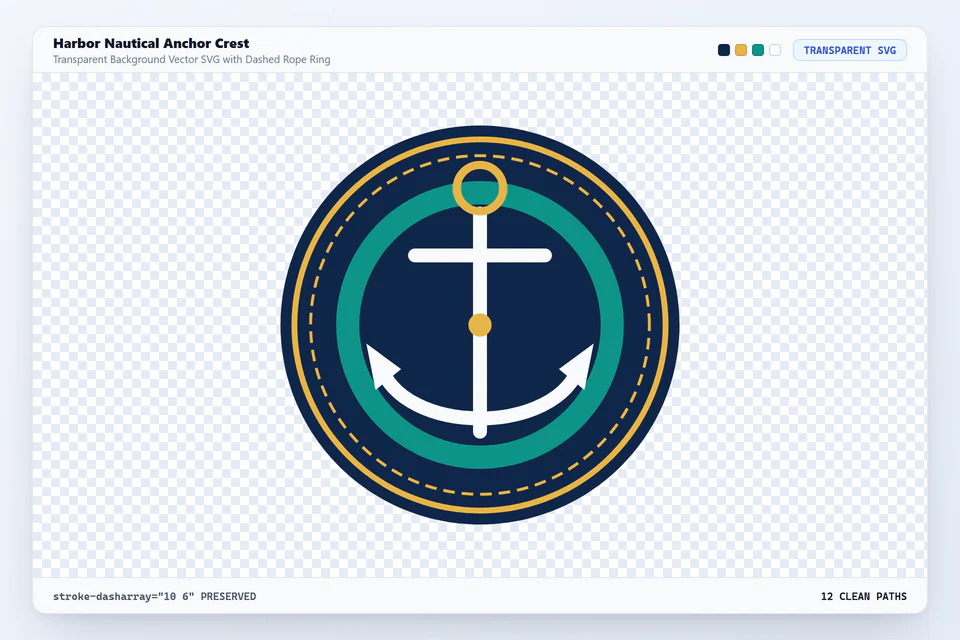
Shows faithful CMYK-to-sRGB ink translation, concentric stroke weights, and curved ribbon shapes turned into lightweight SVG XML.

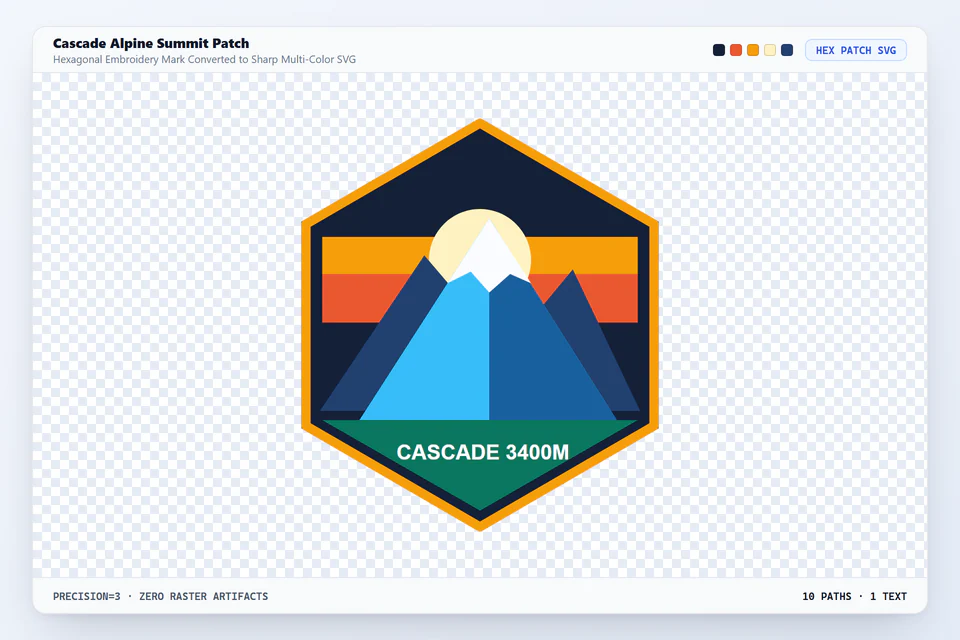
Highlights multi-shape layering, clean path grouping, and compact decimal rounding when you transform PostScript illustrations into SVG for modern web layouts.
Turn legacy print PostScript artwork into clean, scalable web-ready SVG files locally in seconds.
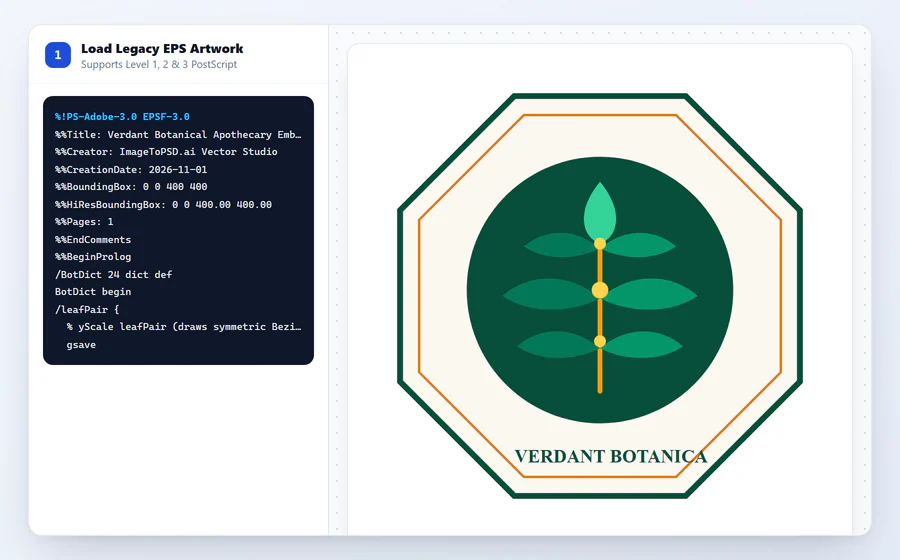
Drag ASCII or DOS-binary EPS graphics onto the canvas or select a built-in example. The native PostScript engine reads every path, transform matrix, and color operator locally inside your browser tab.
Compare the original BoundingBox frame against tight artwork cropping, pick coordinate decimal precision for compact file sizes, and preview every curve on light, dark, or checkerboard backgrounds.
Save each converted file as standard SVG 1.1, batch-download multiple conversions together, or copy the clean XML markup straight into your codebase or design tool.
Built to translate PostScript geometry mathematically rather than tracing a blurred screenshot, preserving crisp nodes and compact markup.
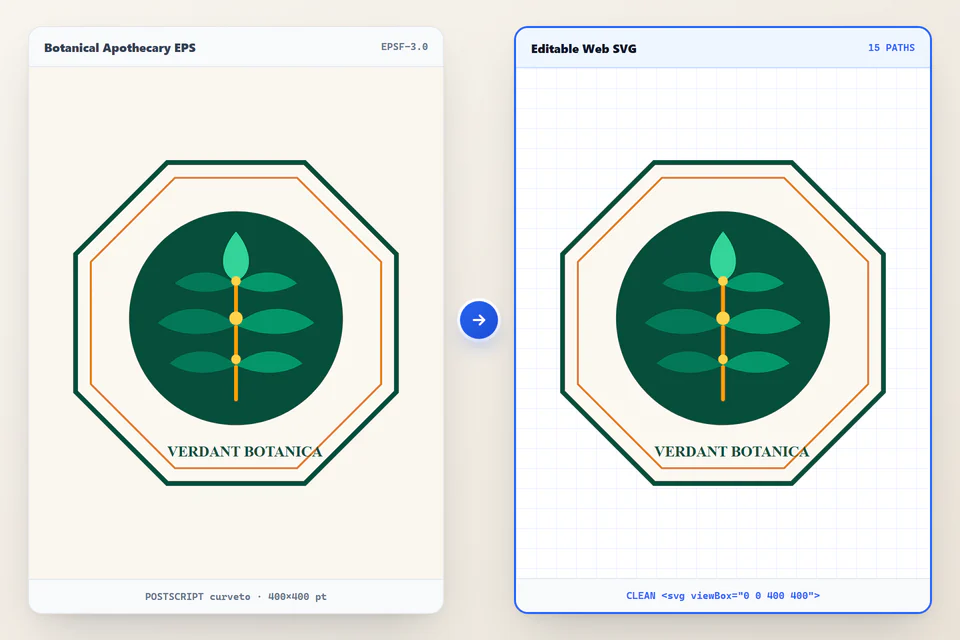
Maps PostScript moveto, lineto, curveto, arc, and closepath operators straight into exact SVG path commands, avoiding extra anchor points or jagged polygon approximations.
Converts press CMYK values and PostScript grayscale operators into balanced sRGB hex colors so print-origin logos match expectations on modern web screens.
Choose between honoring the original PostScript BoundingBox for print registration or trimming whitespace to the exact painted artwork extents for tidy CSS alignment.
Round path coordinates to one, two, or three decimal places so your exported SVG output stays lightweight for fast page loads without visible curve drift.
Preserves non-zero and even-odd fill rules along with clipping paths and stacked coordinate transforms so knocked-out counters inside letters and icons stay hollow.
Process multiple EPS brand marks in a single session with our browser-local vector workspace while every byte stays strictly on your own computer.
Understand coordinate flips, CMYK color translation, fill rules, and optimization steps when moving artwork from print PostScript to web SVG.
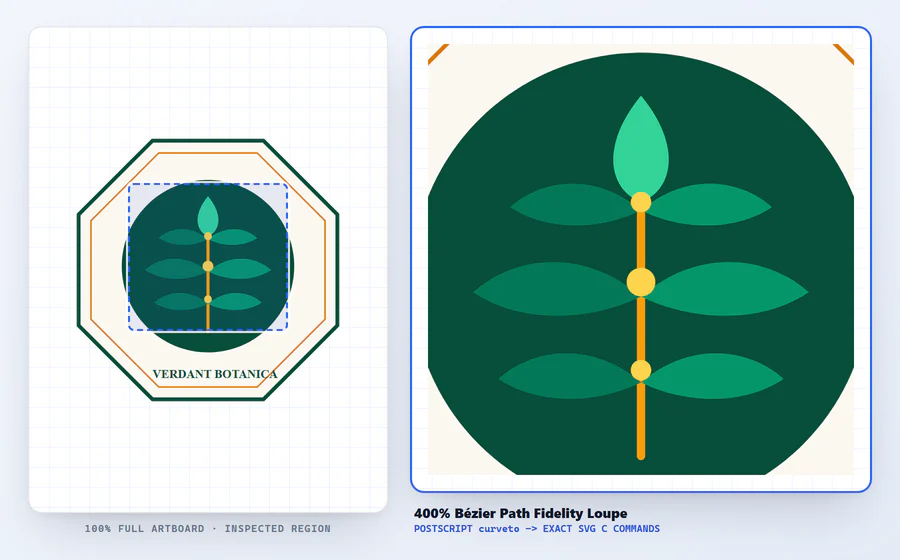
Some basic conversion pipelines cheat by rendering an EPS file to a raster bitmap and running an auto-tracer over the pixels. That detour destroys clean corner tangents, inflates node counts, and warps thin typography. When you convert eps to svg through a native PostScript parser, every cubic Bezier handle, straight segment, and stroke width maps mathematically from PostScript points into SVG coordinates. The result stays sharp at any scale and remains effortless to edit node by node.
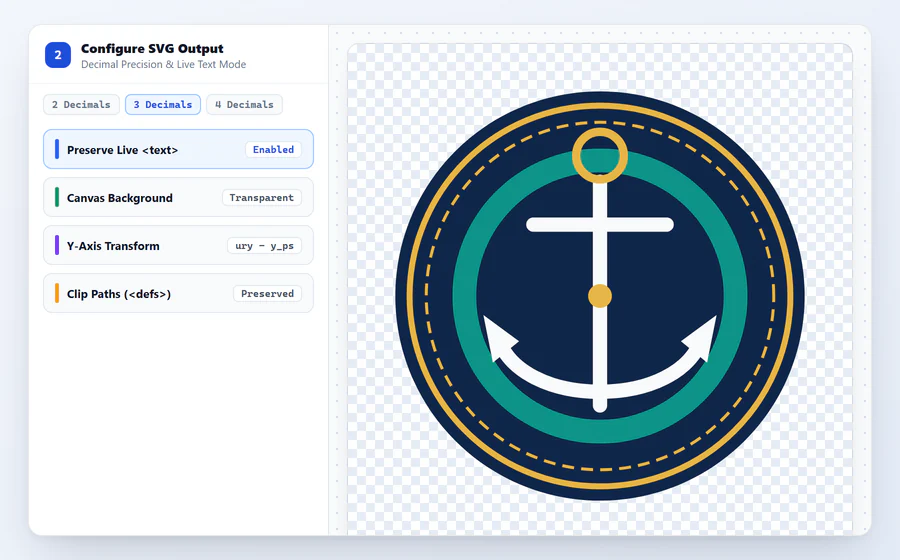
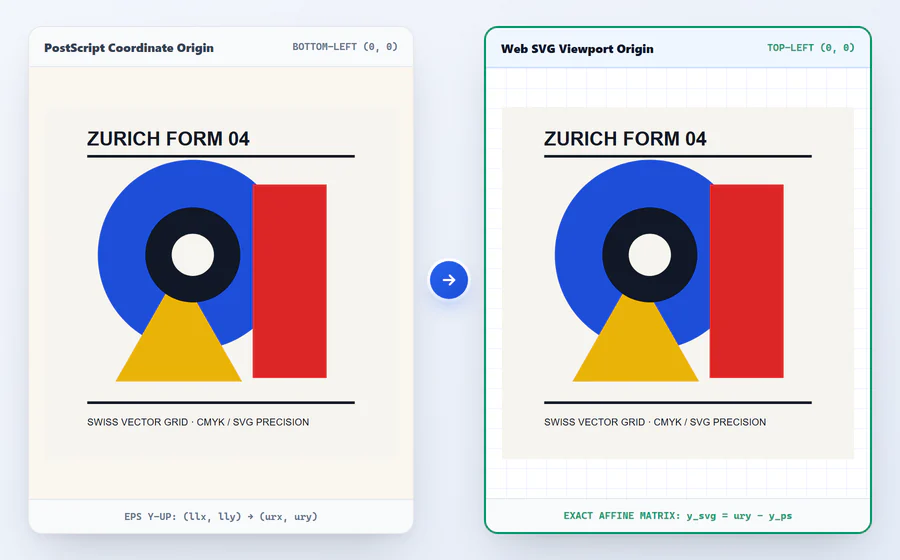
PostScript defines its coordinate origin at the bottom-left corner with positive Y values rising upward, whereas SVG places the origin at the top-left corner with Y increasing downward. A reliable eps to vector svg engine applies the vertical axis flip alongside nested PostScript scale, rotate, and translate matrices so every path lands in its exact position. Computing an accurate SVG viewBox from either the PostScript BoundingBox or true rendered bounds guarantees your graphic never appears clipped or upside down.
Because EPS evolved for commercial printing, many stock illustrations and brand manuals encode fills with CMYK ink percentages rather than screen RGB values. Standard web browsers expect sRGB colors inside SVG attributes. Translating CMYK cleanly inside a native vector parser avoids dull neon shifts and preserves clear tonal contrast across icons, emblems, and badges. Once exported, every fill and stroke uses clean hex syntax that is easy to recolor with CSS custom properties.
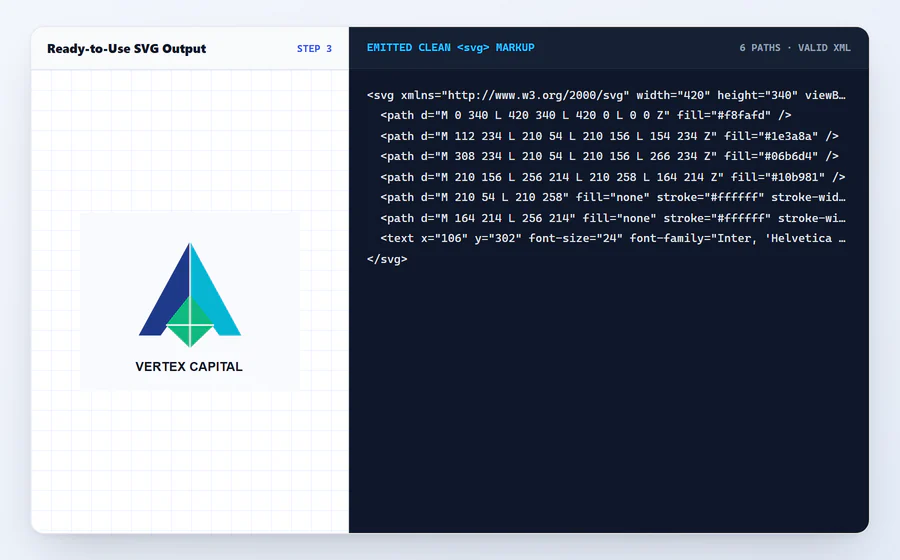
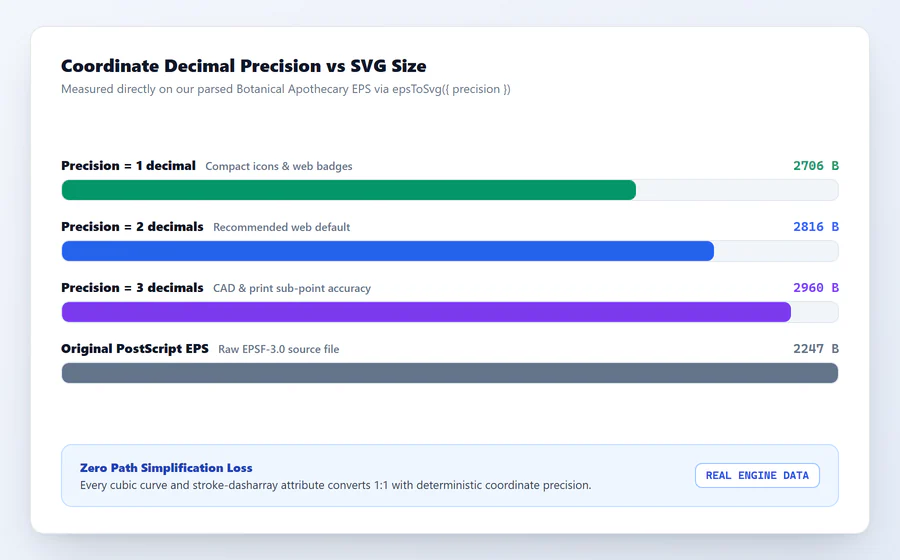
Raw print files frequently carry lengthy metadata comments, redundant graphics-state saves, and six-decimal floating-point coordinates left over from prepress exports. Using an eps to svg online workflow with tunable coordinate precision trims unneeded digits and emits tidy SVG 1.1 elements with zero bloated editor namespaces. Lean markup loads faster over mobile networks, diffs cleanly in version control, and drops effortlessly into inline HTML or component libraries.
Moving seamlessly between print PostScript archives and modern web vectors keeps brand teams nimble across channels. After converting your EPS artwork to editable SVG, you can inspect raw BoundingBox details in EPS Viewer, render crisp transparent assets via EPS to PNG, convert edited web vectors back to print PostScript using SVG to EPS, or shave extra bytes off your final markup with SVG Optimizer.
Designed for web developers, brand designers, documentation teams, and print-to-digital publishers modernizing legacy vector libraries.

Turn legacy EPS brand marks into clean, responsive SVG files ready for navigation headers, inline icons, and lightweight design systems.

Use this eps to svg converter to unlock old press logo archives into editable vectors without needing legacy PostScript utilities installed.

Convert supplier compliance badges, care symbols, and label marks from EPS into crisp web SVGs for product specification pages and help centers.

Transform print-ready EPS emblems into clean single-path SVG outlines suitable for cutting plotters, engraving machines, and digital templates.
Clear answers on vector fidelity, CMYK color handling, viewBox trimming, binary EPS files, and local browser privacy.
Yes. Our engine interprets native PostScript path and cubic Bezier commands directly into mathematical SVG path elements, keeping every curve infinitely scalable without pixelation.
The converter translates PostScript CMYK and grayscale color operators into clean sRGB hex fills and strokes so colors render accurately across web browsers and screen editors.
Yes. You can either retain the original EPS BoundingBox dimensions or enable tight viewBox cropping to trim extra empty margin around the painted vector paths.
Yes. The parser automatically strips the DOS binary preview header and reads the embedded PostScript vector stream cleanly whenever you export PostScript paths.
PostScript coordinates are measured in typographic points (72 points per inch). Because SVG scales cleanly via its viewBox attribute, you can resize the output to any pixel or CSS dimension with zero sharpness loss.
Yes. Drop several EPS graphics into the browser conversion workspace, preview each converted vector, and download individual SVGs or a bundled archive locally.
No. All PostScript parsing, coordinate transformation, and SVG XML generation run locally inside your browser memory, keeping unreleased brand assets private.
Yes. You can convert eps to svg, tune precision and viewBox settings, and copy or download clean SVG files completely free online with no account needed.
Drop any PostScript EPS file to extract clean mathematical SVG 1.1 paths, faithful colors, and a tight viewBox free in your browser.
Convert EPS to SVG now