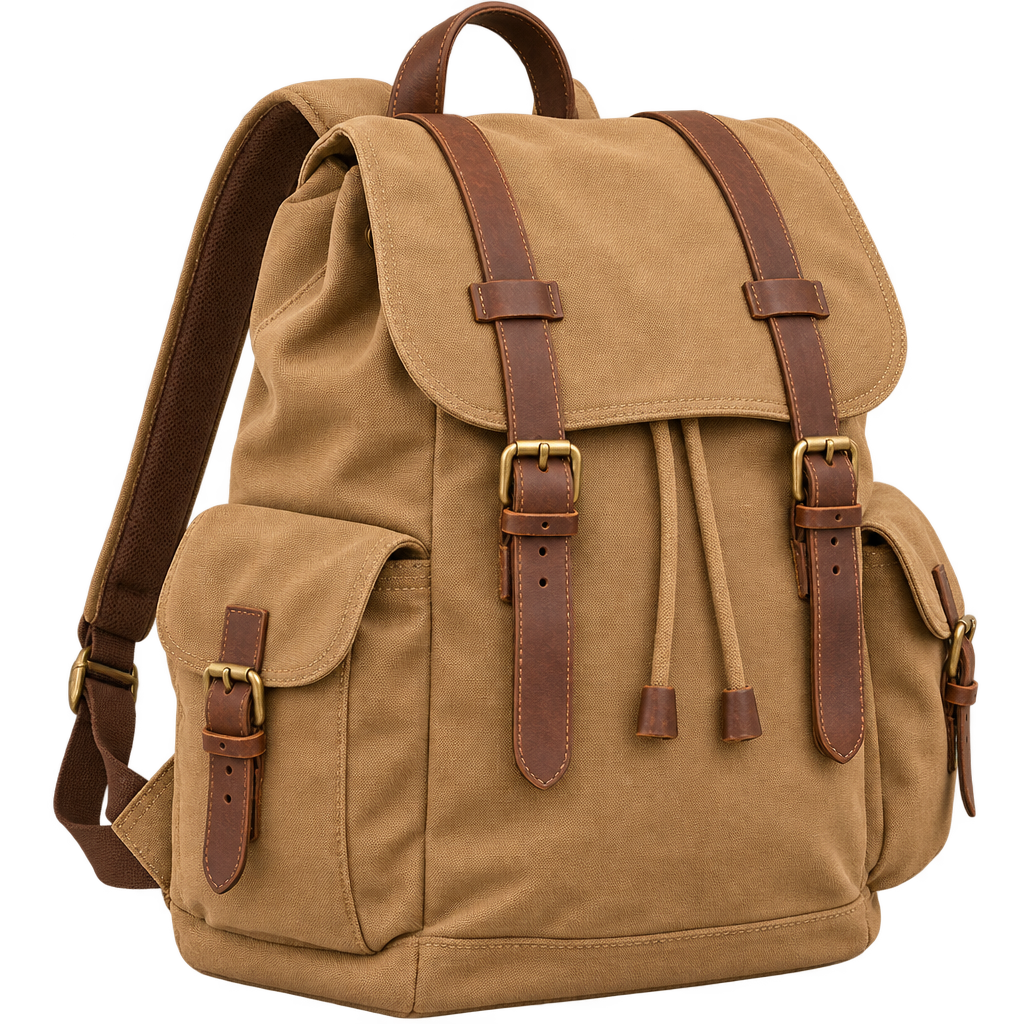
Three-page product sheet on A4
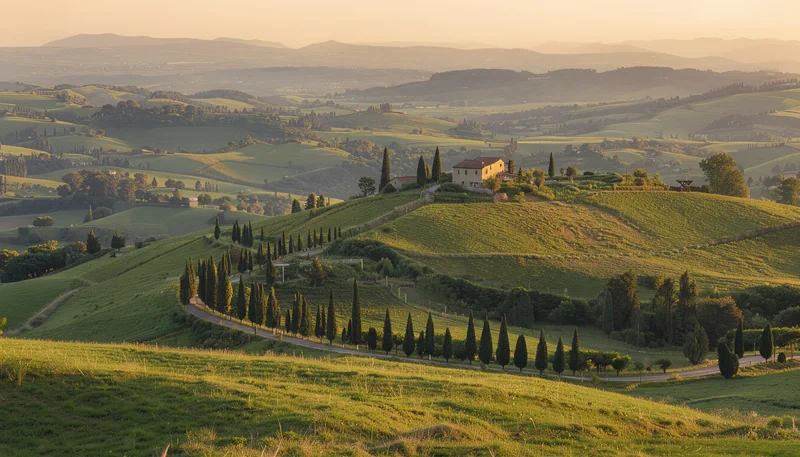
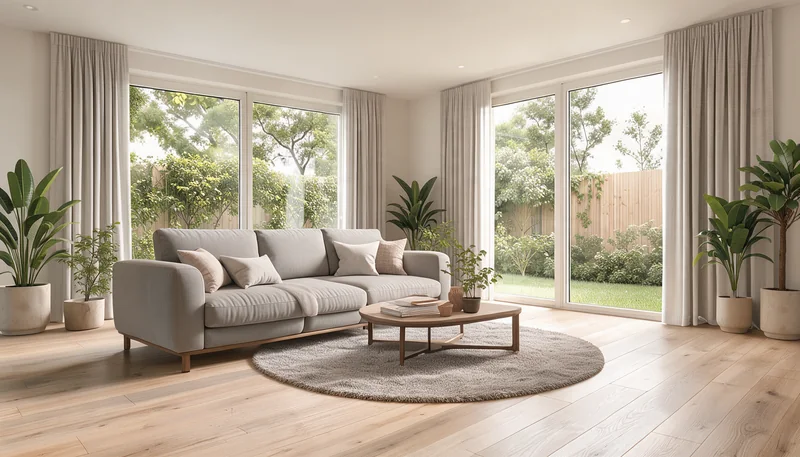
Merges product photography, a wide spread, and a 3D render into one A4 document with Auto orientation and Small margins.
Convert PNG to PDF free directly in your browser without uploading a single file. Drop up to 60 PNG, JPG, or WebP images, reorder and rotate pages, choose A4, Letter, or Original sizing with clean margins, and download a crisp multi-page PDF in seconds.
Drop PNG images here to combine into a PDF
Add up to 60 PNG, JPG, or WebP images. Reorder pages, rotate, and set margins locally.
Runs locally in your browser. Files never leave your device.
Or try a sample set
Load any sample set below into this PNG to PDF workspace to inspect page order, margins, orientation, and lossless transparency handling before adding your own files.
Merges product photography, a wide spread, and a 3D render into one A4 document with Auto orientation and Small margins.

Places a transparent PNG graphic on an Original-size page with zero margins and lossless SMask alpha preservation.
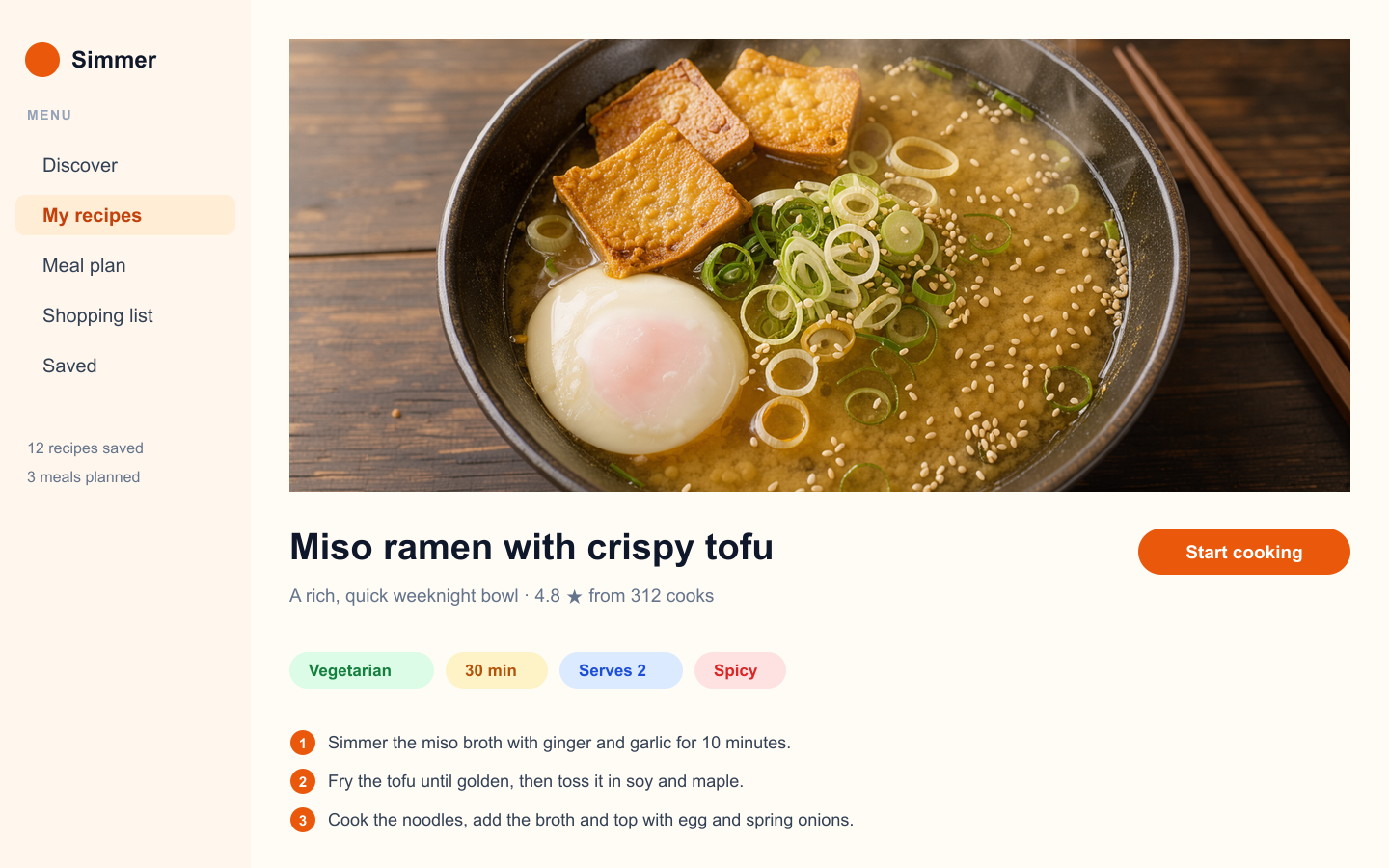
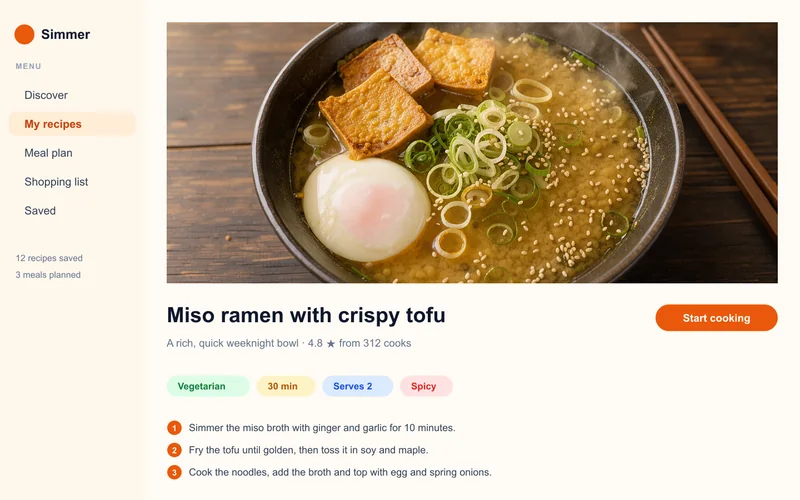
Packages an interface screenshot and visual appendix onto US Letter pages with Standard margins for clean printing and client review.
Turn one graphic or a full folder of screenshots into a shareable document right on your device.
Drag and drop up to 60 files (up to 40 MB each) onto the studio, or click Choose PNG images. Mix PNG, JPG, WebP, GIF, BMP, and AVIF freely in the same document.
Move pages up or down to set the exact sequence and rotate sideways scans in 90-degree turns. Choose A4, US Letter, or Original page size, Auto, Portrait, or Landscape orientation, margin width, and Lossless or Compact compression.
Click Download PDF to assemble a standards-compliant ISO 32000-1 PDF locally in your browser. Single files keep their original filename, and multi-image batches save as one unified file.
Built for clean typography, accurate transparency, and dependable printing from a single screenshot to a sixty-page deck.
Skip juggling loose attachments. Combine PNG to PDF in a single pass with up to 60 images per file, each up to 40 MB, with live page counts and total input size shown before exporting at full resolution.
Phone scans and exported slides rarely arrive in order. Reorder thumbnails with one-click Move Up and Move Down controls, drop unwanted sheets, and rotate sideways shots 90 degrees right inside the preview grid.
Match international A4 paper (210 by 297 mm) or US Letter (8.5 by 11 in) for office printing, with Auto orientation matching Portrait or Landscape per sheet. Pick Original size when each page should hug the image's exact aspect ratio.

Lossless mode embeds crisp Flate-compressed RGB pixels paired with a native PDF soft-mask alpha channel, keeping transparent stickers, logos, and UI text razor-sharp instead of flattening alpha boxes. Switch to Compact mode when opaque photos need a smaller file size.
Pick None for full-bleed digital proofs, Small (18 pt) for sleek portfolios, or Standard (36 pt) for classic half-inch print margins that leave room for binders and printer rollers. Every image centers mathematically inside the frame.
Contracts, ID scans, invoices, and unreleased mockups never touch an external server. Our pure-browser PDF engine decodes each image, lays out every page, and compiles the binary entirely in device memory.
Five practical tips for clean print layouts, manageable file sizes, and faithful visual detail.
Start by checking whether readers will print the document or view it on screen when you convert PNG to PDF. For physical printing or formal submissions, A4 (standard outside North America) and US Letter keep every sheet uniform so printers never rescale awkwardly. For digital design reviews, comics, or tall captures, pick Original size with None margin so pages display at native proportions without white bars.
Mixed batches often hold both tall receipts and wide presentation slides. Leaving orientation on Auto inspects each image after your manual rotations and switches individual A4 or Letter pages to Portrait or Landscape automatically. Lock Portrait or Landscape only when a portal or duplex print job requires uniform sheet direction.
Use Lossless whenever your PNG files contain crisp UI text, diagrams, line art, or transparent backgrounds that need true PDF SMask alpha. Choose Compact for opaque photographs and studio renders where a lighter email attachment matters most; even in Compact mode, transparent pages automatically preserve lossless alpha. For lighter raster images first, try our PNG to JPG tool.
Office laser printers cannot print ink all the way to the paper edge, typically clipping 4 to 6 mm per side. Selecting Small or Standard margins when you combine PNG to PDF ensures captions, borders, and tables stay safely inside the printable area. Reserve zero margins for screen-only lookbooks and full-bleed graphics.

When source artwork starts as a layered design or scalable vector, convert directly with PSD to PDF or SVG to PDF. Need two or more screenshots arranged side by side on the same sheet before export? Stitch them onto one canvas with Combine Images, then drop the finished sheet right into this tool.
Everyday workflows where turning PNG into PDF documents saves time and keeps pages tidy.
Bundle photographed receipts, signed forms, and bank screenshots into one tidy expense packet while local browser processing keeps sensitive records on your device.
Use this PNG to PDF converter to package transparent sticker proofs, brand boards, and high-resolution renders into client-ready PDF proofs with consistent margins and crisp lossless detail.
Merge whiteboard photos, scanned worksheets, and lab charts into one A4 or Letter assignment PDF formatted cleanly for online submission portals.
Assemble UI flows, bug screenshots, and visual QA captures into a sequential review deck without fuzzy compression artifacts around small interface fonts.
Clear answers about multi-page layout, transparency, privacy, and supported image formats.
Drop your PNG files into the studio at the top of this page, adjust page order, size, orientation, and margins, and click Download PDF. Everything runs free in your browser with no sign-up or watermarks.
Yes. Add up to 60 images in one session (up to 40 MB per file), use the Up and Down buttons on each card to set the exact page sequence, and combine PNG to PDF in one unified download.
No. Every PDF document is built locally in your browser's memory. Your files never leave your device, and the studio keeps working offline once the page has loaded.
Yes. In Lossless mode (and automatically for transparent files in Compact mode), the engine writes a true PDF SMask alpha channel alongside the RGB data so transparency stays clean and unflattened.
A4 (210 x 297 mm) and US Letter (8.5 x 11 in) scale and center each image cleanly onto standard print paper with your chosen margin. Original sizes each page to match the image's exact proportions.
Pick Lossless for screenshots, UI designs, diagrams, and transparent PNG graphics where crisp edges matter. Pick Compact for large opaque photos when you need a lighter file for email limits.
Yes. Alongside PNG, the studio accepts JPG, WebP, GIF, BMP, and AVIF images, letting you merge mixed formats into one consistent multi-page document without converting beforehand.
Yes. Click the 90-degree rotate button on any thumbnail card to turn individual pages clockwise until upright. Auto orientation immediately updates the page layout to match.
Drop up to 60 images, set your page size and margins, and download a crisp multi-page PDF free and privately in your browser.
Choose PNG images