400×400 ptRGB
Multi-color brand vector crest
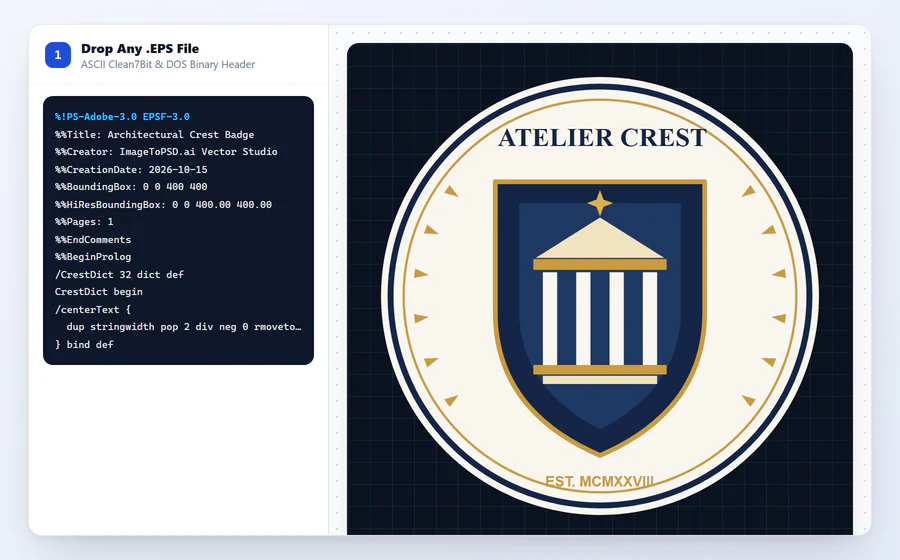
Showcases crisp cubic Bezier curves, layered ribbon fills, and exact CMYK-to-sRGB color fidelity inside the interactive vector preview canvas.
Open and inspect Encapsulated PostScript files right inside your browser with zero software installs or server uploads. This fast eps viewer online parses PostScript Level 2 and Level 3 vector paths, CMYK and RGB colors, text runs, and embedded binary preview headers so you can view eps file geometry at any zoom level and export crisp SVG, PNG, or PDF files locally.
Drop an .EPS, .PS, or .AI file to inspect vectors
Parses PostScript Level 2/3 curves, fills, CMYK colors, and DOS binary EPS headers locally — nothing leaves your device.
Runs locally in your browser. Nothing is uploaded.
Or test instantly with a built-in EPS preset
Load any built-in sample inside this PostScript workspace to test smooth vector zooming, BoundingBox measurement overlays, background contrast toggles, and instant format exports before opening your own artwork.
Showcases crisp cubic Bezier curves, layered ribbon fills, and exact CMYK-to-sRGB color fidelity inside the interactive vector preview canvas.

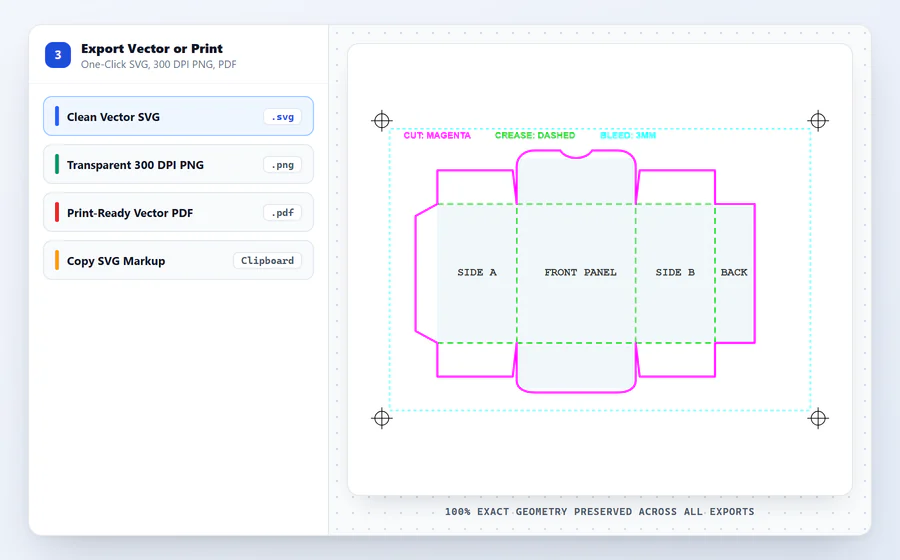
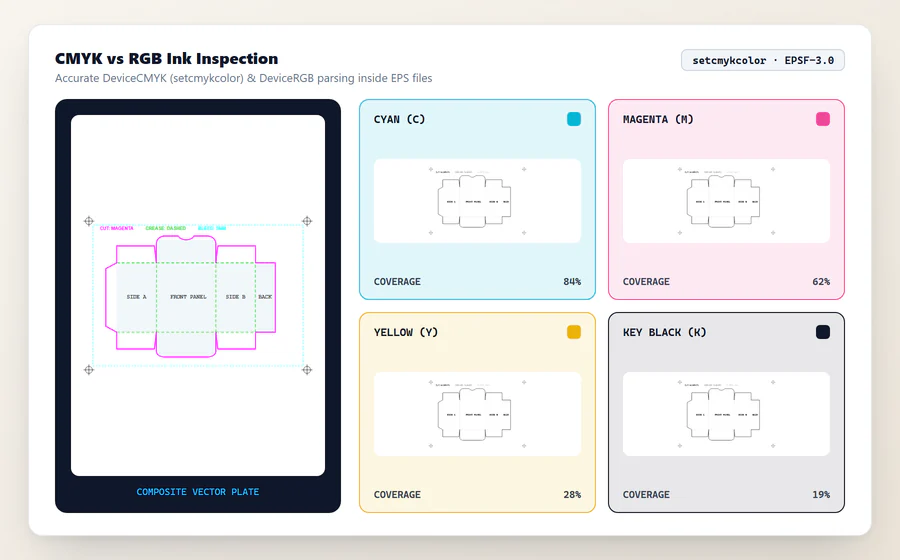
Demonstrates hairline cut and crease strokes, dashed fold lines, and exact PostScript BoundingBox coordinates verified in millimeters and points.

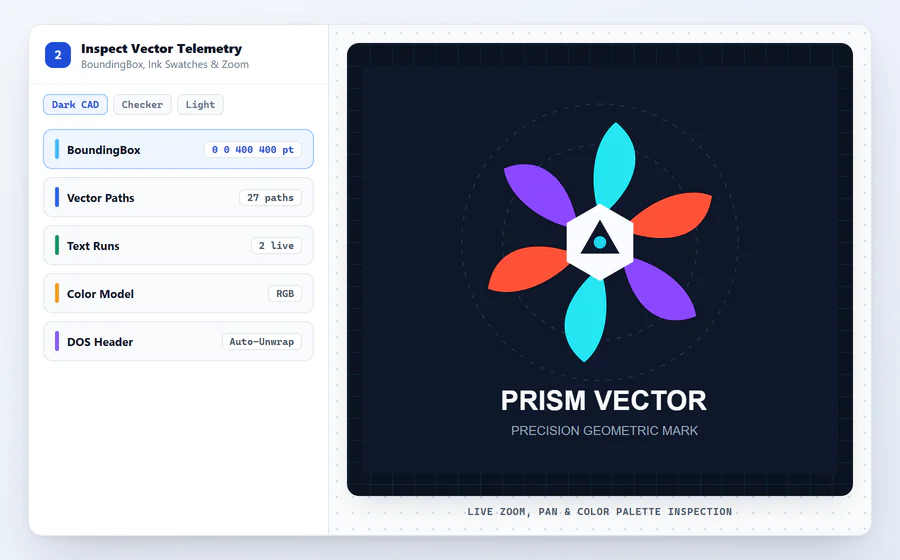
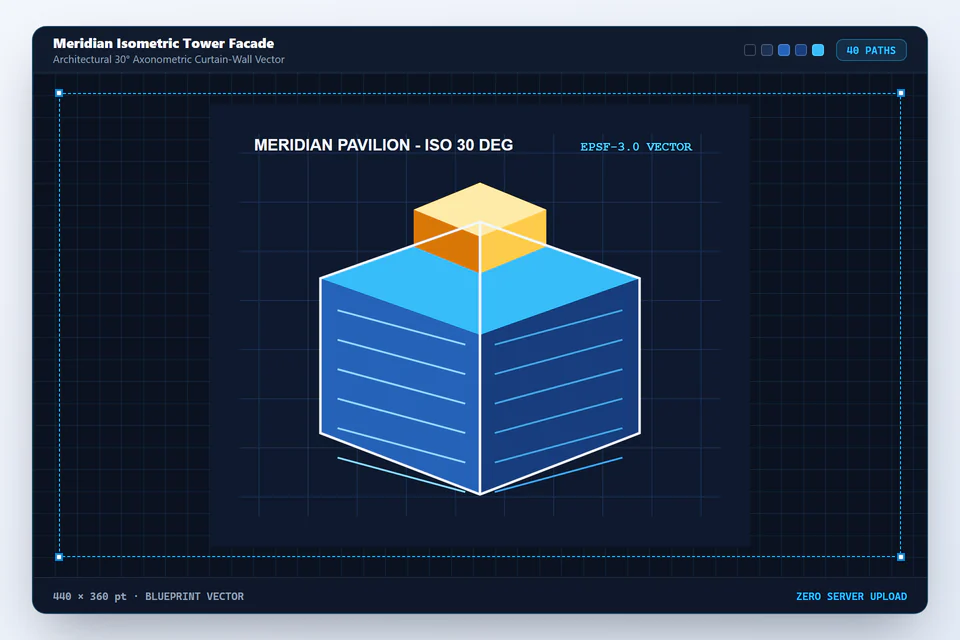
Highlights fine vector hatching, callout labels, and deep zoom clarity when you open eps file online for engineering or print review.
Inspect legacy print artwork, check PostScript headers, and export shareable web or print files directly in your browser tab.
Drag any standard ASCII or binary-header EPS document into the workspace to open eps file online instantly. The browser parser decodes PostScript drawing commands, BoundingBox dimensions, and embedded TIFF or WMF preview streams without sending bytes to a remote server.
Scroll to zoom deep into curved strokes, toggle the transparency checkerboard or dark canvas backdrop, and overlay the PostScript BoundingBox frame. This browser previewer also reads document metadata including point dimensions, path count, and color space operators.
Once you view eps file details and verify layout margins, download the artwork as editable vector SVG, high-resolution transparent PNG, or a print-ready PDF copy for teammates who lack desktop PostScript tools.
Engineered around a self-contained PostScript interpreter so every vector stroke renders sharply on modern displays without desktop dependencies.
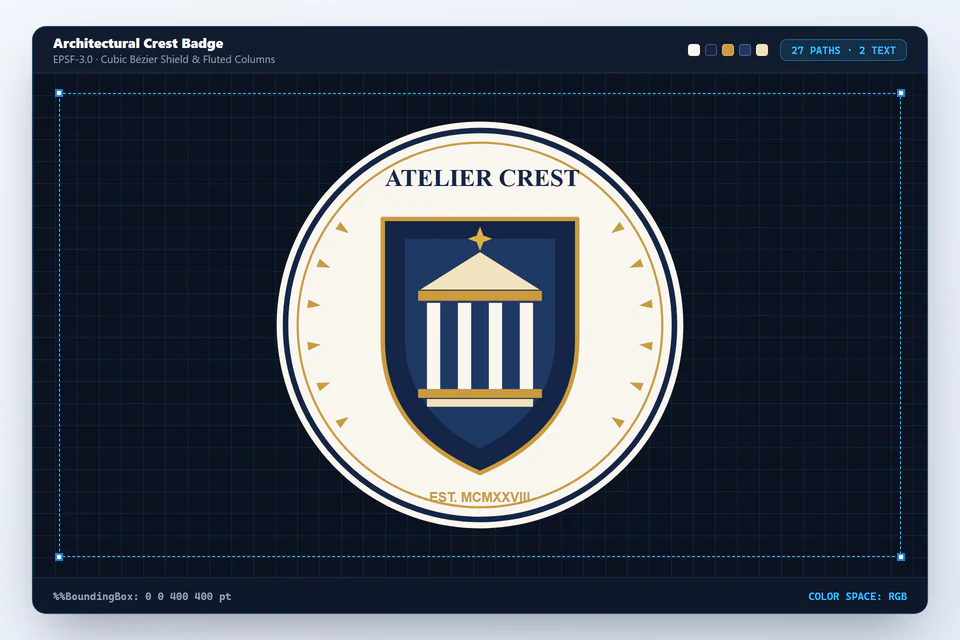
Interprets native PostScript path operators, cubic Bezier curves, compound clipping masks, and coordinate transforms directly in client memory instead of showing a blurry low-resolution thumbnail.
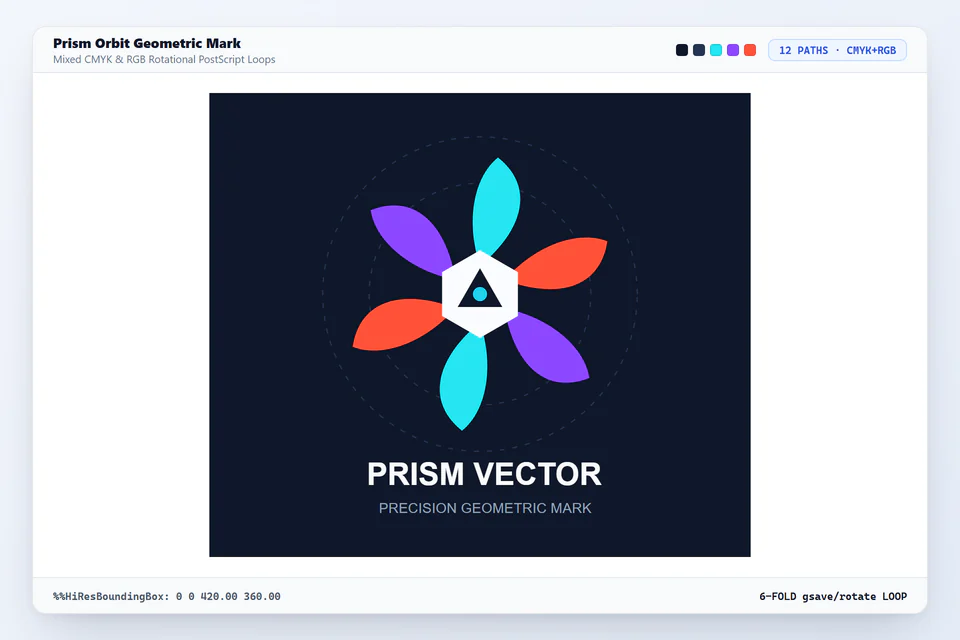
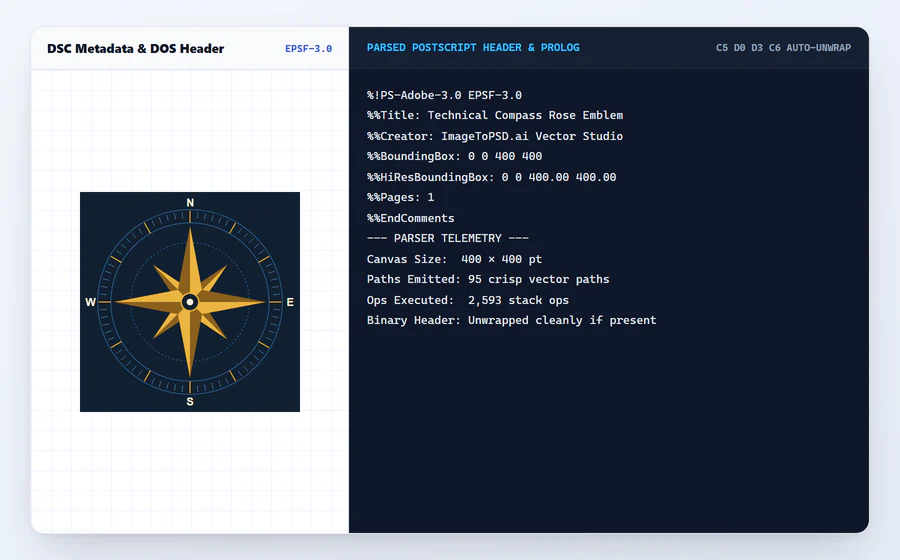
Automatically detects binary EPS headers with embedded TIFF or WMF previews, strips the binary wrapper cleanly, and prioritizes the true vector PostScript stream whenever you load binary EPS files locally.
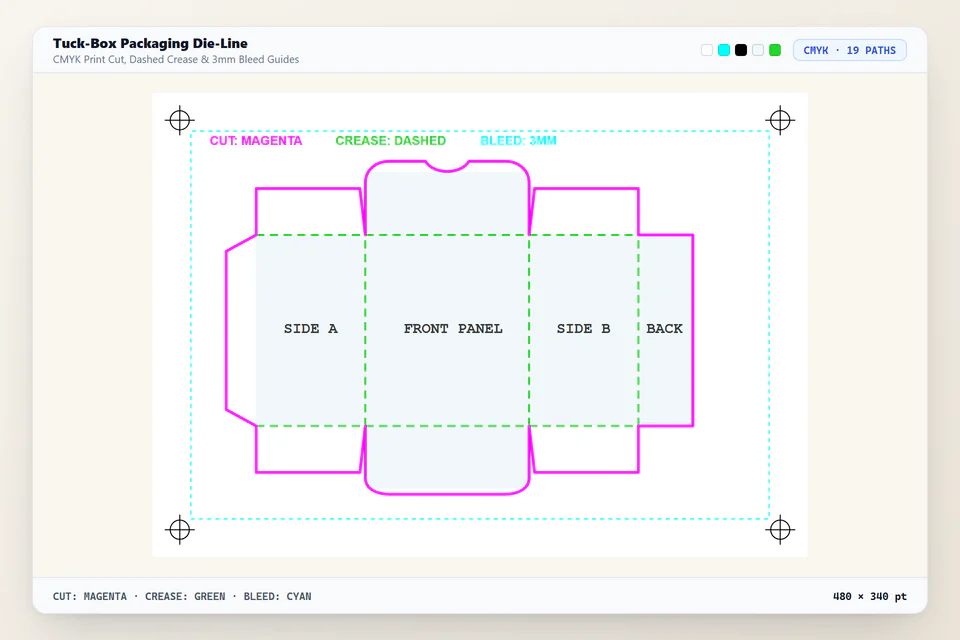
Overlay exact BoundingBox and HiResBoundingBox edges, read artboard width and height in PostScript points, and verify print trim placement before sending files to production.
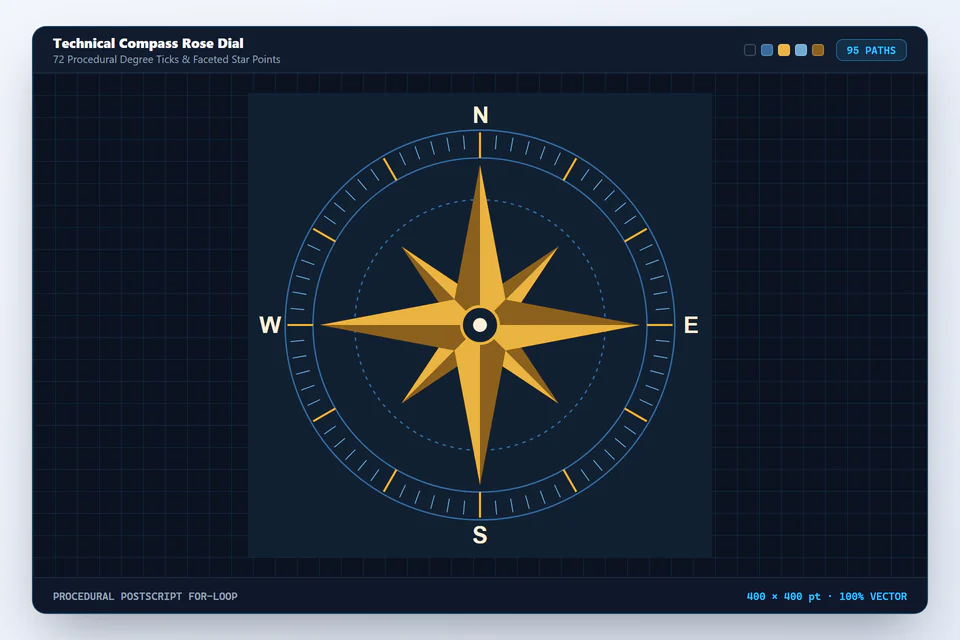
Translates press-oriented CMYK and device grayscale color commands into balanced screen colors so brand emblems, labels, and signage proofs look consistent inside this browser canvas.
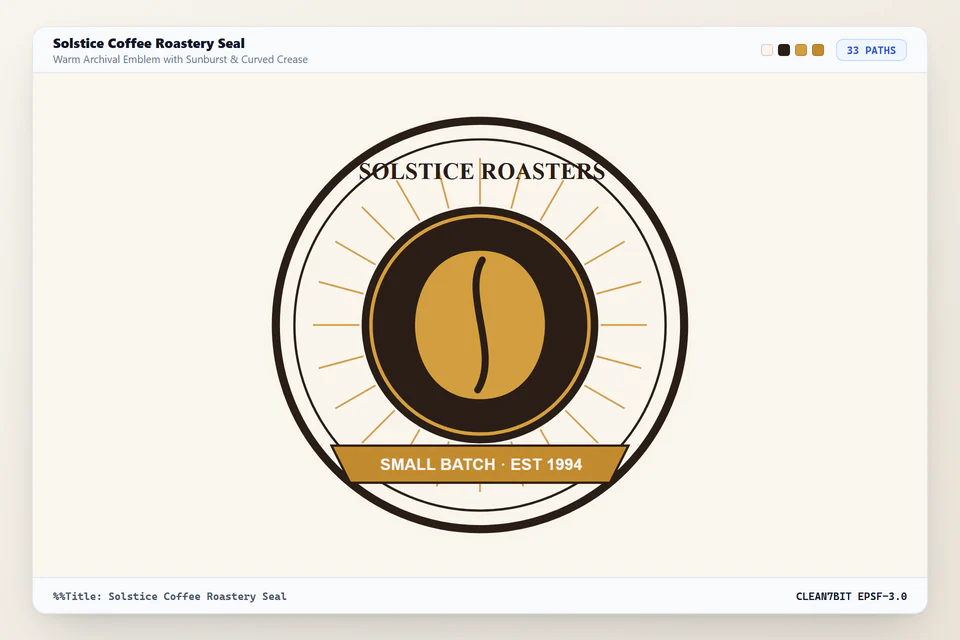
Switch backdrops with one click to inspect white-ink logos, knockouts, and subtle transparent strokes that would otherwise disappear against a plain white window.
Turn any previewed artwork into shareable web PNGs, editable vector SVGs, or universal PDF sheets without leaving the local preview workspace.
Learn how Encapsulated PostScript files store vector paths, why operating systems hide previews, and how to verify press-ready artwork safely online.
Encapsulated PostScript is a vector graphics container built around a single-page PostScript program plus structured comment headers that declare its BoundingBox rectangle. Inside a typical EPS archive, shapes are stored as exact mathematical curves, line segments, fill rules, and CMYK or RGB ink values rather than fixed pixels. Many older print archives also attach a DOS binary header carrying a coarse preview bitmap for legacy page-layout programs. Using a dedicated eps viewer lets you inspect the underlying vector geometry directly rather than relying on an outdated low-DPI preview.

Recent desktop operating systems phased out native PostScript rendering in built-in preview apps because legacy PostScript interpreters carried security risks. As a result, double-clicking a client logo, packaging dieline, or stock vector archive often displays a blank file icon or an unsupported format warning. When you need to view eps file deliveries quickly during email reviews or client handoffs, an eps viewer online removes the friction by running a sandboxed browser parser with zero local software installation required.
Prepress surprises frequently trace back to an oversized BoundingBox, stray hidden anchor points outside the canvas, or ultra-thin hairline strokes that vanish on press. Inside our eps file viewer, enabling the BoundingBox overlay highlights the declared PostScript frame right around the rendered paths so you can confirm tight margins immediately. Zooming to four hundred percent or higher reveals whether corner joins, miter limits, and compound paths are crisp before you approve a logo or print layout.
Brand kits regularly ship inverted white wordmarks alongside full-color CMYK press masters. Viewing a white EPS mark against a default bright window makes the canvas appear empty, leading teams to assume a file is corrupted. Switching the preview backdrop to a transparency checkerboard or dark slate canvas inside this browser workspace exposes every hidden white path and knockout region instantly. You can also inspect how CMYK ink definitions translate to sRGB screen tones before converting for web publishing.
Once you open eps file online and verify that every curve, label, and color fills properly, the next step is sharing a format everyone on the team can open. Download a clean PNG for quick messaging and slide decks, or save an editable vector copy for web design and modern CAD workflows. For dedicated batch conversion and deeper output controls, pair this viewer with EPS to SVG, render high-DPI assets in EPS to PNG, package print proofs in EPS to PDF, or inspect web vectors in SVG Viewer.
Built for print buyers, designers, developers, and marketing teams who regularly receive EPS assets without dedicated desktop prepress tools.

Verify incoming customer artwork, BoundingBox dimensions, and dieline paths inside a fast PostScript previewer before queuing jobs on wide-format plotters or offset presses.

Quickly view eps file logo packs sent by agencies, check reversed white marks on dark backgrounds, and grab instant PNG copies for presentations and social media.

Open legacy brand archives in a clean browser workspace and export sharp SVG assets ready for responsive headers, favicons, and design token repositories.

Inspect embroidery crests, vinyl cut paths, and packaging templates on any laptop or tablet to confirm crisp edges before cutting or screen printing.
Answers on PostScript compatibility, binary EPS headers, BoundingBox overlays, export formats, and local browser privacy.
Drag and drop your file straight onto this eps viewer online workspace. The browser parses the PostScript commands locally and renders crisp scalable vector artwork within seconds on Windows, macOS, Linux, or mobile browsers.
It parses the actual PostScript vector paths, cubic Bezier curves, fills, and strokes so you can zoom in cleanly without pixelation. If a file only contains an embedded raster preview stream, the viewer safely displays that fallback as well.
Many brand kits contain all-white logos intended for dark backgrounds. Toggle the dark canvas or transparency checkerboard inside this preview toolbar to make white artwork and knocked-out shapes immediately visible.
Yes. Directly from the preview toolbar you can export clean vector SVG, transparent high-resolution PNG, or vector PDF without reloading the file into a separate application.
Yes. The parser detects the standard DOS EPS binary magic bytes, locates the embedded PostScript offset and length, and reads the vector section automatically whenever you inspect binary EPS archives.
The BoundingBox is a PostScript header comment defining the lower-left and upper-right coordinates of the artwork in points. Checking it confirms the exact printable dimensions and margin alignment of your EPS graphic.
No. Every step of parsing, rendering, zooming, and exporting runs 100% inside your browser tab, so unreleased brand marks and client schematics never leave your device.
Yes. You can open eps file online, inspect vector geometry, and export SVG, PNG, or PDF copies completely free in your browser with no sign-up required.
Drop an Encapsulated PostScript file into this free eps viewer to zoom into clean vector paths, check BoundingBox dimensions, and export SVG, PNG, or PDF instantly.
Open EPS file now