Brand identity mark and logo sheet
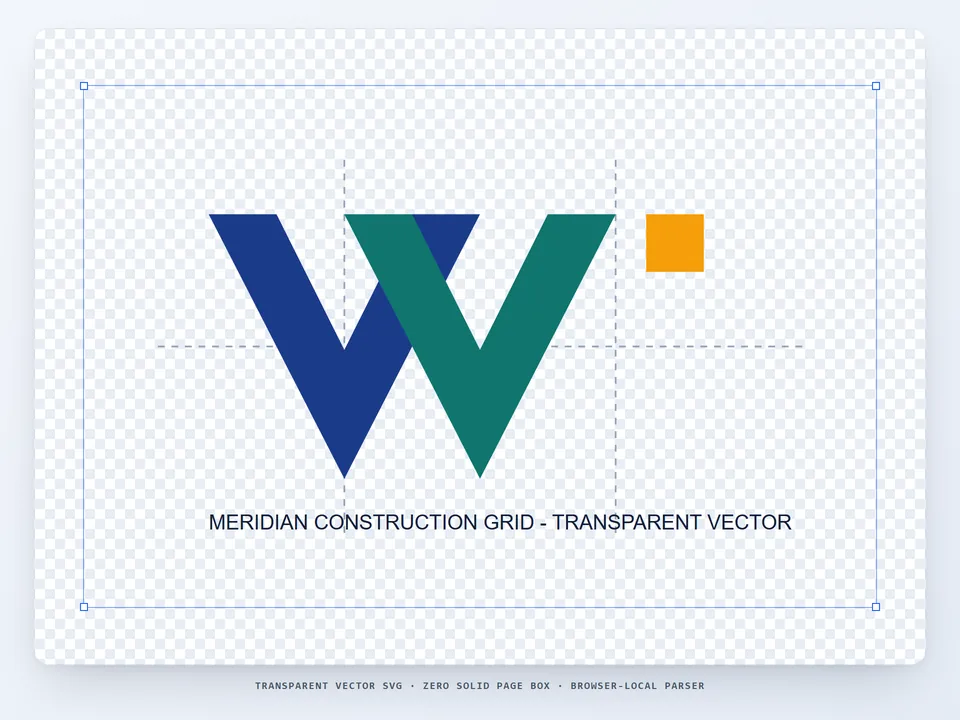
Demonstrates clean PDF to vector SVG extraction of multi-color geometric emblems, rounded badges, and tagline text ready for Illustrator, Figma, or web headers.
Convert PDF to SVG directly in your browser without server uploads or quality loss. This browser engine extracts native PDF vector paths, text blocks, nested Form XObjects, and embedded raster artwork into clean, editable SVG, press-ready CMYK or RGB EPS, and multipage SVG ZIP bundles.
Drop a PDF file here to convert to editable SVG
Extracts true vector paths, curves, text, and embedded images page by page — nothing leaves your device.
Runs locally in your browser. Nothing is uploaded.
Or try a built-in vector PDF sample
Open any built-in sample PDF inside this browser workspace to preview vector path extraction, embedded typography, and clean XML markup before loading your own files.
Demonstrates clean PDF to vector SVG extraction of multi-color geometric emblems, rounded badges, and tagline text ready for Illustrator, Figma, or web headers.

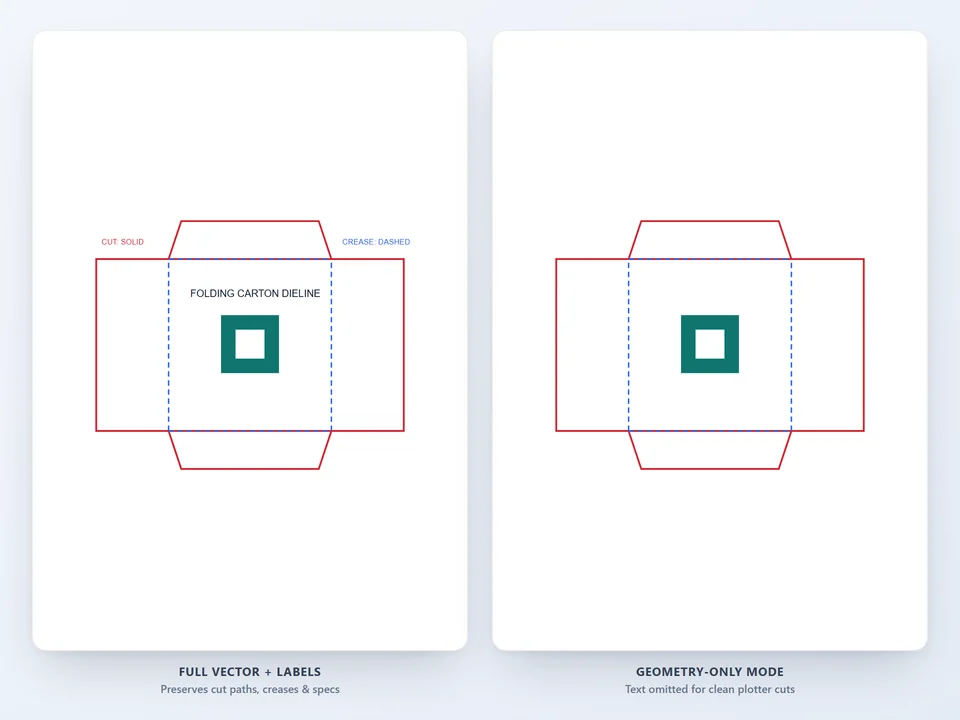
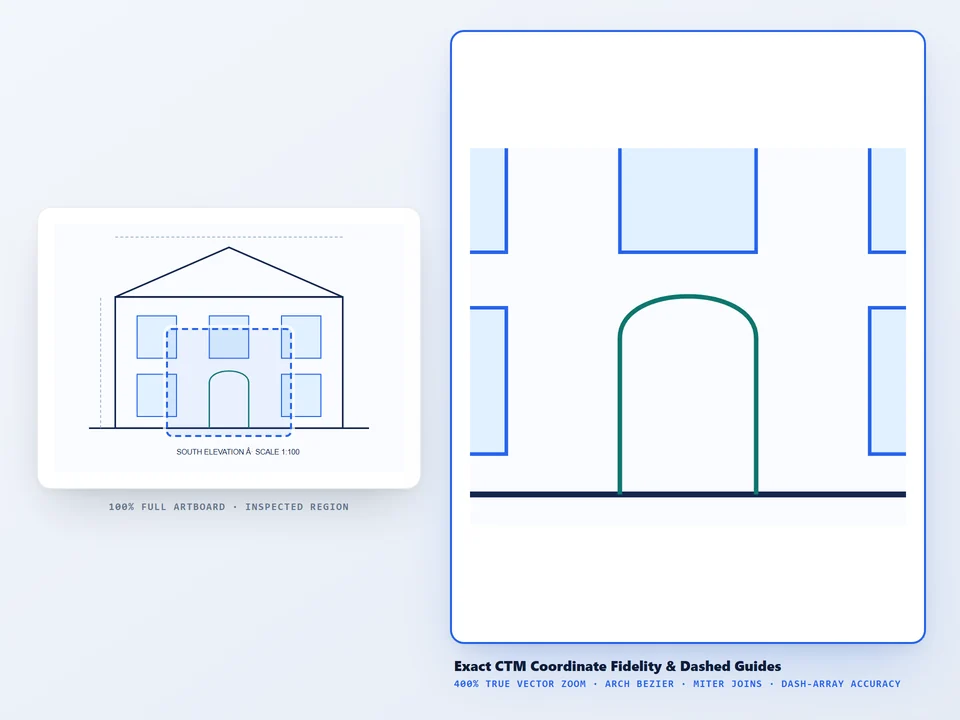
Showcases hairline strokes, dimension callouts, and nested Form XObjects preserved as editable vector geometry with exact coordinate proportions.

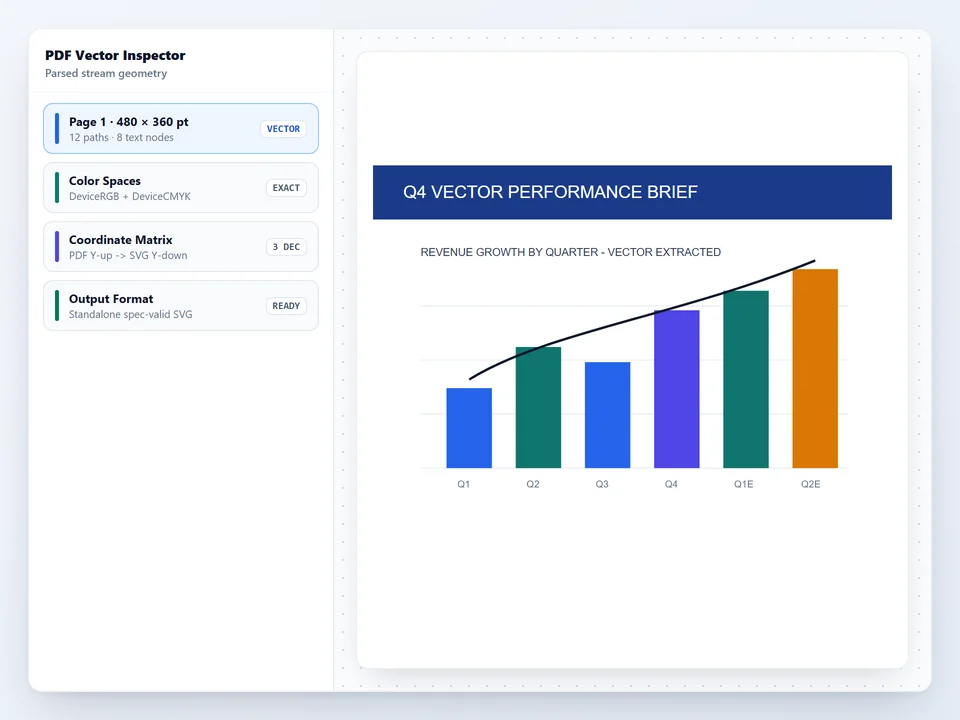
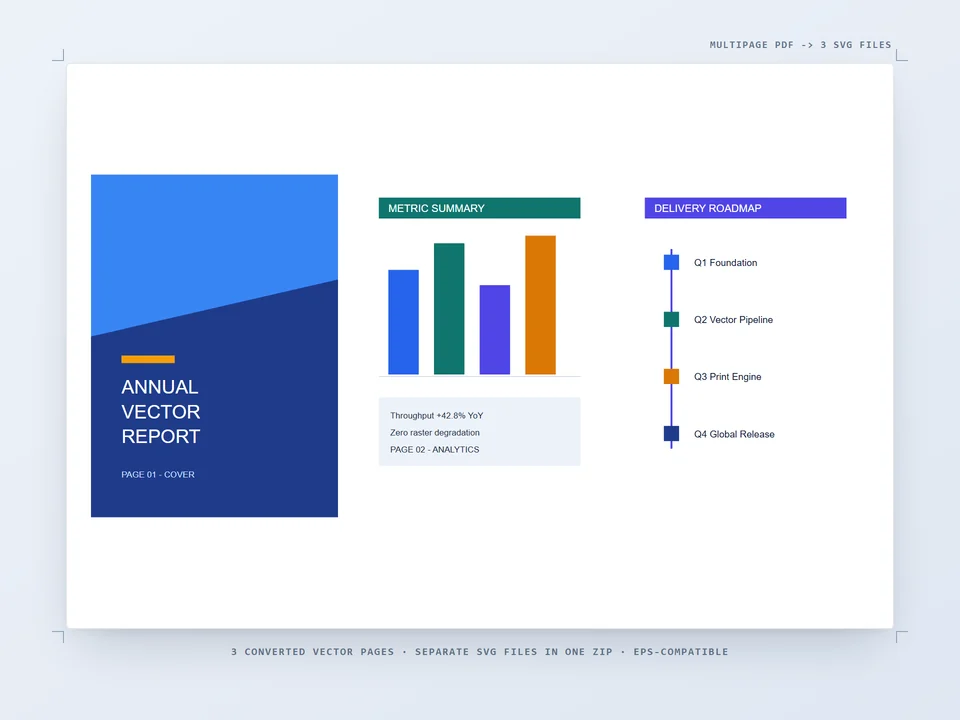
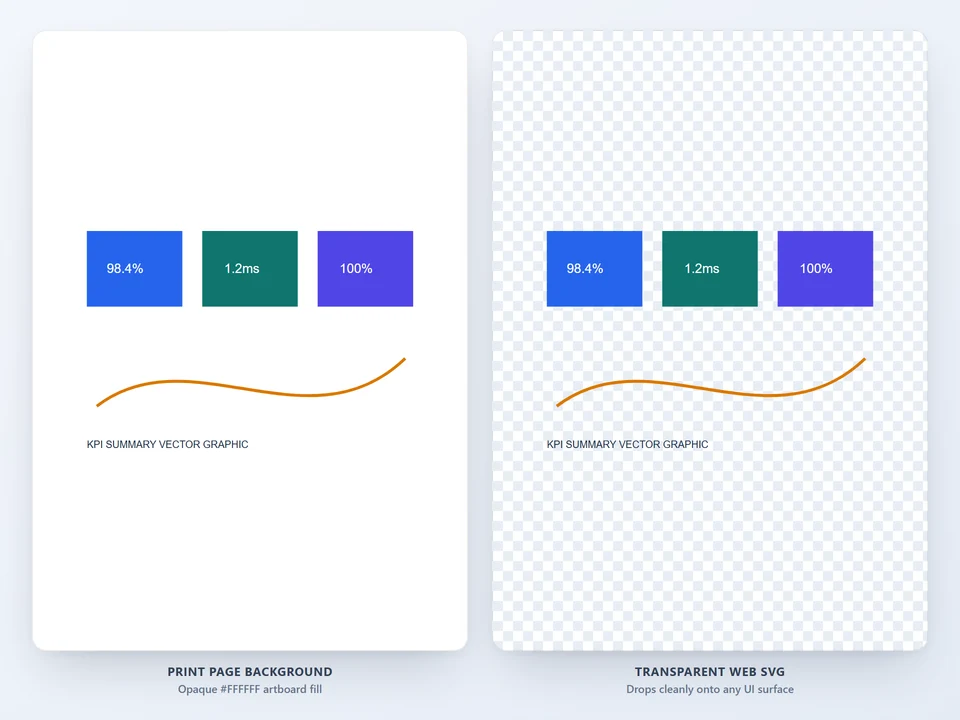
Highlights multi-page vector chart extraction, tabular typography, and one-click ZIP packaging for slide decks and web publications.
Move from locked PDF pages to editable SVG vector files and print EPS artboards inside your browser in seconds.
Drag any single-page or multipage PDF into the browser workspace. The parser inspects every page stream locally, separating native vector curves, text spans, Form XObjects, and embedded images automatically.
Preview each extracted page at crisp zoom levels inside the browser preview. Keep pure native PDF geometry for digital exports, or switch on the optional raster trace toggle when a page contains scanned line art.
Save any individual page as clean editable SVG, package an entire document into a numbered multipage SVG ZIP archive, or export CMYK and RGB PostScript EPS for commercial printing.
Built around a native browser PDF content-stream parser so artwork keeps real mathematical curves rather than wrapped bitmap screenshots.
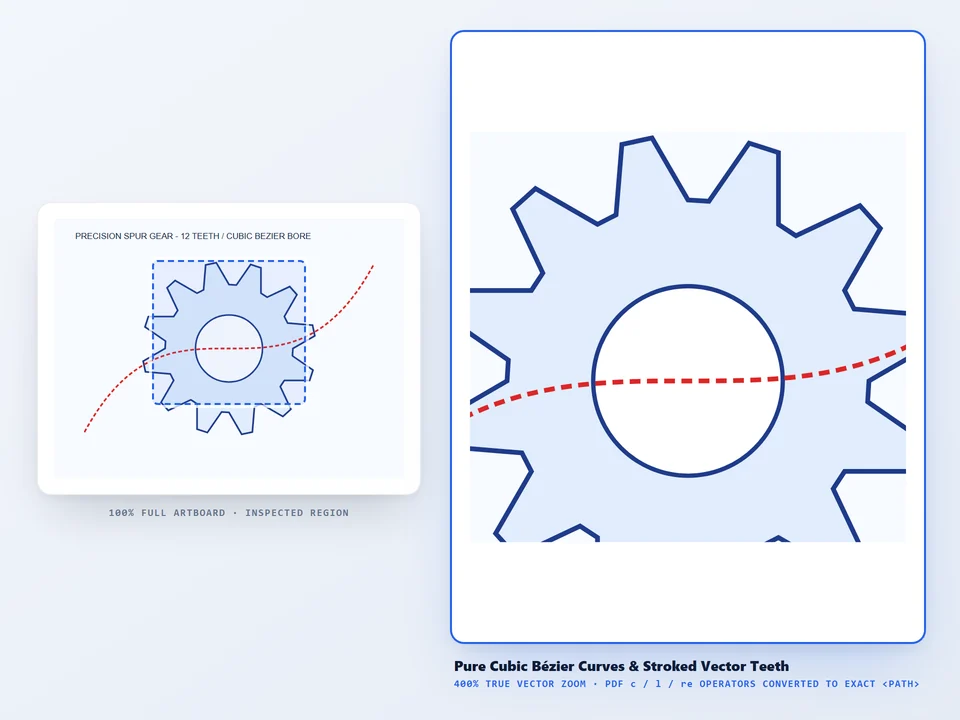
Reads PDF moveto, lineto, cubic Bezier, rectangle, fill, and stroke operators directly from page content streams, writing crisp SVG path coordinates ready for node editing.
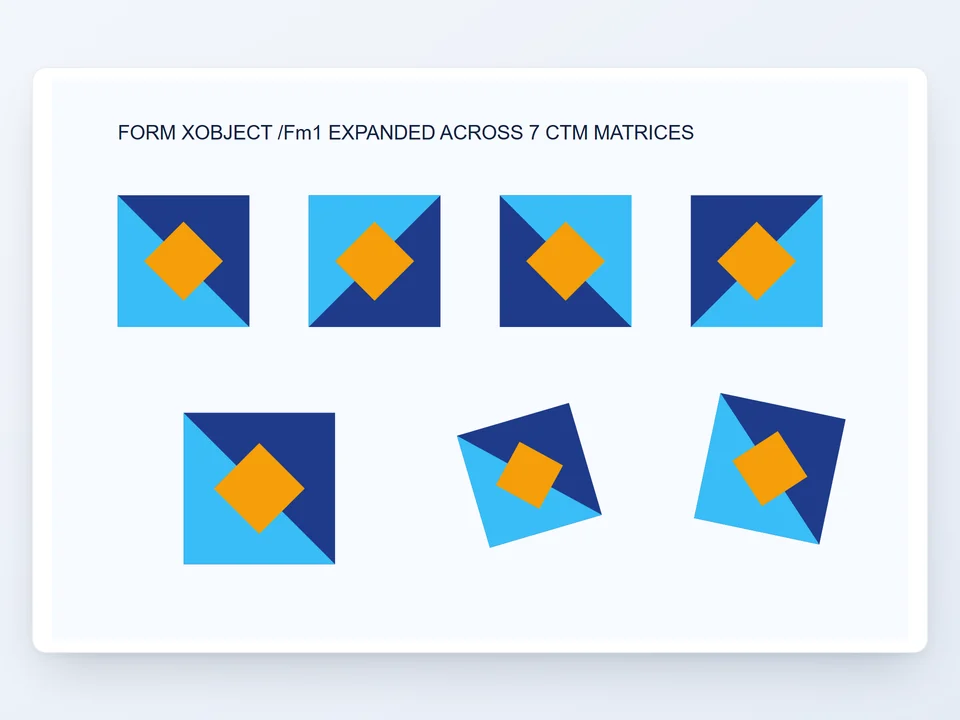
Expands reusable Form XObjects, stacked coordinate matrices, and graphic state changes accurately so CAD stamps, logos, and repeating report headers land in exact positions.
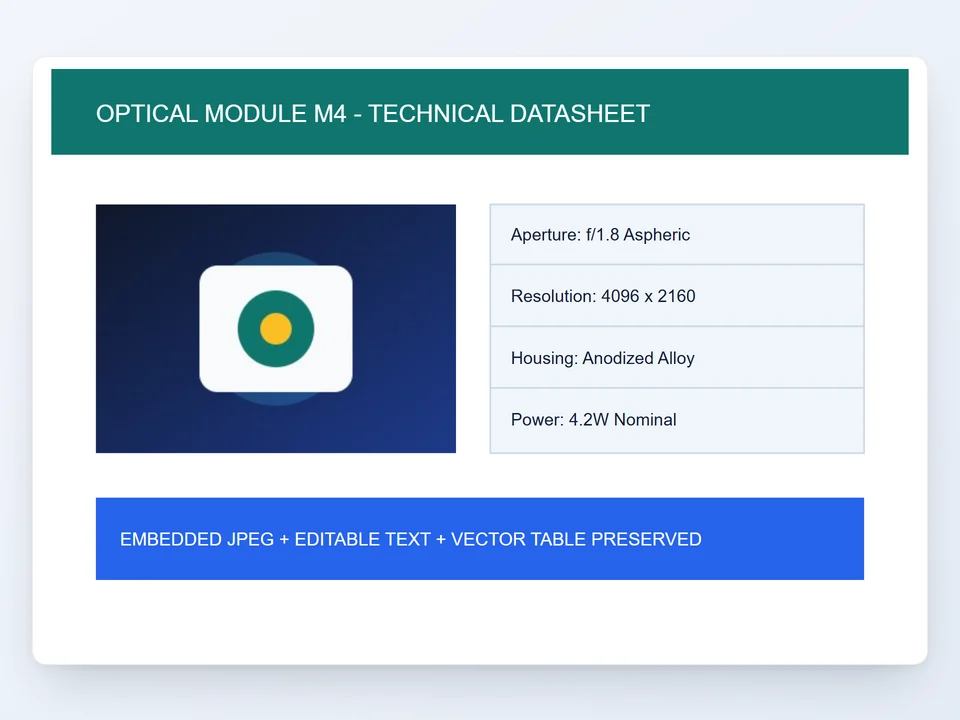
Preserves positioned text elements alongside inline raster photographs inside mixed marketing layouts, giving you a faithful vector conversion without missing layers.
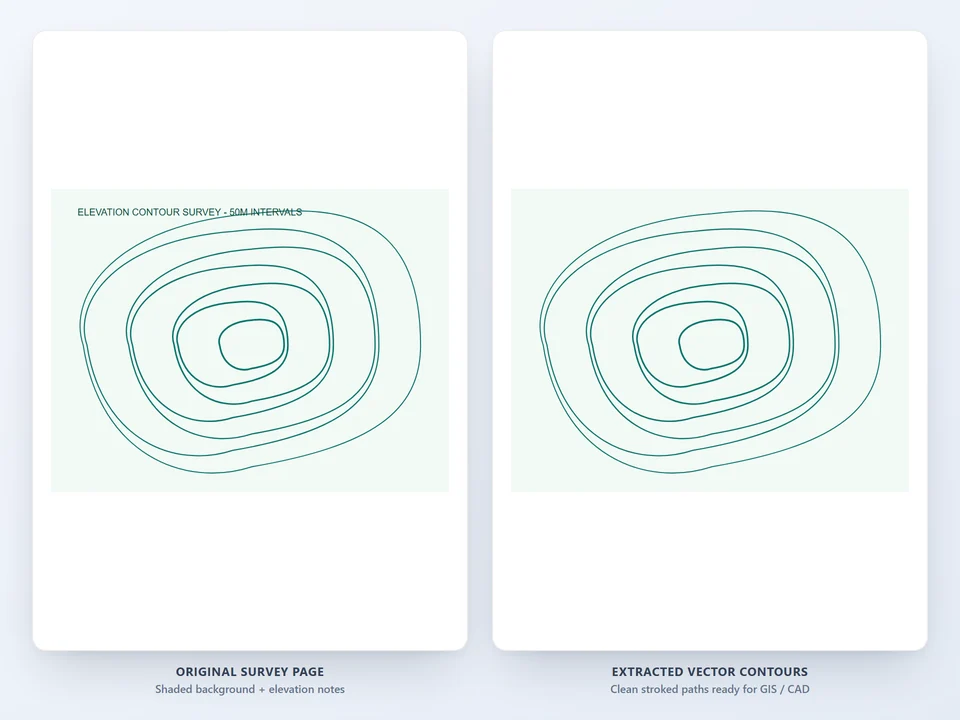
When a PDF page holds a scanned signature, ink diagram, or flattened sketch, enable the built-in raster trace toggle to convert bitmap strokes into smooth scalable SVG paths.
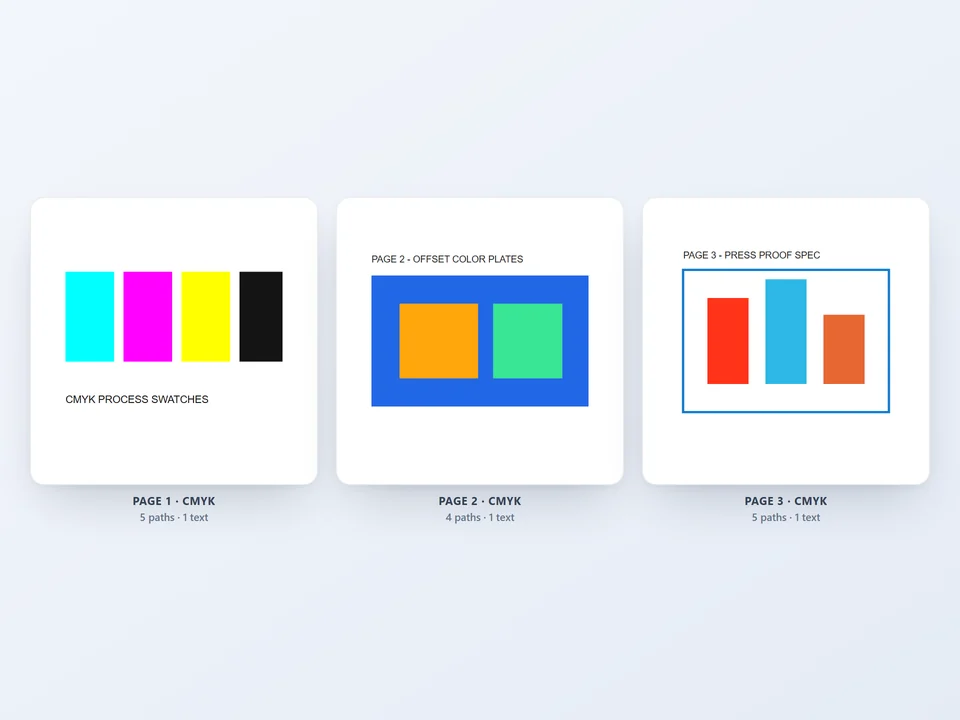
Batch-convert every page of a catalog, pitch deck, or drawing set into a structured ZIP folder of SVGs, or output clean PostScript EPS with RGB or CMYK color spaces.
Confidential contracts, architectural plans, and unreleased brand kits stay inside your local browser memory from upload to download with zero external servers involved.
Five technical practices for extracting editable vector paths, crisp text, and print-ready artwork from modern PDF documents.
A PDF file acts as a versatile container that can hold true mathematical vector curves, positioned text runs, reusable Form XObjects, or full-page scanned bitmaps. When you convert PDF to SVG with a native stream parser, digital documents exported from design suites, CAD programs, or office tools translate straight into clean SVG paths, polygons, and text elements with zero pixelation. For scanned paperwork or photographed drawings that store a single bitmap per page, switching on our optional raster trace toggle reconstructs crisp scalable contours automatically. Checking the page preview before export helps you pick the ideal pipeline for every sheet in your document.
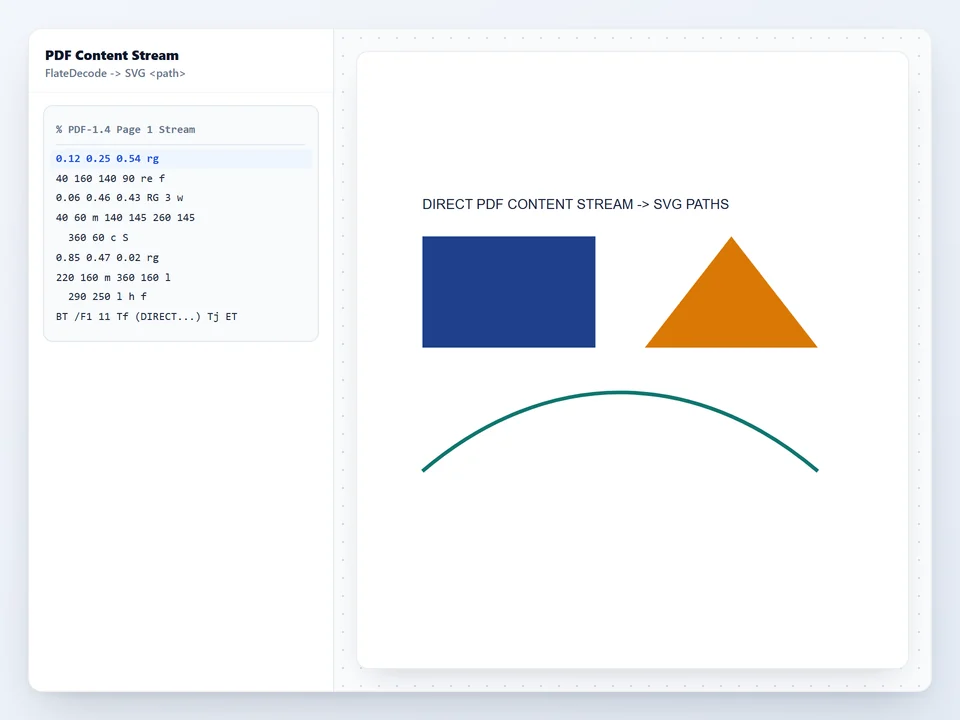
Complex engineering blueprints, brand guidelines, and multi-column financial PDFs frequently reuse repeated vector symbols through nested Form XObjects and local transformation matrices. A high-precision stream converter evaluates the PDF graphics state stack in order, tracking stroke widths, line caps, miter limits, opacity values, and coordinate flips from PDF bottom-left origin to SVG top-left coordinates. Keeping these nested transforms intact ensures that title blocks, chart axes, and logo marks align accurately when you open the resulting SVG inside Illustrator, Figma, or Inkscape. Clean grouping also makes post-export layer selection faster for designers and front-end developers.
Many real-world marketing brochures combine vector logos and crisp headings with high-resolution product photos inside the same PDF page. Converting pdf to vector svg cleanly requires honoring both worlds: keeping vector shapes as lightweight path geometry while retaining embedded raster images at their intended placement and aspect ratio. Once exported, the resulting SVG drops directly into responsive websites, React components, PowerPoint decks, or Figma libraries with razor-sharp rendering on high-DPI displays. If a layout relies on rare print fonts, reviewing the SVG in your target design editor lets you swap in matching brand web fonts or outline headlines cleanly.
Annual reports, icon catalogs, architectural sets, and slide exports often span ten to fifty pages in a single PDF file. Exporting pages one at a time slows down production pipelines and invites file-naming mistakes. Using a pdf to svg online workflow with built-in multipage ZIP bundling converts every selected page into consistently numbered SVG files in a single pass. You can inspect individual pages in the browser grid, export a lone hero page immediately, or download the entire set zipped for batch import into documentation sites, component libraries, or desktop publishing templates without repetitive clicks.
Selecting the right final vector container depends on where the artwork ships next. Standard SVG excels across web browsers, UI design canvases like Figma, interactive documentation, and laser or vinyl cutting workflows because it uses open XML and scales cleanly on every screen. When sending brand sheets, packaging dielines, or signage graphics to commercial offset printers, exporting directly to RGB or CMYK PostScript EPS ensures seamless compatibility with legacy press RIPs. Extend your vector workflow with SVG to PDF, pull raw photos using Extract Images from PDF, convert graphics in SVG to EPS, or minify markup with SVG Optimizer.
Built for brand designers, front-end engineers, architects, and documentation teams turning locked PDFs into editable vectors.

Recover editable logos, badges, and stationery graphics from client PDF guidelines and open them cleanly in Illustrator, Figma, or Inkscape.
Use our pdf to svg converter to extract crisp icons, diagrams, and technical illustrations from specification PDFs for responsive web applications.
Convert vector floor plans, elevations, and site schematics from PDF packages into scalable SVG and EPS graphics for presentations and web portals.

Pull razor-sharp vector charts, tables, and visual exhibits from quarterly PDF reports to reuse across slide decks, wikis, and web articles.
Clear answers on vector path fidelity, scanned pages, multipage ZIP output, EPS color modes, and local browser privacy.
The parser reads native PDF vector drawing operators, cubic Bezier paths, text commands, and Form XObjects directly from each page stream and writes genuine mathematical SVG elements instead of rasterizing the page to pixels.
Yes. Load any multipage document into the browser tool, inspect each page preview, and click the batch ZIP option to download every page as a neatly named SVG file in one archive.
Embedded bitmaps remain faithfully placed inside the SVG by default, and you can toggle the optional raster trace feature to convert scanned sketches, stamps, or logos into clean scalable vector curves.
Yes. Every exported file follows standard SVG 1.1 markup with explicit viewBox dimensions, clean path data, and proper grouping so it opens smoothly in Illustrator, Figma, Inkscape, VS Code, and modern web browsers.
Choose SVG for web publishing, Figma, PowerPoint, and general editing. Choose our built-in RGB or CMYK EPS export when preparing logos, technical figures, or packaging art for commercial print houses.
Yes. Nested Form XObjects, transformation matrices, and inline raster photos are decoded and positioned accurately so complex brochures, blueprints, and report covers remain visually intact.
No. Parsing, vector conversion, optional raster tracing, ZIP bundling, and EPS generation run 100% locally inside your browser tab, keeping sensitive files completely private on your device.
Yes. You can transform PDF pages into editable SVG, download multipage SVG ZIP bundles, and export EPS files free online right in your browser with zero registration required.
Drop any PDF to extract editable vector paths, text, Form XObjects, and images into crisp SVG, multipage ZIP, or EPS free in your browser.
Convert PDF to SVG now