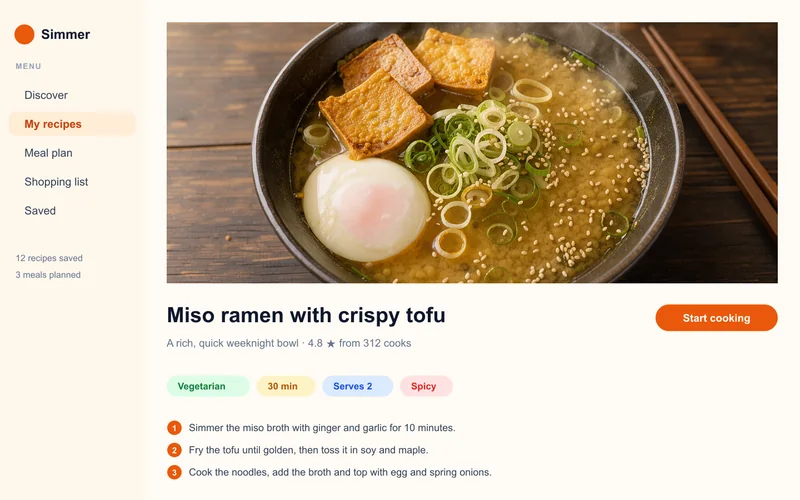
Two-page web UI mockup on A4
Places crisp website layout screenshots onto A4 pages using Auto orientation, Small margins, and Lossless encoding so thin interface text stays razor sharp.
Convert WebP to PDF free directly in your browser with zero uploads. Drop up to 60 WebP images, reorder or rotate pages, choose A4, Letter, or Original sheets with custom margins, and save a crisp PDF.
Drop PNG images here to combine into a PDF
Add up to 60 PNG, JPG, or WebP images. Reorder pages, rotate, and set margins locally.
Runs locally in your browser. Files never leave your device.
Or try a sample set
Open any sample set below inside this WebP to PDF studio to inspect page ordering, A4 and US Letter margins, orientation switching, and crisp image fidelity before dropping your own files.
Places crisp website layout screenshots onto A4 pages using Auto orientation, Small margins, and Lossless encoding so thin interface text stays razor sharp.

Packages three wide visual slides onto Original-size PDF pages with None margin so every frame fills desktop and tablet viewers edge to edge.
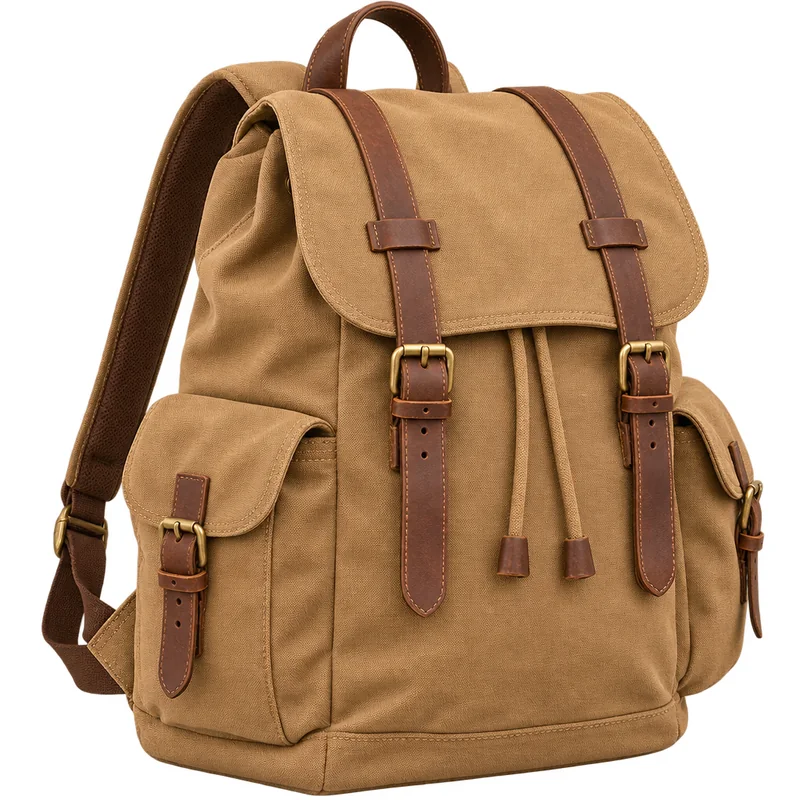
Formats product artwork onto US Letter sheets with classic half-inch Standard margins built for clean office printing and client approval packets.
Save a single saved web image or bundle sixty graphics into one universally readable PDF document right inside your browser.
Drag up to 60 WebP files (up to 40 MB each) onto the drop zone, or click Choose images to pick files from your folders. You can also mix WebP graphics alongside PNG, JPG, JPEG, GIF, BMP, or AVIF images inside the exact same document.
Arrange thumbnails in reading sequence with Move Up and Move Down controls and spin rotated captures 90 degrees clockwise. Pick A4, US Letter, or Original page geometry, set Auto, Portrait, or Landscape orientation, pick a margin preset, and toggle Lossless or Compact encoding.
Click Download PDF to assemble an ISO 32000-1 PDF straight in browser memory. Single WebP files preserve their original filename stem, while multi-image sets bundle into one tidy document with zero watermarks.
Designed for crisp web graphics, clean print layouts, true transparency handling, and strict local privacy.
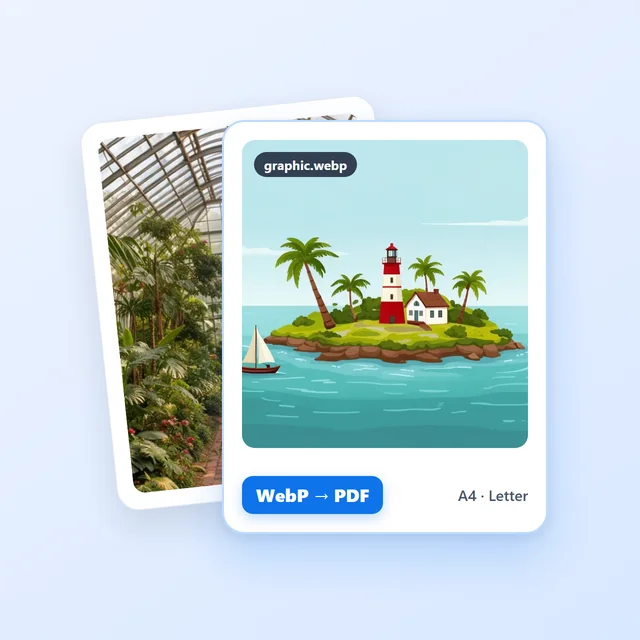
Web pages, documentation portals, and design exports frequently save visual assets as .webp files that email clients or print queues struggle to preview. Combine WebP to PDF in one batch of up to 60 images (up to 40 MB each) with live page counts and total input weight.
Unlike basic converters that flatten every transparent WebP sticker or UI badge onto an unexpected black box, our Lossless mode writes crisp Flate RGB streams paired with true PDF SMask alpha channels. For opaque web photos, switch to Compact mode to keep multi-page packets lightweight.
Format documents for international A4 (210 by 297 mm) or North American US Letter (8.5 by 11 in) whenever your PDF needs predictable office printing. Choose Original whenever you want every page frame to match each WebP graphic's exact pixel aspect ratio without white bars.
Saved web captures often mix tall scrolling pages with wide product banners. Reorder cards with Move Up and Move Down, turn sideways captures 90 degrees clockwise, and keep Orientation on Auto so every A4 or Letter page chooses Portrait or Landscape automatically.

Control whitespace around your content with one click: None (0 pt) gives full-bleed edge-to-edge spreads for digital decks, Small (18 pt) adds a tidy frame for modern handouts, and Standard (36 pt, half an inch) leaves generous breathing room for printing and binding.

Draft wireframes, client mockups, web invoices, and confidential product sheets stay strictly on your own device. Every image decode, layout transform, and PDF byte stream runs privately inside your browser tab with zero server transmission.
Five practical techniques for sharp web graphics, accurate print sizing, and lighter multi-page PDF documents.
WebP powers much of the modern web because it compresses photographs, illustrations, and transparent graphics far tighter than older image formats. Yet the moment you save a WebP receipt, catalog page, or design reference and try to print it at an office kiosk, attach it to a legacy HR system, or mail it to a client, compatibility breaks down. Choosing to save WebP as PDF wraps every graphic inside a universal ISO 32000-1 container that opens identically across every operating system.
Before bundling WebP assets into a document, glance at what your images contain. Sharp interface mockups, typography slides, charts, and transparent WebP badges look cleanest in Lossless mode because Flate compression preserves crisp pixel edges and alpha masks with zero mosquito noise around text. When your folder holds full-color product photos or photography spreads, Compact mode embeds high-quality JPEG streams so a thirty-page document stays light enough for email attachments.
Standardized A4 (210 by 297 mm) and US Letter (8.5 by 11 in) paper sizes prevent desktop printers from clipping artwork or scaling margins unevenly, especially when paired with Small (18 pt) or Standard (36 pt) margins. For screen-only slide decks, long website captures, or design handoffs where every frame carries a custom aspect ratio, pick Original size with None margin so pages flow naturally without empty paper borders.
Research folders and project specs rarely arrive in a single file format: you might collect WebP product thumbnails from an online store, add a PNG spec table, and include a JPG site snapshot. You can combine WebP to PDF right alongside PNG, JPG, GIF, BMP, and AVIF images in the same session. Need standalone editable image files instead of a PDF? Run them locally through WebP to PNG or WebP to JPG.
Sometimes a catalog or visual audit reads better when two or four WebP thumbnails share a single A4 or US Letter page instead of spreading across dozens of sheets. Arrange multiple captures into a tidy grid first inside Combine Images, then load the resulting contact sheets here to assemble your final printable PDF. Preparing print sheets directly from layered design files? Export straight from source artwork with PSD to PDF.
Everyday web, design, e-commerce, and research workflows where packaging WebP graphics into a clean PDF saves time.
Compile saved website mockups, competitive UI screenshots, and visual inspiration boards into one tidy Original-size or A4 review deck without converting WebP files first.
Use this local document builder to package storefront product imagery, lookbooks, and wholesale line sheets onto clean US Letter or A4 pages ready for buyers and print counters.
Save WebP as PDF when archiving online charts, saved documentation graphics, and research visuals into a single indexed reading packet that works offline everywhere.
Turn saved web confirmations, digital shipping labels, and online receipts into compliant PDF attachments locally in the browser with zero third-party uploads.
Clear answers about multi-page WebP merging, transparency preservation, paper sizes, compression modes, and browser privacy.
Drag your WebP images into the workspace at the top of this page, arrange page sequence or rotate any sideways shots, choose A4, US Letter, or Original size with your preferred margin, and click Download PDF. Everything runs free locally with no signup.
You can combine WebP to PDF with up to 60 images per session, up to 40 MB per file. Numbered preview cards plus Move Up and Move Down arrows let you verify exact page order before building one unified document.
No. Image decoding, 90-degree rotation, layout calculation, and ISO 32000-1 PDF assembly execute completely inside your browser's local tab memory. Your saved web mockups, digital receipts, and product graphics stay strictly on your own device from start to finish.
Yes. In Lossless mode, transparent WebP graphics keep genuine alpha transparency inside the finished PDF via standard PDF SMask streams, avoiding unexpected dark boxes, white haloes, or clipped soft shadows around logos, stickers, and UI badges.
Yes. Alongside WebP files, this multi-image builder accepts PNG, JPG, JPEG, GIF, BMP, and AVIF images inside the exact same queue, letting you merge mixed-format web captures and camera photos into a single orderly document.
A4 (210 by 297 mm) and US Letter (8.5 by 11 in) scale and center every graphic cleanly onto standardized printing sheets using your selected margin. Original fits each PDF page exactly to the native dimensions and aspect ratio of each image.
Keep Lossless for UI screenshots, diagrams, slides with fine text, and transparent WebP graphics so pixel edges stay razor sharp. Switch to Compact for opaque photographs and long visual catalogs so your finished document weighs far less for emailing.
Yes. Because the document engine runs natively in standard web browsers, you can convert WebP images into printable PDFs across Windows, macOS, Linux, ChromeOS, iOS, and Android immediately without installing desktop software or browser plugins.
Drop up to 60 WebP images, arrange your page order and paper margins, and save a crisp PDF privately in your browser.
Choose WebP images