E-commerce product catalog spread
Demonstrates clean catalog extraction with intact studio JPEG resolution and crisp transparent PNG product cutouts ready for storefronts.
Extract images from PDF documents at their exact embedded pixel dimensions without screenshots or recompression. Our browser-local extraction engine reads native JPEG (/DCTDecode) and PNG (/FlateDecode with SMask alpha) binary streams directly, letting you preview every asset and download single files or a batch ZIP privately.
Drop one or more PDF files to extract original images
Pulls embedded JPEG photos losslessly and decodes FlateDecode & alpha-masked graphics to crisp PNGs.
Runs locally in your browser. Nothing is uploaded.
Or try a built-in sample PDF
Load a built-in sample into the browser workspace to extract images from PDF previews, inspecting pixel dimensions, color formats, and transparent cutouts before dropping your own documents.
Demonstrates clean catalog extraction with intact studio JPEG resolution and crisp transparent PNG product cutouts ready for storefronts.

Shows clean extraction of hero photography, transparent brand badges, and high-DPI mockups directly from multi-slide PDF presentations.

Illustrates batch extraction of full-bleed JPEG photography straight from PDF binary streams with zero generational blur or cropping.
Recover original full-resolution photos, graphics, and transparent cutouts from any PDF without taking blurry screen captures.
Drag a catalog, brochure, report, or slide deck onto the dropzone. The parser scans PDF object tables and image XObjects locally in milliseconds without uploading a single byte.
Inspect every embedded asset in a clean gallery grid showing exact width, height, source format (JPG or PNG), and alpha transparency on a checkerboard backdrop.
Click any card to save individual files one by one, or press the batch ZIP button to export every extracted JPEG and PNG together with clean sequential filenames.
Direct binary stream decoding preserves every original pixel stored inside the document instead of re-rendering pages through a screenshot canvas.
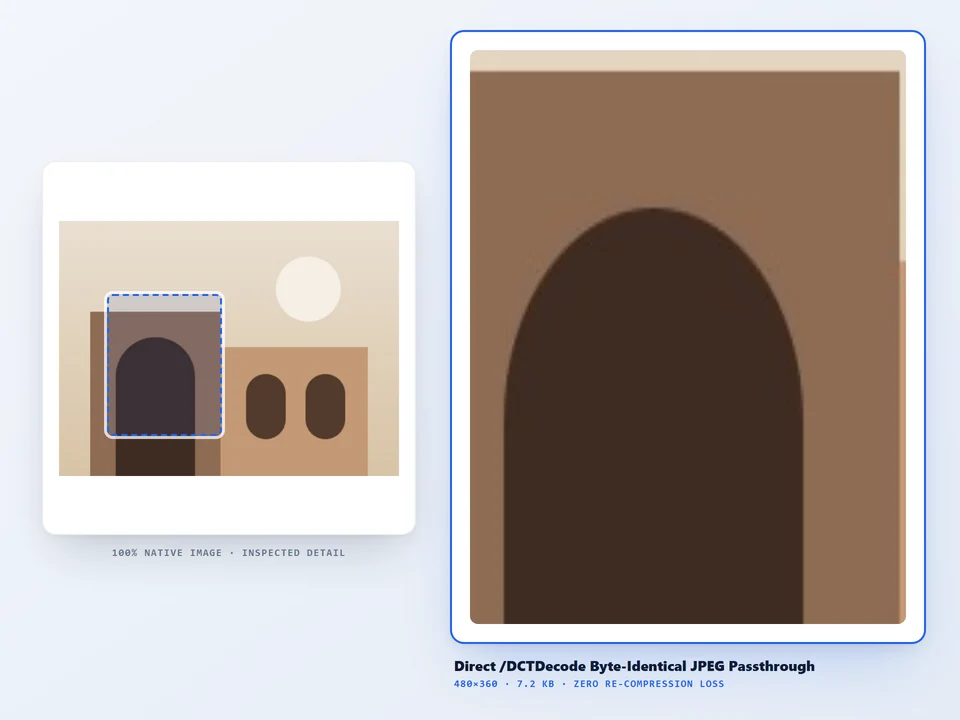
Embedded JPEG photos stored with /DCTDecode filters are extracted byte-for-byte directly from the PDF stream with zero decoding-reencoding loss or fresh compression artifacts.
Reconstructs deflated RGB and grayscale image streams into genuine lossless PNG files while merging companion PDF soft-mask (/SMask) channels so transparent backgrounds stay intact.
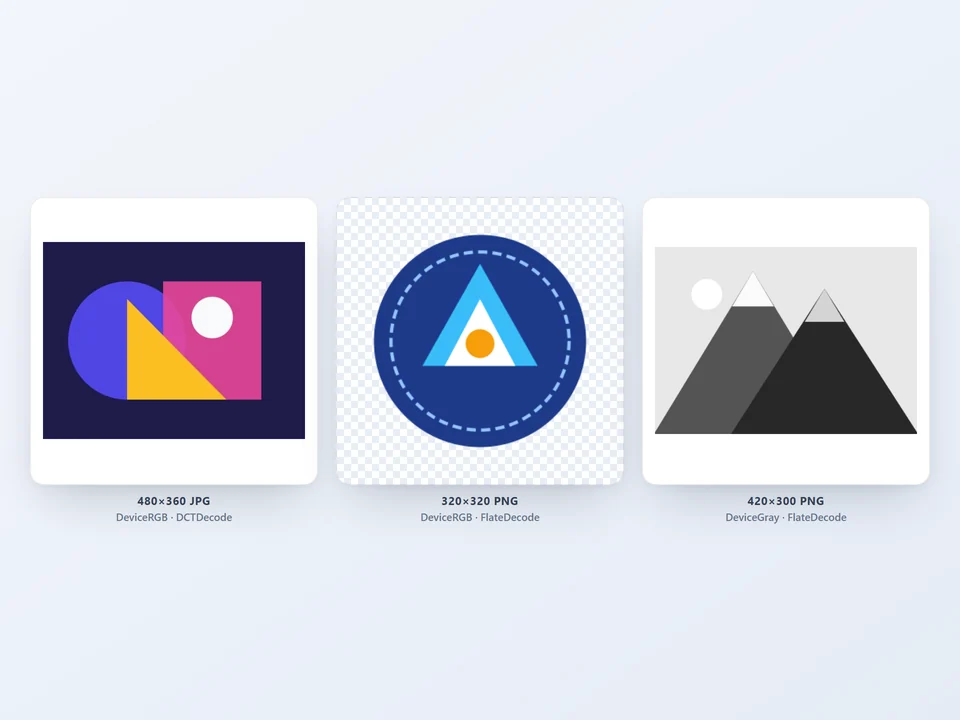
Every thumbnail card displays its true pixel resolution, page origin, and native format so you immediately distinguish print-grade hero photos from tiny header icons.
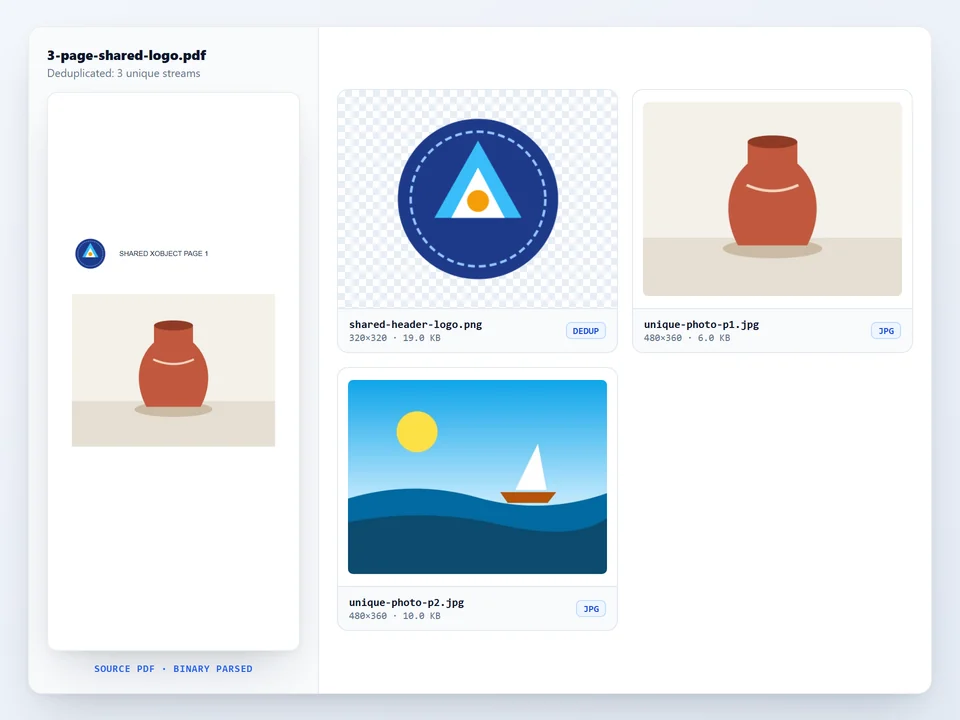
PDF templates often reference the same header badge or watermark object across dozens of pages. The binary parser cleanly tracks object references so your export folder stays tidy.
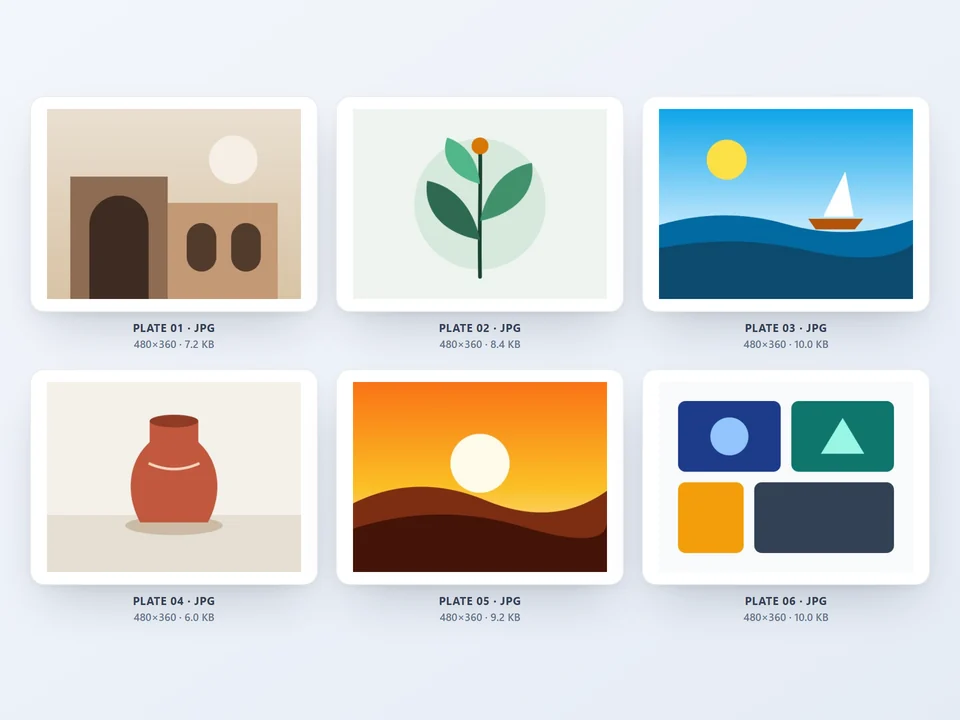
Pull a single hero product shot in one click, or bundle fifty catalog visuals into a clean ZIP archive ready for Photoshop, Figma, or CMS uploads.
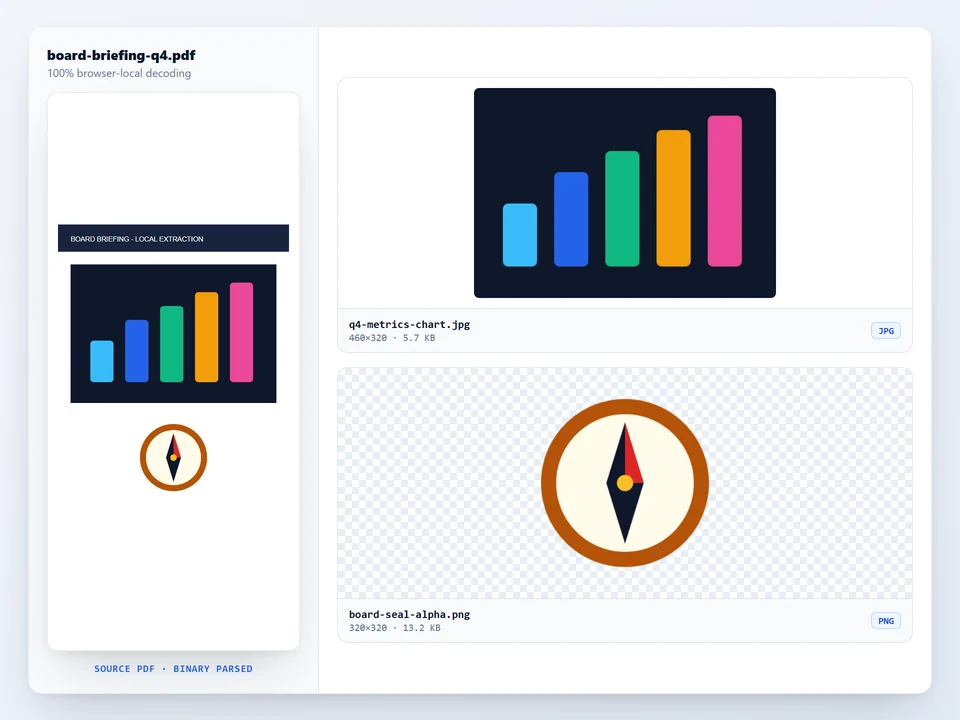
Unreleased lookbooks, medical reports, legal exhibits, and client presentations are parsed entirely inside local browser RAM with zero server transmission.
Five insights into how PDF files store raster photography and transparent graphics, and how to recover them at full fidelity.
Taking a screenshot of a PDF viewer captures whatever pixel grid fits on your monitor, cropping high-resolution print photos down to screen size and flattening transparent graphics onto a white page backdrop. When you extract images from PDF binary streams directly, you bypass screen rendering altogether and retrieve the actual embedded asset stored by the authoring tool. A 3000-pixel product photograph scaled into a two-inch catalog box comes back at its full 3000-pixel dimensions. You also avoid accidental page borders, drop shadows, or overlapping caption text that sit on separate PDF drawing layers above the photograph.
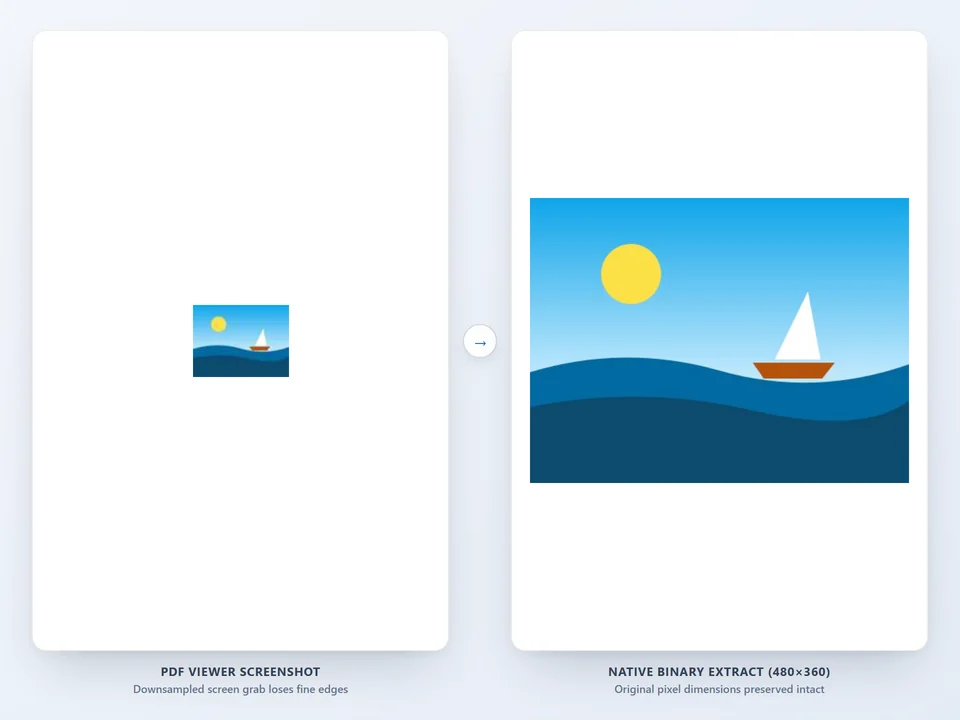
Inside most marketing brochures, real-estate flyers, and digital magazines, photographs are embedded as Image XObjects compressed with the /DCTDecode filter, which is literally a standard JPEG bitstream wrapped in a PDF object dictionary. Re-rendering and saving that photo through a browser canvas would apply a second round of lossy JPEG quantization, introducing ringing artifacts and softened textures. Direct stream decoding copies the native /DCTDecode byte payload straight into a standalone .jpg file. That means zero recompression, identical file efficiency, and exact fidelity matching the photographer's original embedded asset before layout assembly.
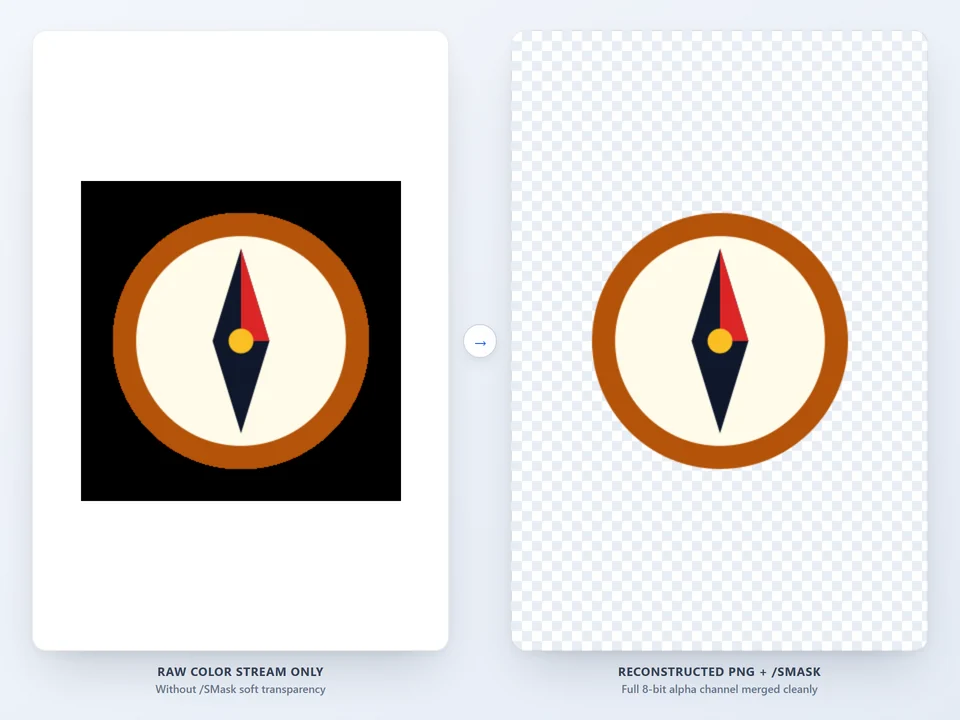
Transparent product cutouts, UI screenshots, and soft-edged stickers inside PDFs use lossless /FlateDecode pixel buffers paired with a separate grayscale /SMask object for alpha transparency. Simple extraction scripts frequently ignore the soft mask, producing harsh black rectangles around cutouts or exporting the mask as a confusing second black-and-white file. When you pull images from PDF files using our browser engine, both the base pixel buffer and its paired /SMask channel are decoded and combined into a single clean RGBA PNG file. Open the result in Photoshop, Figma, or PowerPoint and the feathered edge drops cleanly over any background.
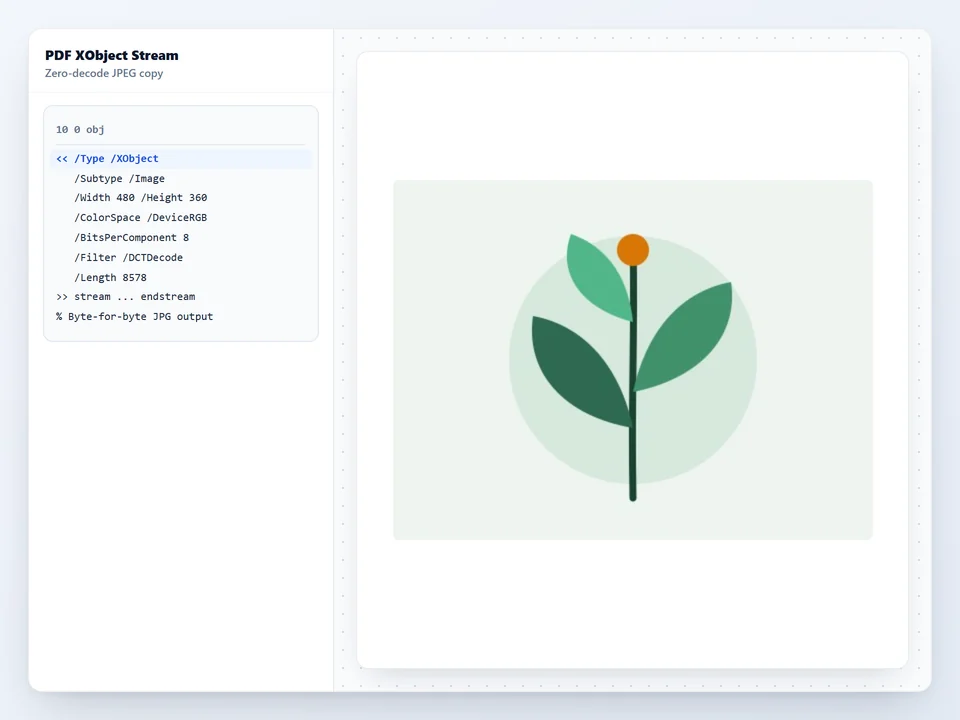
Before dropping recovered visuals into a fresh campaign, check the exact pixel width and height displayed beneath each preview tile. Web banners and blog hero images look sharp around 1200 to 2000 pixels wide, while commercial offset flyers printed at 300 DPI require roughly 2400 pixels across an eight-inch spread. Seeing native dimensions alongside format badges helps you recover catalog assets quickly while skipping decorative 40-pixel bullet icons. Using the batch ZIP download lets marketing teams archive every high-resolution visual from an agency proof into a shared digital asset folder in one move.
Recovering embedded photos is often step one of a broader refresh, such as updating seasonal pricing, migrating print collateral to an online store, or rebuilding an executive deck with fresh brand typography. Once you save images from PDF streams locally, keep the original PNGs and JPGs archived in a master folder and optimize copies for their final destination. Pair this browser tool with PDF to SVG when you also need editable vector logos and text from the same document, reassemble edited photos with JPG to PDF or PNG to PDF, or lighten PNG files for faster web loading using Compress PNG.
Designed for marketing teams, e-commerce managers, designers, and researchers who need original embedded photos without recompression.

Recover supplier line-sheet visuals and wholesale lookbooks at full studio resolution so merchandising teams publish crisp storefront listings fast.

Extract images from PDF press kits, case studies, and pitch decks to reuse approved photography across blog posts and social banners.

Recover transparent PNG cutouts, logos, and background textures with intact alpha masks ready for Photoshop, Figma, or Illustrator.

Collect figures from PDF whitepapers, archival scans, and exhibit packets cleanly for citations, slide decks, and institutional repositories.
Answers on lossless JPEG and PNG stream decoding, alpha transparency, batch ZIP downloads, resolution fidelity, and browser privacy.
No. Embedded /DCTDecode JPEG streams are extracted byte-for-byte without re-encoding, and /FlateDecode bitmaps are written as lossless PNGs, preserving the exact pixel resolution stored inside your PDF.
It reads both the color stream and its companion PDF /SMask alpha object, compositing them into a true transparent RGBA PNG so product cutouts and badges retain smooth, clean edges.
Yes. The parser scans every page locally, displays all discovered images with their pixel sizes and formats, and packages every asset into a single batch ZIP archive with one click.
Designers frequently place high-resolution 300 DPI photographs inside small PDF layout frames. Extracting the raw binary stream recovers the full underlying pixel dimensions rather than a downscaled page view.
This tool focuses on embedded raster Image XObjects such as JPEG photos and PNG graphics. When you also want vector paths, logos, and typography from a PDF, use our companion PDF to SVG converter.
Yes. Every thumbnail card includes its own direct download button alongside pixel dimensions and format labels, so you can grab one specific photo or batch-export the entire collection as a ZIP.
No. Every byte of PDF stream parsing, SMask blending, PNG encoding, and ZIP creation executes strictly inside your local browser memory with zero network transfers.
Yes. You can unpack embedded PDF imagery completely free online in your browser with full resolution output, transparent PNG support, and batch ZIP downloads.
Drop any PDF to inspect native pixel sizes and recover lossless original JPEG and transparent PNG streams locally as single files or a ZIP.
Extract images from PDF now