Web app multi-size favicon.ico
Demonstrates clean favicon ico to png extraction across 16x16, 32x32, and 48x48 browser tab sizes with razor-sharp transparent edges.
Convert ICO to PNG directly in your browser and inspect every embedded icon resolution side by side. Our browser decoder unpacks both modern embedded PNG entries and legacy 1, 4, 8, 24, and 32-bit DIB BMP icons with AND alpha masks from .ico and .cur files, exporting crisp transparent PNGs individually or as an all-sizes ZIP.
Drop an .ICO or .CUR icon file to extract every PNG size
Decodes Vista+ PNG frames and legacy 32/24/8/4/1-bit BMP frames with full transparency.
Runs locally in your browser. Nothing is uploaded.
Or try a multi-size .ICO sample
Open any starter icon bundle in the browser workspace to examine crisp multi-size decoding, alpha edges, and bit-depth metadata before dropping your own .ico or .cur files.
Demonstrates clean favicon ico to png extraction across 16x16, 32x32, and 48x48 browser tab sizes with razor-sharp transparent edges.

Displays a complete desktop icon stack from 16x16 up to 256x256 combining embedded PNG entries and 32-bit RGBA DIB frames in one grid.

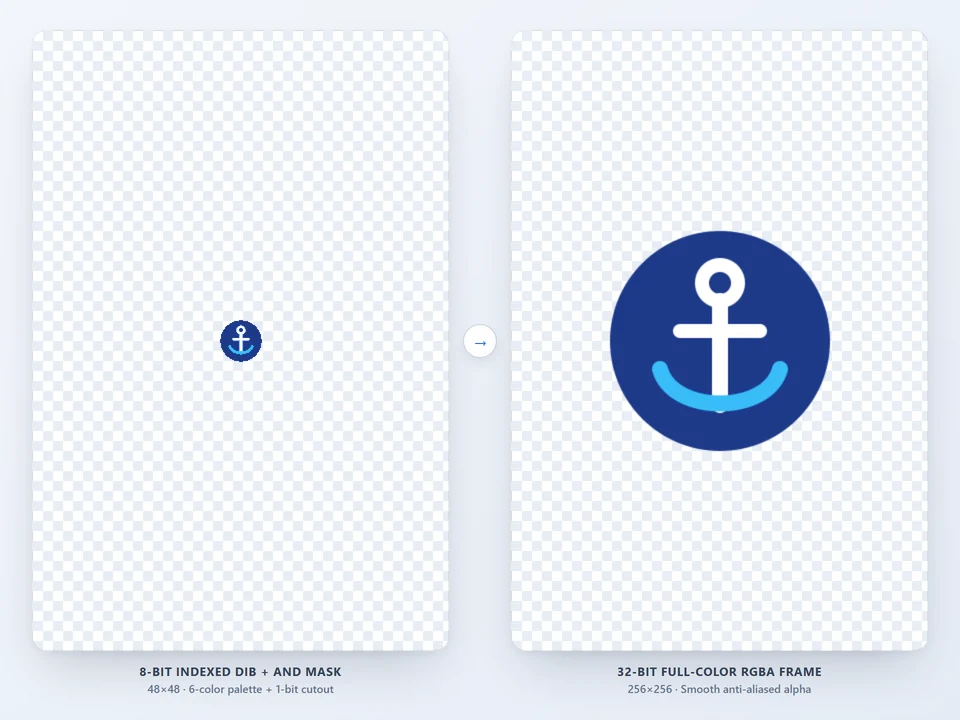
Showcases legacy palette-indexed 4-bit and 8-bit DIB BMP entries decoded accurately with their 1-bit AND transparency masks preserved.
Unpack every resolution stored inside a Windows icon or cursor container into standard transparent PNG images in seconds.
Drag a website favicon, Windows launcher icon, or custom .cur pointer file into the workspace. The binary directory header is parsed instantly inside your browser.
View all frames from 16x16 to 256x256 laid out together on a transparency checkerboard, labeled with exact pixel dimensions, bit depth, and PNG or DIB encoding type.
Grab the crisp 256x256 master frame as a single transparent PNG, or export every resolution together in one neatly named ZIP archive.
Engineered from the binary ICONDIR specification so modern high-DPI favicons and decades-old Windows icons decode with pixel-exact transparency.
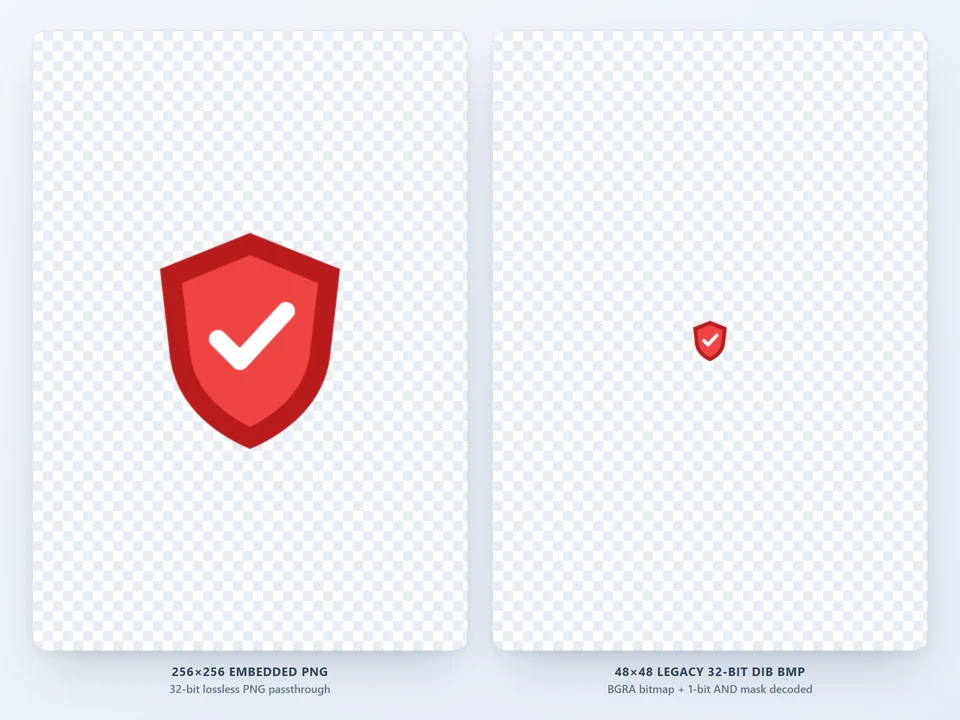
Handles modern PNG-compressed 256x256 icon frames as well as classic 1-bit monochrome, 4-bit, 8-bit indexed palette, 24-bit RGB, and 32-bit BGRA DIB bitmaps accurately.
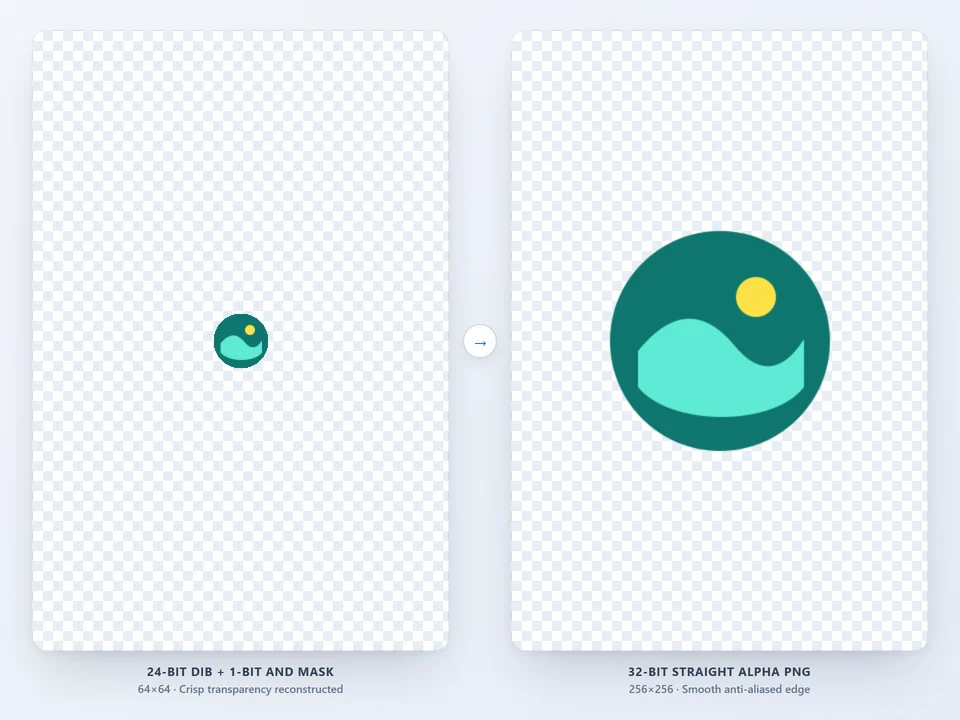
Applies the 1-bit AND transparency mask on legacy DIB entries and preserves full 8-bit alpha gradients on 32-bit icons, eliminating black halos or jagged edges.
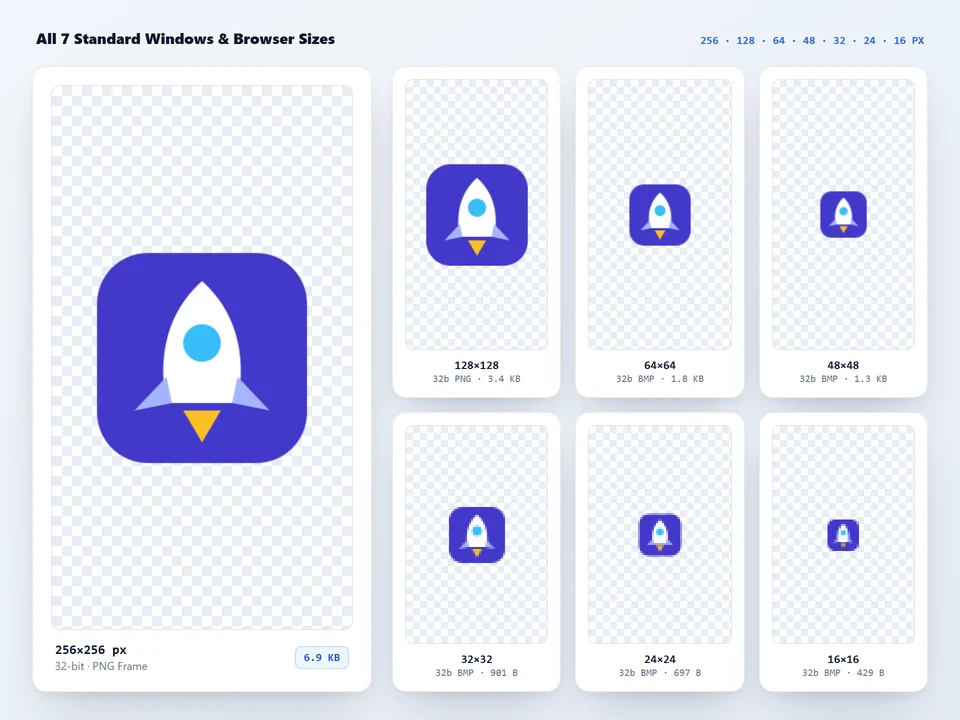
Rather than outputting a single hidden frame, this browser decoder reveals every size inside the container (16x16, 24x24, 32x32, 48x48, 64x64, 128x128, and 256x256) simultaneously.
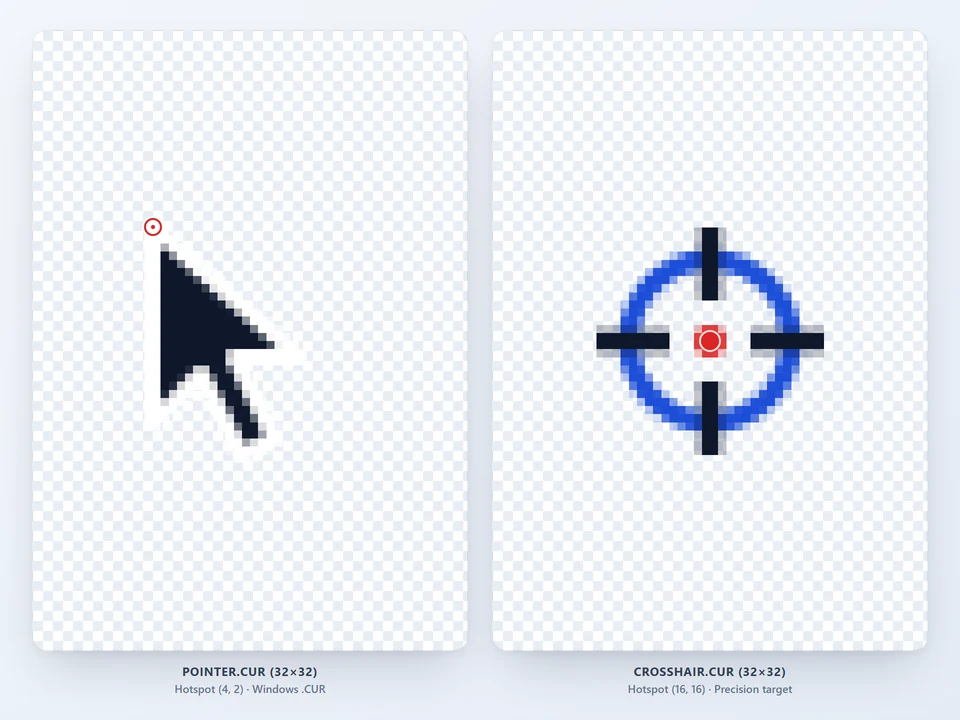
Decodes both standard ICO icon bundles (type 1) and Windows CUR mouse cursor files (type 2), inspecting hotspot metadata while exporting crisp transparent PNG frames.
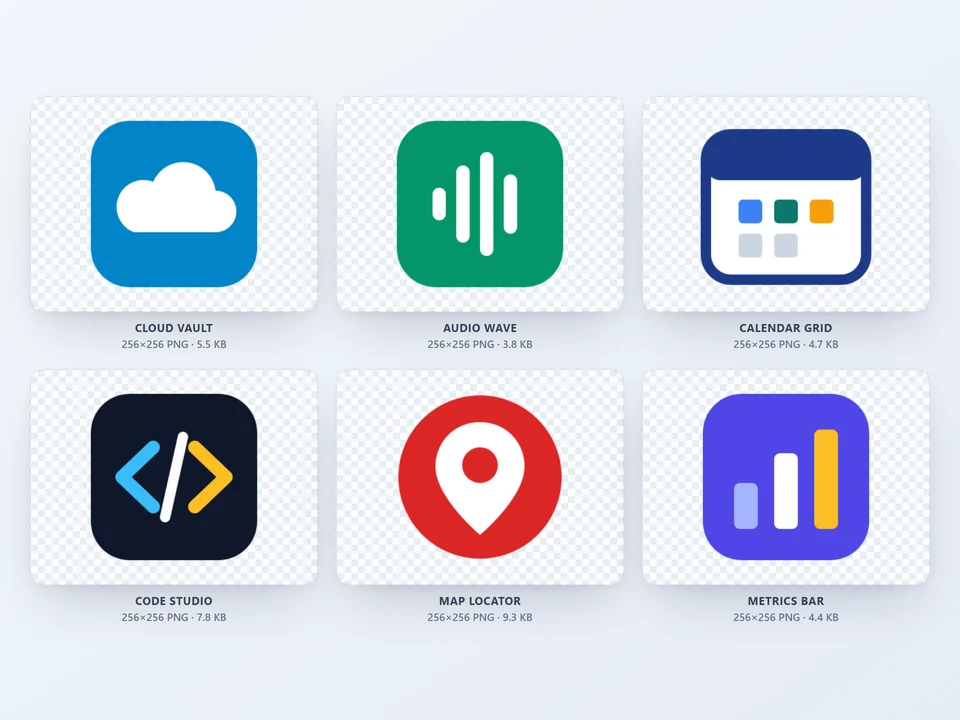
Download just the exact dimension your UI kit or slide deck requires, or export every frame in bulk with filenames tagged by width, height, and frame index.
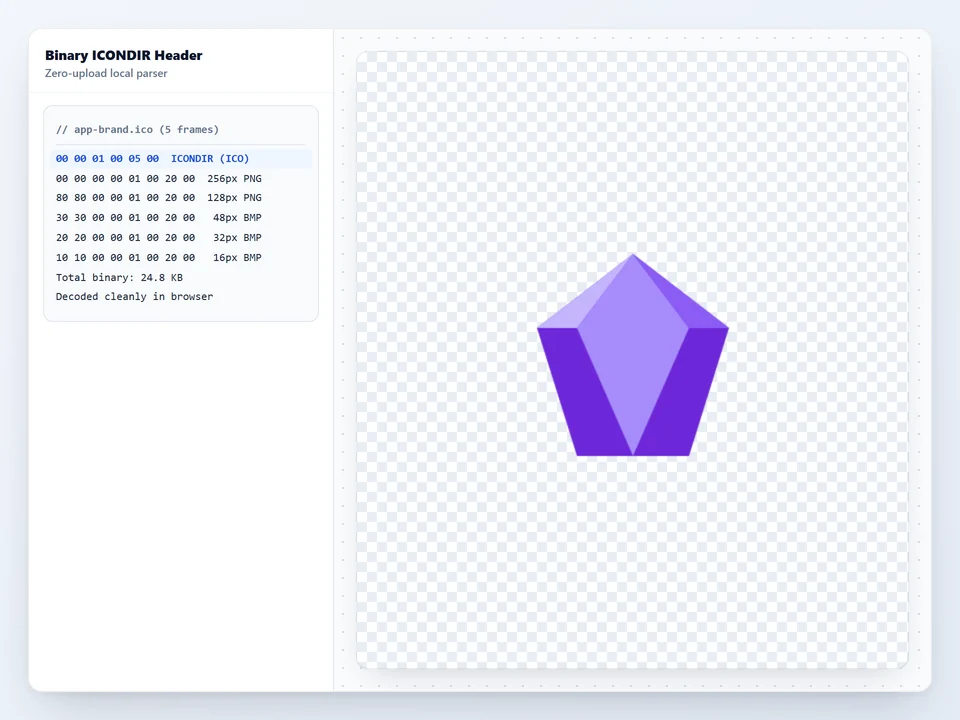
Internal app icons, brand favicons, and desktop software assets are unpacked completely inside your browser memory with instant speed and zero server uploads.
Five technical details behind ICO and CUR binary structures, alpha masks, and selecting the sharpest icon size for web and UI work.
Unlike a standard single-image PNG or JPG, an ICO file is a compact multi-frame container designed to hold several pixel-tuned versions of the same artwork inside one binary package. A single desktop icon frequently bundles 16x16, 24x24, 32x32, 48x48, 64x64, and 256x256 images so operating systems and browser tabs always pick a crisp native match without awkward scaling. When you convert ICO to PNG with a directory-aware decoder, you gain access to every single embedded layer rather than settling for whichever tiny frame a basic previewer grabs first. Inspecting all sizes together makes it effortless to locate the cleanest master graphic.
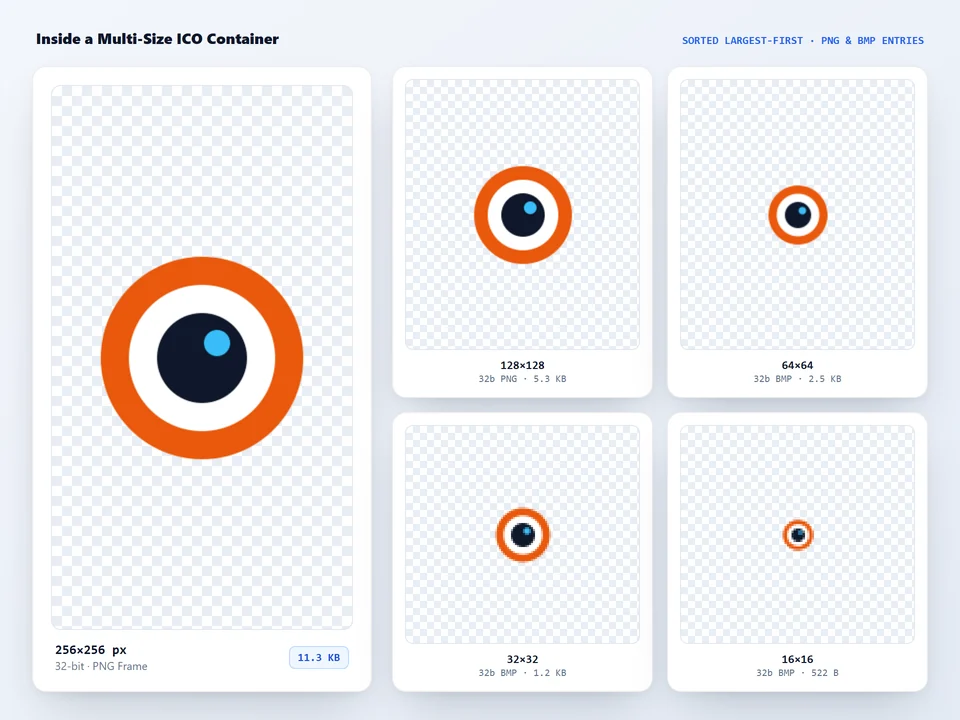
Ever since high-DPI displays introduced 256x256 icons, Windows and modern icon builders started embedding compressed PNG streams directly inside ICO directory entries. Older icons, system toolbars, and compact 16x16 or 32x32 favicons still frequently store uncompressed Device-Independent Bitmaps (DIB) at 1-bit, 4-bit, 8-bit, 24-bit, or 32-bit color depth arranged bottom-up in memory. A format-aware decoder inspects each entry's binary header signature individually, passing embedded PNG frames straight through while properly flipping scanlines, resolving indexed color palettes, and converting BGRA byte order into crisp RGBA pixels so legacy DIB icons look razor sharp.
Early 1-bit, 4-bit, 8-bit, and 24-bit DIB icons do not store an 8-bit alpha channel in the color pixels themselves. Instead, each bitmap entry appends a second 1-bit monochrome AND mask aligned to 32-bit row boundaries that marks which pixels belong to the visible icon and which pixels remain transparent. Even some 32-bit legacy icons carry zeroed alpha bytes and rely on their companion AND mask for cutout shapes. Decoding both the XOR color plane and the AND mask together ensures that when you extract PNG from ICO archives, curved badges and pointer cursors stay clean on dark or light themes.
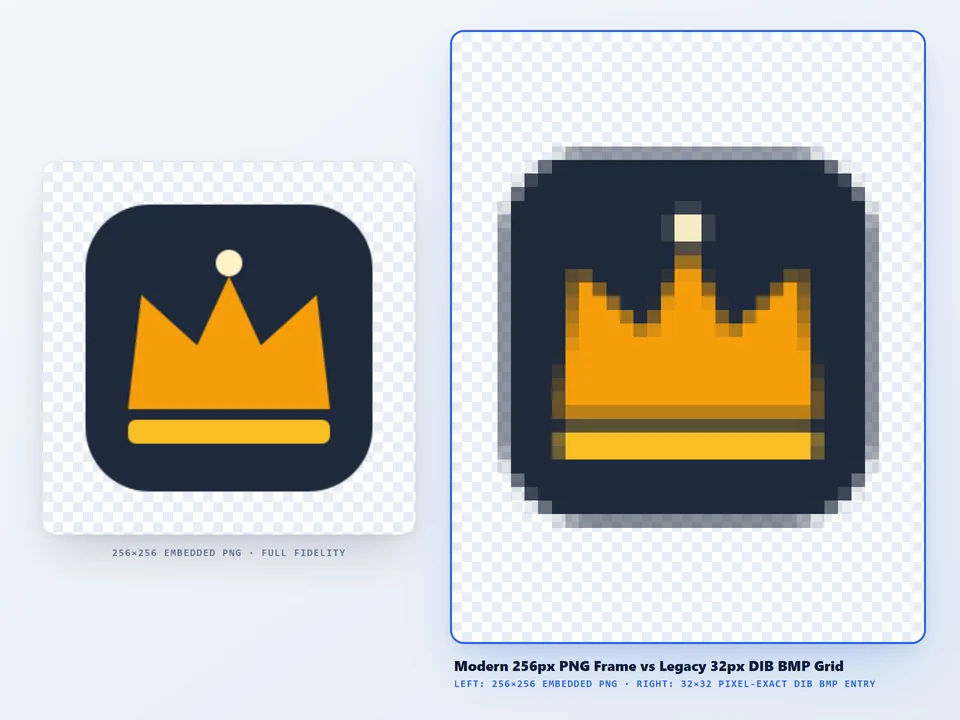
When running a favicon ico to png workflow for a website redesign, documentation page, or app store listing, always start by checking the largest resolution available in the grid. A 256x256 PNG scales cleanly into Retina web headers, Figma design systems, PowerPoint partner-logo grids, and marketing screenshots. Meanwhile, the dedicated 16x16 and 32x32 pixel-art frames are invaluable when auditing how a brand emblem reads inside tiny browser tabs or bookmark bars, where designers often simplify thin strokes by hand. Exporting the all-sizes ZIP preserves both the detailed master and every pixel-hinted small variant.
Converting legacy icon bundles into standard transparent PNGs unlocks effortless editing in Photoshop, Figma, Illustrator, PowerPoint, and modern web code editors without format friction. Once you touch up colors, swap brand emblems, or refine fine pixel details for crisp responsive interfaces, you can repackage your finished PNGs into fresh icon bundles without ever leaving your browser workspace. Pair this icon decoder with PNG to ICO to rebuild multi-size Windows icons, use SVG to ICO for razor-sharp vector-sourced favicons, generate complete cross-platform web icon suites inside Favicon Generator, or trace crisp PNG emblems into scalable vector paths with PNG to SVG.
Handy for web developers, UI designers, desktop software teams, and technical writers working with icons and favicons.
Run fast favicon ico to png extractions to audit live site icons, convert legacy favicons for web manifests, or inspect crisp 32x32 tab graphics.
Unpack multi-size application icons into transparent PNG frames that drop cleanly into Figma mockups, design systems, and slide decks.
Inspect every embedded resolution inside legacy .ico and .cur binary assets, verify alpha transparency, and archive clean PNG sources.
Export 128x128 or 256x256 transparent PNG artwork so software logos, toolbar buttons, and partner emblems look crisp across help centers and guides.
Answers on decoding multi-resolution ICO and CUR containers, legacy DIB bit depths, alpha masks, batch ZIP downloads, and privacy.
Most ICO files store multiple sizes such as 16x16, 32x32, 48x48, and 256x256 inside one container. The browser engine decodes and displays every size so you can download one frame or all of them.
Yes. Both 32-bit RGBA alpha channels and legacy 1-bit AND transparency masks on 1, 4, 8, and 24-bit DIB entries are decoded into true transparent PNG files.
Yes. CUR files share the same binary icon container layout as ICO files, so dropping any .cur cursor extracts every embedded size as a clean transparent PNG.
After loading your icon file, click the download-all ZIP button above the preview grid to save every decoded PNG size together with clear dimension filenames.
Modern ICO containers routinely store large 256x256 frames as embedded PNGs to save space while keeping smaller 16x16 to 48x48 sizes as classic DIB bitmaps for broad OS compatibility.
Yes. Every exported file is a standard 32-bit RGBA PNG that opens cleanly across Figma, Photoshop, Illustrator, PowerPoint, VS Code, and all web browsers.
No. Binary parsing, palette decoding, AND mask compositing, PNG rendering, and ZIP packaging run 100% inside your browser locally with zero uploads.
Yes. You can convert ICO to PNG, inspect every resolution, and download individual frames or full ZIP bundles completely free in your browser.
Drop any .ico or .cur file to decode PNG and legacy DIB alpha masks, preview every resolution in one grid, and export crisp transparent PNGs or a ZIP.
Convert ICO to PNG now