Screen-print apparel crest JPG
Demonstrates clean jpg to vector eps tracing that turns a flat JPEG emblem into smooth multi-color PostScript curves with tight CMYK fills.
Convert jpg to eps directly in your browser using either full-color vector tracing for logos and graphics or lossless high-fidelity bitmap encapsulation for continuous-tone photos. Configure color count, curve smoothing, speckle removal, and CMYK or RGB PostScript BoundingBox headers locally with zero server uploads.
Drop a JPG, PNG, or WebP image to vectorize to EPS
Traces raster artwork with WebAssembly vtracer and writes true PostScript Level 2/3 EPSF-3.0 ready for print.
Runs locally in your browser. Nothing is uploaded.
Or test with a built-in vectorizable artwork
Open any sample JPEG below to compare multi-color vector tracing against high-fidelity bitmap EPS output and tune smoothing controls before loading your own images.
Demonstrates clean jpg to vector eps tracing that turns a flat JPEG emblem into smooth multi-color PostScript curves with tight CMYK fills.

Highlights clean JPEG-artifact denoising and accurate PostScript BoundingBox headers when you trace print badges into PostScript for print vendors.

Shows monochrome contour tracing with speckle cleanup to convert jpeg to eps outlines ready for signage cutters and engraving plotters.
Turn flat JPEG logos into scalable PostScript vector paths or wrap high-resolution photos into press-ready EPS files locally.
Drag any JPG or JPEG graphic onto the browser canvas or pick a built-in example. The image loads strictly inside client memory with zero remote server transfers.
Choose Vector Trace for logos, emblems, and illustrations with adjustable color count, smoothing, and noise cleanup, or choose Bitmap EPS for photographic prints. Select CMYK or RGB PostScript output.
Zoom into the traced preview to check corner sharpness and color separation, then save a standards-compliant PostScript Level 2 EPS file ready for print shops.
Handles both graphic vectorization and clean print encapsulation so every JPEG asset reaches commercial printers in the right EPS format.
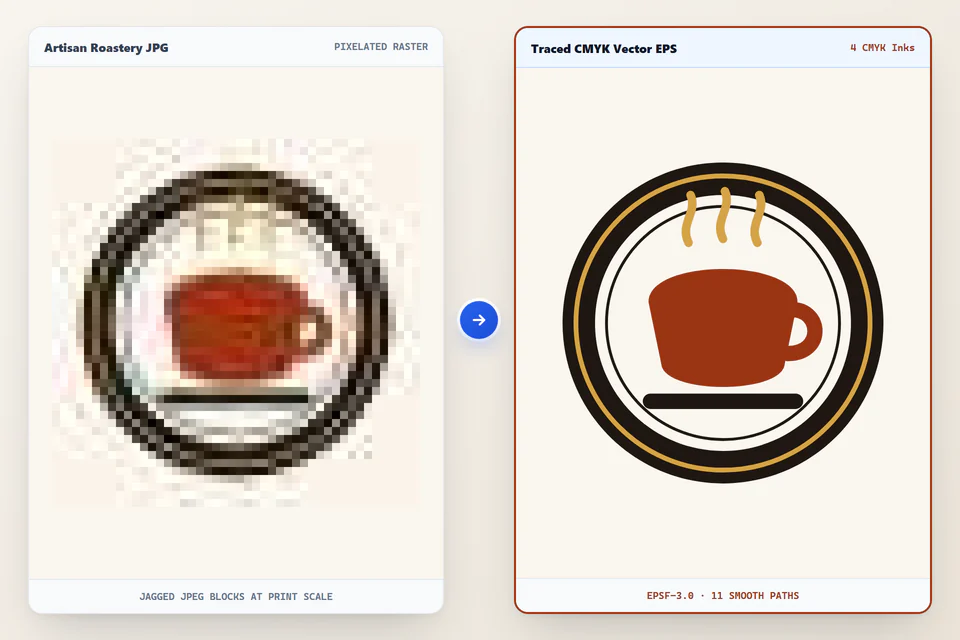
Reconstructs flat JPEG logos, badges, and line art into smooth cubic Bezier PostScript paths so prints stay tack-sharp on billboards, apparel, and signage.
Wraps continuous-tone photographs and rich gradients cleanly inside a standards-compliant PostScript Level 2 image container when legacy print portals insist on EPS.
Filters away subtle JPEG mosquito artifacts and tiny stray pixel specks before tracing so your traced PostScript curves stay smooth instead of jagged.
Emit device CMYK ink values ready for four-color commercial offset presses or keep RGB PostScript colors for wide-gamut digital inkjet RIPs.
Every exported file from this browser exporter includes valid BoundingBox dimensions in points so layout apps and plotters place the graphic accurately.
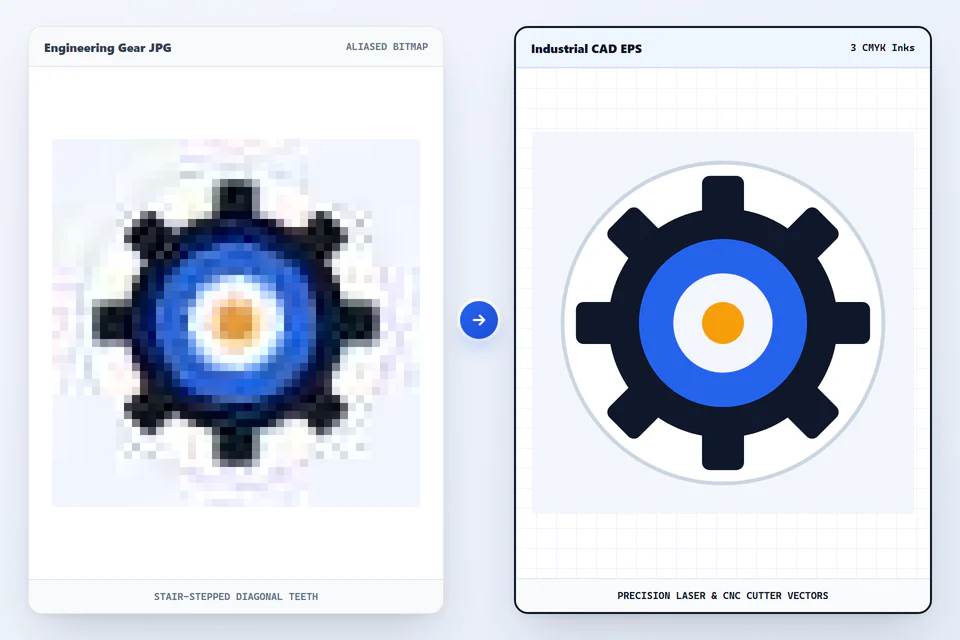
Convert JPEG graphics into PostScript right inside your browser tab with zero upload delays, keeping private brand artwork and client packaging graphics on your device.
Learn when to trace a JPEG into mathematical vectors versus wrapping it as a bitmap EPS, how to clean JPEG compression artifacts, and how to pick CMYK settings.
Not every JPEG should be converted the same way. If your source file is a brand logo, sports crest, icon, or flat illustration, Vector Trace mode inside our browser engine turns pixel regions into genuine mathematical PostScript curves that scale cleanly to banners and signs. If your file is a camera photograph with soft lighting and skin tones, Bitmap Wrap mode embeds the crisp pixel stream directly inside a valid EPS Level 2 container so legacy print workflows accept it without posterizing subtle gradients.
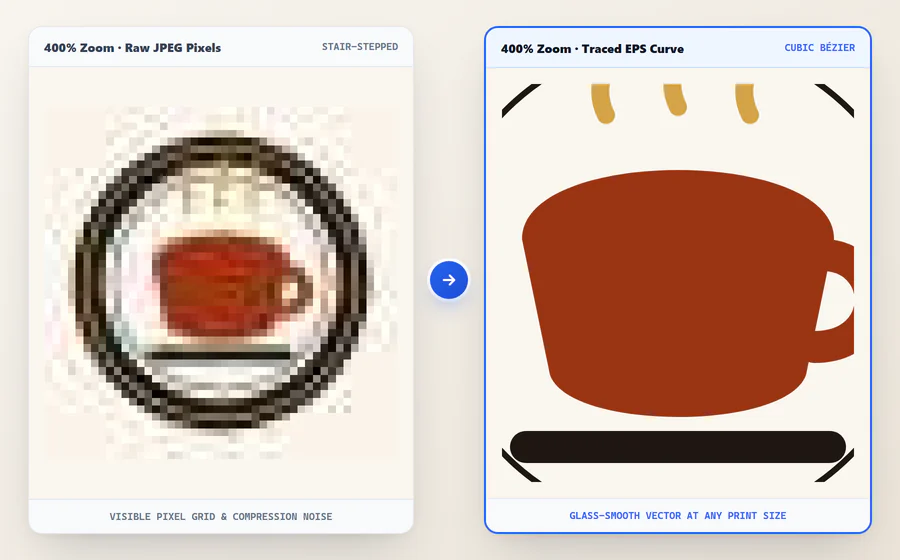
Because JPG uses lossy block compression, sharp logo edges often hide faint fuzzy halos around solid letters and shapes. Tracing raw artifacts blindly introduces extra color slivers and bumpy paths. Adjusting the speckle filter and limiting the trace palette to your core brand colors produces clean jpg to vector eps contours with crisp corners and compact PostScript file sizes.
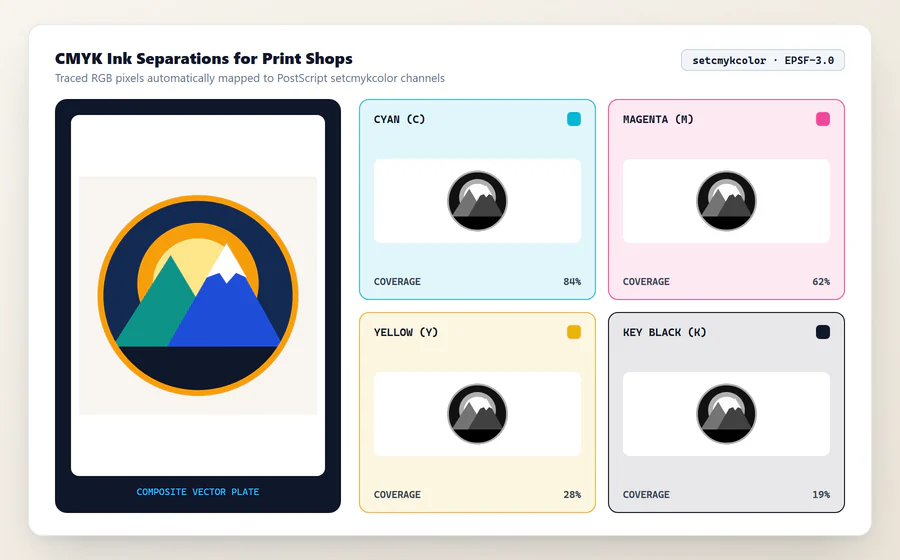
Many promotional merchandisers, screen printers, embroidery shops, and signage fabricators specify CMYK EPS as their standard intake format. Selecting CMYK output when you convert jpg to eps maps traced fills and wrapped image streams into cyan, magenta, yellow, and black ink channels directly inside the PostScript file. Checking the physical point dimensions in the BoundingBox header also guarantees your graphic lands at the right scale on press.
When preparing a dark-on-light line drawing, signature, or monochrome badge for vinyl cutting or laser engraving, switching the tracer to monochrome mode removes background paper tones automatically and emits clean black PostScript paths. Pairing moderate curve smoothing with high corner precision turns a simple image tracing job into a cut-ready vector master in seconds.
After turning your JPEG graphics into press-ready PostScript files, you can verify every curve and BoundingBox frame immediately in EPS Viewer. If your source image already has a transparent background, try PNG to EPS; for web-editable vectors from photos, use JPG to SVG; or convert existing web vector marks to press PostScript with SVG to EPS.
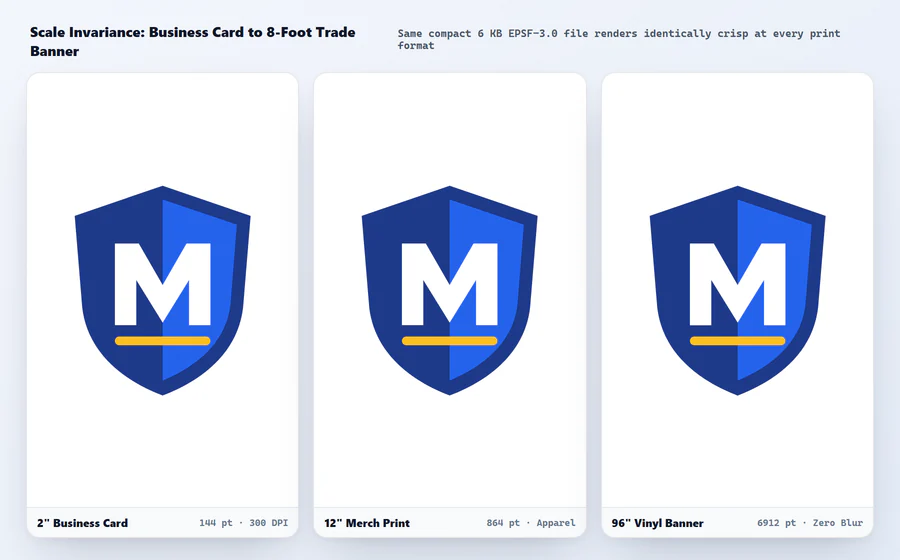
Built for small businesses, print shops, merchandise designers, and marketers delivering EPS assets from everyday JPEG files.

Turn a company logo JPG into a clean jpg to vector eps file whenever mug printers, embroidery vendors, or uniform suppliers ask for PostScript artwork.

Use this browser tracer to vectorize high-contrast customer JPEG drawings and emblems into crisp cut-ready PostScript contours locally.

Quickly package raster layouts into EPS with CMYK headers and accurate BoundingBox framing when legacy prepress workflows require PostScript inputs.

Convert inked drawings, badges, and flat spot graphics saved as JPG into scalable PostScript Level 2 files for print layout templates.
Clear answers on vector tracing versus bitmap EPS, JPEG compression cleanup, CMYK output, and local browser privacy.
Yes. When you select Vector Trace mode, the browser traces flat shapes and colors into true mathematical PostScript Bezier curves for crisp jpg to vector eps scaling.
Use Bitmap EPS for camera photographs, detailed portraits, and soft gradients where preserving exact photographic shading matters more than editable vector curves.
Raise the speckle suppression slider and set the color count to match the exact number of flat colors in your logo so faint JPEG compression noise is ignored.
Yes. Switch the color mode selector to CMYK to generate commercial press-oriented PostScript ink values, or leave RGB selected for digital wide-format workflows.
Yes. Both .jpg and .jpeg images load seamlessly so you can export either format into EPS without renaming files first.
In Vector Trace mode, you can enable background removal so plain white borders around a flat logo are omitted from the traced PostScript paths.
No. Tracing, color quantization, and PostScript EPS encoding run 100% locally in your browser tab, keeping brand logos and personal photos private.
Yes. You can trace images into PostScript in vector trace or bitmap mode with CMYK or RGB export completely free online with no sign-up required.
Drop any JPG or JPEG file to trace crisp vector PostScript paths or create CMYK print EPS files free right in your browser.
Convert JPG to EPS now