
Multi-color brand mark (Logo preset)
Traces a flat geometric emblem with six crisp spot colors and sharp corners so every edge scales cleanly from mobile favicons to trade show banners.
Convert image to vector free right inside your browser with zero uploads. Trace PNG, JPG, WebP, or GIF artwork into editable SVG and print-ready EPS paths using live presets, curve smoothing, and interactive palette controls.
Load any sample graphic below into our image to vector workspace to compare Logo, Line art, and Photo poster tracing, inspect live Bézier curves, and edit color layers before opening your own files.
Traces a flat geometric emblem with six crisp spot colors and sharp corners so every edge scales cleanly from mobile favicons to trade show banners.
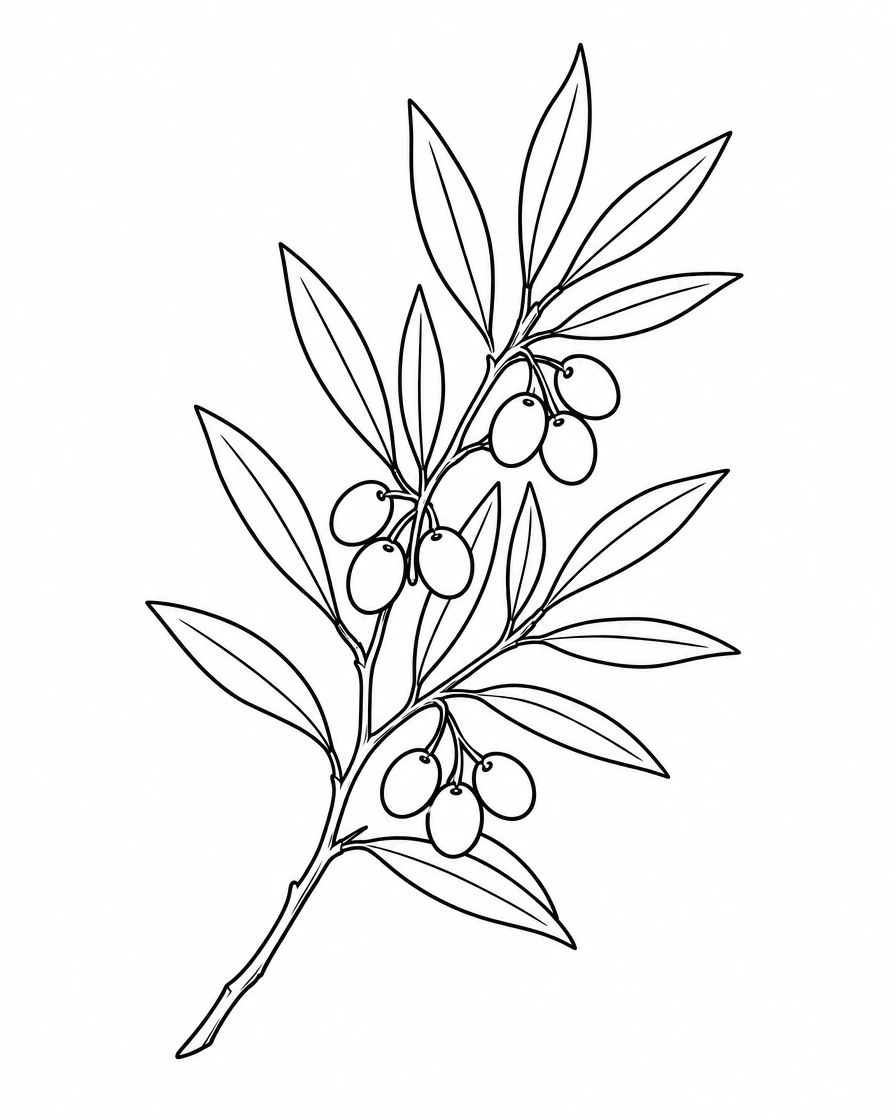
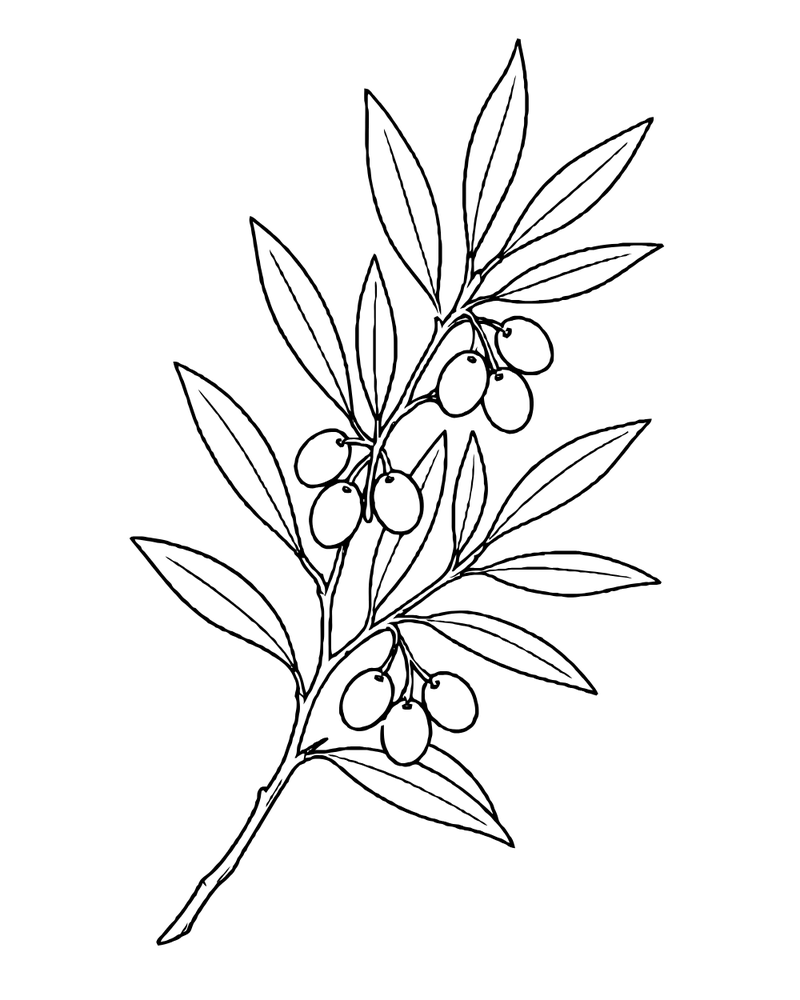
Captures hand-drawn pen strokes with binary thresholding and automatic paper removal, creating smooth black vector paths ready for engraving or print.

Applies multi-layer color clustering to convert a textured illustration into bold, recolorable vector shapes with tidy anchor counts.
Turn bitmap artwork into mathematically scalable vector paths right on your device without installing desktop illustration suites.
Drag a PNG, JPG, JPEG, WebP, GIF, BMP, or AVIF file (up to 40 MB) onto the canvas, or click one of the built-in samples. Local tracing starts inside your browser tab right away with zero server transfer.
Pick Logo and illustration, Line art, Photo poster, or Cutting machine, then balance Colors, Detail, Curves, and Remove white background. Click any swatch in the palette bar to recolor a layer, merge twin shades, or remove a backdrop.
Slide the live before-and-after divider over a transparency grid to check corner fidelity, review path and kilobyte counts, and export clean SVG code, print-ready EPS, or a sharp transparent PNG.
Built around spline-fitting cutout geometry so traced artwork stays crisp, lightweight, and easy to edit across web, craft, and print software.
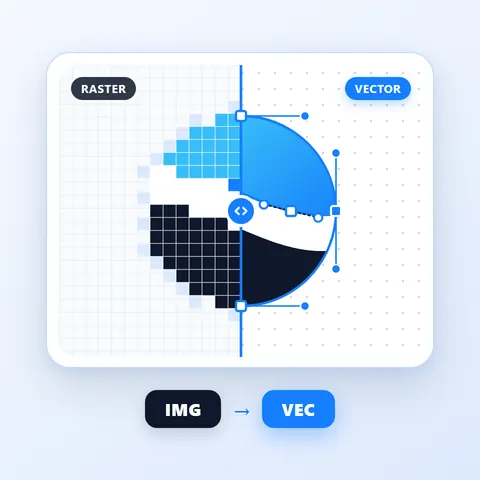
Flat logos, hand-inked drawings, stylized photographs, and vinyl decals all require different curve tolerances. Switch between Logo and illustration for clean spot fills, Line art with a binary ink threshold, Photo poster for layered color blocks, or Cutting machine for simplified closed outlines.

Instead of stacking opaque polygons on top of each other, our image to vector engine traces adjacent shapes in cutout mode. Transparent PNG backgrounds stay completely open, interior holes inside letters stay punched out, and deleting any palette swatch leaves real transparency behind.
Anti-aliased raster edges often introduce stray transition pixels that split one hue into muddy near-duplicates. After tracing your artwork, click any color chip to enter an exact brand HEX code, merge similar shades into their dominant neighbor, or hide unwanted paper tones in one click.

Stepped pixel staircases ruin enlarged graphics unless curve fitting handles corners intelligently. Choose Sharp curves to preserve crisp 90-degree geometric angles in typography, Balanced for everyday logos, or Smooth to reduce anchor nodes when preparing organic illustrations and vinyl cuts.
Web teams need clean SVG markup grouped by color ID, while print houses and sign shops often request PostScript EPS files with reliable bounding boxes. Export either format directly from the same traced document, copy raw SVG code for inline styling, or save a high-resolution transparent PNG.
Client marks, unreleased packaging graphics, and personal sketches never leave your computer. Every quantization pass, spline trace, and file download runs inside local tab memory, giving you a fast vector converter with zero remote file storage.
Five practical prepress and geometry principles for cleaner Bézier curves, smaller files, and predictable results when converting pixels into paths.
Raster formats like PNG, JPG, and WebP record color inside a fixed grid of pixels. Stretch a 400-pixel graphic across a storefront sign and every square block shows jagged stair-stepping. When you run an image to vector trace, pixel boundaries are translated into cubic Bézier curves defined by anchor points and directional handles. Because every edge is recalculated mathematically at render time, the resulting artwork stays razor-sharp at any magnification from a 16-pixel app icon to a full highway billboard.
Source clarity drives trace precision more than any slider. Whenever possible, start with an uncompressed PNG rather than a heavily compressed screenshot, because JPEG mosquito noise around edges creates extra speckles that inflate path counts. Small icons under 512 pixels are upscaled automatically before tracing so thin stems stay intact, while keeping contrast high between foreground ink and paper lets our Line art threshold separate strokes cleanly on the first pass.
Using sixteen colors on a three-color badge produces unnecessary micro-shapes along anti-aliased borders. Start with two to six colors for emblems, stamps, and UI icons, then merge any stray border shade in the palette strip. For colorful illustrations or stylized photo to vector portraits, eight to twelve colors preserve depth and highlight planes while keeping the SVG lightweight enough to open quickly in Illustrator, Figma, Inkscape, or CorelDRAW.
Many basic tracers stack background rectangles underneath foreground paths, which causes double-cutting on vinyl plotters and messy white fringes on dark web headers. Our tracer builds non-overlapping cutout shapes where every color occupies its own named group. Toggle Remove white background whenever your source JPG or scanned drawing sits on white paper so outer borders and enclosed letter counters lift away cleanly without manual masking.
Choose SVG when placing crisp icons on websites, editing components in Figma, or importing layers into craft cutters. Choose EPS when sending vector geometry to sign makers, screen printers, or legacy page-layout apps that expect PostScript curves. Working strictly on a brand emblem? Jump to Vectorize Logo for logo-focused defaults. Need lighter markup for production sites? Run your finished export through SVG Optimizer, or switch directly to SVG to EPS and PNG to SVG when your pipeline calls for a specialized format.
Practical design, manufacturing, and publishing workflows powered by fast local bitmap tracing.
Rebuild legacy client graphics, scanned badges, and raster UI assets into clean editable vector files ready for Illustrator, Figma, Affinity Designer, or Inkscape.
Use this local studio to vectorize image assets into scalable SVG and EPS files for wide-format banners, vehicle wraps, screen-print screens, and packaging labels.
Turn drawings, silhouettes, and flat clip art into tidy closed cut paths with low node counts that feed smoothly into Cricut, Silhouette, and laser software.
Convert ink sketches and flat editorial art into lightweight inline SVG code that renders sharply on high-DPI displays and adapts effortlessly to CSS themes.
Clear answers on supported raster formats, photo to vector behavior, EPS and SVG compatibility, and browser privacy.
Drop your PNG, JPG, WebP, GIF, BMP, or AVIF picture into the workspace at the top of this page, choose a tracing preset, adjust color count and curve smoothness, and download your finished SVG or EPS vector file. Everything runs free right in your browser.
You can vectorize image files saved as PNG, JPG, JPEG, WebP, GIF, BMP, or AVIF up to 40 MB each. Both transparent PNG or WebP graphics and opaque JPG photographs decode locally inside your browser.
Yes. Select the Photo poster preset and choose between 8 and 16 colors to translate continuous tones into bold, flat posterized vector layers. Because vector files describe shapes rather than pixel textures, portraits and scenes take on a clean illustrated poster look.
Every export contains genuine mathematical Bézier paths organized into clean color layers. Neither the SVG nor the EPS file wraps your original bitmap pixels, so you can select, ungroup, recolor, and scale individual shapes freely in vector editors.
No. The image to vector engine, color quantization, palette edits, and SVG or EPS generation run entirely inside your browser's local memory. Your files stay strictly on your own device.
Leave Remove white background enabled in the toolbar to strip white perimeters automatically, or click the white swatch inside the Palette panel and delete that color layer to leave clean transparency.
Yes. Exported SVG files use standard viewBox coordinates and grouped color paths compatible with Illustrator, Figma, Inkscape, Affinity Designer, Cricut Design Space, and Silhouette Studio. Exported EPS files use standard PostScript curve operators for print shops and legacy layout apps.
Switch Detail to High and Curves to Sharp, or use the Line art preset and adjust the ink threshold slider for black-and-white drawings. Starting from a crisp high-contrast PNG instead of a blurry low-resolution JPG also sharpens fine strokes noticeably.
Drop any PNG, JPG, or WebP picture, preview clean Bézier paths live, refine your palette, and download SVG or EPS vectors free in your browser.
Choose an image