
Transparent company logo (PNG)
Traces a crisp transparent brand mark with zero background box, exporting clean PostScript curves ready for signage and promo merch.
Convert PNG to EPS free locally inside your browser with zero uploads. Trace transparent PNG logos, apparel art, and line emblems directly into true PostScript vector curves ready for print shops and cutters.
Load any sample graphic below into this PNG to EPS studio to inspect live vector curve tracing, transparent cutout accuracy, and print-ready PostScript export before opening your own files.
Traces a crisp transparent brand mark with zero background box, exporting clean PostScript curves ready for signage and promo merch.

Converts a flat-color PNG tee illustration into grouped spot-color paths with CMYK ink output ready for screen-print separation.
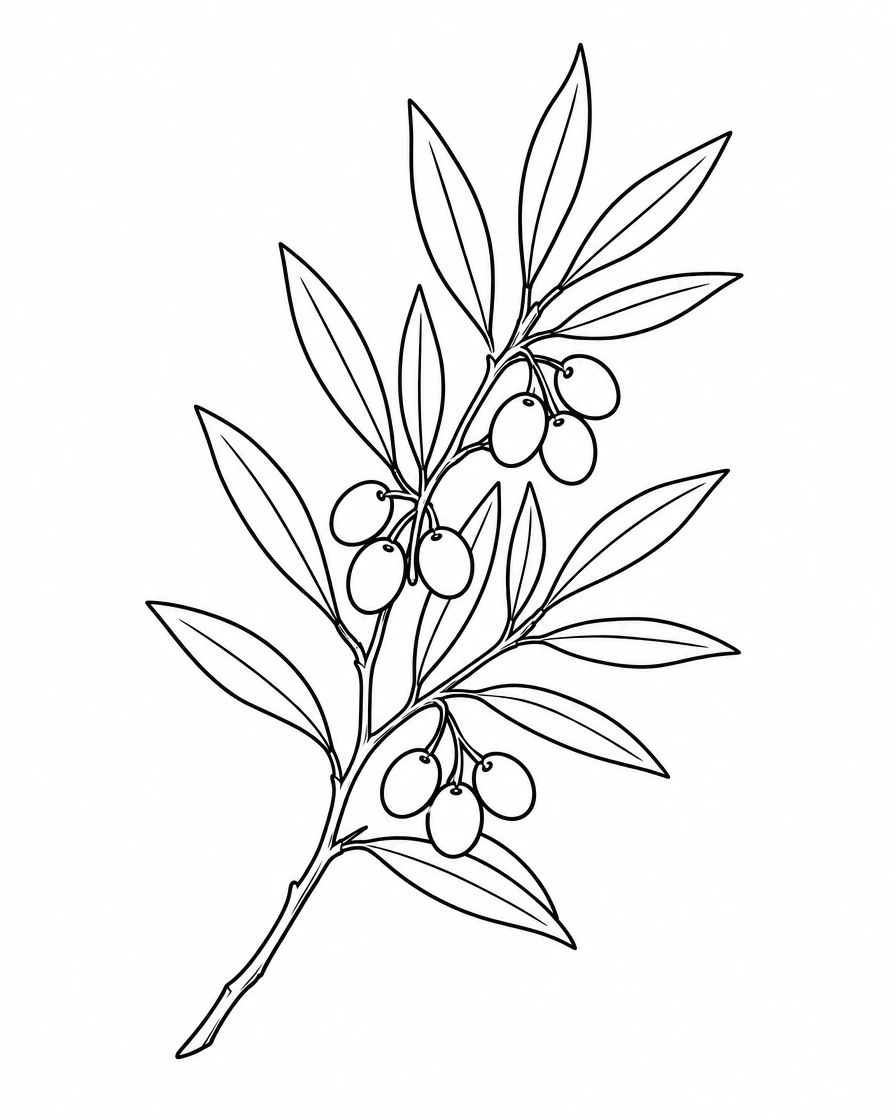
Applies Line art tracing to capture sharp black ink outlines and enclosed counters as clean editable EPS vector geometry.
Go straight from transparent PNG pixels to authentic PostScript vector curves in one local browser workflow.
Drag a transparent or opaque PNG graphic (up to 40 MB) onto the tracer, or click one of the built-in print samples. Alpha transparency is read cleanly inside local browser memory with zero upload delay.
Pick Logo and illustration, Line art, Photo poster, or Cutting machine, set your spot color count, and refine Detail and Curves. Edit swatches in the palette bar and choose CMYK or RGB for PostScript ink output.
Drag the live before-and-after compare slider to check corner accuracy over transparency, review path and bounding-box stats, and export your genuine PostScript `.eps` file or matching `.svg`.
Combines precision browser vector tracing with a genuine PostScript encoder so raster graphics become real press-ready curves in a single step.
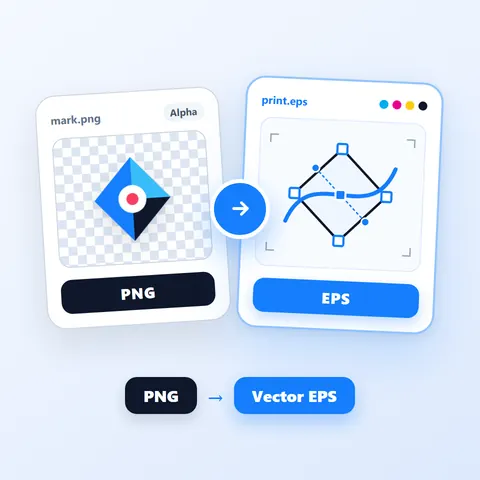
Basic raster to eps tools simply encode your PNG pixels inside an EPS wrapper, leaving a heavy bitmap that still turns blurry on banners and fails plotter checks. Our studio traces every boundary into genuine cubic Bézier curves before writing clean PostScript operators.

Transparent PNG logos and apparel graphics carry alpha channels that must stay open when printed onto dark shirts or tinted packaging. Cutout mode traces only visible artwork regions, leaving both outer margins and enclosed letter holes cleanly transparent inside the EPS.

Commercial printers expect predictable ink splits rather than raw web RGB values. Switch directly to CMYK output to write native `setcmykcolor` commands into your `.eps` file, or keep RGB selected when supplying digital wide-format RIPs and vector editors.
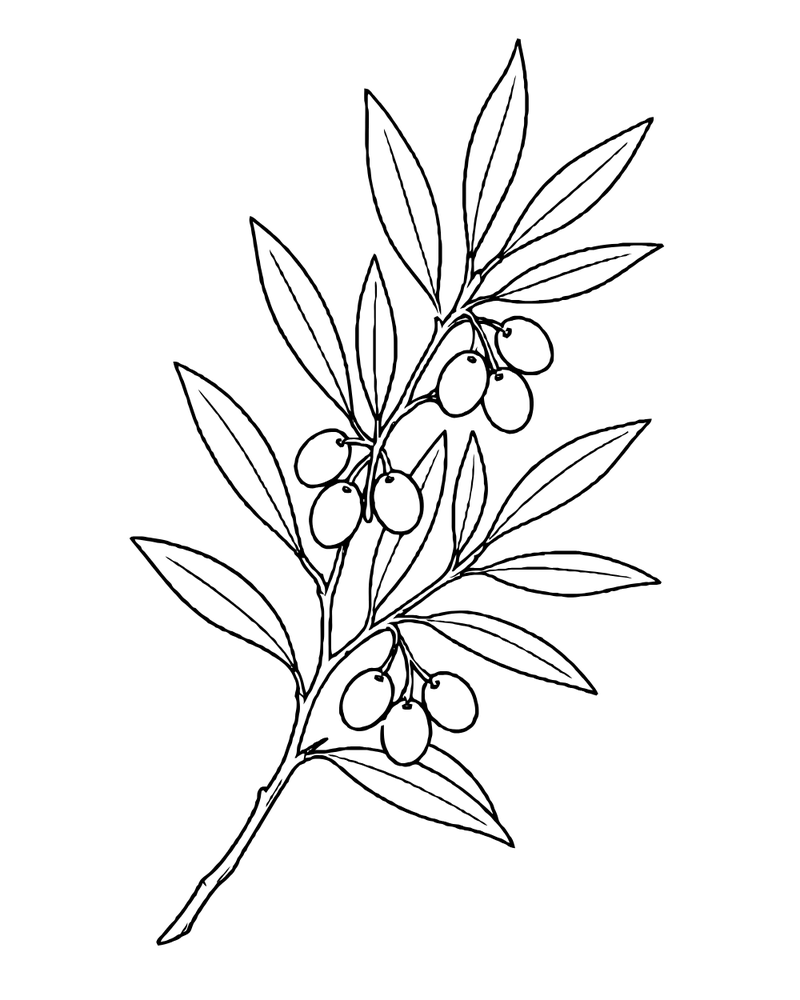
Soft PNG edges often produce stray intermediate hues that add extra plates in screen printing or vinyl cutting. Use the live palette panel to set exact color counts, enter brand HEX values, merge twin shades, or remove a solid white background before exporting.
Choose Logo and illustration for crisp corporate badges, Line art with adjustable ink threshold for black-and-white stamps, Photo poster for multi-tone merch illustrations, or Cutting machine for smooth closed contours with minimal stray nodes.
Client merchandise art, corporate marks, and confidential packaging badges never touch an outside server. Both raster to eps tracing and PostScript encoding execute entirely inside your browser tab.
Five practical print-production checks for turning PNG artwork into clean PostScript vectors that pass prepress review on the first try.
Print shops ask for EPS files because they need infinitely scalable vector paths for large signage, screen-print films, embroidery digitizing, and vinyl cutting. Many quick online converters cheat by embedding your original PNG pixels inside a PostScript container, producing a fake `.eps` file that still pixelates when enlarged and crashes vinyl cutters. A genuine raster to eps workflow traces every shape into mathematical Bézier curves first, delivering true editable geometry that passes every prepress inspection.
Unlike classic PNG files, PostScript Level 2 EPS does not support soft semi-transparent drop shadows or feathered glows. Hard-edged transparent PNGs trace into razor-clean cutout shapes automatically because transparent pixels are omitted from the geometry altogether. If your PNG has an opaque white background instead of real alpha transparency, toggle Remove white background in the toolbar so the traced artwork sits cleanly on any shirt color or print stock.
Every additional color in screen printing means an extra physical mesh screen, and every extra hue in heat-transfer vinyl means another sheet to weed. When running a raster to eps trace on apparel art or badges, set Colors to match your intended ink count (typically 2 to 6 colors) and merge any faint anti-aliasing fringe swatches in the Palette bar. Need dedicated film plates with registration marks afterward? Pass your artwork directly into Color Separation.
Web graphics live in bright sRGB, whereas physical ink on cotton, cardboard, or vinyl runs in CMYK. Switching our PNG to EPS vector encoder to CMYK emits standard PostScript `setcmykcolor` operators directly inside the file alongside an exact `%%BoundingBox` matched to your artwork's true proportions. Always open your finished `.eps` in Illustrator, CorelDRAW, Inkscape, or Affinity Designer to double-check exact physical print dimensions in inches or millimeters before ordering a bulk run.
Use this single-step raster to eps studio whenever you start with a PNG and your vendor specifically demands an `.eps` file. Already holding a clean SVG master and just need PostScript packaging? Convert it directly without re-tracing in SVG to EPS. Need web-friendly SVG markup instead, or working strictly on a corporate trademark? Jump straight to PNG to SVG or Vectorize Logo for tailored defaults.
Real production scenarios where converting transparent PNG graphics into true PostScript EPS curves prevents costly print delays.
Turn transparent PNG T-shirt graphics and chest emblems into crisp, spot-colored EPS vector paths ready for film positives and heat-transfer vinyl.
Convert customer PNG logos into scalable PostScript geometry for vehicle decals, storefront banners, laser-engraved tumblers, and custom packaging.
Satisfy vendor portals that insist on an EPS file by turning your existing PNG brand mark into true curves right inside your browser.
Speed up vector rescues on legacy PNG stamps, icons, and illustrations with live palette cleanup and instant CMYK PostScript export.
Clear answers on true vector tracing, PNG transparency, CMYK print mode, software support, and local privacy.
Drop your PNG image into the workspace above, choose a tracing preset like Logo or Line art, refine color count and curves, select CMYK or RGB ink output, and click Download EPS. Everything runs free right inside your browser.
It creates genuine mathematical vector paths. Your PNG is traced into smooth cubic Bézier curves first and then written as true PostScript drawing commands, so the exported EPS scales cleanly to any print size.
Yes. Cutout tracing omits transparent alpha areas automatically so no white background box is drawn behind your logo, shirt art, or inner letter holes.
Yes. Toggle CMYK mode before downloading to emit native PostScript `setcmykcolor` values suited for offset presses, screen printers, and packaging houses, or keep RGB active for digital RIP workflows.
No. Tracing, color quantization, palette editing, and PostScript EPS encoding run entirely inside your browser's local memory. Your designs never leave your device.
Yes. Output files use standard `%!PS-Adobe-3.0 EPSF-3.0` headers, accurate bounding boxes, and clean Bézier paths that open as editable vectors in Adobe Illustrator, CorelDRAW, Affinity Designer, Inkscape, and commercial sign RIPs.
Yes. Alongside PNG, the local tracer opens JPG, JPEG, WebP, GIF, BMP, and AVIF images up to 40 MB and turns them into crisp PostScript vector EPS files with optional white background removal.
True vector tracing converts continuous pixel tones into flat solid-colored Bézier shapes. Logos, apparel graphics, stamps, and flat illustrations convert with sharp fidelity, while camera photos take on a stylized poster look.
Drop your transparent PNG logo or shirt graphic, preview sharp vector paths live, pick CMYK or RGB, and download true PostScript EPS free in your browser.
Choose a PNG file