Badge logo with a web font
960 × 960 px · WebP · Lossless · 133 KB
Lettering on a curved path in a Google Font, built in before drawing, saved lossless at 2×.
Convert SVG to WebP for fast websites and apps: logos, icons and illustrations come out sharp at the size you pick, lossless and transparent, in a file smaller than a PNG. Free, and every file stays on your device.
·No SVG at hand?
Converted on your device; files aren't uploaded to our servers. Web fonts and linked images in an SVG are downloaded by your browser from their own servers, so the file looks right.
Original SVG files we drew for this page, each converted from SVG to WebP here with the settings on its card. Load one to try the same settings.
960 × 960 px · WebP · Lossless · 133 KB
Lettering on a curved path in a Google Font, built in before drawing, saved lossless at 2×.

1,024 × 1,024 px · WebP · q90 · 24 KB
Rounded corners stay clear around a gradient tile, ready for a store listing.
1,200 × 760 px · WebP · Lossless · 44 KB
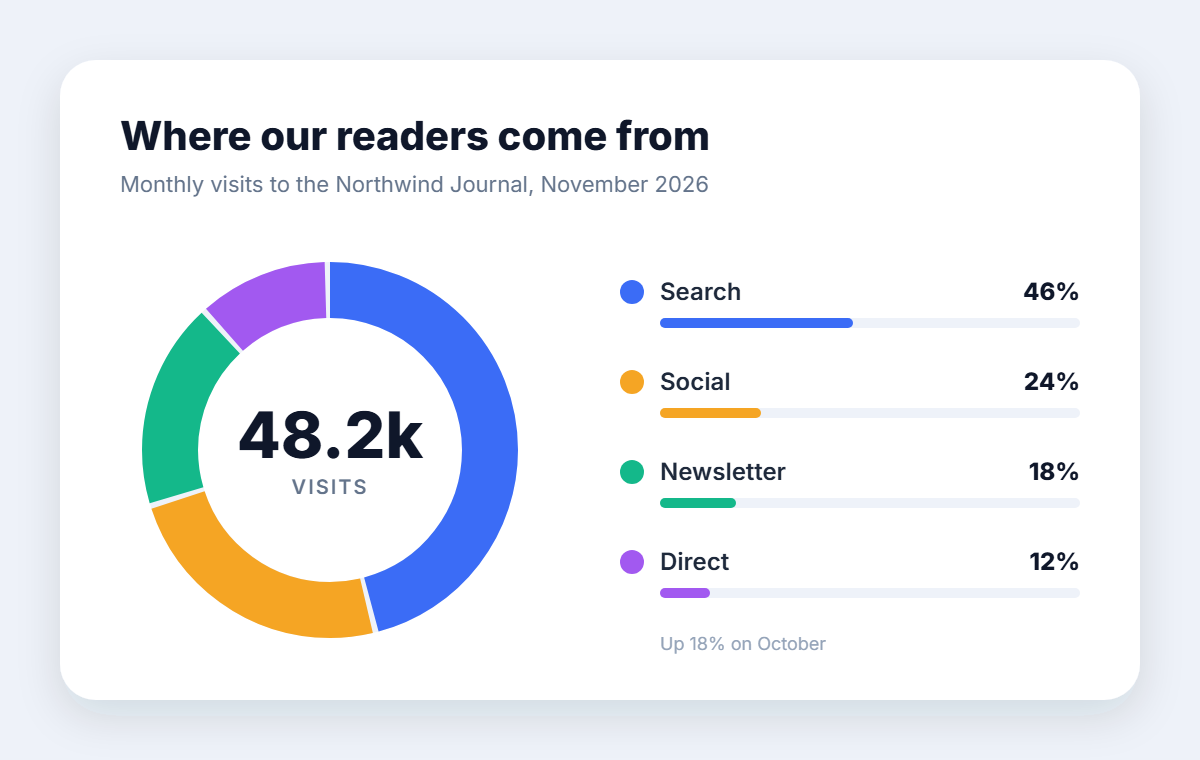
Lossless keeps every letter and thin bar crisp for a report or a post.

1,200 × 1,200 px · WebP · Lossless · 83 KB
The white border and soft shadow kept, every see-through pixel lossless.
1,200 × 1,200 px · WebP · Lossless · 55 KB
Repeated shapes drawn exactly, so the tile lines up edge to edge as a page background.
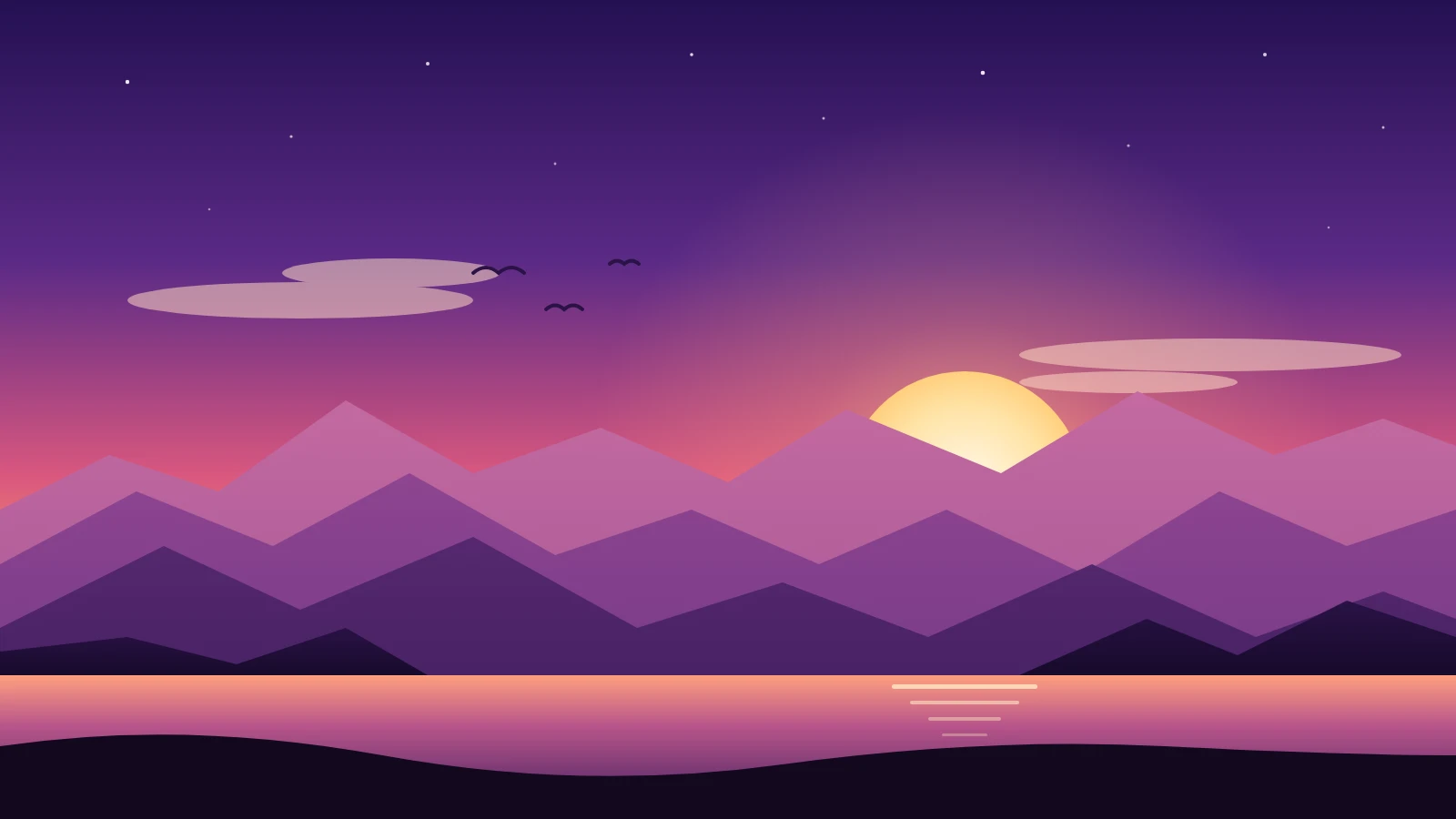
1,600 × 900 px · WebP · q90 · 27 KB
Layered gradients at High quality, a light file for a full-width banner.
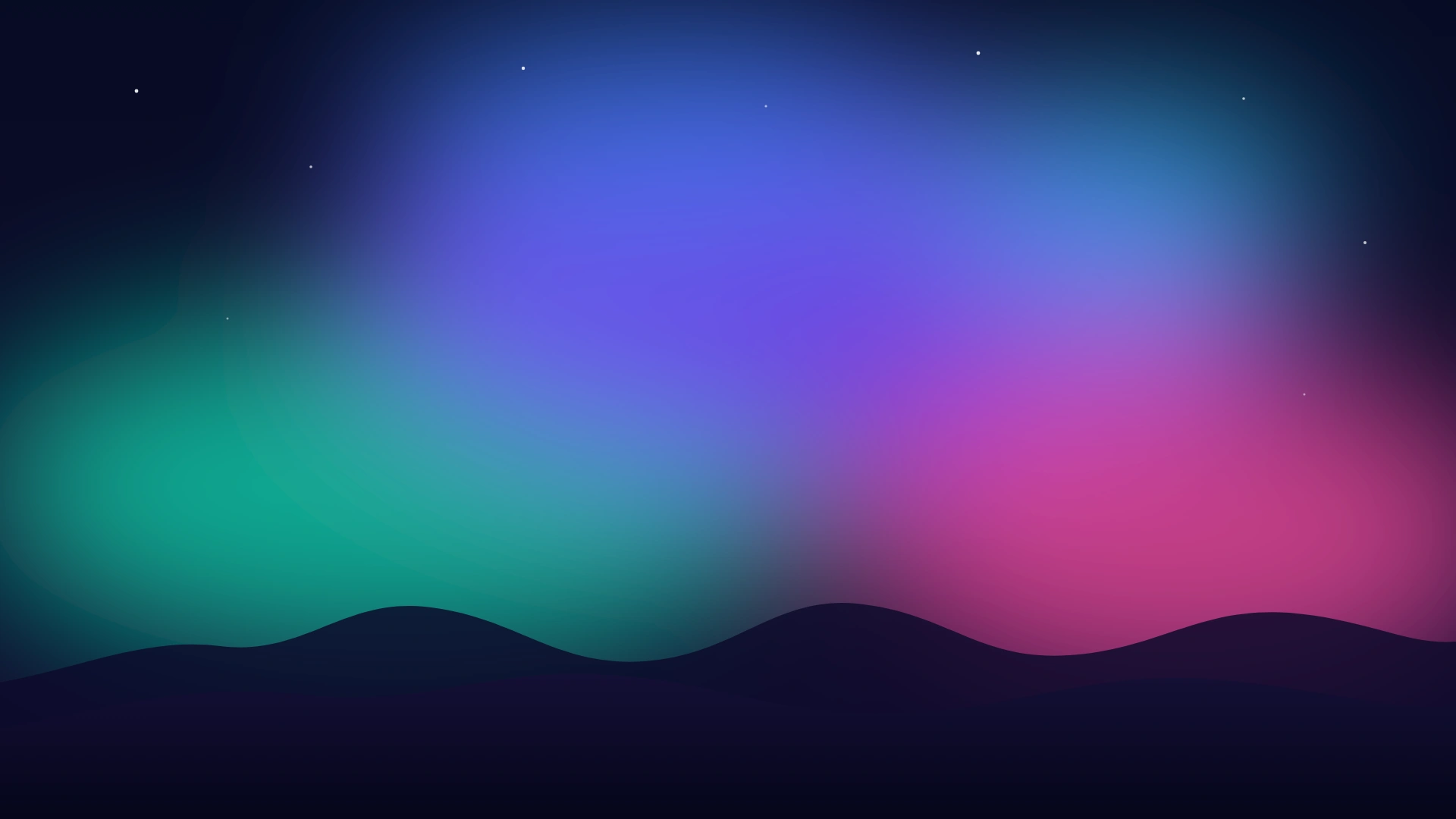
1,920 × 1,080 px · WebP · q95 · 54 KB
Soft blur filters at Standard quality: a Full HD wallpaper in a small file.
960 × 960 px · WebP · Lossless · 133 KB
Lettering on a curved path in a Google Font, built in before drawing, saved lossless at 2×.
1,200 × 1,200 px · WebP · Lossless · 55 KB
Repeated shapes drawn exactly, so the tile lines up edge to edge as a page background.
1,200 × 1,200 px · WebP · Lossless · 83 KB
The white border and soft shadow kept, every see-through pixel lossless.
1,200 × 760 px · WebP · Lossless · 44 KB
Lossless keeps every letter and thin bar crisp for a report or a post.
1,024 × 1,024 px · WebP · q90 · 24 KB
Rounded corners stay clear around a gradient tile, ready for a store listing.
1,600 × 900 px · WebP · q90 · 27 KB
Layered gradients at High quality, a light file for a full-width banner.
1,920 × 1,080 px · WebP · q95 · 54 KB
Soft blur filters at Standard quality: a Full HD wallpaper in a small file.
Convert SVG to WebP in three steps: add, choose, download.
Drop up to 50 files, .svg or .svgz, 20 MB each, or paste SVG code. Each file is checked and previewed as it arrives.
Lossless keeps every pixel of logos, icons and text; High or Standard makes gradients and illustrations lighter still. Size starts at 2×, or type exact pixels.
Check each file's real size in the list, then save one WebP or a ZIP of them all.
Six strengths of this free converter, for logos, icons, illustrations and web graphics.
Lossless keeps every pixel your browser draws, exactly as a PNG would, in a smaller file. Text, thin lines and flat colors stay perfectly crisp, like this chart card.
Empty areas stay see-through, soft shadows and smooth edges included, so stickers and logos sit cleanly on any background. Prefer a solid color? Pick white, black or your own.
The vector is drawn again at the size you choose: 1×, 2×, 4× or 8×, or exact pixels such as 1024 × 1024. Edges stay smooth at every size, from a small badge to a large banner.
Your browser draws each SVG, so gradients, blur and shadow filters, masks and Google Fonts come through as designed. For soft gradients, High or Standard quality makes the file lighter still.
Save app icons, store graphics and UI pictures at exact sizes with clear rounded corners, ready for app stores, docs and web apps.
Up to 50 files at once, each named after its SVG, with a ZIP for the whole set. Repeated shapes, symbols and patterns are drawn exactly, so tiles line up edge to edge.
What to choose when a vector becomes a WebP.
WebP shows in every current browser and keeps transparency like PNG, in a smaller file. That makes an SVG to WebP conversion a good fit for places that take pictures but not SVG code, such as shops, CMS fields, email builders and social posts.
Lossless keeps every pixel, the best choice for logos, icons, charts and text. For illustrations with soft gradients and blur, High (90) or Standard (80) gives a much lighter file that looks the same, and Maximum (95) keeps the finest shading.
The default 2× doubles the SVG's own size for sharp edges on high-density screens. For an exact size, type one side in pixels and the other is worked out, or give both and choose Fit inside or Fill and crop.
An SVG only names its fonts. Here Google Fonts, other web fonts and linked pictures are fetched and built in before your browser draws the file, and each file lists what it used.
Keep your SVG as the source to edit and scale, and use the WebP wherever a picture is needed. Each WebP keeps the name of its SVG, so the two stay easy to match.
Places where an SVG to WebP conversion helps.
Convert SVG to WebP for hero illustrations and backgrounds that load fast.
Charts and graphics for posts, newsletters and CMS fields that take pictures.
Logos and badges as transparent WebP for shops, profiles and partners.
Full HD and 4K wallpapers and post graphics made from vector art.
How to convert, quality, transparency, size and privacy.
Drop SVG files here or paste SVG code, keep Lossless or pick a quality, choose a size and download each WebP or a ZIP. Each file shows a preview first; click it to see it large.
Yes. It is free with no account and no watermark, on a computer or a phone, and every WebP is saved at the full size you choose.
Yes. Empty areas of the SVG stay see-through in the WebP, soft shadows and edges included. Pick a background color only if you want one.
Lossless for logos, icons, charts and anything with text: every pixel stays exactly as drawn. High or Standard for illustrations with soft gradients, where the file gets much lighter with no visible change.
Yes. A lossless WebP is smaller than a PNG with exactly the same pixels, and a lossy WebP of a gradient illustration is a small fraction of it. Every file shows its real size before you save.
2× the SVG's own size by default. Pick 1×, 2×, 4× or 8×, or choose Custom size and type the pixels, such as 1920 × 1080 for a wallpaper. A WebP can be up to 16,383 pixels on a side.
Yes. Fonts your SVG names, Google Fonts included, load before every SVG to WebP conversion, and each file lists the fonts it used.
No. Files are converted on your device and never uploaded to our servers; your browser loads linked fonts and pictures from their own hosts. Lossless WebP works in every browser, on iPhone and Android too.
Drop your files and convert SVG to WebP in seconds: sharp, light pictures, free and on your device.
Choose SVG files