
Mobile portrait at 100% resolution
Decodes a detailed camera portrait into a crisp full-size lossless PNG with smooth tonal transitions and zero compression artifacts.
Convert HEIC to PNG free right inside your browser with zero uploads. Decode up to 50 iPhone HEIC or HEIF photos locally, scale if needed, and save lossless PNGs or a ZIP.
Drop iPhone HEIC or HEIF photos here
Batch convert up to 30 HEIC files to PNG, JPG, or WebP directly in your browser.
100% local in-browser decoding. Photos never leave your device.
Load any sample image below into this HEIC to PNG studio to test lossless export, resolution scaling, and alternative JPG or WebP output before dropping your own phone files.
Decodes a detailed camera portrait into a crisp full-size lossless PNG with smooth tonal transitions and zero compression artifacts.

Converts a wide scenic capture into a universal PNG ready to open in any Windows viewer, presentation deck, or browser upload form.
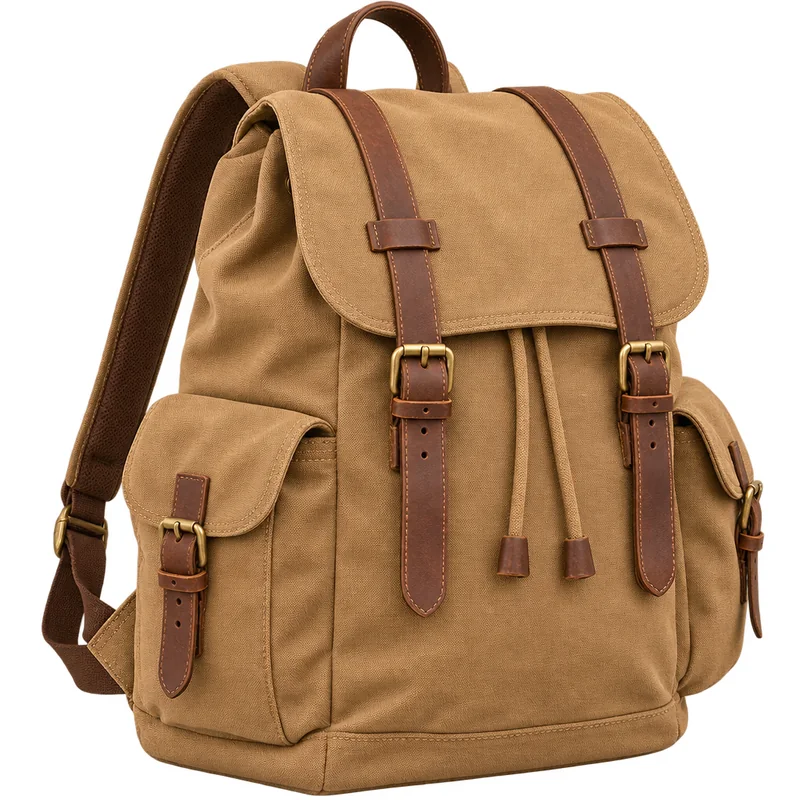
Turns a mobile product shot into an editable lossless PNG with optional 75% or 50% scale reduction for fast catalog preparation.
Decode Apple HEIC and standard HEIF pictures right on your device without installing desktop codecs or uploading private photos.
Drag up to 50 files (up to 50 MB each) onto the converter, or click Choose files to select photos copied from your iPhone, iPad, or camera. Files with .heic, .heif, and .hif extensions are recognized automatically.
Keep PNG selected for lossless pixel clarity, or switch to JPG or WebP with a 60% to 100% quality slider when smaller web files matter. Pick 100% for full native resolution, or scale down to 75% or 50% in one click.
Preview every decoded thumbnail with exact pixel dimensions and file weight. Click Download on any card for a single file, or click Download ZIP to bundle your entire converted batch into one tidy archive.
Built around local WebAssembly HEIF decoding so your phone library converts cleanly with full privacy and zero quality shortcuts.
Most Windows PCs, older web forms, and design portals still reject Apple's High Efficiency Image Container format. Our built-in WebAssembly decoder reads genuine HEIC, HEIF, and HIF streams directly inside your tab without extra plugins or system codec packs.
Transferring a weekend trip or client shoot from an iPhone rarely means just one image. Drop up to 50 files at once (up to 50 MB per photo), track live progress card by card, and save the full set together in a single ZIP archive.
When you turn iPhone HEIC to PNG, every decoded pixel writes into a lossless PNG stream instead of adding another round of lossy block compression. Fine textures, skin detail, and photographed text stay clean for further editing or archiving.
Stay on lossless PNG for editing, print prep, and sharp graphics, or switch the whole queue to JPG or WebP instantly without re-decoding your source files. Adjusting the quality slider or output format updates every card in seconds.

Modern 12 MP and 48 MP smartphone cameras produce massive lossless PNG files. Keep 100% scale when you need every native pixel, or switch to 75% or 50% high-quality downscaling to cut PNG file weight cleanly before emailing or posting.

Personal camera rolls hold family photos, travel memories, and work documents that should never sit on remote servers. Every decoding pass and output render executes locally inside your browser tab with zero server uploads, keeping sensitive images completely under your control from start to finish.
Five helpful tips for handling Apple HEIC photos cleanly across Windows, web portals, and design workflows.
Modern iOS devices default to HEIC (built on the HEIF container standard) because it stores high-resolution photographs at roughly half the storage footprint of older formats while keeping clean tonal detail. The compatibility gap appears as soon as you transfer those pictures onto a Windows desktop, attach them to an application or tax portal, or send them to a print counter that expects standard file extensions. Running a quick heif to png pass turns every shot into a universally readable bitmap that opens reliably in every browser, office suite, and desktop editor.
Every camera HEIC file has already been compressed once inside the phone image processor. Re-saving it through a heavily compressed lossy format adds a second round of generation loss, softening fine textures and introducing faint ringing halos around photographed text, fine hair, or foliage. Saving the decoded pixels inside a lossless PNG container preserves exact visual fidelity so you can crop, color-grade, print, or archive the file cleanly without stacking compression artifacts.
Because PNG stores full pixel accuracy using lossless deflate encoding, a 4032 by 3024 smartphone capture expands significantly compared with the compact HEIC source. When an email service, chat thread, or website form enforces a tight megabyte ceiling, try the built-in 75% or 50% scale buttons right in the control bar to lower pixel dimensions cleanly, or run finished graphics through our Compress PNG tool for crisp, web-ready file sizes.
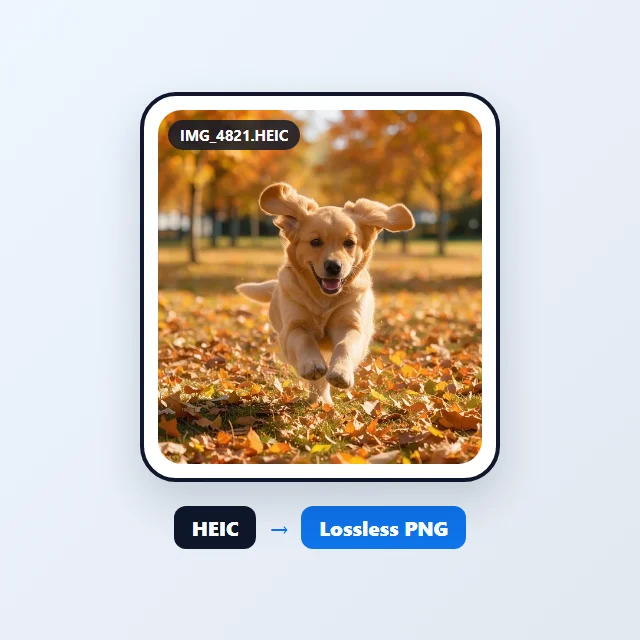
When you batch process an entire exported camera folder, keeping photo filenames organized saves minutes of manual sorting later. Every exported file keeps its exact source filename stem (for example, IMG_4821.heic becomes IMG_4821.png), and duplicate names dropped from separate albums are numbered automatically inside the downloaded ZIP archive so no photo ever overwrites another upon extraction.
Modern devices and websites produce several high-efficiency formats alongside HEIC. If your project folder also holds next-gen web images or standard photos, convert them locally with our AVIF to PNG, WebP to PNG, and JPG to PNG tools so every asset lands in one consistent lossless format.
Everyday situations where turning Apple HEIC and HEIF pictures into universal PNG files eliminates format roadblocks.
Open iPhone photos transferred over USB, email, or cloud drives right on Windows or Linux without hunting for extra system codecs or desktop converters.
Convert mobile product photos from iPhone HEIC to PNG in batches so listing portals, store themes, and background editors accept every angle cleanly.
Use this heic to png converter to decode client-supplied phone captures into crisp lossless PNG bitmaps ready for layout boards, color retouching, and print proofs.
Turn photographed forms, handwritten assignments, and ID documents into universally accepted PNG files before submitting them to strict online portals.
Straight answers about iPhone photo compatibility, HEIF support, batch limits, file size, and local browser privacy.
Drop your .heic or .heif photos into the converter at the top of the page, keep PNG selected (or adjust scale to 100%, 75%, or 50%), and save individual images or a batch ZIP archive. Everything runs free in your browser with no signup.
Yes. The decoder inspects the file's ISO Base Media header as well as .heic, .heif, and .hif extensions, so both iPhone HEIC captures and camera HEIF files decode cleanly to lossless PNG.
No. The WebAssembly HEIF decoder runs completely inside your browser tab. Your private camera photos stay on your device from start to finish and never touch an external server.
You can queue up to 50 files per batch, up to 50 MB each. When two or more photos finish decoding, click Download ZIP to save the entire converted set in one click.
HEIC uses heavy lossy video-style compression to shrink phone storage, whereas PNG stores lossless pixel accuracy without throwing away fine detail. If you want lighter files, use the 75% or 50% scale toggle or switch output to JPG or WebP.
Yes. While PNG is the default lossless format, the control bar lets you switch your decoded batch to JPG or WebP with a 60% to 100% quality slider at any time.
Yes. At the default 100% scale setting, every image exports at its exact native width and height in pixels, with dimensions displayed beneath each preview card.
Yes. Because decoding runs through our self-contained WebAssembly library directly inside Chrome, Edge, Firefox, or Safari, Windows and Linux users can open and convert Apple camera photos right away without hunting for extra system extensions or desktop apps.
Drop up to 50 iPhone HEIC or HEIF photos and save crisp lossless PNG files or a single ZIP archive privately in your browser.
Choose HEIC files