Corporate brochure cover vector
Shows crisp vector print conversion preserving sharp geometric banners, clean CMYK fills, and centered A4 sheet alignment.
Convert eps to pdf directly inside your browser while keeping every PostScript curve as genuine mathematical PDF vector geometry. Choose exact BoundingBox page sizing or place artwork cleanly onto A4 and US Letter sheets with customizable margins and print bleed ready for commercial presses and effortless client sharing.
Drop .EPS files to export print-ready PDFs
Parses PostScript Level 2/3 curves, fills, CMYK colors, and DOS binary EPS headers locally — nothing leaves your device.
Runs locally in your browser. Nothing is uploaded.
Or test instantly with a built-in EPS preset
Load any sample PostScript document below to test exact vector page sizing, print margin controls, and instant PDF generation before loading your own files.
Shows crisp vector print conversion preserving sharp geometric banners, clean CMYK fills, and centered A4 sheet alignment.

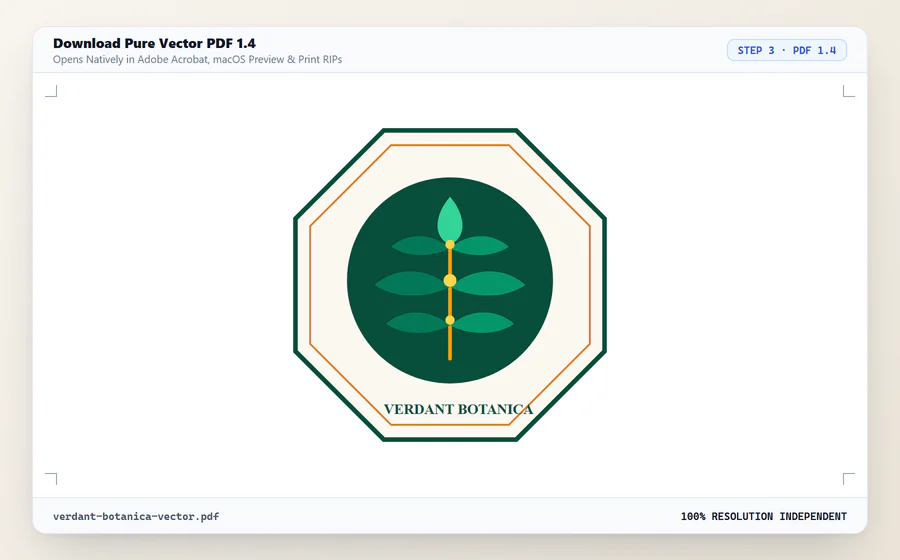
Demonstrates true vector path retention with custom margin and bleed allowance when you save eps as pdf for press proofing.

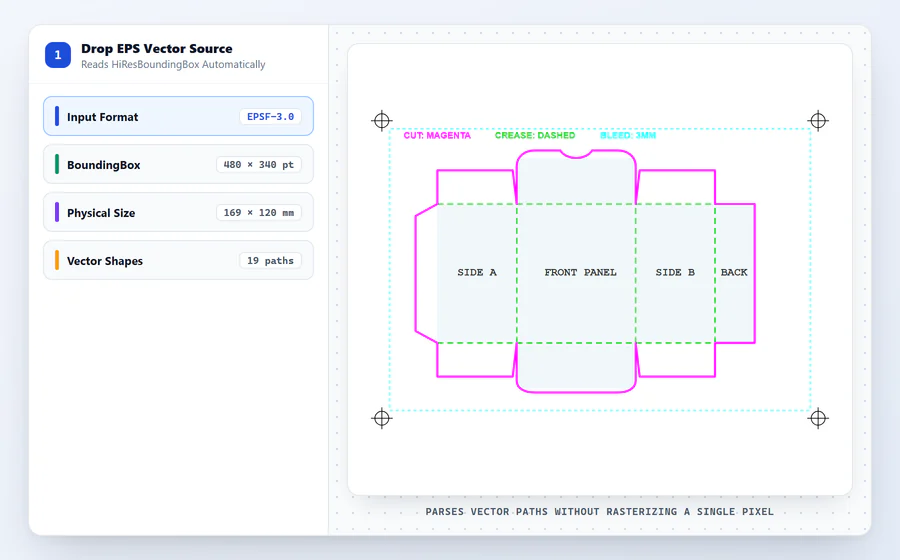
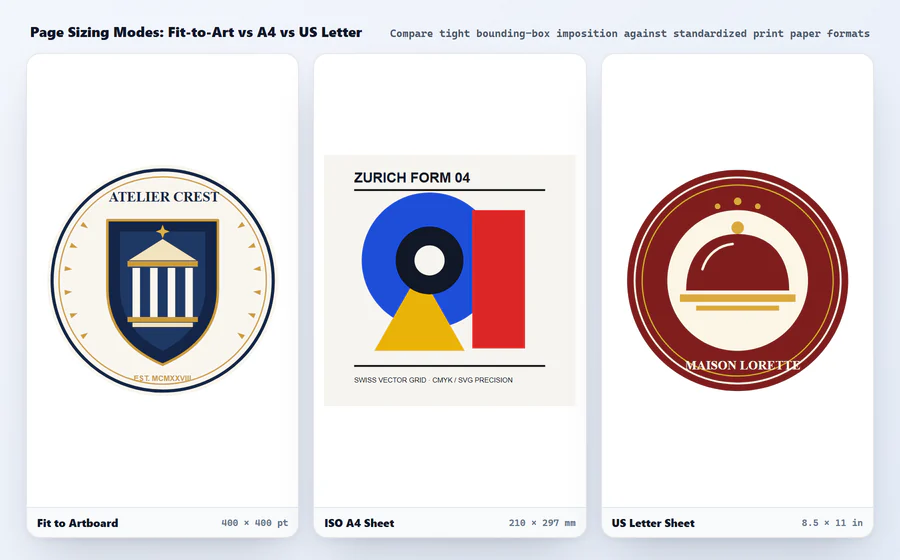
Highlights exact 1-to-1 PostScript BoundingBox sizing in points so dielines and trim marks stay dimensionally accurate in PDF.
Move from Encapsulated PostScript files to universal, print-ready vector PDF documents locally in seconds.
Drag any single ASCII or DOS-binary EPS graphic into the browser workspace. The browser engine parses the PostScript paths, color operators, and BoundingBox dimensions locally without uploading a byte.
Keep the exact EPS BoundingBox as the PDF MediaBox for 1-to-1 vector fidelity, or fit artwork cleanly onto A4 or US Letter sheets with configurable margins and optional print bleed.
Preview the centered sheet layout inside the browser and click download to save your vector PDF with genuine mathematical paths ready for printers, reviewers, and archive folders.
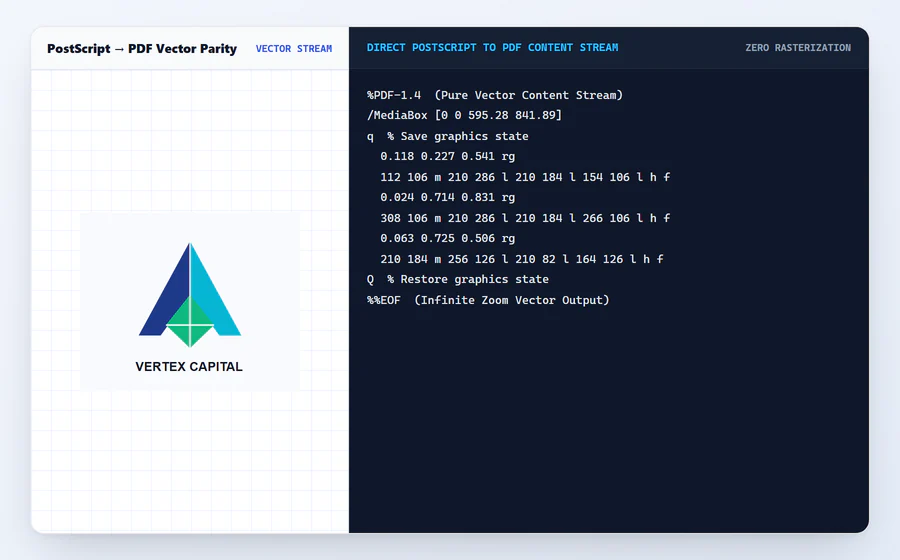
Translates PostScript operators straight into native PDF drawing commands so text lines and shapes never degrade into blurry bitmaps.
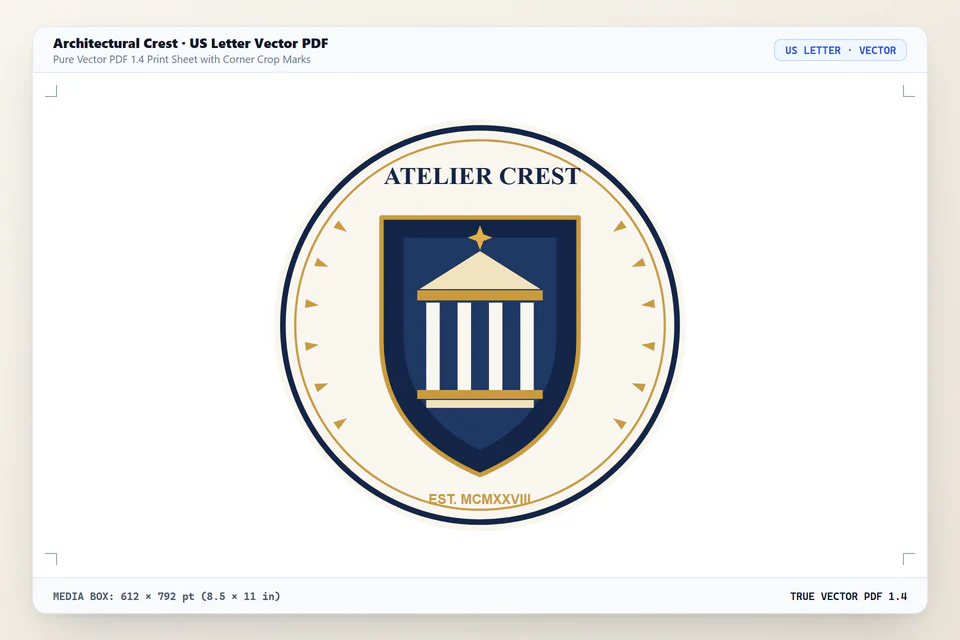
Writes real PDF moveto, lineto, cubic Bezier, fill, and stroke operators directly from the PostScript geometry so zoomed-in proofs stay razor sharp at any scale.
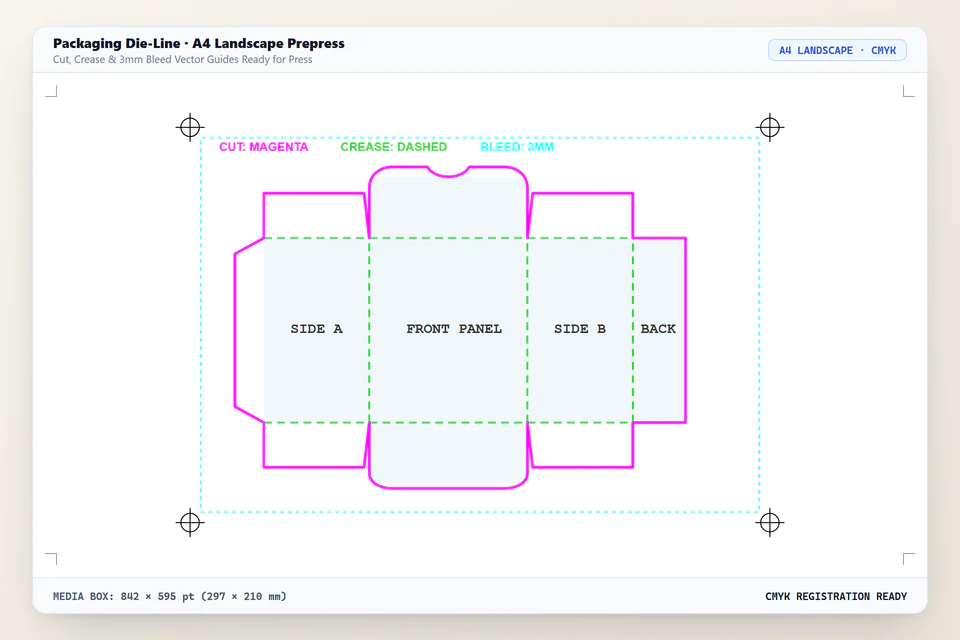
Match the PDF MediaBox exactly to the EPS BoundingBox in points, or place your graphic centered on portrait or landscape A4 and US Letter pages.
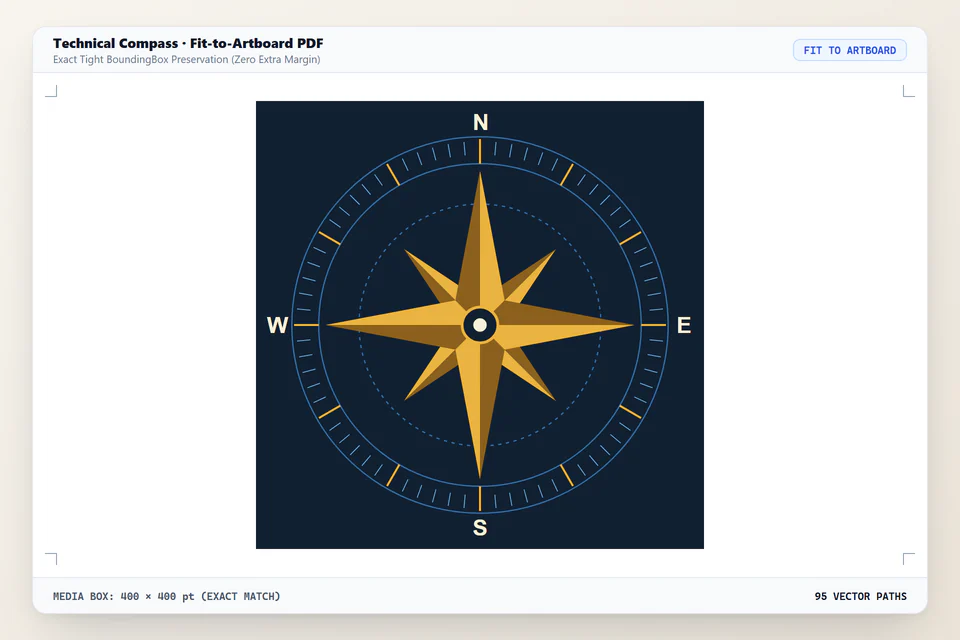
Add balanced whitespace margins for client review sheets or configure uniform bleed padding around edge-to-edge graphics before sending files to commercial print shops.
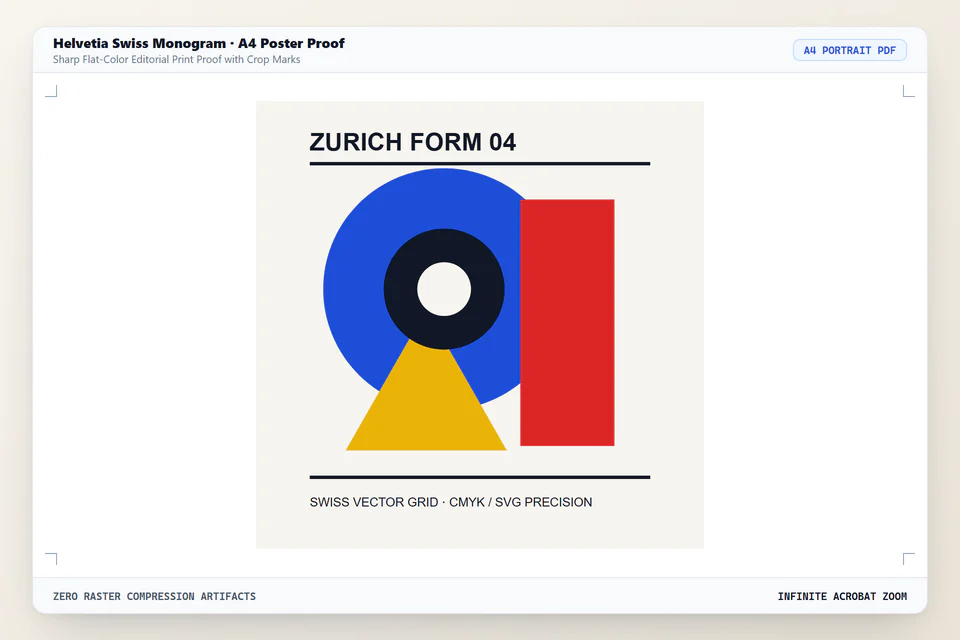
Maps PostScript CMYK, RGB, and grayscale drawing commands directly into matching PDF color operators so commercial press proofs retain clean ink separation behavior.
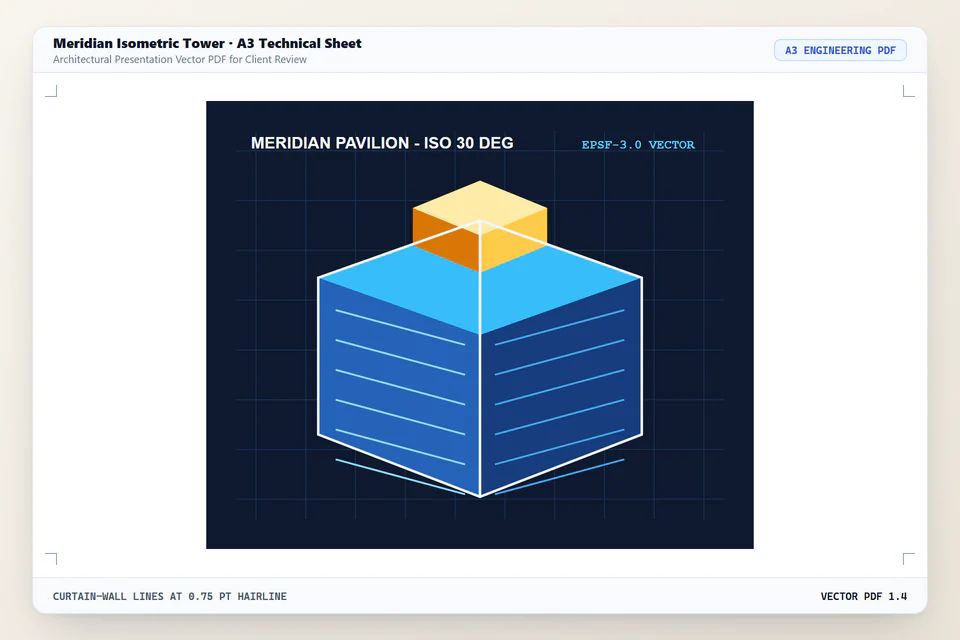
Converting legacy PostScript archives in this browser conversion workspace produces standard PDF 1.4 documents that open smoothly in every browser, mobile phone, and print RIP.
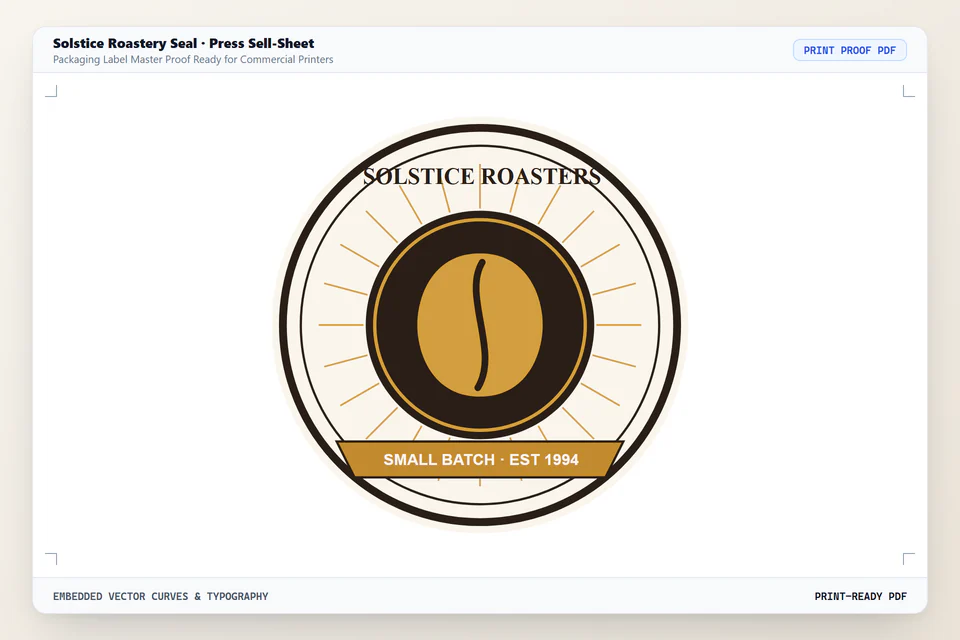
Keep unreleased packaging artwork, financial charts, and legal seals strictly on your machine while you generate vector PDFs locally in milliseconds.
Understand how PostScript and PDF share the same vector imaging model, how to configure page boxes and bleed, and when to prefer PDF over EPS.
PDF evolved directly from the PostScript imaging model, meaning both formats represent graphics using cubic Bezier curves, graphics state stacks, clipping paths, and device CMYK or RGB ink values measured in typographic points (72 points per inch). Because their underlying geometry aligns closely, a dedicated eps to pdf converter maps PostScript path commands into compact PDF content streams without flattening curves into pixels. That direct translation produces tiny file sizes and razor-sharp print proofs.
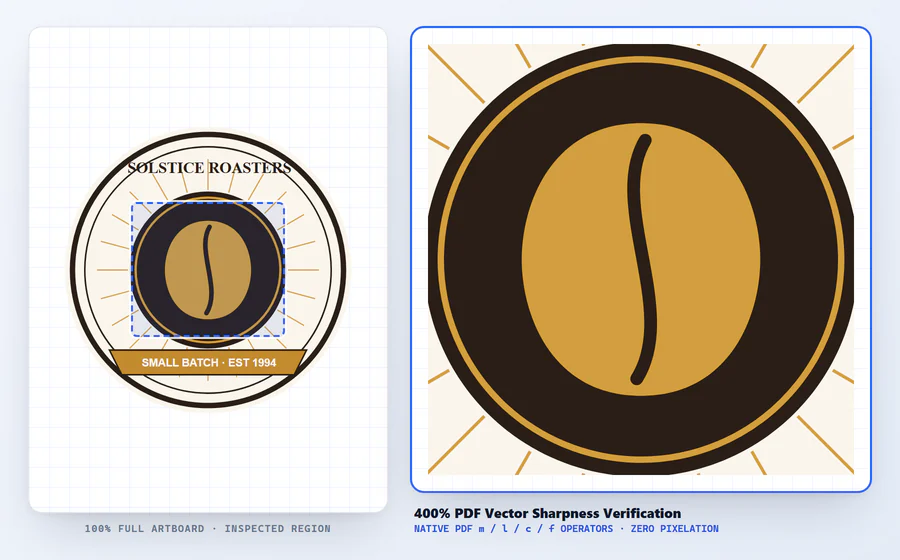
When archiving a logo, seal, or packaging dieline for downstream layout work, keeping the exact PostScript BoundingBox as the PDF page size avoids unwanted whitespace and preserves true physical dimensions in points and millimeters. Conversely, when emailing a visual proof to a non-technical stakeholder who may hit print on an office laser printer, placing the artwork centered on an A4 or US Letter page with generous margins makes review effortless when you save eps as pdf.
Commercial offset and digital presses rely on predictable color spaces and clean trim margins. Because native PDF streams support device CMYK fill and stroke operators directly, converting CMYK PostScript commands cleanly preserves press-friendly color values rather than forcing an unnecessary double conversion through RGB. Adding uniform bleed allowance around full-bleed poster or brochure graphics ensures that slight guillotine shifts during finishing never leave white slivers along the trimmed edge.
While legacy signage plotters and older prepress workflows still accept EPS, modern print portals and desktop operating systems strongly favor PDF. PDF files render reliably across every web browser and smartphone, support standardized page boxes, and avoid the security restrictions that caused modern OS previewers to drop native PostScript rendering. Using an eps to pdf online tool bridges old agency EPS archives into today’s universal review and print pipeline in seconds.
A smooth prepress and publishing workflow moves effortlessly in both directions between PostScript, PDF, and web SVG. If you ever need to go the reverse route for an older press RIP, try PDF to EPS. You can also inspect PostScript bounds before export with EPS Viewer, extract web-ready XML in EPS to SVG, or generate vector PDF sheets from web icons using SVG to PDF.
Made for print coordinators, graphic designers, researchers, and operations teams turning EPS graphics into universal PDF documents.
Convert incoming client EPS files into standardized vector PDF proofs with exact BoundingBox sizing or A4 and Letter margins for fast approval.
Use this eps to pdf converter to turn vector figures, plots, and scientific schematics into crisp PDF graphics ready for typesetting pipelines.

Quickly package vector sheets into PDF so clients and executives can open brand manuals and packaging drafts on any phone or laptop without special viewers.

Standardize legacy EPS diagrams, stamps, and stationery templates into long-term searchable PDF archives right inside a secure browser session.
Answers on vector PDF quality, CMYK preservation, A4 and Letter sizing, bleed settings, and client-side privacy.
Yes. When you convert eps to pdf here, PostScript curves, lines, fills, and strokes are written as true mathematical PDF vector operators rather than flattened raster images.
Yes. Select the original BoundingBox page mode to set the PDF MediaBox to the exact width and height declared in your EPS file in points.
Yes. You can center and scale your EPS artwork cleanly onto standard A4 or US Letter sheets in portrait or landscape orientation with custom margins and optional bleed.
Yes. Native CMYK fill and stroke commands from the PostScript stream are mapped directly into PDF CMYK color operators for reliable print output.
Yes. This browser engine reads past the DOS binary header automatically and converts the underlying PostScript vector stream into a crisp PDF document.
Most modern desktop and mobile operating systems no longer preview EPS files natively. Exporting to PDF guarantees any recipient can view and print your artwork sharply.
No. All PostScript parsing and PDF binary construction execute 100% inside your browser tab, keeping confidential print proofs and brand files strictly local.
Yes. You can export PostScript files to PDF with vector quality, custom page sizing, and bleed controls completely free online with no sign-up required.
Drop any PostScript EPS file to save eps as pdf with genuine vector paths, CMYK accuracy, and custom sheet margins free in your browser.
Convert EPS to PDF now