PDF-AI · ArtBox3 OCG layers
Brand crest logo badge (.ai)
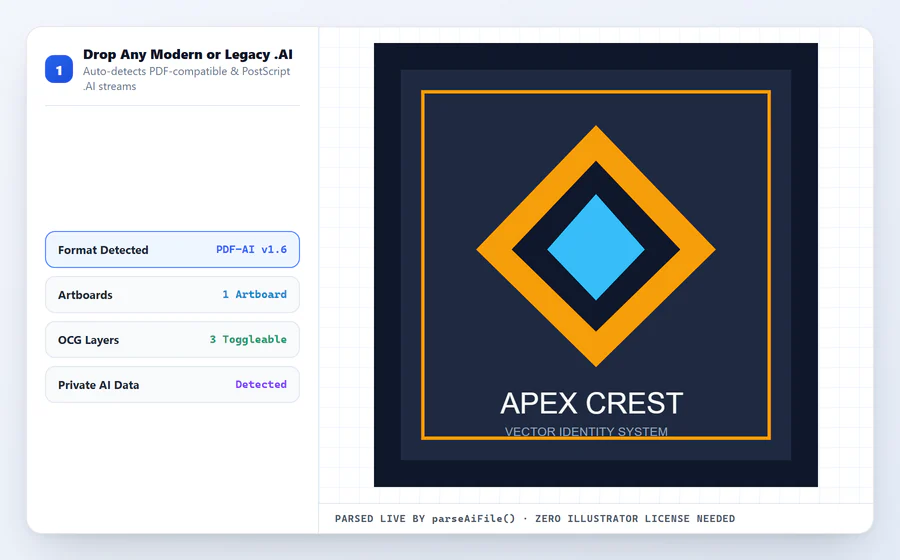
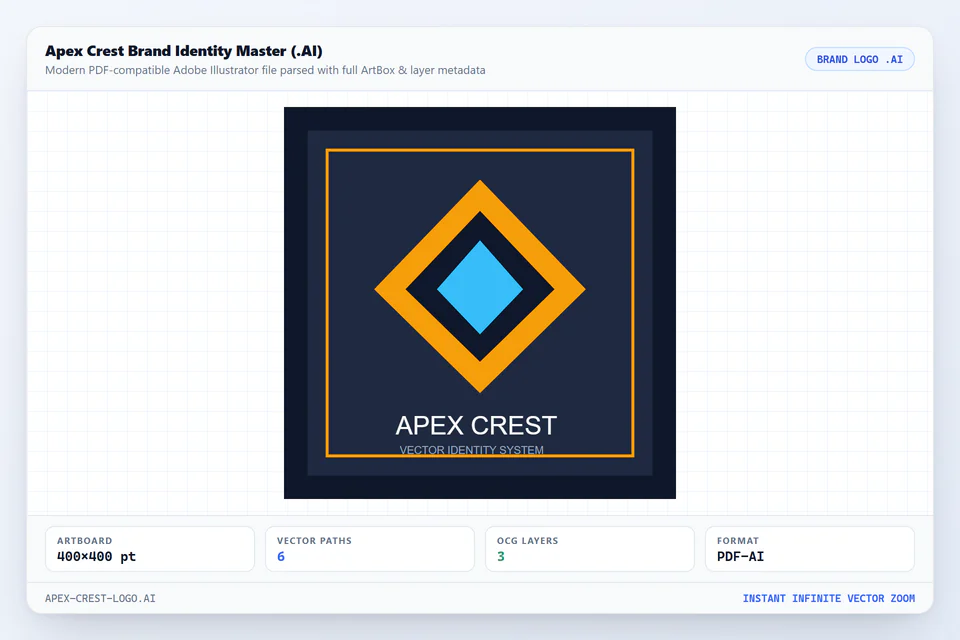
Modern PDF-compatible Illustrator emblem with ArtBox, TrimBox, and BleedBox specs plus three toggleable OCG layers ready inside this ai viewer.
Inspect Adobe Illustrator .ai vector artwork straight inside your browser with zero software installs or cloud uploads. This dual-engine ai file viewer decodes modern PDF-compatible .ai streams and legacy PostScript Illustrator archives, letting you open ai file online to switch artboards, toggle OCG layers, check ArtBox bounds, and export SVG, PNG, or PDF locally.
Drop an Adobe Illustrator (.ai) file to view & convert
Inspects modern PDF-compatible .ai artboards, ArtBox/TrimBox/BleedBox specs, OCG layers, and legacy PostScript .ai files locally.
Dual-engine PDF-AI & PostScript parser runs 100% client-side.
No .ai file nearby? Try an instant Illustrator sample:
Load any built-in Adobe Illustrator sample inside this workspace to test crisp infinite vector zooming, multi-artboard switching, toggleable OCG layers, and instant SVG or PNG export before opening your own .ai file.
Modern PDF-compatible Illustrator emblem with ArtBox, TrimBox, and BleedBox specs plus three toggleable OCG layers ready inside this ai viewer.

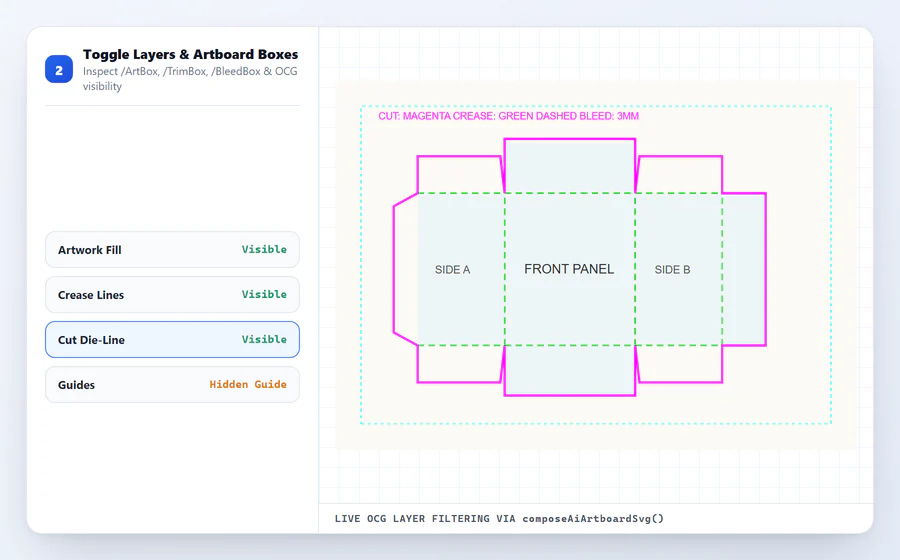
CMYK print packaging master separating Artwork Fill, dashed Crease Lines, Cut Die-Line, and an optional hidden Guides layer for accurate prepress review.

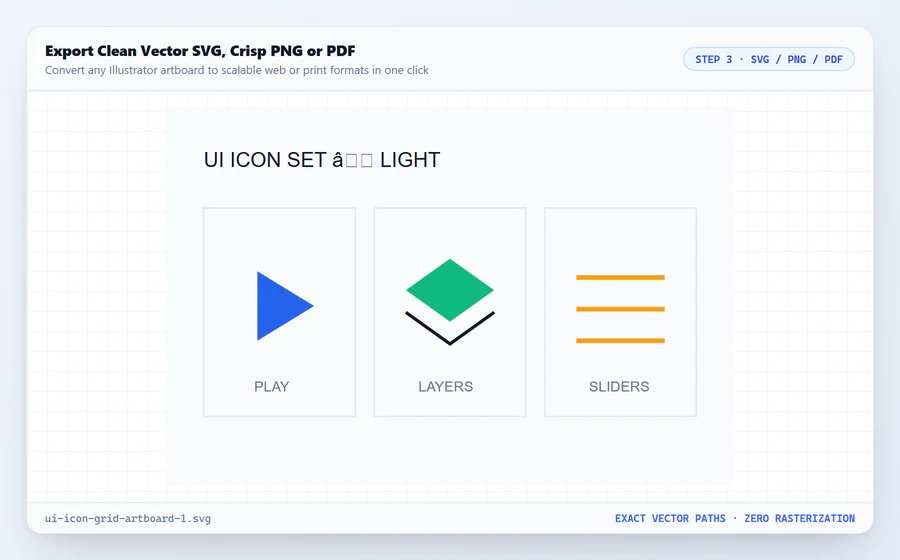
Two-artboard Illustrator sheet pairing light and dark UI icon sets with structured OCG layers to demonstrate smooth artboard switching and crisp zoom.
Preview Adobe Illustrator artwork, audit artboards and print boxes, and save shareable SVG, PNG, or PDF copies directly in your browser.
Drag any modern PDF-compatible .ai file or legacy PostScript Illustrator archive into the workspace to open ai file online locally. The dual parser detects %PDF and %!PS signatures automatically, reads XMP metadata, and extracts vector geometry in client memory.
Step through multi-artboard brand sheets, turn Illustrator Optional Content Group layers on or off, inspect wireframe paths, and overlay ArtBox, TrimBox, and BleedBox frames over light, dark, or checkerboard backdrops.
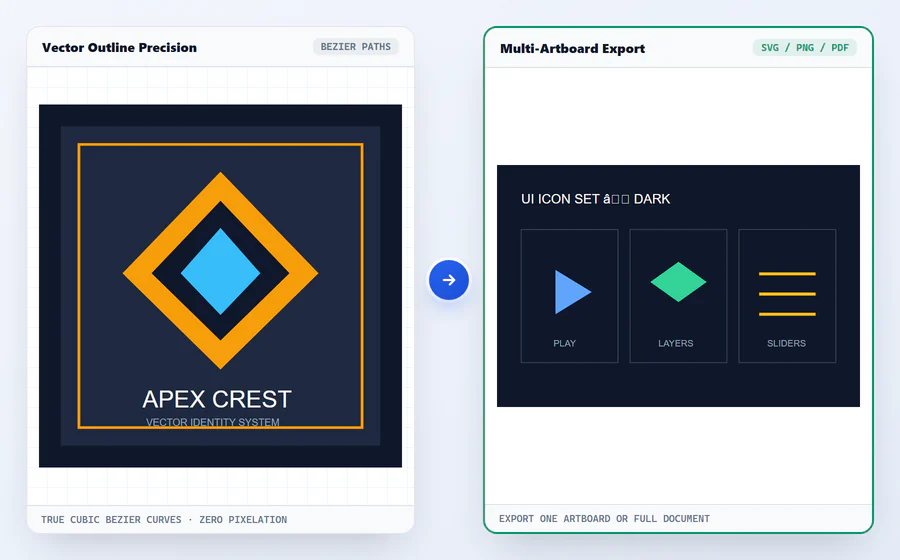
After verifying vector curves and color balance inside this illustrator file viewer, export the active artboard as clean mathematical SVG, high-resolution transparent PNG, or universal PDF for teammates without Illustrator.
Engineered with a self-contained PDF content interpreter and PostScript fallback so modern and archival Illustrator files render sharply online.
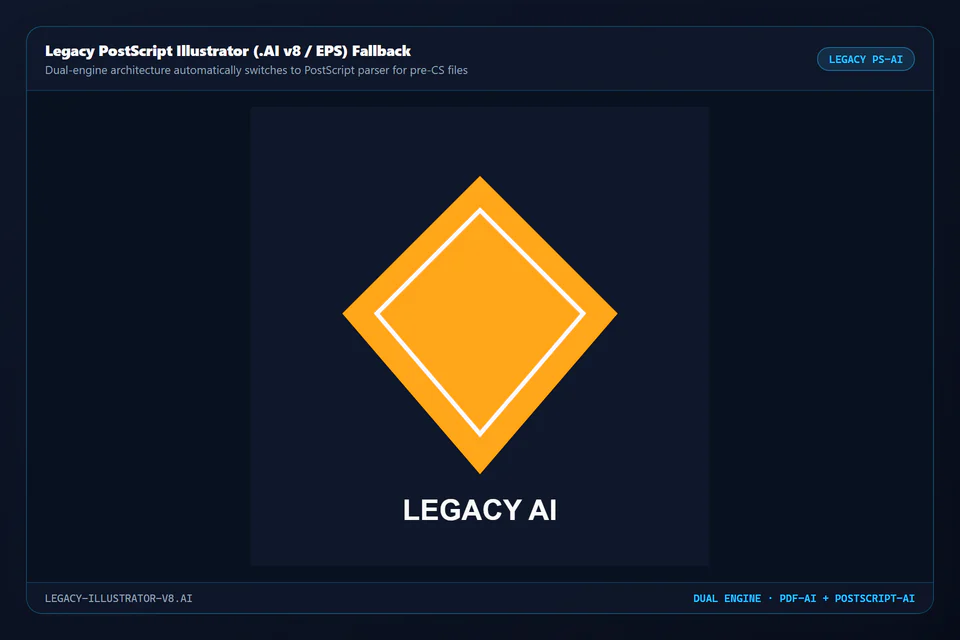
Parses modern Illustrator CS through Creative Cloud PDF-stream .ai documents while falling back cleanly to native PostScript path parsing for older Illustrator 8 and legacy EPS-wrapped .ai files.
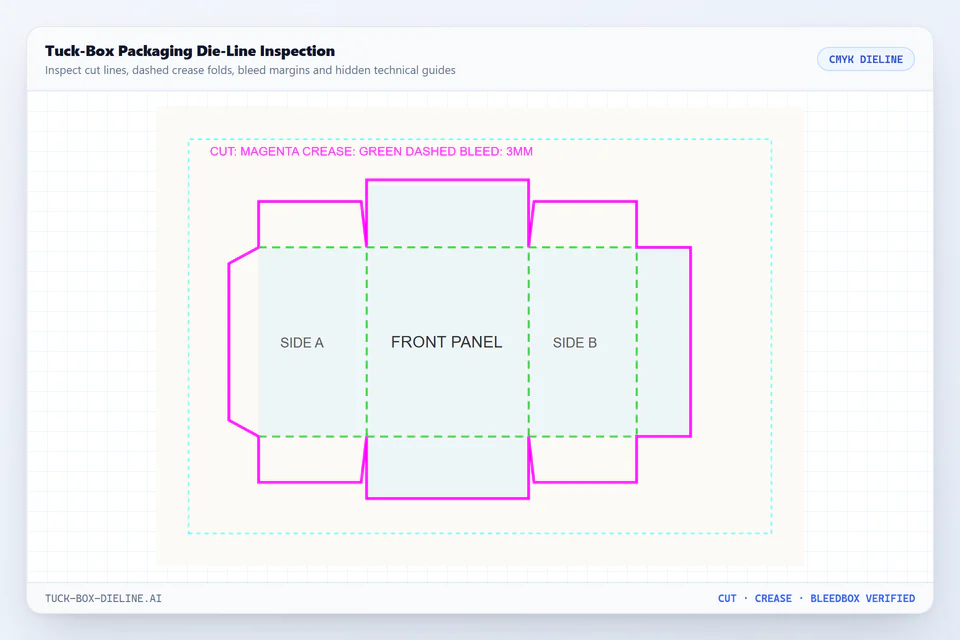
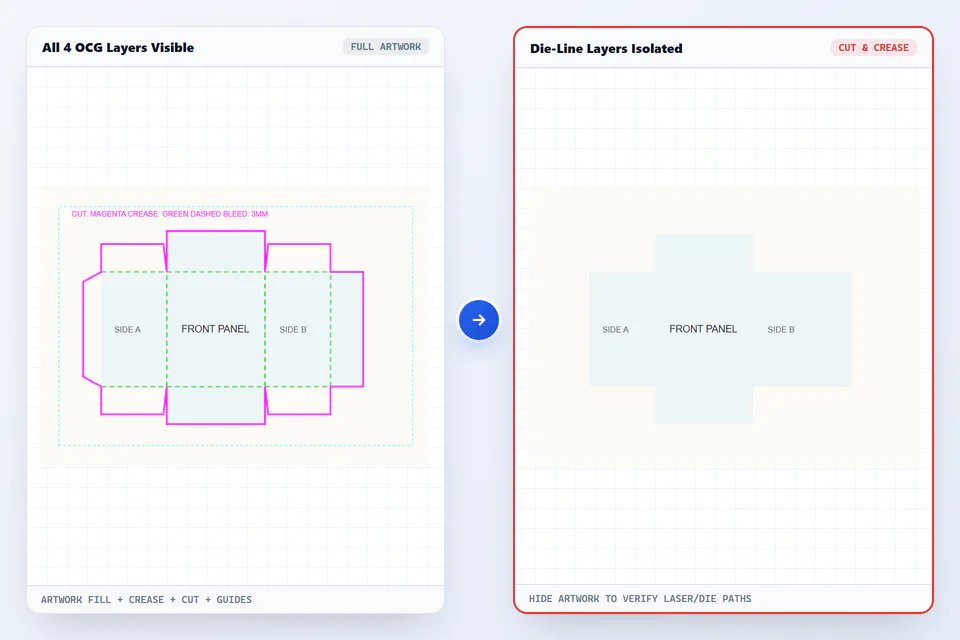
Reads Illustrator /OCProperties Optional Content Groups and splits drawing streams per layer, letting you hide Guides or isolate dielines inside this ai viewer online.
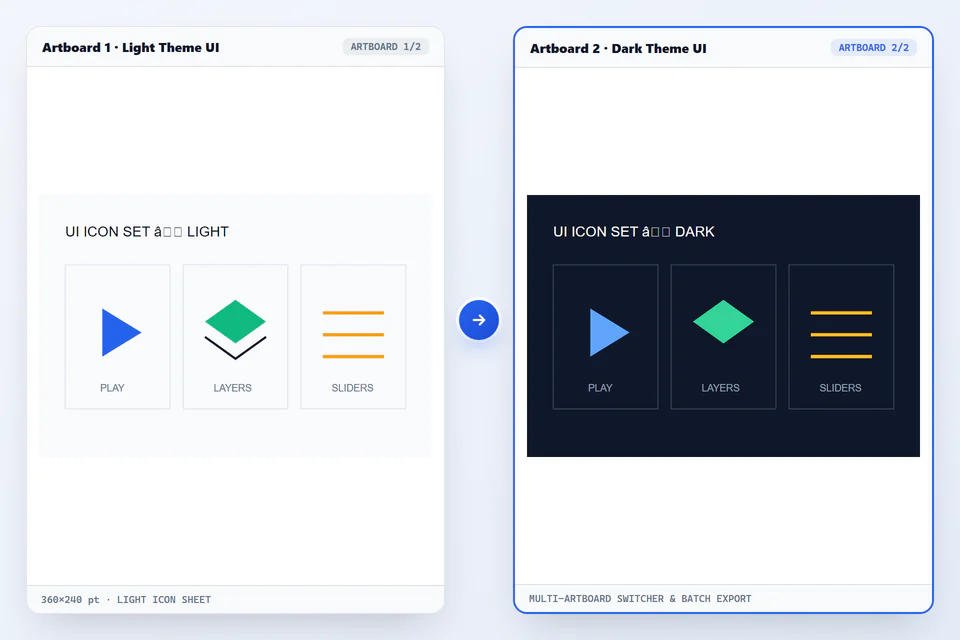
Displays every artboard in multi-page brand kits and icon sheets with exact width and height in points, path counts, text counts, and embedded raster counts.
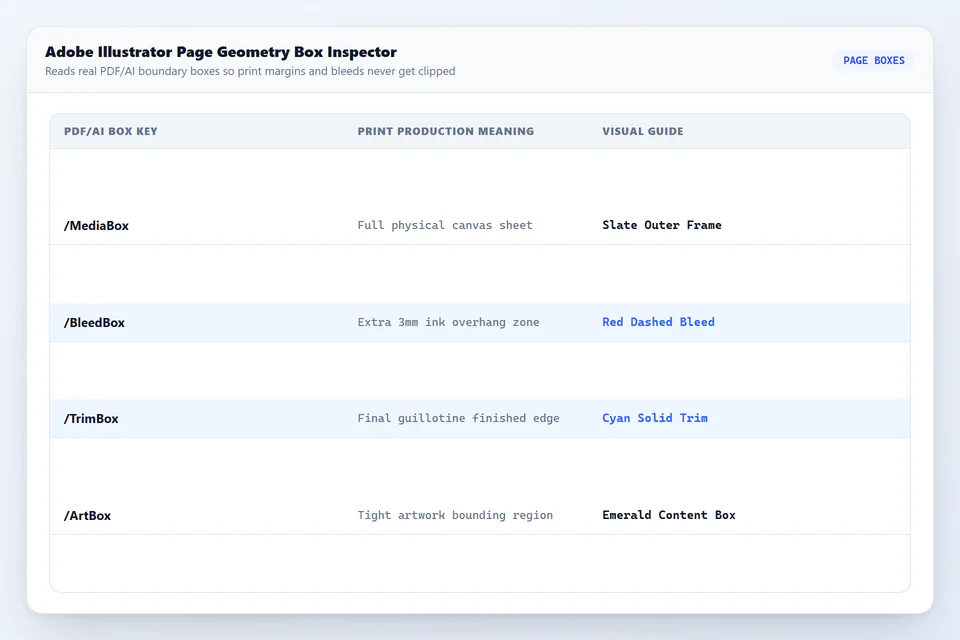
Reads official PDF geometry boxes alongside Creator, Producer, PDF version, and creation date tags so prepress operators can verify bleed allowances before printing.
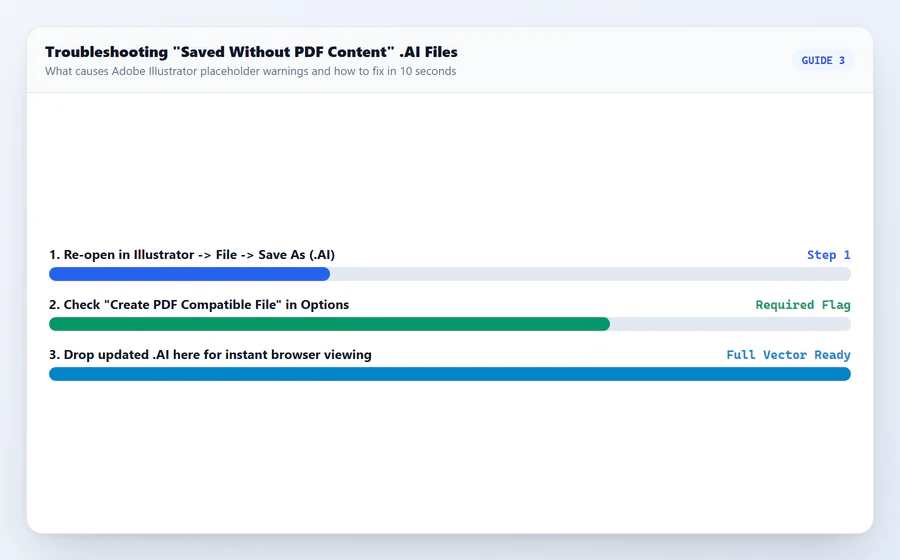
Automatically identifies Illustrator files saved with Create PDF Compatible File turned off and displays a clear diagnostic notice explaining how to re-save cleanly.
Convert any inspected artboard or active layer view straight into scalable SVG markup, transparent PNG cutouts, or portable PDF proofs right inside your browser.
Understand how .ai files store dual PDF and private Illustrator data, how OCG layers work, and how to inspect vector brand kits safely locally.
Since Illustrator 9, Adobe .ai files act as dual-stream containers: they hold a private native Illustrator data structure alongside a standard PDF-compatible vector stream containing exact cubic Bezier paths, typography, CMYK colors, multiple artboards, and Optional Content Group layers. Older archives use a PostScript format similar to EPS. A dedicated ai file viewer reads both formats cleanly so you can inspect true mathematical curves at any zoom level without pixelation.
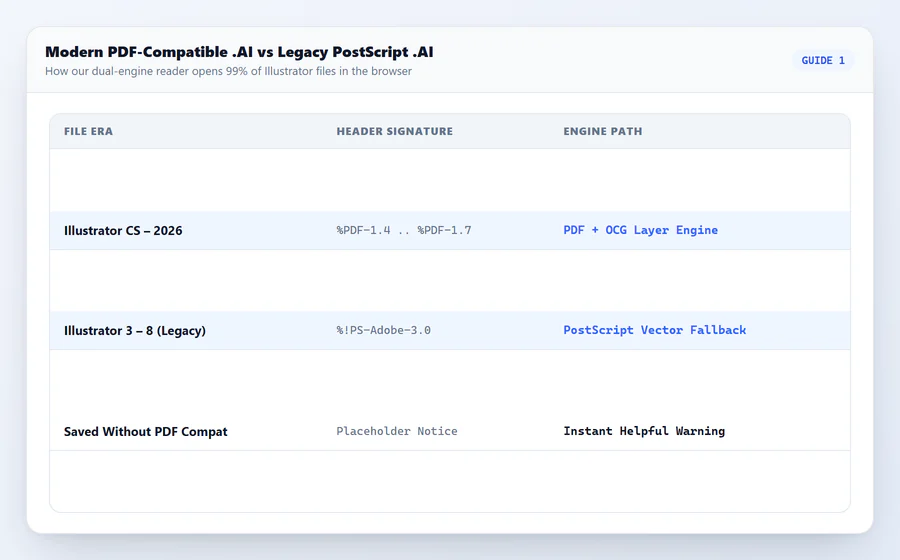
When saving in Adobe Illustrator, the Save dialog includes a checkbox labeled Create PDF Compatible File. It is enabled by default, which allows external tools and an illustrator file viewer to render crisp artboards. If a designer unchecks that box to reduce disk space, Illustrator writes a single-page placeholder notice into the PDF stream instead of the artwork. Our viewer detects that placeholder signature immediately so you know the file itself is intact and simply needs PDF compatibility enabled.
Packaging dielines and corporate identity manuals frequently bundle cut lines, crease folds, varnish spot plates, and non-printing guides onto top-level Illustrator layers across multiple artboards. When you open ai file online inside our studio, toggling individual OCG layers lets you check artwork beneath dielines, confirm reversed white logos over dark backdrops, and verify TrimBox and BleedBox dimensions before approving press plates.
Brand identity packages, packaging blueprints, and unreleased product graphics are sensitive intellectual property that should not bounce through unknown third-party conversion servers. Every step of parsing, OCG splitting, zooming, and exporting in this browser vector workspace runs strictly inside your local tab, keeping proprietary vector paths and XMP metadata completely on your device.
Once you preview artwork in our ai viewer online and verify every curve and margin, download editable SVG paths for web developers, crisp transparent PNGs for slide decks, or universal PDF proofs for print buyers. To inspect legacy PostScript files, visit EPS Viewer. For pure web vector checks use SVG Viewer, extract vector sheets in PDF to SVG, or review raster masters in PSD Viewer.
Built for brand managers, developers, print buyers, and studios who receive Adobe Illustrator artwork without holding a Creative Cloud license.

Open agency logo sheets, inspect white-ink variants over dark canvas backdrops, and download transparent PNGs for decks and campaigns immediately.

Verify carton dielines, toggle Guides and Cut layers, and confirm ArtBox, TrimBox, and BleedBox tolerances directly inside a fast illustrator file viewer.

Inspect multi-artboard icon libraries delivered as .ai files and export clean scalable SVG assets ready for React components and design systems.

Preview customer vector artwork on any shop computer or tablet, check fine stroke outlines, and convert clean copies to SVG or PDF locally.
Answers on Illustrator compatibility, OCG layer toggling, multi-artboard support, PDF placeholder notices, and local privacy.
Drop your .ai file straight onto this ai file viewer workspace. Your browser decodes the embedded PDF-compatible vector stream or PostScript paths locally and renders every artboard sharply within seconds.
Yes. You can switch between every artboard in a multi-artboard .ai file and toggle top-level Illustrator OCG layers on or off directly from the inspector sidebar.
Adobe Illustrator embeds vector previews only when Create PDF Compatible File is checked during saving. If disabled, only proprietary binary data exists, so ask the author to re-save with PDF compatibility enabled.
Yes. The dual engine automatically detects legacy %!PS-Adobe and DOS binary EPS-wrapped .ai files and parses their PostScript vector paths cleanly.
Yes. Export any active artboard or toggled layer combination directly to editable vector SVG, high-resolution transparent PNG, or printable PDF straight from the toolbar.
Inverted white vector marks blend into bright backgrounds. Click the dark canvas or checkerboard backdrop button inside this ai viewer online to inspect white paths clearly.
Never. All PDF and PostScript vector parsing, layer splitting, and format exports run 100% locally inside your browser tab.
Yes. You can open ai file online, inspect artboards and metadata, and export SVG, PNG, or PDF files completely free in your browser with no signup.
Drop any Adobe Illustrator .ai document into this free ai file viewer to switch artboards, toggle OCG layers, and export SVG, PNG, or PDF locally.
Open AI file now