2D SVG
70×6.0mm
Rounded star keychain tag
Demonstrates nested keyring hole punching, crisp raised star extrusion, and rounded baseplate padding ready to turn an svg to 3d model for FDM printing.
Extrude 2D SVG vector graphics, logos, and emblems into 100% watertight 3D printable STL meshes directly inside your browser with zero uploads. This browser-local svg to stl converter parses full SVG path curves, nested cutouts, and visible strokes with custom extrusion height, solid baseplates, and recessed stencil modes.
hex-star-badge.svg
Drop any .svg file anywhere here
Dimensions
70.0 × 75.9 × 6.0 mm
Triangles
224
Volume
17.70 cm³
Est. PLA
~21.9 g
Load any built-in SVG vector sample inside this 3D studio to test Z-axis extrusion height, rounded or circular baseplates, stencil cutout inversion, and live triangle counts before uploading your own vector.
2D SVGDemonstrates nested keyring hole punching, crisp raised star extrusion, and rounded baseplate padding ready to turn an svg to 3d model for FDM printing.
 2D SVG
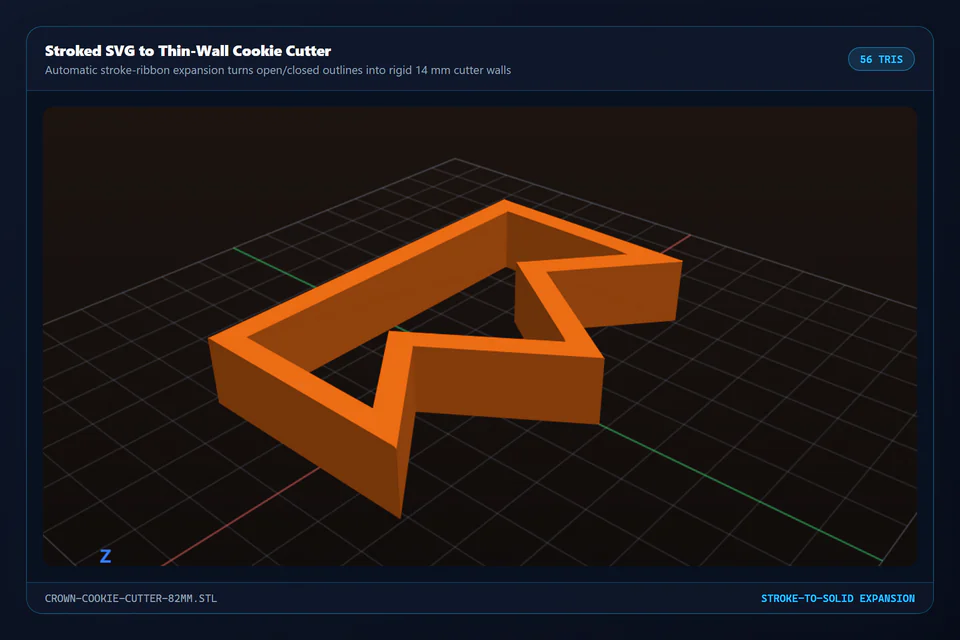
Expands open and closed SVG stroke paths into sturdy printable walls with uniform thickness ready for custom kitchen cutters and clay stamps.
 2D SVG
Pairs crisp cubic Bezier emblem geometry with an optional solid backing plate so multi-piece badges print as one connected watertight STL.
Turn flat 2D vector logos, badges, and stencils into slicer-ready 3D printable meshes straight inside your browser.
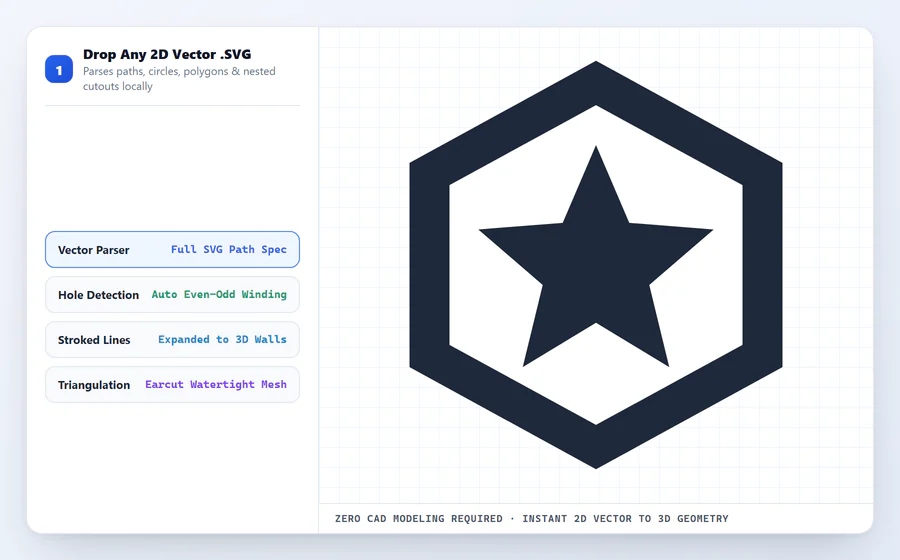
Drag any SVG graphic into the workspace to start your svg to stl online conversion locally. The pure TypeScript geometry engine parses paths, rectangles, circles, polygons, nested transforms, and stroked shapes directly in browser memory.
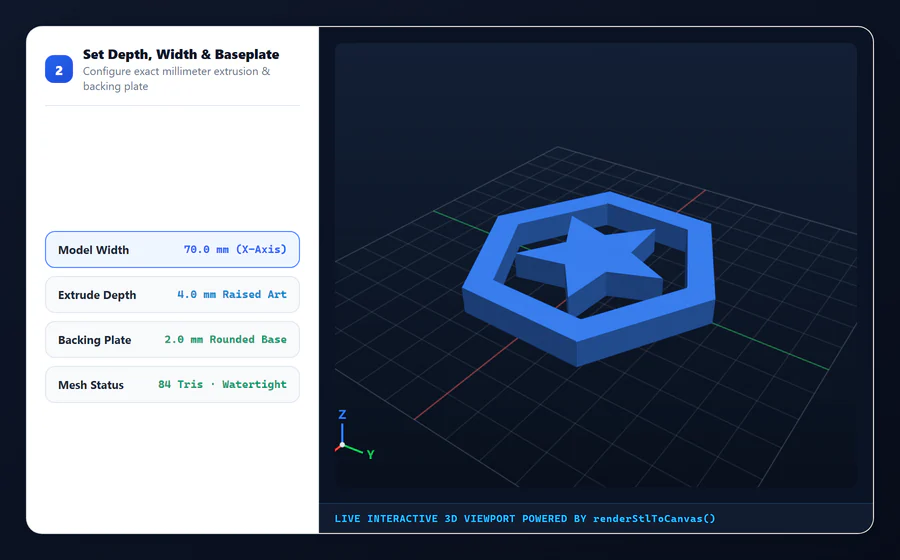
Adjust finished X-axis width in millimeters, set Z extrusion thickness, optionally attach a rectangular, rounded, or circular baseplate, or toggle Invert mode to carve recessed stencil cutouts while orbiting the live 3D mesh.
Inspect real-time bounding box dimensions, triangle count, volume, and watertight manifold status, then save your finished svg to stl file ready for PrusaSlicer, Bambu Studio, Cura, or Resin slicers.
Engineered with adaptive curve flattening and robust ear-clipping triangulation so every extruded 3D mesh slices cleanly with zero repair warnings.
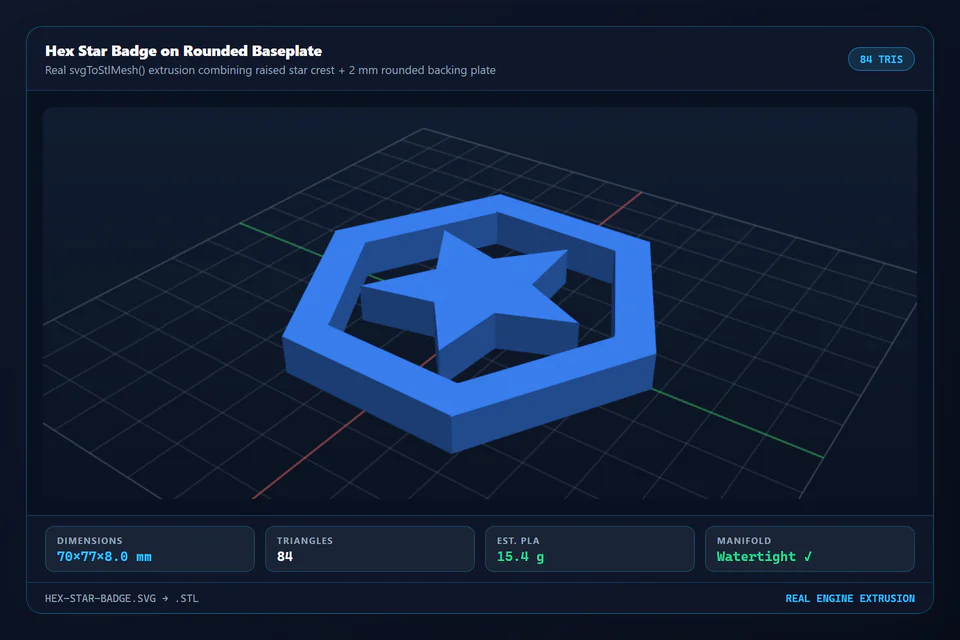
Interprets cubic and quadratic Bezier curves, elliptical arcs, nested group transforms, and even stroked-only outlines by expanding visible strokes into true printable 3D walls.
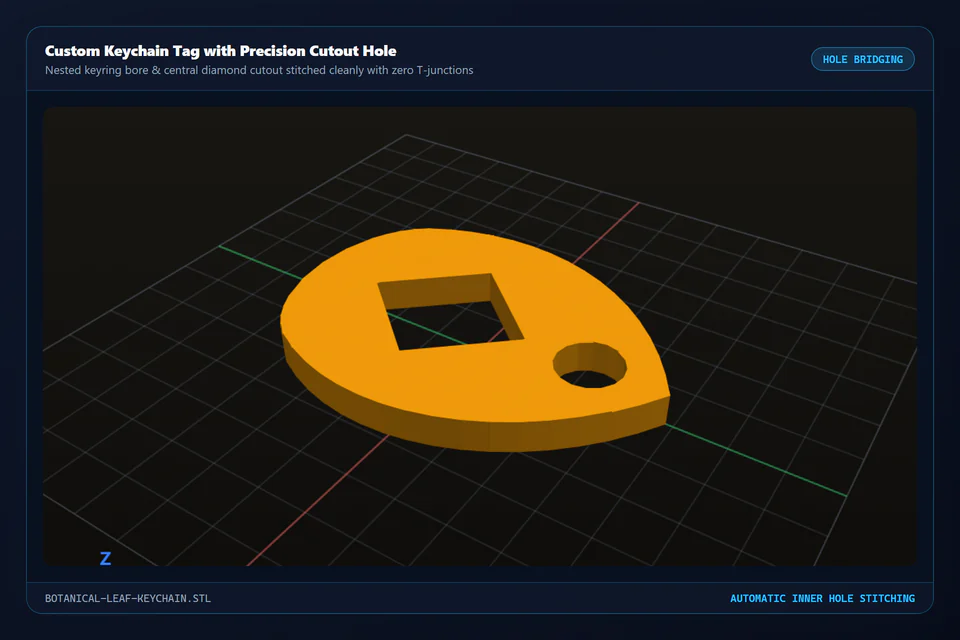
Correctly identifies outer shells, interior holes, and islands inside holes using hole-bridging triangulation, outputting closed solids with outward-facing normals and zero T-junctions.
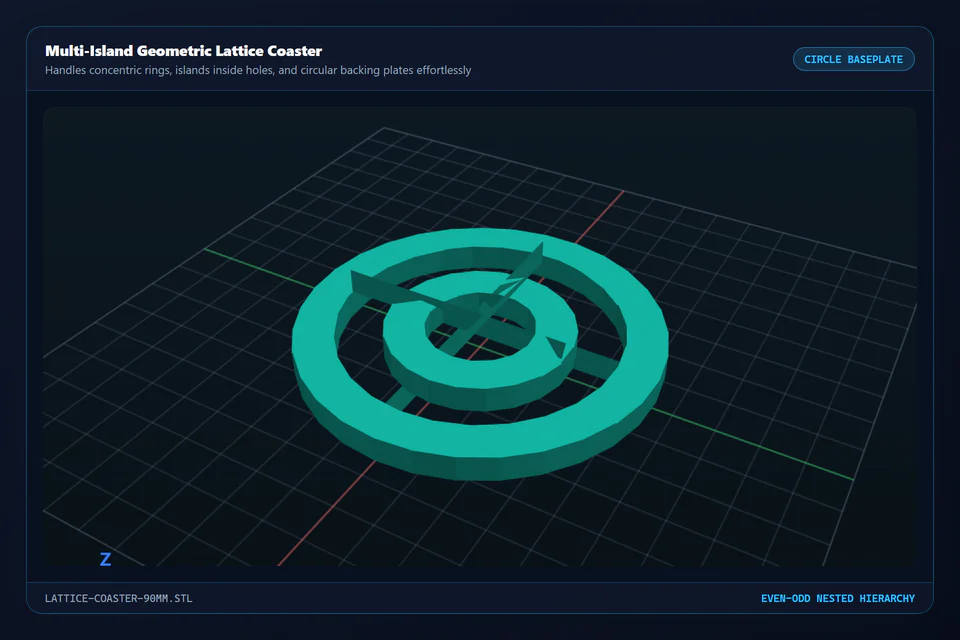
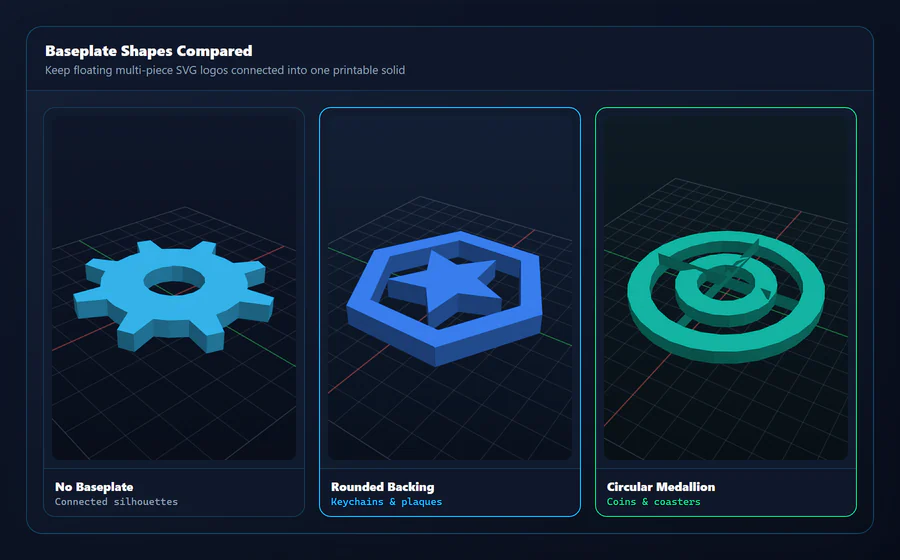
Keep floating letters or multi-island emblems joined together by adding a rectangular, rounded-rectangle, or circular backing plate with customizable thickness and border padding.
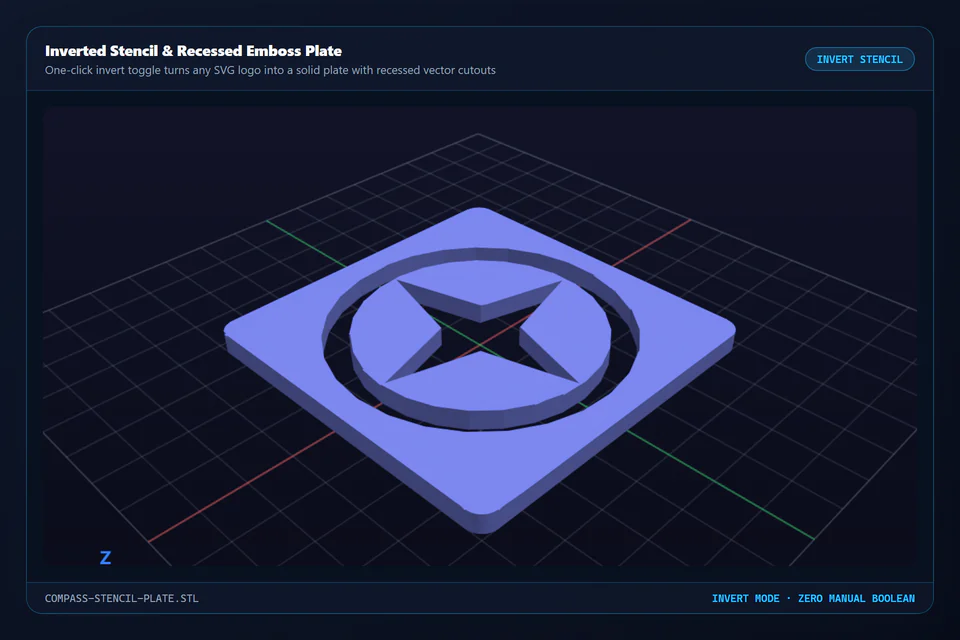
Flip positive extrusion into negative cutout mode with one click to generate paint stencils, light-box faceplates, or recessed coasters when turning an svg to 3d model.
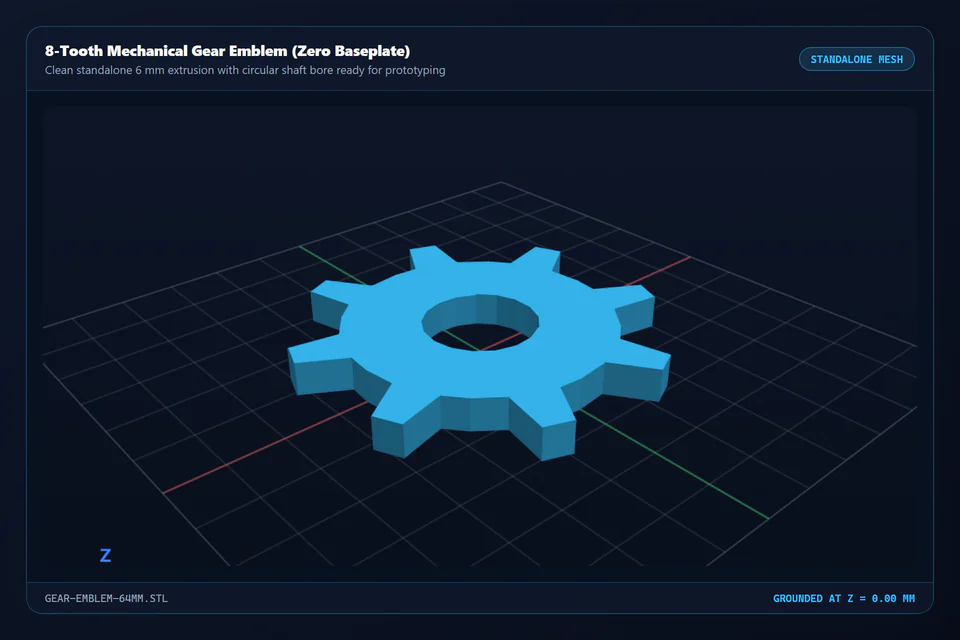
Rotate, zoom, switch between solid, wireframe, and normal shading, and check exact X, Y, Z millimeter dimensions plus estimated PLA filament weight before slicing.
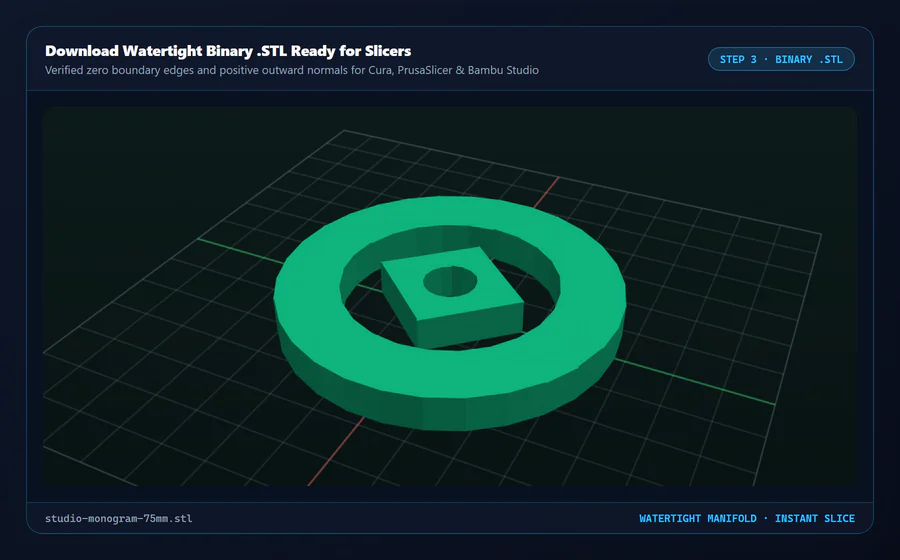
Download compact binary STL files grounded cleanly at Z equals zero on the print bed, or choose standard ASCII STL when inspecting coordinates in CAD workflows.
Learn how to prepare clean vector paths, choose extrusion height and baseplates, and ensure zero non-manifold errors in your 3D slicer.
An SVG defines 2D mathematical contours made of lines, Bezier curves, and arcs, while an STL represents a 3D surface as a closed shell of oriented triangles. A true svg to stl converter flattens curves adaptively into clean polygons, resolves interior cutouts such as the centers of letters like O and A, triangulates the top and bottom caps, and stitches vertical perimeter walls between them at your exact extrusion height in millimeters.
Brand logos, multi-word desk plaques, and intricate emblems often consist of disconnected shapes. If extruded bare, each island prints as a separate loose piece on the build plate. Enabling a 1.5 mm to 3 mm rectangular, rounded, or circular baseplate while you convert svg to stl fuses every floating vector island onto a unified backing, making two-color filament swaps effortless at the exact Z-height where the artwork rises above the base.
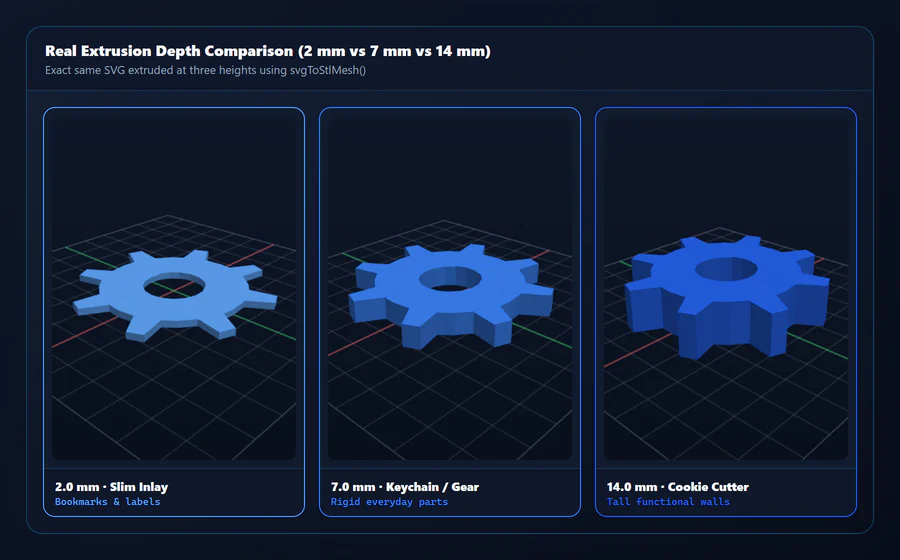
Stroked SVG outlines expand into solid uniform walls, which makes crafting custom cookie cutters, clay stamps, and architectural wall trims straightforward. For keychains and luggage tags, keep outer widths between 50 mm and 80 mm with 3 mm to 5 mm total thickness and confirm thin strokes measure at least 1.2 mm wide so a standard 0.4 mm FDM nozzle prints clean perimeters. Flipping Invert mode instantly turns any vector into a recessed stencil plate.
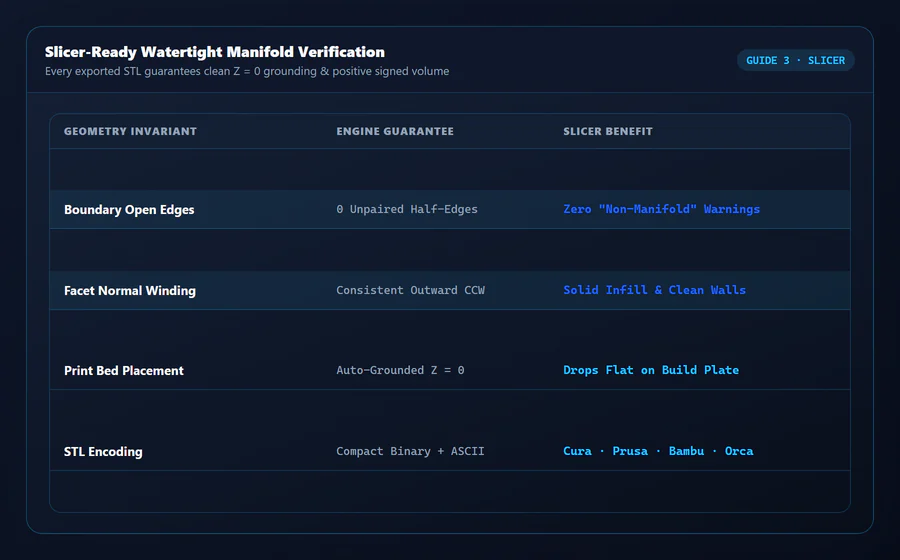
Poorly extruded meshes often contain flipped normals, open gaps along curved walls, or overlapping self-intersections that trigger repair warnings in Bambu Studio, PrusaSlicer, or Cura. Our pure TypeScript engine grounds every mesh cleanly onto Z equals zero, verifies positive signed volume, and guarantees paired half-edges across outer shells and inner holes so every svg to stl online export slices cleanly on the first attempt.
Converting svg to stl locally turns vector logos and diagrams into physical parts in under a minute. Inspect any generated or downloaded mesh thoroughly in STL Viewer. Need to build 3D photo lithophanes or grayscale heightmaps from raster images? Try PNG to STL. You can also inspect vector markup first in SVG Viewer or trace raster logos into clean vectors with PNG to SVG.
Built for 3D printing makers, product designers, educators, and small businesses turning flat vector artwork into physical prints.
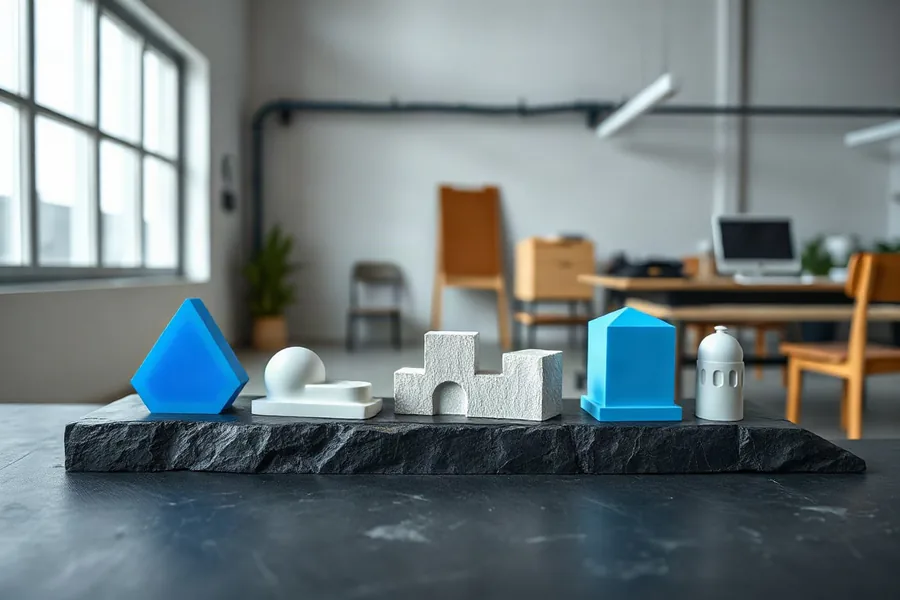
Extrude custom keychains, cake toppers, cookie cutters, and two-tone filament logo plaques from clean SVG artwork in seconds.
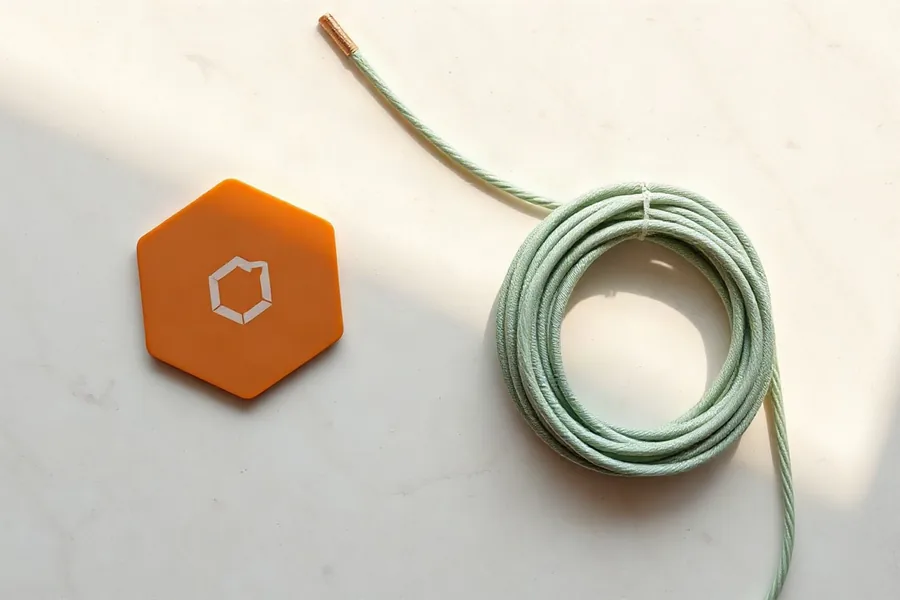
Rapidly turn 2D brand badges, enclosure vents, and control-panel stencils into physical prototype meshes for FDM or SLA resin validation.
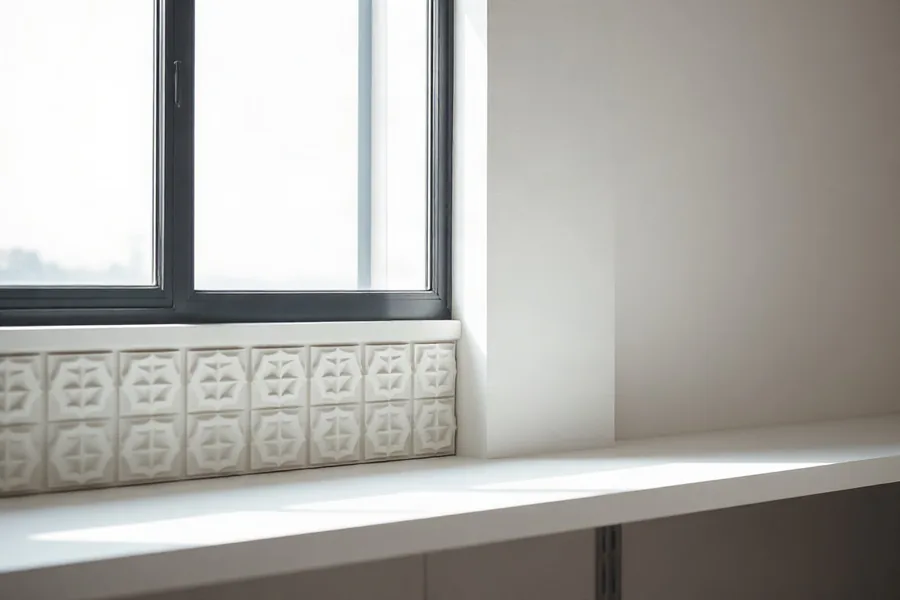
Let students turn classroom SVG drawings into watertight 3D printable STL models right in a Chromebook browser with zero CAD installation.
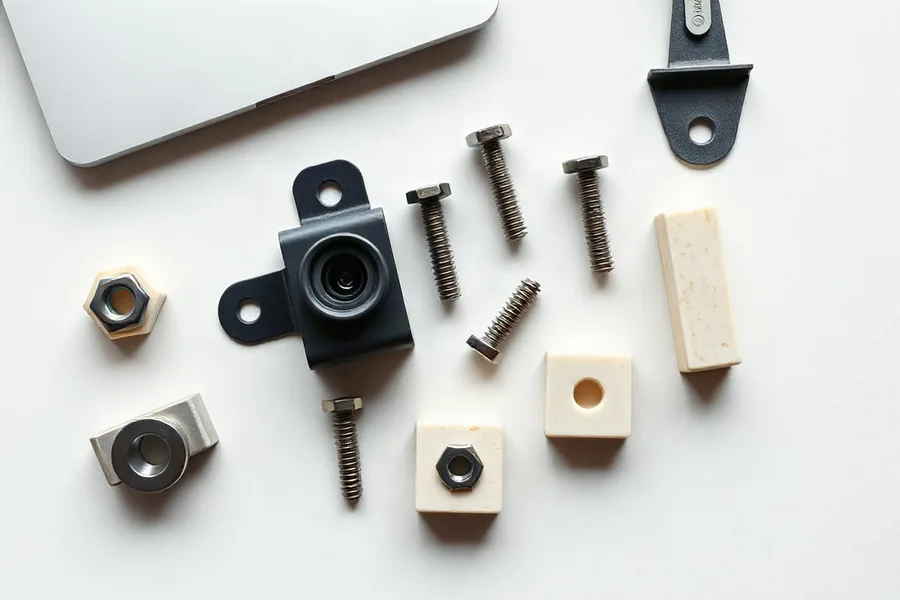
Generate raised faction tokens, miniature bases, embossed wall emblems, and precision airbrush stencils directly from vector icons.
Answers on watertight STL output, baseplates, cookie cutters, SVG text paths, slicer units, and browser privacy.
Drop your SVG file into this svg to stl converter, set your target millimeter width and extrusion height, optionally add a solid baseplate, preview the 3D mesh live, and click export to download a watertight STL file.
Yes. Every mesh is built as a closed manifold solid grounded at Z equals zero with outward-facing normals and zero boundary gaps, so it slices directly in PrusaSlicer, Cura, Bambu Studio, OrcaSlicer, and Chitubox.
Yes. The engine evaluates even-odd containment across nested outer shells, interior cutouts, and islands inside holes so letter counters and keyring holes extrude accurately.
Yes. Shapes with fill set to none and a visible stroke are automatically expanded into solid printable wall ribbons so outlines extrude cleanly into cutters and frames.
SVG text elements rely on external font files. Convert text to vector outlines (Object to Path or Create Outlines) in your editor first so every glyph exports as pure path curves.
Both store identical 3D triangle geometry. Binary STL produces much smaller files and loads fastest in 3D slicers, while ASCII STL is plain text useful for debugging.
Never. All SVG parsing, ear-clipping triangulation, 3D rendering, and STL serialization run 100% locally inside your browser tab.
Yes. You can convert svg to stl online completely free inside your browser with full baseplate, scale, and stencil invert controls.
Drop any SVG graphic into this free svg to stl converter to set millimeter dimensions, attach a baseplate, and download a watertight 3D printable STL immediately.
Export 3D STL now