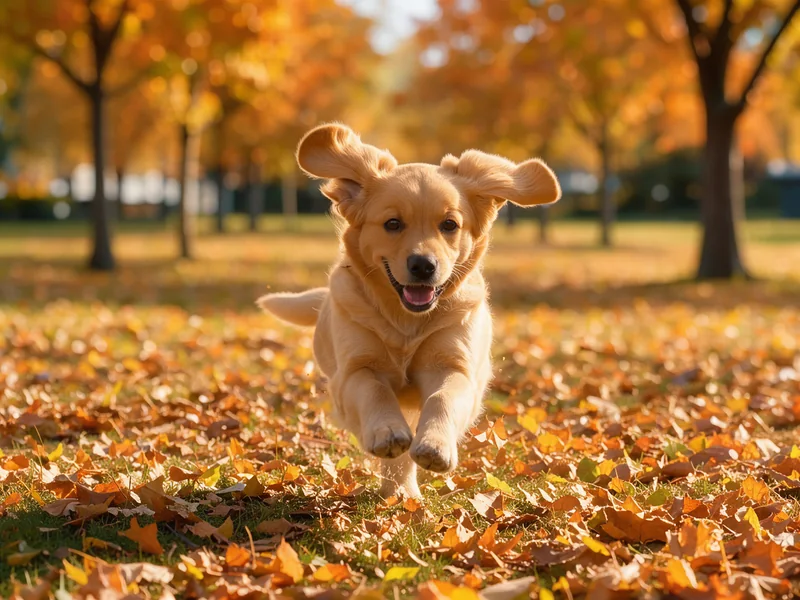
Side-profile portrait cameo
Extracts a crisp facial profile with smooth chin, nose, and hair contours ideal for classic cameos, wedding monograms, and framed wall prints.
Turn any photo to silhouette free directly in your browser with zero uploads. Detect subjects automatically with Otsu thresholding, smooth edges, pick custom colors, and save transparent PNG or true vector SVG.
Drop a photo to create a crisp silhouette
Supports PNG, JPG, WebP, GIF, and AVIF. Exports transparent PNG and scalable vector SVG.
Choose photoLoad any sample below into our silhouette maker to inspect automatic subject detection, smooth vector contours, speck cleanup, and transparent PNG or SVG export before dropping your own picture.
Extracts a crisp facial profile with smooth chin, nose, and hair contours ideal for classic cameos, wedding monograms, and framed wall prints.
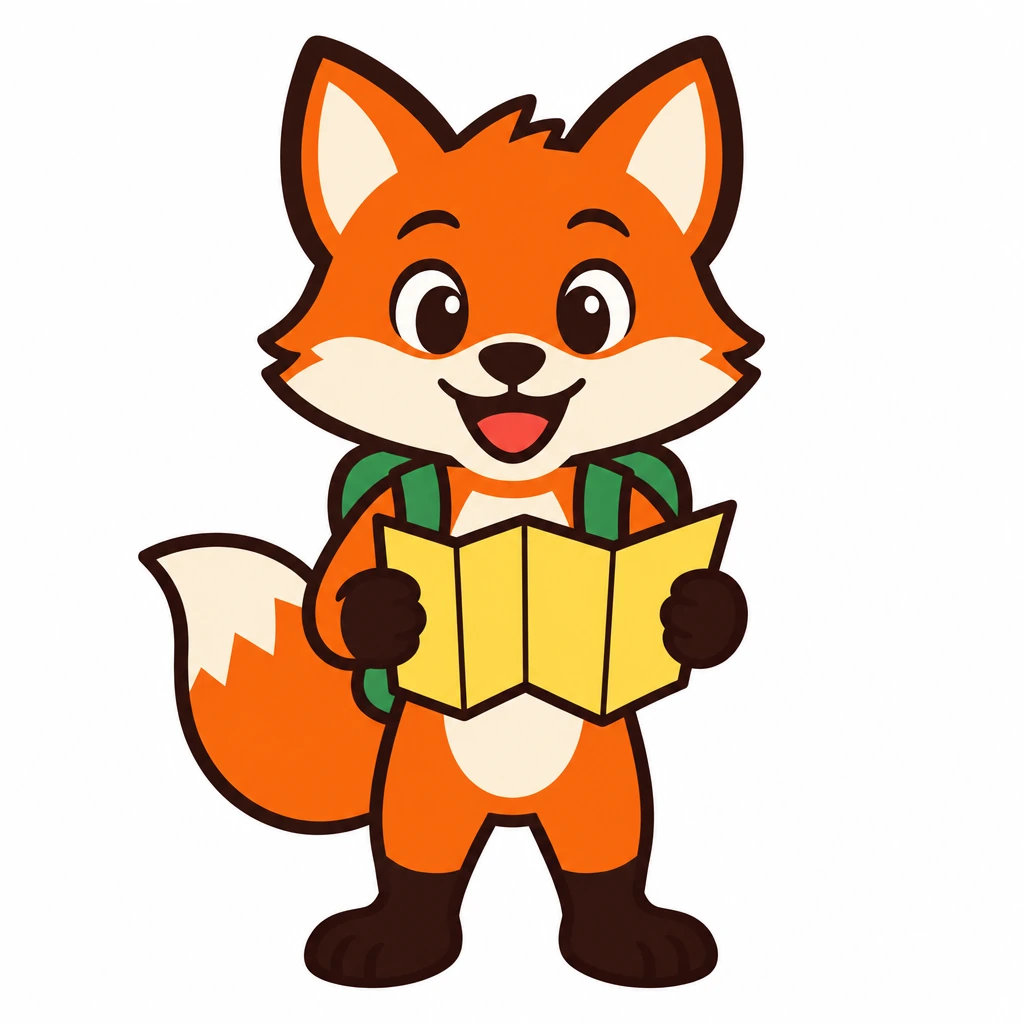
Isolates ears, whiskers, and stance cleanly while speck removal clears stray backdrop noise for clean vinyl decals, mugs, and engraved charms.
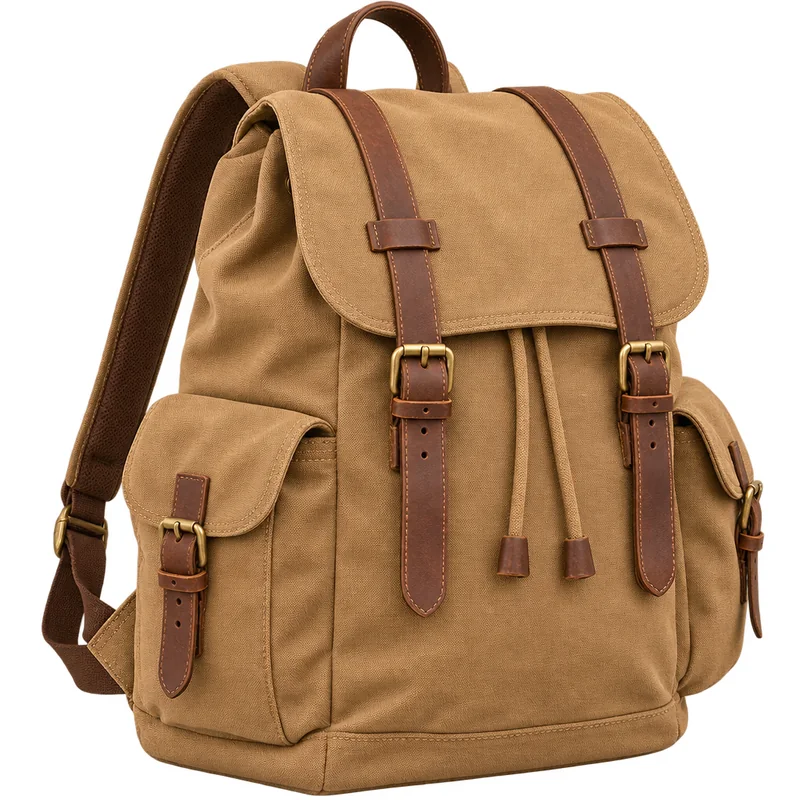
Converts a transparent PNG or clean studio shot into a bold geometric icon ready for packaging badges, posters, and minimalist brand graphics.
Go from an everyday snapshot or transparent cutout to a bold, scale-ready vector outline in seconds without manual pen tracing.
Drag a PNG, JPG, WebP, GIF, BMP, or AVIF picture onto the drop zone, or click Choose photo. The browser decodes pixels locally and runs automatic subject detection immediately.
Choose Auto, Brightness, or Alpha cutout mode, refine the Threshold slider, raise Edge smooth and Clean specks for tidy contours, flip with Invert subject if needed, and pick custom silhouette and background colors.
Toggle Compare original to check facial or object accuracy alongside live coverage stats, then save a crisp transparent PNG for layouts or a true traced vector SVG for vinyl cutting and large prints.
Combines smart automatic thresholding, contour cleanup, and real vector tracing locally so silhouettes look hand-cut instead of jagged.
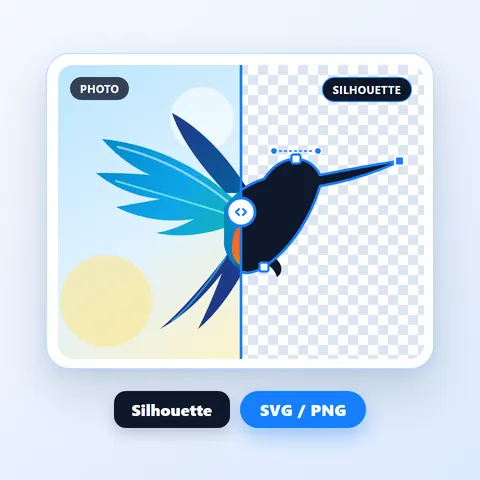
Every source picture is different. Auto and Brightness modes apply adaptive Otsu thresholding to separate high-contrast subjects from bright skies or studio walls, while Alpha cutout turns any transparent PNG directly into an instant crisp silhouette.
Start from the mathematically calculated Auto threshold, then nudge the slider slightly lighter or darker to recapture fine eyelashes, pet fur tips, or clothing edges while watching the silhouette update live.
Raw thresholded masks often leave jagged stair-steps and tiny floating background dots that jam vinyl blades. Dial up Edge smooth to soften contours into flowing curves and raise Clean specks to erase stray pixel noise automatically.
Working with a bright figure against a dark stage or night sky? Click Invert subject in one tap. Style the final cutout in classic jet black, white, gold, or any brand hex on a Transparent, White, or Custom background.
Most quick web converters stop at a flat bitmap. This image to silhouette studio traces your cleaned mask into true mathematical SVG vector paths alongside a full-resolution transparent PNG, ready for posters, Cricut mats, and laser engravers.

Family portraits, children's side profiles, and personal pet snapshots belong strictly on your own hardware. Every thresholding pass, contour smoothing step, and SVG vector export executes privately inside your browser tab.
Five practical tips to convert photo to silhouette artwork with crisp recognizable profiles and clean cutting paths.
When you convert photo to silhouette using luminance, the toughest choice is deciding which gray level separates subject from backdrop. Otsu's method examines the image's full brightness histogram and calculates the exact threshold that minimizes variance inside both foreground and background groups. Photos shot in front of a bright window, clear sky, or plain wall produce an instant clean split, while backlit shots give especially crisp profile silhouettes with minimal manual adjustment.
If a favorite family or pet snapshot has busy trees, furniture, or mixed shadows behind the person, brightness alone cannot tell hair from dark bookshelves. The cleanest workaround is to remove the background first in PNG Maker to obtain a transparent cutout, then drop that transparent PNG right here and switch Detection to Alpha cutout. Because the tool reads opacity directly, every edge converts cleanly regardless of internal lighting or clothing colors.
Too little smoothing leaves stair-stepped edges that look digital when enlarged, while pushing smoothing too aggressively can round off sharp nose bridges, puppy ears, or delicate fingers. Start with modest Edge smooth and toggle Compare original to verify key facial landmarks stay faithful to the photograph. Next, raise Clean specks just enough to eliminate isolated background dust without erasing intentional small accents like bow loops or whiskers.
A raster PNG works nicely for web thumbnails, social overlays, and slide decks, yet enlarging a bitmap onto a tote bag, nursery canvas, or car window reveals fuzzy edges. Exporting true vector SVG from this image to silhouette studio writes smooth closed curves that scale effortlessly from a tiny engraved pendant up to a wall mural, while letting vinyl plotters and laser cutters follow clean continuous paths.
Once your silhouette profile looks sharp, several specialized workflows sit one click away. Turning a portrait or pet shadow into a spray-paint or pumpkin-carving template with sturdy bridges? Load the image in Stencil Maker. Building multi-color layered decals for craft cutters? Switch to SVG for Cricut. Want to preserve multiple color bands instead of a single solid fill? Trace full-color vector art directly in Image to Vector.
Creative keepsakes, crafting projects, and graphic layouts powered by crisp vector and transparent silhouettes.
Create timeless side-profile cameos of children, couples, and family milestones for nursery prints, wedding invitations, and holiday keepsake ornaments.
Turn dog, cat, or horse snapshots into clean vector pet outlines ready for engraved keychains, custom mugs, car decals, and memorial plaques.
Convert photo to silhouette SVG paths with smooth edges and zero stray specks so vinyl cutting, weeding, and wood engraving run cleanly on the first cut.
Use this fast browser silhouette maker to build bold minimalist icons, dramatic book covers, and high-contrast transparent PNG cutouts in brand colors.
Helpful answers about photo lighting, Alpha cutout mode, SVG cutting paths, custom colors, and local browser privacy.
Clear side profiles or full-body poses shot against a contrasting plain backdrop, bright window, or open sky produce the sharpest automatic silhouettes. If your photo has a busy background, remove the background into a transparent PNG first and use Alpha cutout mode here.
Yes. Click Download PNG for a high-resolution transparent or colored bitmap ready for documents and web graphics, or click Download SVG to export true traced vector paths that scale infinitely without pixelation.
Yes. Because this image to silhouette converter includes Edge smooth and Clean specks controls before tracing closed SVG contours, the exported vector paths stay smooth and free of tiny confetti dots that slow down cutting machines.
Simply click Invert subject in the control panel. That flips foreground and background polarity immediately, making light-colored pets, bright studio figures, or white objects on dark backdrops convert cleanly.
Yes. Pick any custom hex shade under Silhouette color and pair it with a Transparent, White, or Custom background so your finished PNG or SVG matches invitations, posters, or dark website headers immediately.
No. Image decoding, Otsu threshold calculation, contour smoothing, vector SVG tracing, and PNG export run 100% inside your local browser tab. Your private photographs never leave your device.
You can load standard PNG, JPG, WebP, GIF, BMP, and AVIF images directly from your computer or phone. Transparent PNG and WebP files work especially smoothly with Alpha cutout detection.
Click Compare original in the preview bar to flip between the source photograph and your silhouette cutout while nudging the Threshold and Edge smooth sliders until noses, ears, and fine contours look spot-on.
Drop a portrait, pet picture, or transparent cutout into this free image to silhouette studio to fine-tune edges, pick custom colors, and save PNG or true SVG locally.
Choose photo