 Outline · 220 mm
Compass rose metal wall sign photo
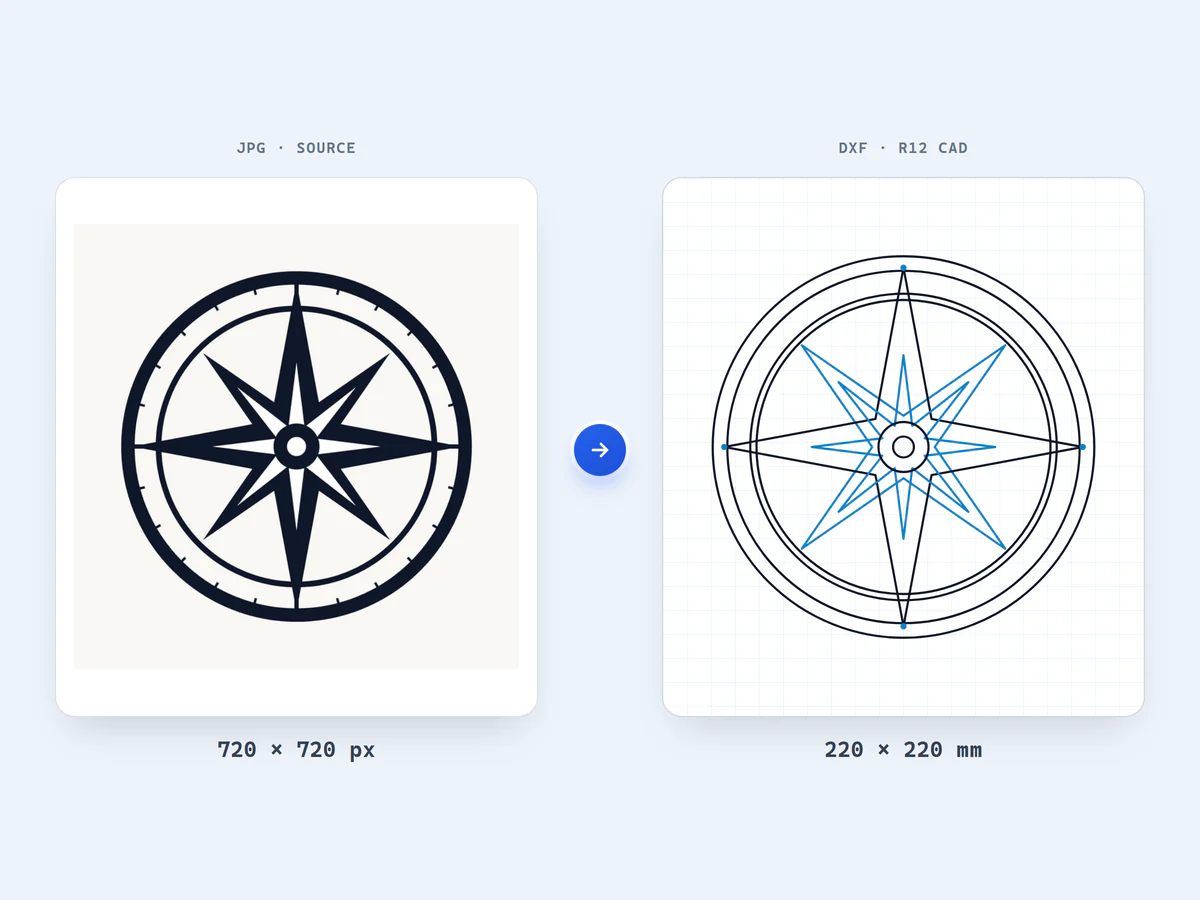
High-contrast JPG silhouette traced into closed 220 mm outer and hole paths ready for CNC plasma tables and LightBurn cutting when converting a jpg file to dxf.
Trace JPEG photographs, scanned workshop sketches, and logo images into clean, machine-ready R12 DXF vectors directly in your browser with zero uploads. This fast jpg to dxf online tool builds smooth closed polylines, circular arcs, and color-separated layers scaled in real millimeters or inches for AutoCAD, LightBurn, and CNC plasma cutting.
Try a JPG sample
Load any built-in JPG workshop photo or ink sketch inside this studio to test silhouette outlines, single-line centerline tracing, color layer separation, and real millimeter scaling before tracing your own image.
Outline · 220 mmHigh-contrast JPG silhouette traced into closed 220 mm outer and hole paths ready for CNC plasma tables and LightBurn cutting when converting a jpg file to dxf.
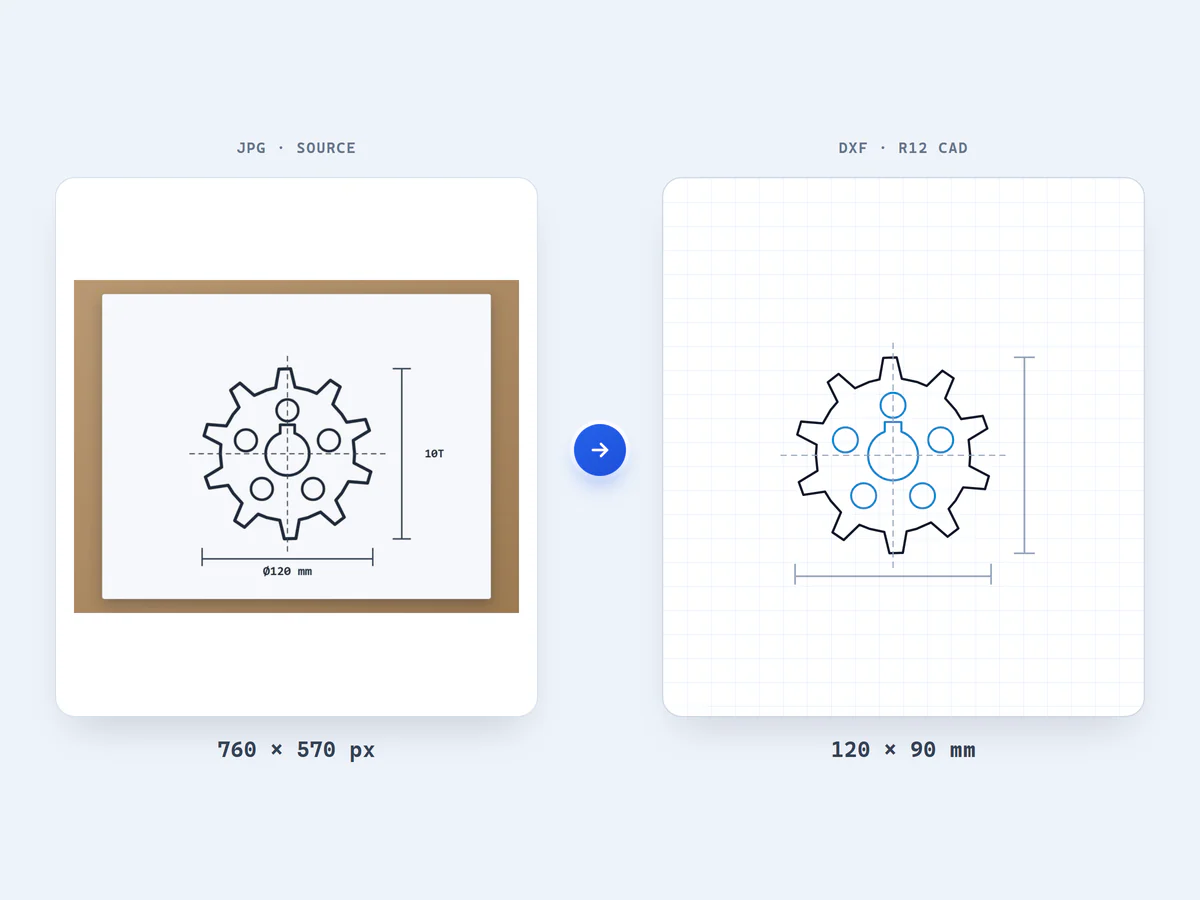 Lines · 120 mm
Dark ink paper drawing traced in centerline mode at 120 mm width, collapsing thick pen strokes into crisp single-pass CAD paths without double-cut lines.
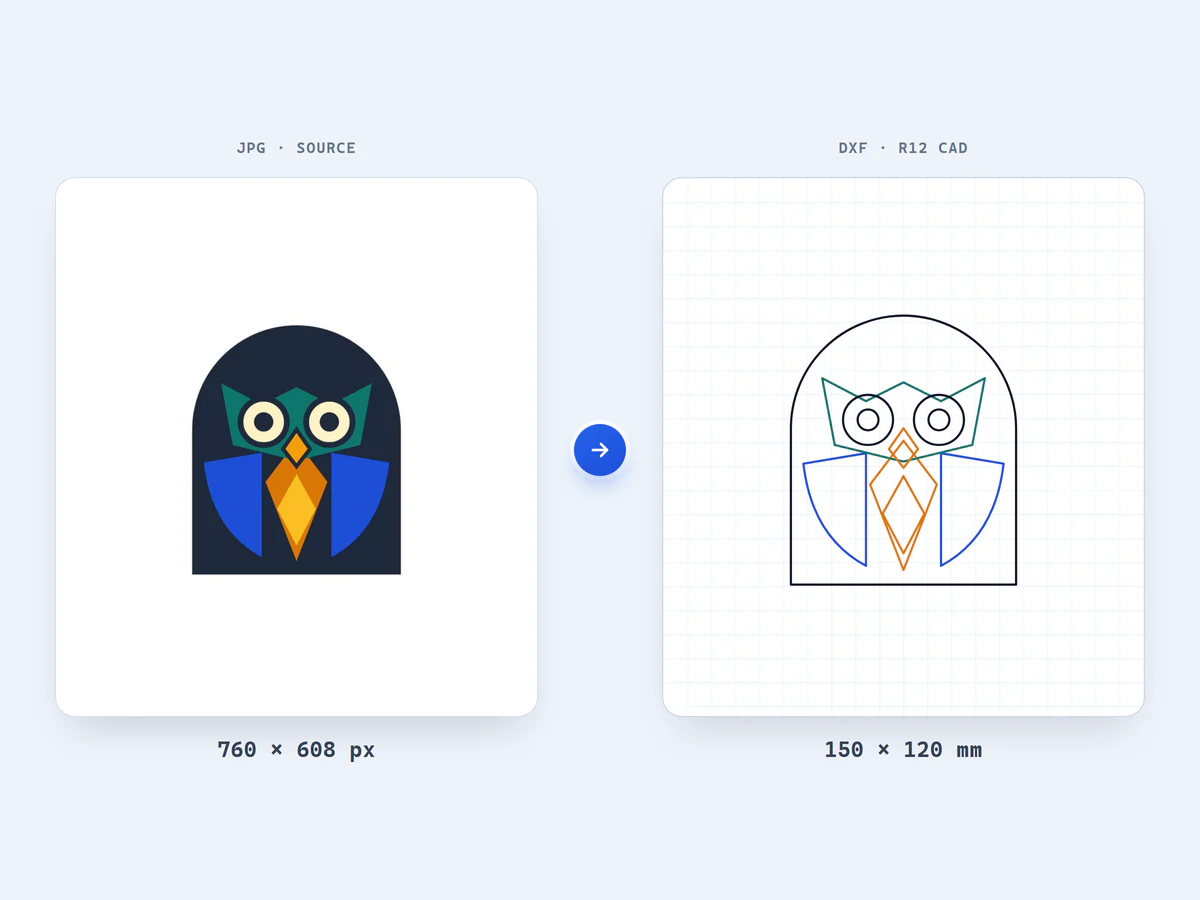 Colors · 150 mm
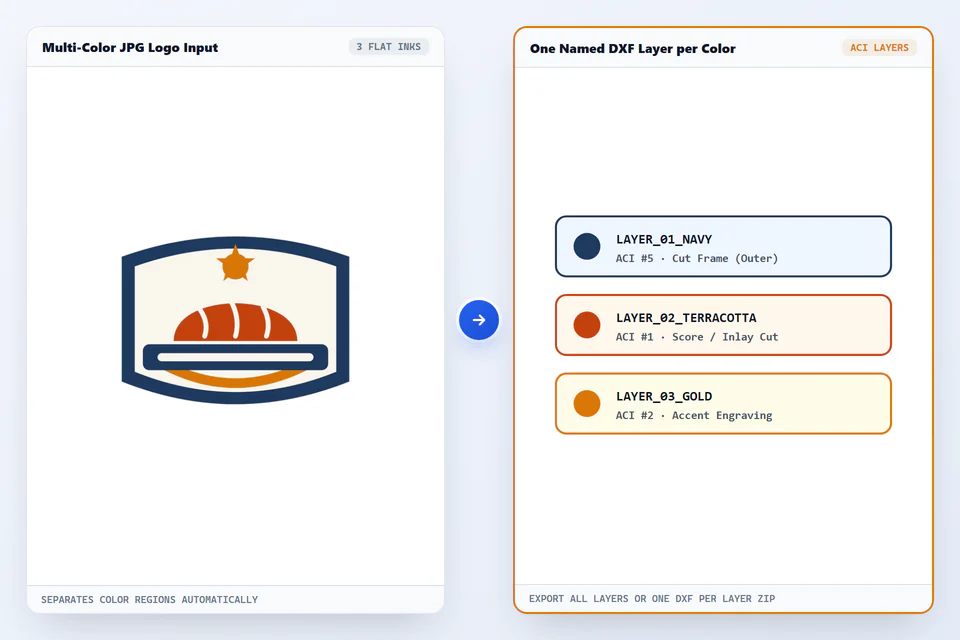
Color-grouped JPG artwork separated into distinct named DXF layers so you can assign cut, score, and pocket toolpaths separately in CAM software.
Turn everyday JPEG photos, shop sketches, and flat logos into accurately scaled CAD files ready for cutting and engraving.
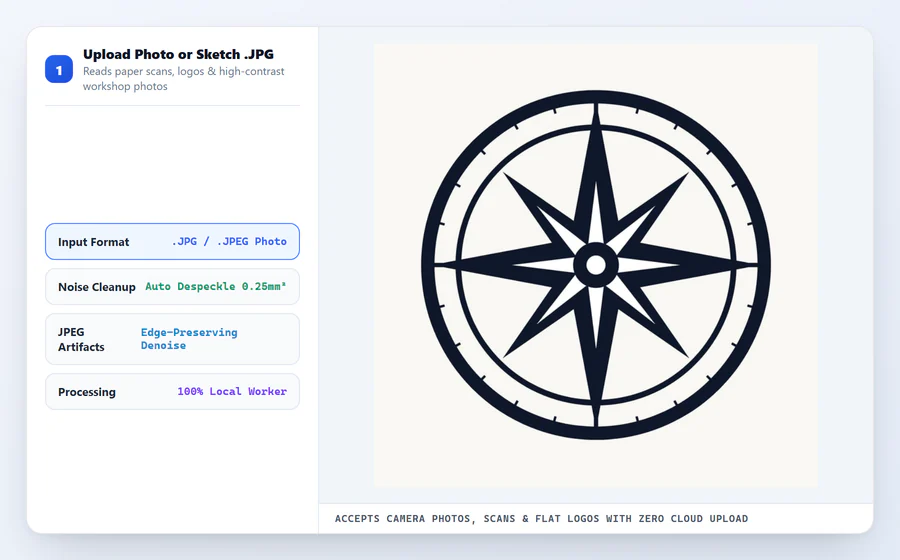
Drag any JPG or JPEG picture into the workspace to start tracing jpg to dxf online locally. The browser engine pre-filters compression noise and prepares a crisp luminance or color map directly in client memory with zero uploads.
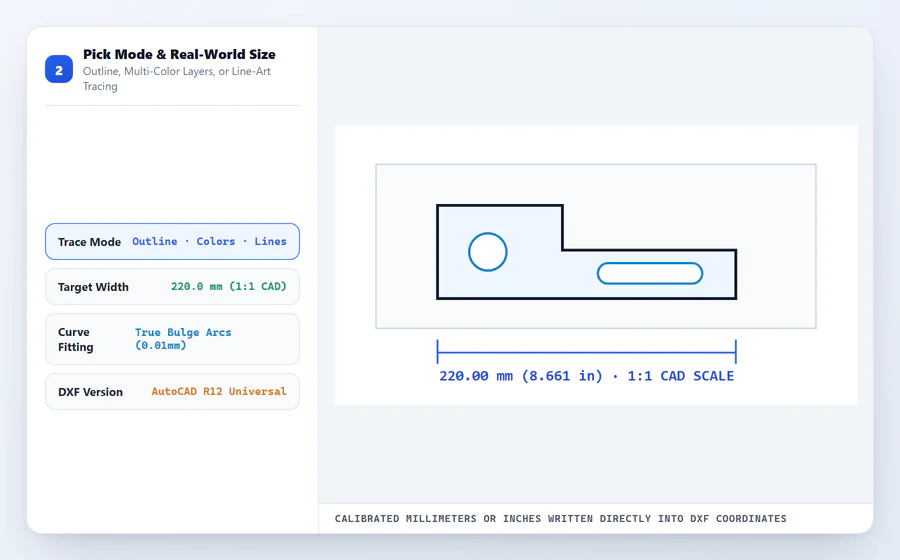
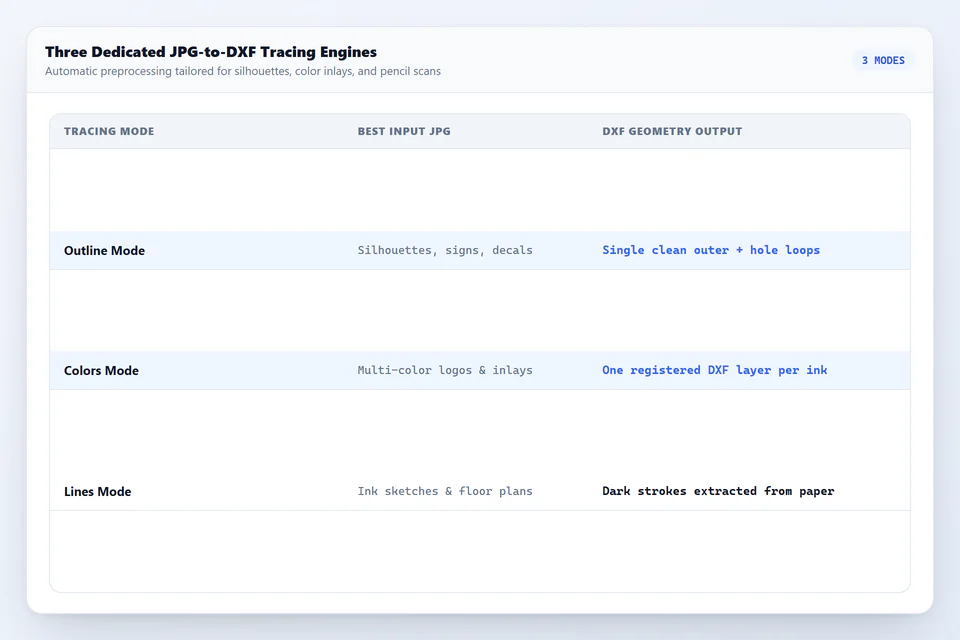
Choose Outline for laser and plasma silhouettes, Lines for single-stroke paper sketches, or Colors for multi-layer inlays, then dial in threshold, smoothing, despeckle, and exact output width in millimeters or inches.
Zoom into the live CAD preview to verify closed loops, smooth circular arcs, and node counts, then click export to download your jpg to dxf cad file ready for AutoCAD, LightBurn, or VCarve.
Built specifically for fabrication workflows where clean closed contours, real physical dimensions, and smooth arc geometry prevent machine stutter.
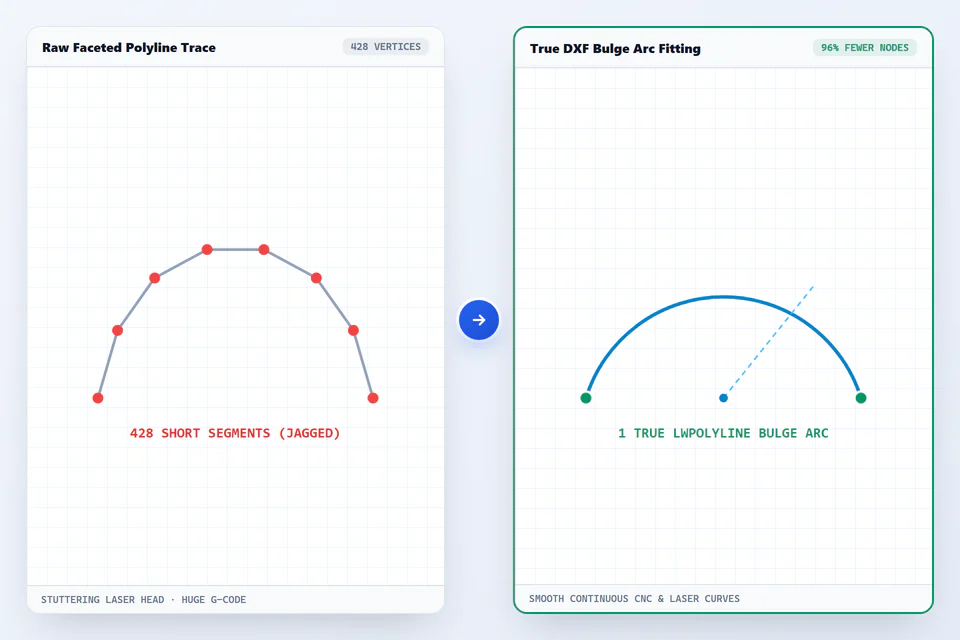
Switch cleanly between Silhouette Outline tracing for cutouts, Centerline thinning for hand-drawn ink sketches, and Multi-Color quantization for layered inlays and color-coded laser operations.
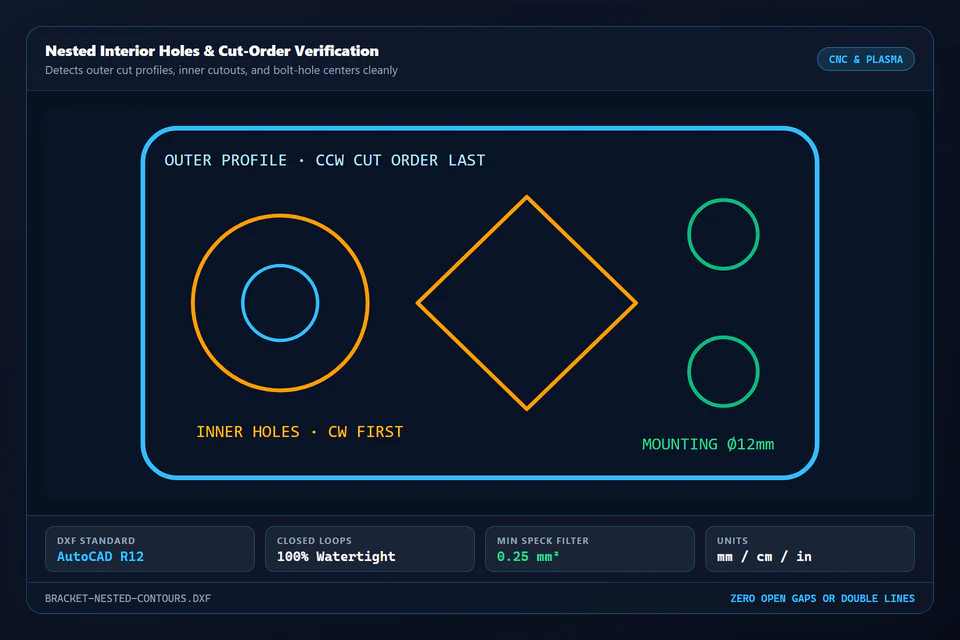
Set your exact finished part width in mm or inches before exporting so your jpg to dxf cad file opens at real-world scale in AutoCAD, Fusion 360, SheetCam, and LightBurn without manual rescaling.
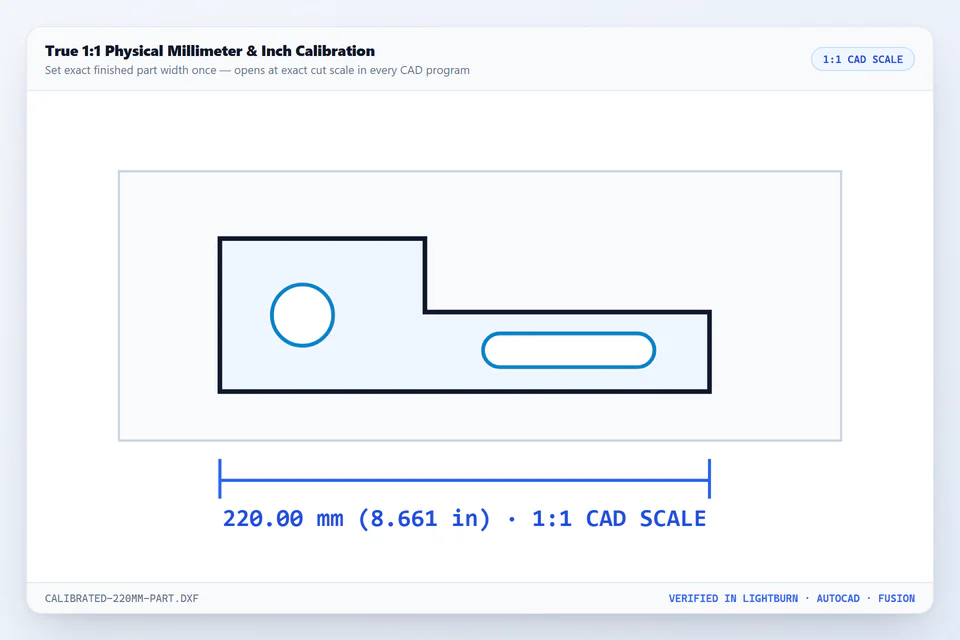
Replaces jagged stair-stepped pixel edges with clean R12 DXF arcs and simplified polylines, keeping CNC gantry motion smooth and eliminating jerky plasma kerf chatter.
Compression blocks around dark JPG edges often create stray micro-loops during tracing. Built-in threshold tuning and despeckle filtering strip stray dust specks before DXF generation.
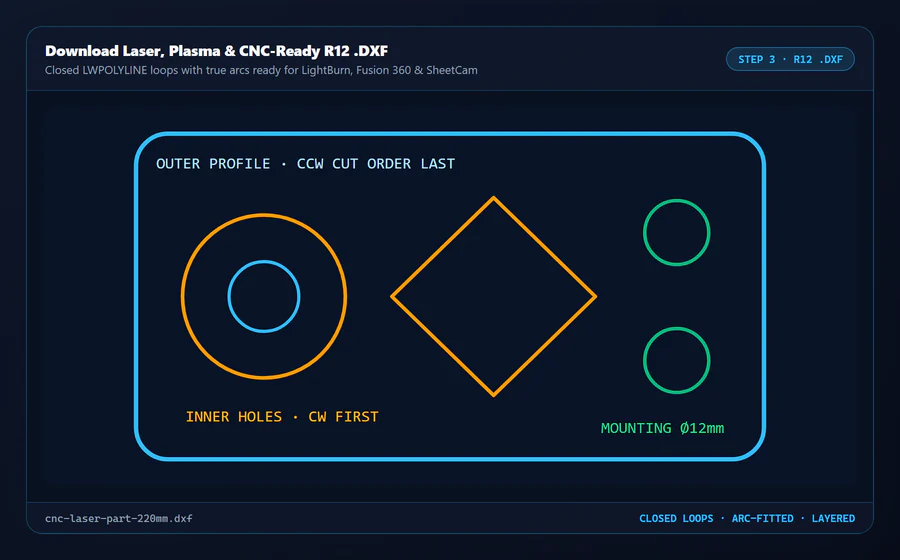
Assigns each traced color region to its own AutoCAD DXF layer with matching ACI color index so LightBurn and CAM controllers map cut, engrave, and score speeds automatically.
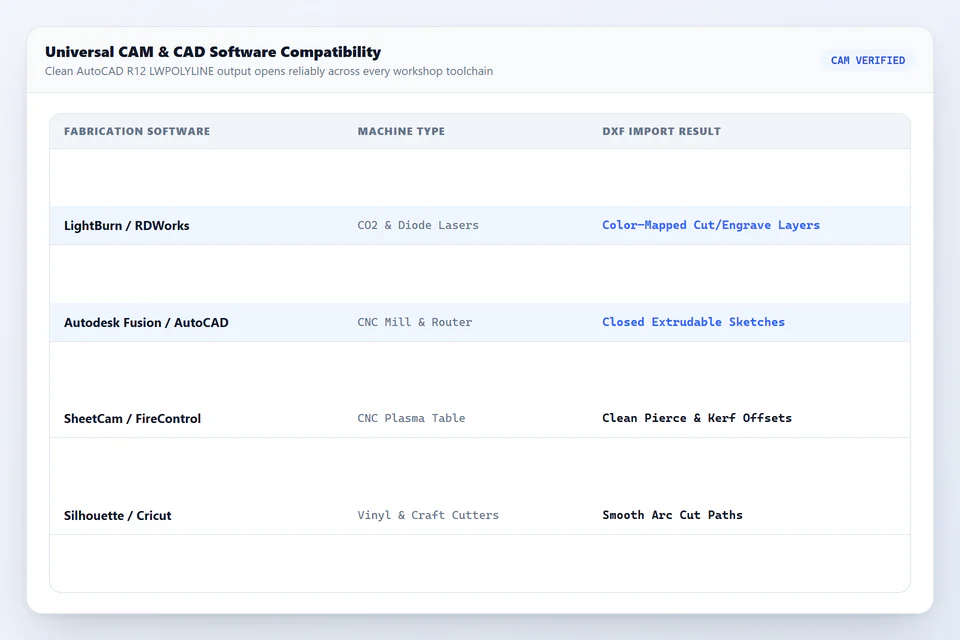
Writes rock-solid ASCII R12 DXF entities accepted across decades of CAD and CAM packages including AutoCAD, QCAD, SolidWorks, Fusion 360, LightBurn, Inkscape, and Carbide Create.
Learn how to clean JPEG compression artifacts, pick outline versus centerline tracing, and set accurate millimeter dimensions for laser and CNC machines.
A JPEG stores a flat grid of colored pixels compressed in 8x8 blocks, which gives a laser cutter or CNC router no mathematical path to follow. Fabrication controllers require explicit vector geometry such as lines, circular arcs, and closed loops arranged on CAD layers. Running a dedicated jpeg to dxf converter translates pixel boundaries into exact Cartesian coordinates so machines can trace clean kerf offsets, interior cutouts, and engraving strokes reliably.
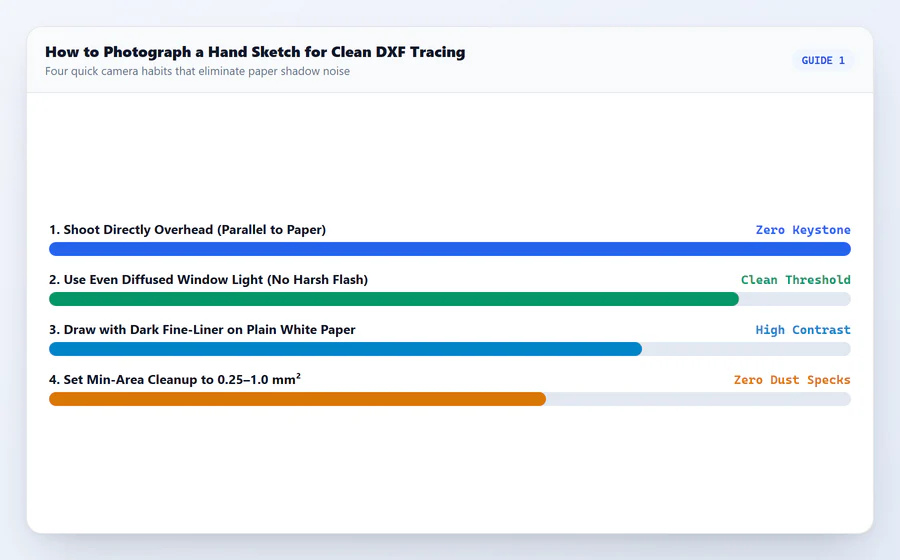
Unlike lossless PNG graphics, JPEG files frequently introduce subtle halo ringing around high-contrast black-and-white drawings or shop logos. If traced naively, those faint gray pixels turn into dozens of tiny jagged islands that waste laser pierce cycles. Using the threshold slider and speckle filter while converting a jpg file to dxf removes compression noise cleanly, leaving smooth outer silhouettes and crisp interior holes.
Use Outline mode for metal signs, coasters, brackets, and stencils where the cutter follows closed exterior and interior perimeters. Switch to Lines (centerline) mode for scanned pencil blueprints, botanical ink drawings, or room floor plans so each pen stroke traces as one clean path instead of two parallel outlines. Pick Colors mode when building multi-layer acrylic signs or wood inlays that require separate CAM layers per color.
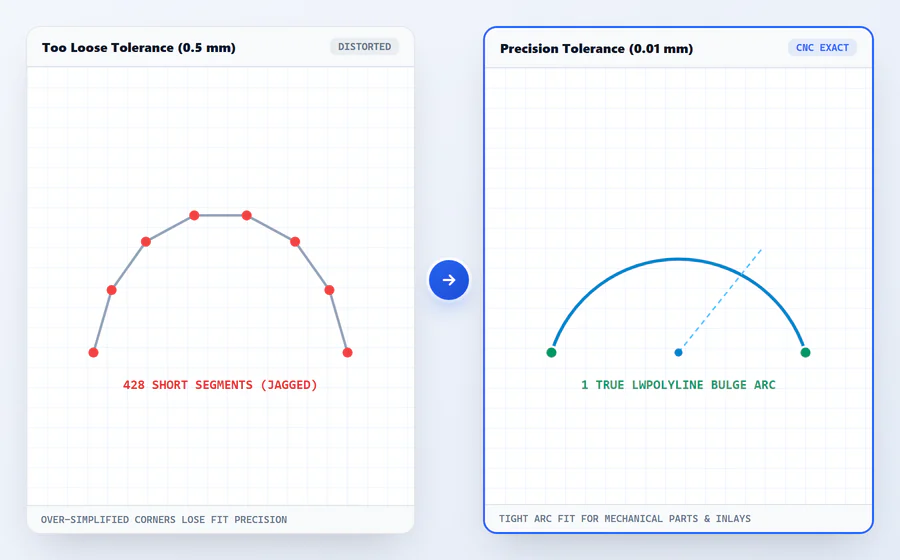
Because JPEG photos carry no physical dimensions, CAD software can import unscaled tracings at unpredictable arbitrary units. Entering your real target width in millimeters or inches inside our jpg to dxf free studio writes explicit unit headers and scaled vertex coordinates straight into the R12 DXF file. Inspecting the live vector zoom preview also confirms every inner hole is closed before loading the job into LightBurn or SheetCam.
Tracing jpg to dxf cad paths right inside your browser gets workshop photos onto the cutting bed in minutes. Working with transparent logos or crisp screenshots? Use PNG to DXF. Already have clean vector curves? Convert directly with SVG to DXF, inspect DXF layers and bounding dimensions in DXF Viewer, or export scalable web vectors in JPG to SVG.
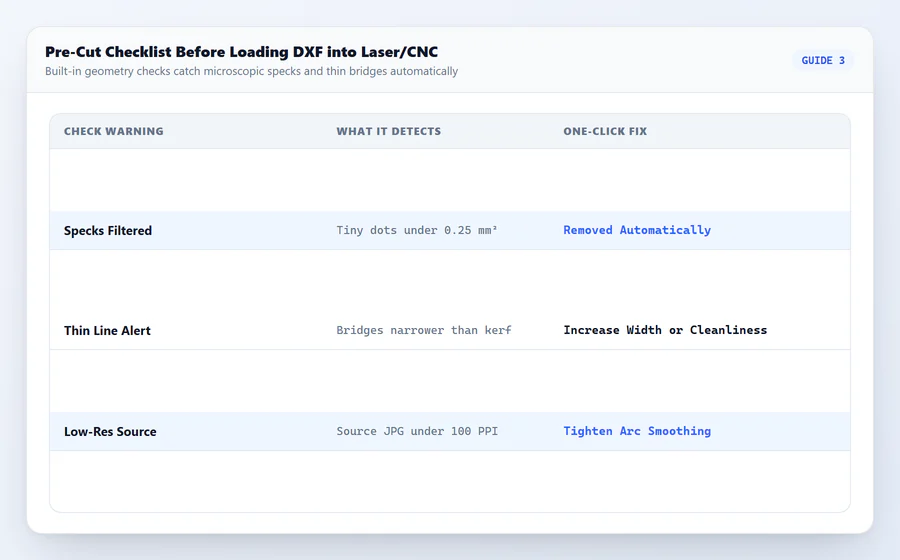
Designed for laser makers, metal fabricators, woodworkers, and engineers turning everyday JPG photos and scans into cut-ready CAD paths.
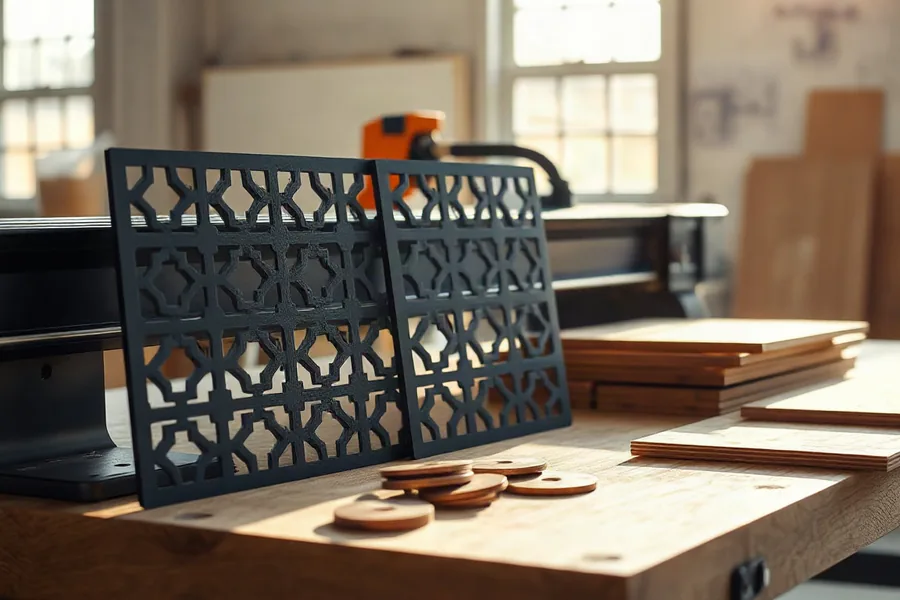
Convert customer logo JPEGs and hand-drawn monograms into clean LightBurn-ready DXF layers with smooth arcs and zero stray micro-specks.
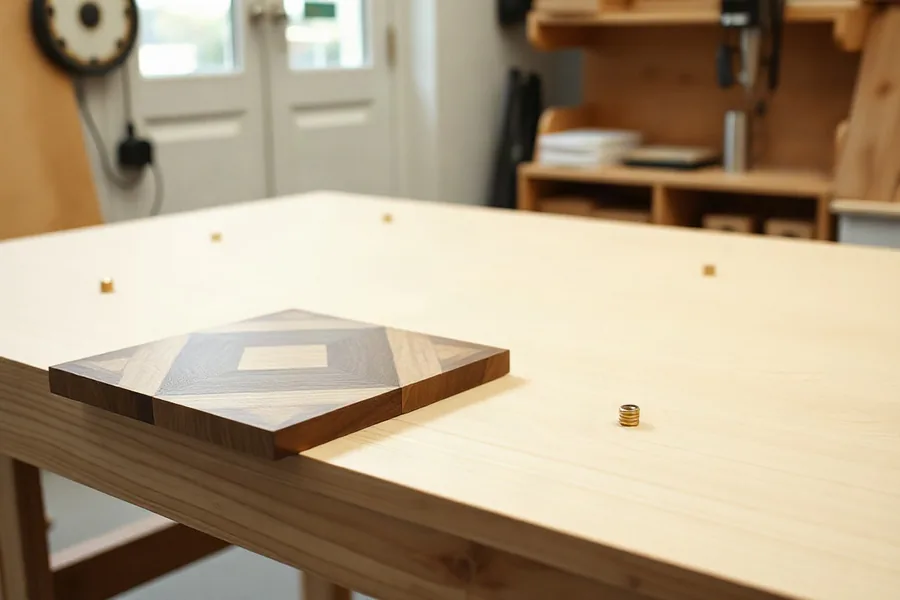
Trace wall-art silhouettes and shop-floor template photos into closed, low-node R12 DXF contours scaled in millimeters for SheetCam and plasma tables.
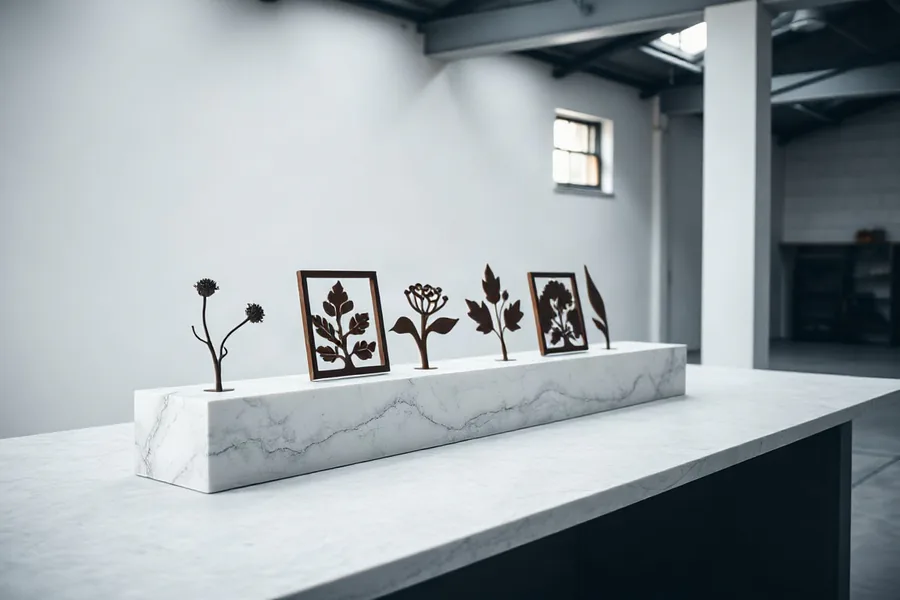
Split multi-color JPG graphics into color-coded DXF toolpath layers for V-carving, pocket inlays, and custom wooden signage.
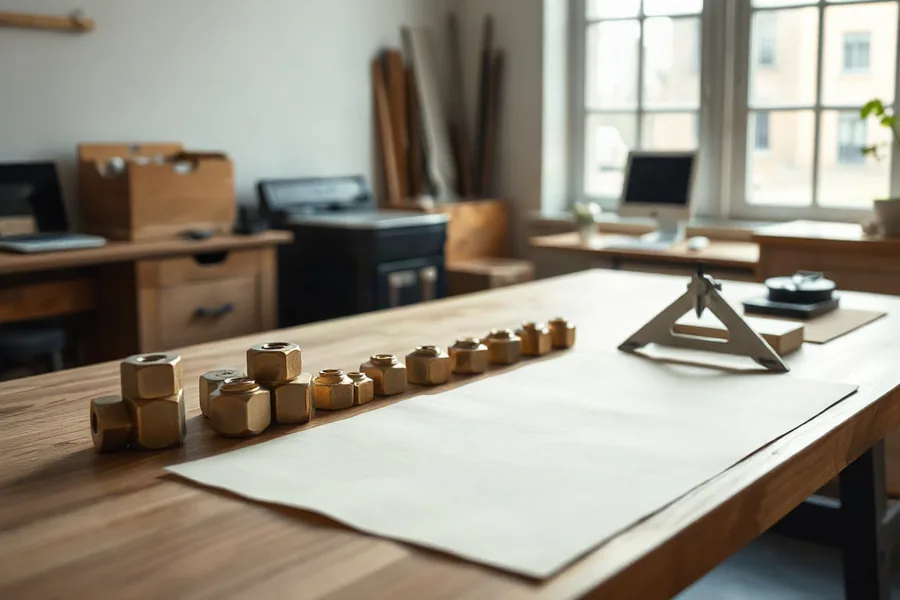
Digitize phone photos of hand-sketched room layouts and bracket templates using centerline tracing for rapid editing in AutoCAD or Fusion 360.
Answers on AutoCAD R12 compatibility, LightBurn layers, millimeter scaling, centerline tracing, and browser privacy.
Drop your JPEG image into this jpg to dxf free browser studio, choose Outline, Lines, or Colors tracing mode, set your real-world width in mm or inches, and download an R12 DXF file immediately.
Yes. The converter generates clean ASCII AutoCAD R12 DXF files with closed polylines, circular arcs, and unit headers compatible with AutoCAD, LightBurn, Fusion 360, QCAD, SolidWorks, and VCarve.
Switch the tracing mode to Lines (centerline). Instead of outlining both sides of a dark ink stroke, the engine thins each stroke down to a single central CAD path ideal for engraving or drafting.
Enter your desired physical width in millimeters or inches right in the settings bar before clicking export. Height scales proportionally so parts arrive at true scale in your CAM software.
Yes. Select Colors mode to quantize your JPG into distinct color groups and write each color onto its own named DXF layer with matching CAD color indices.
Heavy JPEG compression creates subtle noise pixels around edges. Raising the despeckle filter and tuning the luminance threshold removes those stray specks cleanly before export.
No. All image filtering, contour tracing, arc fitting, and DXF generation execute 100% locally inside your browser tab.
Yes. You can convert jpg to dxf online right in your browser completely free with full arc smoothing, scaling, and layer controls.
Drop a JPG photo or sketch into this free jpeg to dxf converter to trace smooth R12 arcs, set exact mm dimensions, and download laser-ready DXF paths instantly.
Convert JPG to DXF