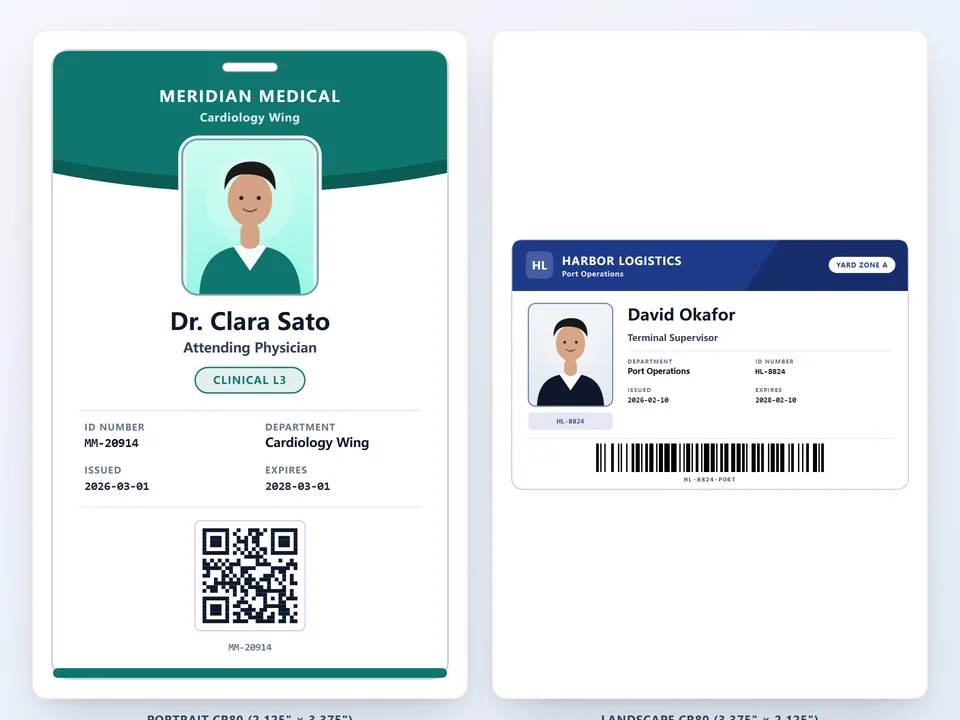
Corporate employee staff badge
Arranges a clean portrait headshot, department header stripe, employee ID number, and scannable QR verification block built for daily office security lanyards.
Create ISO CR80 employee badges, campus student credentials, and press passes with our browser-local id card maker online. Upload a portrait photo, style role header stripes, generate live scannable QR and Code 128 barcodes across front and back layouts, and export SVG, EPS, 300 DPI PNG, or 8-up print-ready PDF.
Load any starter template into our id card generator to preview crisp CR80 proportions, portrait masks, role stripes, and scannable access codes before entering your organization details.
Arranges a clean portrait headshot, department header stripe, employee ID number, and scannable QR verification block built for daily office security lanyards.

Pairs a rounded portrait frame with faculty accents, academic term validity, and a library-ready Code 128 barcode across standard horizontal CR80 dimensions.

Uses a high-contrast vertical role banner, bold credential tier lettering, and instant QR check-in scanning built for media zones, conferences, and backstage checkpoints.
Go from blank ISO CR80 canvas to print-ready credential sheets in minutes without desktop publishing software.
Pick vertical portrait or horizontal landscape ISO CR80 dimensions inside this id card maker online, then select an employee, student, or press layout and upload your headshot and organization logo.
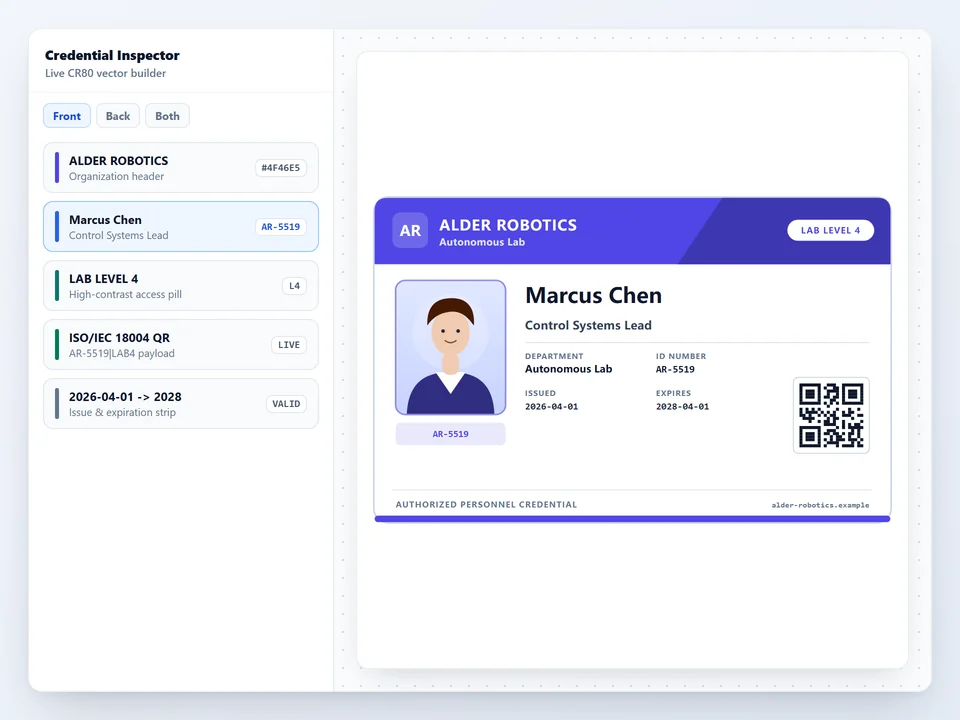
Edit full name, role title, department stripe, ID number, and validity dates. Configure live scannable QR codes or Code 128 barcodes and complete the card back with return instructions and security notes.
Download an A4 or US Letter 8-up PDF sheet ready for office color printers and laminating pouches, crisp 300 DPI PNG for PVC card printers, or editable vector SVG and EPS masters.
Engineered to ISO/IEC 7810 CR80 specifications so every photo frame, barcode quiet zone, and print sheet lines up accurately.
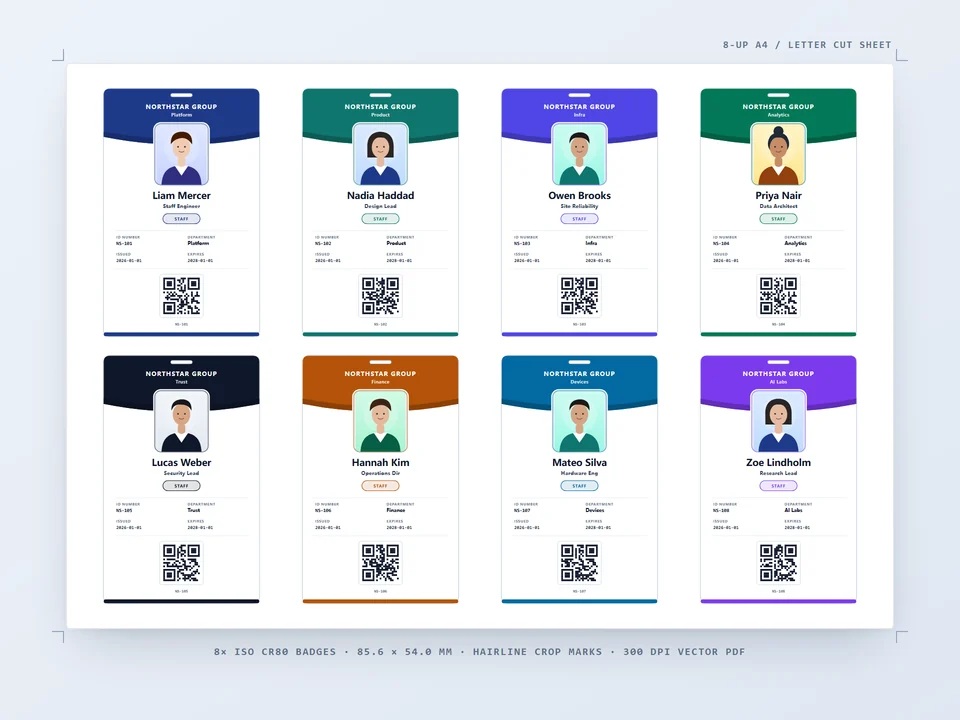
Every credential renders at exact 85.6 x 54 mm wallet-card proportions in vertical or horizontal orientation, fitting standard rigid badge holders, clip-on pouches, and direct-to-card PVC printers.
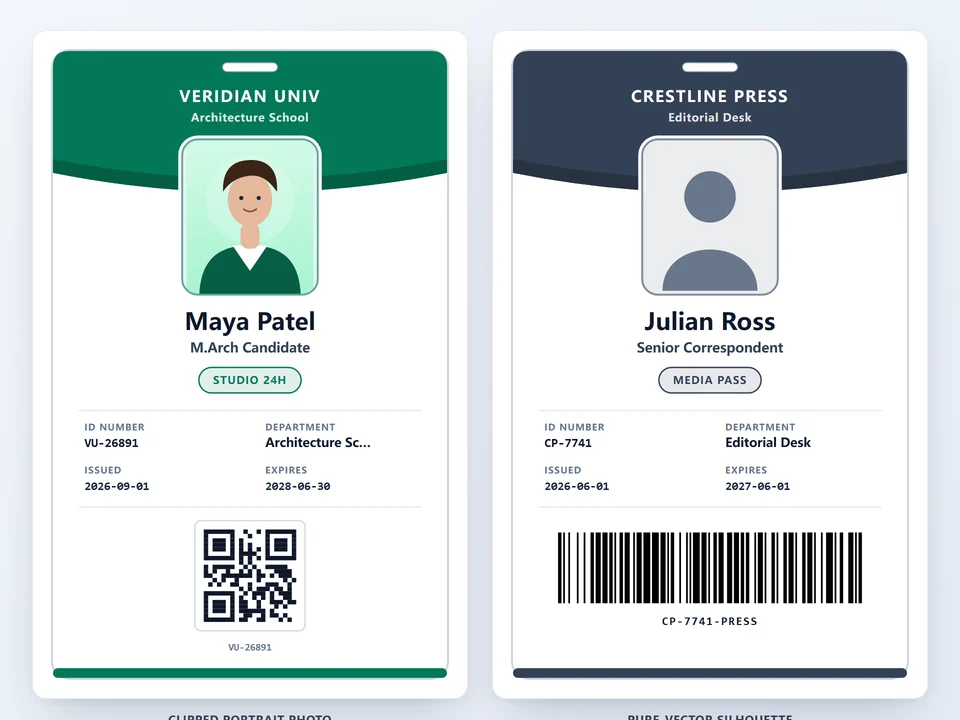
Drop any staff or student headshot directly into the employee id card maker and switch cleanly between circular avatar rings and soft rounded frames with balanced centering and crisp masking.
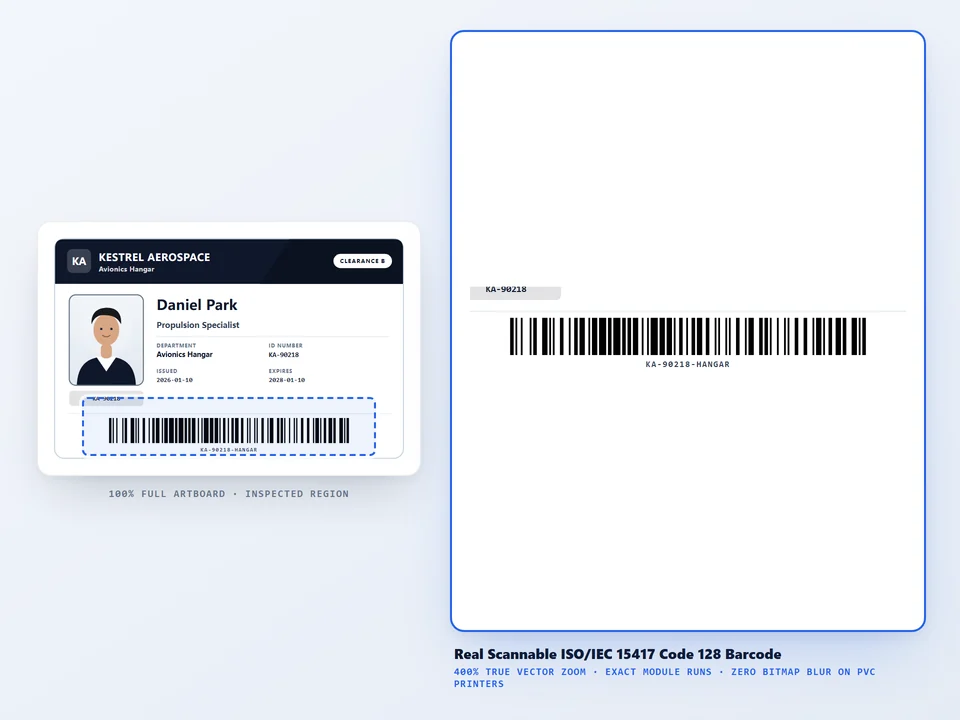
Encode staff directory URLs, verification hashes, or numeric badge IDs directly into vector QR matrices and Code 128 bars with clean quiet zones for reliable optical and handheld scanners.
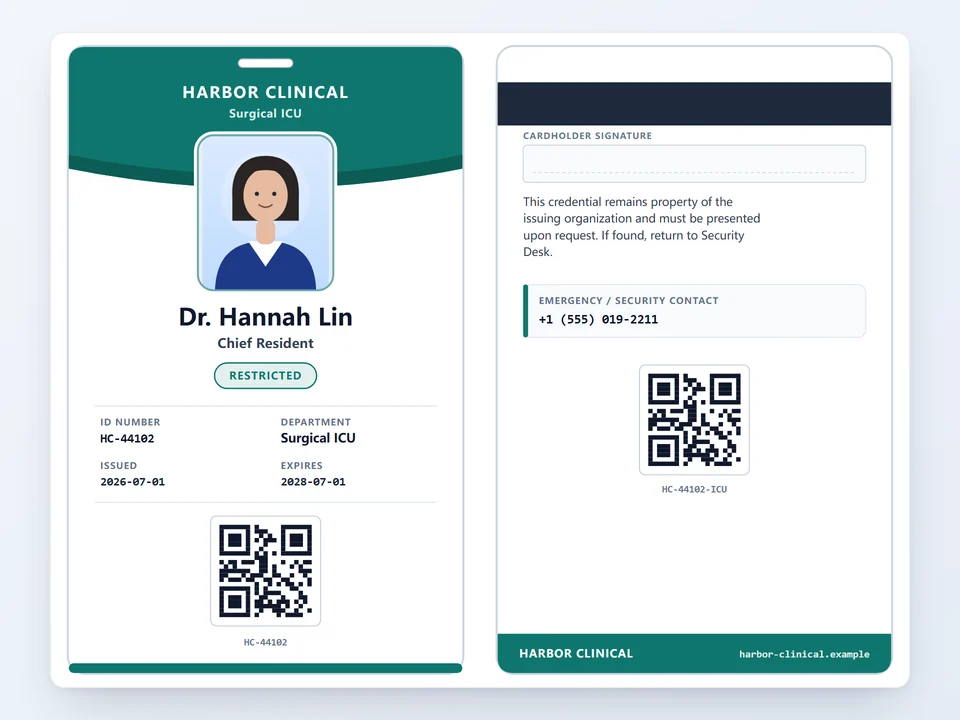
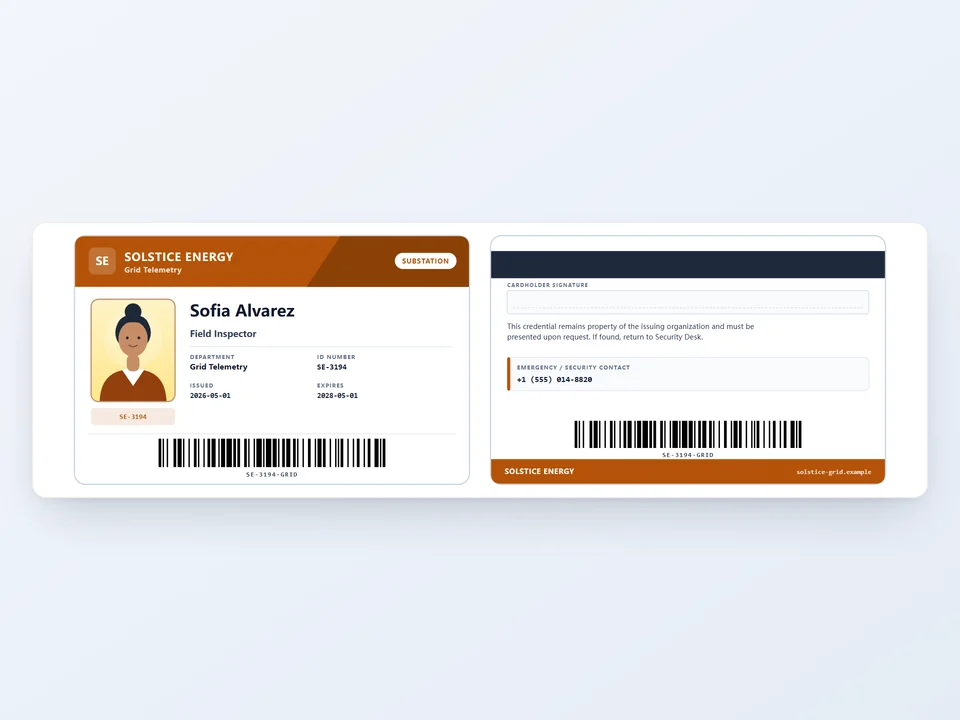
Design both sides in one workspace: display portrait, role stripe, and identity details up front, then place barcodes, emergency numbers, lost-card return addresses, and policy lines on the back.
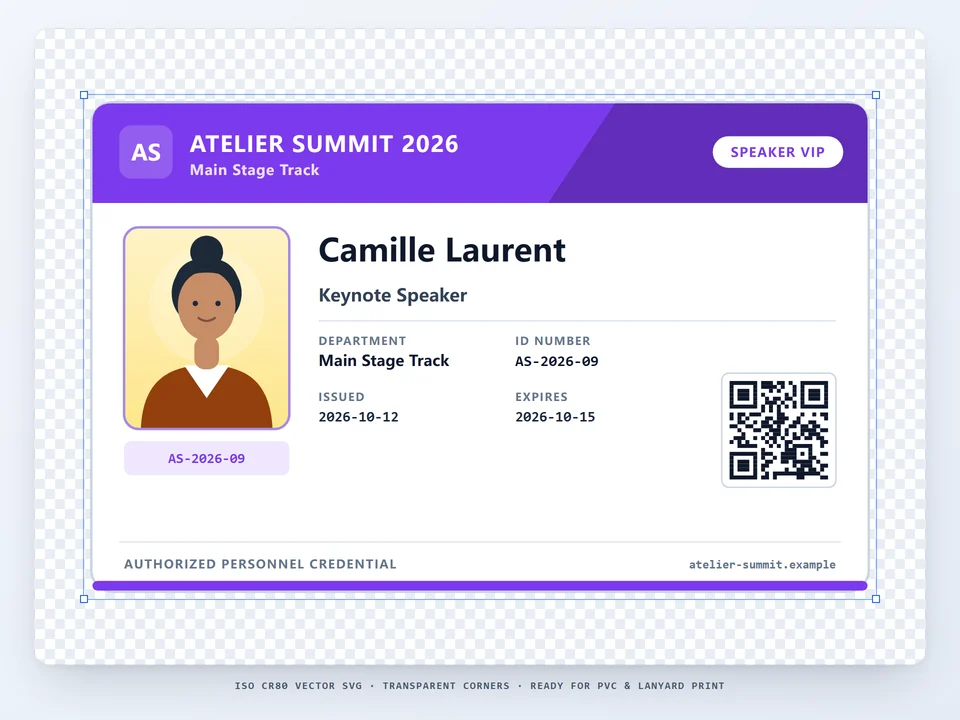
Tile eight sharp CR80 cards onto a single A4 or Letter PDF sheet with precise trim guides, or export vector SVG, PostScript EPS, and 300 DPI PNG for commercial print houses and ID card ribbons.
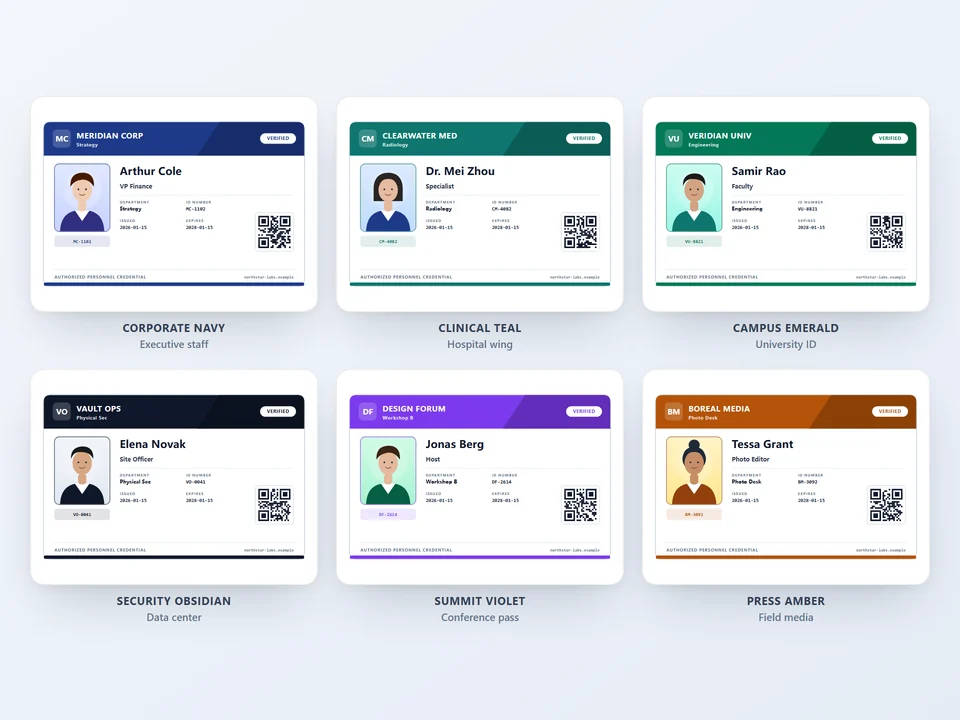
Employee photos, student ID numbers, and facility access codes remain strictly inside your local browser session with zero external uploads or third-party retention.
Five visual security and print-production practices that keep employee badges, student cards, and press passes legible and easy to verify.
Standard wallet-card sizing, formally defined as ISO/IEC 7810 ID-1 or CR80 at 85.6 x 54 mm, ensures your finished credentials slide smoothly into universal acrylic badge sleeves, lanyard reels, and thermal PVC card trays. Using an id card maker online calibrated directly to CR80 millimeters avoids awkward scaling distortion when printing at 100% actual size. Portrait orientation naturally suits hanging chest lanyards where security teams scan faces and bold role banners at a glance, while horizontal landscape cards pair well with university library cards, transit passes, and wide corporate logos.
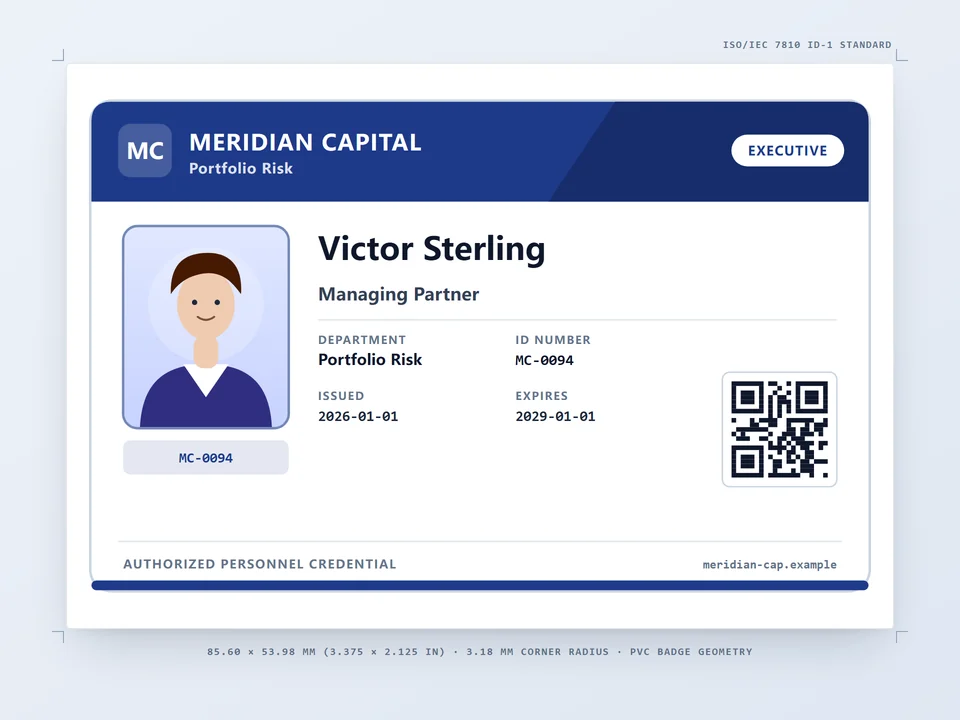
Reception desks and event marshals verify clearance from several meters away before reading small typography. Assigning distinct header band colors by access tier, such as deep navy for Staff, emerald for Visitors, or crimson for Press and Contractors, turns visual vetting into a one-second scan. Inside our employee id card maker, keep the primary name large and dark on a light card body while reserving saturated palette hues for the top role header stripe and subtle accent dividers. Strong contrast also helps lobby cameras and low-light checkpoints read every badge layout cleanly.
Clear identification starts with a sharp, evenly lit headshot taken against a neutral plain backdrop. Position the subject's eyes in the upper third of the circular or rounded frame so faces stay recognizable without crowding the role header bar above. Dedicating the reverse side of your printable id badge maker layout to secondary details keeps the front uncluttered. Place lost-card return addresses, HR or campus security phone numbers, legal property statements, and linear Code 128 barcodes on the back so every essential detail stays handy without competing with the holder's face.
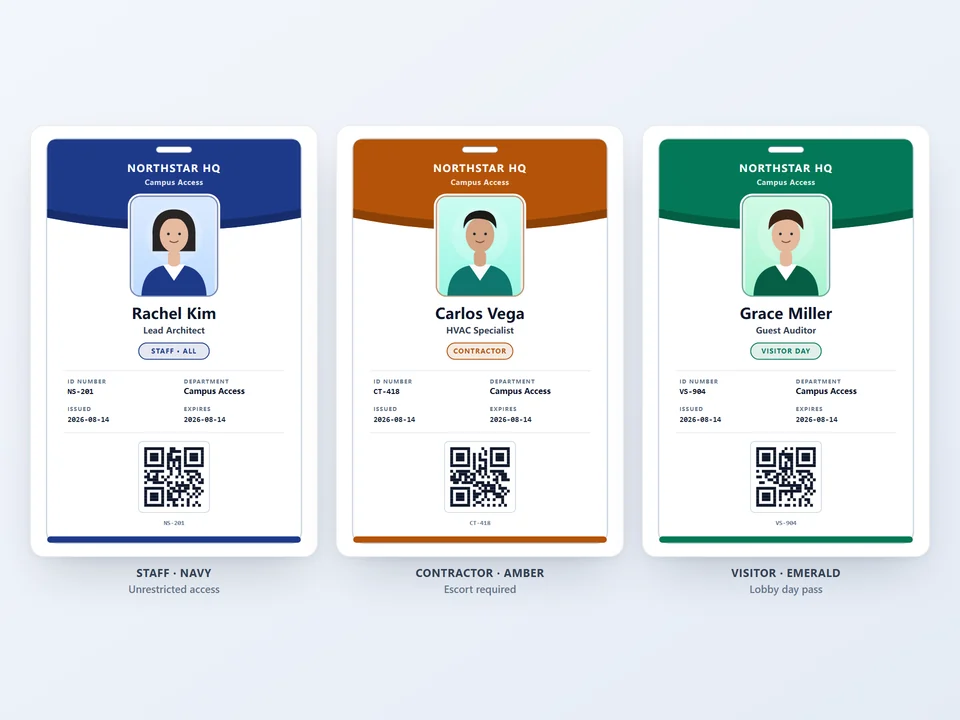
Barcode and QR scanners depend on sharp black-on-white contrast and generous blank margins called quiet zones. Always render vector codes directly from our CR80 badge studio rather than pasting compressed bitmap screenshots that blur module edges during office printing. Keep encoded strings concise, such as a short employee number for Code 128 or a compact verification URL for QR, because denser payloads shrink individual bars and modules. Test one sample printout under real office lighting with both a smartphone camera and your facility handheld scanner before printing a full organization batch.
Small teams and schools can print our A4 or US Letter 8-up PDF output at 100% actual scale on heavy matte cardstock, trim neatly along the card corners, and seal each credential inside rigid CR80 laminating pouches. Organizations using dedicated dye-sublimation PVC printers can export crisp 300 DPI PNG or vector EPS files directly into their card printer driver for durable edge-to-edge plastic badges. Pair this id card maker online with our Name Tag Maker for large conferences, QR Code SVG Generator, Code 128 Barcode Generator, or vCard QR Code Generator.
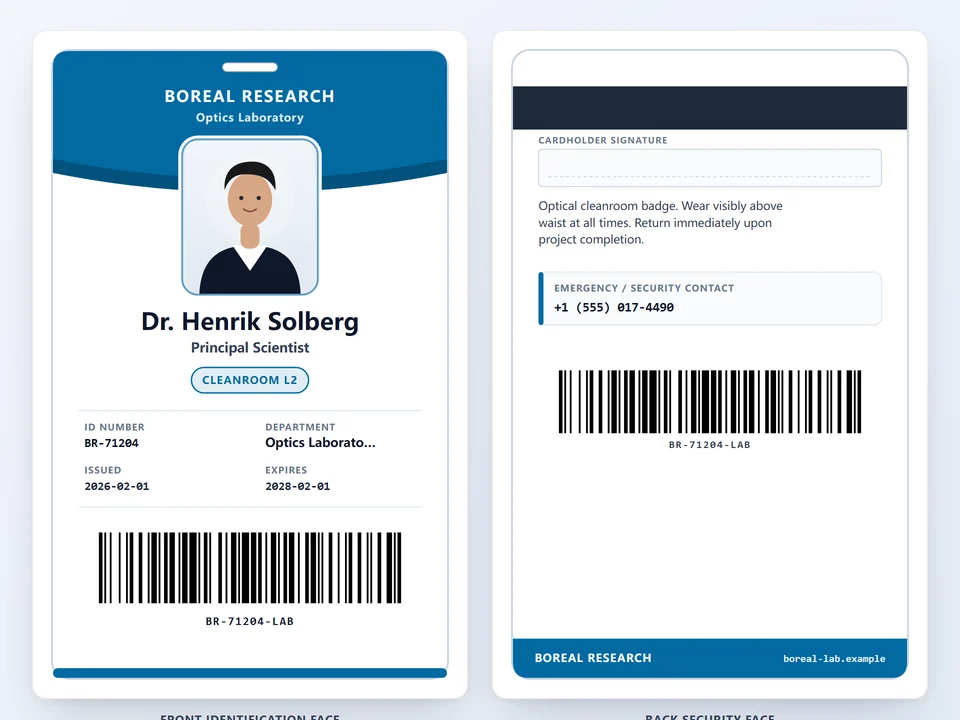
Dependable visual credentials for corporate HR teams, campus registrars, event producers, and community organizations.
Issue consistent new-hire badges, contractor passes, and lobby visitor cards locally with this employee id card maker without waiting on outside print vendors.
Produce durable campus credentials and library barcode cards cleanly inside our student id card maker with clear term dates and faculty color coding.
Design bold vertical media credentials, crew passes, and VIP access badges with live QR check-in codes and high-visibility role stripes.
Print branded membership cards and volunteer identification badges on standard office printers using ready-to-cut 8-up A4 or Letter PDF sheets.
Helpful answers on ISO CR80 dimensions, portrait photos, QR and Code 128 barcodes, front-and-back sheets, and privacy.
Every badge uses the exact ISO/IEC 7810 CR80 standard of 85.6 x 54 mm (3.375 x 2.125 inches) in either portrait or landscape orientation, matching standard PVC access cards, badge printers, and universal badge holders.
Yes. Toggle seamlessly between front and back card editors to arrange headshots and role headers up front while placing return addresses, terms, and secondary barcodes on the reverse side.
Yes. Both QR codes and Code 128 barcodes render as crisp mathematical vector geometry with clean quiet zones, scanning accurately on smartphones, library readers, and handheld access scanners.
Choose A4 or US Letter paper and the id card generator automatically arranges eight full-size CR80 cards onto a balanced print sheet at 100% actual scale so you can print, trim, and laminate right away.
Yes. Upload any PNG, JPG, or SVG organization logo alongside an employee or student headshot, and switch smoothly between circular or rounded-rectangle photo masks.
Download 300 DPI PNG for direct-to-card PVC printer drivers, A4 or Letter 8-up PDF for desktop office printers, or editable vector SVG and PostScript EPS when handing master templates to a commercial printer.
Yes. Switch among corporate staff, campus student, and press access templates inside the browser studio, customize every field label and stripe palette, and tailor layouts for any organization.
No. Every photo crop, barcode matrix, vector SVG, and 8-up PDF generates 100% inside your local browser memory so sensitive HR and campus data stays private on your machine.
Set ISO CR80 portrait or landscape layouts, add photos and live QR or Code 128 barcodes, and download 8-up PDF, SVG, EPS, or 300 DPI PNG locally.
Create an ID card now