Keynote speaker conference pass
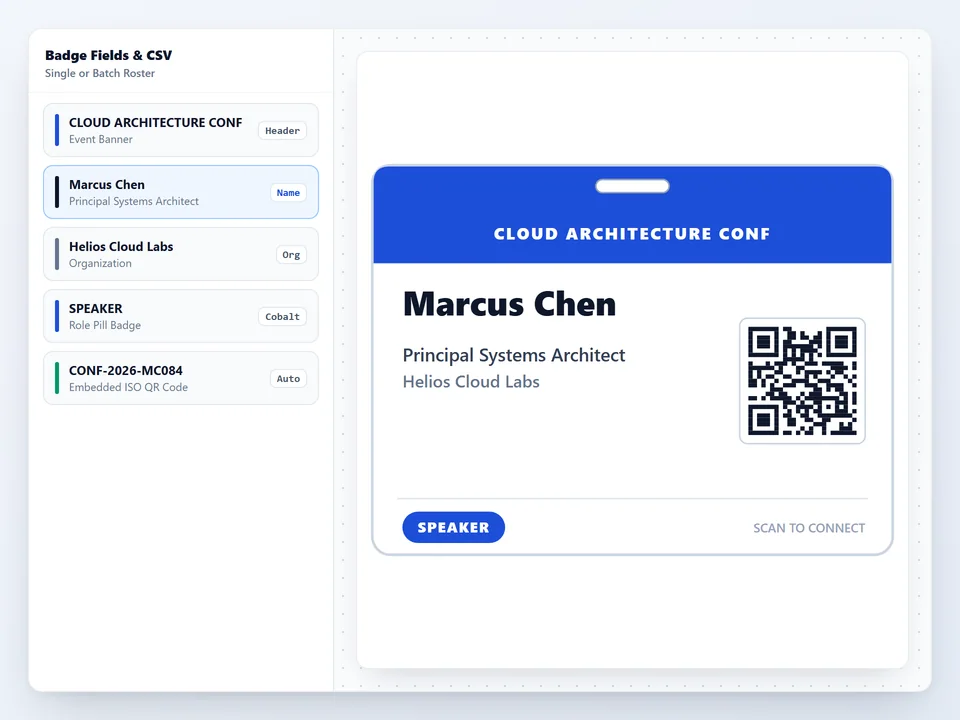
Bold 4x3 landscape badge with prominent attendee name, speaker role pill, lanyard punch guide, and scannable profile QR code.
Design sharp conference credentials, visitor passes, and workshop badges with our browser-local name tag maker. Customize 4x3 landscape or 3x4 portrait layouts with optional lanyard punch guides, role pills, and scannable QR codes, then export SVG, EPS, 300 DPI PNG, Print PDF, or a batch SVG ZIP.
Load a ready-made layout into our conference badge maker to inspect header contrast, lanyard slot spacing, role pills, and live QR placement before customizing your event.
Bold 4x3 landscape badge with prominent attendee name, speaker role pill, lanyard punch guide, and scannable profile QR code.

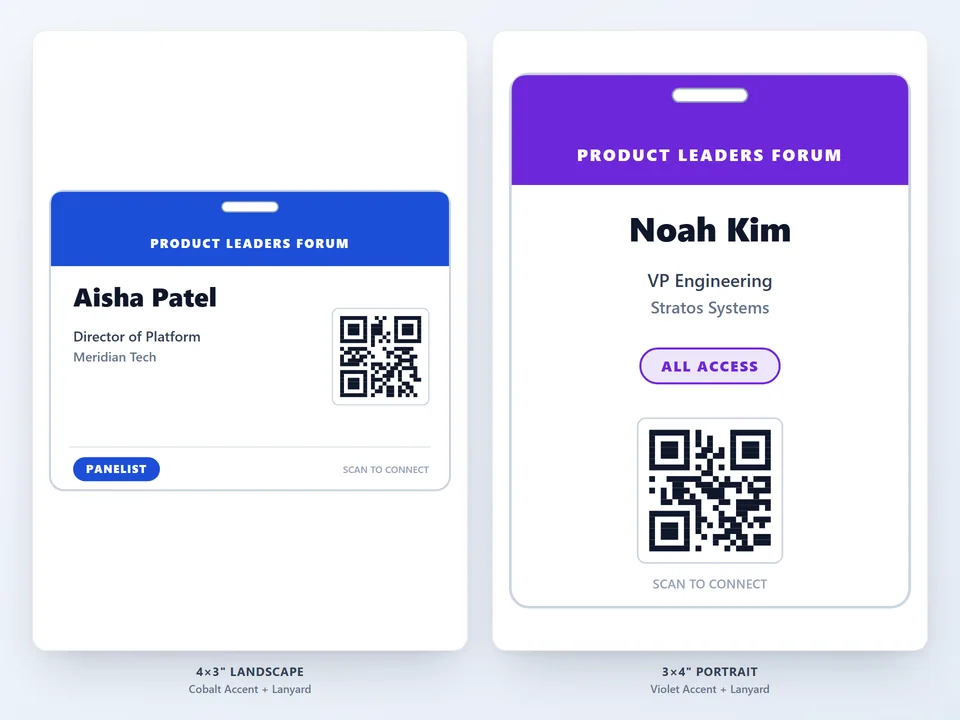
Clean reception pass displaying host company header, visitor name, organization, and high-visibility visitor pill for lobby check-in.

Vertical 3x4 lanyard layout centering attendee credentials above a dedicated QR check-in matrix and distinct VIP accent banner.
Produce individual credentials or an entire attendee roster inside your browser with print-accurate dimensions.
Fill in Event Header, Full Name, Job Title, Organization, Role Pill, and optional QR URL in Single mode, or switch the workspace to Batch List mode and paste CSV or TSV attendee rows.
Choose standard 4x3 inch landscape or 3x4 inch portrait orientation inside this name badge maker, toggle the top lanyard slot guide, and pick a color accent with automatic header contrast.
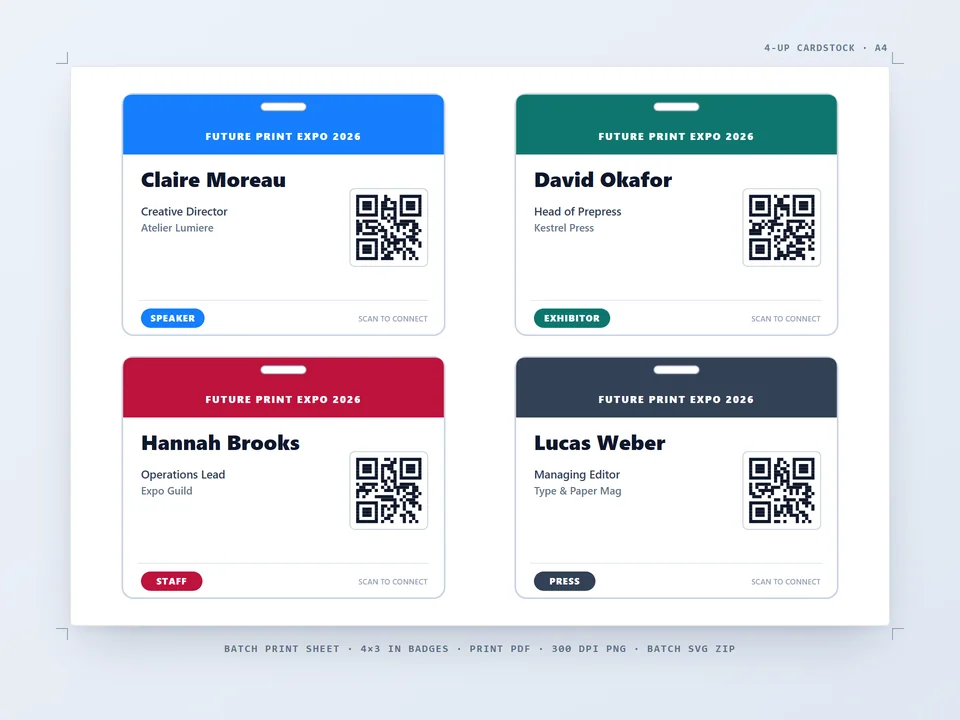
Download print-ready PDF or 300 DPI PNG for office printers, editable SVG and EPS for print shops, or export every badge from your guest list as one Batch SVG ZIP archive.
Engineered around standard badge holder proportions, genuine ISO/IEC 18004 QR encoding, and instant CSV roster batching.
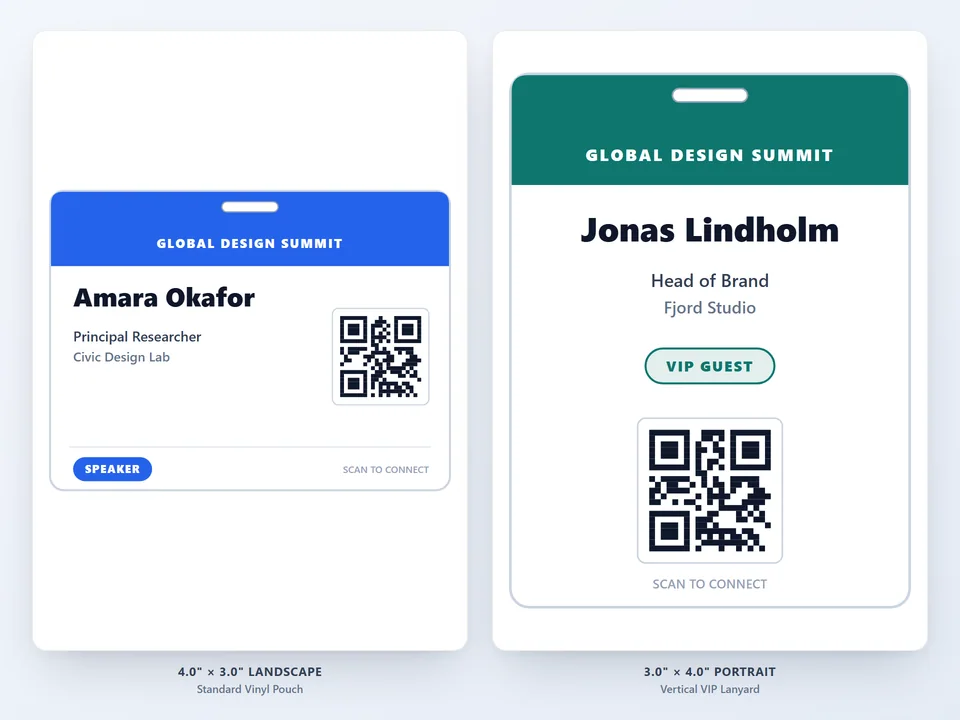
Match the two most universal plastic badge pouches without rescaling. Switch cleanly between 4x3 inch horizontal layouts and 3x4 inch vertical passes while typography and borders adjust automatically.
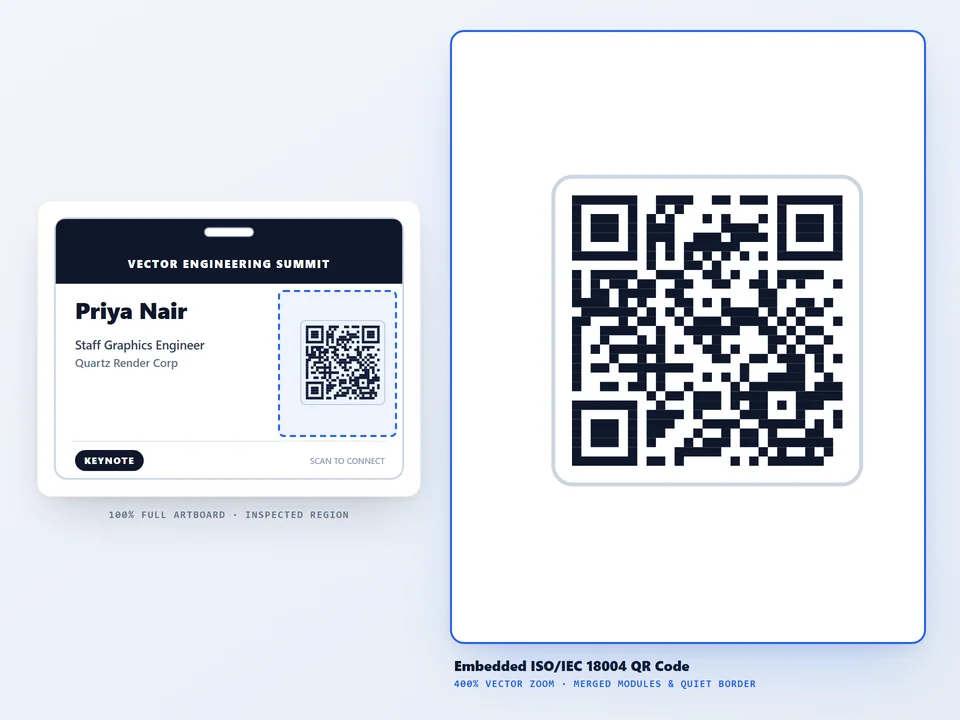
Add a registration ID, profile URL, or networking link to render a genuine ISO/IEC 18004 QR code directly on every pass with merged vector rectangles and clean quiet margins.
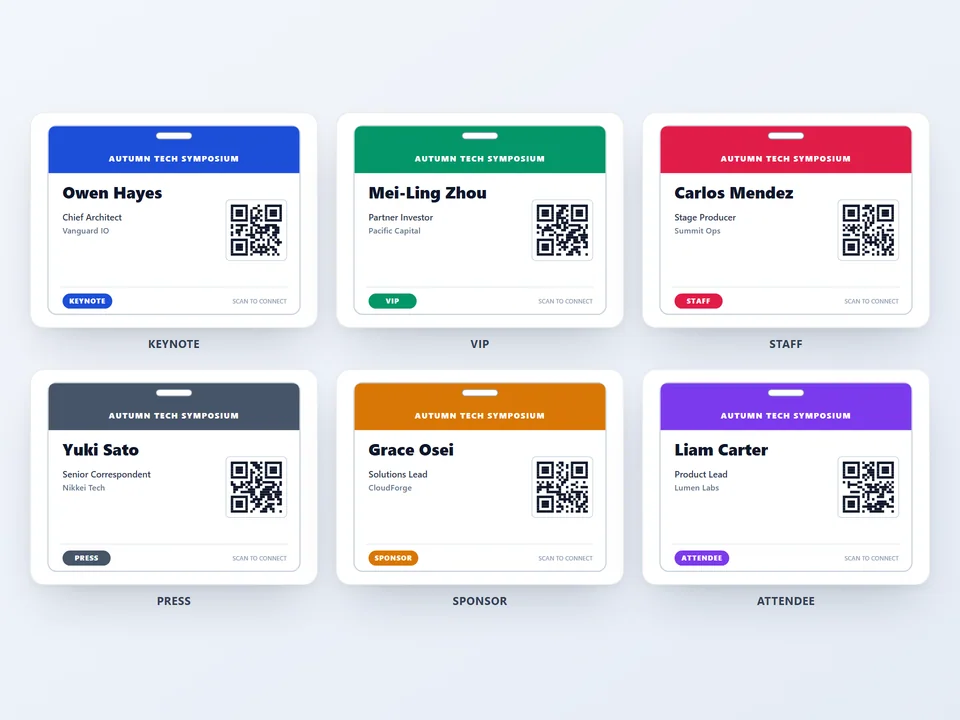
Paste hundreds of rows formatted as Name, Title, Company, Role, and optional QR URL straight from spreadsheets. The batch parser auto-skips header rows and packages every individual vector badge into a single ZIP.
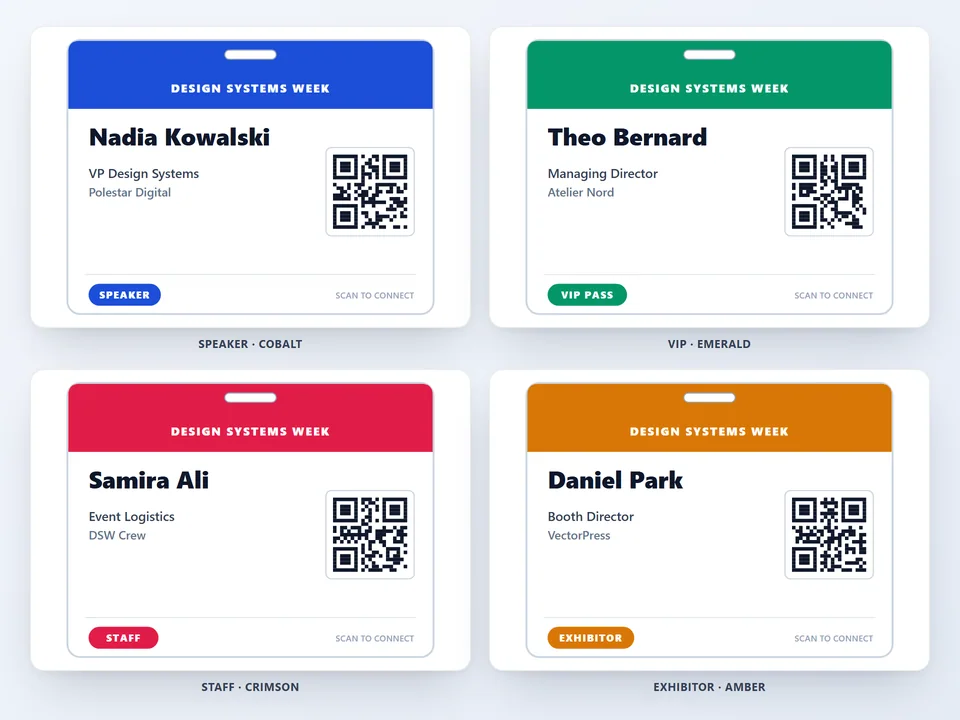
Distinguish Speakers, Staff, Exhibitors, VIPs, and Attendees from across a crowded hall with bold role pills, adaptive accent contrast, and an optional top slot marker for punch alignment.
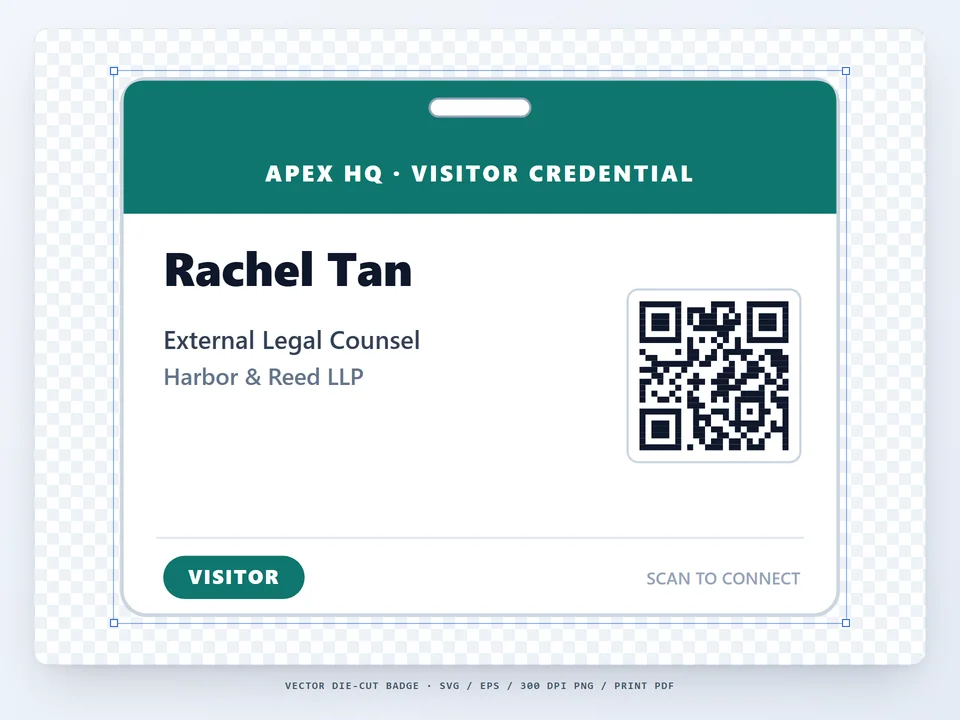
Hand crisp SVG or PostScript EPS artwork to commercial badge printers, print sharp 300 DPI PNG or Print PDF files on desktop cardstock, or copy inline SVG code directly.
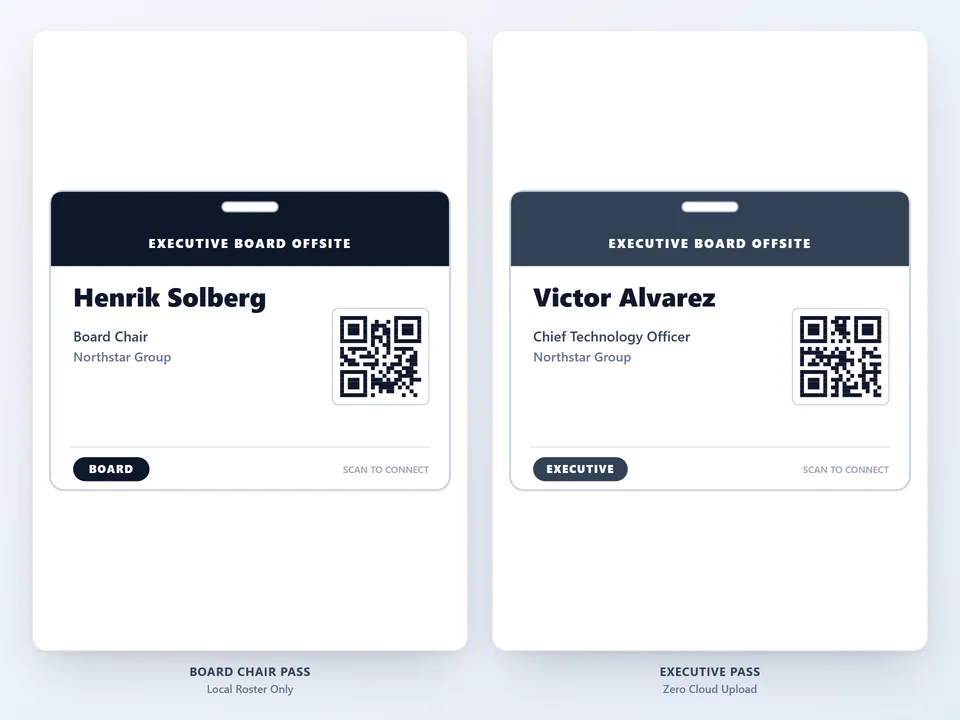
Guest lists, executive names, and badge check-in URLs stay exclusively in local browser memory with zero cloud uploads, protecting attendee privacy for private corporate summits.
Five field-tested event production tips that keep conference badges readable across busy lobbies and fast at check-in scanners.
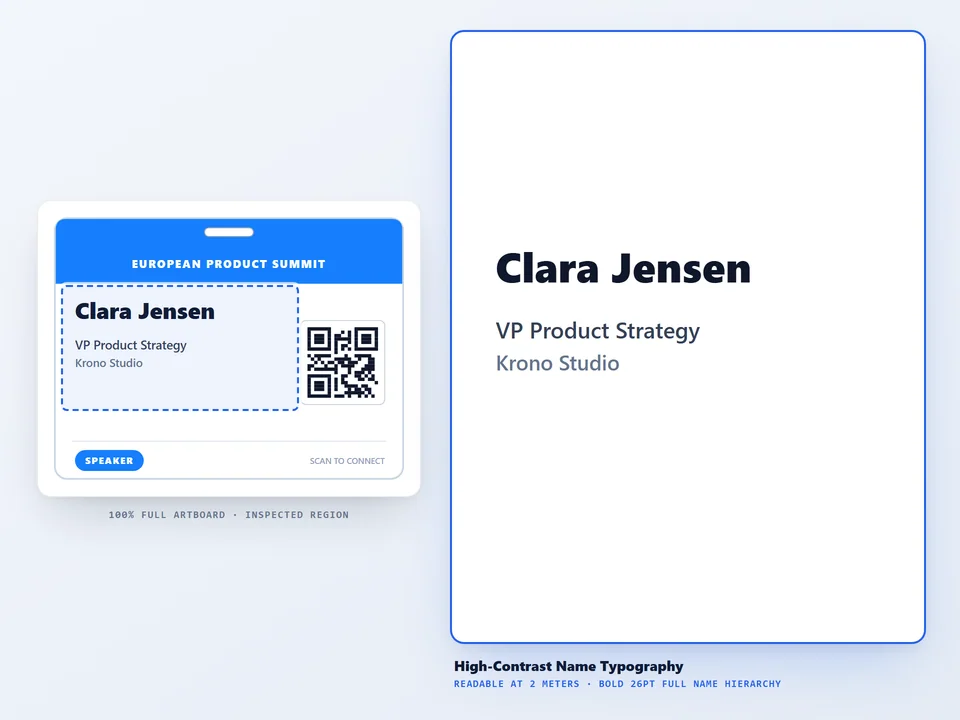
Networking succeeds when guests read names effortlessly from two meters away. Keep job titles and company names concise so our name tag maker gives full names prominent bold typography without crowding two-line wraps or overlapping the badge QR zone.
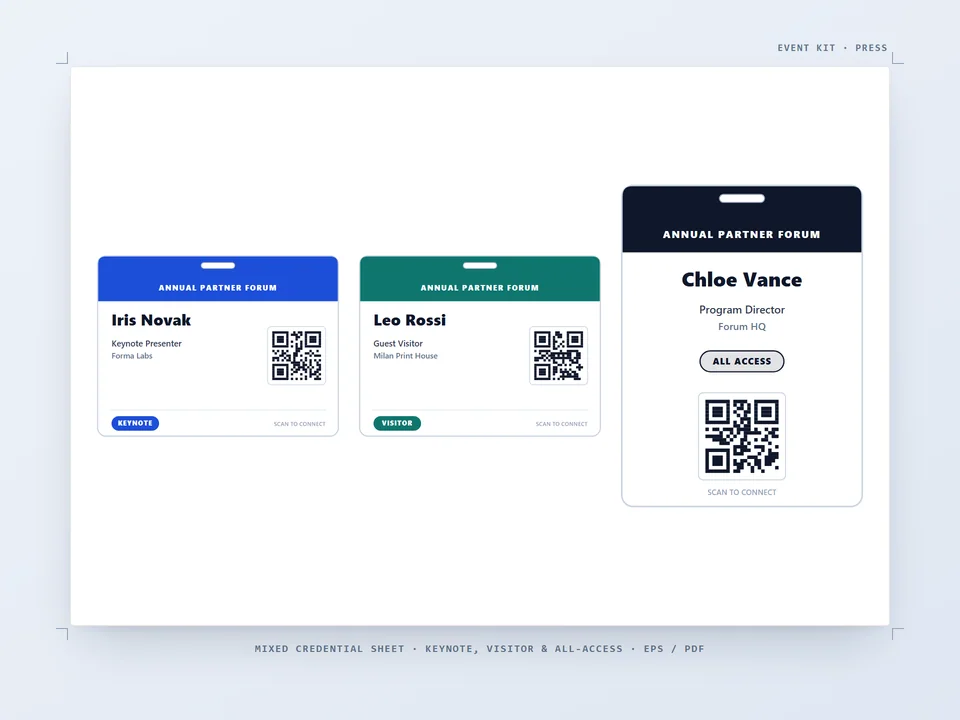
Assign distinct accent hues across Speakers, Press, Staff, Sponsors, and General Attendees in this conference badge maker. Visual color coding helps door volunteers verify room access at a glance without asking guests to tilt their lanyards.
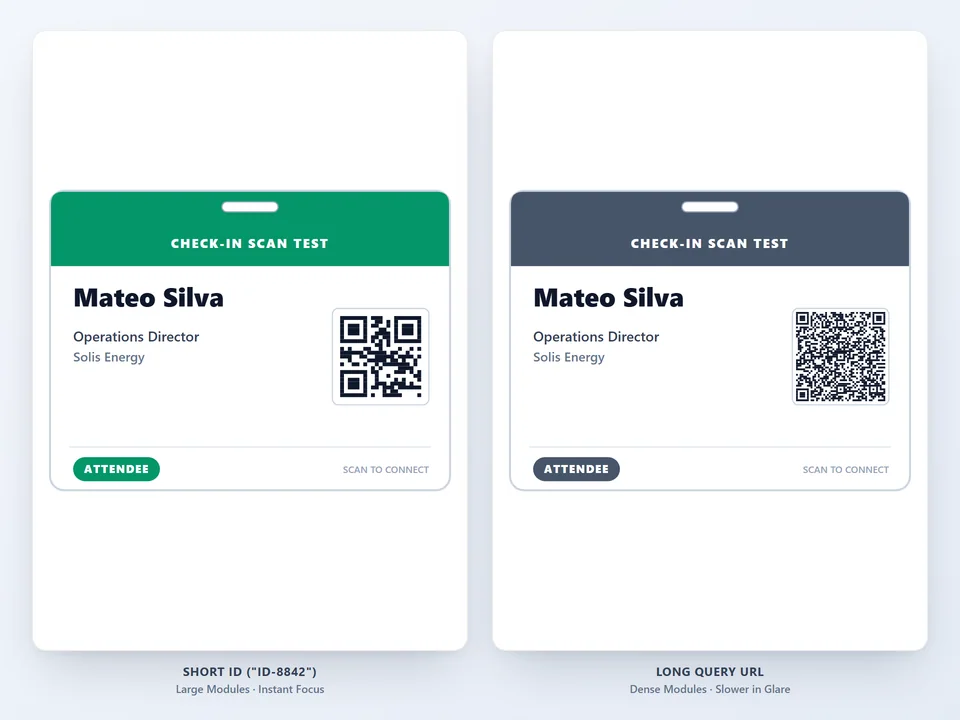
Short registration URLs or attendee IDs produce larger QR modules that scan instantly under dim hotel lighting or glare from vinyl badge sleeves. Test one printed sample inside your actual plastic pouch before producing the entire batch.
Confirm whether your clear pouches accept 4x3 landscape or 3x4 portrait inserts before exporting. Print on 200 to 250 gsm matte cardstock at 100% actual size in Print PDF or 300 DPI PNG so badges never curl inside hanging lanyards.
Export vector SVG or EPS when sending bulk credentials to a commercial print vendor, or download Batch SVG ZIP from CSV rosters. Preparing full event kits? Combine this badge studio with vCard QR Code Generator, Shipping Label Maker, QR Code SVG Generator, or SVG to EPS.
Event organizers, HR teams, schools, and reception desks creating uniform credentials on tight schedules.
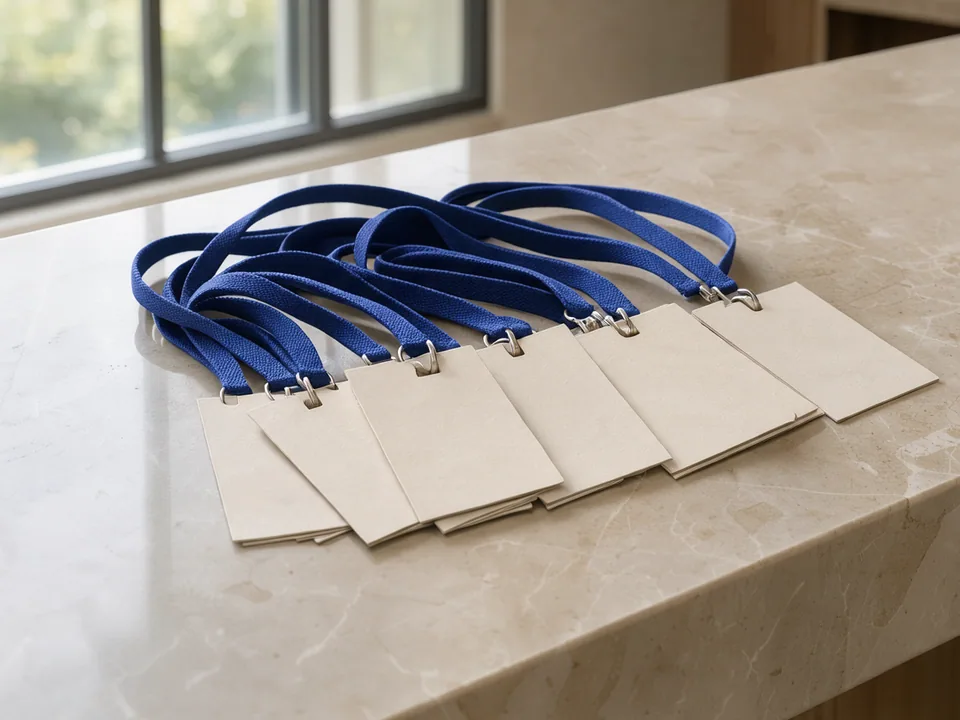
Generate hundreds of scannable speaker, sponsor, and attendee passes from CSV lists using our event name tag generator.

Print matching 4x3 or 3x4 company credentials with branded header accents and clear department role pills in minutes.
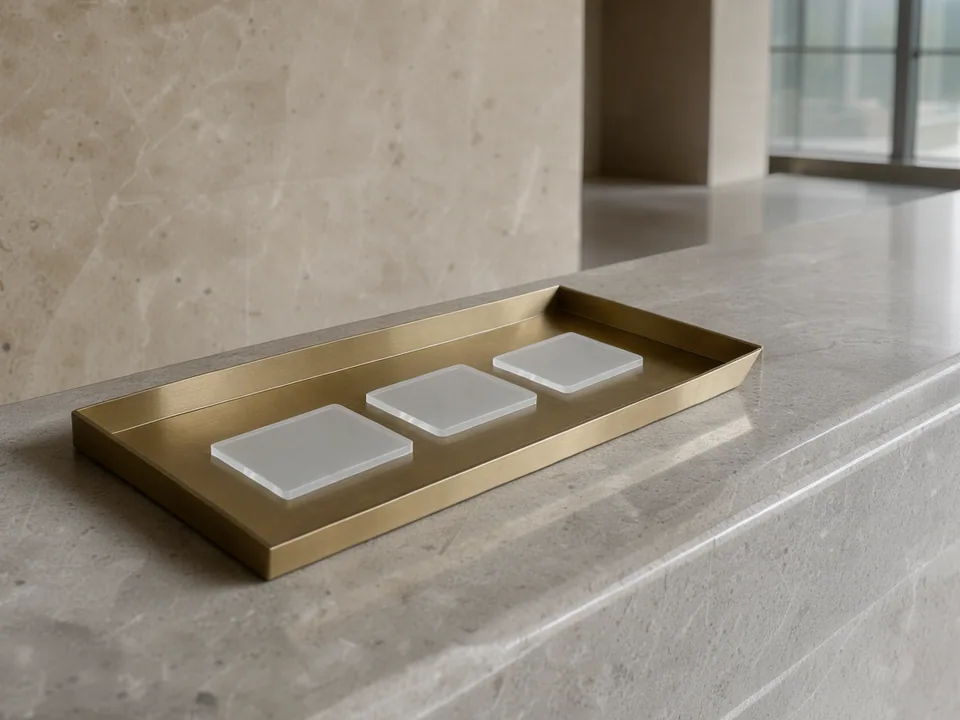
Issue clean daily visitor passes and contractor badges locally on office printers using this name badge maker.
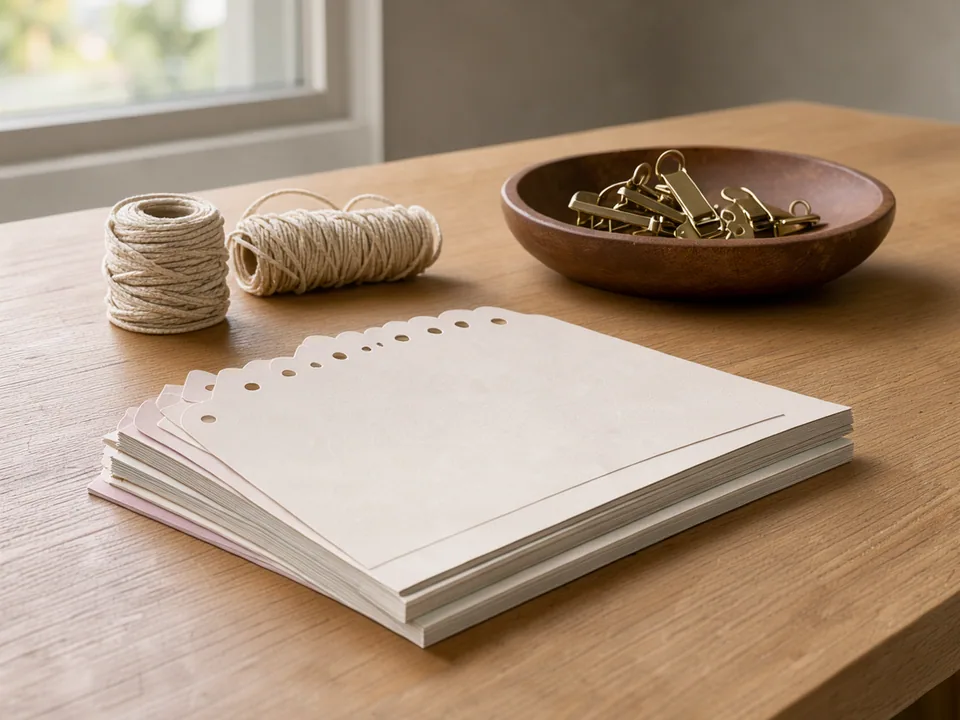
Prepare readable printable name tags for parent nights, alumni reunions, and hackathons without desktop layout software.
Answers on 4x3 and 3x4 sizing, CSV batch ZIP export, QR code scanning, and browser-local attendee privacy.
You can switch between standard 4x3 inch landscape and 3x4 inch portrait proportions, matching the most widely stocked vinyl lanyard holders and clip pouches.
Switch to Batch List mode and paste CSV or TSV lines with Name, Job Title, Organization, Role, and optional QR URL. Click Download Batch SVG ZIP to save all badges together.
Yes. Entering any URL, badge ID, or check-in payload renders a verified ISO/IEC 18004 QR matrix in crisp vector rectangles that scans reliably on phone cameras.
Yes. Uncheck Show Lanyard Slot and leave the QR field empty in this conference badge maker to produce clean adhesive stickers or magnetic nameplates.
Choose Print PDF or 300 DPI PNG for immediate office cardstock printing at 100% scale. Send vector SVG or PostScript EPS to commercial badge printers for press-sharp text.
No. Single and batch CSV parsing, QR encoding, and SVG, EPS, PNG, PDF, or ZIP generation run strictly inside local browser memory.
Yes. Pick any custom HEX accent color and header text switches automatically between crisp white and deep navy to maintain high contrast.
Paste a short attendee URL here, or build a dedicated offline contact matrix with our vCard QR Code Generator for direct one-scan address-book saving.
Design 4x3 or 3x4 badges with live QR codes, batch CSV lists into ZIP archives, and export SVG, EPS, PNG, or PDF locally.
Design name tags