Domestic priority parcel label
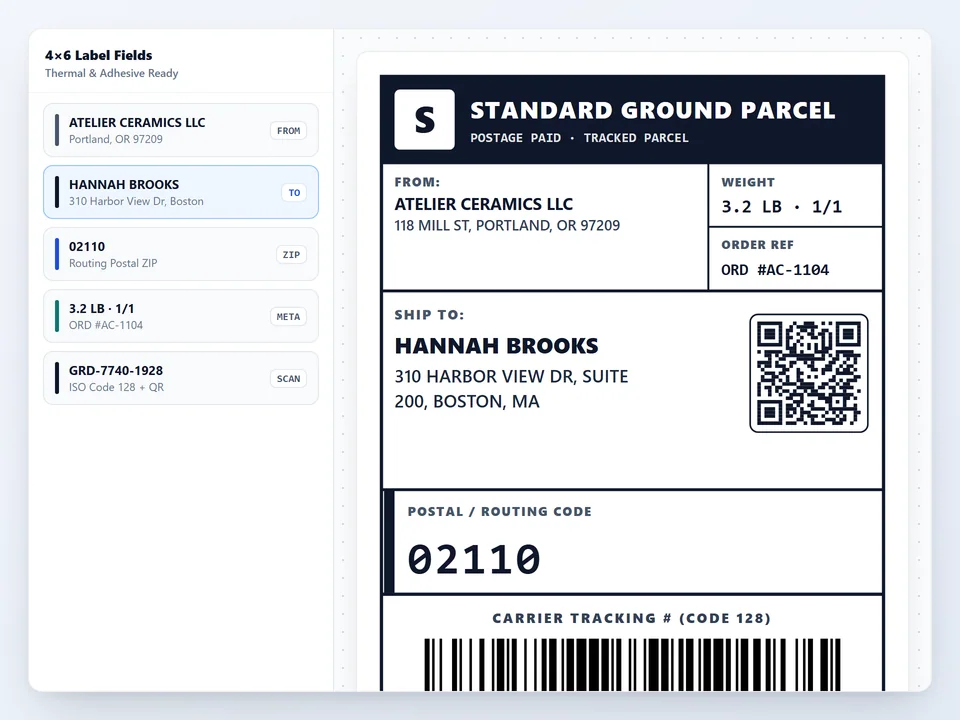
High-contrast 4x6 ecommerce parcel layout pairing clear FROM and SHIP TO zones, bold postal code, corner QR, and Code 128 tracking bar.
Format print-ready 4x6 parcel and warehouse carton stickers with our browser-local shipping label maker. Enter sender, recipient, routing ZIP, weight, order reference, and tracking code to render a bold thermal-safe layout with a real scannable Code 128 barcode, optional QR code, and instant SVG, EPS, 300 DPI PNG, or PDF download.
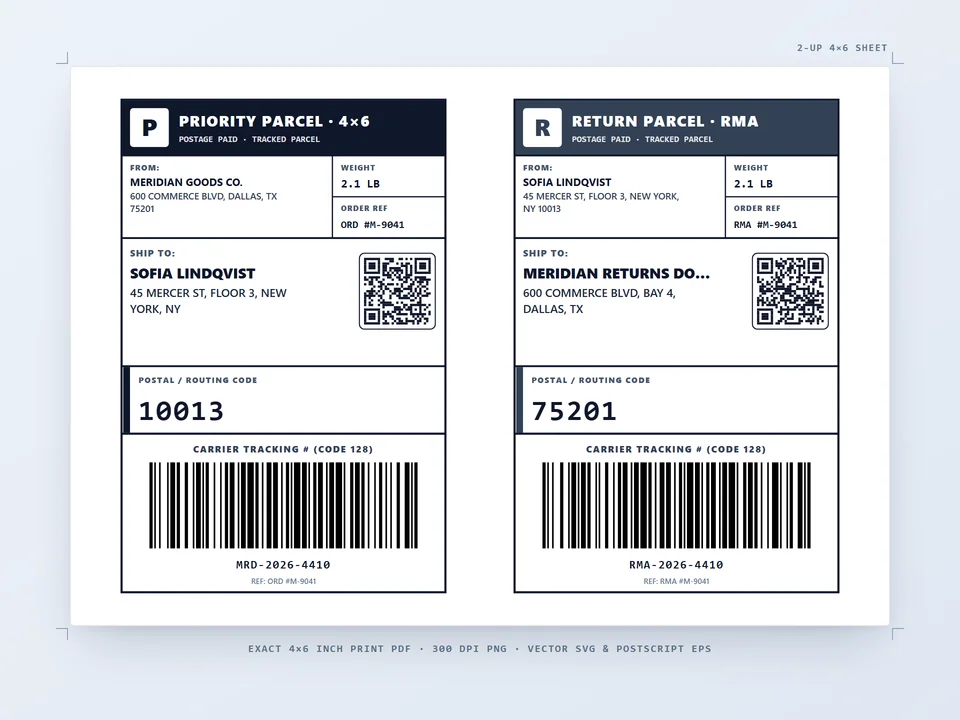
Load any example into our 4x6 shipping label generator to inspect thermal-safe rule weights, routing ZIP sizing, and Code 128 quiet margins before typing your shipment details.
High-contrast 4x6 ecommerce parcel layout pairing clear FROM and SHIP TO zones, bold postal code, corner QR, and Code 128 tracking bar.

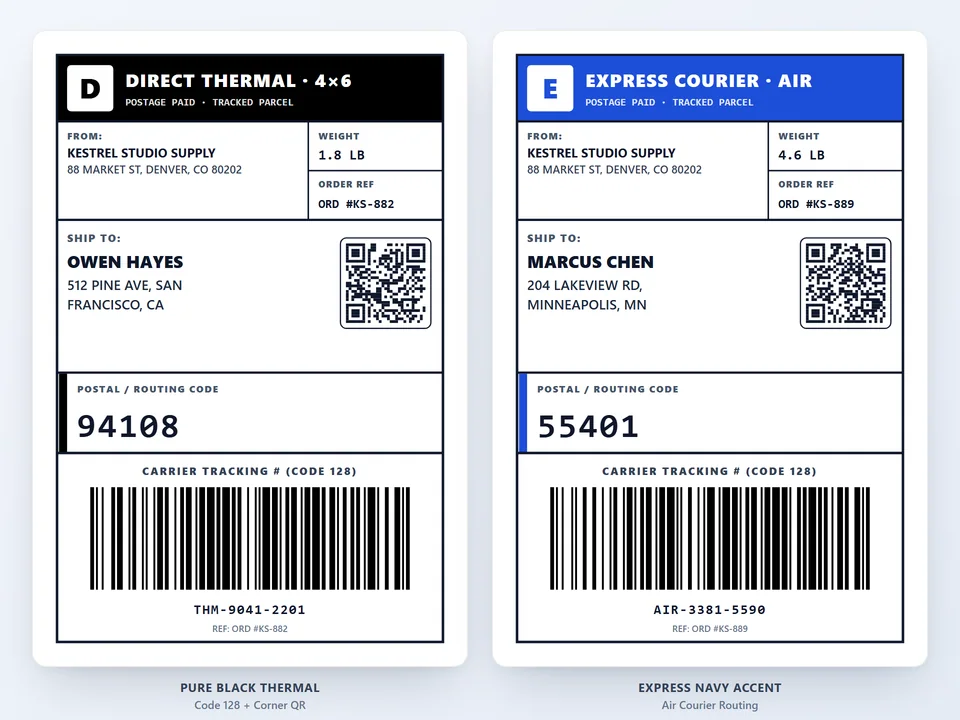
Monochrome thermal-ready master carton sticker highlighting internal transfer reference, package weight, and crisp scannable SKU tracking.

Structured multi-line destination address with postal routing zone, order number reference, and wide Code 128 barcode for freight handling.
Go from raw order addresses to sharp 4x6 thermal stickers inside your browser with zero software installs.
Open the label editor and type the service header, FROM address, SHIP TO street and city, prominent postal ZIP code, package weight, and order reference number.
Enter any ASCII tracking ID or warehouse reference into this barcode shipping label workspace to generate an instant ISO/IEC 15417 Code 128 bar symbol, toggle the corner QR, and pick black or accent styling.
Export exact 4x6 Print PDF or 300 DPI PNG for direct thermal label printers and desktop adhesive sheets, or save vector SVG and EPS for fulfillment templates.
Structured around real fulfillment standards so addresses, postal codes, and Code 128 bars print crisply on 203 DPI and 300 DPI thermal stock.
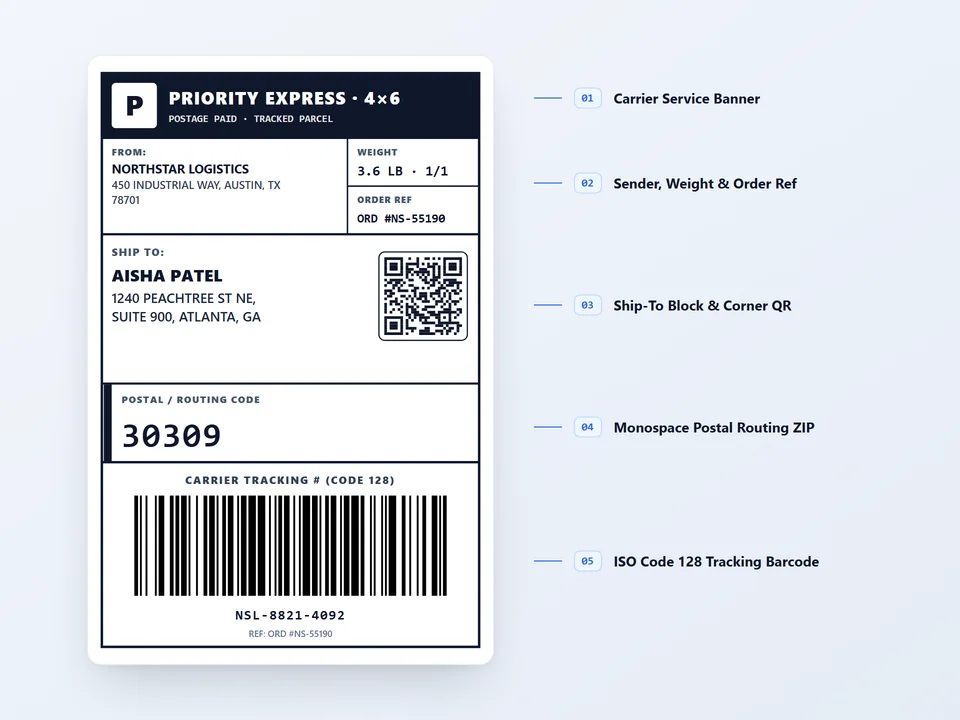
Heavy outer frames and bold horizontal dividers separate the service banner, return address, weight and order box, ship-to address, routing ZIP band, and bottom tracking barcode cleanly.
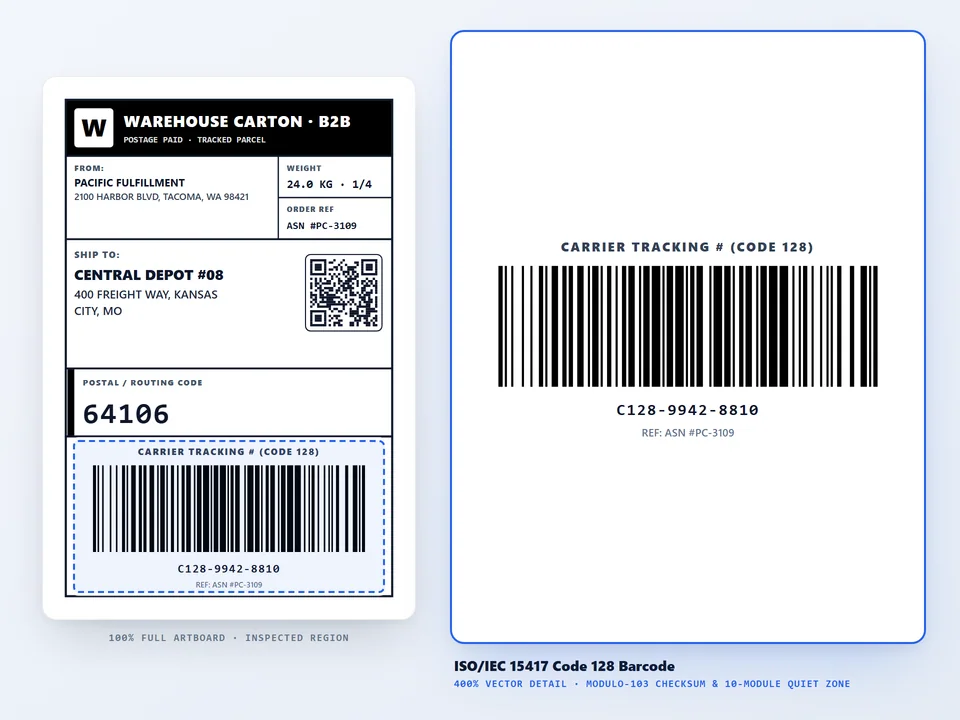
Rather than drawing decorative bars, this browser vector engine computes exact Code 128 start codes, modulo-103 checksums, stop patterns, and 10-module quiet margins that scan on handheld warehouse lasers.
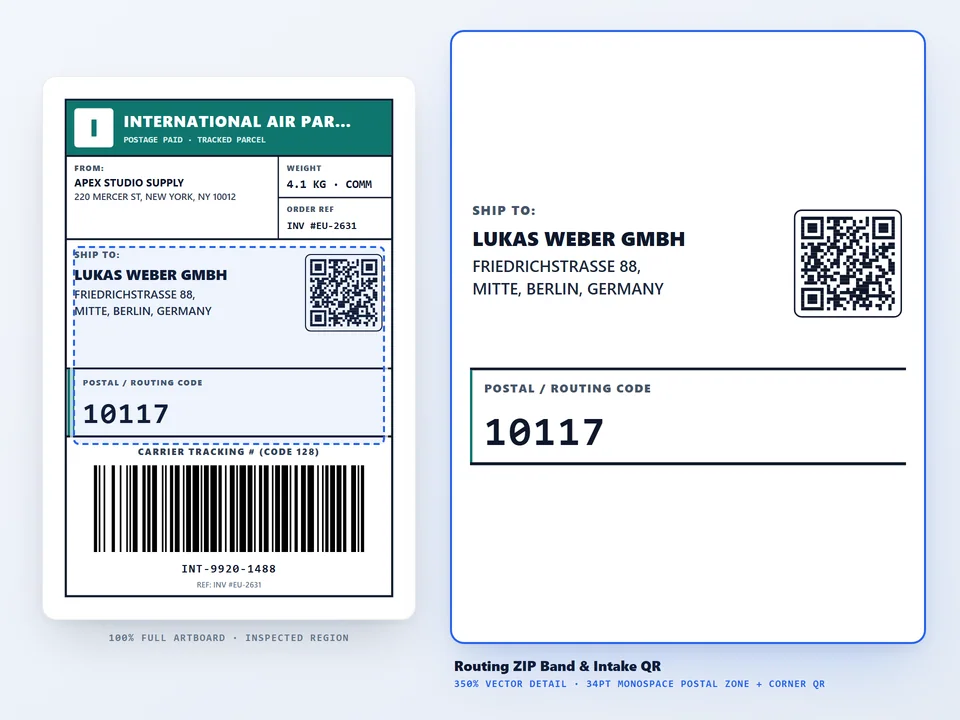
Large monospace ZIP typography speeds manual sorting at loading docks, while the toggleable corner QR encodes tracking code, postal code, and order reference for fast mobile intake scans.
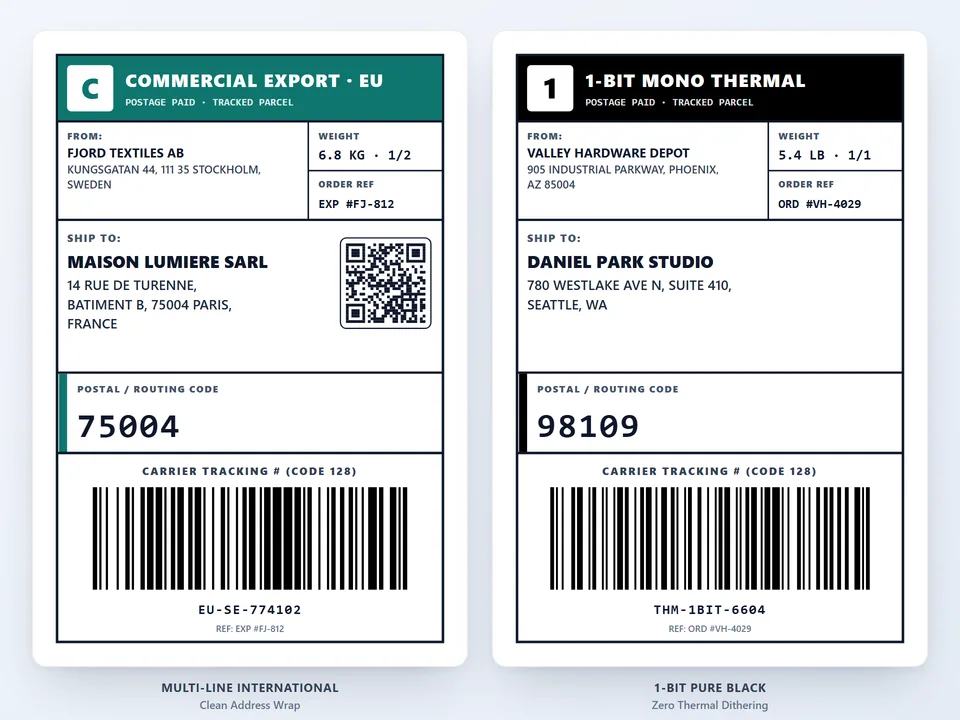
Multi-line sender and recipient addresses wrap cleanly without overflowing dividers. Pick pure black accent mode for crisp 1-bit direct thermal printing without halftone dithering.
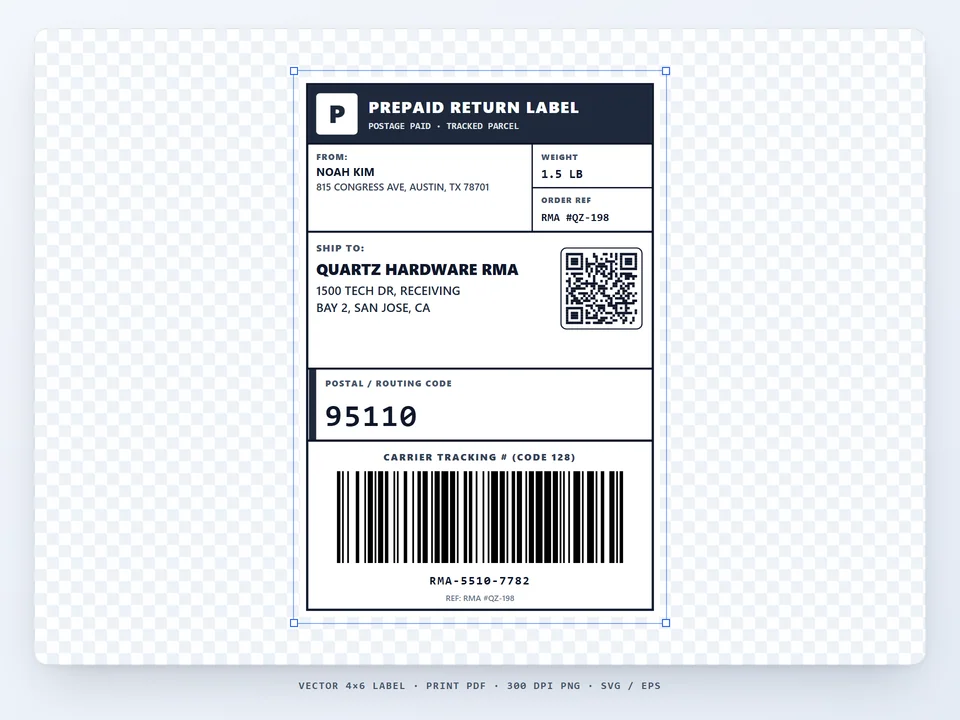
Print immediately on 4x6 rolls via Print PDF or 300 DPI PNG, or drop pure vector SVG and PostScript EPS markup into warehouse templates and ERP form builders.
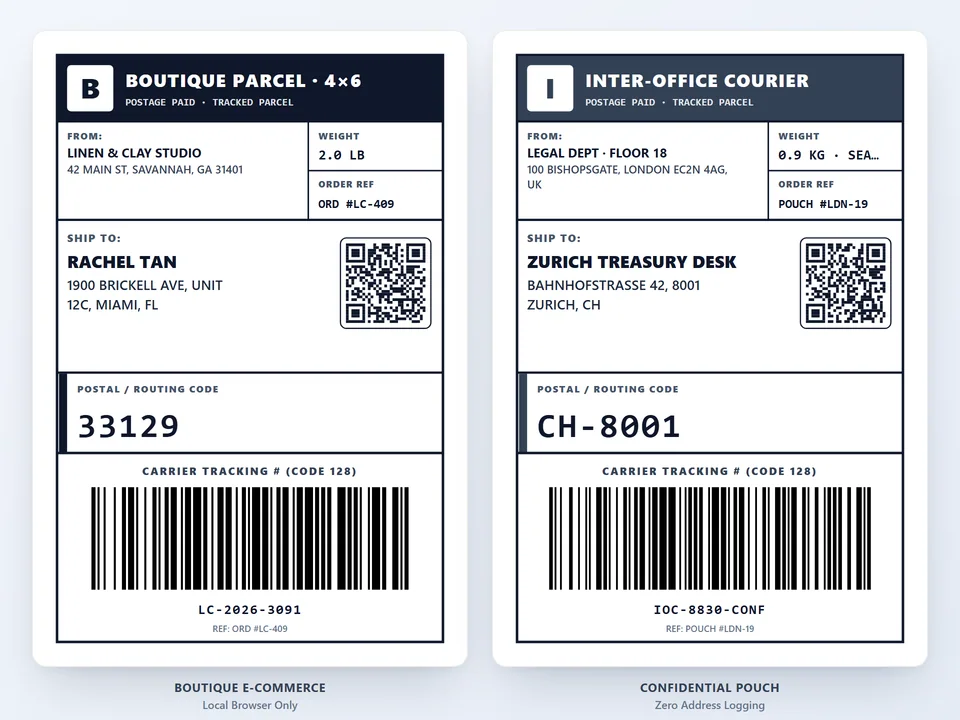
Buyer street addresses, phone-linked orders, and internal transfer numbers stay strictly inside your browser memory with zero remote storage or third-party logging.
Five warehouse and direct-thermal print checks that prevent unscannable barcodes, clipped addresses, and misrouted cartons.
Direct thermal 4x6 printers heat black dots directly onto coated paper without ink cartridges. Colored headers dither into speckled gray patterns on monochrome thermal heads, so pick deep black accent styling inside this shipping label maker whenever printing on standard thermal rolls.
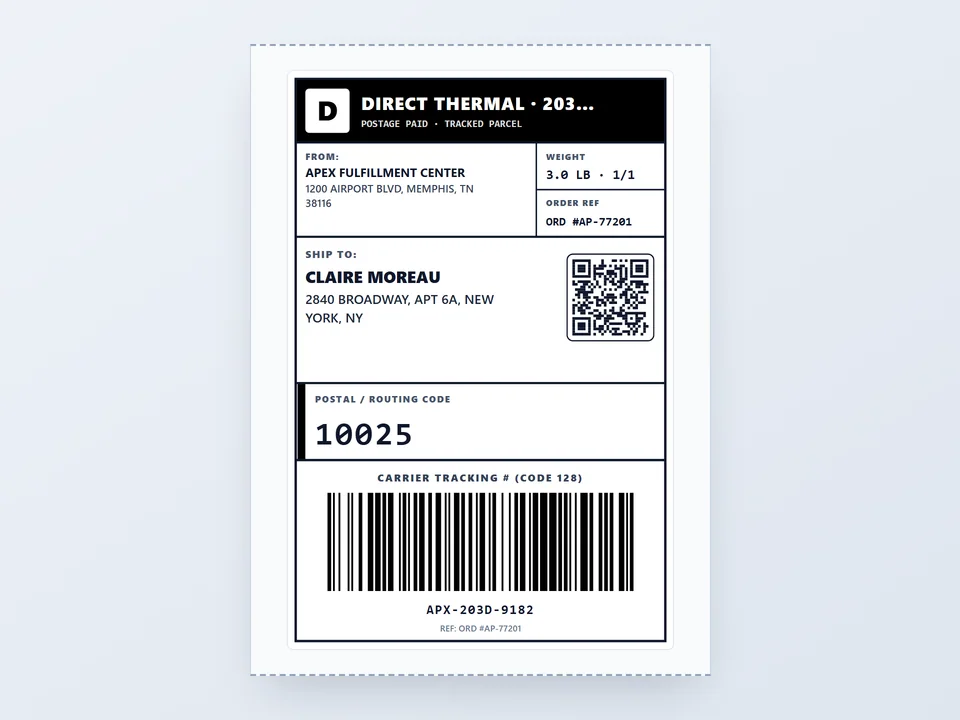
Code 128 supports full printable ASCII letters, digits, and hyphens. Shorter alphanumeric references produce wider bars that resist smudge wear on corrugated boxes, while the built-in encoder preserves generous 10-module white quiet zones on both ends automatically.
Browser or PDF viewers that enable shrink-to-fit scaling can narrow barcode bars and distort 4x6 sticker alignment. Set page size to 4x6 inches and scale to 100% in your print dialog when outputting Print PDF or 300 DPI PNG files.
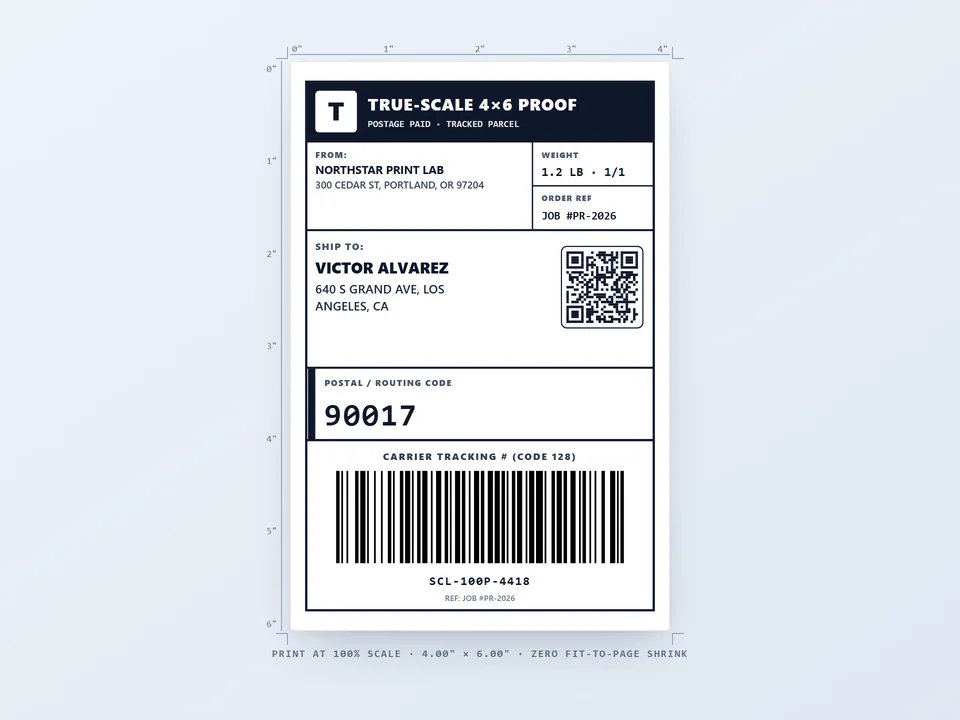
Double-check apartment suites, postal ZIP accuracy, and return contact details inside this package address label maker before sticking labels onto parcels. Never wrap clear packing tape across the Code 128 barcode, as glossy glare interferes with warehouse overhead scanners.
Remember that carrier postage labels require official carrier accounts, while custom address, warehouse, and internal parcel stickers work out of the box here. Building a full fulfillment workflow? Try our Code 128 Barcode Generator, UPC Barcode Generator, Name Tag Maker, or PNG to PDF.
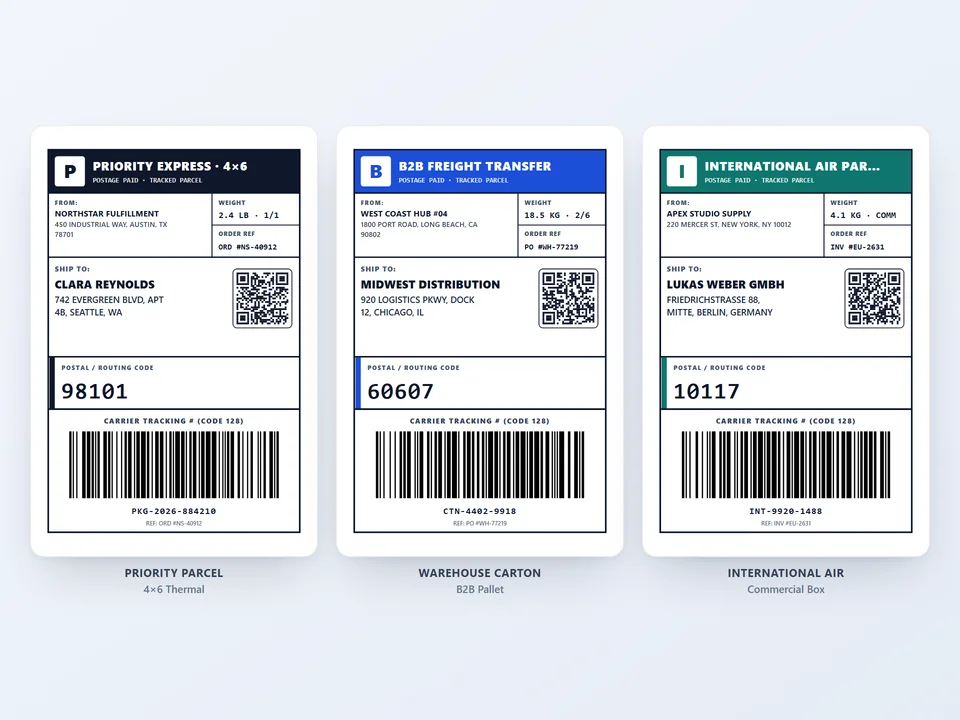
Small stores, warehouses, offices, and fulfillment desks printing crisp 4x6 parcel and carton labels on demand.

Print clean 4x6 package address stickers, return stickers, and order reference labels locally with our shipping label maker.
Produce scannable master carton stickers with Code 128 tracking codes and weight boxes using this barcode shipping label tool.
Format legible multi-line recipient addresses for inter-office pouches, trade-show crates, and courier pickups with crisp multi-zone parcel templates.
Generate clear local dispatch tags with prominent postal routing zones and corner QR codes in Print PDF or 300 DPI PNG.
Direct answers on 4x6 thermal sizing, Code 128 barcode scanning, postage rules, and local customer address privacy.
Every label renders to exact 4x6 inch portrait thermal proportions (400x600 vector units), fitting standard 4x6 thermal rolls and half-sheet desktop sticker paper.
No. This shipping label maker designs custom 4x6 address, warehouse carton, internal transfer, and reference barcode labels. Official postage must be purchased through your carrier.
Yes. The engine encodes valid ISO/IEC 15417 Code 128 bars with calculated modulo-103 check digits and 10-module quiet zones readable by warehouse scanners and phone apps.
When Include Corner QR is enabled, the square vector matrix encodes your tracking code, routing ZIP code, and order reference separated by vertical pipes for fast mobile scanning.
Download Print PDF or 300 DPI PNG with pure black accent color and print at 100% scale on 4x6 paper stock for sharp edges without dithering.
Yes. Exported SVG and PostScript EPS files preserve crisp vector borders, barcode rectangles, QR cells, and editable text objects.
No. Every sender detail, recipient street address, tracking number, and file export happens strictly inside local browser memory with zero remote uploads.
If you need standalone SKU or logistics barcodes without the 4x6 parcel layout, open our Code 128 Barcode Generator or UPC Barcode Generator.
Fill in sender, recipient, and Code 128 tracking details privately on your device and download SVG, EPS, 300 DPI PNG, or Print PDF.
Create shipping label