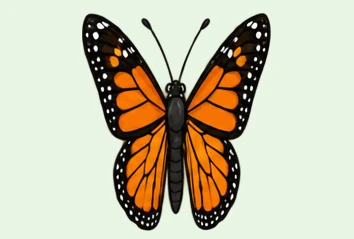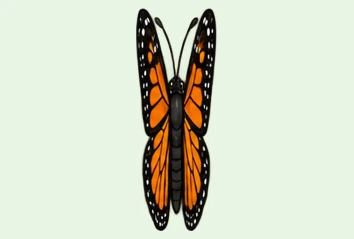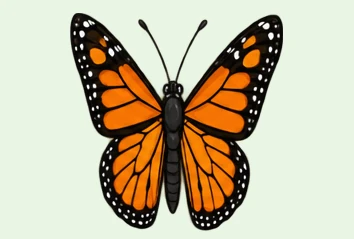




Bouncing jelly
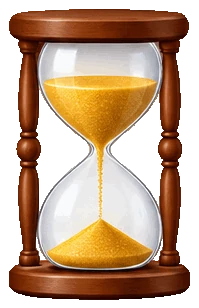
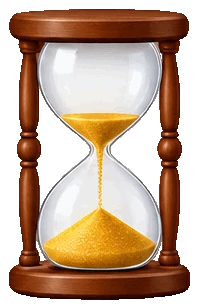
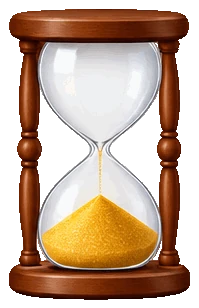
Six frames of a squash and stretch, split into transparent PNGs.
Drop an animated GIF to view it frame by frame and save every frame as a PNG, JPG or WebP, one by one or all in a ZIP. This free GIF splitter also extracts frames from animated WebP and PNG and short video clips, all in your browser.
Drop a GIF here
Animated GIF, WebP or PNG, or a short MP4 or WebM clip. Everything stays in your browser.
Eight animations made for these examples, each split into frames by this page's own GIF splitter. Open one to step through it and save its frames.
Six frames of a squash and stretch, split into transparent PNGs.

Four frames on a cream background, saved as JPG files.

A six-frame run cycle saved at 200% with crisp pixels.

Eight frames with a held ending; leaving out repeats keeps five.

Four frames of an icon animation, with a timing file in the ZIP.

Four frames at half size, saved as small JPG files.
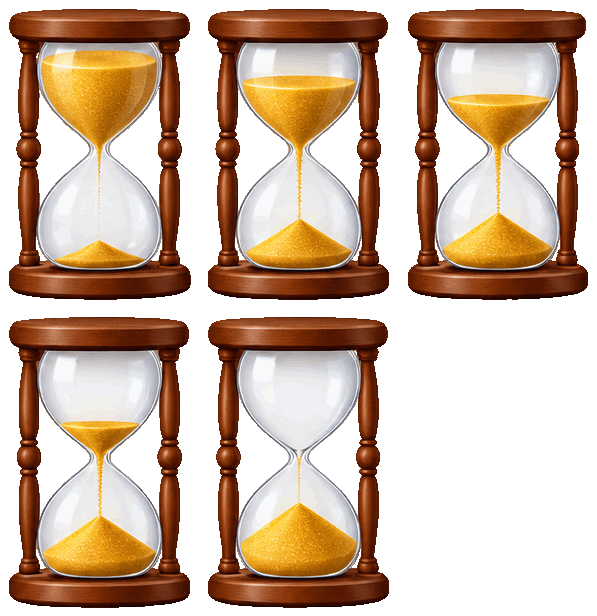
Every second frame keeps three of five, each with its time.

Four frames of a weather icon, ready to edit one by one.
Three steps, and nothing is uploaded.
Drop, paste or choose an animated GIF, WebP or PNG, or a short MP4 or WebM clip. Every frame is read on your device.
Step through every frame and tick the ones you want, or keep a range, every nth frame and no repeats.
Save one frame, or every picked frame as PNG, JPG or WebP in a ZIP, numbered as in the GIF, with a timing file if you need it.
Six things it does well, from one frame of a sticker to every frame of a clip.
 GIF
Play, pause and step through the GIF frame by frame with the buttons, the slider or the arrow keys, at quarter, half, normal or double speed. Each frame shows its number and time.

Frames are rebuilt as a viewer shows them, so a GIF that stores only the changed pixels still splits into complete pictures.

Tick frames by hand, keep a range, take every nth frame or leave out repeated frames before you split the GIF into frames.

Save frames as PNG with transparency kept, as JPG on the background colour you choose, or as WebP, at 25% to 400% of their size.
Every file is named by its frame number in the GIF, and the optional timing file lists how long each frame shows, so you can rebuild the animation.
The GIF splitter runs entirely in your browser: no upload, no account, no watermark, and it works offline once the page has loaded.
Five short tips for clean frames from any animation.
Pause the player and step with the arrow keys or the slider. The frame number and its time show under the picture, and the frame list marks where you are.

PNG and WebP keep transparent pixels. For JPG, or for a solid background in any format, choose the colour that suits where the frames will go.
For a long GIF or a clip, set From frame and To frame, or take every second frame. Leaving out repeated frames drops the pauses a GIF stores as copies.

Shrink large frames to half or a quarter for lighter files, or enlarge pixel art 2× or 4× with crisp edges. The frame size shows before you download.
Turn on the timing file to keep each frame's time. To place the frames on one sheet instead, open the same GIF in GIF to sprite sheet with one click.

Common reasons to split a GIF.
Take one frame of a GIF as a still picture, a thumbnail or the start of a new design.
Study an animation frame by frame, retouch single frames and build them back into a loop.

Turn animated icons, stickers and effects into numbered frames for an engine or an app.
Show each step of an animation as its own picture in a lesson, a slide or an article.
Answers about splitting GIFs, frames, files and privacy.
Open the GIF, tick the frames you want or keep them all, then download the frames as PNG, JPG or WebP in a ZIP.
Yes. It runs entirely in your browser, needs no account and adds no watermark.
No. Your GIF is read and split on your device; nothing is sent to a server.
Yes. Pause the player and step forward or back with the buttons, the slider or the arrow keys, at the speed you choose.
Yes. Many GIFs store only the pixels that change from one frame to the next; each frame is rebuilt as a viewer shows it, so every file is a complete picture.
Yes. Animated WebP and PNG open in Chrome, Edge and Safari, and short MP4 or WebM clips are read at 12 frames a second.
PNG keeps every pixel and transparency, JPG makes small files for photos, and WebP is small and keeps transparency too.
Yes. Make a sprite sheet hands the same GIF to GIF to sprite sheet, which lays the frames on one PNG with a JSON atlas.
Open a GIF in the GIF splitter and save its frames in seconds, free and in your browser.
Open a GIF