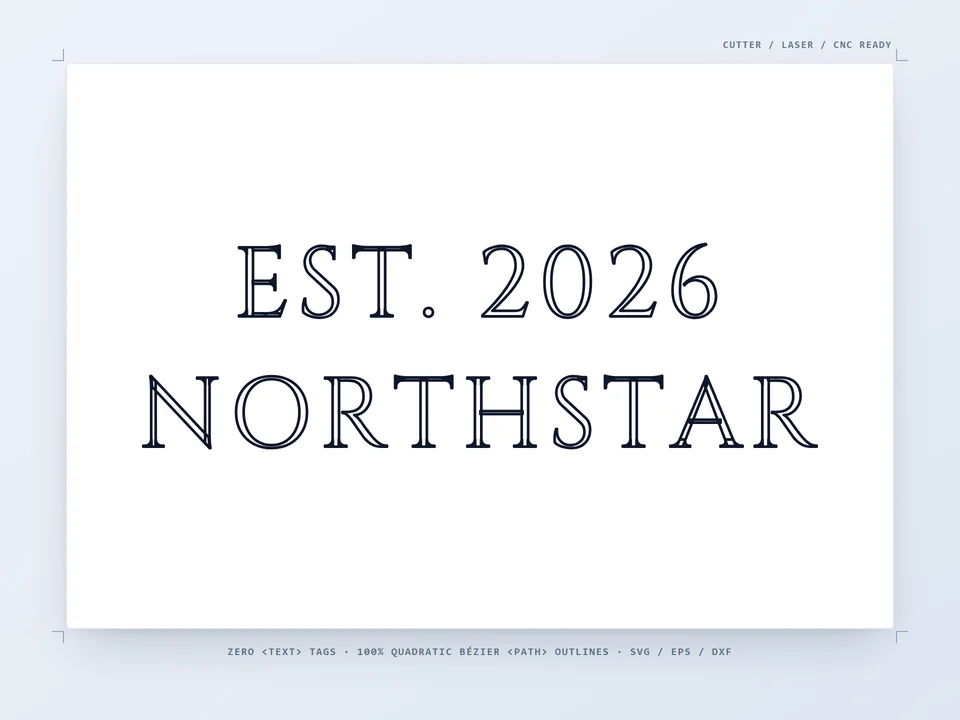
Classical Roman monogram crest
Pairs engraved Roman capitals with crisp hairline stroke offsets to showcase clean closed paths for brass plaques, foil stamping, and luxury emblem cutting.
Turn live lettering into pure vector geometry with our browser-local text to svg studio. Every character compiles from real TrueType glyph outlines into clean path elements with zero font dependencies, ready for Cricut Design Space, Silhouette Studio, LightBurn, Illustrator, Figma, and Inkscape.
Drop any .ttf font file anywhere to convert with your own typeface locally.
Open any gallery preset inside our text to svg converter to test curved baselines, script ligatures, and outlined strokes before typing your own lettering or dropping a custom TTF font.
Pairs engraved Roman capitals with crisp hairline stroke offsets to showcase clean closed paths for brass plaques, foil stamping, and luxury emblem cutting.

Renders expressive brush lettering with smooth cubic curves and balanced letter spacing tailored for vinyl wall decals, tumbler wraps, and heat-transfer lettering.

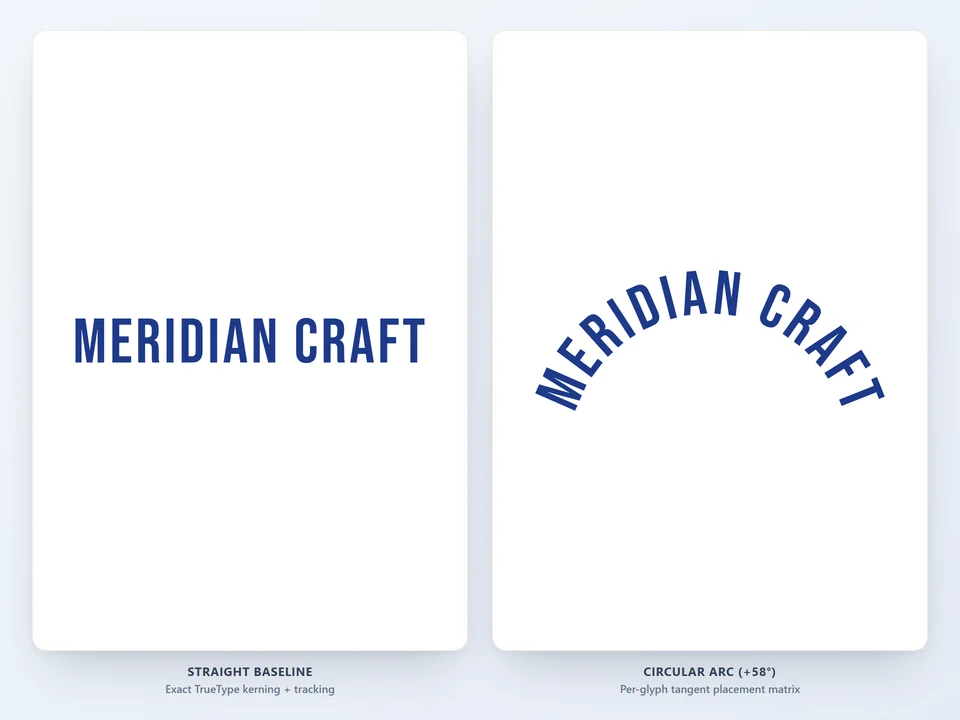
Bends condensed display typography cleanly around an upper arc radius with an optional outer contour stroke for patches, stamps, and circular sign boards.
Generate production-ready vector lettering straight from TrueType outlines without installing desktop layout software.
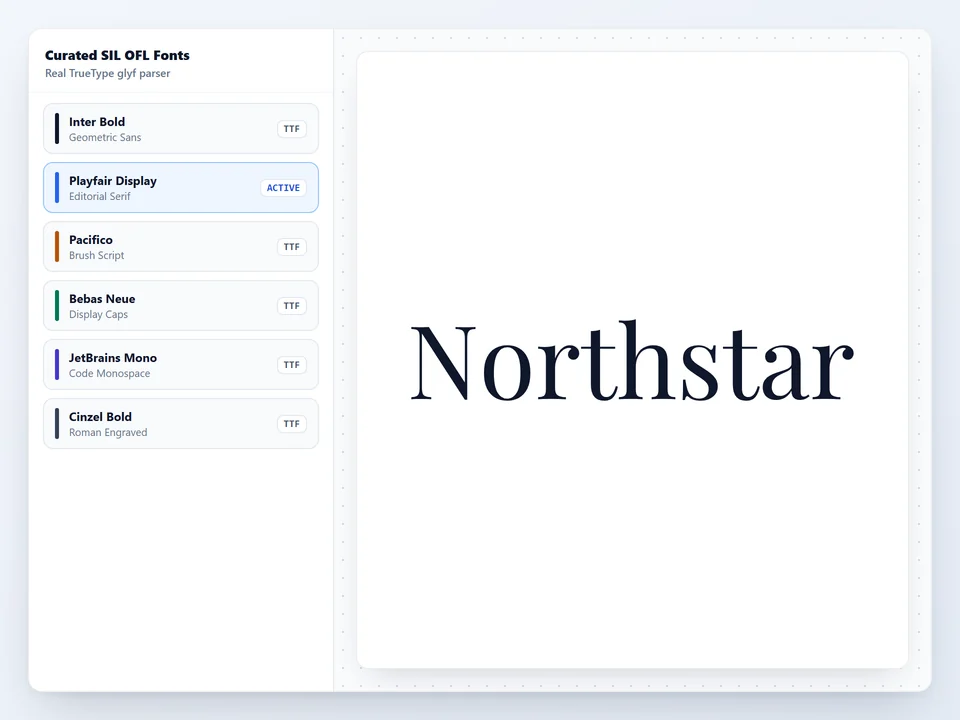
Enter single-line or multi-line wording, then pick from six curated commercial-ready typefaces covering Sans, Serif, Brush Script, Condensed Display, Classical Roman, and Monospace, or drag and drop your own local TTF file.
Switch between straight baselines, circular arcs, or smooth wave curves inside this svg text generator. Tune font size, letter tracking, fill color, stroke outline thickness, and offset contours with live vector preview.
Export pure outlined SVG paths for cutters and design apps, PostScript EPS for sign shops, CAD-ready DXF for laser engraving, or crisp transparent PNG for quick overlays.
Built around genuine TrueType contour parsing so every exported letter stays crisp, welded, and font-independent across every machine and editor.
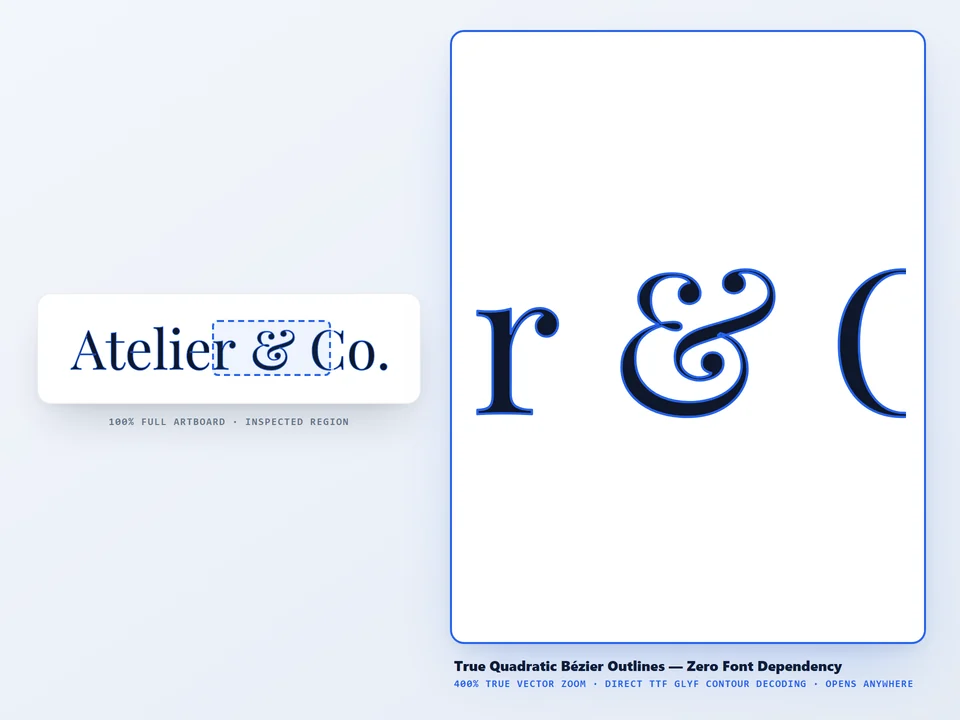
Standard SVG text tags break whenever a recipient opens the file without that installed font. This text to svg engine traces each TrueType glyph directly into explicit path d coordinates so files look identical in Cricut Design Space, Silhouette Studio, LightBurn, Illustrator, Figma, and Inkscape.
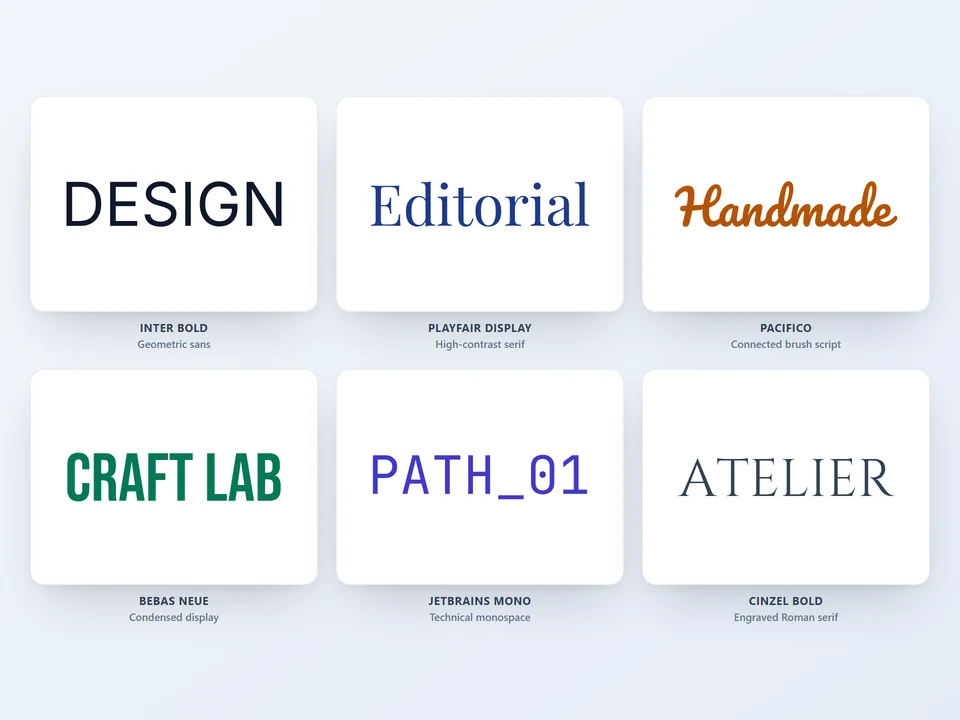
Start immediately with clean Sans, editorial Serif, expressive Brush Script, bold Condensed Display, Classical Roman, or technical Monospace, or drop any local TrueType file into the font to svg parser for custom brand typography.
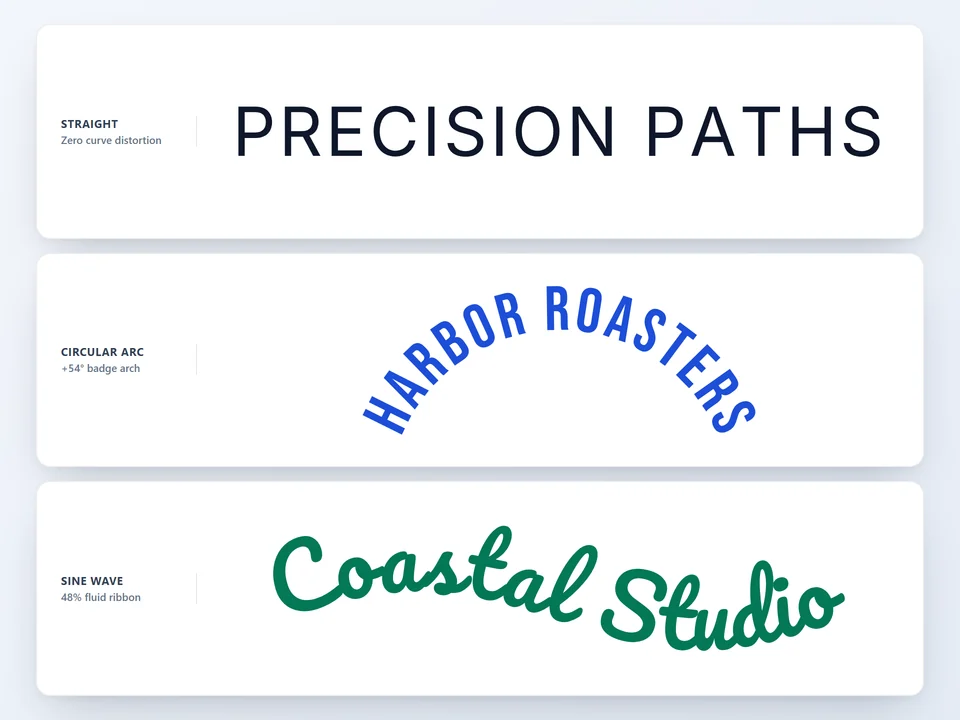
Bend headlines smoothly along upper or lower circular arcs, ripple display slogans across sine waves, or lock tight horizontal baselines while preserving exact per-character glyph curves.
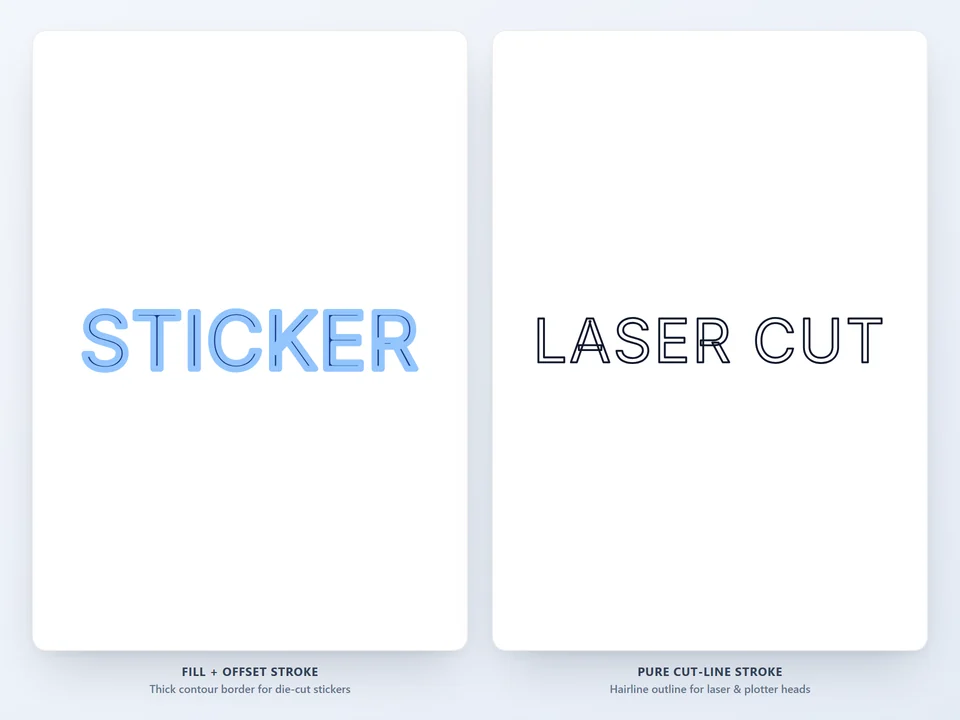
Add clean contour strokes, hollow outline lettering, or bold offset halos around every character so vinyl decals, layered iron-on graphics, and laser sign letters separate cleanly.
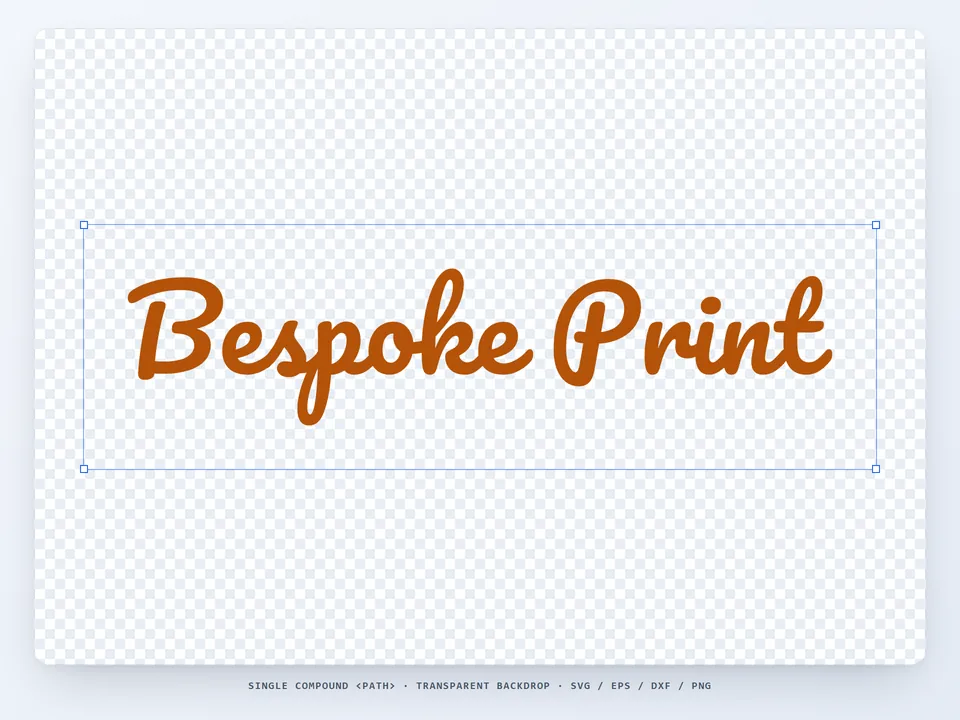
Generate web and cutting SVG files, press-ready PostScript EPS, polyline DXF files for LightBurn and CNC toolpaths, and crisp transparent PNG previews from the exact same vector math.
Your custom commercial TTF files and brand wordmarks parse directly in browser memory with zero remote uploads, keeping licensed font binaries strictly on your device.
Five production habits that keep outlined typography sharp across vinyl cutters, laser engravers, CAD routers, and brand identity files.
A live SVG text element stores only characters and a font-family string, leaving the viewer's operating system to guess how letters should draw. The moment you send that graphic to a vinyl cutter, print shop, or teammate without the typeface installed, spacing shifts and the system substitutes a generic fallback font. When you convert text to svg path geometry up front, every stem, serif, and counter becomes mathematical Bezier coordinates inside path elements. That guarantees pixel-identical curves whether the file opens in Illustrator, Figma, Inkscape, Cricut Design Space, Silhouette Studio, or a production browser canvas.
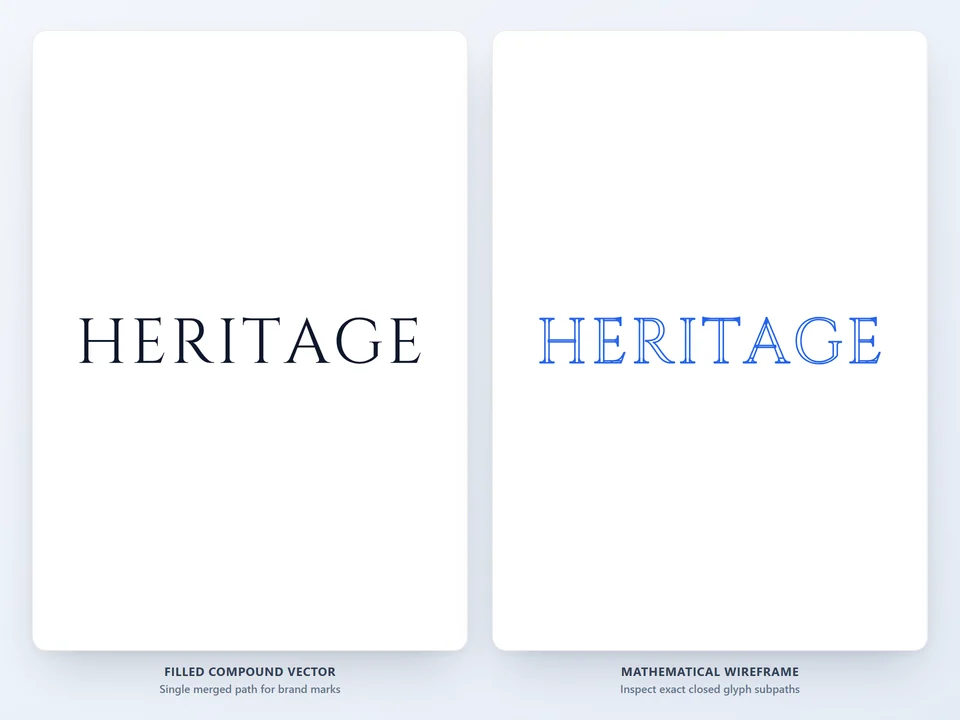
Each fabrication workflow favors distinct glyph proportions. Vinyl cutting on Cricut and Silhouette machines weeds cleanly when letter stems stay sturdy and inner counters remain wide, making Sans, Condensed Display, and bold Brush Script dependable choices. Laser engraving in LightBurn and CNC carving handle Classical Roman serifs and crisp Monospace markings effortlessly because beam kerf stays narrow even at small heights. Before finalizing a font to svg export, zoom closely into thin serifs and tight loops to confirm minimum stroke widths fit your blade depth, vinyl film thickness, or router bit diameter.
Bending words along a circular crest or decorative wave naturally compresses letter bottoms on outer curves and pinches tops on inner arcs. Slightly opening letter spacing inside our svg text generator restores optical rhythm so adjacent capitals never collide around tight radii. For circular emblem badges, balance upper arc lettering with a gentler curve radius and bold condensed capitals so words remain legible from across a room. Keeping wave amplitude moderate also preserves crisp horizontal readability while giving storefront signs, bottle labels, and custom apparel prints a clean handcrafted feel.
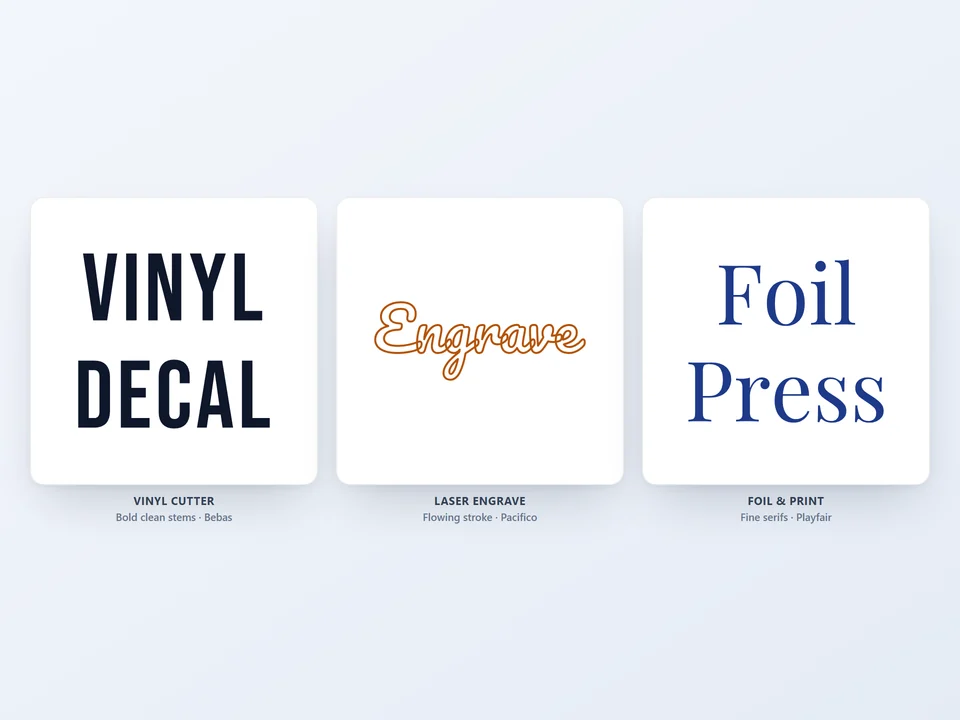
Multi-layer adhesive vinyl, heat-transfer apparel graphics, and die-cut stickers read far better when dark lettering sits over a bright backing offset. Applying a clean stroke outline or expanded halo inside our glyph outliner builds immediate figure-ground contrast on patterned mugs, dark hoodies, or textured wood plaques. Keep stroke joins smooth and rounded when working with sharp display corners so cutter blades pivot cleanly without lifting delicate vinyl tips during weeding. For engraving outlines where only the outer contour cuts, turn off the interior fill and assign a crisp hairline stroke.
Download pure outlined SVG whenever you import lettering into Cricut Design Space, Silhouette Studio, Figma, Inkscape, or modern web layouts where clean vector paths keep files tiny and crisp. Choose DXF for LightBurn laser cutters, plasma tables, and CAD routers that expect engineering polyline coordinates, and pick EPS for commercial sign makers or offset print houses working in PostScript workflows. Transparent PNG serves quick mockups, slides, and social headers. Pair this text to svg workspace with SVG for Cricut, SVG to DXF, SVG to EPS, or recolor paths in SVG Color Changer.
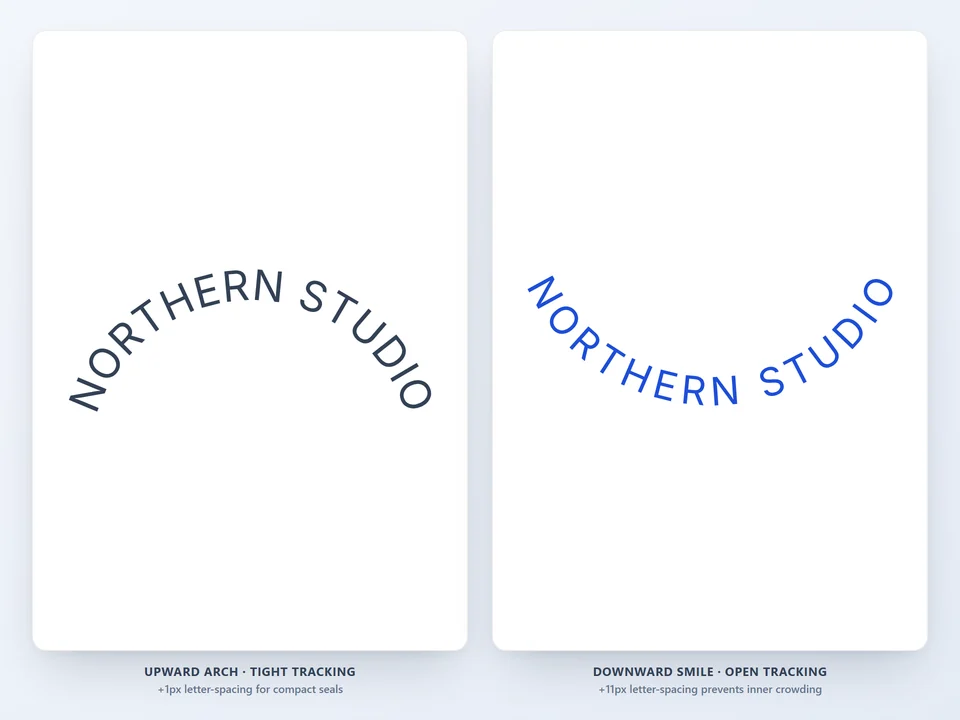
Precision outlined lettering for craft makers, laser operators, brand designers, and frontend developers.
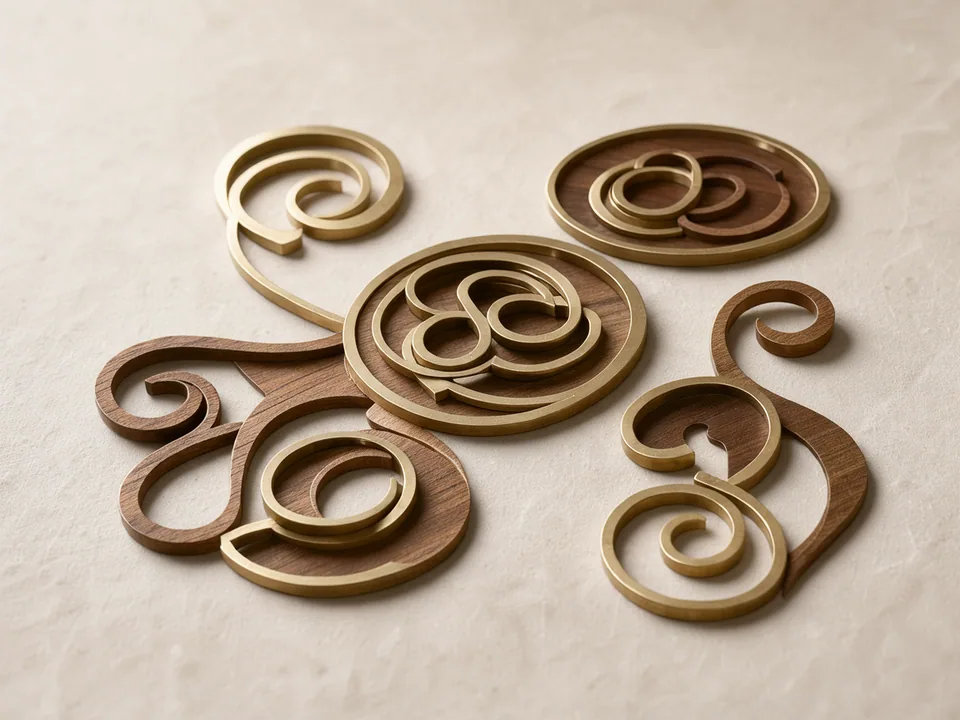
Build ready-to-cut monograms, tumbler decals, and curved shirt lettering with this text to svg tool so designs upload straight onto cutting mats without broken font prompts.
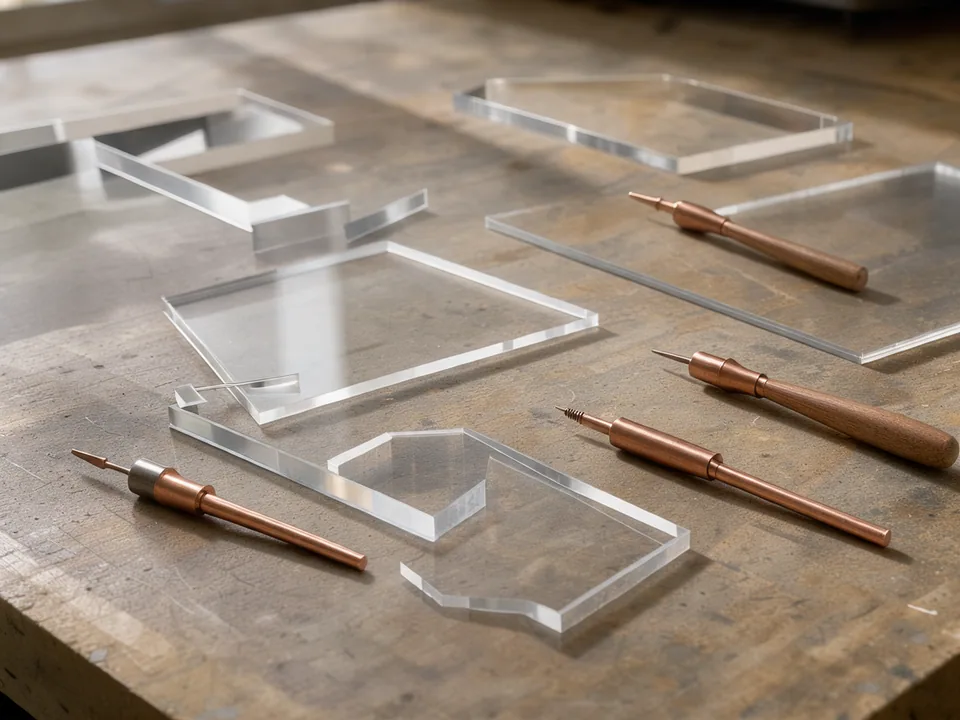
Convert client phrases into crisp DXF and SVG outlines ready for LightBurn scoring, acrylic inlays, brass nameplates, and routed timber signage.
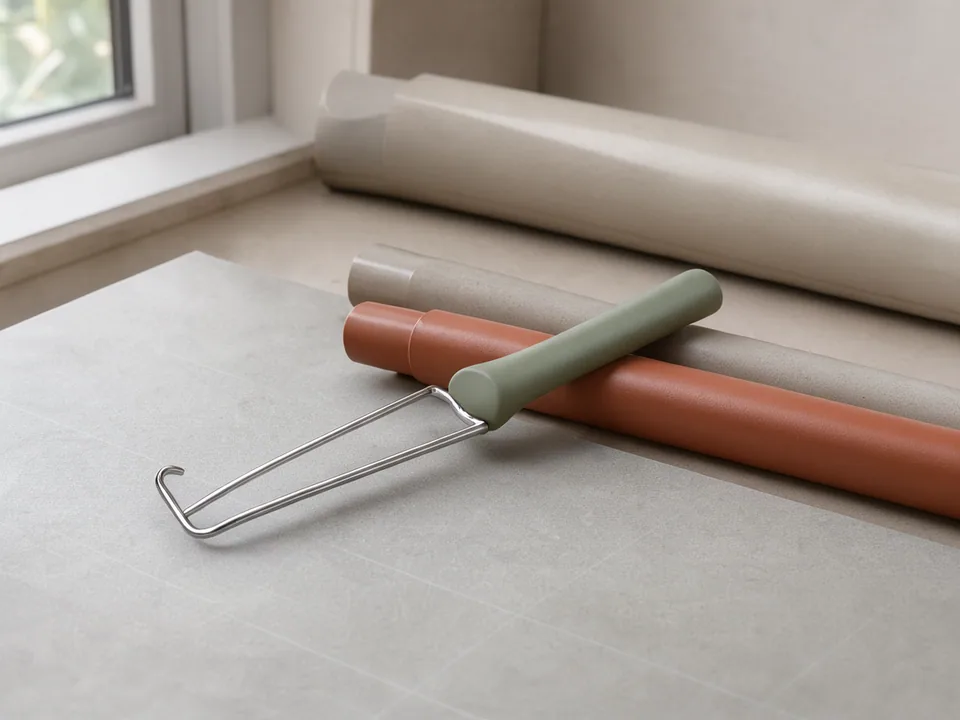
Lock custom TTF wordmarks into permanent vector paths for foil stamps, product labels, Illustrator comps, and Figma design libraries.

Export lightweight outlined hero badges and curved logotypes straight from TrueType geometry without bundling heavy custom webfont payloads.
Clear answers on TrueType glyph outlining, custom TTF uploads, curved paths, DXF laser exports, and design app compatibility.
The tool reads real TrueType font contour tables directly inside your browser and compiles every letter into explicit SVG path d geometry. Because no live SVG text tags remain, every curve renders identically across cutting machines, browsers, and design apps.
Yes. Drag and drop any local TTF font file directly into the workspace to outline your own brand or display typeface. Font binaries stay strictly in local browser memory and are never uploaded to a server.
Yes. Every glyph is saved as clean closed vector path geometry with zero missing-font warnings, so monograms, script decals, and curved badges import ready for cutting, scoring, or drawing in Cricut Design Space and Silhouette Studio.
Switch the layout mode from straight to arc or wave inside the studio controls, then adjust the radius, angle, or wave amplitude sliders. Each character rotates and positions dynamically along the curve while keeping crisp TrueType path outlines.
Yes. Alongside standard SVG and PostScript EPS, you can export clean DXF geometry built directly from the outlined glyph contours for LightBurn, laser engravers, and CAD routers.
Yes. The studio includes six curated commercial-ready styles spanning Sans, Serif, Brush Script, Condensed Display, Classical Roman, and Monospace so you can create client signage, decals, and logos right away.
Yes. Toggle fill opacity or color independently from the outer stroke outline and offset controls to build hollow engraved lettering, bold contour borders, or layered sticker offsets in seconds.
Yes. When you convert text to svg path output here, every character exports as clean editable vector curves that you can ungroup, adjust anchor points on, weld, or recolor inside Illustrator, Figma, and Inkscape.
Pick a commercial-ready font or drop a custom TTF, shape arcs and outlines live, and export SVG, EPS, DXF, or transparent PNG locally.
Convert text to SVG now