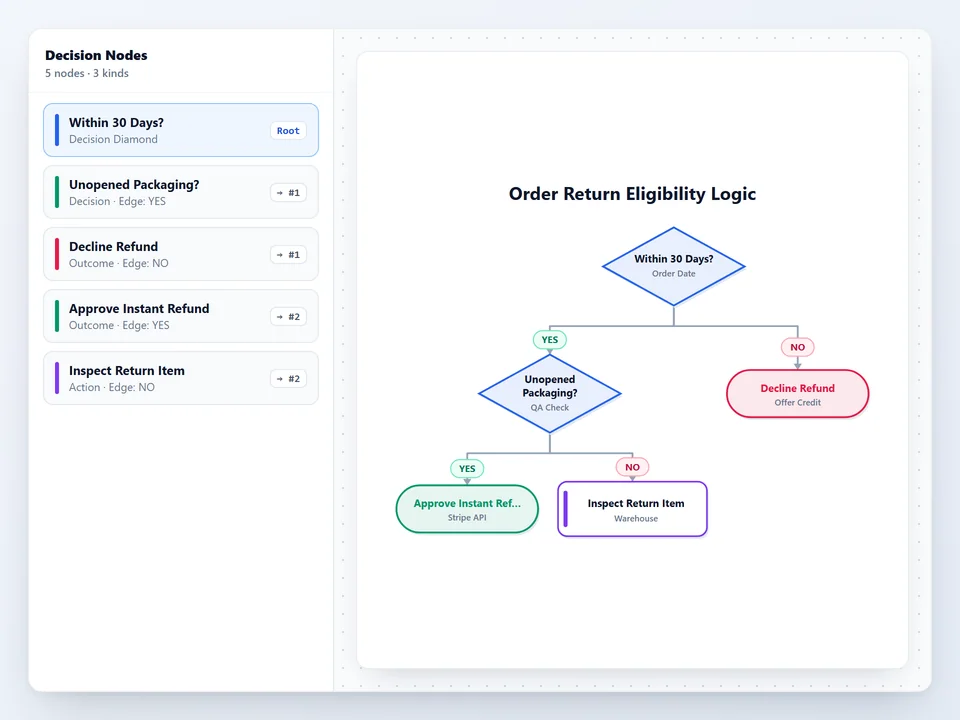
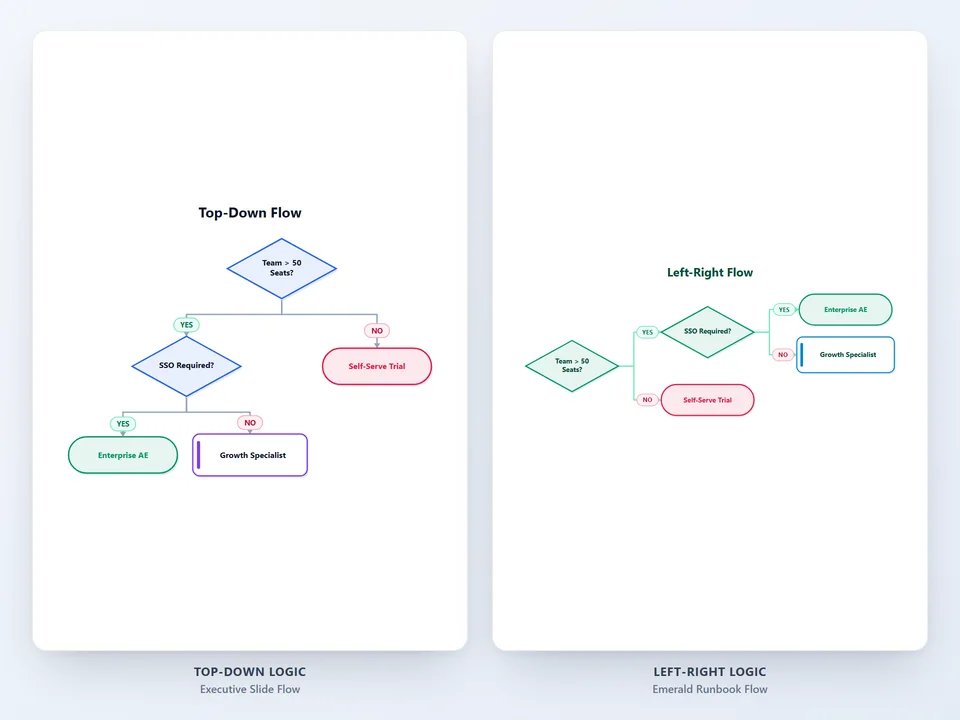
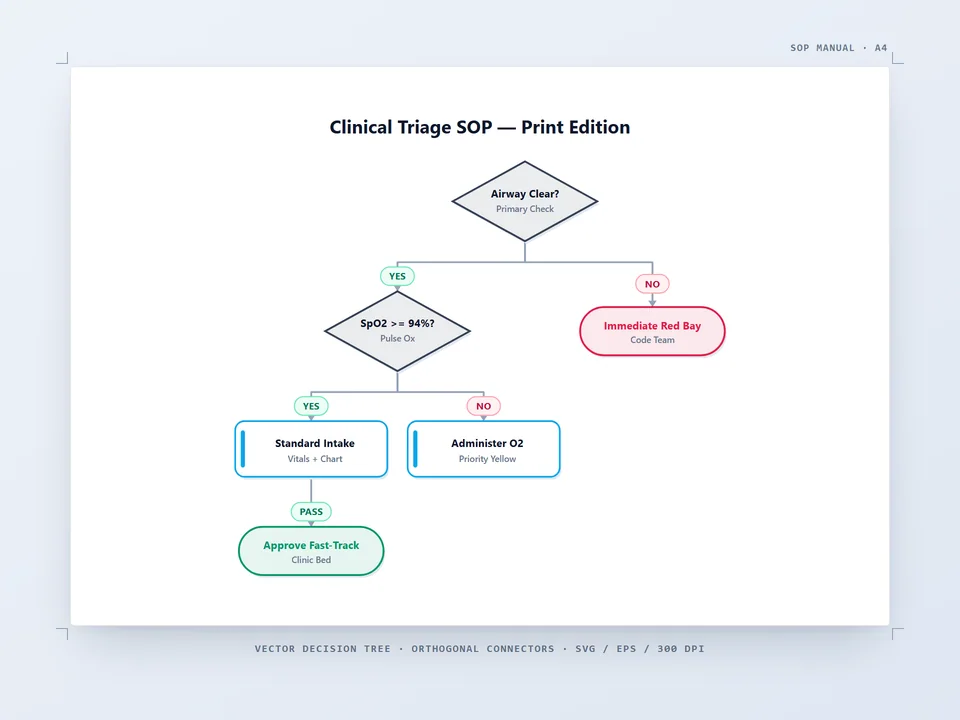
Customer support triage flow
Routes incoming help requests by outage impact, account priority, and technical scope into self-serve guides, specialist queues, or urgent on-call escalation.
Turn complex rules, troubleshooting paths, and approval criteria into clear branching visuals with our browser-local decision tree maker. Combine diamond decision gates, rounded action steps, color-coded outcome pills, and labeled Yes/No edges, then export scalable SVG, EPS, or 300 DPI PNG.

Load any logic template into our decision tree generator to inspect diamond checks, green and crimson branch badges, and clean orthogonal elbows before mapping your own workflow.
Routes incoming help requests by outage impact, account priority, and technical scope into self-serve guides, specialist queues, or urgent on-call escalation.

Guides prospective teams through seat count, compliance needs, and dedicated support gates to match the ideal product package without guesswork.

Evaluates applicant income stability, debt ratio, and borrower risk threshold to route applications clearly toward instant approval, manual review, or decline.
Document branching business logic cleanly in minutes without nudging connector arrows or aligning diamonds manually.
Start from a preset or add nodes linked to a parent. Pick diamond shapes for branching questions, rounded cards for intermediate steps, and pill endpoints for final outcomes.
Add concise edge labels such as Yes, No, Pass, or Escalate inside this decision diagram maker. Switch top-down or left-right orientation, toggle compact spacing, and pick a visual palette.
Choose a crisp white backdrop or transparent canvas, then export editable SVG for product specs and wikis, EPS for manuals, or 300 DPI PNG for training slides.
Designed around true flowchart conventions so readers trace conditions, branches, and endpoints effortlessly.
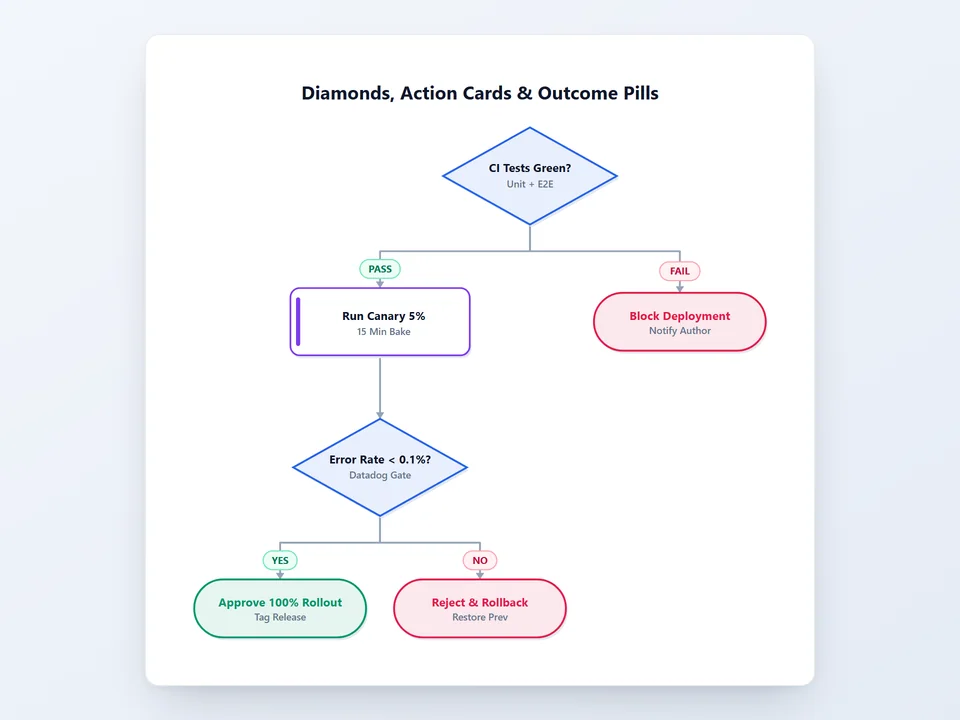
Every node shape communicates its role immediately: tinted diamond polygons ask branching questions, accented cards denote processing steps, and rounded pills highlight final decisions.
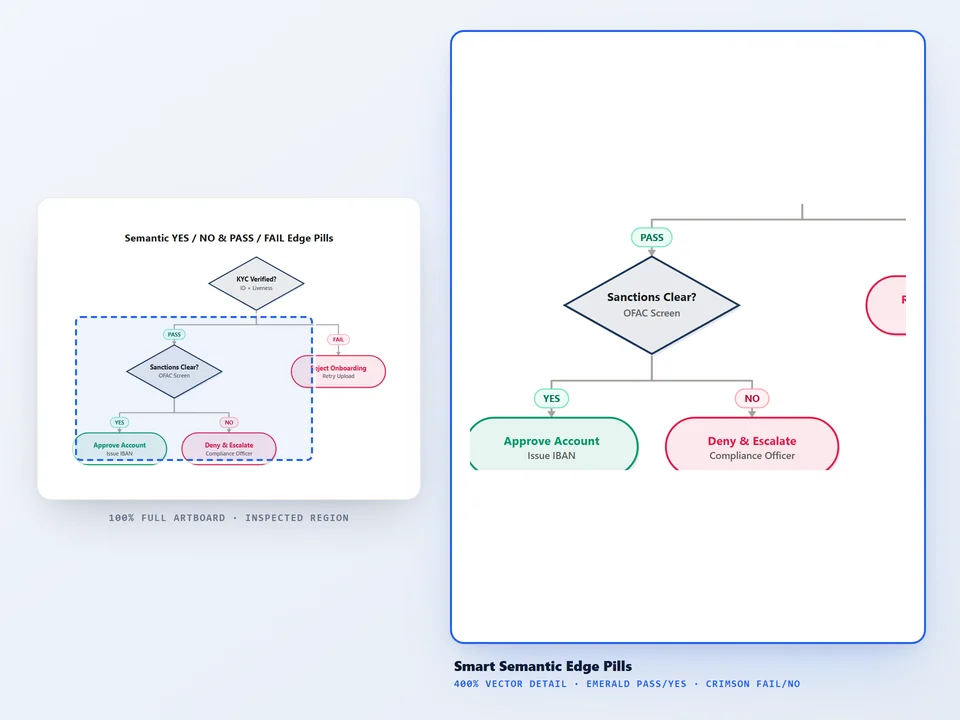
Inside this flowchart decision tree engine, edge labels like Yes, True, Pass, or Approve tint emerald automatically while No, False, Fail, or Reject highlight crimson for rapid scanning.
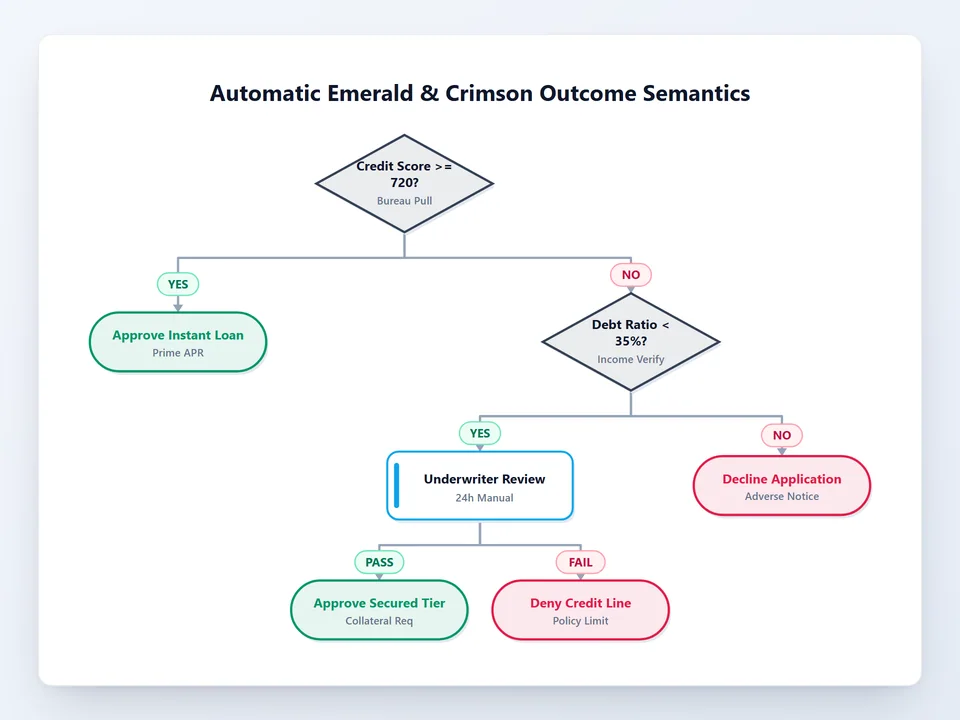
Terminal endpoints adjust color intelligently based on approval or rejection wording, while custom color overrides let you match brand guidelines or risk severity scales.
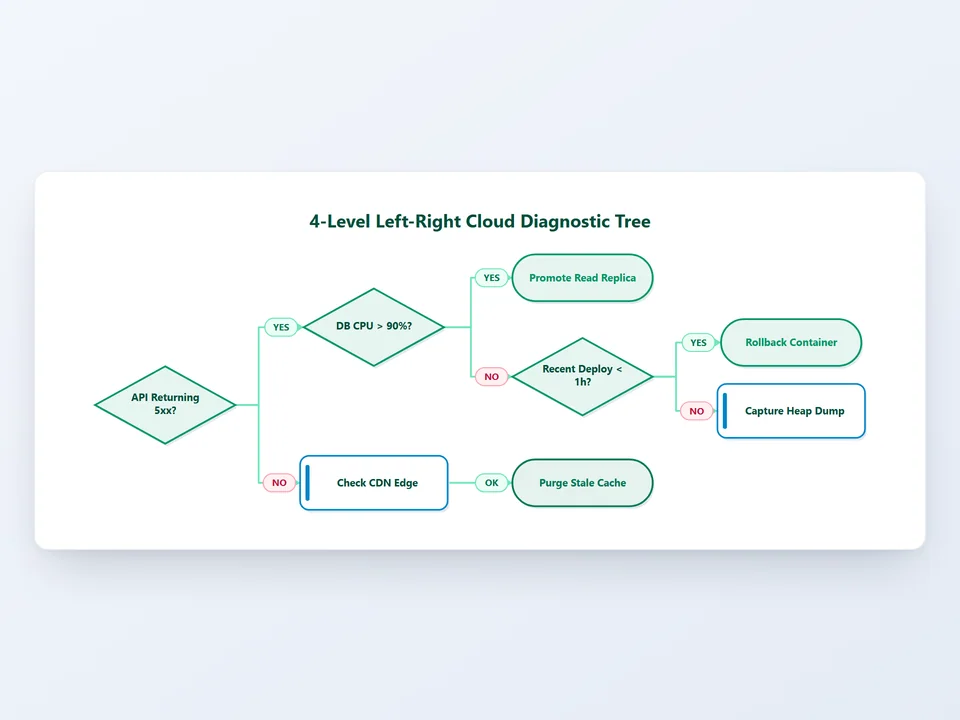
Bottom-up subtree measurement guarantees generous spacing between parallel branches in both vertical pyramids and horizontal left-to-right logic diagrams, with cycle safety built in.
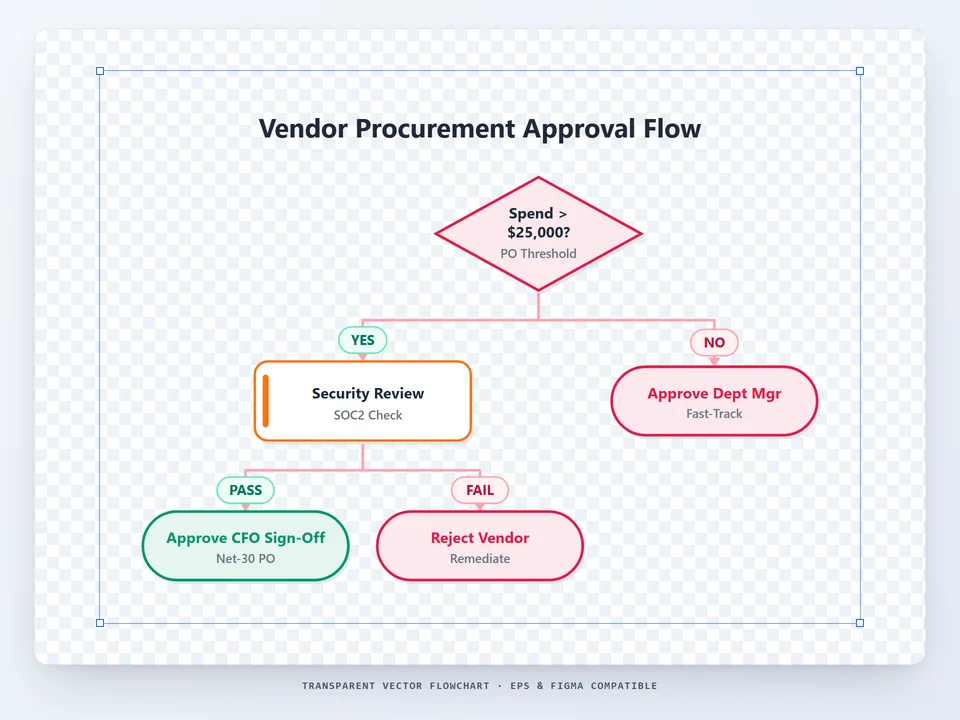
Every graphic generated in this browser editor exports as genuine EPS-safe vector geometry and crisp text, ready for Figma, Illustrator, PowerPoint, and printed SOP binders.
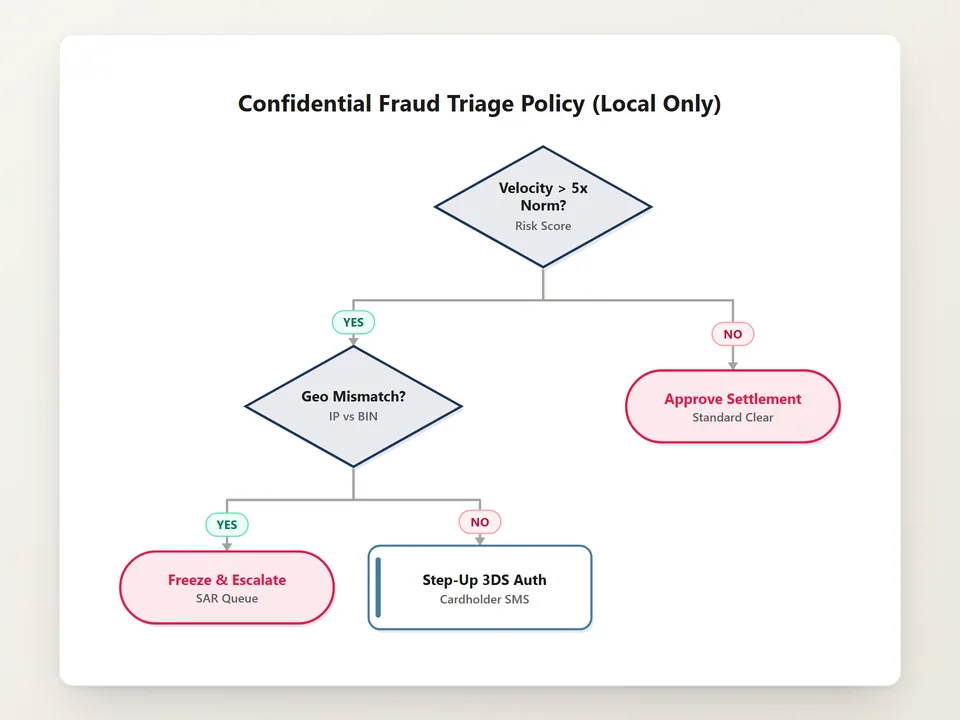
Underwriting policies, incident response playbooks, and clinical or legal triage rules stay strictly inside your browser with zero server transmission.
Five diagramming habits that make branching rules, troubleshooting trees, and policy flowcharts easy to follow under pressure.
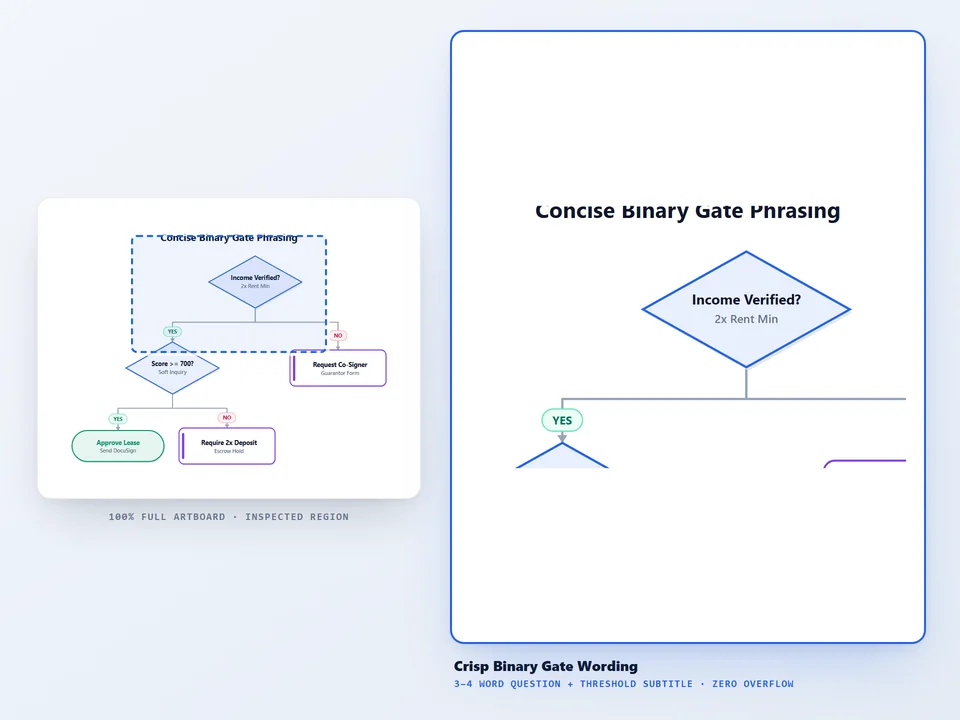
Dense paragraphs inside diamond shapes force tiny fonts and slow comprehension. Write crisp three-to-five-word checks such as Income verified? or Severity P1? and put detail thresholds in the subtitle field. Using a decision tree maker with concise gate wording ensures every branch choice reads unmistakably on first glance.
Ambiguous edges break trust in operational playbooks. When two paths leave one diamond, make sure edge badges cover every case without overlap, such as Under $5k versus $5k or above, or Yes versus No. Clear badges in a flowchart decision tree stop support agents and reviewers from guessing which route applies.
Shallow three-level trees fit comfortably in top-down pyramids on wide presentation slides. Once a diagnostic or approval workflow reaches four or five decision levels, flipping our decision diagram maker to left-right orientation mirrors natural reading direction and keeps branch pills evenly separated across wide or tall canvases.
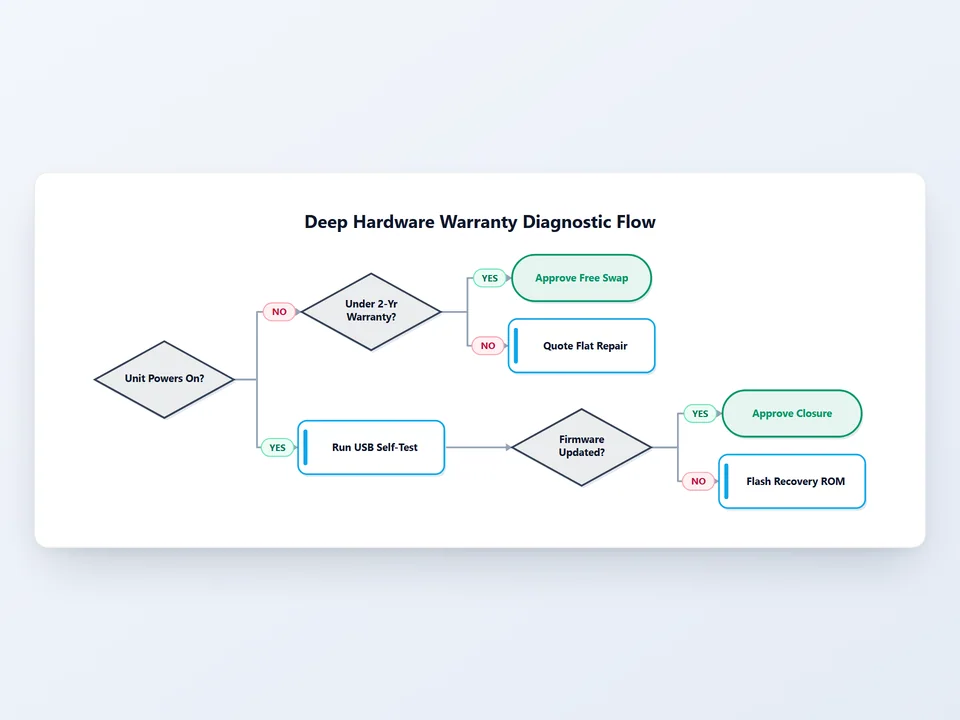
Distinguishing mid-flow actions from terminal endpoints helps readers see immediately when a procedure ends. Keep intermediate checks as diamonds, required work steps as left-accented action cards, and terminal verdicts like Approve, Escalate, or Decline as rounded outcome pills so handoffs never stall.
Embed SVG into engineering wikis, Notion playbooks, PowerPoint decks, or Figma design systems so diagram text stays crisp at every zoom level. Export PostScript EPS for printed safety manuals and regulatory binders, or 300 DPI PNG for quick chat embeds. Pair your decision tree generator with Org Chart Maker, Venn Diagram Maker, SWOT Analysis Maker, or rasterize proofs with SVG to PNG.
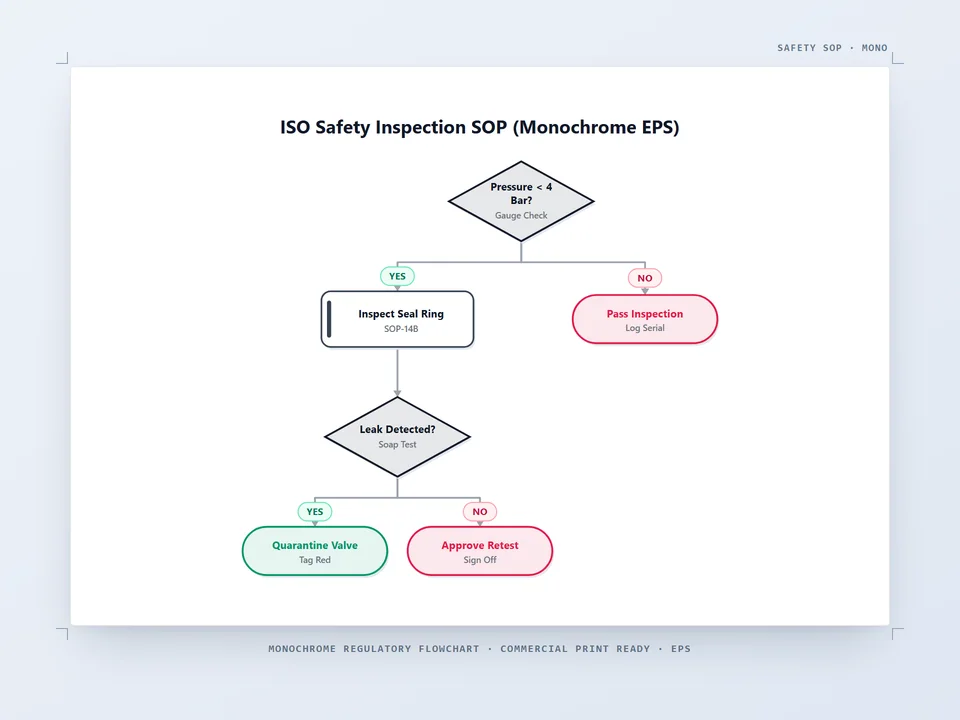
Structured branching diagrams for support operations, product teams, compliance officers, and educators.

Publish clear ticket triage trees, outage escalation runbooks, and troubleshooting guides that new agents follow accurately on day one.

Map onboarding branches, eligibility rules, and feature routing flows in this browser workspace before writing engineering specs.

Document underwriting gates, audit review thresholds, and policy approval hierarchies locally without sending confidential rules online.

Build printable lab identification keys, study logic trees, and visual help-center guides in crisp monochrome or color vector files.
Answers on node shapes, Yes/No branch badges, auto-layout, SVG and EPS vector exports, and local privacy.
Pick a preset or add nodes in the branching editor above, assign parent links, choose diamond, action, or outcome node kinds, label each branch edge, and export SVG, EPS, or 300 DPI PNG free.
Yes. Any node can connect to two, three, or more child nodes, and the subtree-span engine spaces all sibling branches evenly with clean orthogonal elbows.
Standard affirmative labels like Yes, True, Pass, or Approve receive emerald accents while negative labels like No, False, Fail, or Reject receive crimson accents so paths scan faster.
If you leave node kind unspecified, nodes with two or more children default to decision diamonds, single-child nodes become action cards, and leaf endpoints render as rounded outcome pills.
Yes. Toggle direction live to compare vertical tree layouts against left-to-right flowcharts without retyping labels or reconnecting branches.
Yes. Both SVG and EPS use clean polygon diamonds, rounded rectangles, orthogonal lines, and standard text elements ready for Illustrator, Figma, Inkscape, or PowerPoint.
Enable Compact mode to tighten card padding and gaps, or switch to left-right orientation so deep trees stay legible without shrinking text.
No. Whenever you create decision tree online diagrams here, all tree layout math and vector exports run strictly inside your browser memory.
Connect decision diamonds, action cards, and labeled outcome paths live, then export vector SVG, EPS, or 300 DPI PNG locally.
Start making a decision tree