Company history milestones
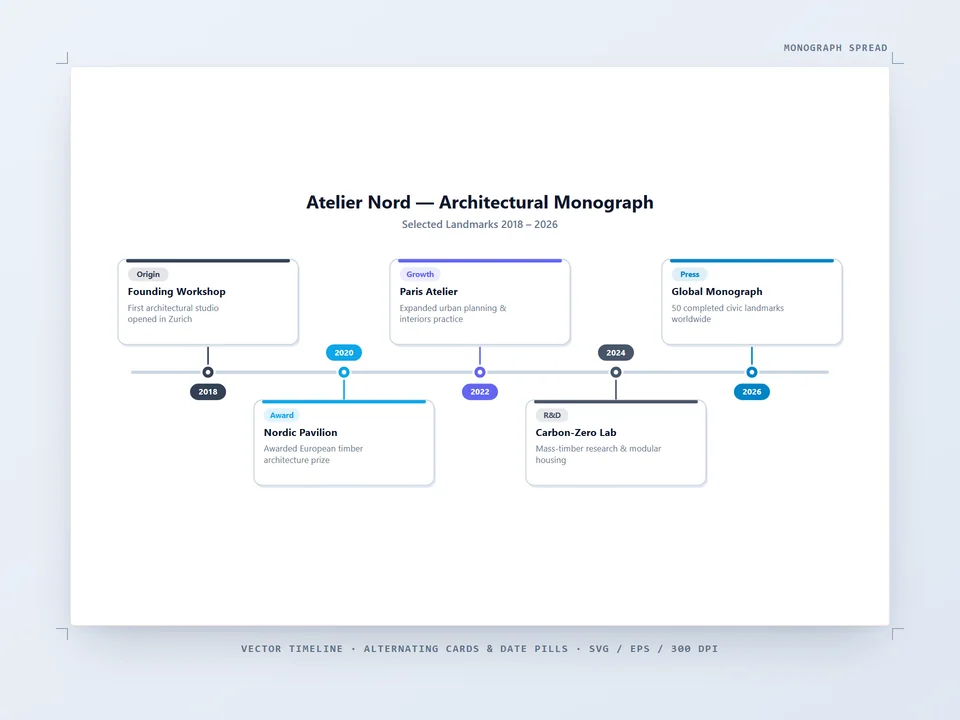
Highlights founding launch, initial customer adoption, platform expansion, and major growth checkpoints along an alternating horizontal spine for About pages and pitch decks.
Present product roadmaps, company milestones, and course schedules cleanly with our browser-local timeline maker online. Arrange alternating horizontal or vertical event cards with color-coded date pills and category tags, then download vector SVG, press-ready EPS, or crisp 300 DPI PNG.

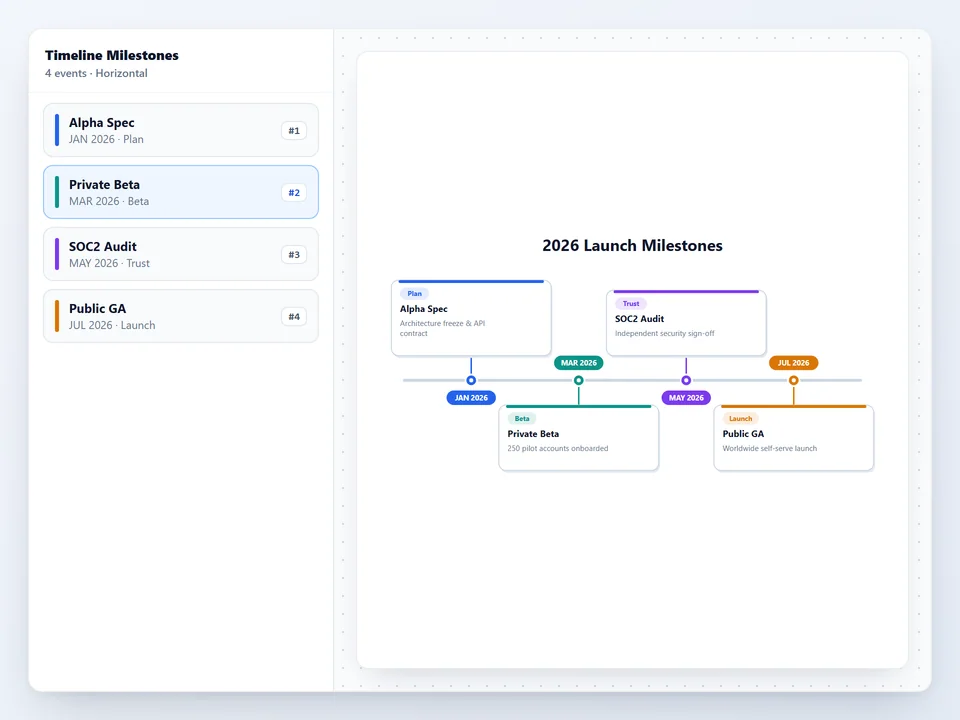
Load any starter layout into our project timeline maker to inspect alternating milestone stems, date pills, category tags, and balanced card wrapping before typing your own dates.
Highlights founding launch, initial customer adoption, platform expansion, and major growth checkpoints along an alternating horizontal spine for About pages and pitch decks.

Maps Q1 through Q4 feature releases with workstream category badges and concise summaries ready for board reviews and customer updates.

Organizes lecture modules, lab deliverables, midterm reviews, and capstone presentation dates into a clean printable handout for students.
Create aligned milestone visuals in minutes without nudging connector stems, circles, and text boxes across slide canvases.
Start from a preset or add milestone entries with a date label, short headline, optional category tag, and concise summary. Reorder events anytime to refine your story.
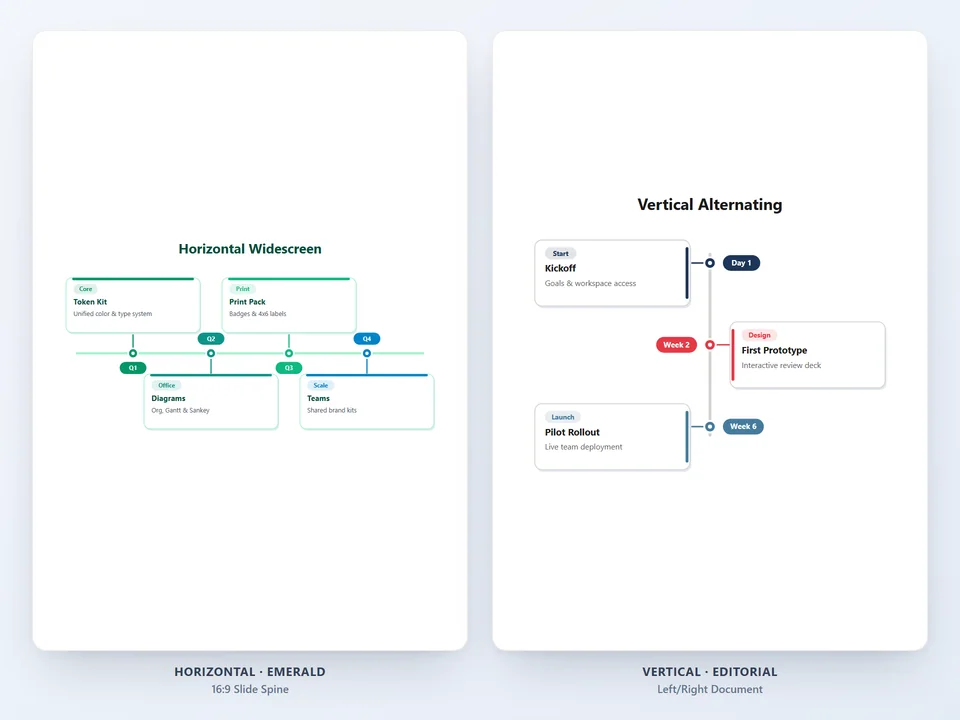
Toggle widescreen above/below cards in this horizontal timeline generator or flip to an alternating left/right vertical layout, then select from six balanced palettes or set custom card accents.
Pick a white backdrop or transparent canvas, then download vector SVG for PowerPoint and web wikis, PostScript EPS for brochures, or 300 DPI PNG for handouts.
Purpose-built vector geometry keeps milestone pins, connector stems, date badges, and wrapped copy aligned automatically.
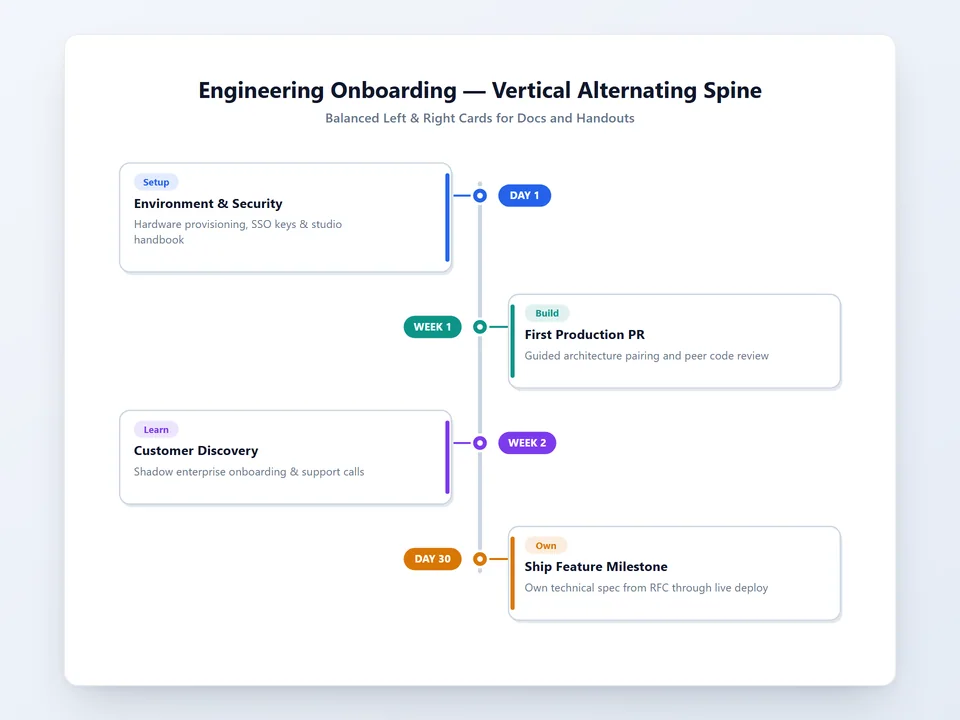
Switch effortlessly between a widescreen horizontal spine with alternating upper and lower cards and a scrolling vertical spine with balanced left and right event cards.
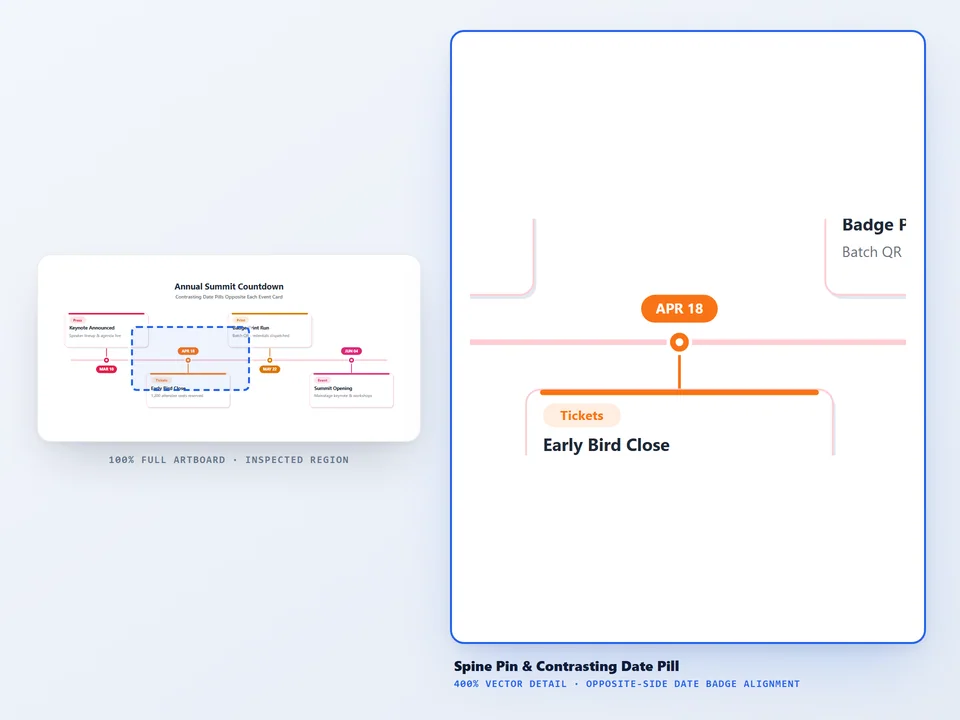
Inside this milestone timeline maker, every circular spine pin pairs an accented event card on one side with a high-contrast date badge directly across the spine for rapid visual scanning.
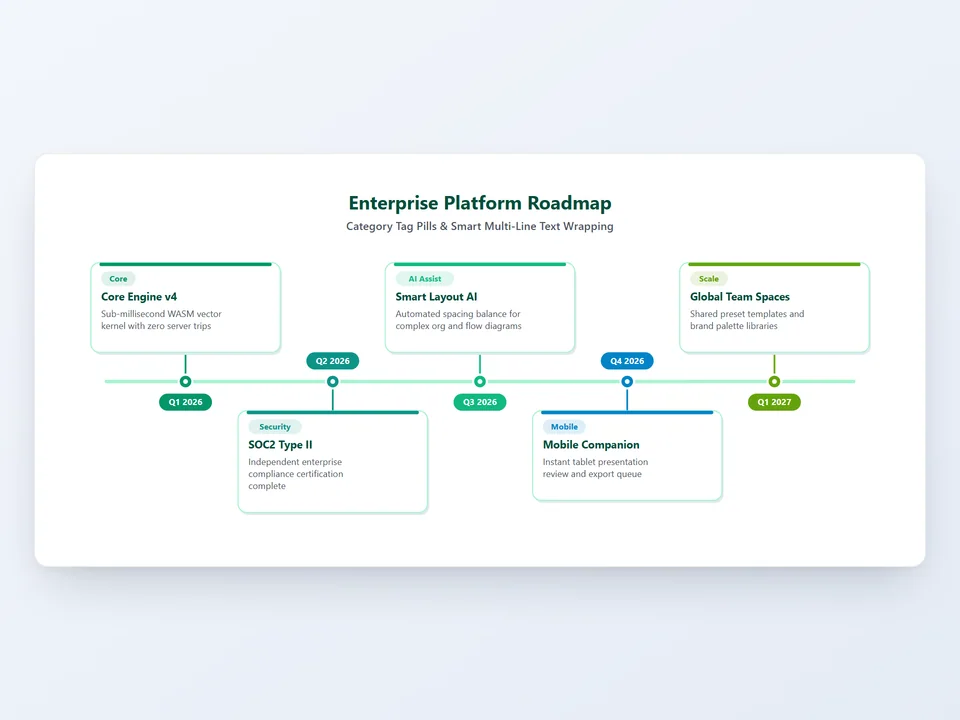
Label events with short workstream tags like Launch, Research, or Milestone while automatic word wrapping keeps card heights tidy and legible across desktop slides and printed pages.
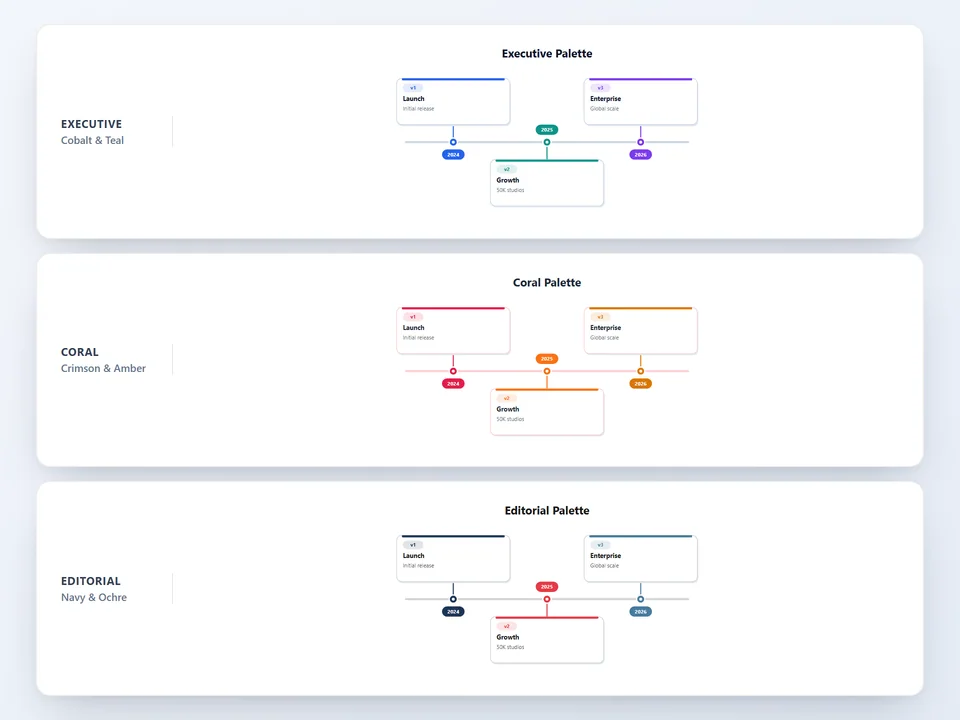
Style your entire graphic instantly with Executive, Slate, Emerald, Coral, Editorial, or Mono palettes, or assign custom hex colors to spotlight critical launch dates.
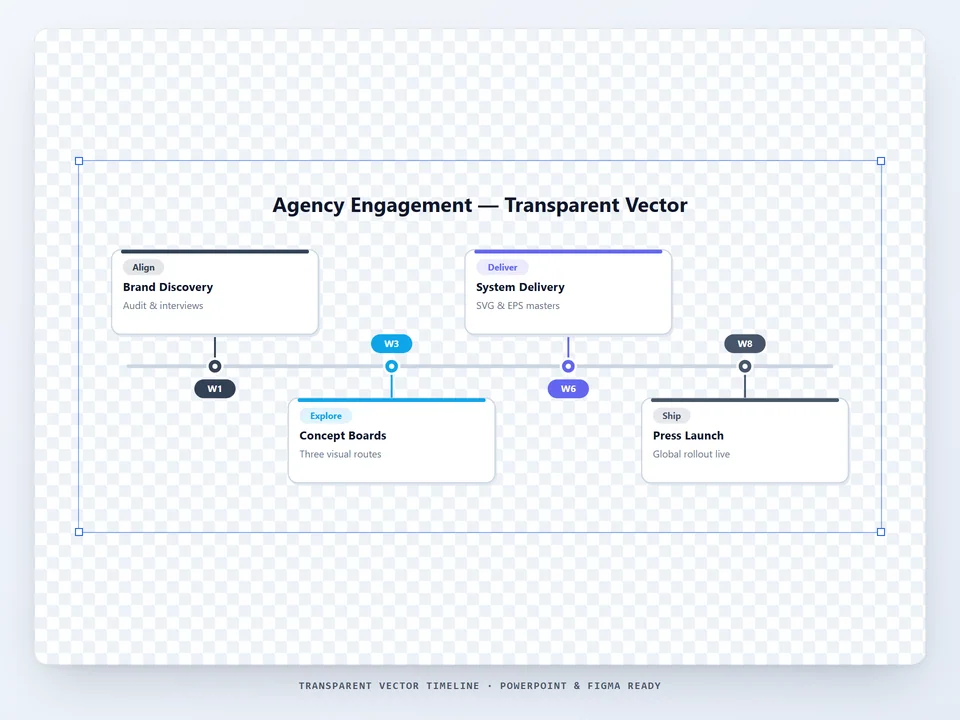
Unlike blurry slide screenshots, this browser editor outputs genuine vector shapes and sharp typography compatible with PowerPoint, Keynote, Figma, Illustrator, and commercial printers.
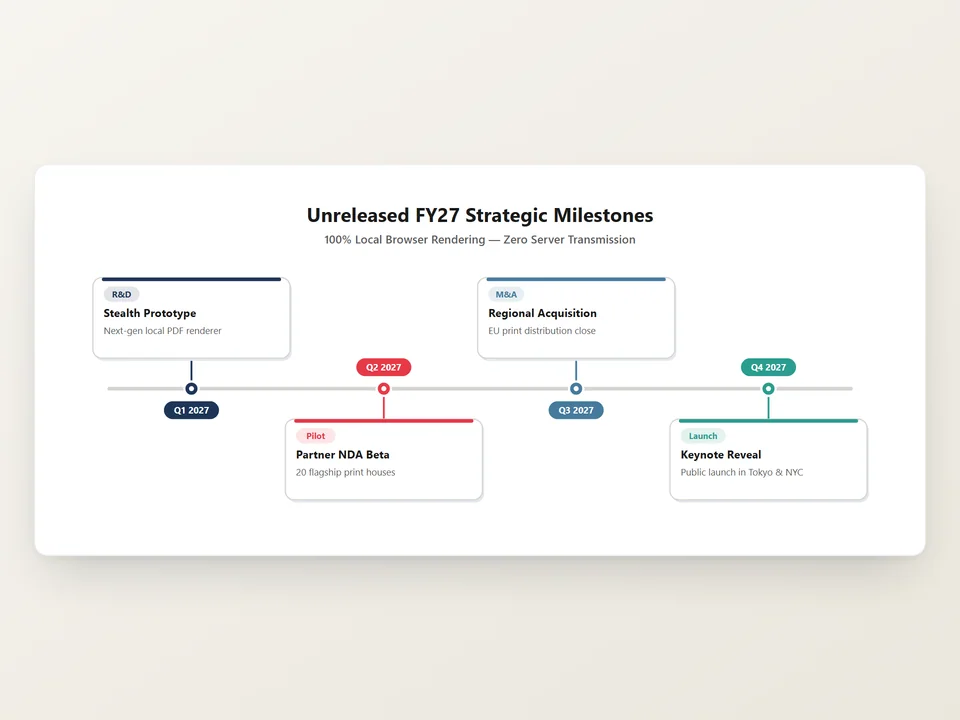
Upcoming product announcements, M&A histories, and internal launch dates stay strictly inside your local browser with zero server uploads.
Five visual storytelling habits that keep executive roadmaps, company histories, and academic schedules sharp and memorable.
Overloading a single horizontal slide with twelve dense events shrinks cards and hides the core narrative. Highlight the four to seven turning points that genuinely changed direction, and split longer histories by era or year. Keeping entries focused inside a horizontal timeline generator gives every card crisp legibility across conference rooms.
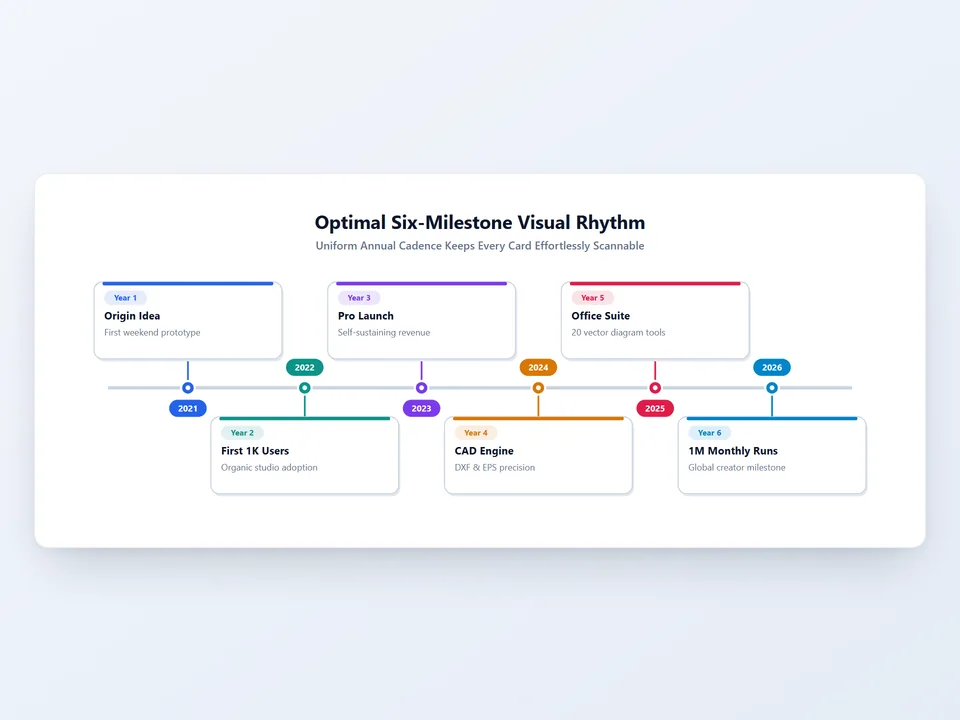
Mixing formats like Q1 2026, March 14, and Week 9 makes audiences work harder to judge pacing. Pick one consistent cadence across every date pill, whether years (2021 to 2026), quarters (Q1 to Q4), or months (Jan to Jun). Uniform date badges inside a roadmap timeline maker anchor progression immediately.
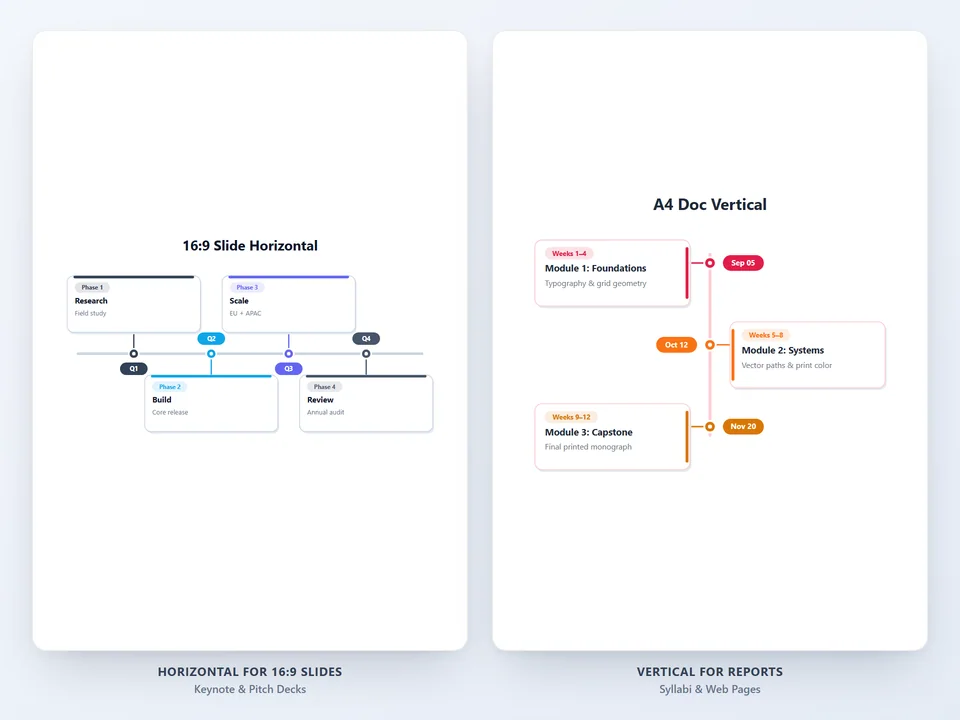
Widescreen 16:9 pitch decks and keynote screens naturally favor horizontal layouts where alternating above/below cards use width efficiently. Long-form reports, printed syllabi, and mobile web pages read much better when you flip our project timeline maker to vertical orientation with generous left and right text cards.
Write milestone titles as crisp four-word outcomes such as Series A Closed or Mobile v2 Live, then use the description line for one concrete proof point or deliverable. Optional category tags help readers distinguish Product, Hiring, and Expansion entries on multi-track milestones.
Insert SVG directly into PowerPoint, Figma, Illustrator, or company About pages so date pills and pins stay infinitely crisp. Send PostScript EPS to print shops for annual report spreads, or export 300 DPI transparent PNG for Word and Notion docs. Pair your timeline maker online with Gantt Chart Maker, Org Chart Maker, Line Graph Maker, or rasterize custom sizes in SVG to PNG.
Clean chronological storytelling for startup founders, product leaders, teachers, and marketing teams.

Create sharp company history graphics for About pages, investor pitch decks, press kits, and anniversary reports matched to brand colors.

Use this roadmap timeline maker to present quarterly launch themes, beta checkpoints, and executive milestones without overwhelming stakeholders with task-level grids.

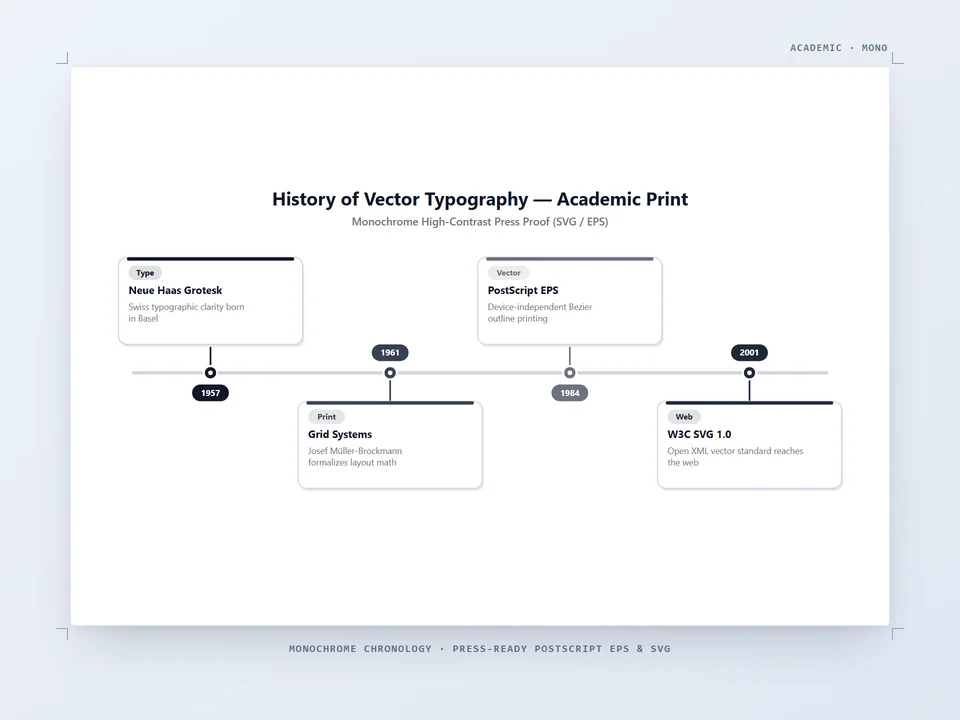
Build crisp historical chronologies, semester syllabus outlines, and research study timelines that print cleanly in color or grayscale.

Outline multi-month engagement phases, conference milestones, and onboarding journeys in clean vector visuals ready for client proposals.
Answers on horizontal and vertical layouts, date pills, category tags, SVG and EPS exports, and local privacy.
Choose a preset or enter events in the roadmap editor above, add each date, headline, optional category tag, and note, toggle horizontal or vertical orientation, and export vector SVG, EPS, or 300 DPI PNG free.
Use a milestone timeline maker for high-level storytelling, pitch decks, and company histories focused on key checkpoints. Switch to a Gantt chart when you need overlapping task durations, progress bars, and parallel workstreams.
Yes. Orientation switches live without re-entering events, converting alternating above/below horizontal cards cleanly into left/right vertical cards.
Four to seven events deliver the sharpest card proportions on a widescreen horizontal layout. For eight or more checkpoints, switching to vertical orientation keeps every card spacious and legible.
Yes. Pick from six cohesive palettes for instant harmony, or assign custom hex accents on specific events to emphasize flagship releases or major dates.
Yes. Both SVG and PostScript EPS contain clean vector lines, circles, rounded cards, and crisp text elements that scale smoothly in PowerPoint, Keynote, Figma, Illustrator, and print layouts.
Yes. Toggle transparent canvas before downloading SVG or 300 DPI PNG so your timeline overlays seamlessly onto slide masters and brochure grids.
No. Every milestone card, layout calculation, and SVG, EPS, or PNG export runs 100% locally inside your browser.
Arrange horizontal or vertical milestones, style date pills and tags live, and export vector SVG, EPS, or 300 DPI PNG locally.
Start making a timeline