AI T Shirt Design Generator

Describe your artwork, quote any lettering, and pick from 8 styles or add a reference sketch: this T shirt design generator draws isolated transparent PNG graphics with zero shirt mockup and zero white sticker border, ready for DTF, DTG and screen printing.

Try one of these

  • Isolated graphic on transparency, zero shirt mockup
  • Clean transparent PNG ready for DTF and screen print
  • From 3 credits per graphic
  • No watermark, private design history

Apparel artwork made with this T shirt design generator

Six transparent PNG designs made with our graphic tee generator across vintage, streetwear, minimalist, retro badge, mascot and botanical styles, shown on a checkerboard to preview the crisp alpha edges.

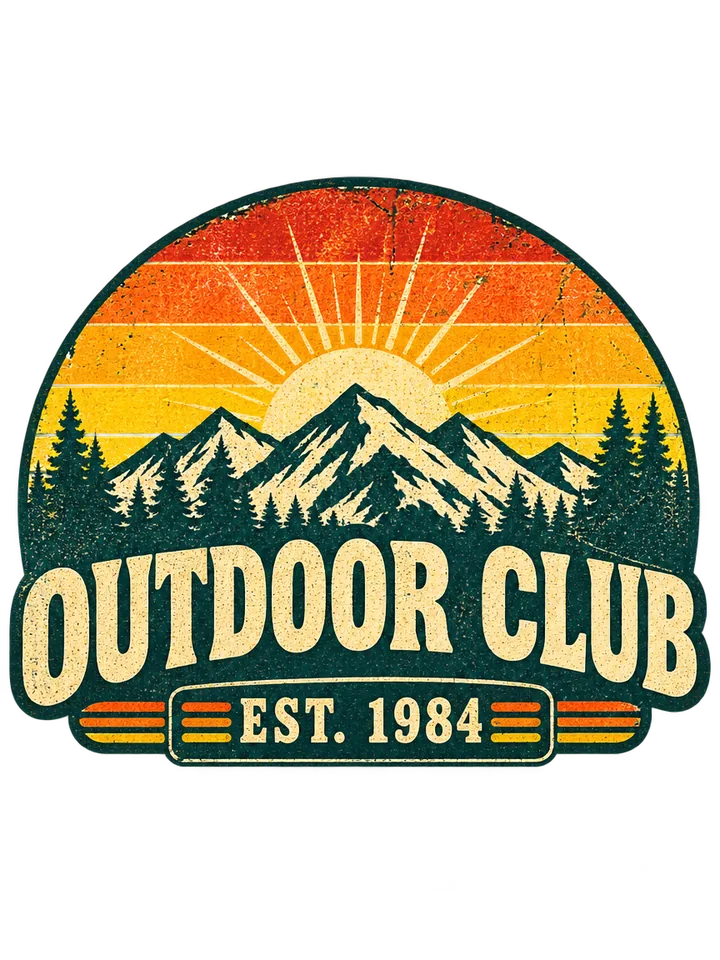
  • Outdoor Club 1984 mountain sunrise emblem · Vintage retro
    Outdoor Club 1984 mountain sunrise emblem · Vintage retro
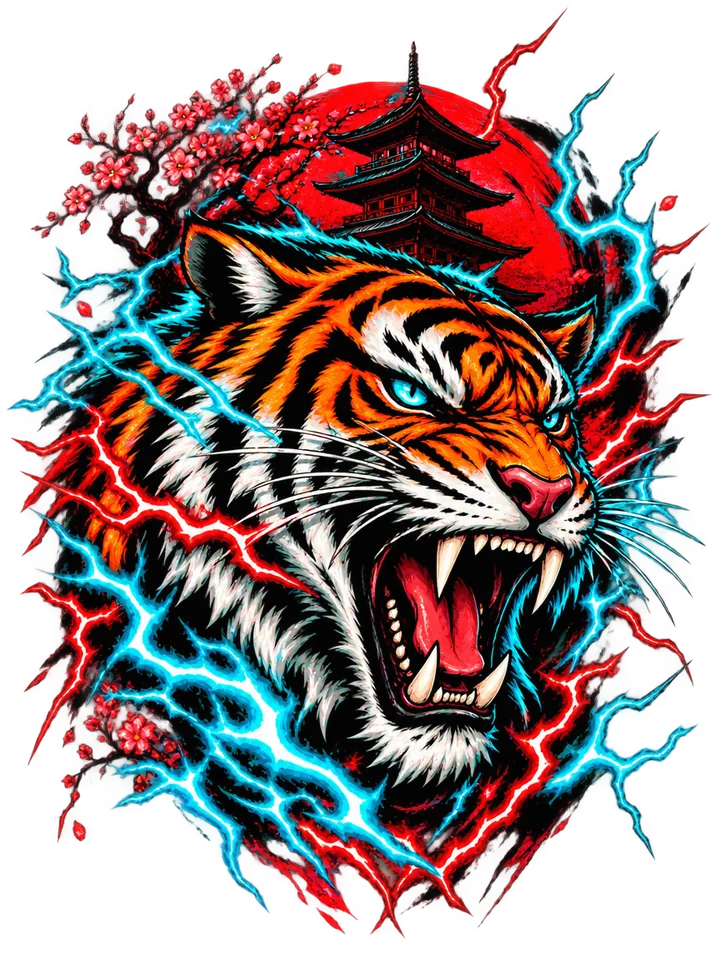
  • Electric cyan and crimson roaring tiger · Streetwear
    Electric cyan and crimson roaring tiger · Streetwear
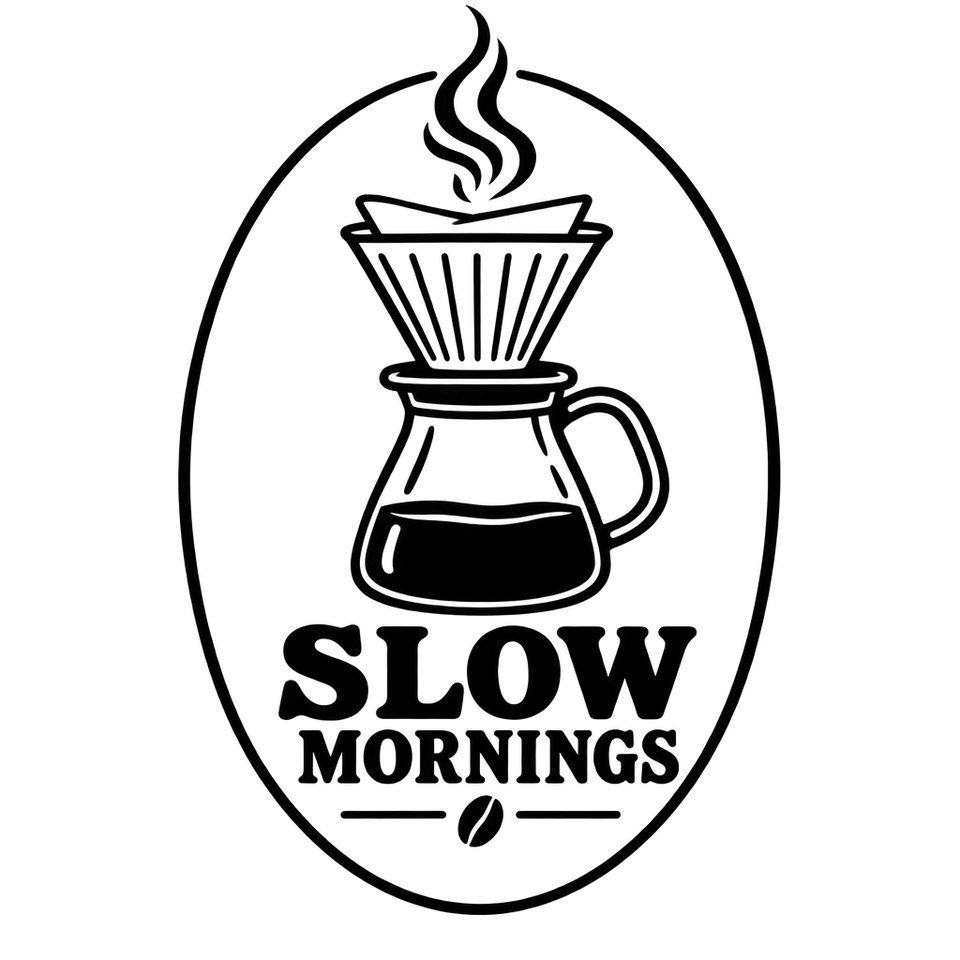
  • Slow Mornings pour-over coffee line art · Minimalist
    Slow Mornings pour-over coffee line art · Minimalist
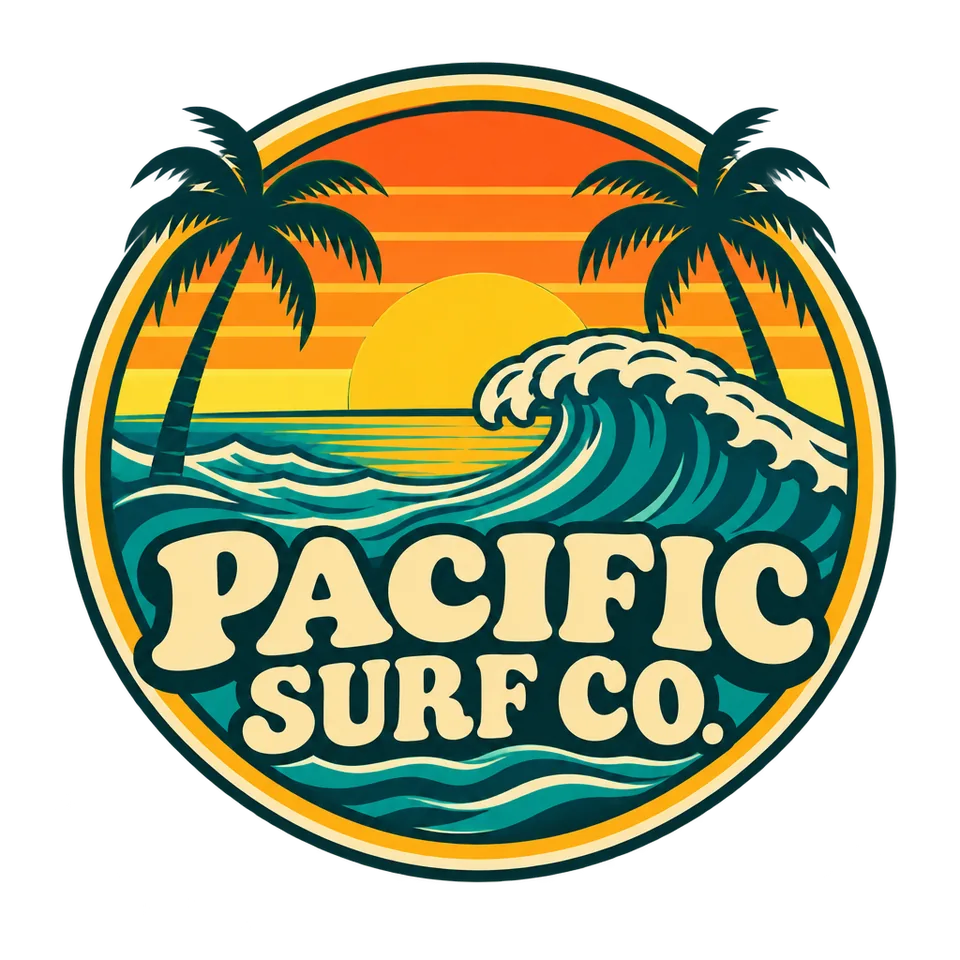
  • Pacific Surf Co. retro wave crest · Retro badge
    Pacific Surf Co. retro wave crest · Retro badge
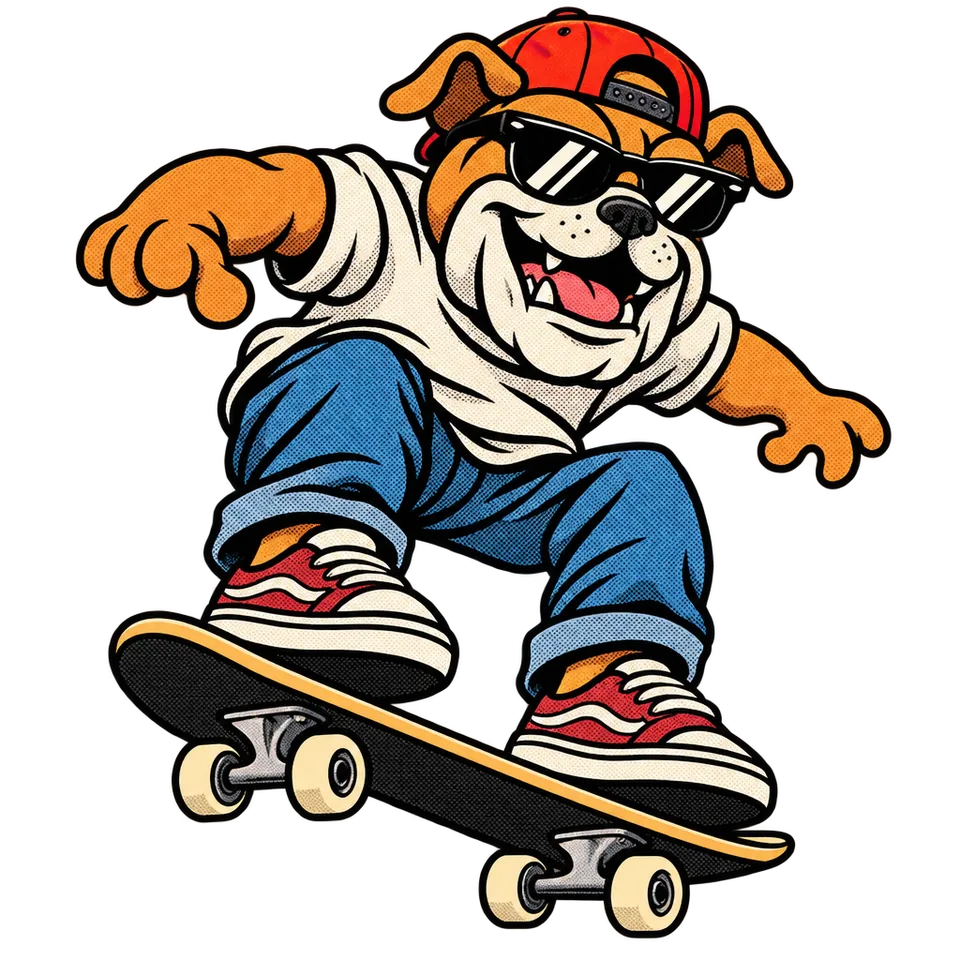
  • Skateboarding bulldog mascot with halftones · Mascot art
    Skateboarding bulldog mascot with halftones · Mascot art
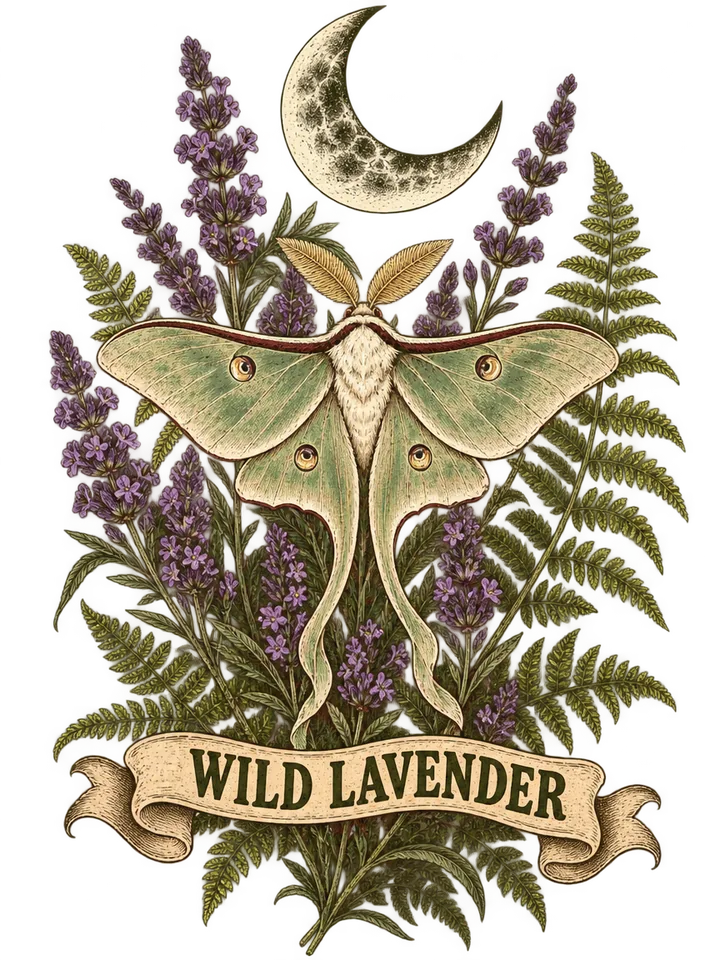
  • Lavender, ferns and crescent lunar moth · Botanical
    Lavender, ferns and crescent lunar moth · Botanical

How to make transparent PNG art with the T shirt design generator

Go from an idea to a transparent, press-ready graphic in three quick steps with our T shirt design maker.

  1. Write the subject and ink palette, then put each slogan, brand name or year in double quotes. Attach a rough sketch, logo or pet photo anytime to restyle it for garment printing.

  2. Pick from 8 styles including vintage retro, streetwear, minimalist, typography, retro badge, grunge ink, mascot art or botanical, then choose upright 3:4 chest proportions or 1:1 square at 1K, 2K or 4K.

  3. Inspect your transparent PNG on a checkerboard in about half a minute. Download for DTF or DTG printing, or send it in one click to Color Separation, Halftone Generator, PNG to SVG or Image to PSD.

What this shirt design creator does best for garment printing

Six production strengths built for real apparel runs, from single heat-press samples to multi-screen shop jobs.

  1. True transparent PNG with zero shirt mockup

    True transparent PNG with zero shirt mockup

    Every export renders strictly as standalone artwork on a real alpha channel, never pasted onto a blank tee or hanger. Crisp edges have zero white sticker outlines or boxes, dropping cleanly onto black, heather or pastel blanks.

  2. 8 styles tuned for real garment inks

    8 styles tuned for real garment inks

    Each preset shapes AI merch design for real ink sets: 1970s vintage washes, bold streetwear prints, minimalist line art, varsity typography, outdoor badges, grunge splatters, mascots and botanicals.

  3. One-click Color Separation and Halftone workflow

    One-click Color Separation and Halftone workflow

    Send finished artwork straight into Color Separation to split spot-color plates for silk screens, or into Halftone Generator to turn shading into crisp printable dot patterns for dark cotton garments.

  4. Slogans, dates and brand names spelled as written

    Slogans, dates and brand names spelled as written

    Wrap titles, arched lettering or founding years in quotes so they render letter for letter in bold type. Omit quotes whenever you want pure artwork with zero text.

  5. Restyle photos, logos and sketches into tee art

    Restyle photos, logos and sketches into tee art

    Upload a pet portrait, sketch or emblem to redraw it as wearable illustration instead of a square snapshot. Open the PNG in Image to PSD anytime you want editable layers.

  6. Sharp 1K, 2K and 4K files for chest and back prints

    Sharp 1K, 2K and 4K files for chest and back prints

    Draft ideas at 1K (3 credits), step up to 2K (5 credits) for crisp chest DTF transfers, or export 4K (8 credits) for oversized streetwear back prints.

Guide to transparent PNG graphics for DTF and screen print

Five practical print-shop notes on prompts, garment contrast, screen prep, scaling and layered PSD workflows.

Structure prompts for bold, wearable silhouettes

Strong tee graphics read clearly across a room. Start with one hero subject, name the style and keep your palette to two to five cohesive inks, like ochre, burnt orange, pine green and cream. Put exact words in quotes in order, such as "OUTDOOR CLUB" and "EST. 1984", so the graphic tee generator builds typography cleanly into the emblem.
Structure prompts for bold, wearable silhouettes

Plan ink contrast for dark and light garment blanks

With a true transparent background from this AI T shirt design generator, fabric color becomes part of the layout. On black, charcoal or navy shirts, call out bone white, cyan, yellow or crimson inks so art pops without a box behind it. On white, sand or ecru blanks, matte black, forest green and terracotta deliver crisp depth.

Prep graphics for DTF, DTG and screen printing in one click

DTF and DTG printers accept transparent PNG files directly. For silk screens, click Separate colors on any art from our T shirt design maker to open Color Separation and split spot inks into plates. For breathable vintage shading on cotton, run Halftone Generator for crisp dot screens.

Prep graphics for DTF, DTG and screen printing in one click

Pick the right resolution or trace to vector SVG

Upright chest prints measure around 12 x 16 inches, matching the default 3:4 ratio, while badges and pocket crests suit 1:1 square. Use 1K (3 credits) for drafts, 2K (5 credits) for daily DTF jobs and 4K (8 credits) for large back graphics. Trace flat-color emblems to vector paths with PNG to SVG.

Refine typography or split elements into editable PSD layers

Want to tweak layout, recolor accents or adjust texture in Photoshop? One click sends your AI merch design PNG to Image to PSD, separating elements into editable layers. Every run from this T shirt design generator stays private in your history with its prompt and style for matching front and back drops.

Refine typography or split elements into editable PSD layers

Who creates T-shirt merch with ImageToPSD

Built for apparel creators and print shops turning AI merch design ideas into wearable production files.

  • Streetwear labels and online apparel shops

    Launch seasonal drops, test bold back-print concepts and iterate graphic themes quickly before ordering blank stock.

  • Screen printers and DTF transfer studios

    Generate transparent client proofs and jump straight into spot color separation, halftone screening and gang sheets.

  • Cafes, breweries and local brand merch

    Create retro crests, coffee line art and neighborhood badges with your exact shop name and founding year.

  • Clubs, bands and event organizers

    Design tour tees, race shirts, outdoor club crests and campus merch ready for local printers.

T-shirt graphics and screen print FAQ

Quick answers on credits, transparent PNG exports, DTF and screen print prep, lettering and commercial rights.


Make your next graphic with the AI T shirt design generator

Describe your artwork, pick from 8 apparel styles and export a transparent PNG ready for DTF, DTG and screen print separation.

Create T-shirt design