AI Comic Generator for Manga & Comic Pages

Turn written panel scripts into crisp multi-panel pages, 4-panel strips, and vertical webtoons with our AI comic generator and AI manga generator. Pick from 6 illustrated styles, wrap dialogue in quotes for clean speech bubbles, lock characters with reference photos, and export flat artwork ready to publish.

Try one of these

  • 6 comic styles + multi-panel pacing
  • Quoted speech bubbles spelled verbatim
  • From 3 credits per page (1K, 2K, 4K)
  • Private history, no watermarks, commercial use

Pages Made with Our AI Comic Generator

Every comic page and 4-panel strip below was created in this studio from one panel-by-panel prompt and style preset, with every quoted speech bubble verified against the script. Select any example to load its prompt, layout, and style into the composer.

  • Rooftop Swordsman Action Page · Manga

    Rooftop Swordsman Action Page · Manga

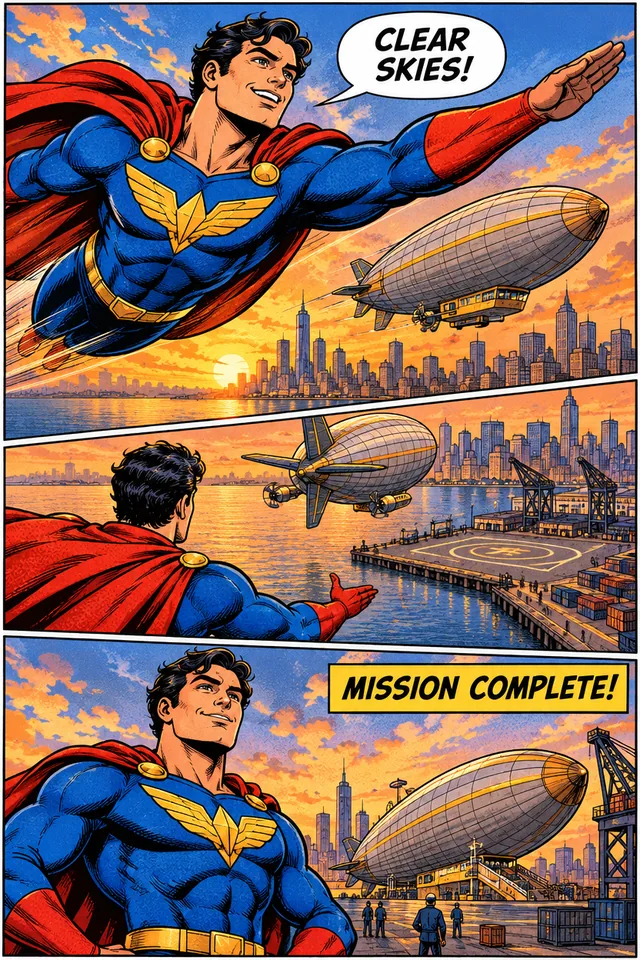
  • Sky Guardian Harbor Rescue · Comic book

    Sky Guardian Harbor Rescue · Comic book

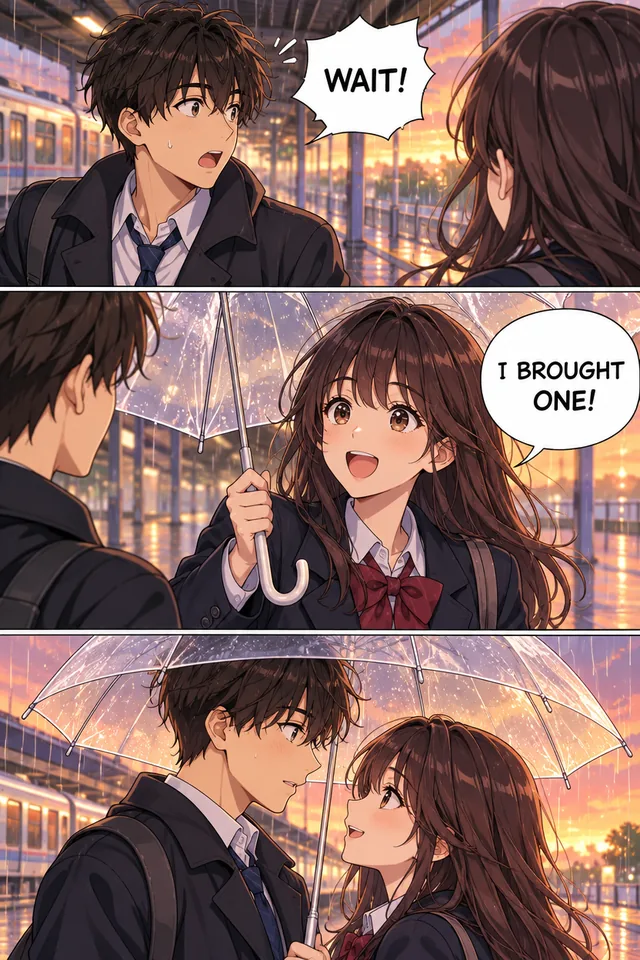
  • Rainy Train Platform Umbrella · Webtoon

    Rainy Train Platform Umbrella · Webtoon

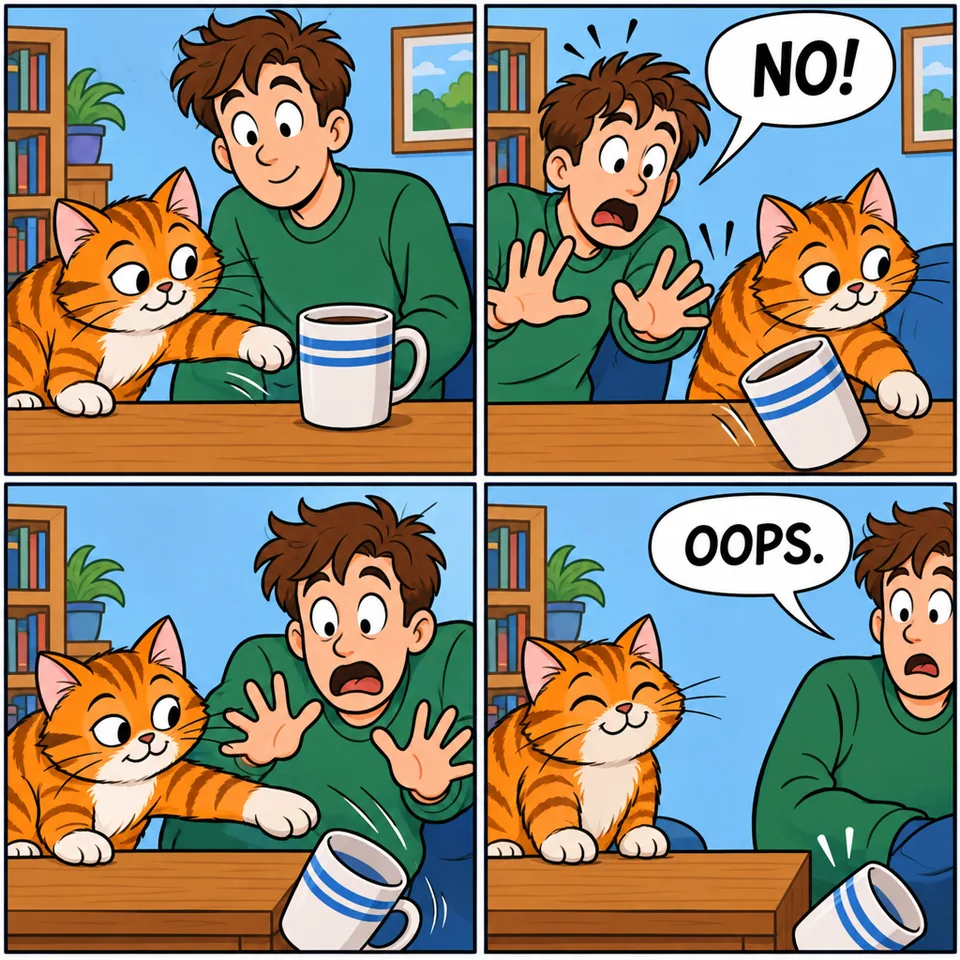
  • Tabby Cat Coffee Mug Strip · 4-panel strip

    Tabby Cat Coffee Mug Strip · 4-panel strip

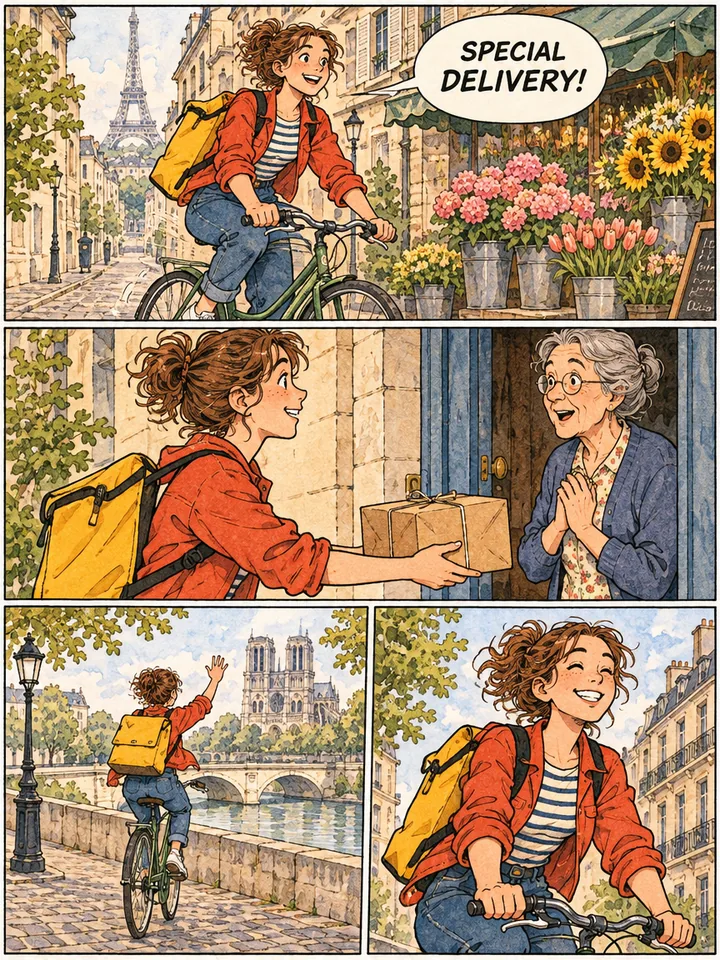
  • Paris Cobblestone Bicycle Courier · Indie graphic novel

    Paris Cobblestone Bicycle Courier · Indie graphic novel

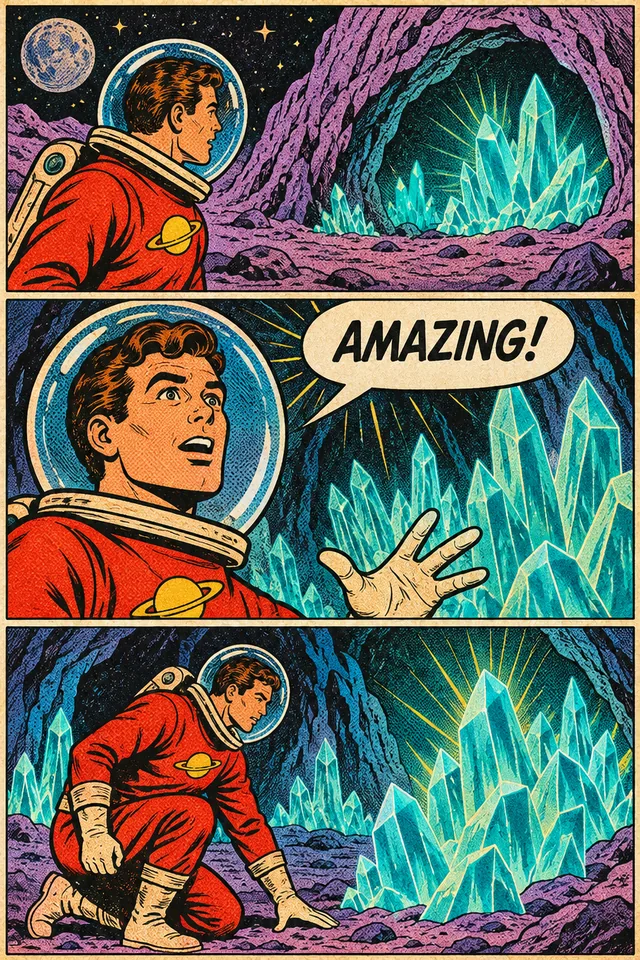
  • Crystal Caves on a Purple Moon · Retro halftone

    Crystal Caves on a Purple Moon · Retro halftone

How to Build a Page in This Comic Page Generator

Go from a short story beat to a lettered multi-panel comic page in three clear steps, ready in about half a minute.

  1. Tell the comic generator how many panels to draw, what happens in each frame, and who appears. Put dialogue and captions in double quotes so speech bubbles spell verbatim, or omit quotes for silent visual comics.

  2. Choose Manga, Comic book, Webtoon, 4-panel strip, Indie graphic novel, or Retro halftone, or leave Any style for custom direction. Use 3:4 or 2:3 for full pages, 1:1 for 2x2 strips, and select 1K, 2K, or 4K.

  3. Generate up to four page variations per run in your private history. Save the flat 2D page right away, or send it directly into Colorize Manga, Translate Manga, Edit Text in Image, or video animation.

What Makes This AI Comic Book Creator Stand Out

Sequential art controls built for panel rhythm, legible speech bubbles, recurring cast continuity, and global localization.

  1. 6 authentic comic and manga styles

    6 authentic comic and manga styles

    Move effortlessly from black-and-white G-pen ink and screentones in this AI manga generator to vibrant superhero halftones, vertical webtoon cel shading, crisp 2x2 newspaper gag strips, watercolor indie graphic novels, and vintage Ben-Day dot print textures.

  2. Verbatim speech bubbles and caption boxes

    Verbatim speech bubbles and caption boxes

    Wrap spoken lines and narration inside double quotes and every phrase lands neatly in uppercase comic lettering inside balanced bubbles with clean tails. Omit quotation marks whenever you prefer silent art ready for manual lettering.

  3. Character consistency across every panel

    Character consistency across every panel

    Faces, hairstyles, outfits, and proportions remain steady from Panel 1 to the punchline. Upload up to four character reference photos or model sheets so recurring heroes, pets, and mascots hold their identity across an entire chapter.

  4. Flexible ratios for pages, strips, and feeds

    Flexible ratios for pages, strips, and feeds

    Build upright 3:4 comic pages, tall 2:3 manga and webtoon beats, or square 1:1 grids in this comic strip maker. Test rough layouts at 1K for 3 credits, publish sharp web episodes at 2K for 5 credits, or export crisp 4K print pages for 8 credits.

  5. One-click colorizing, edits, and motion

    One-click colorizing, edits, and motion

    Every finished page links straight into companion tools on ImageToPSD.ai. Send black-and-white manga pages to Colorize Manga for cel-shaded or watercolor palettes, refine a bubble in Edit Text in Image, or animate a key panel into short video.

  6. Built-in translation and clean flat artwork

    Built-in translation and clean flat artwork

    Reach global readers by sending any finished comic page to Translate Manga to adapt speech bubbles while keeping every ink line intact. Exports arrive as flat edge-to-edge 2D artwork with zero book mockups, desk props, or watermarks.

Guide: Crafting Clear Multi-Panel Stories with an AI Comic Generator

Five storytelling notes covering panel pacing, crisp dialogue, character continuity, page ratios, and multi-language release.

Structure prompts panel by panel with clear camera shots

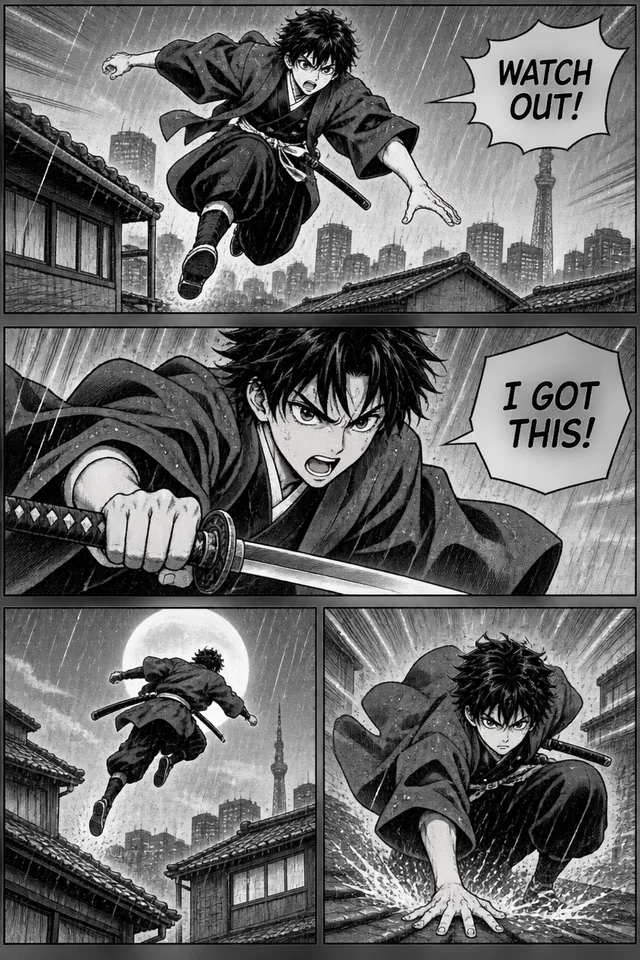
A concise beat sheet produces cleaner layouts in any comic page generator. Name the panel count first, then give each frame one clear visual action and angle: a wide rooftop establishing shot in Panel 1, a tight expressive close-up in Panel 2, and a dramatic leap in Panel 3. Focused beats keep gutters and reader eye-flow effortless.
Structure prompts panel by panel with clear camera shots

Keep quoted dialogue short and punchy

Speech bubbles read best when every line feels crisp and conversational. Tie each quoted phrase to its panel, such as Panel 1 bubble: "WATCH OUT!" and Panel 3 bubble: "I GOT THIS!", keeping words brief so uppercase lettering stays legible on phones. Leave quotes out for silent strips or external typesetting.

Lock recurring heroes using character reference photos

To keep an original character, pet, or mascot recognizable across ten consecutive pages, attach up to four clear reference images showing their face, hair, and signature outfit colors. Repeat one anchor detail in your prompt, such as a red scarf, and keep the same style preset selected across the episode.

Lock recurring heroes using character reference photos

Match aspect ratio and style to your publishing channel

Use 1:1 square with the 4-panel strip preset for quick 2x2 social jokes and newsletters, pick 2:3 or 9:16 with Webtoon for vertical mobile episodes, and keep 3:4 or 2:3 with Manga, Comic book, Indie, or Retro for printable zines. Draft beats at 1K (3 credits) before rendering final masters at 4K (8 credits).

Colorize, translate, and animate finished episodes in one workflow

Draft in black-and-white Manga mode for classic ink contrast and speed lines, then run Colorize Manga afterward for a bonus color edition without redrawing borders. Pass finished pages to Translate Manga for international audiences, or animate cliffhanger panels into motion teasers.

Colorize, translate, and animate finished episodes in one workflow

Who Builds Stories with This Comic Generator

Built for manga creators, webtoon authors, social teams, and educators turning scripts into polished sequential art.

  • Indie writers and manga creators

    Visualize chapter drafts, action beats, and pitch pages in crisp black-and-white screentones or atmospheric watercolor washes.

  • Webtoon authors and storyboard artists

    Plan vertical scrolling romance, sci-fi, or slice-of-life episodes and test framing across multi-panel beats before final production.

  • Social creators, brands, and newsletter writers

    Use the 2x2 comic strip maker preset to publish recurring mascot gags, pet strips, and visual explainers built for mobile feeds.

  • Educators, classrooms, and tabletop players

    Turn history scenes, language dialogues, and tabletop campaign highlights into engaging comic pages that students and players remember.

AI Comic Generator FAQ

Clear answers on credit pricing, dialogue spelling, character continuity, comic styles, silent strips, and commercial use.


Illustrate Your Story with Our AI Comic Generator

Script your panels, quote your dialogue, and pick from 6 signature styles in this comic generator. Export crisp, publish-ready pages on ImageToPSD.ai in about half a minute.

Create a comic page