B2B SaaS growth SWOT matrix
Evaluates product velocity, onboarding friction, partner ecosystems, and market shifts inside a crisp four-quadrant executive layout.
Turn strategic notes into balanced 2x2 presentation graphics with our browser-local SWOT analysis maker. Customize Strengths, Weaknesses, Opportunities, and Threats or add custom X and Y axes, pick an executive palette, and export vector SVG, PostScript EPS, or high-resolution PNG.

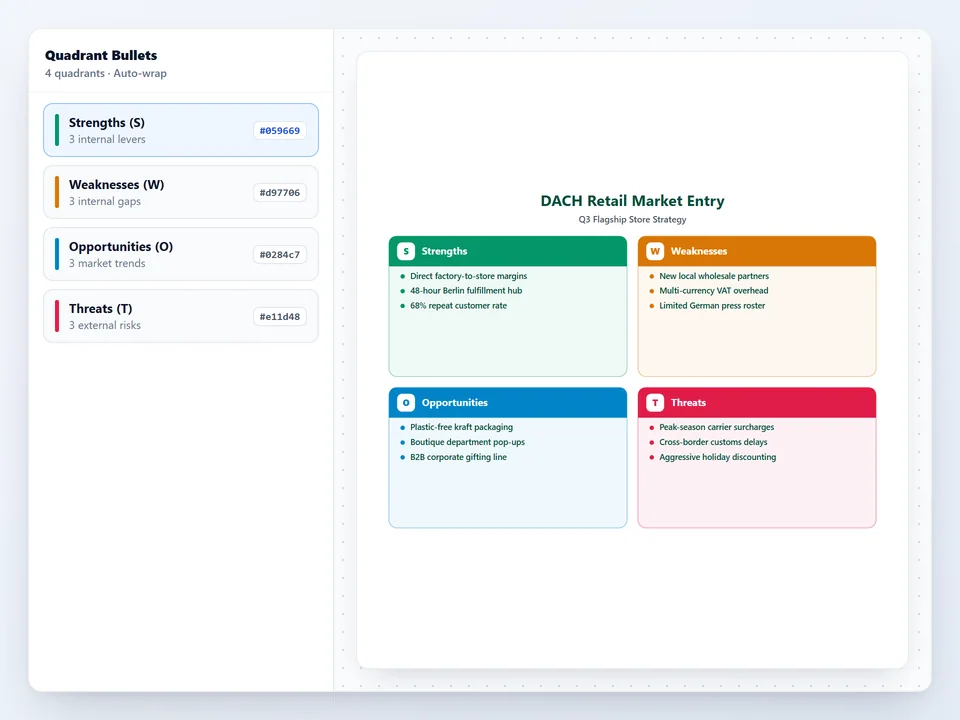
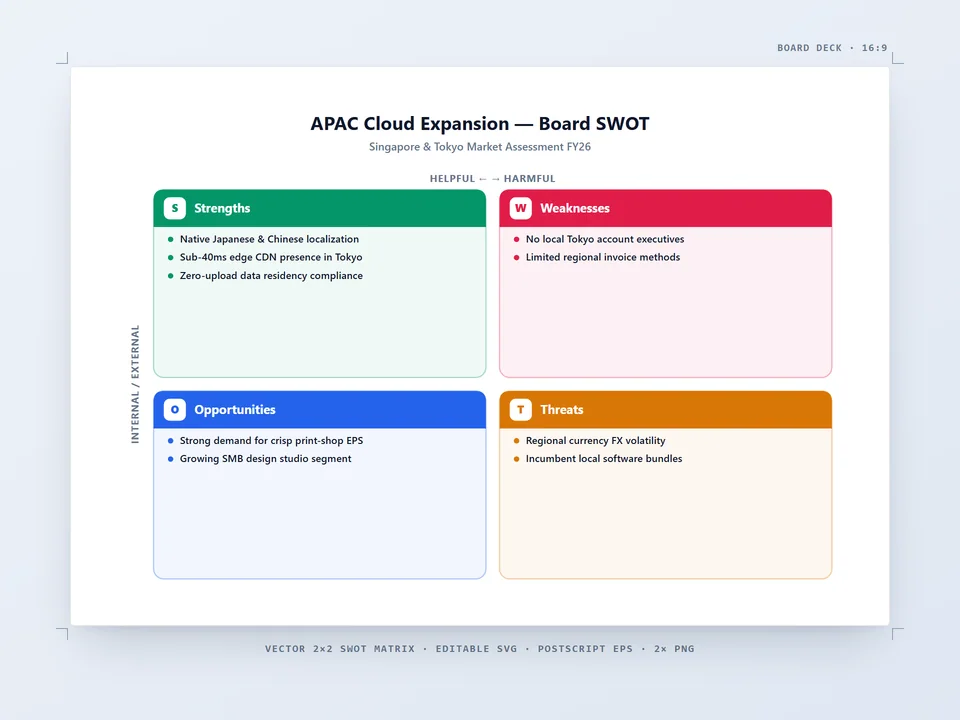
Load any framework below into our SWOT matrix maker to inspect balanced quadrant cards, automatic bullet wrapping, and axis labels before entering your own strategy items.
Evaluates product velocity, onboarding friction, partner ecosystems, and market shifts inside a crisp four-quadrant executive layout.

Weighs store brand loyalty and supply costs against new regional demand and seasonal risks for boardroom presentations.

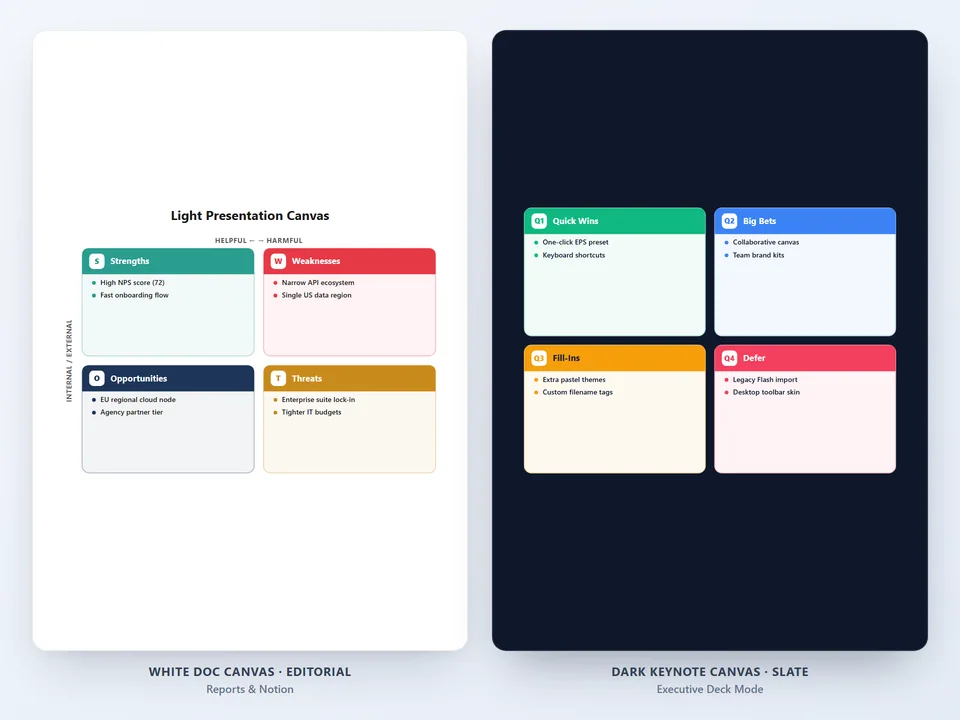
Demonstrates custom horizontal and vertical axis labels for sorting urgent and high-impact initiatives across four quadrants.
Move from raw workshop bullets to aligned presentation vectors inside your browser without nudging slide rectangles.
Open the matrix editor, rename any quadrant heading, and type one bullet per line for Strengths, Weaknesses, Opportunities, and Threats or custom 2x2 categories.
Include optional horizontal and vertical axis titles for a custom 2x2 prioritization workflow, then pick from six office themes plus white, transparent, or dark canvas styles.
Copy clean SVG markup directly or download editable SVG for PowerPoint and Figma, PostScript EPS for print reports, or high-resolution PNG for documents.
Engineered around clean SVG card geometry so every header band, letter badge, and wrapped bullet stays razor-sharp across slides and print.
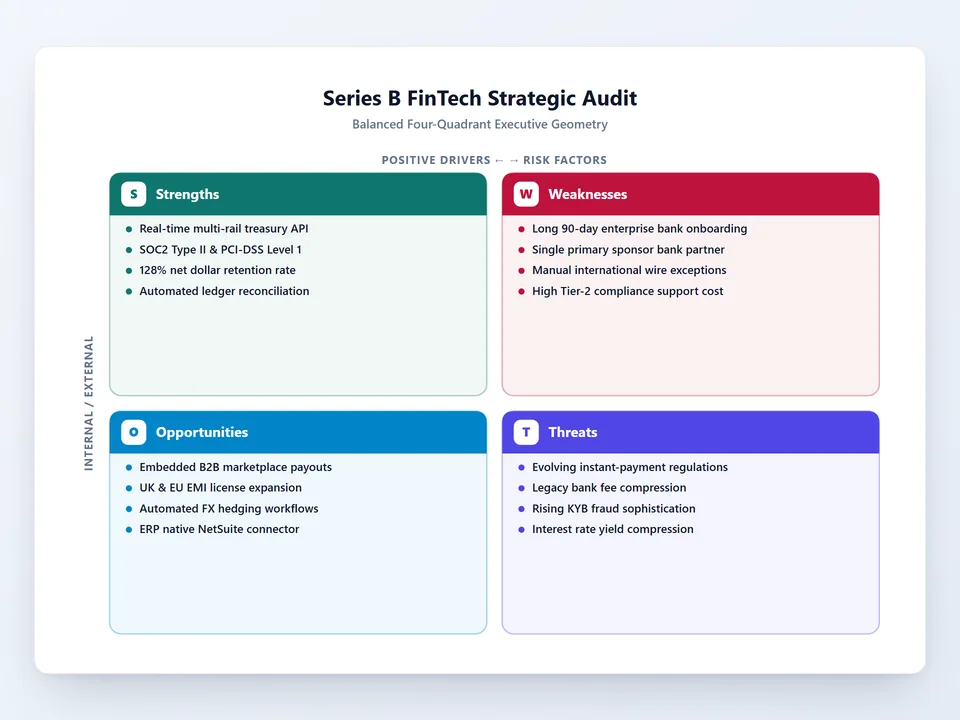
Hand-built slide boxes drift out of alignment whenever bullets change length. This SWOT diagram maker keeps all four rounded cards, header bands, and corner S, W, O, T badges symmetrically proportioned.
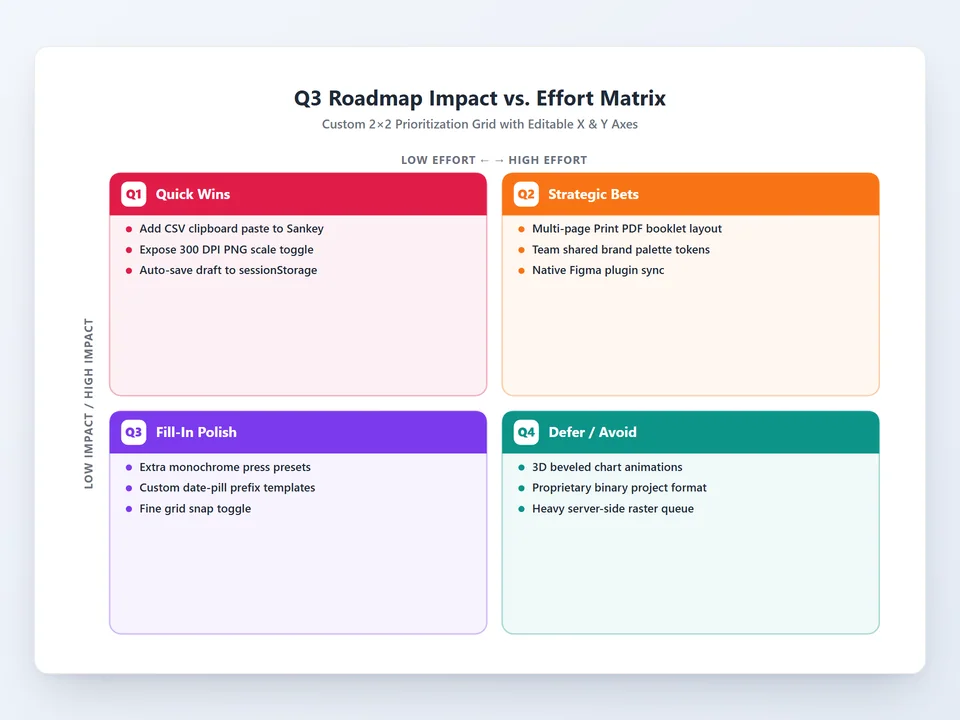
Switch effortlessly from classic internal and external SWOT reviews to an Impact versus Effort or Urgent versus Important 2x2 matrix chart maker by typing optional X and Y axis titles.
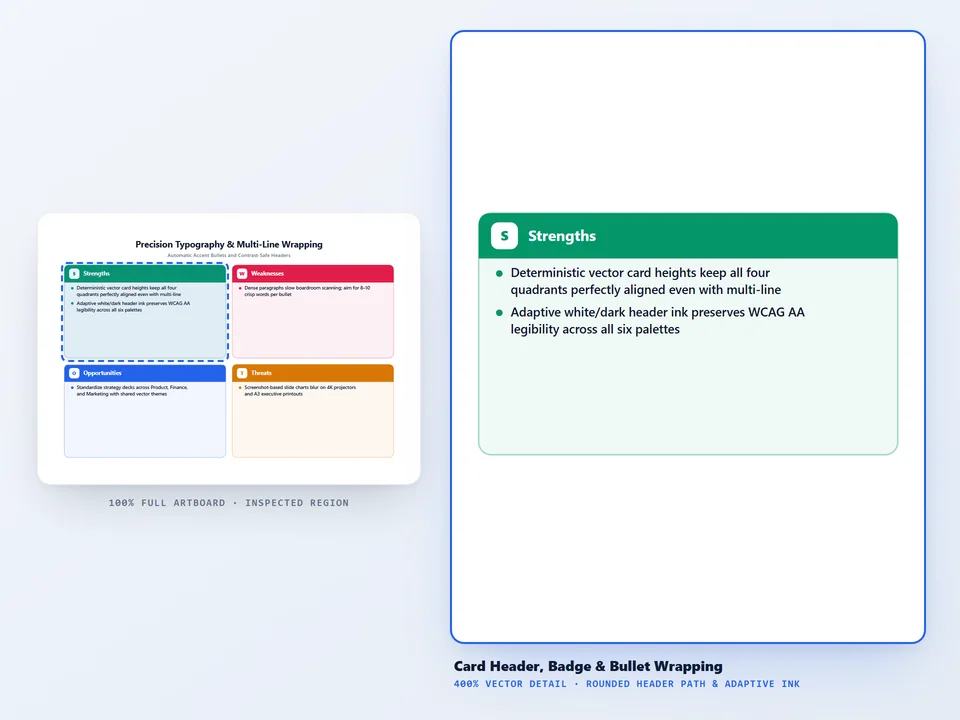
Enter one insight per line and the renderer calculates clean multi-line wrapping with accent bullet dots, keeping dense strategy points readable without manual text-box resizing.
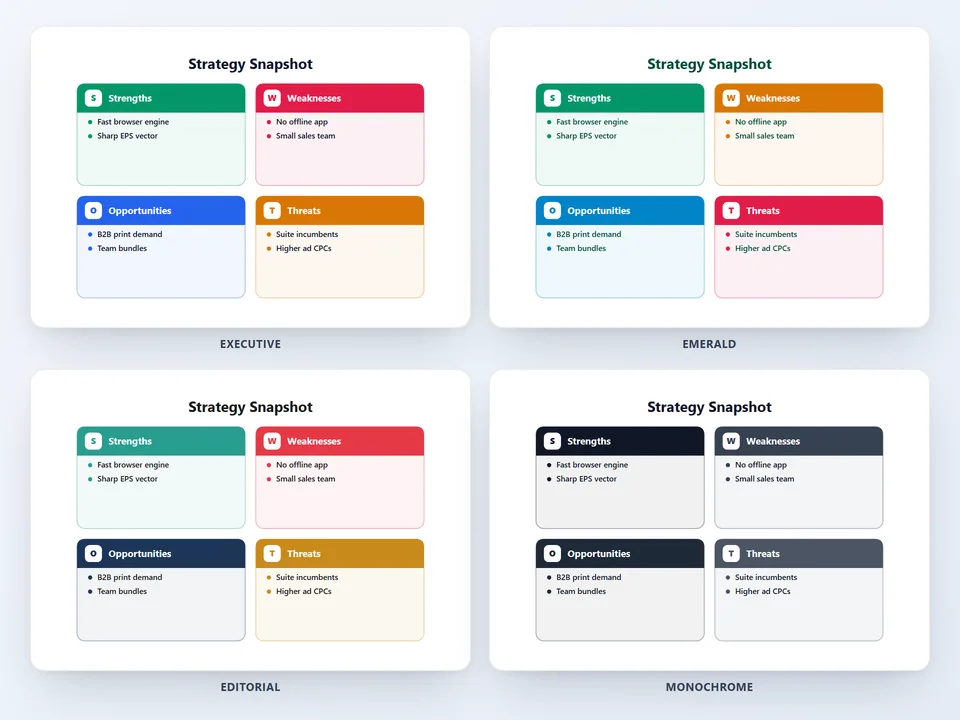
Apply Executive, Slate, Emerald, Coral, Editorial, or Monochrome themes instantly. Header label colors adapt automatically to each quadrant hue while soft tinted fills keep body ink effortless to scan.
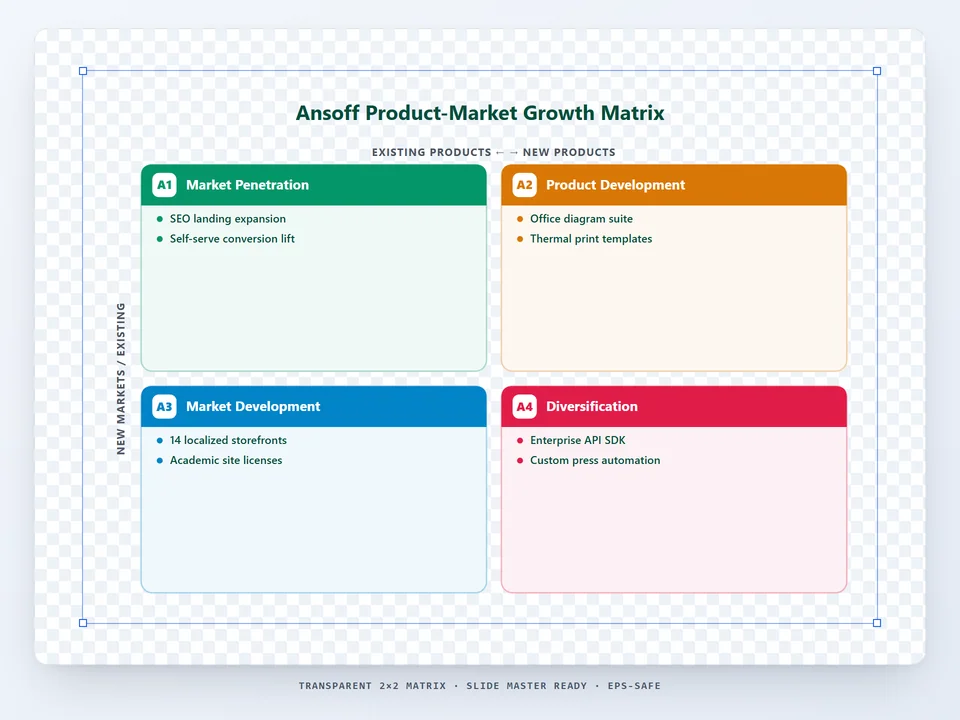
Every download from this browser workspace preserves true vector rectangles, rounded header paths, and live text objects for PowerPoint, Illustrator, Figma, InDesign, and commercial print handouts at any zoom scale.
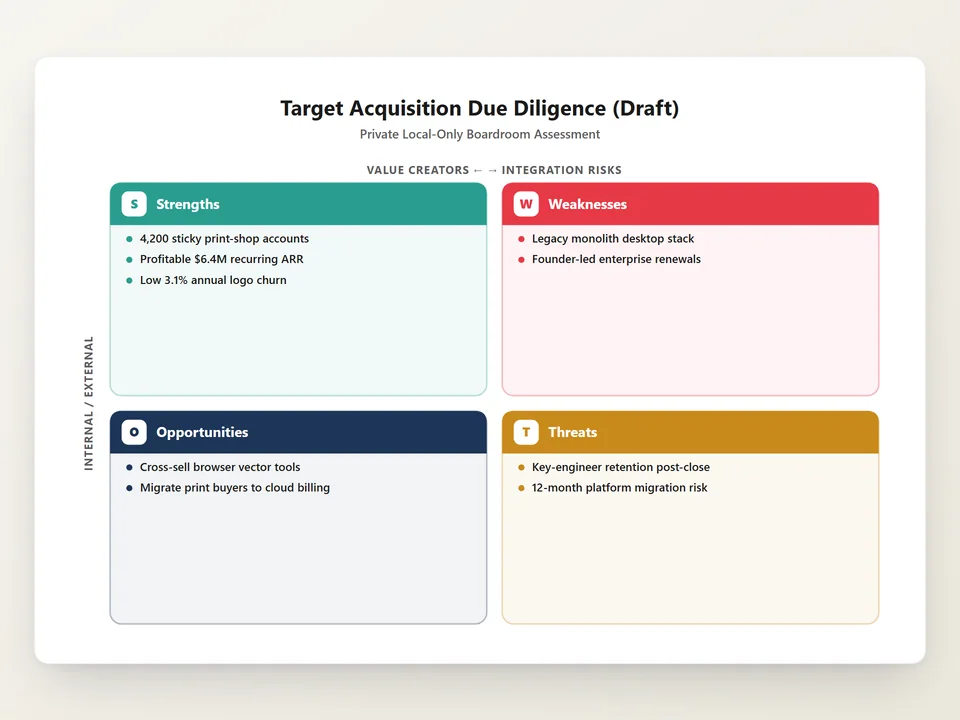
Confidential acquisition memos, competitive risks, and unreleased product audits stay strictly inside local browser memory with zero remote uploads or server storage.
Five practical structuring and visual habits that keep executive matrices focused, scannable, and persuasive during live reviews.
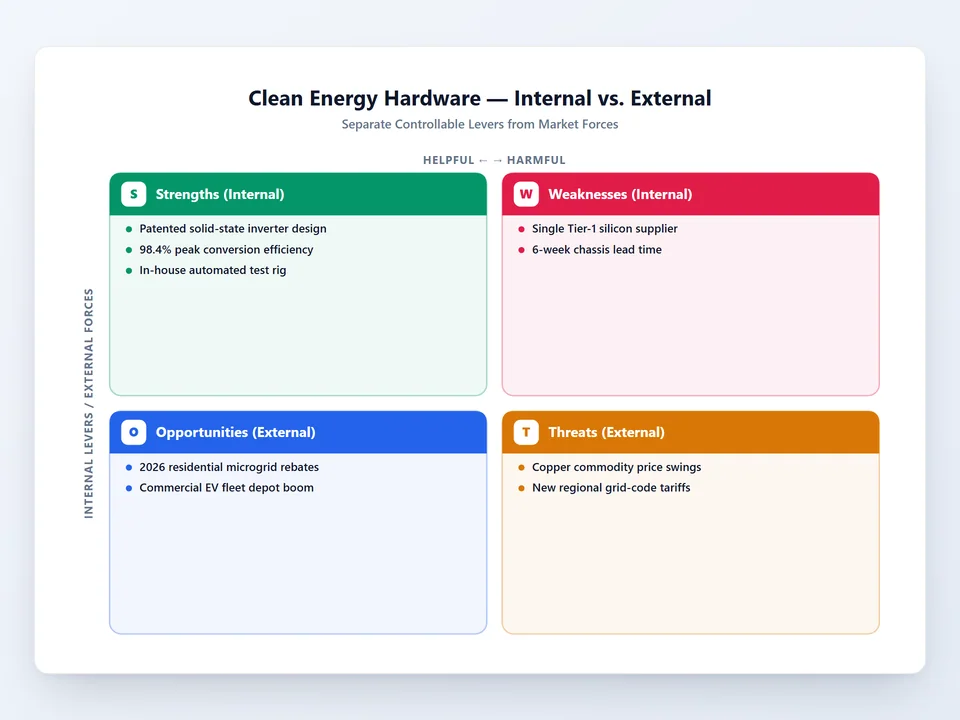
Strong matrices keep Strengths and Weaknesses focused strictly on internal capabilities you control, such as engineering speed, margins, or support capacity. Place Opportunities and Threats in the lower row for external trends like regulations, buyer shifts, or macro costs so leadership teams debate the right actions.
Packing ten vague statements into one cell turns a strategy slide into unreadable wallpaper. Write concrete, evidence-backed phrases under ten words each inside every quadrant box so executives and board members grasp the decisive trade-offs within seconds from across a conference room table.
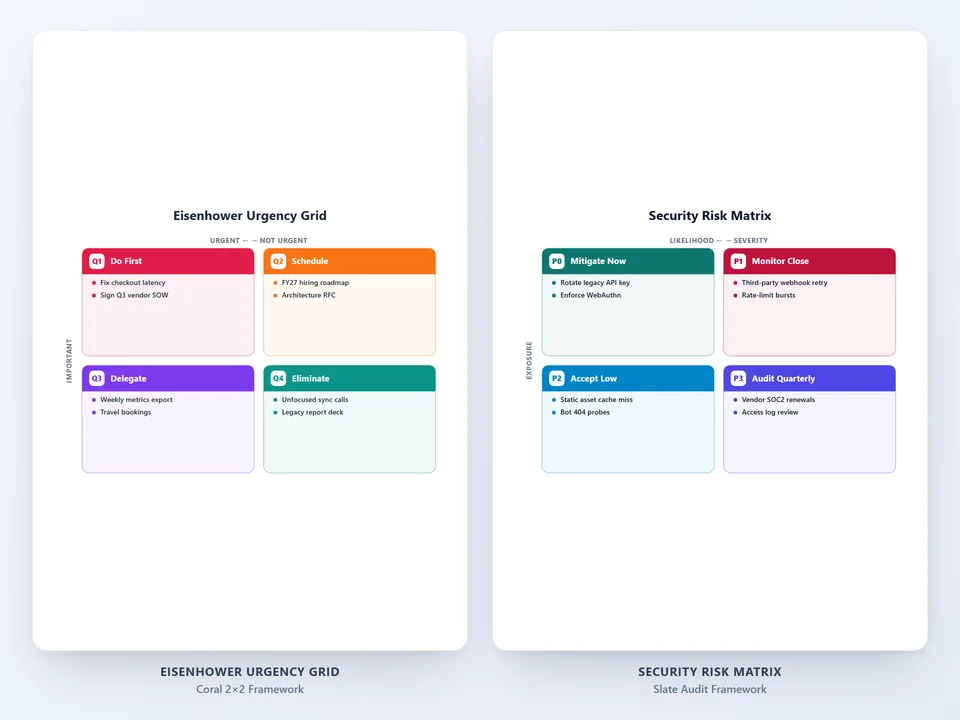
Because all four card headings and both axis labels stay editable, the same 2x2 matrix chart maker works for Eisenhower urgency grids, Ansoff market matrices, and Risk versus Impact reviews. Rename headings and toggle axis captions to standardize every decision slide across your deck.
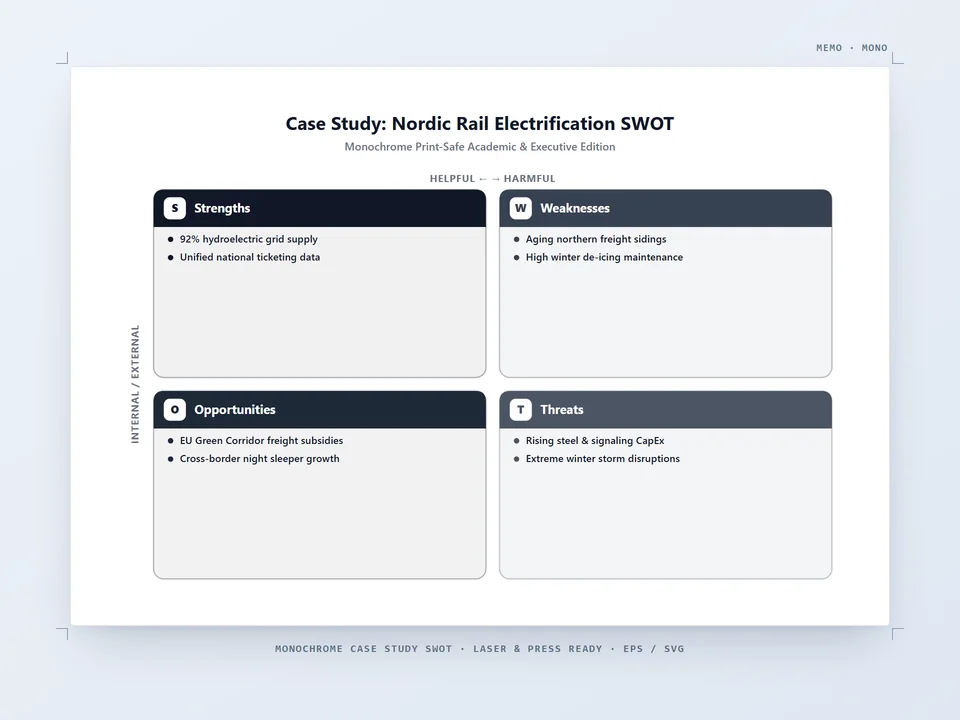
Choose the white canvas for Notion docs and printed memos, transparent backgrounds for branded PowerPoint master templates, or the dark canvas for keynote decks. Monochrome themes print cleanly on office laser devices when full color ink is unavailable.
Drop exported SVG files straight into PowerPoint, Figma, or Illustrator for lossless zoom, or save PostScript EPS for commercial press decks. Expanding a strategy presentation? Pair your grid with our Venn Diagram Maker, Radar Chart Maker, Org Chart Maker, or SVG to EPS.
Founders, consultants, product leaders, and educators turning strategic assessments into crisp slide-ready vector graphics.

Build clean quarterly board slides, market-entry audits, and investor briefs with our SWOT matrix maker in minutes.

Produce consistent client frameworks and custom 2x2 prioritization grids as editable SVG files ready for deck templates.

Evaluate feature launches, channel opportunities, and competitive risks using four balanced strategy cards before quarterly roadmap kickoffs and team reviews.

Create sharp case-study visuals and thesis figures in vector SVG, EPS, or crisp PNG without wrestling spreadsheet boxes.
Direct answers on editing quadrants, building custom 2x2 axes, vector SVG and EPS output, and local browser privacy.
Yes. Every quadrant title and optional horizontal or vertical axis label is fully editable, letting you switch from classic SWOT to Eisenhower or Impact-Effort grids instantly.
Type or paste one point per line inside each quadrant text area in this SWOT analysis maker. Blank lines are skipped automatically and longer lines wrap neatly inside the card.
Yes. Exported SVG and PostScript EPS files contain pure vector shapes, color fills, and crisp text objects that scale cleanly in PowerPoint, Figma, Illustrator, and InDesign.
Yes. Select the Transparent background option before downloading SVG, EPS, or 2x PNG so the four cards sit cleanly over custom corporate slide masters.
No. Every edit, theme switch, and SVG, EPS, or PNG export runs 100% locally inside your browser memory so private company analysis stays on your device.
Six curated office themes are built in: Executive, Slate, Emerald, Coral, Editorial, and Monochrome, each calibrated for readable headers and subtle card tints.
Yes. Click Copy SVG Code to place the self-contained XML markup onto your clipboard for Markdown docs, internal handbooks, or web engineering portals.
Use this SWOT matrix maker for qualitative strategic factors, then pair it with our Radar Chart Maker for numeric scorecards or Venn Diagram Maker for audience overlaps.
Enter your four quadrants, tune axes and executive themes live, and download vector SVG, EPS, or 2x PNG privately in your browser.
Create SWOT analysis