


Change Background Color Online

Change background color on portraits, products, and pet photos with clean edge precision. Spend 1 credit to isolate your subject once, then switch solid presets, exact HEX codes, smooth studio gradients, or your own backdrop picture at zero extra credits, or generate a full AI scene for 3 credits.

AI cuts out your subject. Then put it on a color, a gradient or your own picture, and change it as often as you like for free.

Try one of these

  • Solid swatches, custom HEX picker & 6 studio gradients
  • Unlimited color switches after one cutout
  • 1 credit per cutout (3 credits for AI scenes)
  • Crisp hair & product edges in JPG or PNG

Change Background Color Examples

Drag each slider to compare original shots with fresh studio backdrops. Each example pairs a clean cutout with a solid color background or smooth gradient around hair, fur, glass, and metal.

  • BeforeAfter
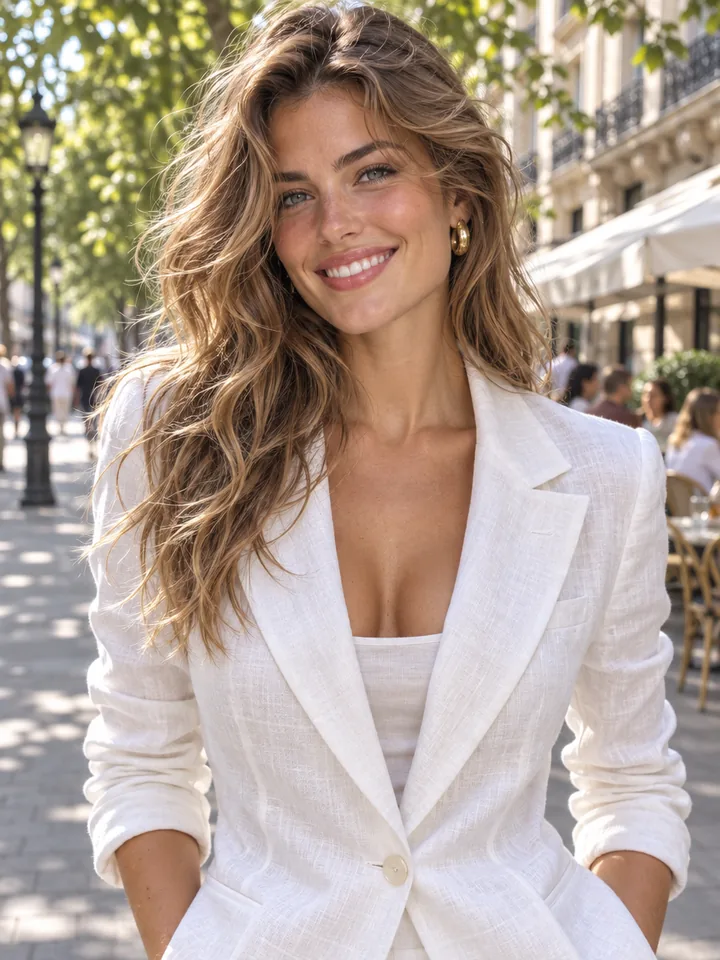
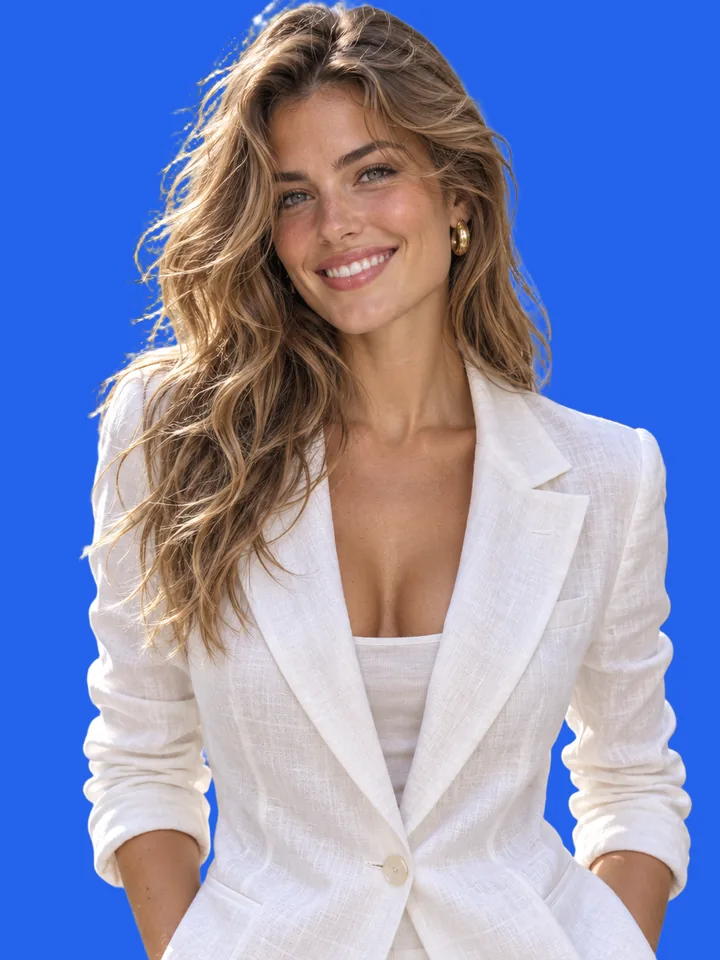
    Studio portrait on royal blue#2563EB
  • BeforeAfter
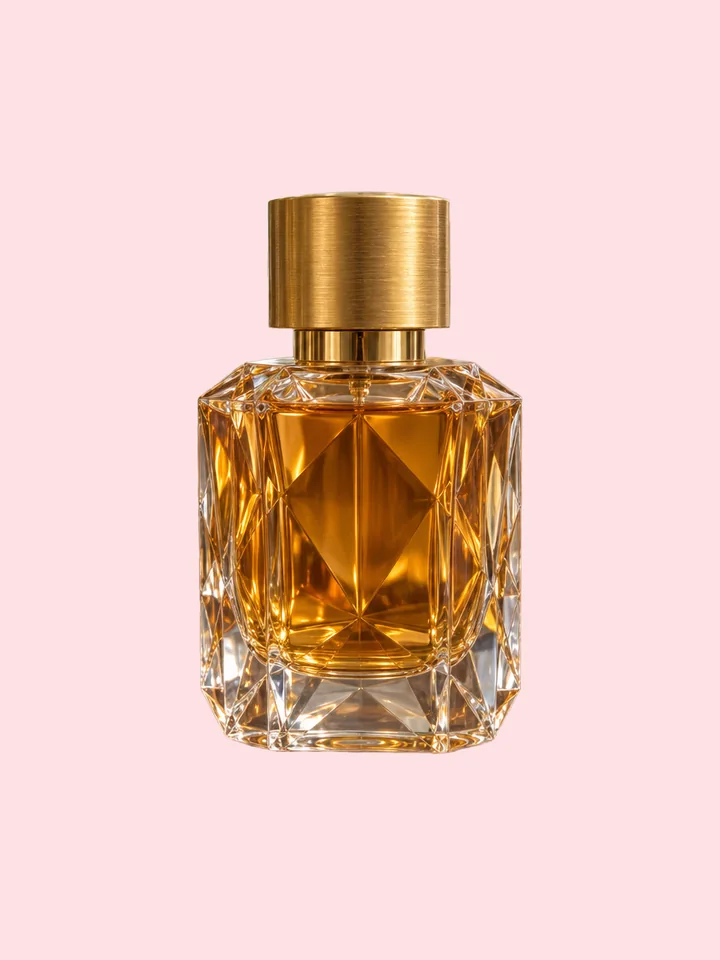
    Perfume bottle on blush pink#FDE2E4
  • BeforeAfter
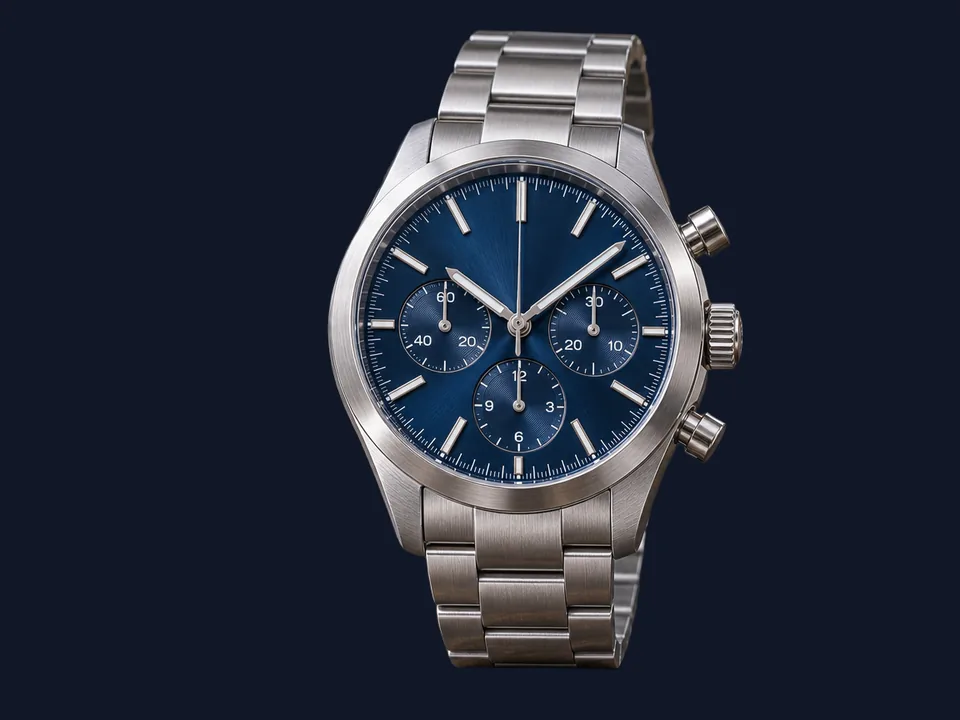
    Chronograph watch on matte charcoal#111827
  • BeforeAfter
    Executive headshot on soft slate#F1F5F9
  • BeforeAfter
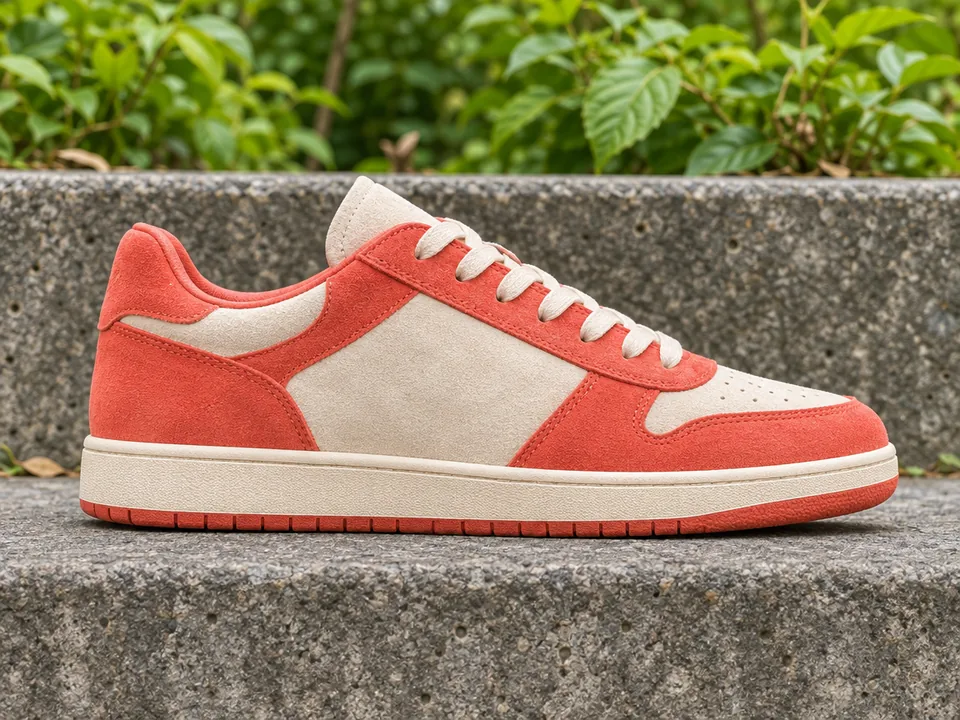
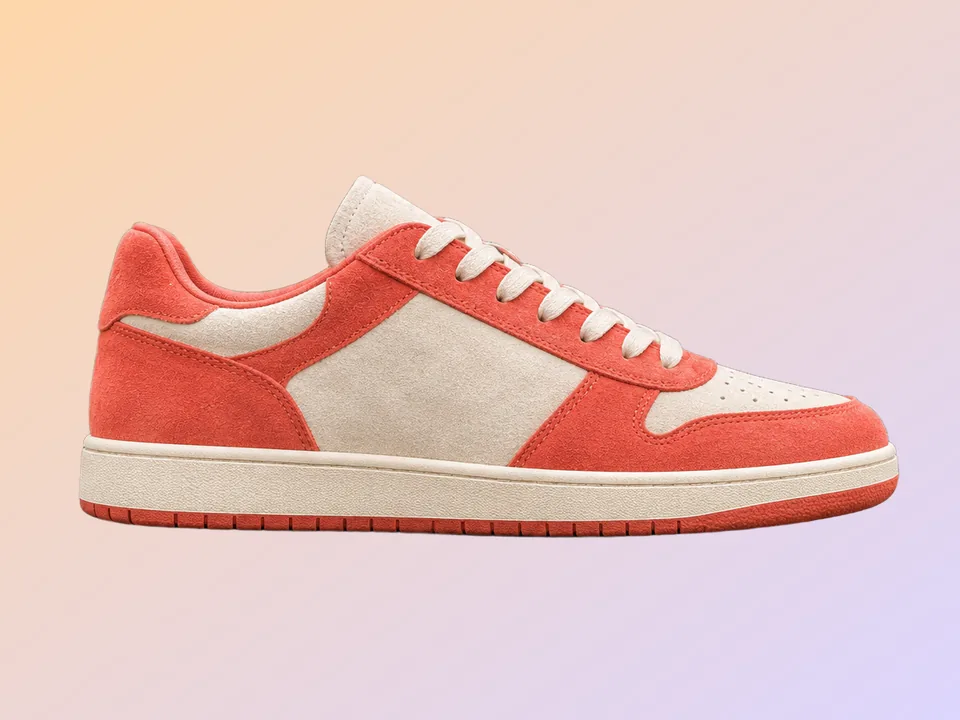
    Running sneaker on sunset pastel gradientSunset Pastel
  • BeforeAfter
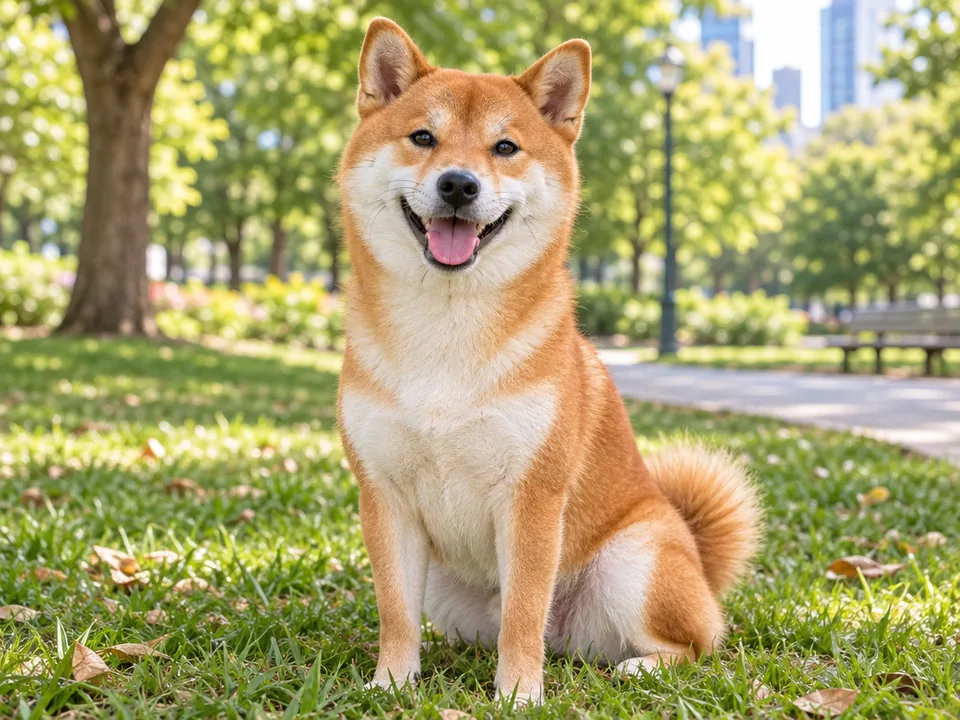
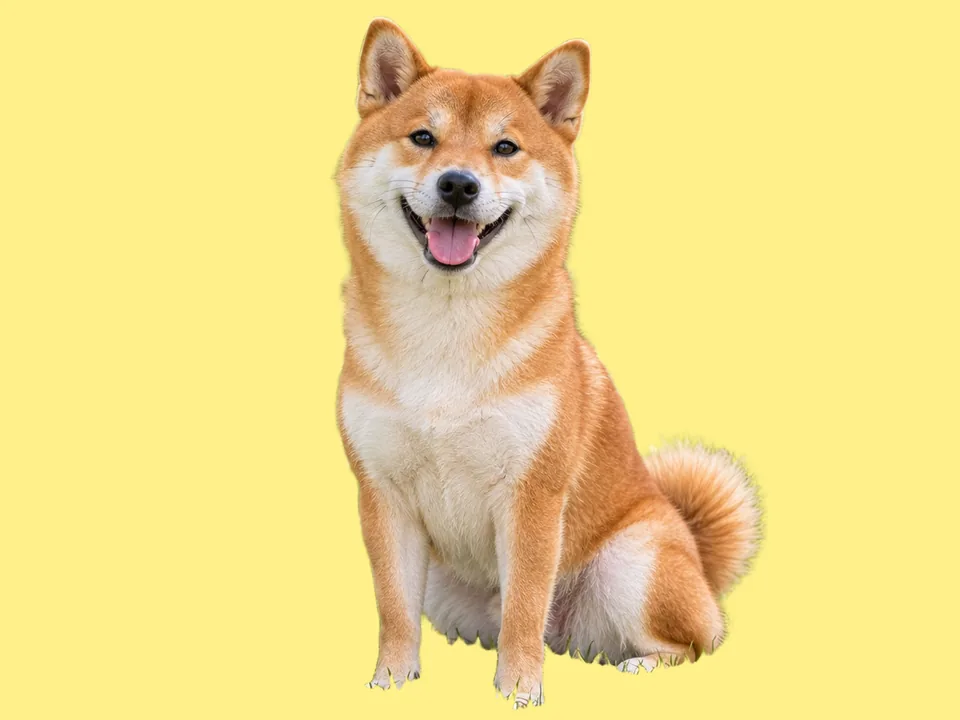
    Dog portrait on sunny yellow#FEF08A

How to Change Background Color of Image Files in 3 Steps

Extract your subject once for 1 credit and preview unlimited color variations live in your browser.

  1. Drop, paste, or pick any portrait, product shot, or pet image. Our background color changer opens directly in cutout color mode and isolates hair, fur, fabric, and glass edges cleanly for 1 credit.

  2. Click curated swatches, enter an exact brand HEX code in the color picker, browse six two-tone gradients, or load your own backdrop image locally. Every switch updates immediately at zero extra credits.

  3. Add soft, floor, or reflection shadows, switch between original, 1:1 square, or 4:5 portrait framing, and export sharp JPG or PNG files at 1000, 1600, 2000 px, or full native size.

Why Use This Background Color Changer

Built for ecommerce stores, corporate teams, and designers who need exact colors and studio finishing without manual masking.

  1. Exact brand HEX codes and curated solid presets

    Exact brand HEX codes and curated solid presets

    Match brand guidelines accurately. Start with eight balanced presets including pure white, soft grey, matte charcoal, pastel blue, blush pink, sage, terracotta, and warm yellow, or dial in any custom HEX background code using the full color picker.

  2. Six studio gradients plus custom backdrop pictures

    Six studio gradients plus custom backdrop pictures

    Add subtle depth whenever a flat fill feels stark. Switch cleanly between Sky, Peach, Mint, Lavender, Sunset, and Graphite two-tone gradients, or layer your own picture behind the cutout right inside your browser.

  3. Fine edge separation on hair, fur, and reflections

    Fine edge separation on hair, fur, and reflections

    Precision alpha masking preserves fine hair strands, fluffy pet fur, watch bezels, shoelaces, and clear glass bottles so subjects sit naturally on both pastel and dark charcoal backdrops.

  4. One cutout, unlimited live color switching

    One cutout, unlimited live color switching

    Instead of charging per color export, our workflow extracts your subject once for 1 credit and composites every palette update locally in real time. Test ten shades on one headshot or save five campaign variants at zero extra credits.

  5. Studio shadows and marketplace framing controls

    Studio shadows and marketplace framing controls

    Ground products with a soft drop shadow, subtle floor contact shadow, or mirrored reflection. Auto-center subjects inside 1:1 square or 4:5 portrait frames and adjust subject fill from 50% to 95% for uniform storefront grids.

  6. Full-size JPG and PNG exports plus AI scenes

    Full-size JPG and PNG exports plus AI scenes

    Download crisp 4:4:4 JPG or opaque PNG files sized to 1000 px, 1600 px, 2000 px, or native resolution up to 3000 px. Need a full photographic setting instead of a color backdrop? Switch directly to AI scene mode for 3 credits.

Guide to Choosing and Styling Photo Background Colors

Practical guidance on color pairing, single-cutout credit savings, shadows, framing, and marketplace exports.

Matching backdrop colors to your subject and brand

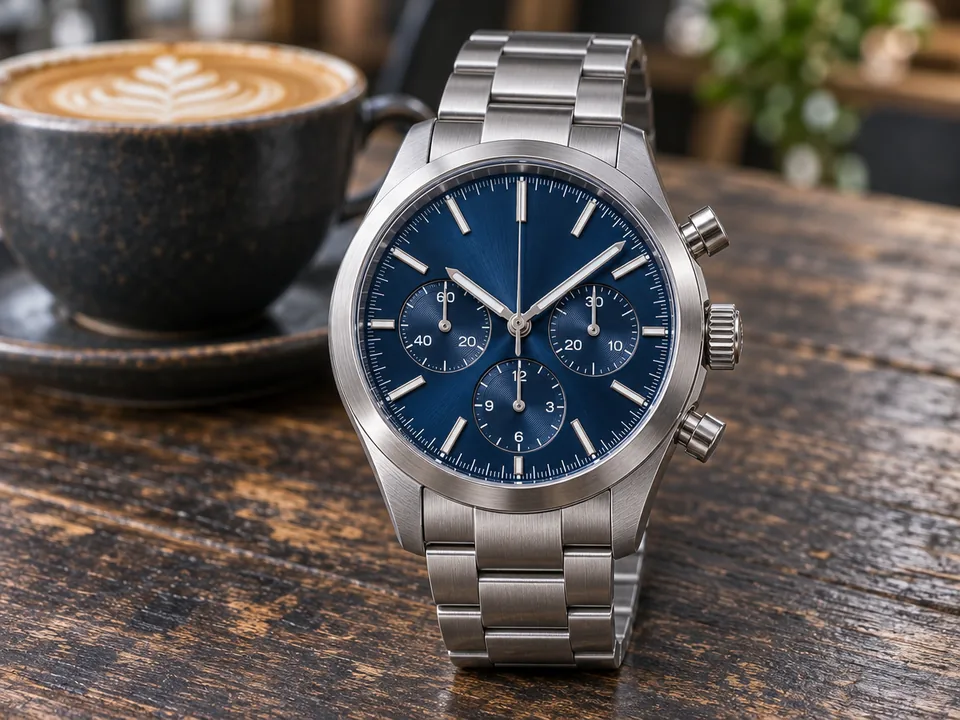
When you change background color for a portrait or product, contrast and tone carry the frame. Cool slate (#F1F5F9) flatters business headshots and natural skin tones, deep matte charcoal (#111827) makes steel watches and jewelry shine, and blush pink (#FDE2E4) complements fragrance bottles. Picking an exact HEX background aligned with your site palette keeps banners and product cards unified.
Matching backdrop colors to your subject and brand

How single-cutout switching saves credits across campaigns

Subject extraction happens once for 1 credit while solid fills, gradients, framing, and exports run locally in your browser. One portrait cutout yields a light-grey team headshot, a royal blue social avatar, and a warm gradient speaker graphic in one session, making it easy to change photo background color across channels at zero extra credits.

Using studio gradients, shadows, and framing for ecommerce

A crisp solid color background meets marketplace standards, while smooth two-tone gradients bring editorial depth to social ads and hero cards. Pairing sneakers or bottles with a floor shadow anchors them naturally on the sweep, and uniform 1:1 or 4:5 frames at 85% subject fill keep catalog rows aligned.

Using studio gradients, shadows, and framing for ecommerce

Getting spotless edges on hair, fur, and glossy glass

Sharp focus and clear contrast between subject and surroundings deliver the cleanest masks. Soft daylight or diffused studio light reduces edge tint, keeping blonde hair strands, golden dog fur, and glass outlines crisp when you move subjects from dark rooms to bright pastel or yellow sweeps.

Exporting assets or switching into AI scenes

Save JPG for fast storefront listings or opaque PNG for print and layout handoffs. From any finished run, send your cutout straight into layered PSD export, upscaling, or recoloring inside ImageToPSD. Whenever a shot calls for a marble counter or sunlit room, switch to Change background AI scene mode for 3 credits.

Exporting assets or switching into AI scenes

Who Uses This Background Color Changer

Fast, color-accurate backdrops for shops, teams, photographers, and creative campaigns.

  • Ecommerce sellers and catalog teams

    Standardize every SKU on pure white, soft brand pastels, or matte dark sweeps with matching square framing and floor shadows.

  • Creators and portrait photographers

    Change photo background color on studio or outdoor portraits into vibrant royal blues, warm yellows, or smooth gradients for bold thumbnails.

  • Professionals and HR teams

    Unify remote employee headshots on one clean slate tone for LinkedIn profiles, team pages, resumes, and ID badges.

  • Marketers and pet photographers

    Turn everyday pet portraits and campaign objects into cheerful color-blocked ad variants and seasonal banners in seconds.

Change Background Color FAQ

Answers on credits, custom HEX shades, gradients, shadows, export sizes, and privacy.


Change Background Color on Your Photo Now

Isolate your subject once for 1 credit and switch solid colors, exact HEX shades, and studio gradients instantaneously.

Upload a photo