OpenAI· Image modelNew

GPT Image 2.5 Generator: Flare and Sunburst

GPT Image 2.5 is OpenAI's image model from September 8, 2026, in two versions: Flare for speed and Sunburst for finer detail. Write a prompt or add up to 4 pictures to edit. High quality is 3 credits an image, and Flare takes about 25 seconds.

Try one of these

  • 3 to 9 credits per image
  • Up to 1K output
  • Edit with up to 4 reference images
  • About 25 s per image
Made with GPT Image 2.5 Flare

Flare Examples with Full Prompts

Each picture came from Flare at High quality here, unretouched. Open a card for the prompt, or press Use this example to load it.

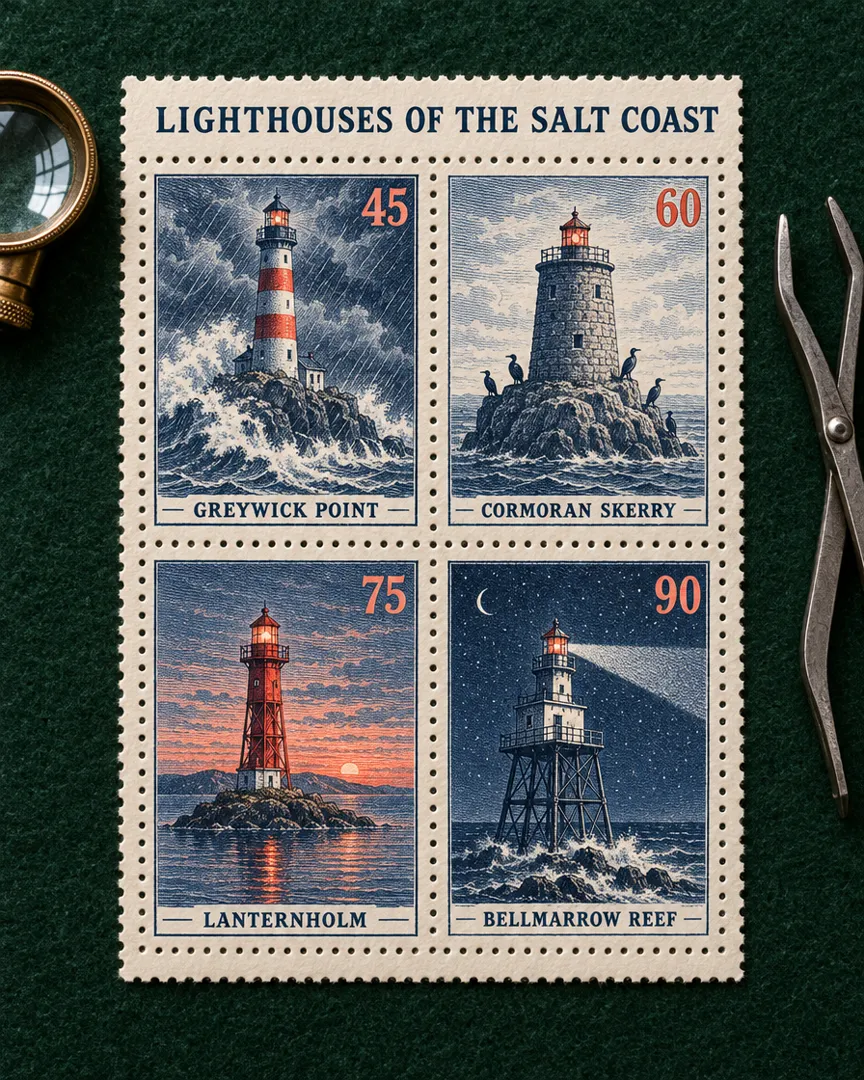
Lighthouse stamp sheetGPT Image 2.5 Flare

Lighthouse stamp sheet

3 credits

A philatelic souvenir sheet photographed flat from directly above on dark green felt: a cream perforated sheet holding four vintage engraved postage stamps in a 2 by 2 grid, each showing a different fictional lighthouse in fine intaglio linework printed in deep navy and coral. Top left stamp: a striped lighthouse on a granite point in a storm, with the name "GREYWICK POINT" and the value "45". Top right stamp: a squat stone tower on a sea rock with cormorants, with the name "CORMORAN SKERRY" and the value "60". Bottom left stamp: a red lantern tower on a tiny island at dusk, with the name "LANTERNHOLM" and the value "75". Bottom right stamp: a lighthouse on iron stilts over a reef at night, its beam sweeping the sky, with the name "BELLMARROW REEF" and the value "90". Across the top margin of the sheet, an engraved title reads exactly "LIGHTHOUSES OF THE SALT COAST". Each name and value appears exactly once, inside its own stamp. Crisp perforations, slight ink relief, soft raking window light from the left, a brass magnifying loupe and steel stamp tongs resting beside the sheet. Collector-grade detail, no other text, letters or numbers anywhere.
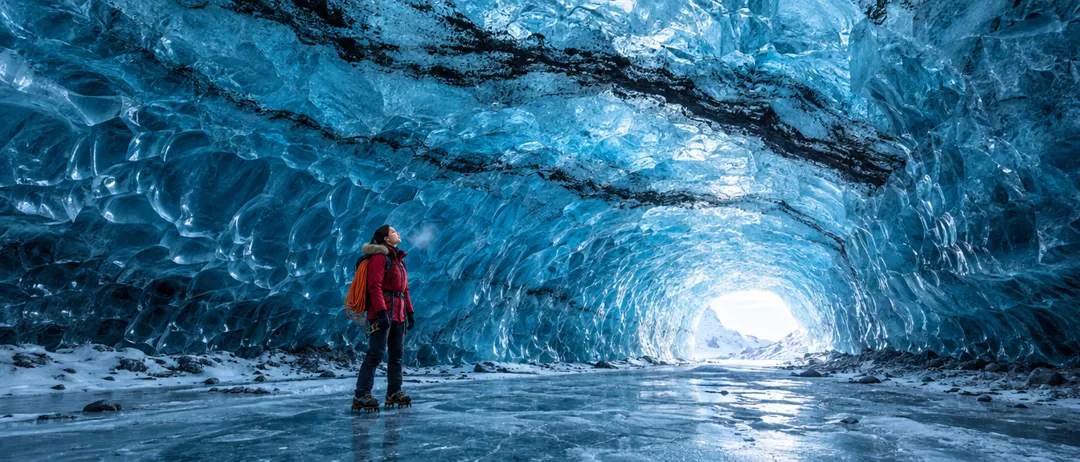
Blue ice caveGPT Image 2.5 Flare

Blue ice cave

3 credits

A cinematic ultra-wide real photograph inside a vast glacier ice cave at midday: a soaring tunnel of translucent sapphire-blue ice with rippled, scalloped walls, thin black bands of volcanic ash frozen into the ceiling, and a bright opening at the far end where white daylight pours in and glows through the ice. In the lower third, small against the scale of the cave, an adult woman explorer in her late twenties with the striking features of a professional fashion model, dark hair in a low braid, stands on the frozen floor in a crimson wool parka with a fur-trimmed hood, crampons on her boots and a coil of orange rope over one shoulder, looking up at the ceiling, full body visible, feet included. Her breath shows as a faint mist in the cold air. Natural light only, rich texture in the ice, wool and fur, cool blue palette with the single red accent, crisp detail, epic scale, 24mm wide-angle look. Full-bleed image that fills the whole frame, no letterbox or black bars. No text, no captions, no logos, no watermarks.

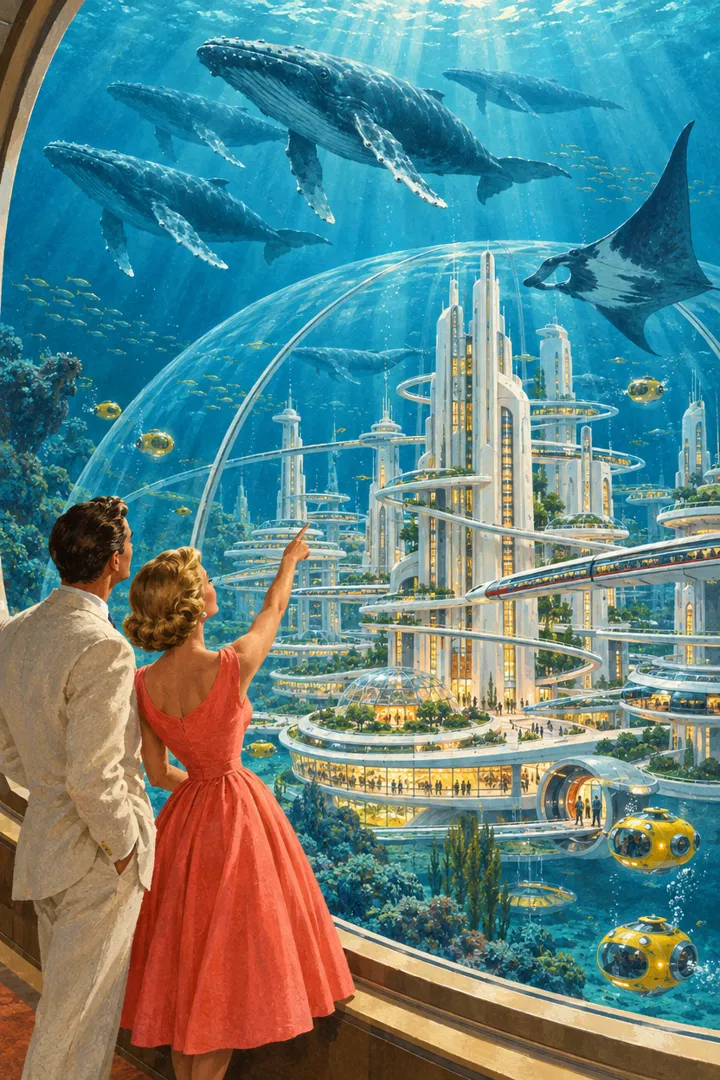
Undersea city, 1958GPT Image 2.5 Flare

Undersea city, 1958

3 credits

A 1950s retro-futurist gouache illustration in the manner of a mid-century science magazine painting: a gleaming city of white streamlined towers and spiral ramps under an enormous glass dome on the sea floor, monorails gliding between the towers, warm amber windows glowing. Outside the dome, deep teal water with shafts of sunlight from far above, a pod of humpback whales and a giant manta ray drifting past, small yellow bubble submarines docking at round airlocks. In the foreground, seen from behind and slightly to the side at a curved observation window, an elegant adult couple with fashion-model looks, she in a tailored coral swing dress and he in a cream linen suit, pointing up at the whales. Visible brush texture, soft airbrushed gradients, an optimistic saturated palette of teal, coral and cream, precise perspective, fine detail. Full-bleed image that fills the whole frame, no letterbox or black bars. No text, no captions, no logos, no watermarks.

What Changed Since GPT Image 2

Four changes OpenAI shipped, and what they mean here.

01

Fast enough to keep trying

OpenAI says Flare halves the latency of GPT Image 2. A High quality square takes about 25 seconds here, so Flare makes about five images while the older model makes one.

02

Edits that leave the rest alone

Ask for a new background and say what stays. OpenAI reports that 2.5 changes only what you ask for and holds earlier edits steady across rounds, so faces are less likely to be redrawn.

03

Reference photos stay recognizable

Add up to 4 pictures of a person, pet or product and set them in a new scene. OpenAI says subjects stay more recognizable, with more natural light and richer texture.

04

Layouts and styles that hold

Briefs with a headline, sections and a set look hold together better: OpenAI cites complex layouts, structured slides and closer style matching.

GPT Image 2.5 Specs, Credits and Quality Tiers

Flare and Sunburst cost the same: High is 3 credits an image, Extra high 4 and Max 9, or 3, 5 and 10 for edits with reference pictures. Both make about 1 megapixel in 10 shapes. Flare takes about 25 seconds and Sunburst about a minute; GPT Image 2 needs 9 at High, over 2 minutes and has 5 shapes. Start on Flare; switch for dense detail.

ModelThis pageGPT Image 2.5 FlareGPT Image 2.5 SunburstGPT Image 2
Credits per image3 to 93 to 93 to 9
Largest output1K1K1K
Aspect ratios10 shapes10 shapes5 shapes
Reference images (edit)Up to 4Up to 4Up to 4
Typical waitAbout 25 s per imageAbout 60 s per imageAbout 2 min per image

Credits per new image; a range covers the resolution or quality options. Editing a picture can cost a little more. The button shows the exact credits before you run.

Make an Image Here in 3 Steps

The composer above opens on Flare; Sunburst is in the model menu.

  1. 1

    Describe or upload

    Say what the image is for and what it shows, with any words in quotes. To edit, attach up to 4 pictures and name one change.

  2. 2

    Choose version, tier and shape

    Keep Flare or pick Sunburst, then High, Extra high or Max, a shape and 1 to 4 images. The button shows the credits.

  3. 3

    Download, refine or split

    Save the PNG, edit it again, or split it into editable layers.

Prompt Tips for Flare and Sunburst

Four habits from OpenAI's prompting guide for this model.

Raise the tier only when needed

Start each new GPT Image 2.5 idea on Flare at High, the 3-credit default. If fine detail falls short, try Extra high, then Sunburst with the same prompt, one change at a time. OpenAI notes that a higher setting does not guarantee a better result for every prompt, so keep the cheaper tier when it already works.

Quote the copy and count it

Put every required word in quotes, say where it sits and how it looks, and say how many times it appears: the tagline "Fresh Every Friday" once, in white script under the headline. Then ask for no other text. OpenAI's guide uses this pattern for ad taglines; check the spelling before you print.

One change per edit

Edit in small steps: change only the wall color, and keep the sofa, window light and camera angle. Feed each result back as the next input and repeat the keep list every time. OpenAI warns that repeated edits can still drift, so restate what matters instead of writing same as before.

Spell out light, scale and pose

Mood words alone are vague. Ask for a real photograph when you want one, then name the light, materials and colors. For wide, night or rainy scenes, give the scale and atmosphere; for people, give framing and gaze, such as full body visible, looking down at the open book. OpenAI says cues like these make the pose clearer.

Where This Image Model Shines

Where the speed and steadier edits of GPT Image 2.5 pay off.

  • Social posts and thumbnails

    Quick drafts in 9:16, 4:5 or 16:9, one for every feed.

  • Product shots and campaigns

    Your product in new scenes from one photo; Sunburst for polished hero shots.

  • Flyers, slides and invitations

    Flyers, slides and cards with headline, date and sections in place.

  • Photo edits in rounds

    Swap a background, recolor an outfit or change the weather, step by step.

GPT Image 2.5 FAQ

Versions, credits, timing, inputs and how this site works.


Try GPT Image 2.5 on Your Next Idea

Start on Flare and see the credits before you run.