Spur gear with a keyed bore
4.72 × 4.72 in · DXF
A 24-tooth spur gear, 120 mm across, with a keyed bore and four lightening holes: every arc is written as a true arc and the four holes as true circles.
Convert SVG to DXF for laser, CNC and CAD: real size in mm or inches, true arcs and circles, and one layer per color. Free in your browser, nothing uploaded.
·No SVG at hand?
Converted on your device; files aren't uploaded to our servers. Web fonts and linked images in an SVG are downloaded by your browser from their own servers, so the file looks right.
Six original SVG files we drew in code for this page, each converted from SVG to DXF here: a gear, a living hinge, a three-color coaster, a house sign, a badge saved the Illustrator way and a snowflake ornament. Every card shows the DXF it makes. Open one to load the same file.
4.72 × 4.72 in · DXF
A 24-tooth spur gear, 120 mm across, with a keyed bore and four lightening holes: every arc is written as a true arc and the four holes as true circles.
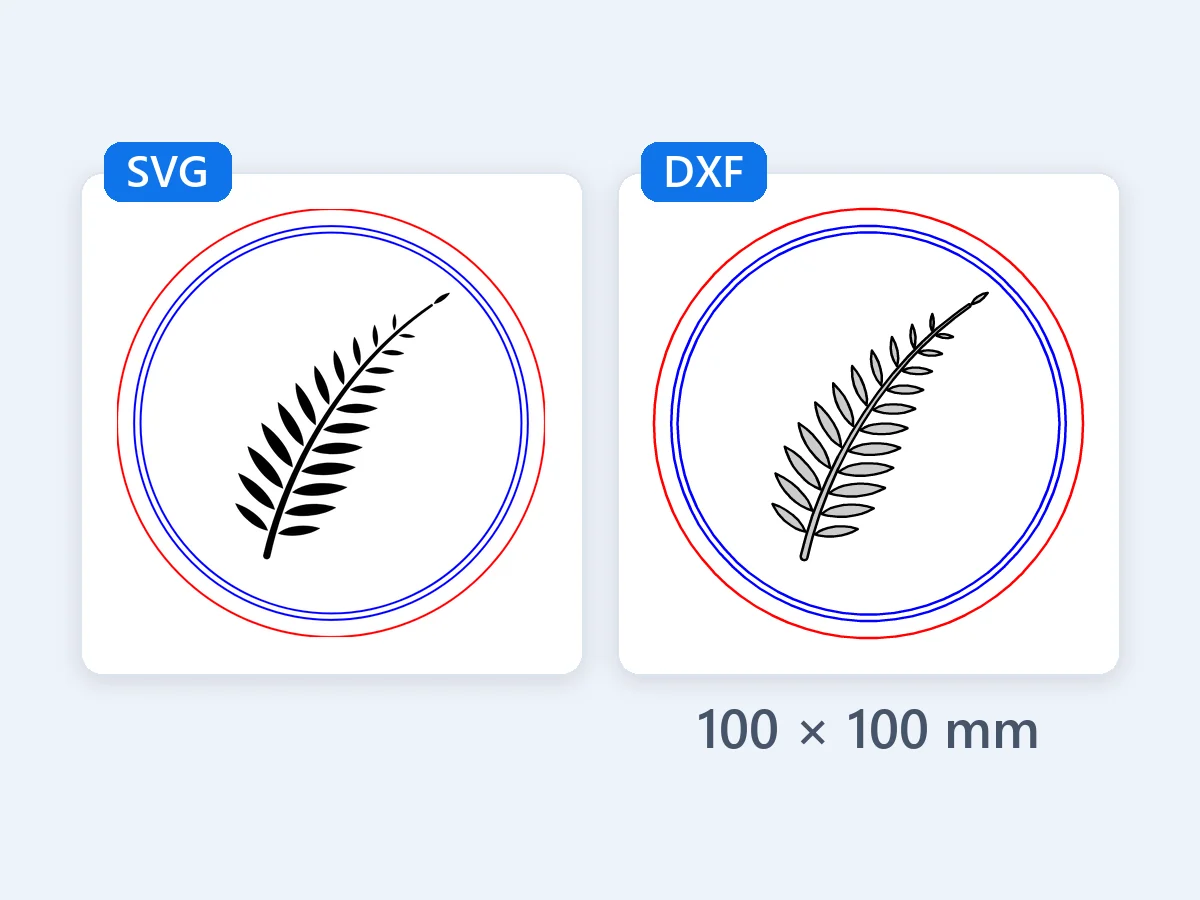
3.94 × 3.94 in · DXF
A 100 mm round coaster in three colors, red to cut, a black fill to engrave and blue score lines: one layer per color, so laser software gives each its own settings.
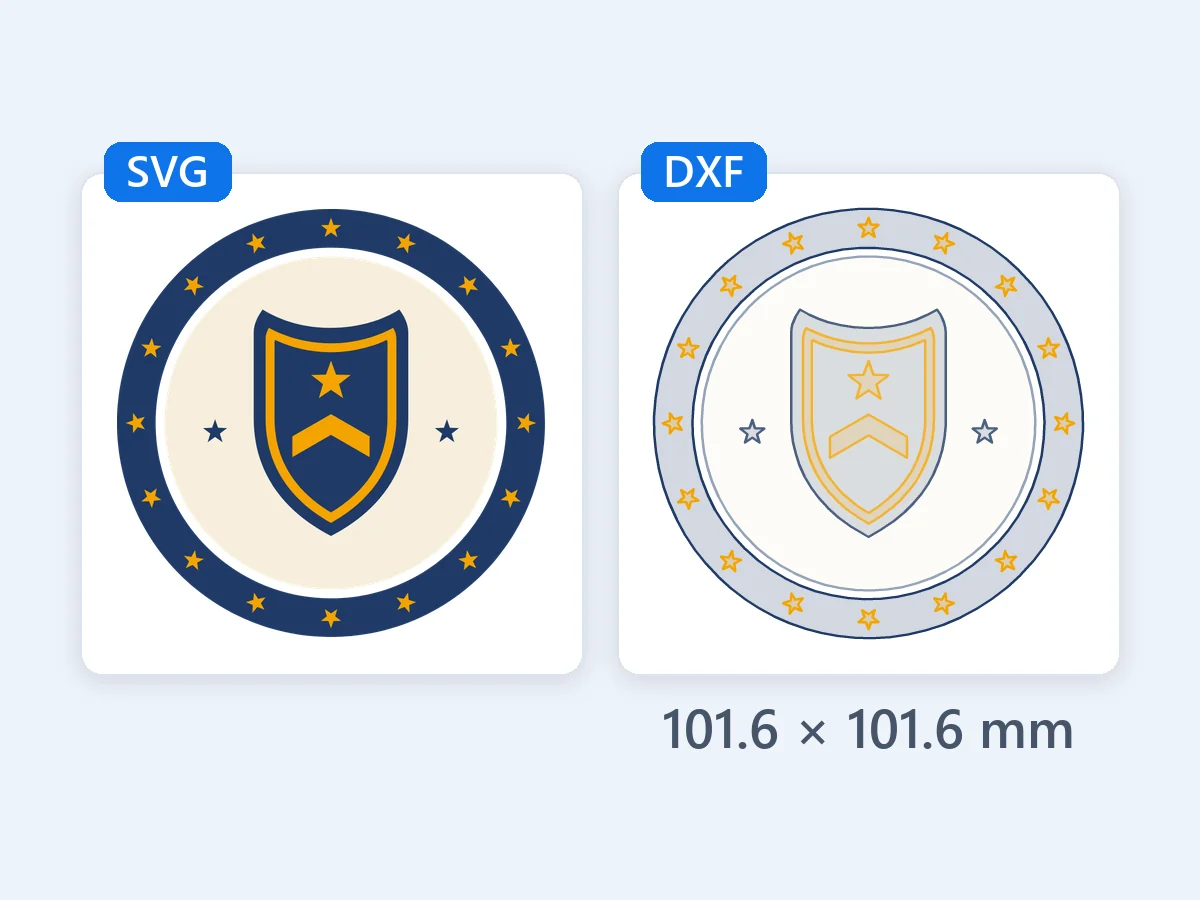
4 × 4 in · DXF
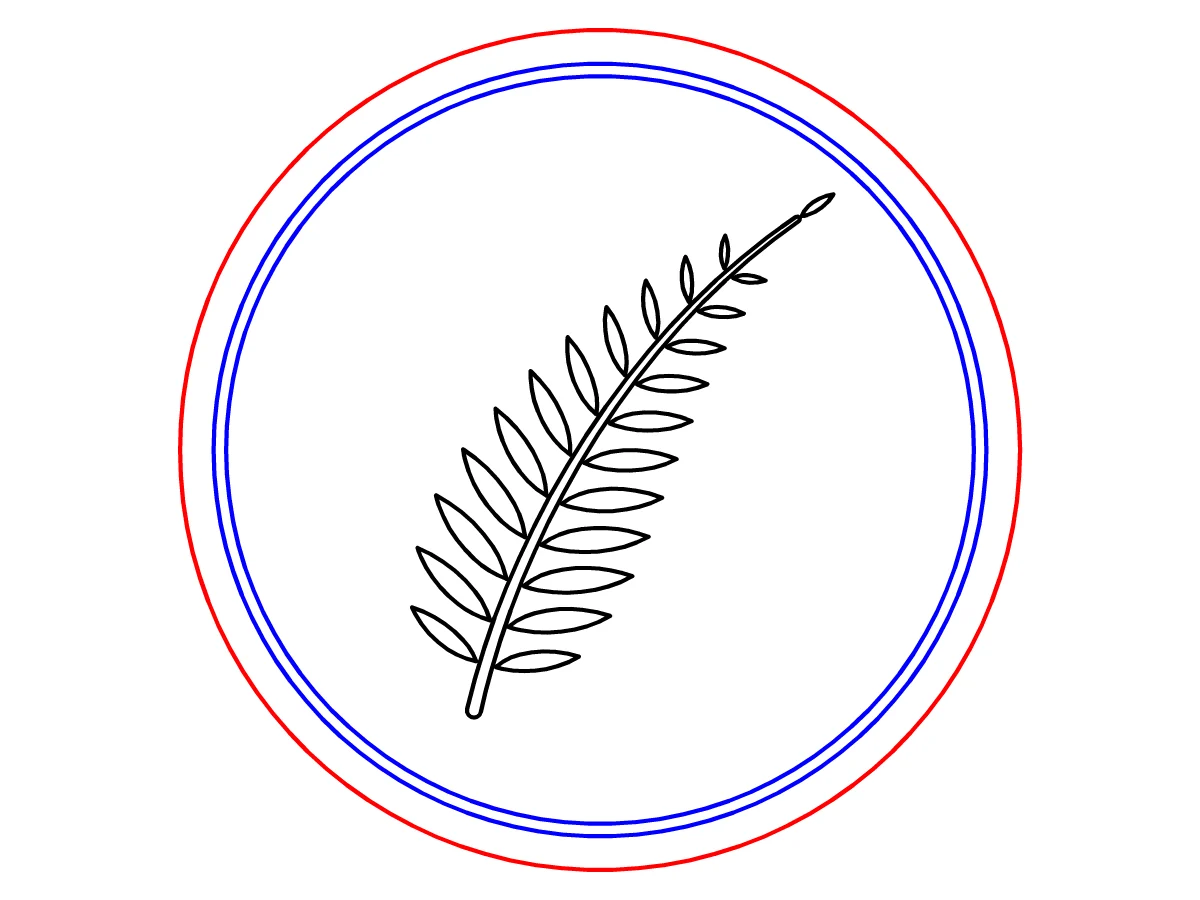
Saved the way Illustrator writes SVG, with CSS classes, an artboard clip and 72 px per inch: it comes out at 4 in (101.6 mm), the size it was drawn, every shape exact.
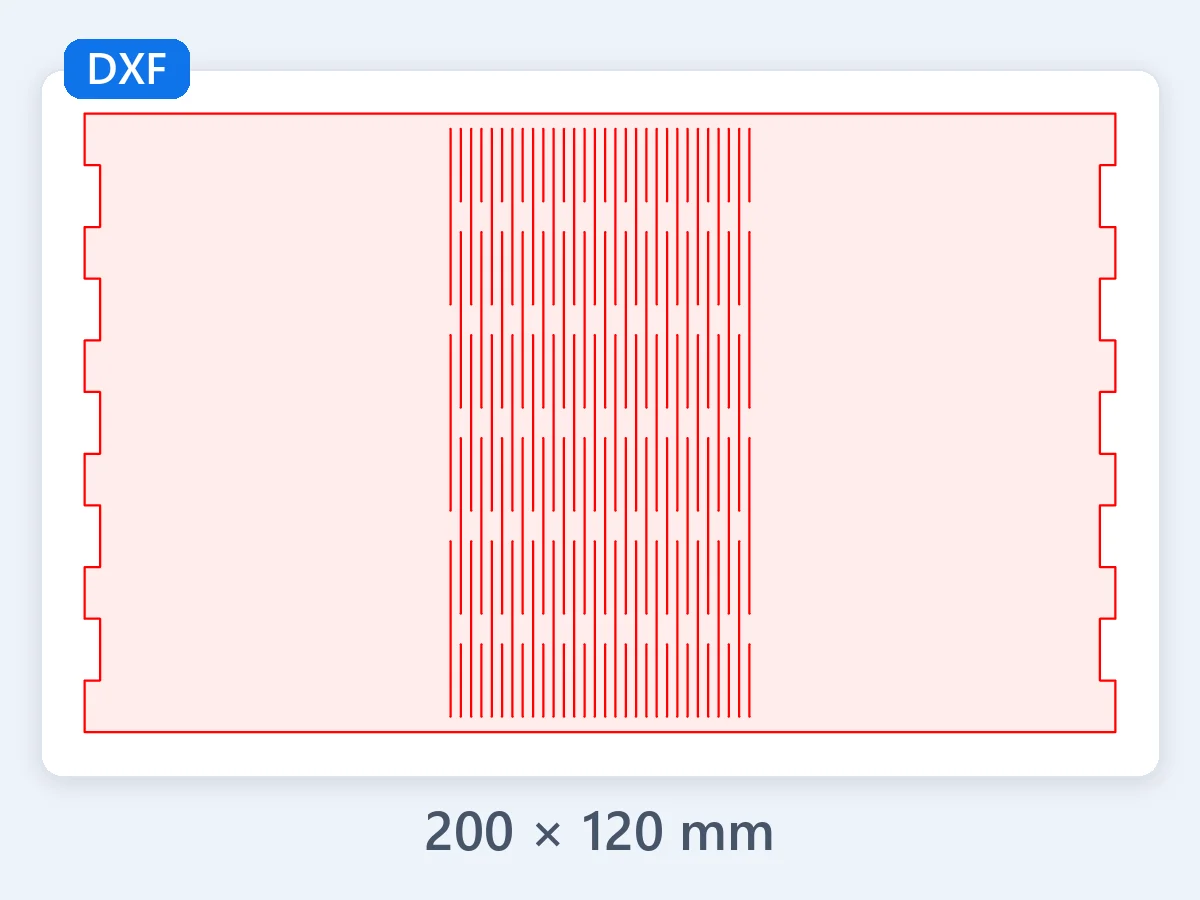
7.87 × 4.72 in · DXF
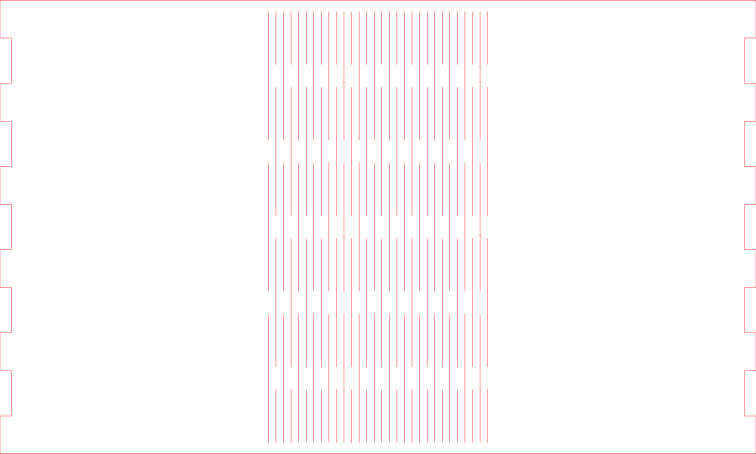
A 200 × 120 mm lid panel for a laser-cut box, all in red cut lines: the hinge slots stay open lines, cut along their center.
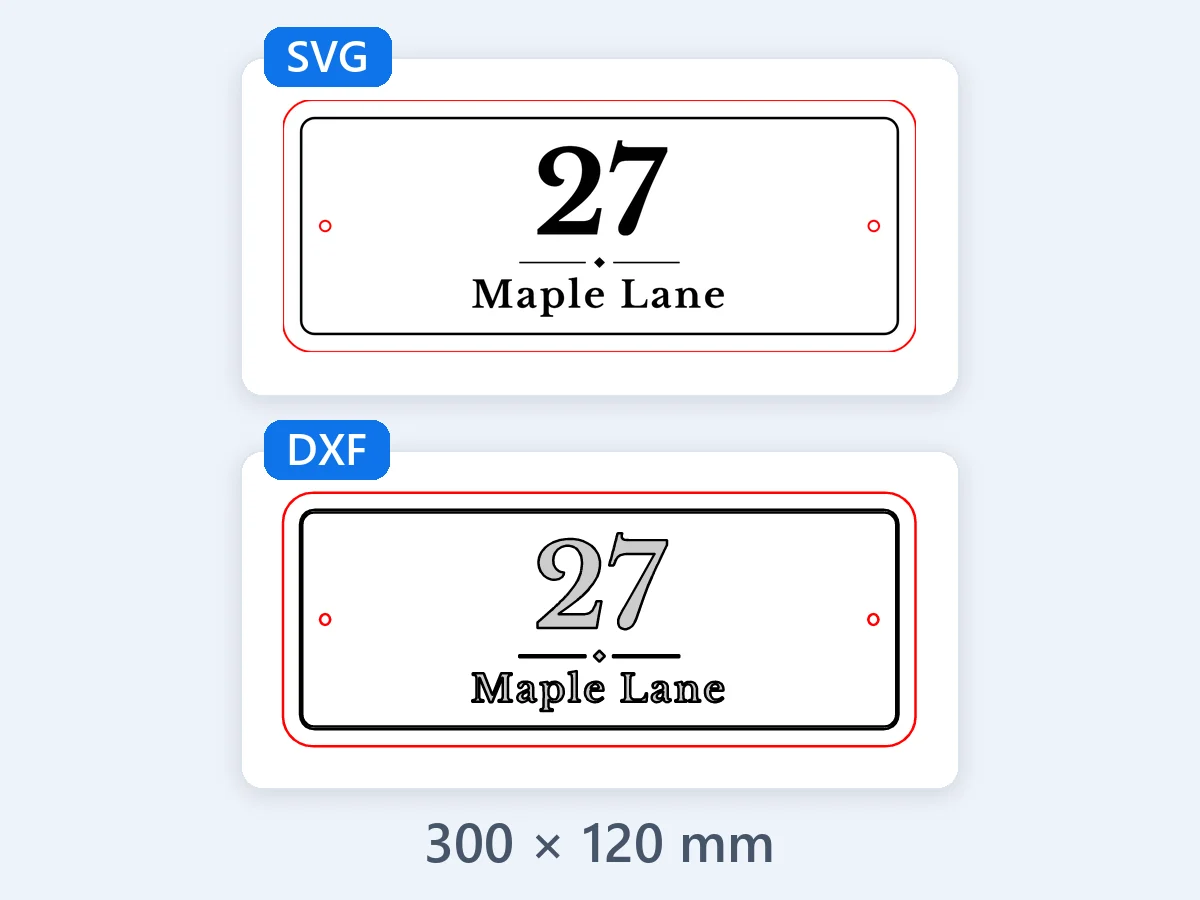
11.81 × 4.72 in · DXF
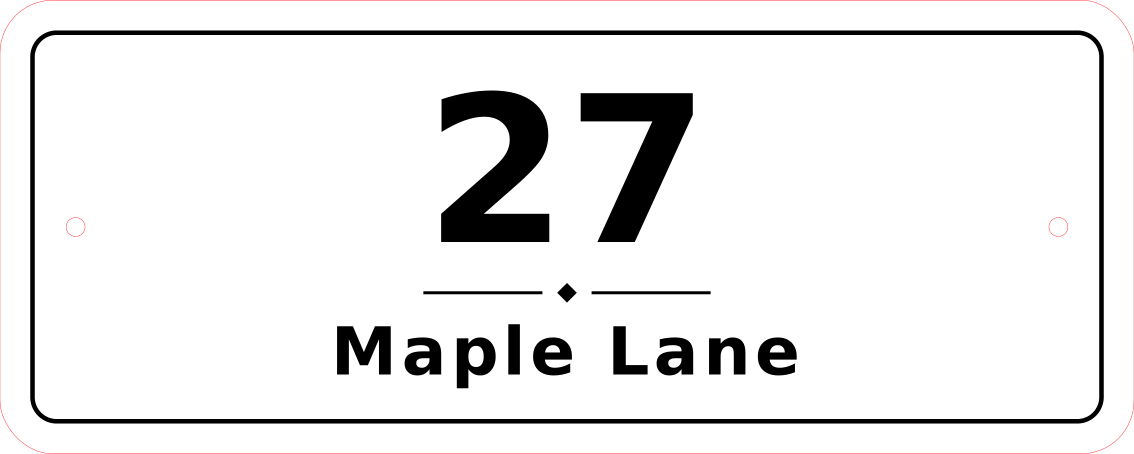
"27 Maple Lane" on a 300 × 120 mm sign: the lettering is traced to clean outlines, ready to cut at size.
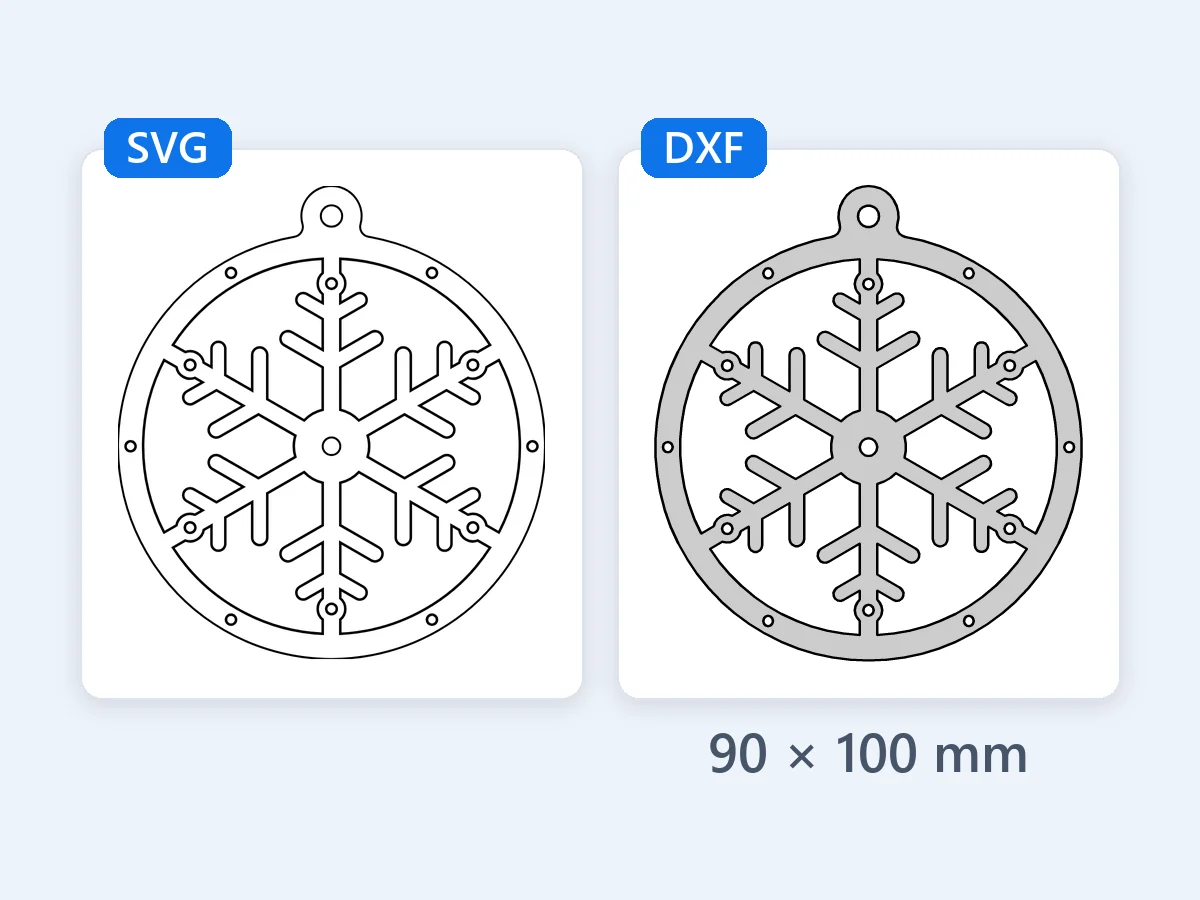
3.54 × 3.94 in · DXF
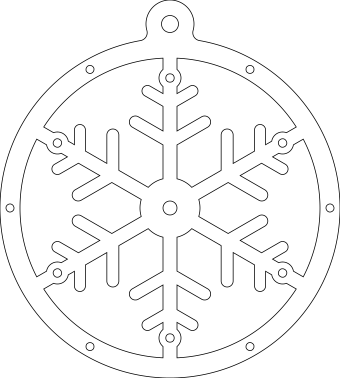
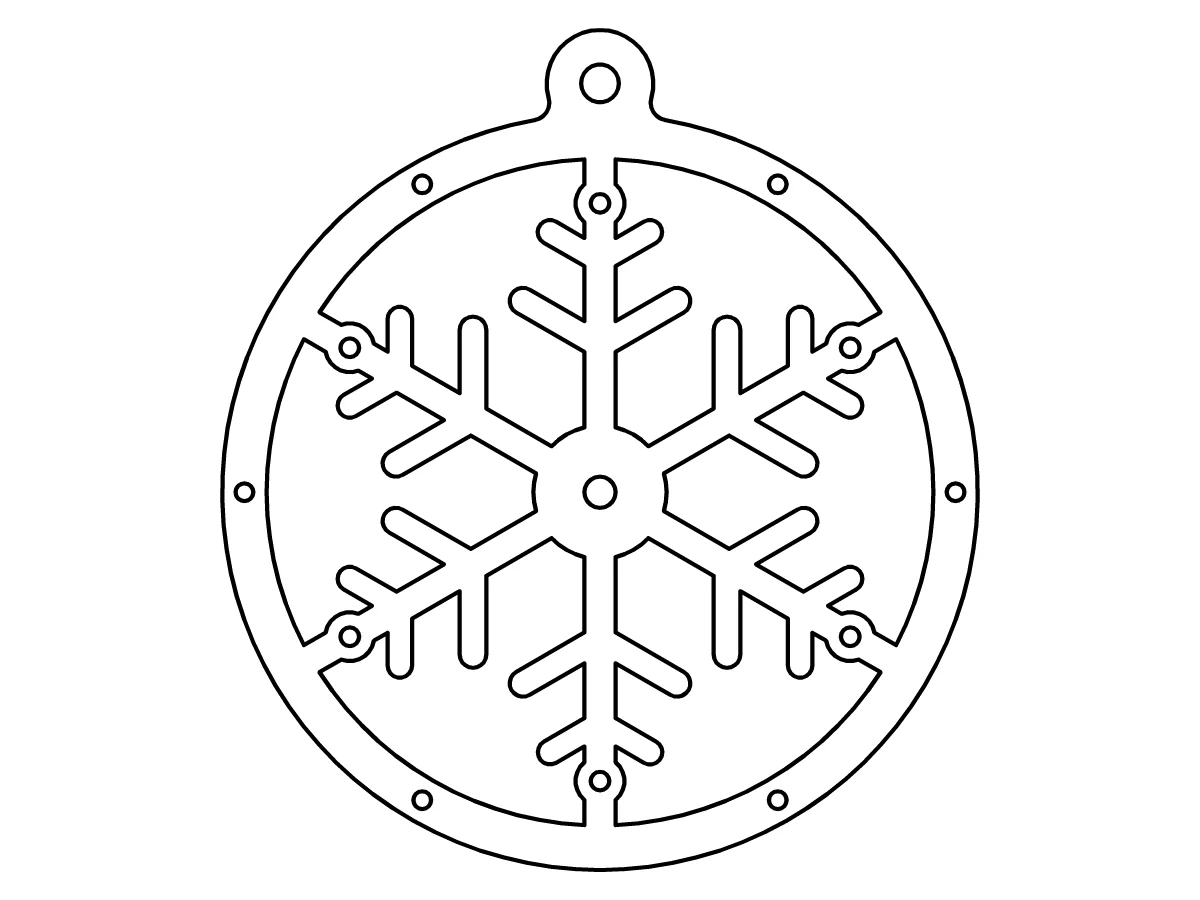
One arm repeated six times by rotation, 90 × 100 mm with a hanging hole: every arc stays a true arc through each turn.
4.72 × 4.72 in · DXF
A 24-tooth spur gear, 120 mm across, with a keyed bore and four lightening holes: every arc is written as a true arc and the four holes as true circles.
11.81 × 4.72 in · DXF
"27 Maple Lane" on a 300 × 120 mm sign: the lettering is traced to clean outlines, ready to cut at size.
7.87 × 4.72 in · DXF
A 200 × 120 mm lid panel for a laser-cut box, all in red cut lines: the hinge slots stay open lines, cut along their center.
4 × 4 in · DXF
Saved the way Illustrator writes SVG, with CSS classes, an artboard clip and 72 px per inch: it comes out at 4 in (101.6 mm), the size it was drawn, every shape exact.
3.94 × 3.94 in · DXF
A 100 mm round coaster in three colors, red to cut, a black fill to engrave and blue score lines: one layer per color, so laser software gives each its own settings.
3.54 × 3.94 in · DXF
One arm repeated six times by rotation, 90 × 100 mm with a hanging hole: every arc stays a true arc through each turn.
Add your files, check the size and the layers, download. The preview draws each DXF file itself before you save it.
Drop up to 50 SVG files or paste SVG code. Each file is read right in your browser, never uploaded, and opens at the real size saved in it.
Choose mm or inches, keep the Real size or Set the width, and pick Layers by color, Layers as in the file, Cut and engrave layers or One layer.
Click a file to see its DXF, zoom in and pan around, then download each DXF or every file in one ZIP.
Six strengths that turn an SVG into a DXF file your laser, CNC router or CAD program opens at the right size, with nothing to redraw.
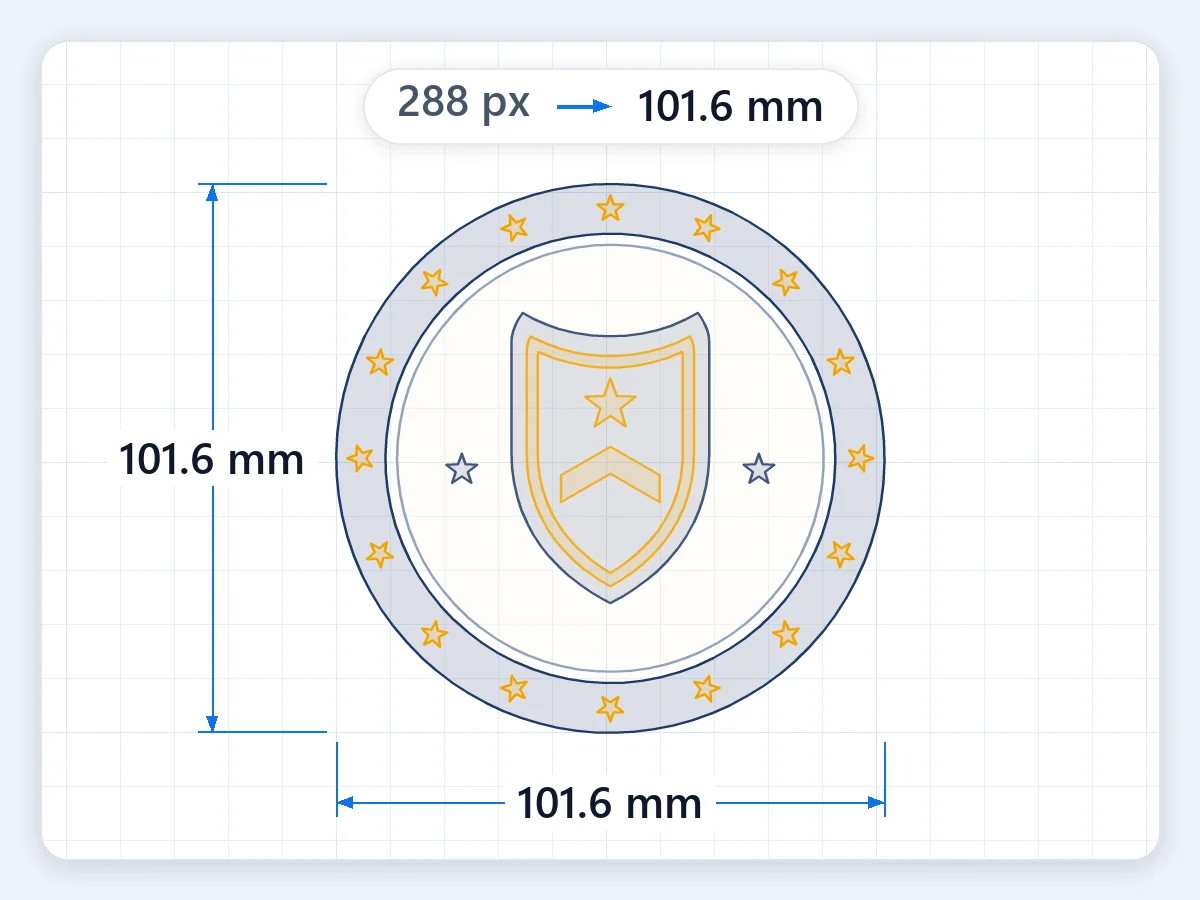
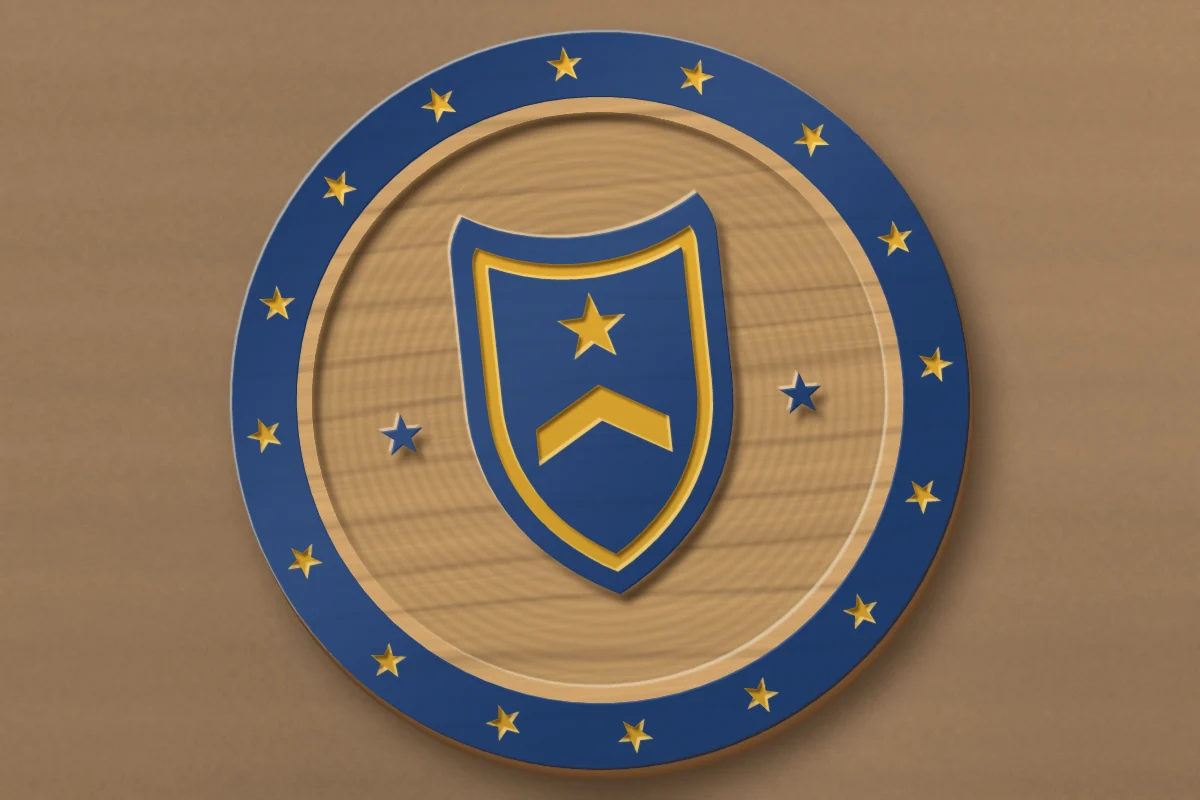
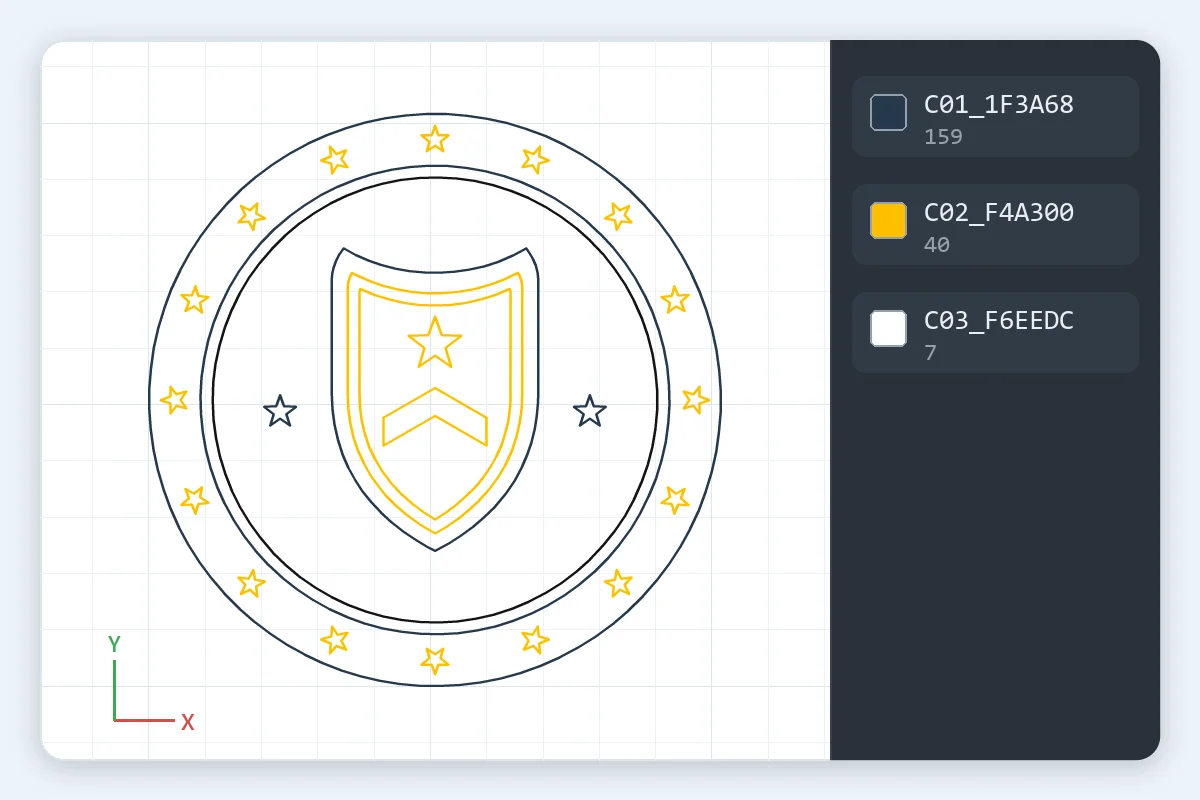
When you convert SVG to DXF here, a file with mm, cm, in, pt or pc on its width and height comes out at exactly that size. A file measured in px is read at 96 px per inch, the web standard, at 72 when it was made in Illustrator and at 90 when it comes from an older Inkscape, all found automatically; Pixel size sets 96, 72 or 90 by hand. Set the width scales the design to the exact width you type. The DXF writes its unit, millimeters or inches, in the header, so CAD and laser software open it at that size. This club badge came out at 4 in, the size it was drawn.
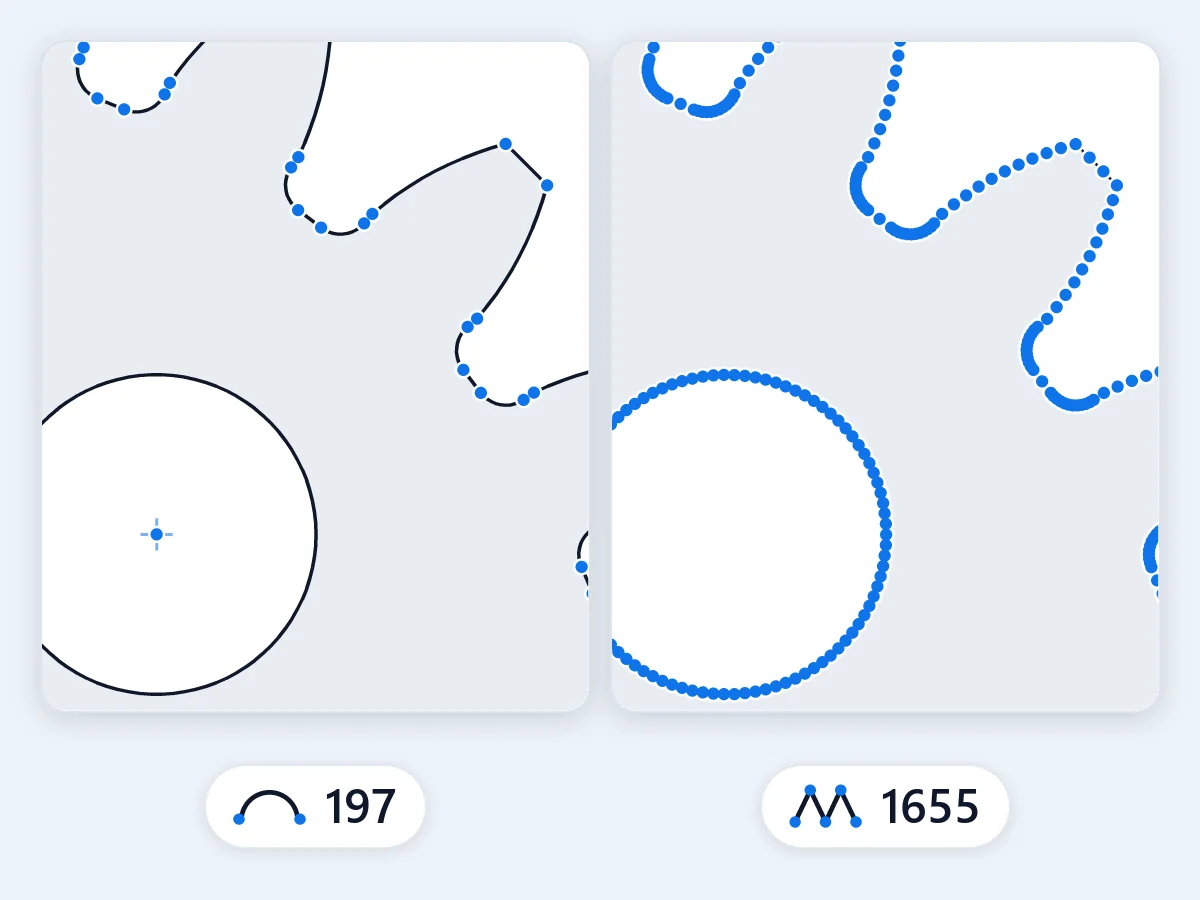
Circles and circular arcs in your SVG are written as true DXF circles and arcs, exactly as drawn. Every other curve, Bézier or ellipse, becomes arcs within 0.01 mm, so a router or a laser head moves smoothly and the file stays small. The DXF holds arcs and lines only, with no SPLINE or ELLIPSE entities, the ones many CAM programs read badly. For short straight lines in place of arcs, choose Straight lines only. This gear's arcs came out as true arcs and its holes as true circles.
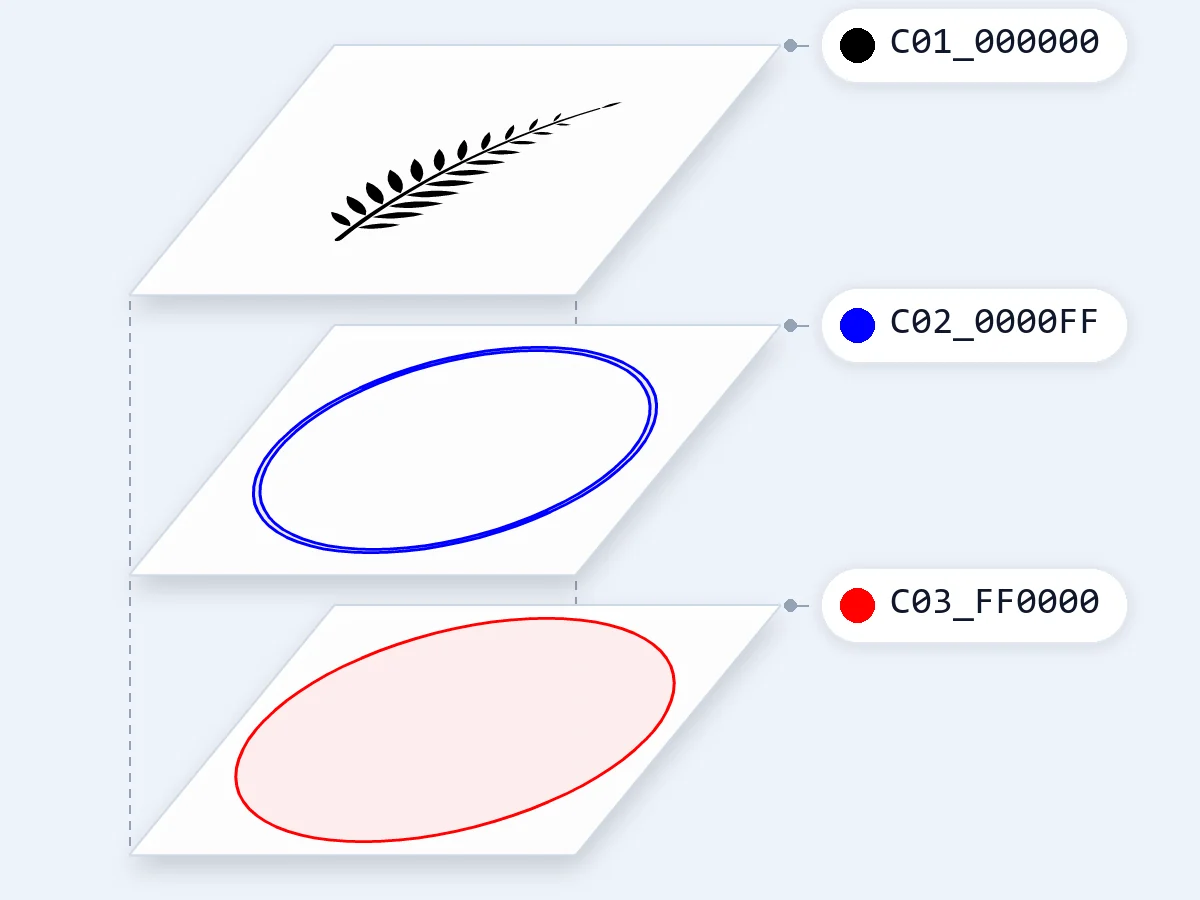
Layers by color, the default, gives each color its own layer, named like C01_1F3A68 and carrying its own AutoCAD color number, so laser software such as LightBurn sets power and speed per color. Layers as in the file keeps your Inkscape layers or top-level groups. Cut and engrave layers puts filled shapes on ENGRAVE and lines on CUT, and One layer puts everything together. This coaster's red cut, black engraving and blue score lines came out as three layers.

Text is drawn and traced to outlines within about 0.03 mm, so the DXF holds clean letter shapes rather than TEXT entities at the wrong height; Leave text out removes it. For exact letter shapes, convert the text to outlines in your design program first. A clip that holds the whole artwork, like a design program's artboard, changes nothing and the geometry stays exact, while a clip that cuts into shapes, and a mask, are drawn and traced. The lettering on this house sign came out as clean outlines.
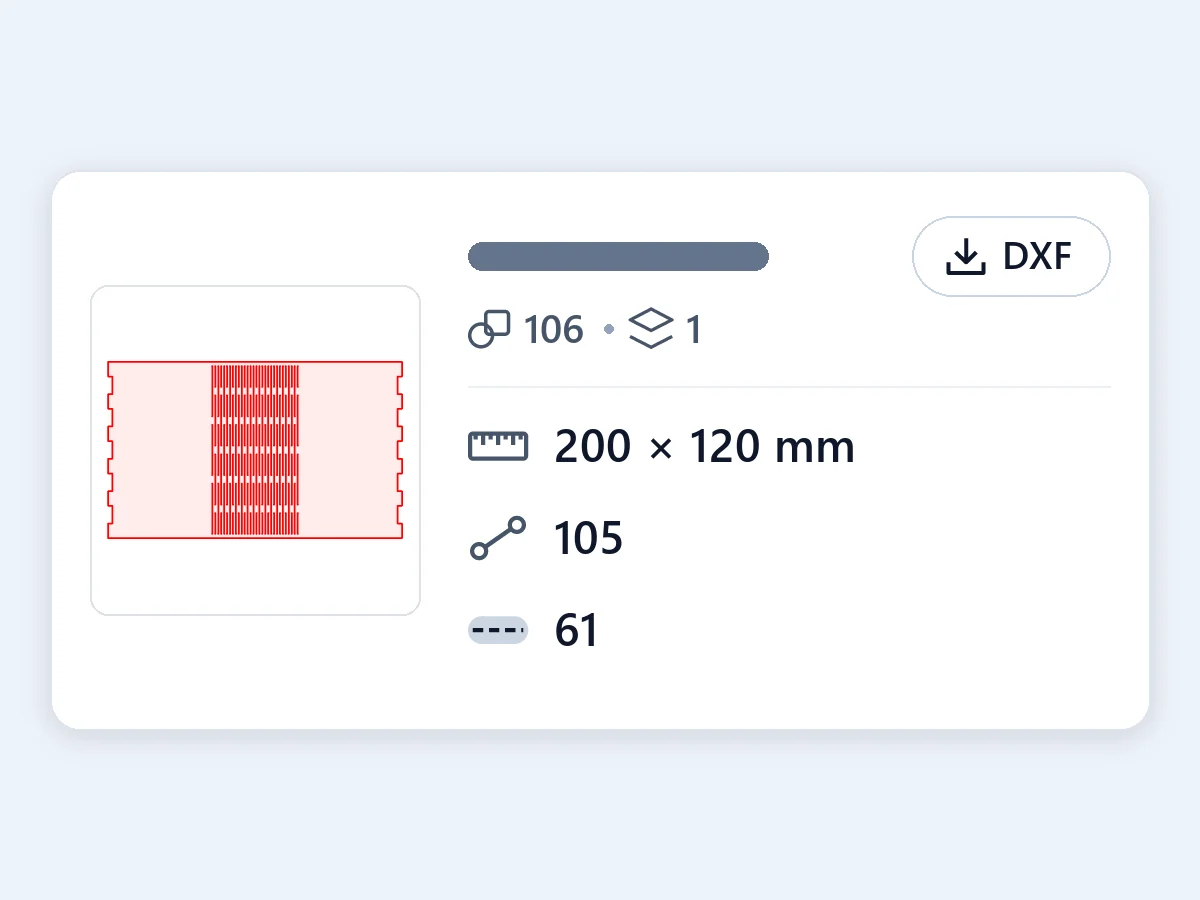
Each file's row says its size, its shape and layer counts, how its size was read, what was traced, which lines are cut on their center line, how many lines are open and what was left out. The file is AutoCAD R12 ASCII DXF, the version the widest range of software reads: every outline a closed polyline, duplicates and zero-length pieces removed, inner shapes before outer ones and the drawing at 0,0, checked in LibreCAD and Inkscape. This hinge panel's note counts its open hinge lines.
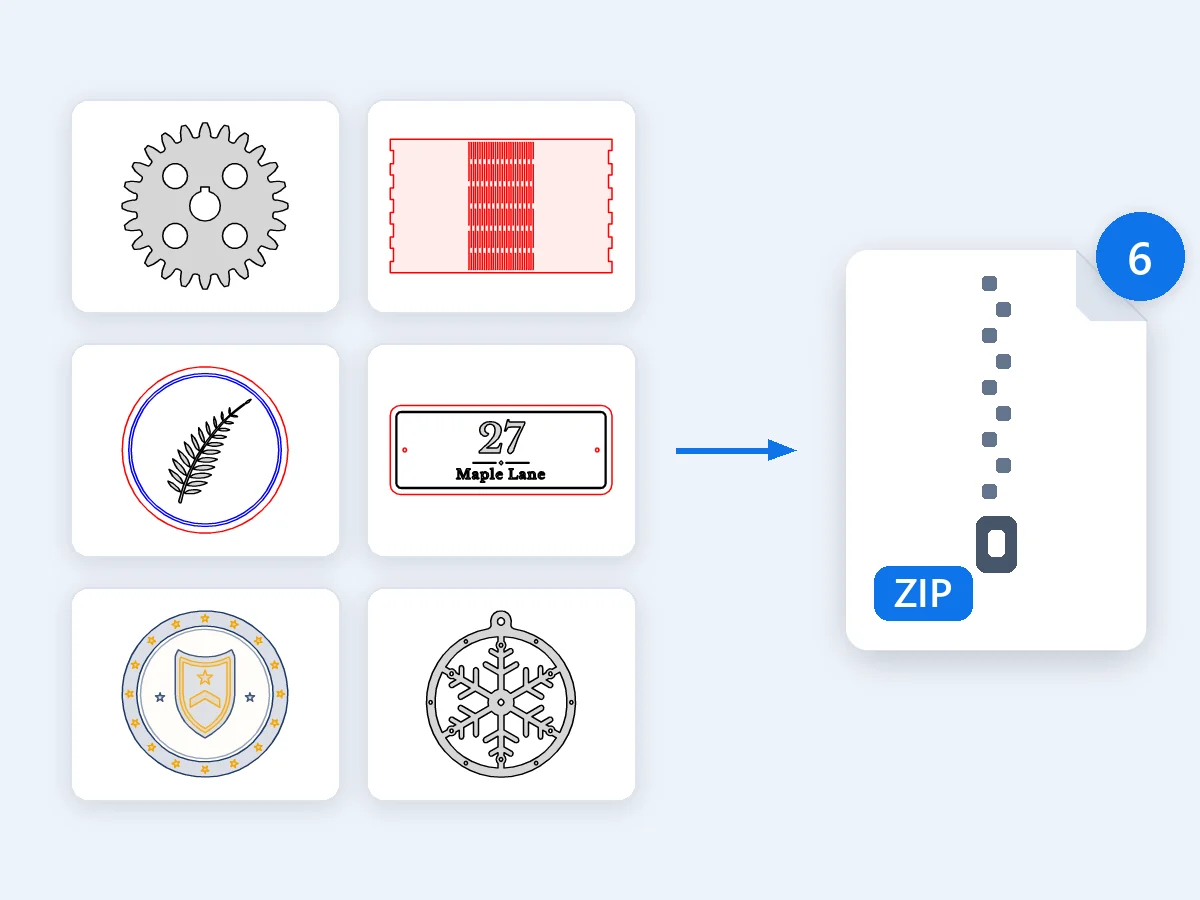
Convert up to 50 SVG files to DXF in one go, or paste SVG code, and download each DXF or all of them in one ZIP. Everything runs in your browser, so files are never uploaded, with no sign-up and no watermark. CSS classes, style rules, inline styles, transforms, use and symbol elements, nested SVGs and gradients are all read, and a gradient takes its first color. Click any file to see the DXF itself, drawn from the written file, and zoom and pan to check the details. Drop all six examples at once and they come back as one ZIP.
How an SVG becomes a DXF: the difference between the two, size and units, strokes and fills, text and clips, layers for laser software, and opening the file.
SVG and DXF are both vector files, made of shapes rather than pixels. SVG is a web and design format, read by browsers, Illustrator, Inkscape and Cricut Design Space. DXF (Drawing Exchange Format) is the CAD format that laser cutters, CNC routers, plasma and waterjet tables and CAD programs share, with units, and with layers that machines sort their work by. To convert SVG to DXF, this converter reads every shape in the file as geometry, applies its transforms and styles, and writes it as lines, arcs and circles at real size. Your shapes go across exactly; only text and parts cut by a clip or a mask are drawn and traced, within about 0.03 mm.
A DXF stores numbers, and its unit decides what they mean: when a program reads millimeters as inches, a part comes in 25.4 times too big or too small. This SVG to DXF converter writes the unit in the header, millimeters or inches, and draws everything at 1:1. The size comes from the SVG's width and height, where mm, cm, in, pt and pc give it directly. Pixels have no real size of their own, so a file in px is read at 96 px per inch, the web standard; Illustrator counts 72 and older Inkscape versions 90, and both are recognized automatically. Pick Pixel size to set it yourself, or Set the width to give the design an exact width.
A filled shape is cut along its edge, and so is a filled shape with a stroke. A shape drawn only with a stroke, such as a red hairline in a laser file, is cut along its center line: open lines stay open and the stroke width isn't added, so a score line or a hinge slot stays a single line. Each file's note counts the lines cut on their center line and the open lines, which cutting software runs as lines. CSS classes, style rules, inline styles, transforms, use and symbol elements, nested SVGs and gradients are all read, and a gradient takes its first color.
When you convert an SVG to DXF here, its text is drawn and traced to outlines within about 0.03 mm, so it cuts in the font and at the size you see; Leave text out removes it. For exact letter shapes, convert the text to outlines in your design program before you export the SVG. A clip path that holds the whole artwork, as a design program's artboard does, changes nothing, and the geometry stays exact. A clip that cuts into shapes, and a mask, are drawn and traced like text. Pictures inside the SVG and effects such as shadows and blurs aren't lines, so the DXF holds the shapes themselves.
Laser software sorts its work by color: each color gets its own power, speed and order, for example a cut, a score and an engraving. When you convert SVG to DXF with Layers by color, every color becomes its own DXF layer, named from its place and HEX code like C01_1F3A68 and given its own AutoCAD color number, so the colors stay apart when you import the file into LightBurn or xTool Creative Space. Layers as in the file keeps the layers you named in Inkscape, or the top-level groups. Cut and engrave layers puts filled shapes on ENGRAVE and lines on CUT, and One layer puts everything on one.
Every file from this SVG to DXF converter is AutoCAD R12 ASCII DXF, the version the widest range of CAD, laser and CNC software reads, with every outline a closed polyline and the drawing at 0,0. AutoCAD, LibreCAD and QCAD open it directly in its saved unit, and in Fusion you insert the DXF into a sketch. Laser software such as LightBurn and xTool Creative Space imports it with its layers. In Inkscape, choose Read from file as the scaling method in the DXF import dialog. After you import, measure one length you know, the quick check every workshop makes. Need a DWG? Open the DXF in your CAD program and save it as DWG.
Four kinds of work where SVG to DXF takes a design to a machine or into a CAD drawing.
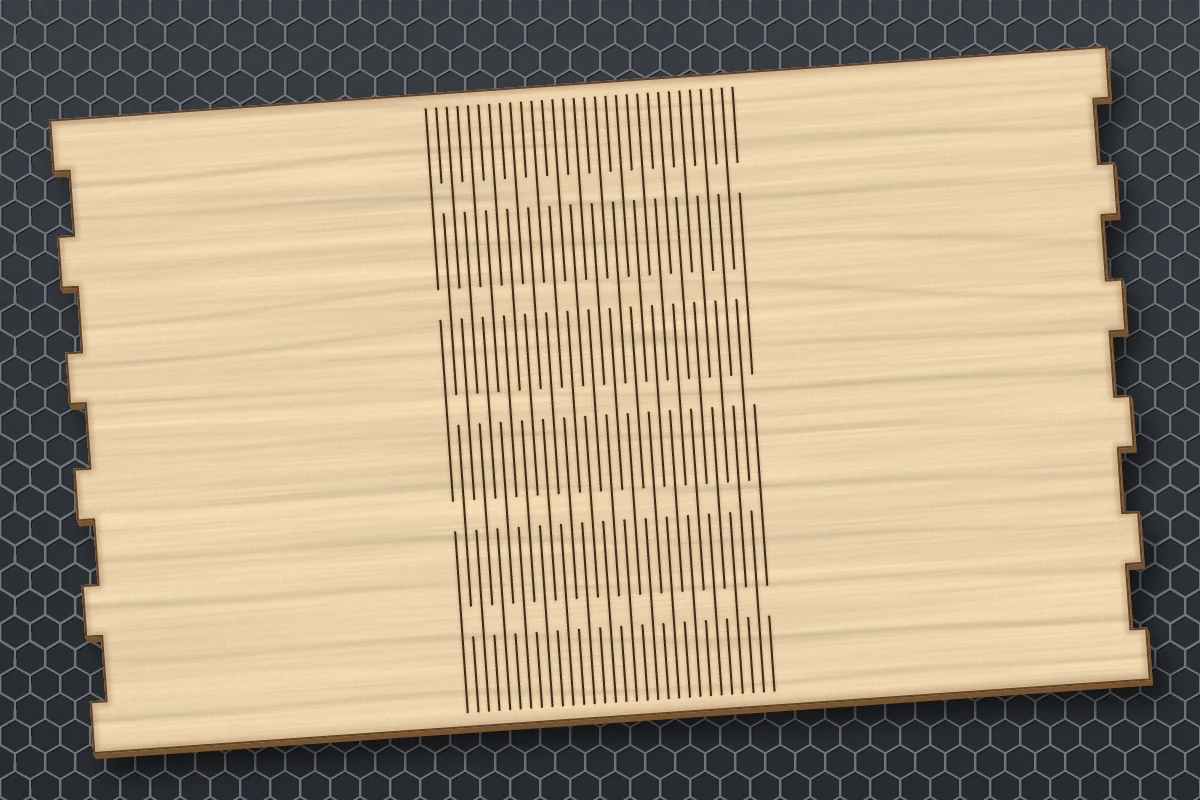
Boxes, signs, coasters and ornaments in wood or acrylic, with cut, score and engrave each on its own layer.
Gears, brackets, signs and inlays at real size, with true arcs a router follows smoothly.
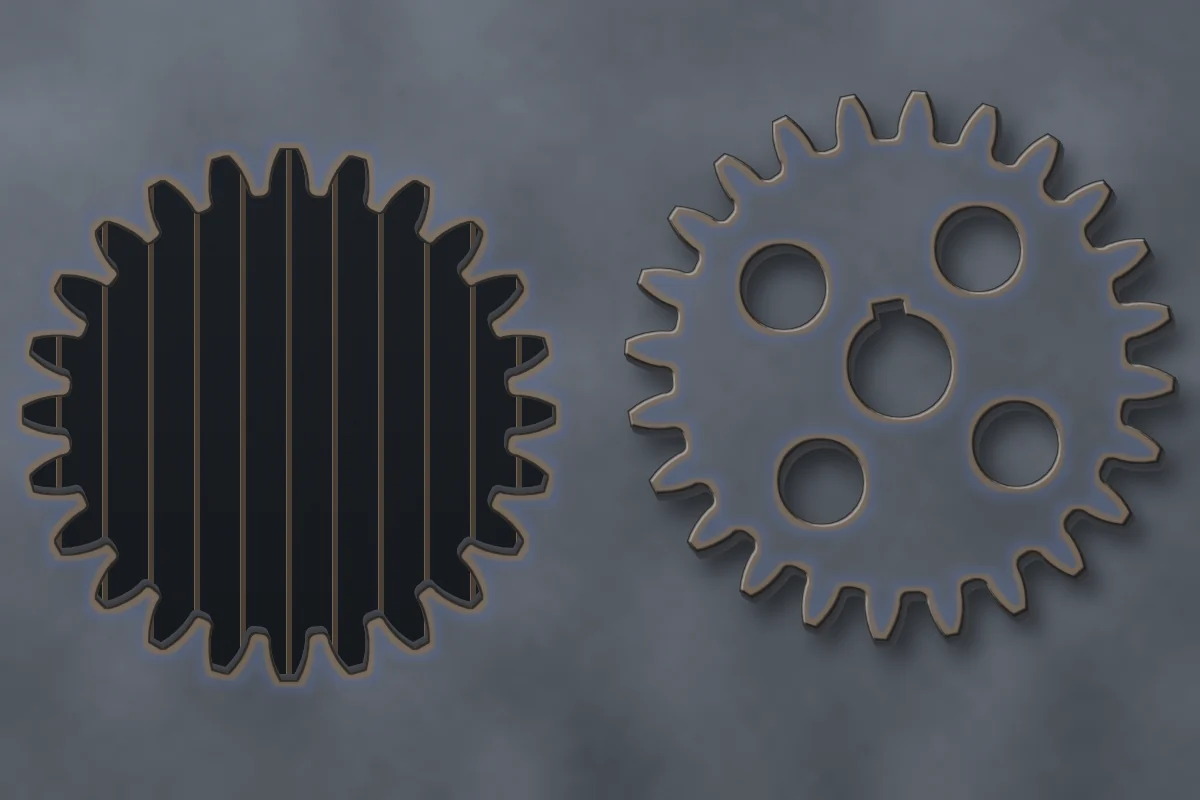
Metal parts and wall art as closed outlines and true circles for the torch or the jet.
A logo or an outline in AutoCAD, Fusion, LibreCAD or QCAD, in millimeters or inches, ready to dimension.
Converting, size and units, curves, CAD, text, laser cutting, DXF vs SVG, price and privacy.
Drop your SVG files and download clean DXF files at real size, with true arcs, closed outlines and one layer per color. Free in your browser, nothing uploaded.
Convert to DXF