Mountain and moon wall art
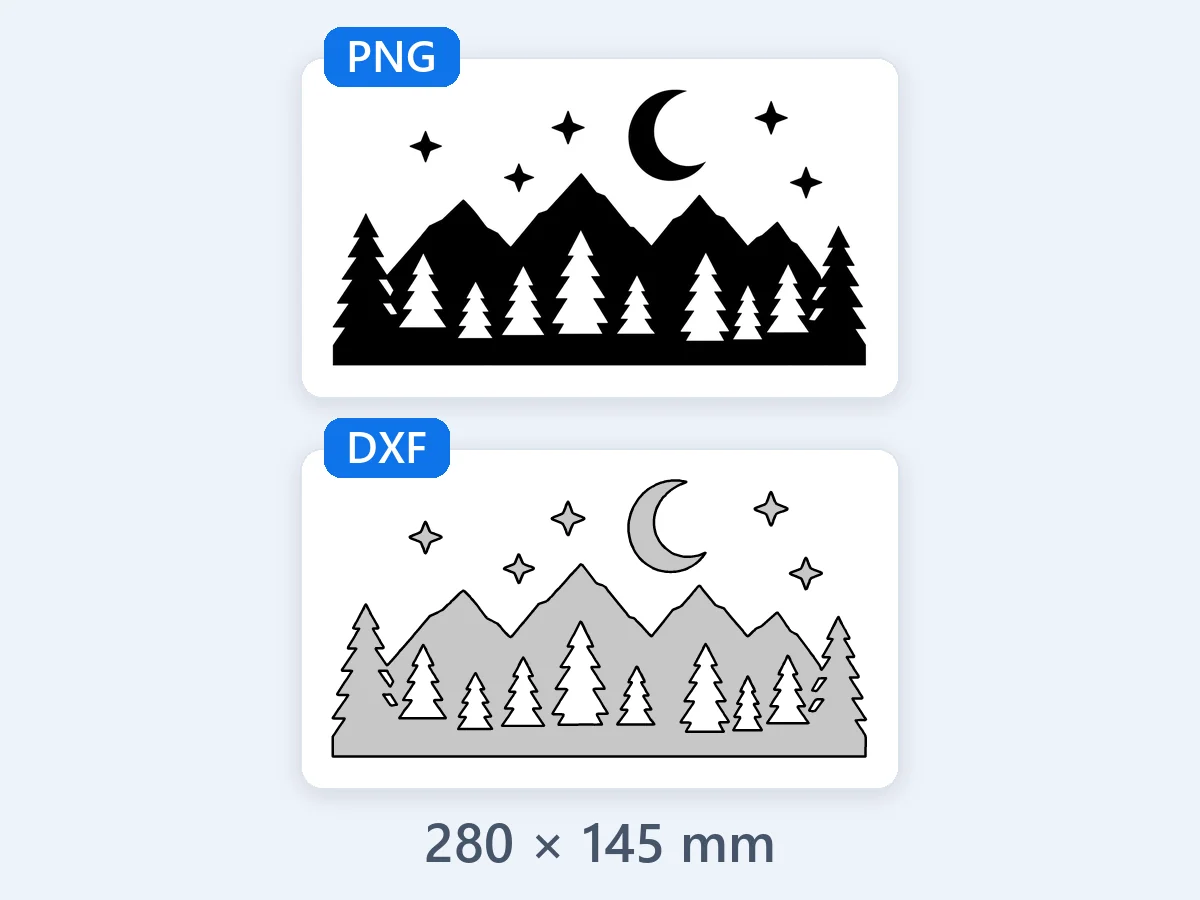
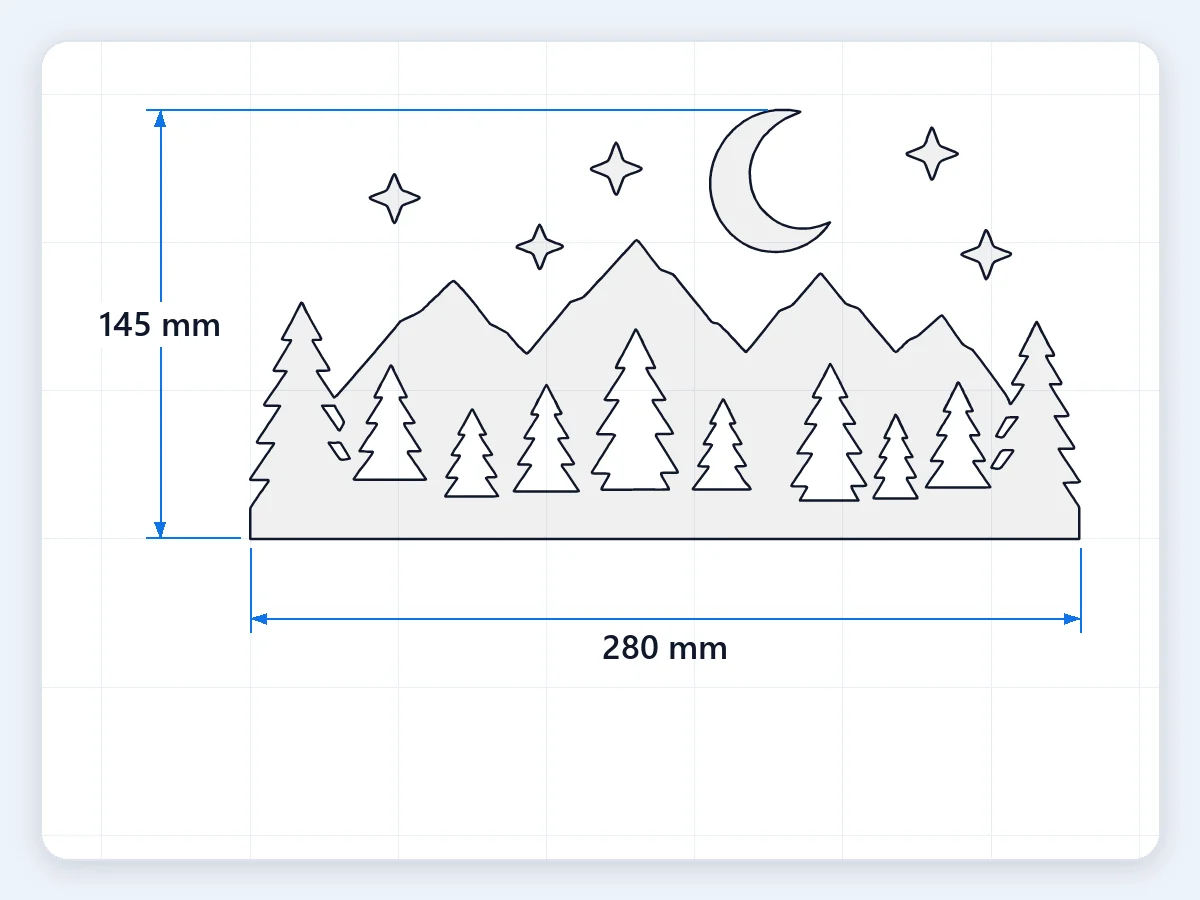
Mountains, a pine forest and a crescent moon in black, traced in Outline at about 280 mm wide: one layer of closed shapes, ready for plasma-cut steel.
Convert PNG to DXF, JPG too, for laser, CNC and plasma cutting: real size in mm or inches, clean closed paths and one layer per color. Free in your browser, nothing uploaded.
Or open an example
Eight original pictures, each converted from PNG or JPG to DXF with the mode that suits it, from plasma-cut wall art and a layered logo to a laser-cut family sign, a dog to engrave and a Christmas ornament. Every card shows the picture and the DXF it makes. Open one to load the same picture and settings.
Mountains, a pine forest and a crescent moon in black, traced in Outline at about 280 mm wide: one layer of closed shapes, ready for plasma-cut steel.
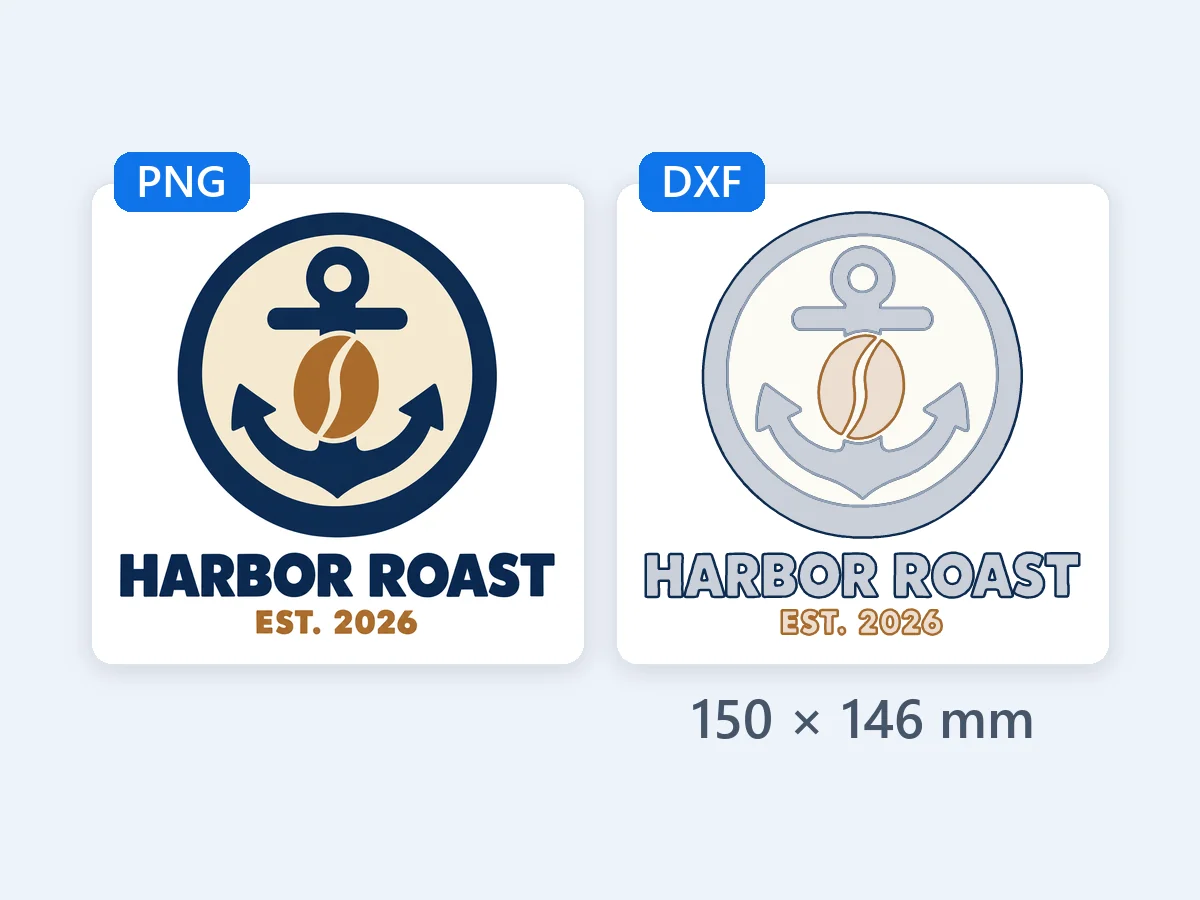
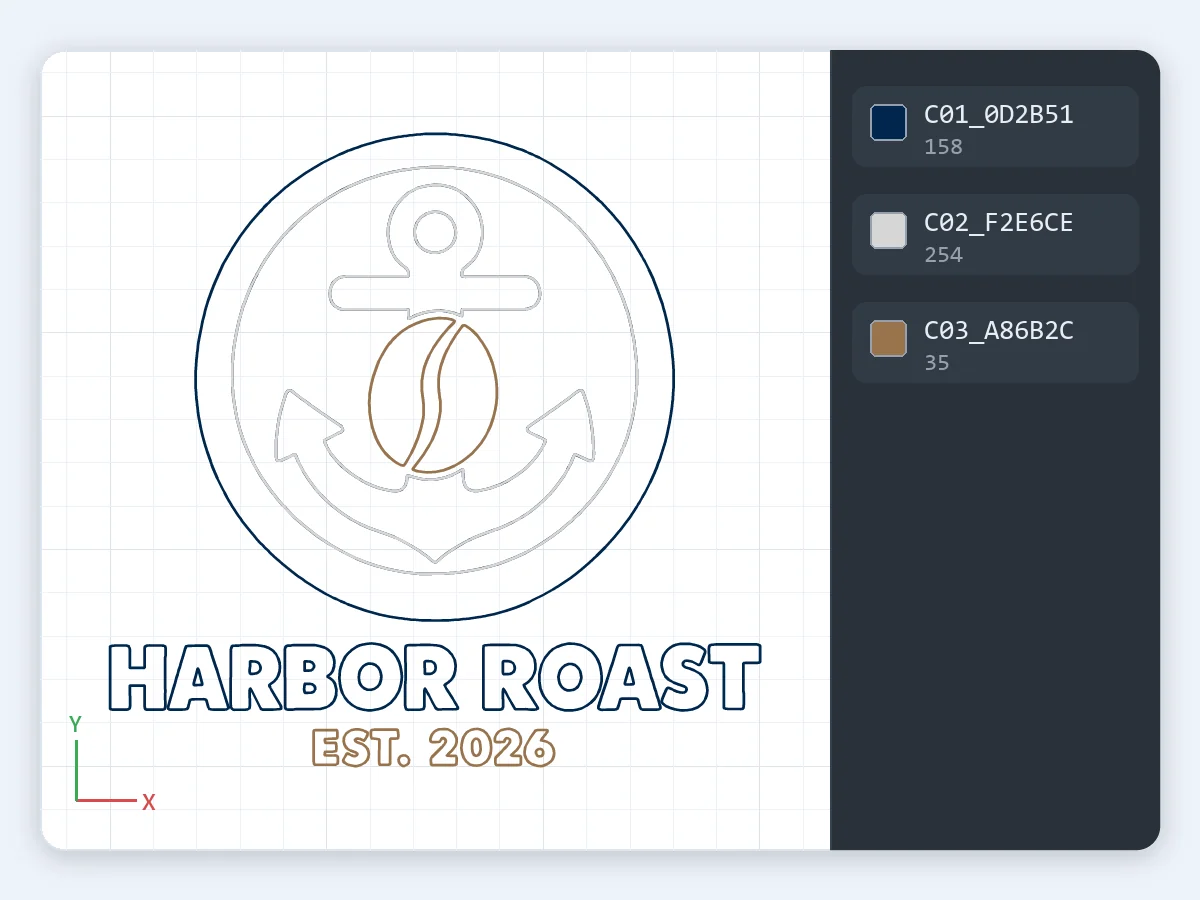
A fictional coffee shop's flat logo in three colors, By color at about 150 mm: three layers for stacked acrylic or wood, each color cut just where it shows.
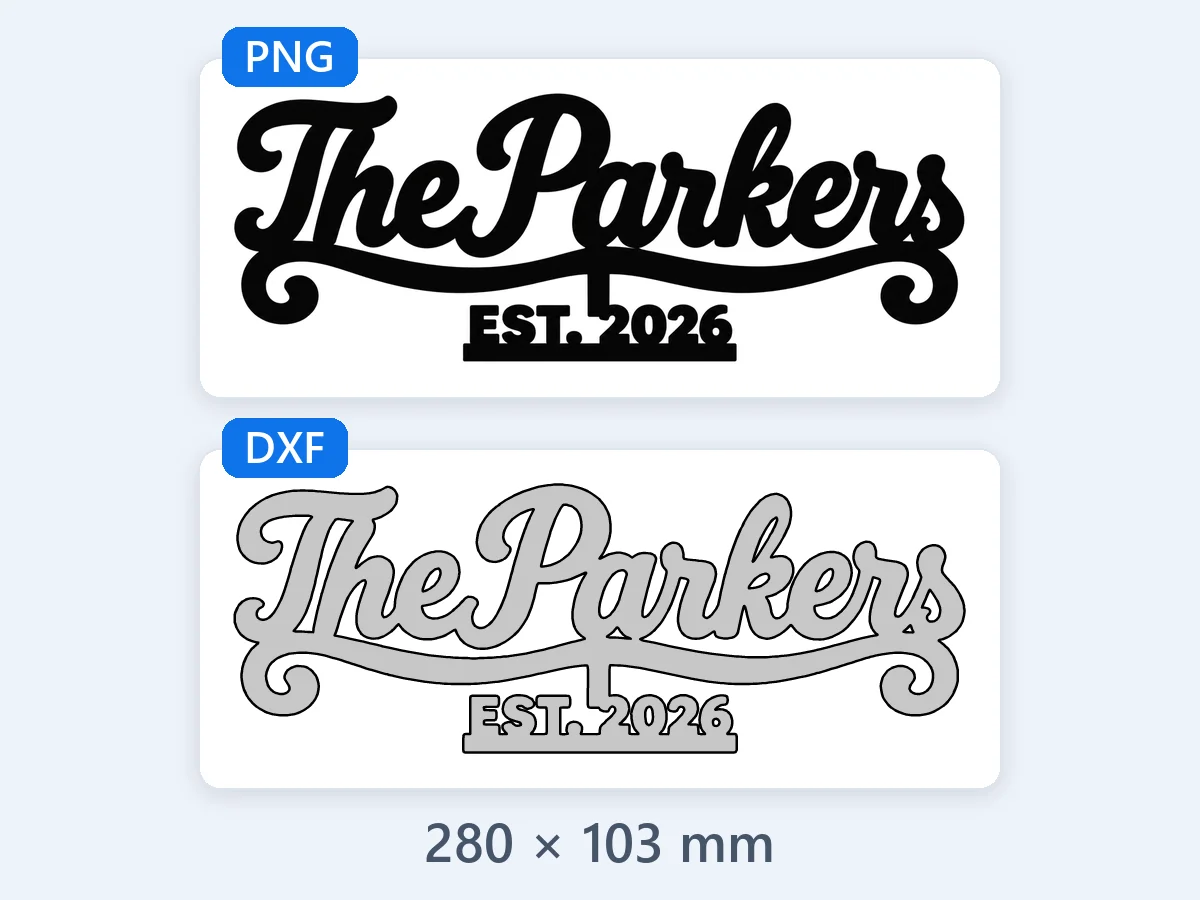
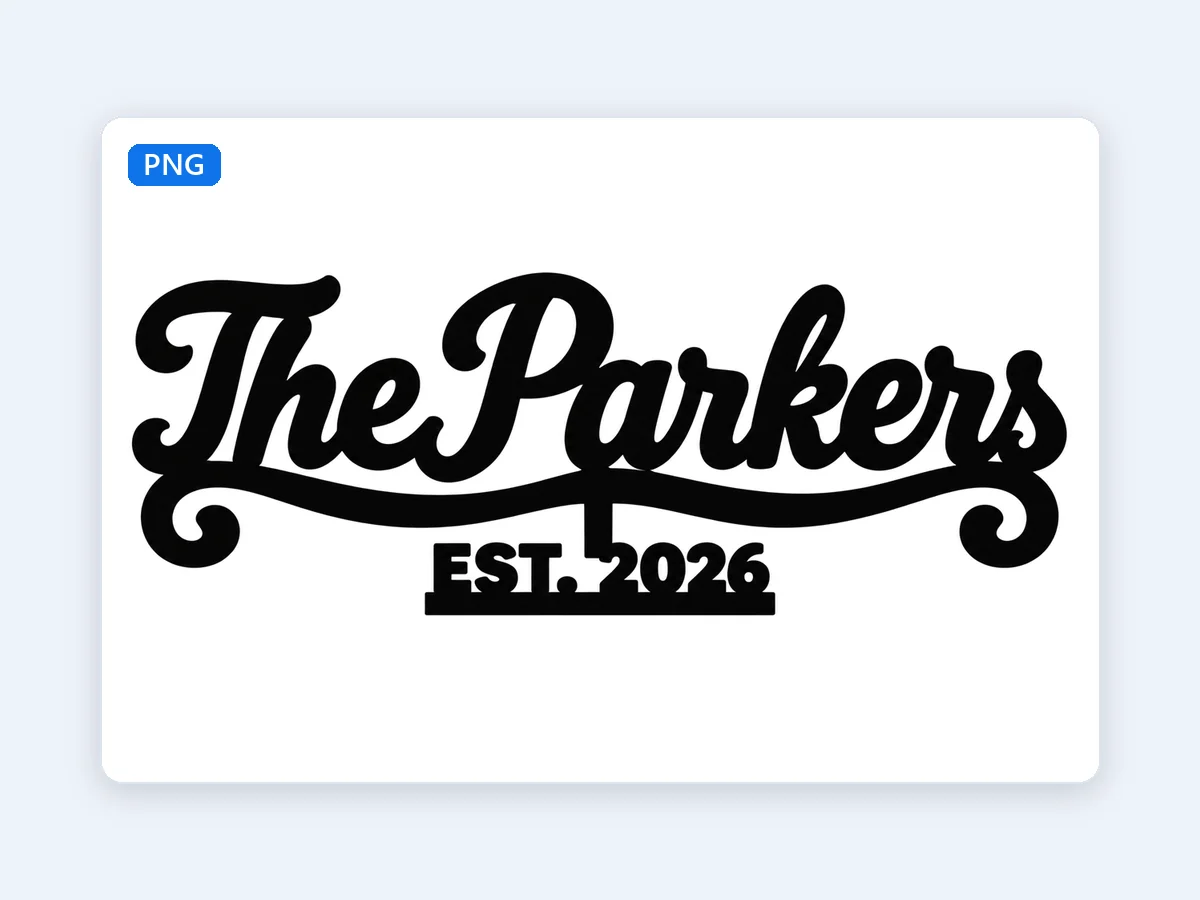
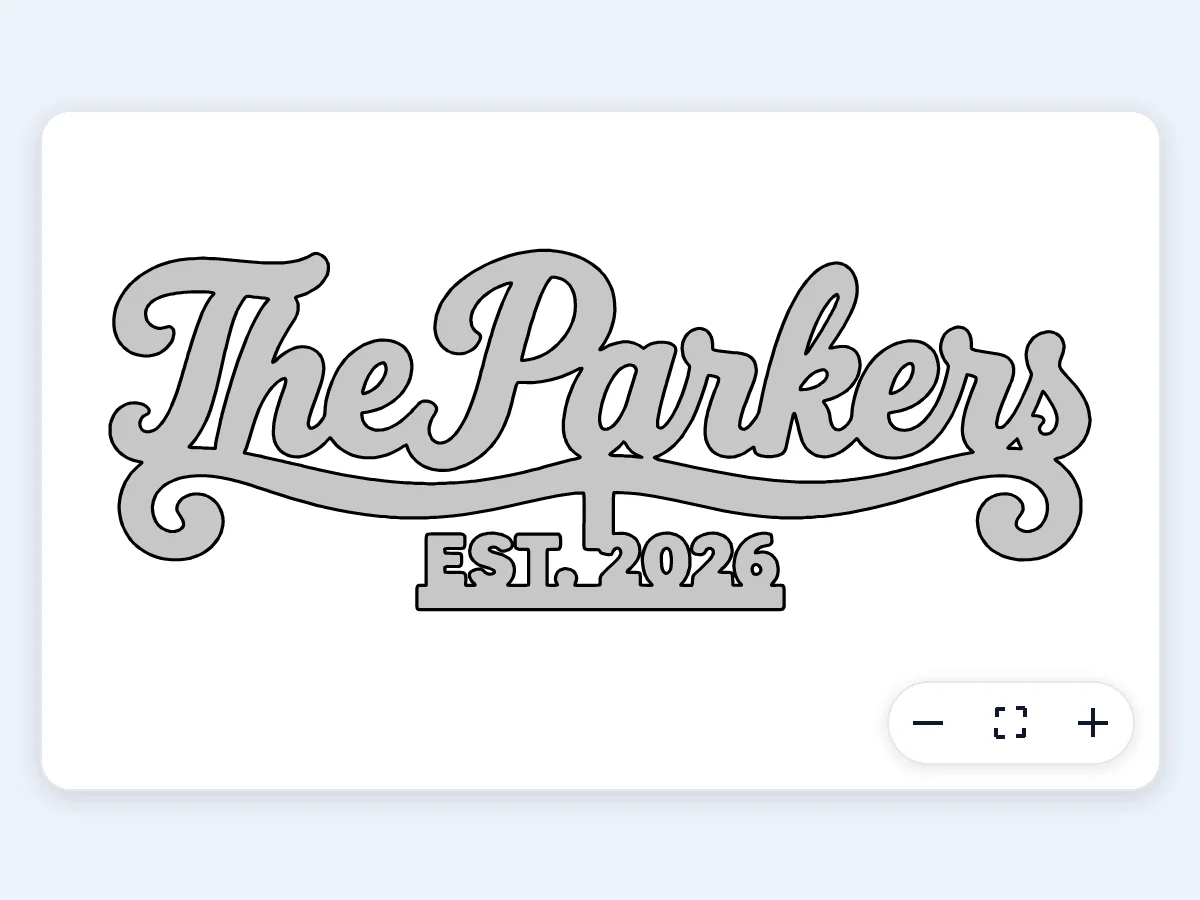
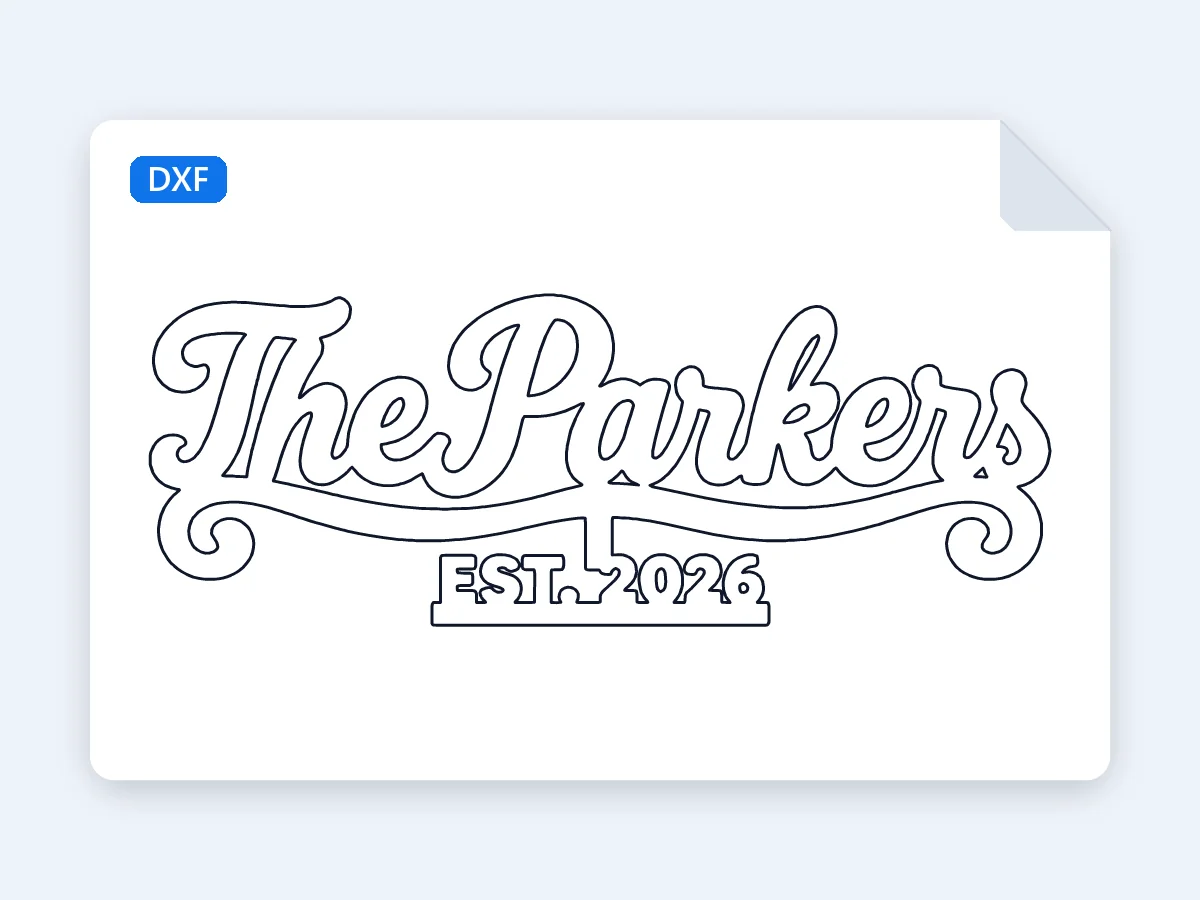
Black lettering in Outline at about 280 mm for a laser-cut wood sign: the letters join into one piece, and the insides of the P, a and e come out as holes.
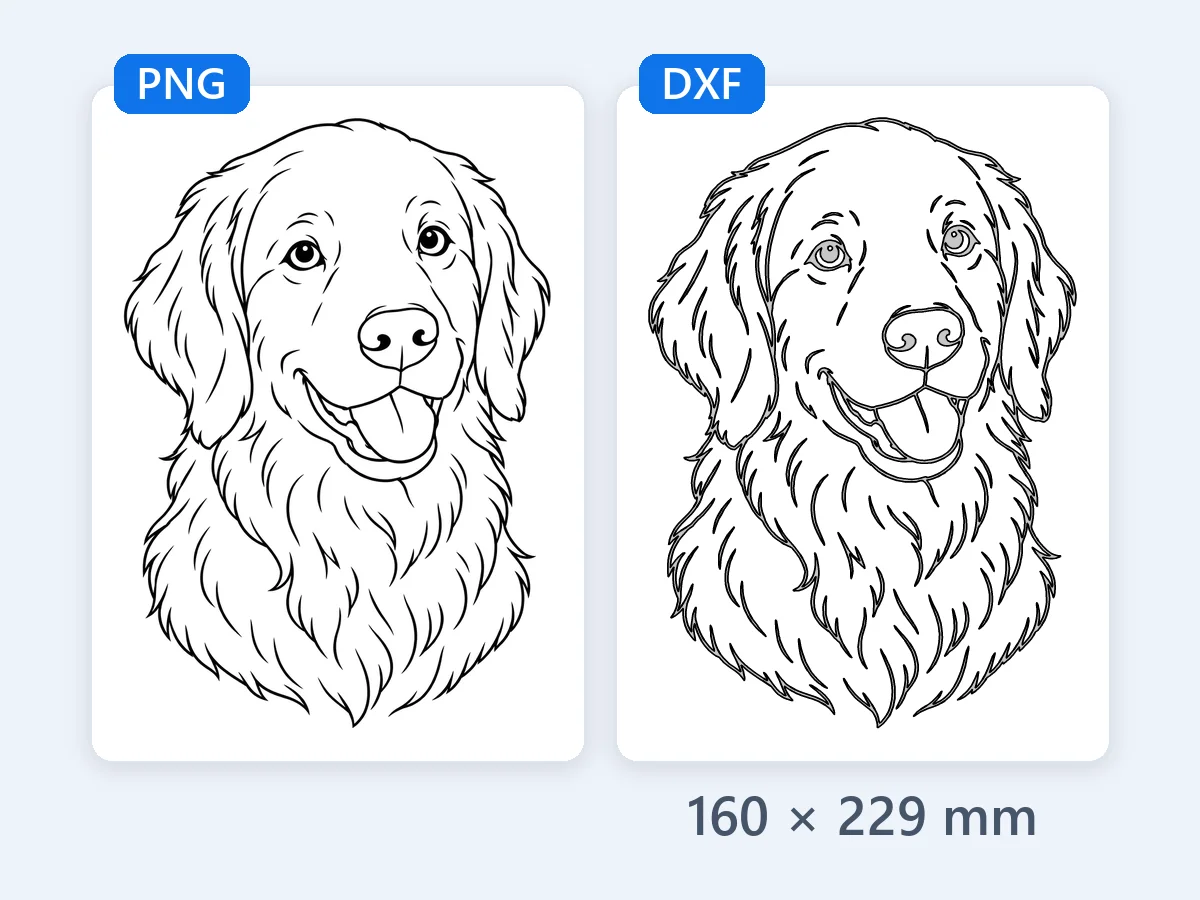
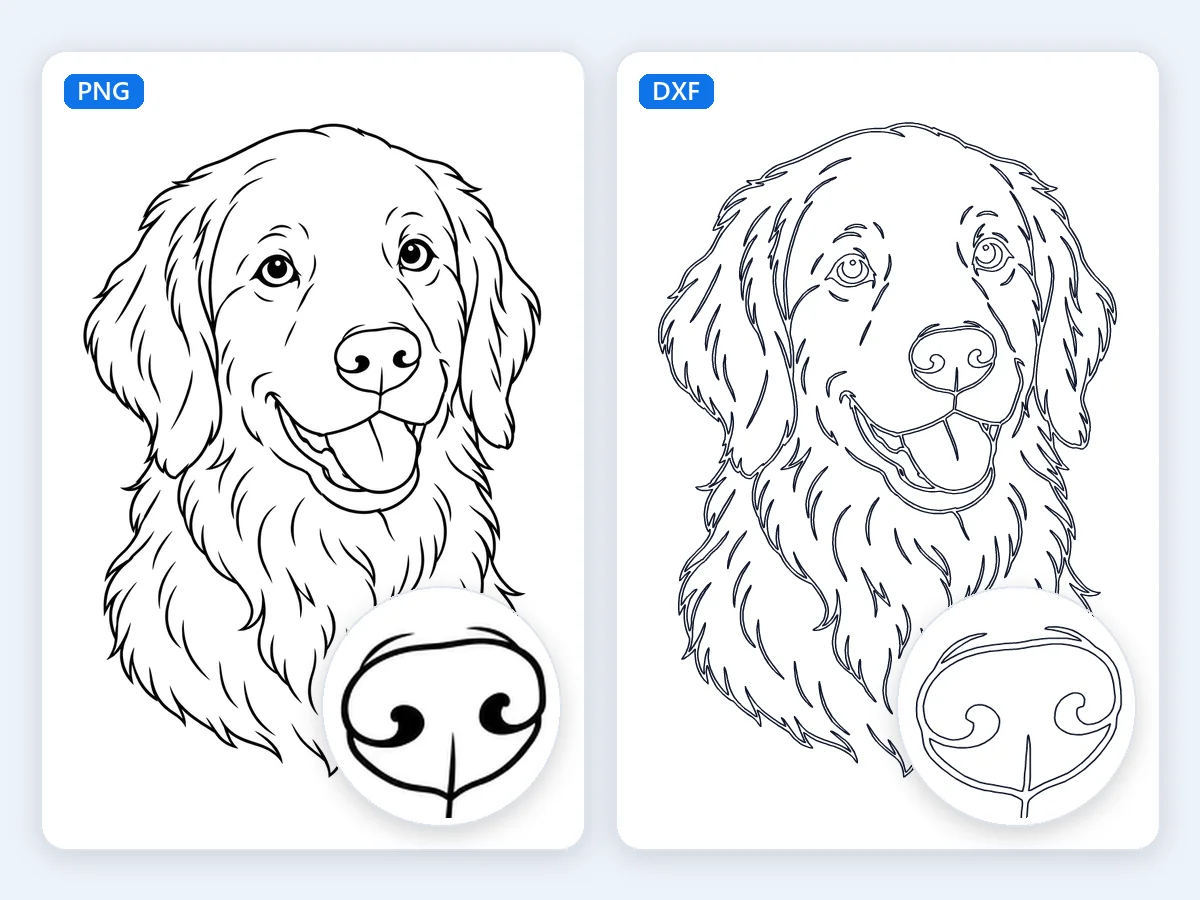
Black lines on white in Line art at about 160 mm: every line becomes a closed outline, ready to engrave on wood, slate or leather.
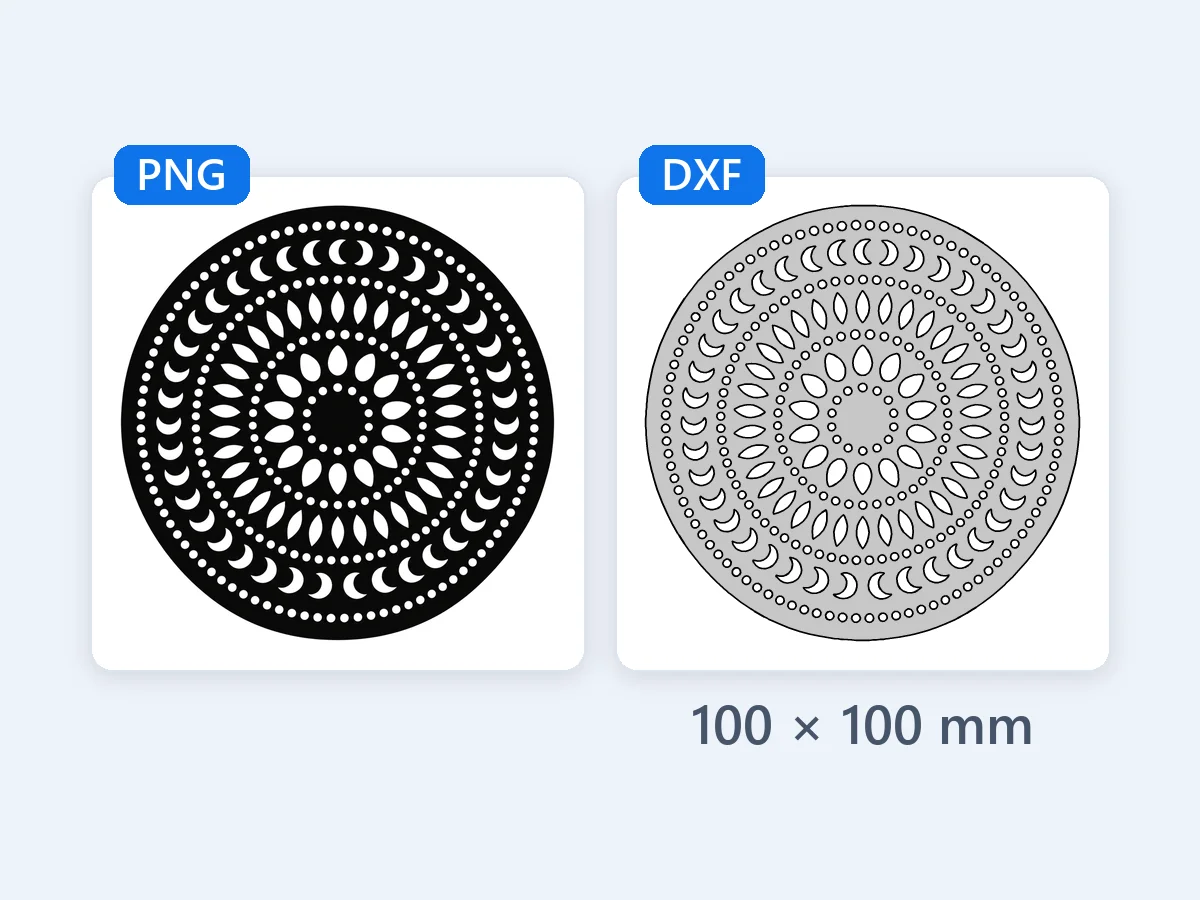
A black and white mandala in Outline at about 100 mm for a laser-cut coaster: hundreds of holes, every one of them a closed contour.
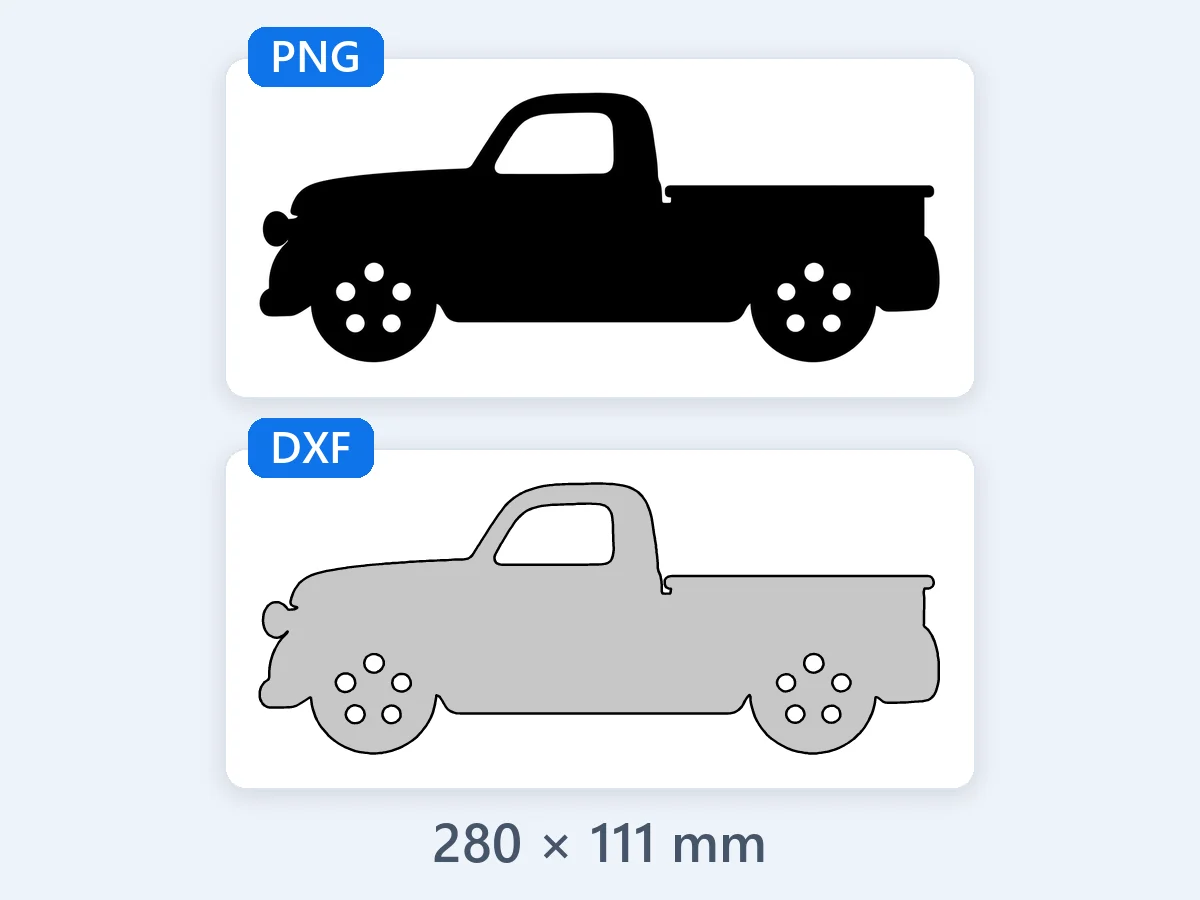
An old pickup in side view, in Outline at about 280 mm: the wheel arches and the curves of the cab come out as smooth arcs for a CNC router or a plasma table.
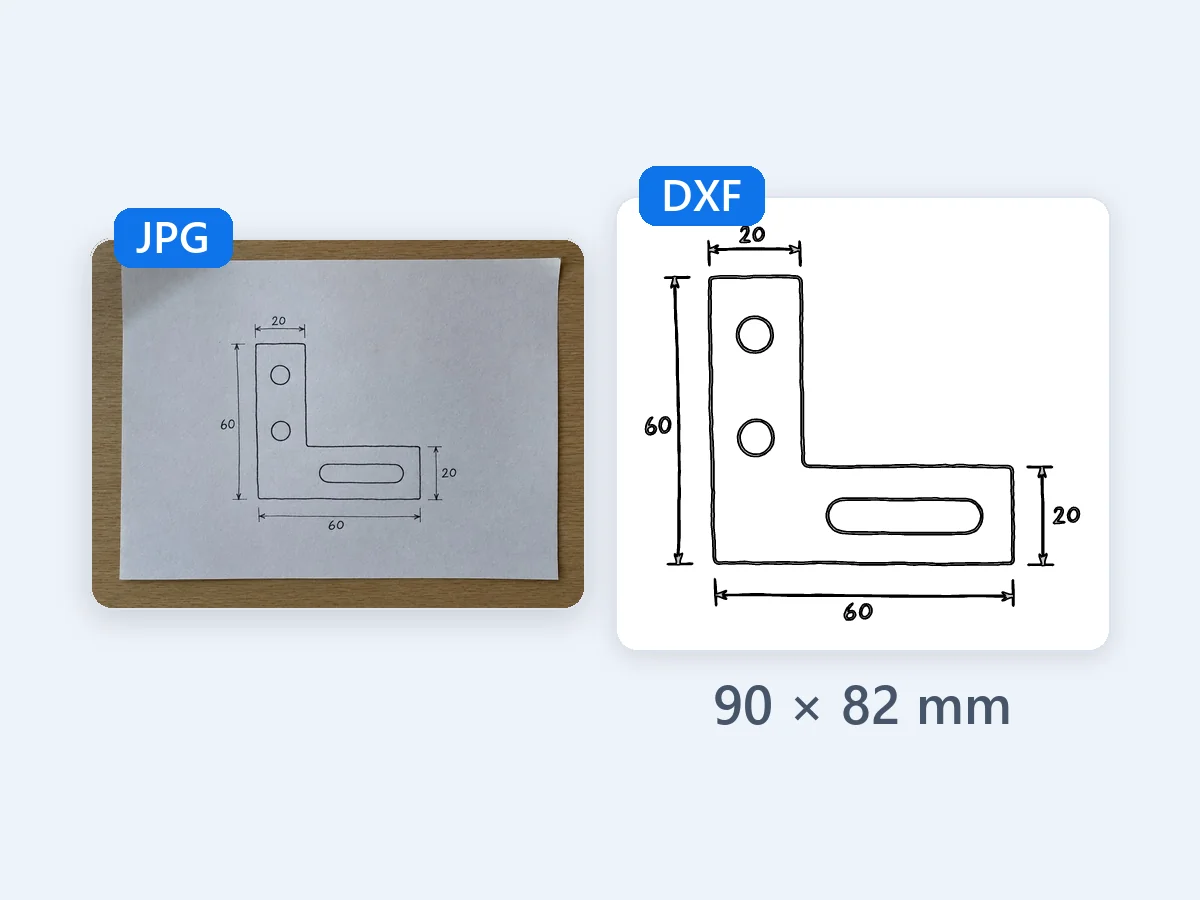
A JPG photo of a bracket sketched on paper, in Line art with 90 mm typed in as the width, so the bracket is the 60 mm written beside it. The desk and shadows stay out.
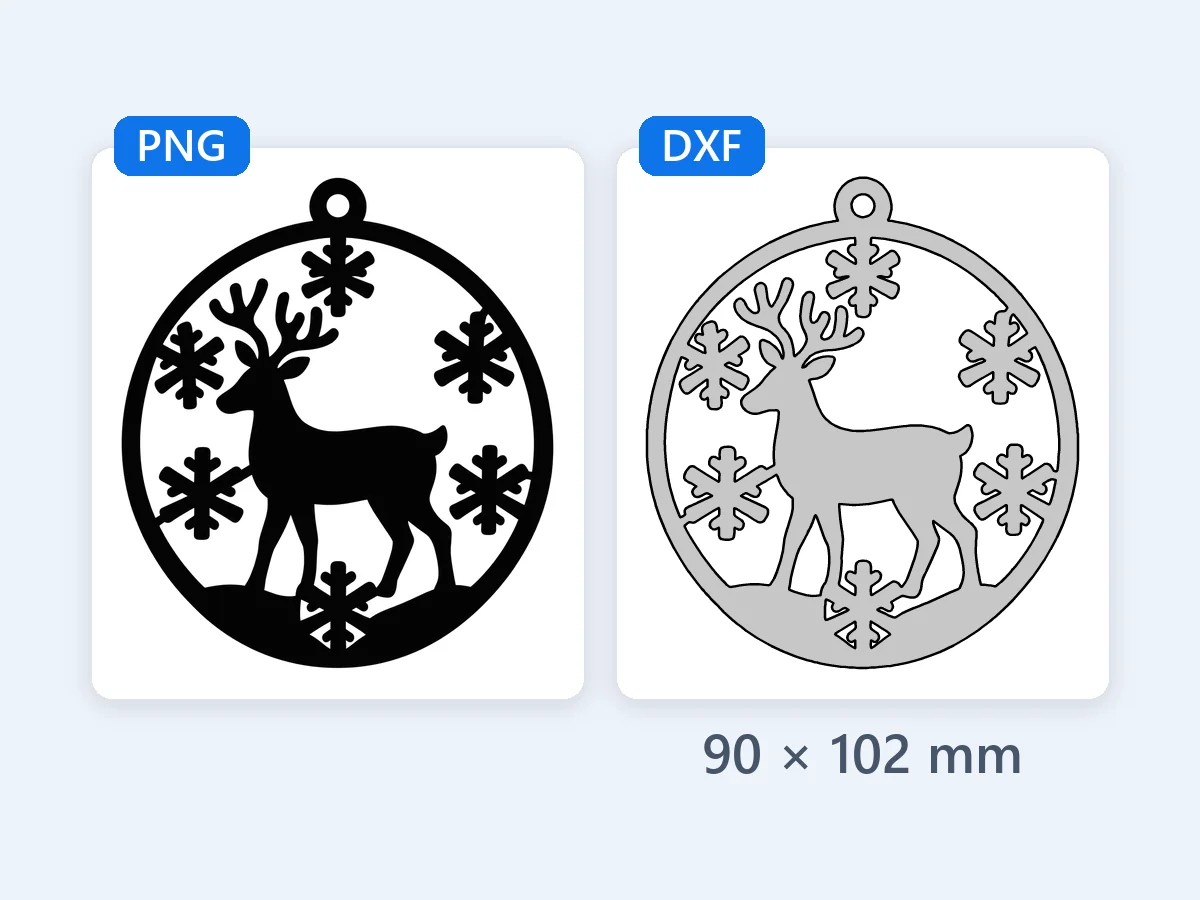
A reindeer among snowflakes in Outline at about 90 mm for a laser-cut wood ornament, with the hanging hole cut as a clean, round hole.
Add a picture, pick what is in it, download. The preview draws the DXF file itself, at the size it will cut, before you download.
Drop, paste or choose a PNG, JPG, WebP or BMP up to 60 MB. It opens at the real size saved in the file, and it is read right in your browser, never uploaded.
Outline for logos, silhouettes and signs, By color for one layer per color, Line art for drawings and scans. Then type the width in mm, cm or in, and the height follows.
Check the preview and the notes, then select Download DXF for one file with every layer, One DXF per layer (ZIP) for a file per color, or SVG for the cut lines at real size.
Six strengths that take a flat picture to a DXF file your laser, CNC router or plasma table cuts at the right size.
When you convert PNG to DXF here, the resolution saved in your PNG or JPG opens the design at its real size. A file saved at 72 or 96 dpi, the usual screen settings, starts at 100 mm on its long side (4 in in the US). Type any width in mm, cm or in. The DXF stores its unit in the header, millimeters or inches, so CAD and laser software open it at that size, and the page shows the finished width and height.
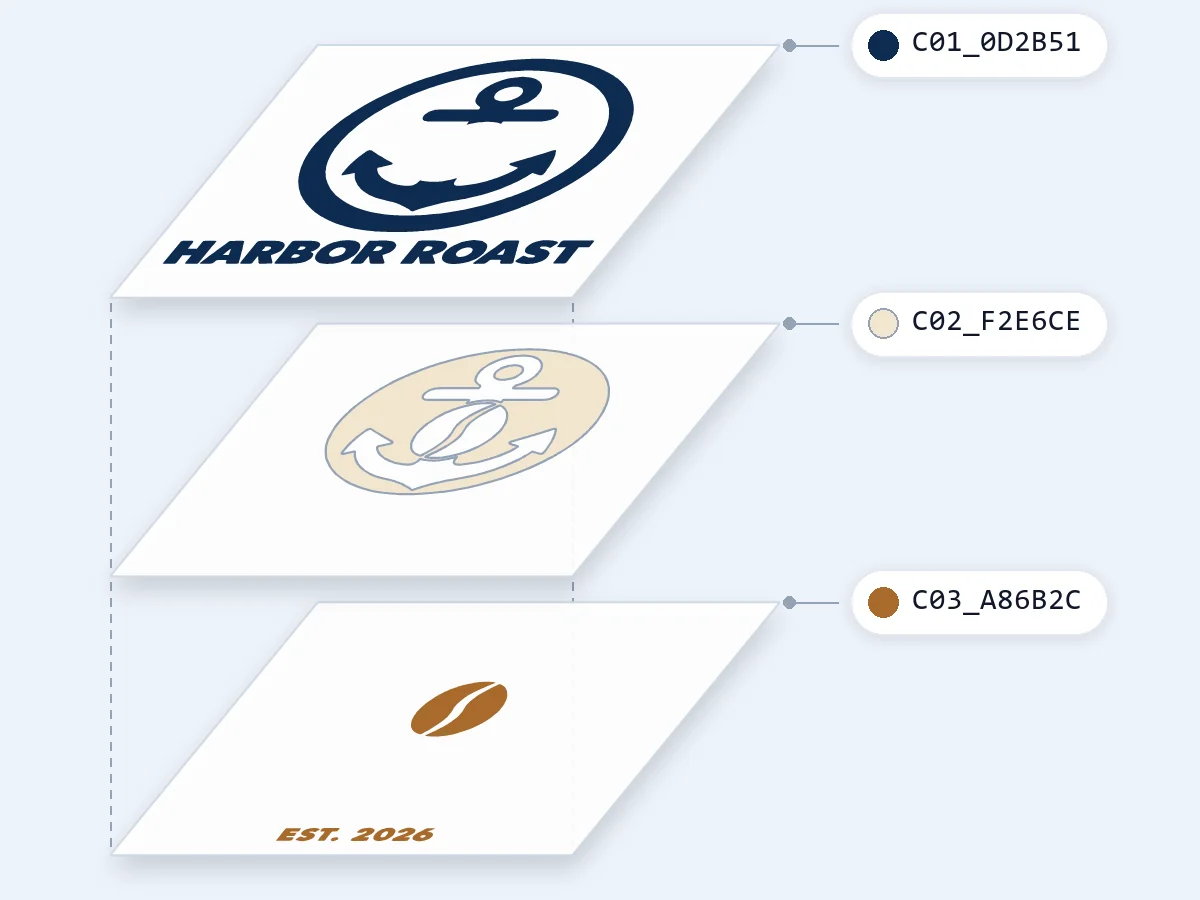
By color gives every color its own DXF layer, on Auto or with 1 to 12 colors. The colors butt against each other, so each one covers just the part you see and nothing is cut twice. Merge a color into another, leave one out, mark the material color so it stays uncut, recolor or rename any color, or add one with the eyedropper. The soft edges of a transparent PNG blend into their neighbors instead of becoming extra colors. Each layer is named by its place and color, like C01_1F3A68, and carries its own AutoCAD color, so laser software keeps the layers apart.
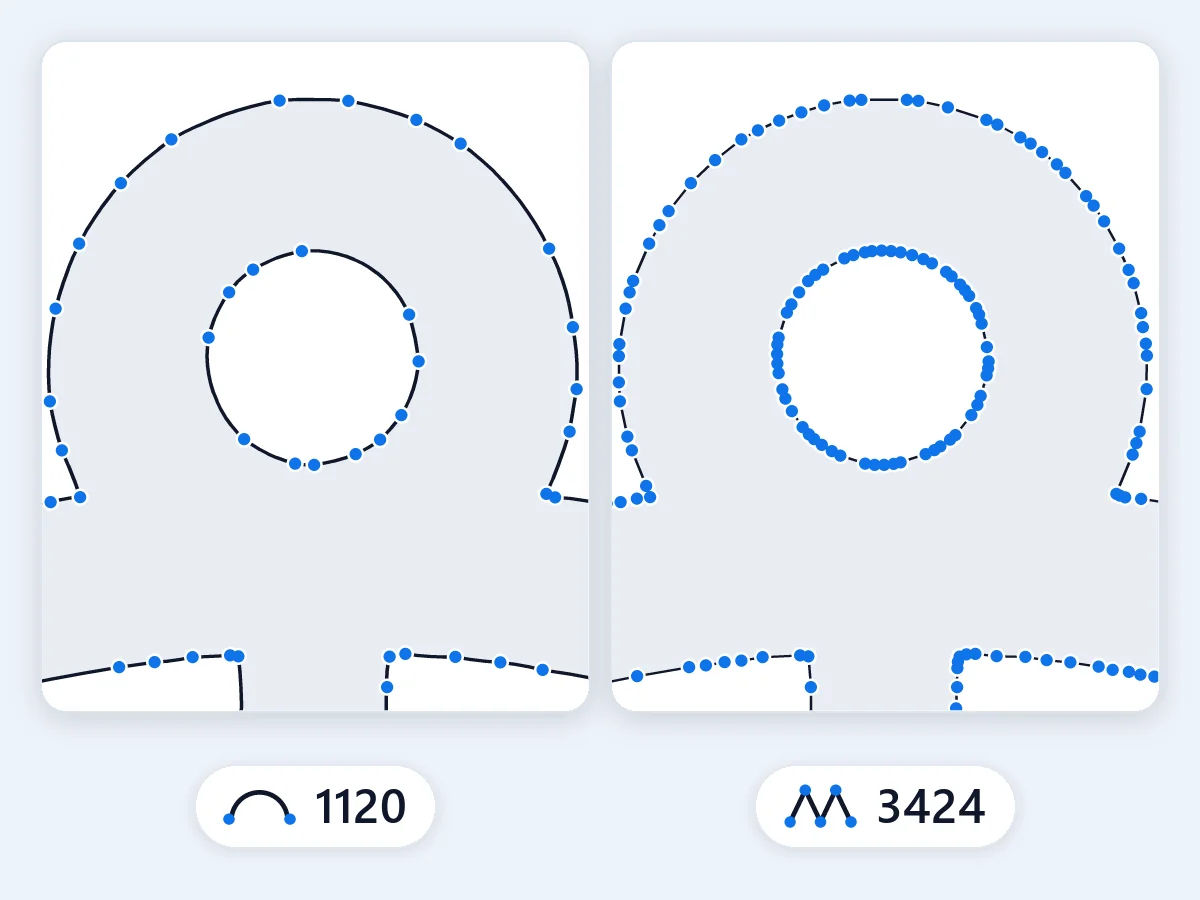
Curves are written as true arcs, within 0.01 mm of the traced shape, in place of hundreds of short lines. A circle or a curved letter takes a fraction of the points, so a CNC router or a laser moves smoothly and the file stays small. Set Curve accuracy anywhere from 0.005 to 0.1 mm for even closer curves or even fewer points.
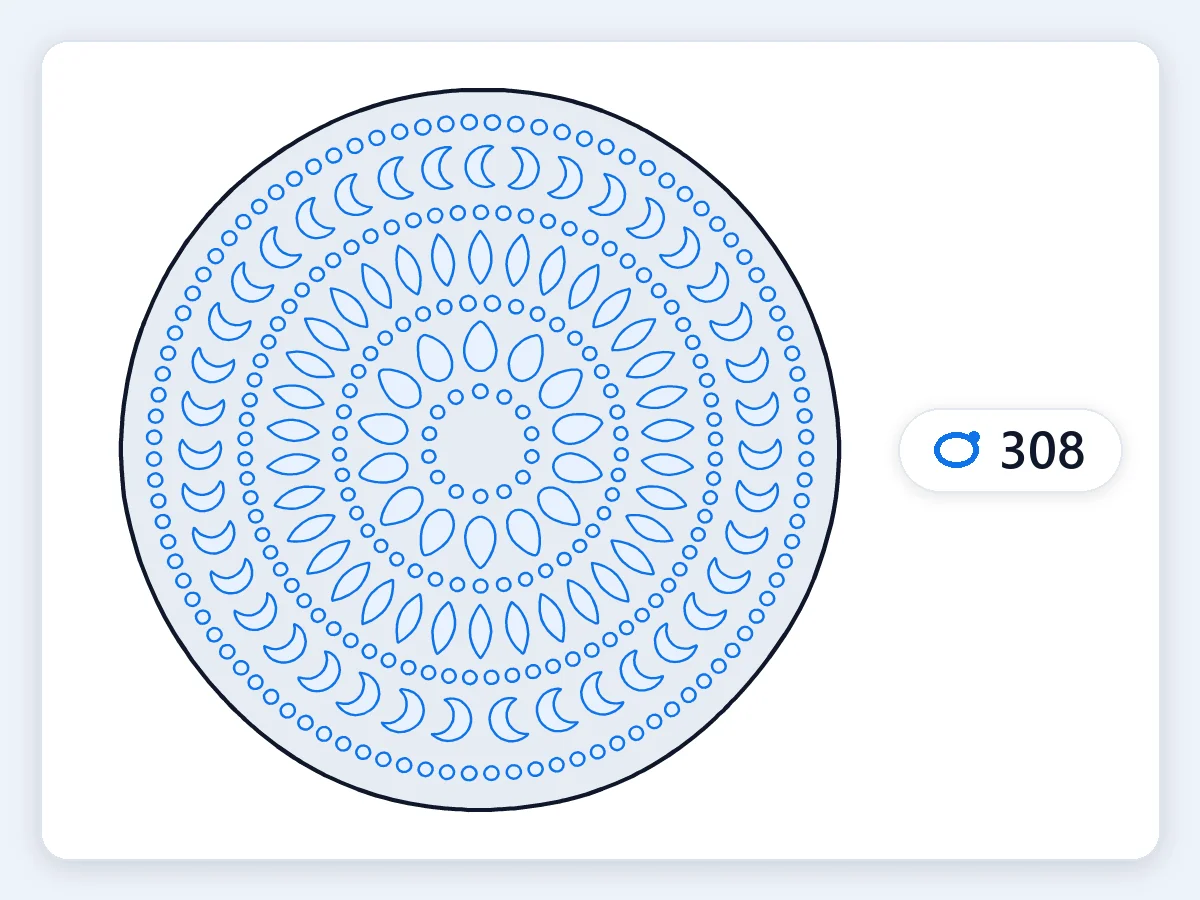
Every contour is one closed polyline, with no duplicate line to cut twice. Holes and inner parts are listed before the outline that holds them, and the drawing sits at 0,0. Specks and pinholes smaller than 0.25 mm² at the finished size are cleaned away; set Remove pieces smaller than to keep finer detail or clear more. The file is AutoCAD R12 ASCII, the DXF version the widest range of CAD, laser, CNC and cutting software reads, with a complete header and tables.
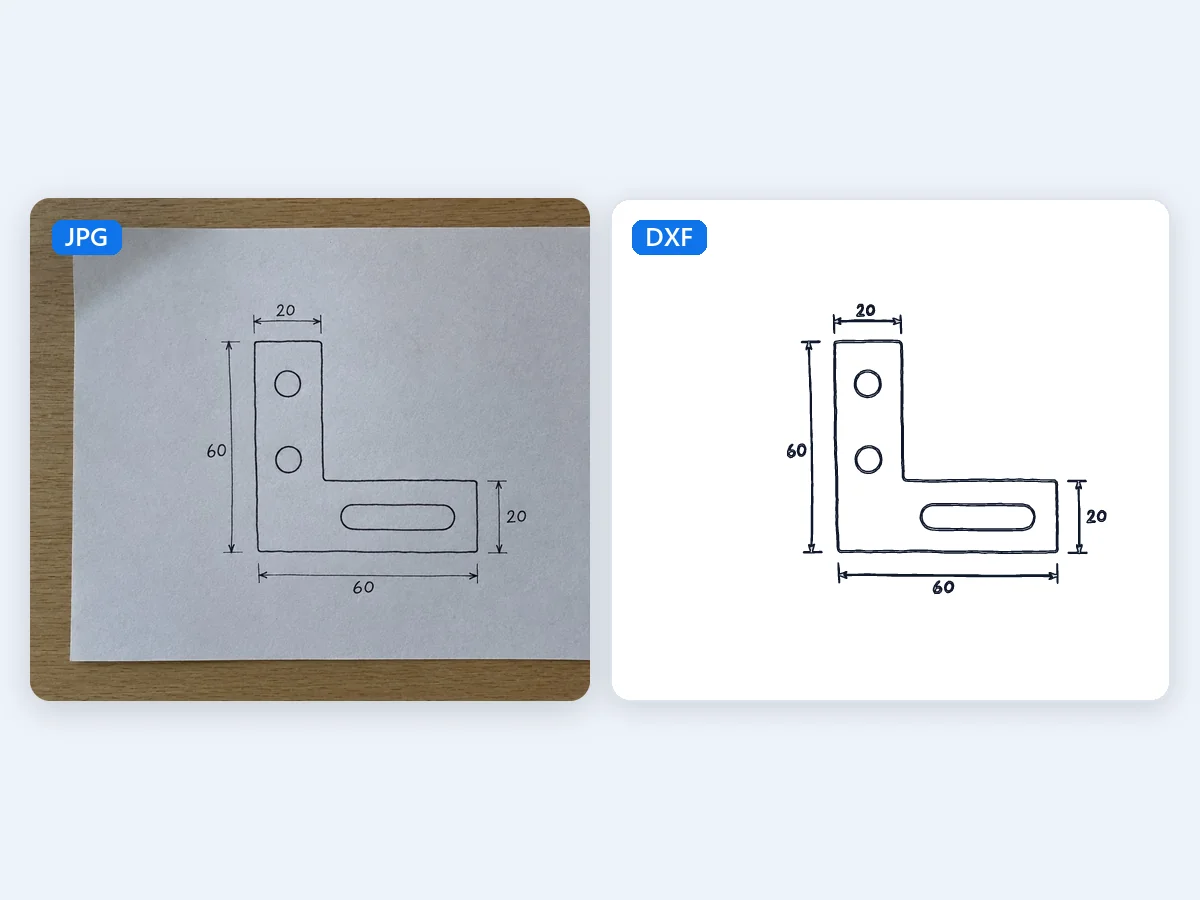
Line art reads dark lines on light paper, and its adaptive threshold copes with uneven light and paper grain, so a phone photo of a sketch works as well as a scan. Move Line darkness to take in fainter strokes or leave them out, and switch on White lines on dark for chalk drawings and blueprints. Every line is traced along both of its edges as a closed outline, ready to engrave or cut.
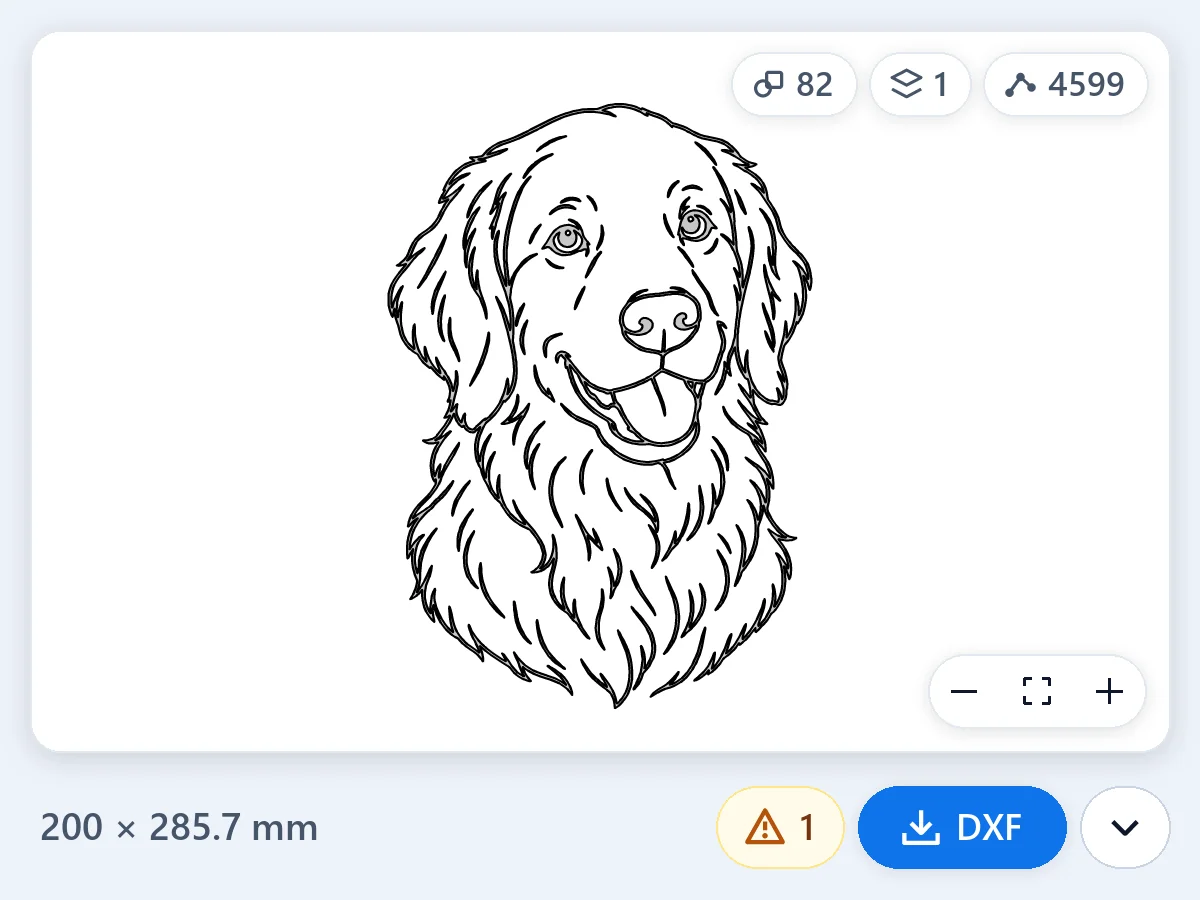
The preview draws the DXF file itself, read back from the file, with its size and its number of shapes, layers and points. Turn on Show the picture underneath to compare. Before you download, notes point out parts thinner than 0.3 mm, very small pieces, more than 5,000 shapes (the most some cutter software opens in one file) and a resolution under 100 ppi at the size you chose.
What a DXF file is, how it differs from SVG, which pictures convert best, and how to get the size, the layers and the cut right.
A DXF file (Drawing Exchange Format) is a CAD drawing saved as plain text: lines, arcs and circles written as coordinates and grouped in layers. It was created for AutoCAD in 1982, and it is the file laser cutters, CNC routers, plasma tables and CAD programs share. A PNG or a JPG holds pixels, while a DXF holds the shapes themselves, so to convert an image to DXF the picture is traced: every edge becomes a closed path a machine can follow. This PNG to DXF converter traces your picture in the browser and writes a DXF with real units, closed contours, true arcs and one layer per color.
Both are vector files, made of shapes rather than pixels. SVG is a web and design format: browsers, design apps and Cricut Design Space read it. DXF is a CAD format: CAD programs, laser software and CNC or plasma CAM read it, with units and with layers that machines sort their work by. For a laser, a CNC router or a plasma table, use the DXF; for a cutting machine or a website, the SVG. This converter gives you both from one picture, the SVG at the same real size as the DXF. To trace a logo into an SVG for print and the web, use PNG to SVG.
Pictures with clear, solid shapes convert best: logos, silhouettes, signs, stencils, line art, hand lettering and clip art. Give the picture enough pixels for the size you cut, about 100 ppi or more: a design 300 mm wide wants about 1,200 pixels across, and a note tells you when a picture has fewer. A photo converts best as a two-color silhouette: choose By color with 2 colors. Or cut the subject out first with the Background remover, which uses credits, and convert the cut-out with Outline. To engrave a photo as a drawing, Image to image can redraw it as line art with AI, also for credits, and Line art traces that drawing here for free.
A DXF stores numbers, and its unit decides what they mean. When a program reads millimeters as inches, or the other way round, a part comes in exactly 25.4 times too big or too small. This converter writes the unit into the file header in both places CAD and laser software look for it, millimeters or inches, and draws everything at 1:1. The size comes from your picture: a PNG or JPG can save its resolution in dots per inch, and the converter uses it. 72 and 96 dpi are screen defaults rather than a real size, so then the design starts at 100 mm on its long side (4 in in the US). Type the width you want in mm, cm or in, and after you import, measure one length you know, the quick check every workshop makes.
Every cut path has to be closed so the machine knows inside from outside, and every contour this PNG to DXF converter writes is a closed polyline, with no duplicate line to cut twice. Draw parts at their finished size and set the kerf, the width the beam or the bit removes, in your machine software, or leave it to your cutting service. Holes in laser-cut metal are usually at least half to one times the sheet thickness, and about the full thickness on a plasma table. A piece inside a letter or a stencil that touches nothing else drops out when it is cut, so join it to the frame with a bridge about as wide as the material is thick. The notes point out parts thinner than 0.3 mm at your size, so you can scale up or simplify first.
Laser software sorts its work by color: each color gets its own power, speed and order, for example a cut, a score and an engraving. When you convert PNG to DXF with By color, every color of your picture becomes its own DXF layer with its own AutoCAD color, named from its place and HEX, so the layers stay apart when you import them. The colors butt and nothing is doubled, so each color can be its own piece of acrylic, wood or vinyl. Mark the color of your material and it stays uncut. Download one DXF with every layer, or One DXF per layer (ZIP) when you cut each material from its own file.
Once you convert a PNG to DXF here, CAD programs such as AutoCAD and LibreCAD open the file directly, in its saved unit. Laser software such as LightBurn and xTool Creative Space imports DXF files, and in Fusion you insert the DXF into a sketch. In Inkscape, choose Read from file as the scaling method in the DXF import dialog, so the drawing comes in at its real size. Cricut Design Space and Silhouette Studio open the files too; in Design Space, upload the SVG, which keeps its size. Need a DWG? Open the DXF in your CAD program and save it as DWG.
Four kinds of projects where PNG to DXF takes a picture to a laser, a CNC router, a plasma table or a cutting machine.
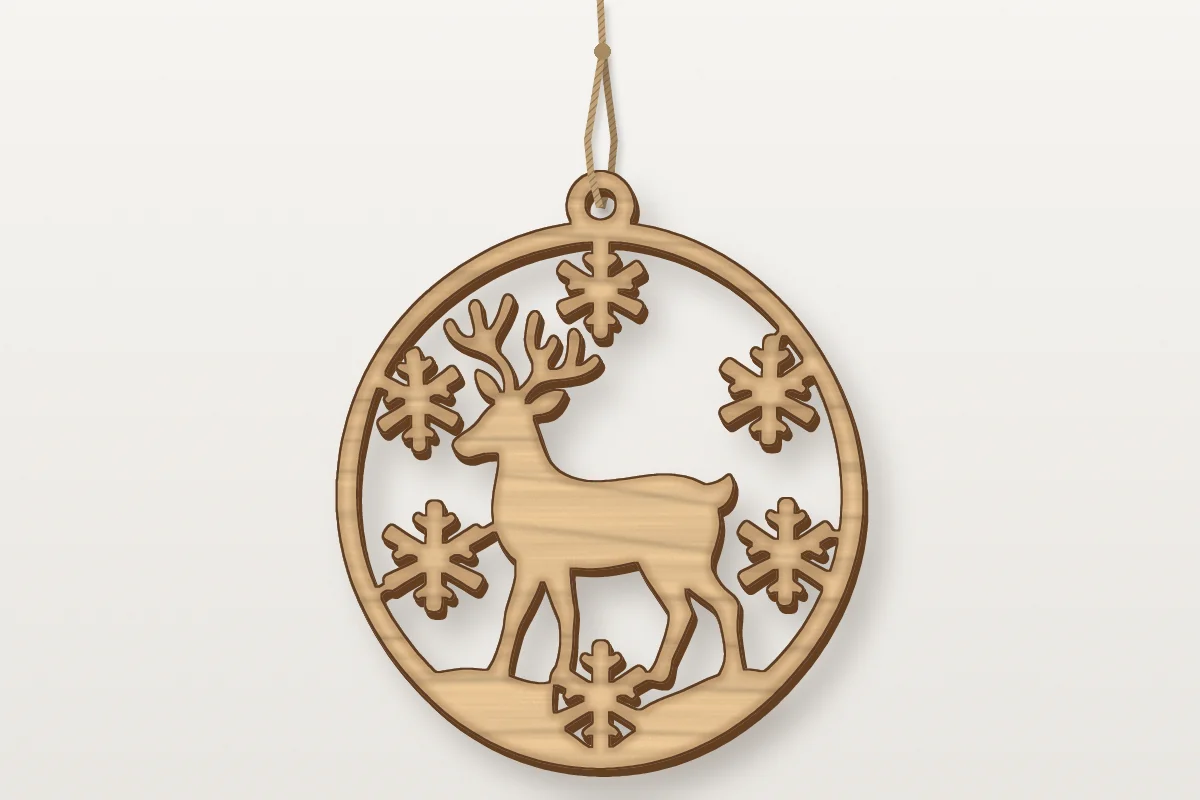
Family name signs, shop logos, ornaments and coasters in wood or acrylic, with every letter and every hole a closed contour.
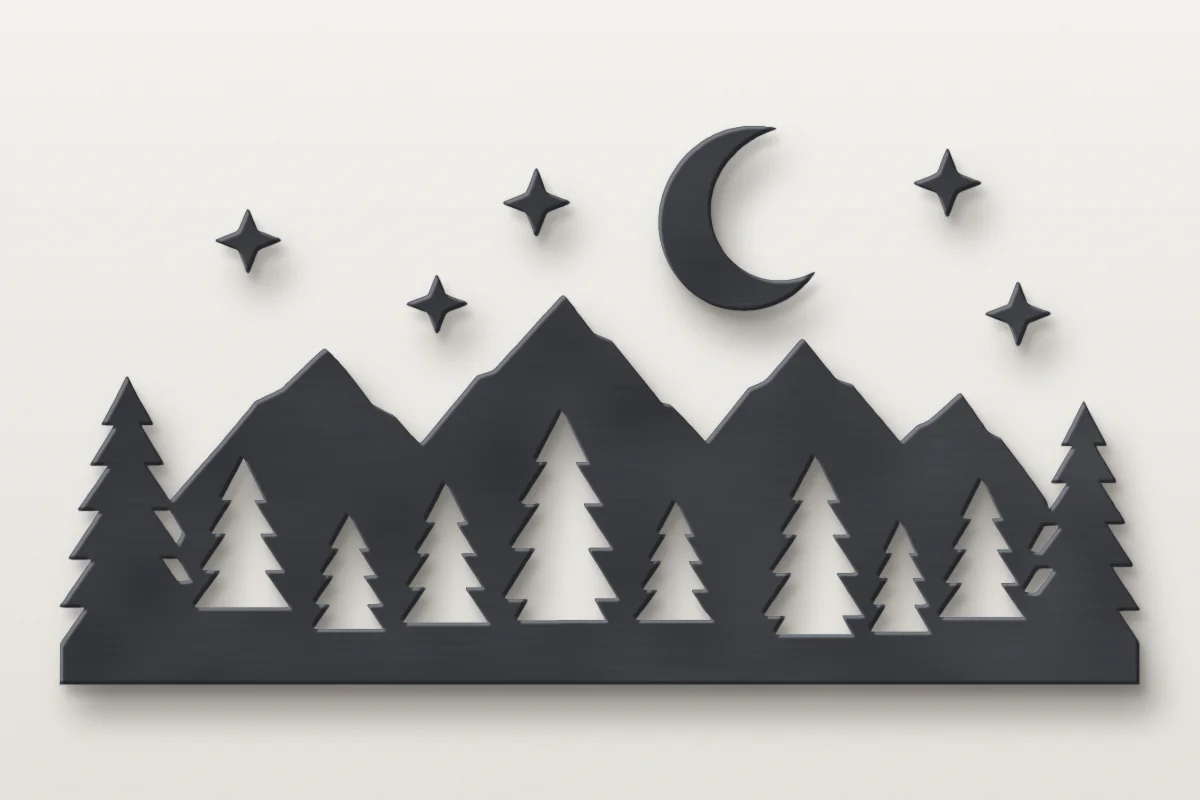
Wall art, fire pit rings and garden silhouettes in steel, converted from image to DXF at full size with smooth arcs for the torch.
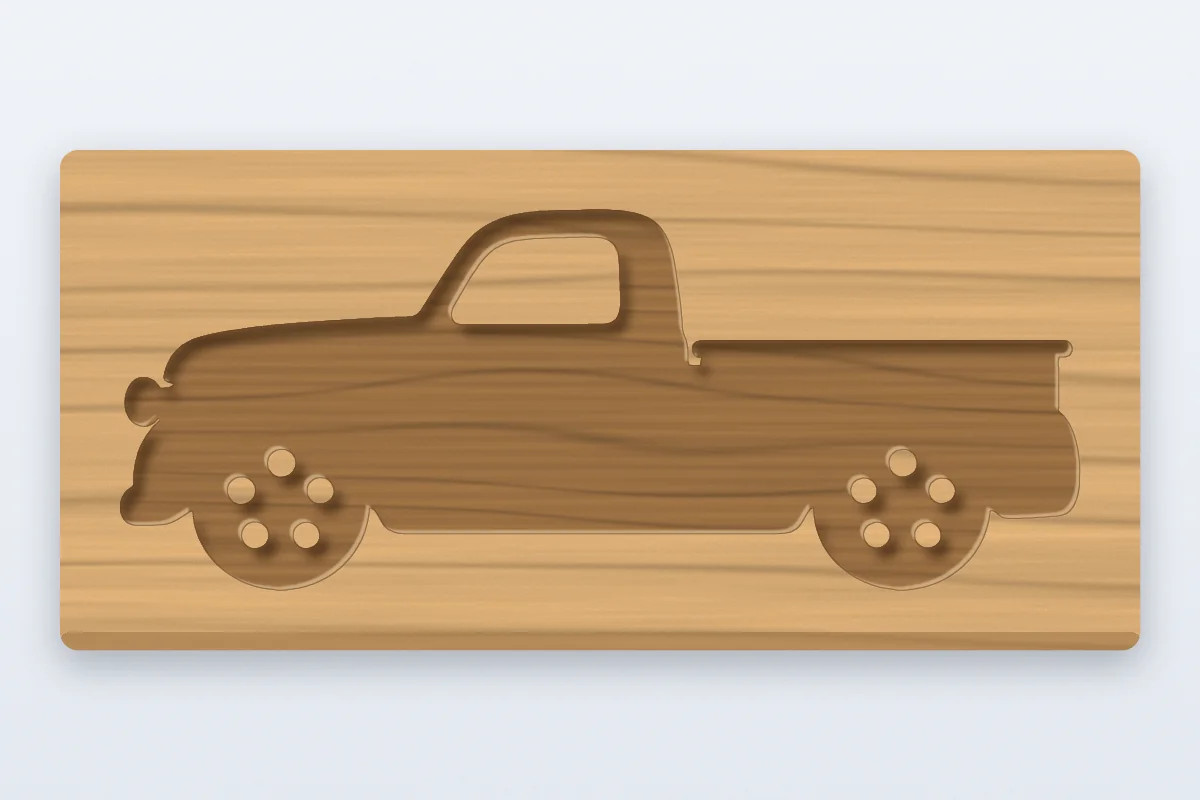
Carved signs, inlays and line art engraved in wood, slate or leather, with a layer for each color you give its own depth or pass.
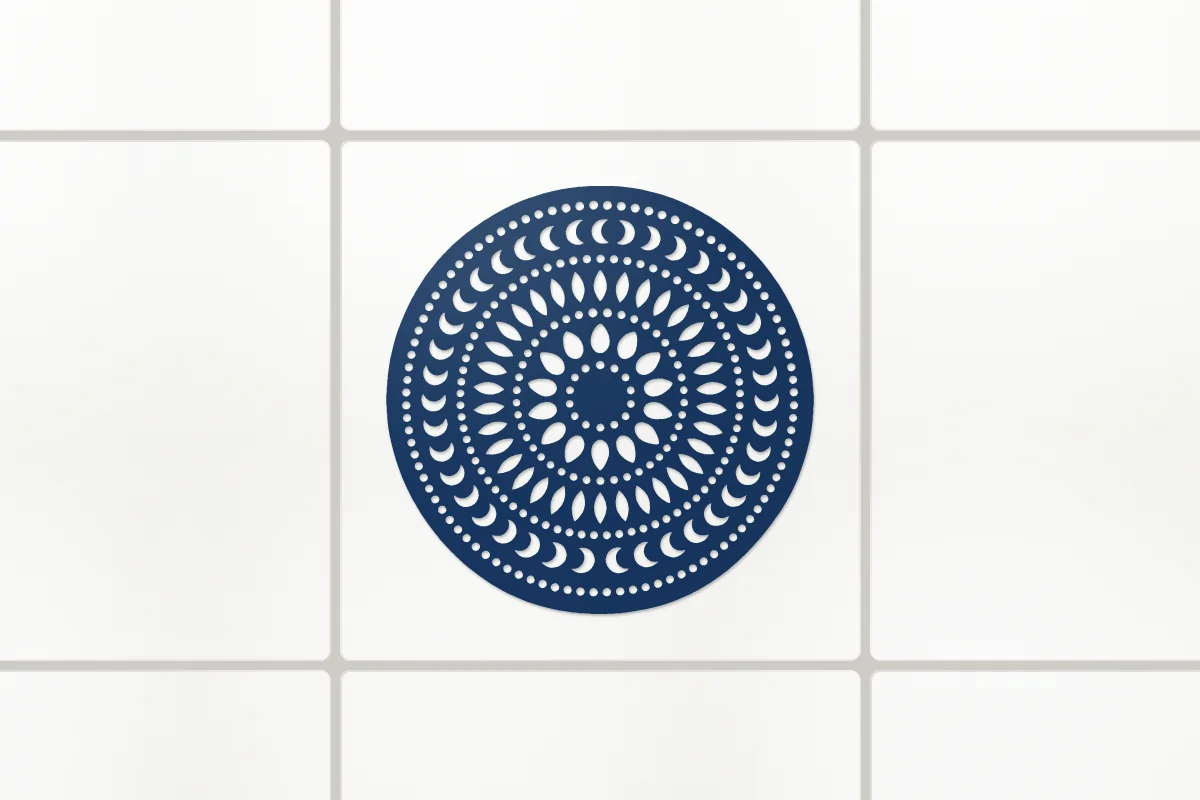
Vinyl decals and stencils on a cutting machine, or a logo traced into a CAD drawing for a nameplate, a part or a plan.
Converting PNG, JPG and photos, laser cutting, DXF vs SVG, sizes, software, price and privacy.
Drop a PNG or JPG, pick what is in it and download a clean DXF at its real size, with closed paths, true arcs and one layer per color. Free in your browser, nothing uploaded.
Convert to DXF