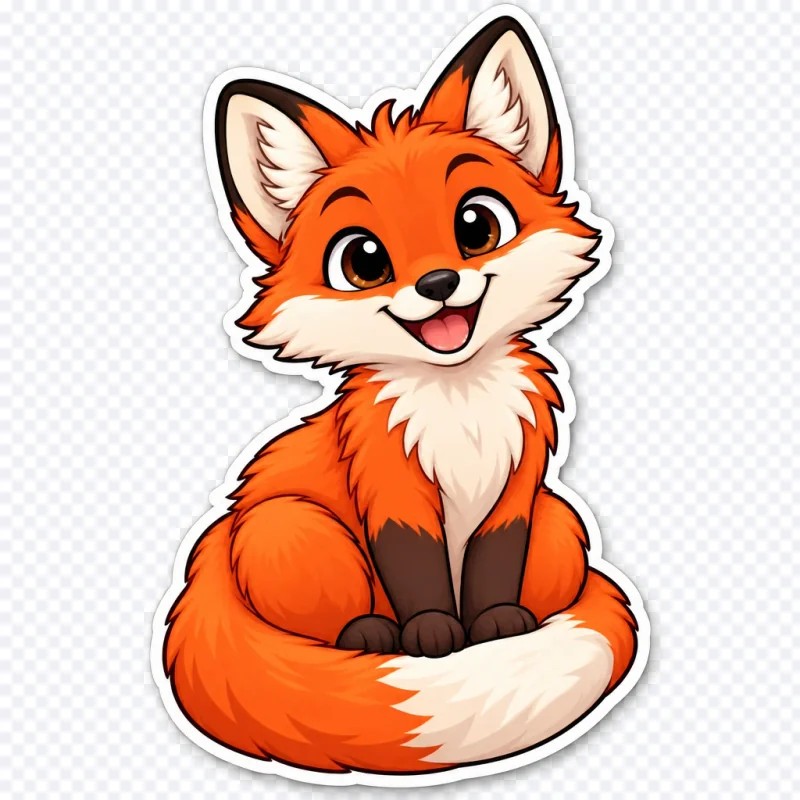
Transparent animated sticker loop
Shows how dispose-2 frame clearing converts a moving transparent WebP sticker into a crisp GIF loop without leaving ghost trails across frames.
Convert WebP to GIF free right in your browser with zero uploads and no signup to try. Preserve every animated frame, original timing, and alpha transparency in seconds.
Drop an animated or static WebP here
Preserves all WebP frames, timing, and transparency directly in your browser.
Runs locally in your browser. Files never leave your device.
Or try a sample animation
Open any sample animation below inside this WebP to GIF converter to inspect frame extraction, disposal-safe transparent edges, palette tuning, and output weight before adding your own files.
Shows how dispose-2 frame clearing converts a moving transparent WebP sticker into a crisp GIF loop without leaving ghost trails across frames.
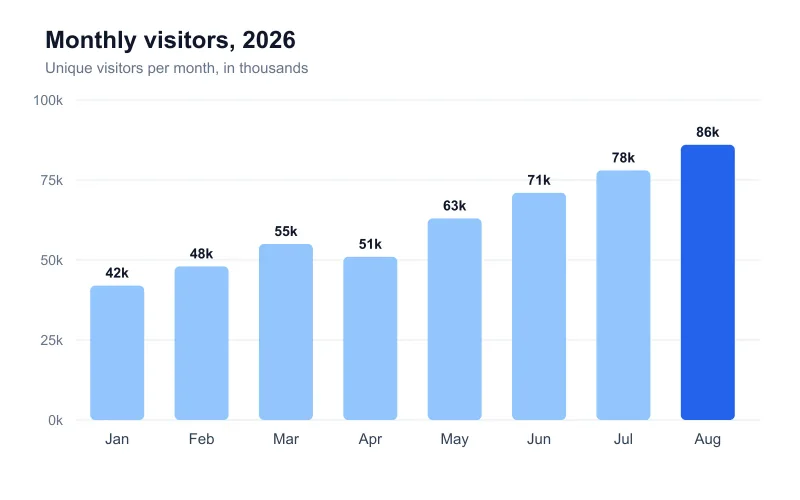
Flat interface surfaces and crisp button transitions turn into a sharp, lightweight animated GIF using a shared palette and optional max-width scaling.

Preserves native per-frame timing delays from an animated WebP clip while Floyd-Steinberg dithering keeps lighting and facial tones smooth across 255 colors.
Turn animated WebP stickers, chat clips, or static WebP images into universally compatible GIF files right on your device.
Drag a .webp image or animation onto the studio, or browse your device. Modern browsers use the native WebCodecs ImageDecoder to read every frame and exact microsecond duration directly from local memory.
Keep native resolution or cap max width to shrink file weight for chat apps and email. Pick up to 255 palette colors, toggle Floyd-Steinberg dithering for gradients, and choose infinite looping or single-play output.
Check the live animated preview alongside total frame count, pixel dimensions, duration, and exact file size. When everything moves cleanly, click export to save your finished GIF directly to disk.
Built to decode multi-frame WebP motion accurately while producing compact, standards-compliant GIF loops that play everywhere.
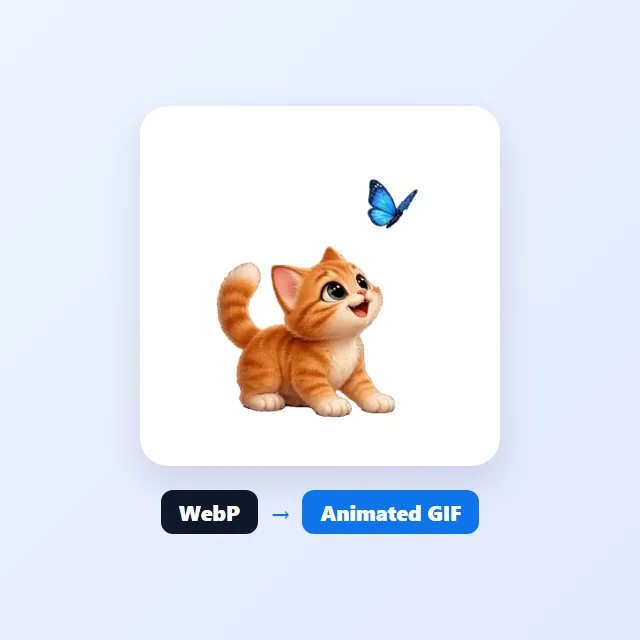
Many basic tools flatten animated WebP files into a single frozen first frame. This WebP to GIF converter uses the browser's WebCodecs ImageDecoder API to extract every animation frame and read exact per-frame durations, while automatically falling back cleanly for static WebP images.
Animated WebP stores frame durations in microseconds, whereas GIF stores timing in hundredths of a second and browsers treat delays under 20 ms as 100 ms. Our encoder converts every frame duration carefully to centiseconds with a safe 20 ms floor so fast loops stay true to their original rhythm.
When transparent characters or icons move across frames, improper disposal causes blurry overlap trails. Detecting alpha automatically, the engine allocates a dedicated transparency index and writes dispose-2 clear frames so animated WebP stickers stay sharp against light or dark chat themes.

GIF supports up to 256 colors per frame. By sampling across frames to build one coherent global palette of up to 255 colors, our encoder prevents distracting frame-to-frame color flicker. On opaque clips, delta-frame optimization skips unchanged background pixels to trim megabytes automatically.
High-resolution WebP animations can grow large when translated to GIF's LZW format. Set a max width such as 480 px or 640 px to downscale every frame proportionally with high-quality smoothing, and switch Floyd-Steinberg dithering on for photo clips or off for crisp flat vector art.
Internal product previews, unreleased motion UI clips, and personal stickers never travel to an external server. Decoding, quantization, and LZW GIF encoding run entirely inside your local browser tab, keeping workflows fast and confidential.
Five practical tips on compatibility, file weight, transparency, frame cadence, and post-conversion tuning.
Animated WebP delivers impressive compression on modern browsers, yet older email clients, presentation decks, helpdesk portals, messaging bots, and legacy CMS uploaders still reject .webp uploads or freeze them on frame one. When you convert WebP to GIF, your animation gains universal auto-play compatibility across virtually every inbox, forum, chat channel, and document editor without requiring viewers to install plugins or codecs.
Because WebP uses modern VP8/VP8L inter-frame compression while GIF relies on 256-color LZW encoding, an identical animation is naturally heavier as a GIF. Before exporting, cap max width to the exact display slot you need (often 360 to 500 px for chat stickers and newsletters) and test 128 colors instead of 255. If you need even tighter Discord or Slack megabyte caps afterward, drop the finished loop straight into Compress GIF.
Animated WebP supports 8-bit partial alpha translucency, whereas the GIF specification allows only binary 1-bit transparency per pixel. Our converter thresholds clean transparency boundaries at alpha 128 and enables dispose-2 frame clearing so moving limbs, badges, and stickers never smudge across previous frames. For crisp flat artwork with bold outlines, switching dithering off gives the cleanest silhouette edges.
Every frame in an animated export keeps its source duration rounded to the nearest 10 ms tick (with a 20 ms minimum to match how web browsers play GIFs). If a clip runs slightly too fast or sluggish after conversion, or if you want a smooth boomerang effect, open your new file in our lossless GIF Speed Changer to retime or reverse playback without touching a single pixel.
You can turn WebP into GIF for single-frame graphics whenever a legacy portal specifically demands a .gif upload, and this studio handles static WebP files automatically. However, if your WebP is a still photograph or transparent logo destined for design editing or high-color display, converting via WebP to PNG preserves full 24-bit color and smooth 8-bit alpha without GIF's 256-color ceiling.
Everyday scenarios where turning animated WebP assets into standard GIF files eliminates upload headaches.
Convert animated WebP sticker packs saved from mobile apps or browsers into looping GIF reactions that auto-play cleanly in Discord, Slack, and group chats.
Replace animated WebP web banners with lightweight GIF loops that animate reliably across desktop and mobile email clients where WebP animation fails.
Turn WebP into GIF animations for presentations, wikis, and issue threads that accept standard loops without needing a video player.
Quickly rescue downloaded WebP loops from modern websites so you can upload, archive, or remix them in tools that still expect standard GIF files.
Clear answers about animated frame preservation, transparency, file size, browser compatibility, and local privacy.
Yes. In modern browsers supporting WebCodecs ImageDecoder (such as Chrome, Edge, Opera, and current Safari and Firefox releases), the studio decodes every frame and exact timing delay of your animated WebP into a full looping GIF.
No. All frame extraction, color palette quantization, and GIF encoding run locally in your browser's memory. Your animations never leave your device, and there is no signup to try.
Yes. The converter detects transparent pixels automatically, reserves a dedicated GIF transparency index, and uses dispose-2 frame clearing so animated stickers and icons stay transparent without ghost trails.
WebP uses modern video-grade compression, whereas GIF uses older LZW frame encoding. To keep your GIF compact, set a lower max width (such as 480 px), reduce the color palette to 128 or 64 colors, or turn dithering off for flat graphics.
Yes. Static WebP images decode automatically into a clean single-frame GIF using your chosen max width and palette settings, ideal for older portals that require a .gif file extension.
Each frame preserves its original WebP duration rounded to GIF's 10 ms units (with a browser-safe 20 ms minimum). You can set playback to loop infinitely, play once, or repeat a set number of cycles.
If a browser lacks WebCodecs ImageDecoder, the studio falls back gracefully to decoding the first frame via Canvas so the page never breaks. For full multi-frame WebP to GIF extraction, open the page in an up-to-date Chromium, Safari, or Firefox browser.
Use our linked browser tools below on ImageToPsd.AI: open GIF Speed Changer to speed up, slow down, or reverse your new animation, or open Compress GIF to auto-fit strict Discord 10 MB or Slack 128 KB upload limits.
Drop your animated or static WebP into our free browser studio on ImageToPsd.AI to keep every frame, delay, and transparent edge with zero uploads.
Choose a WebP file